Touchscreen Recognition Display Kiosk Mode Configuration Checklist for School IT
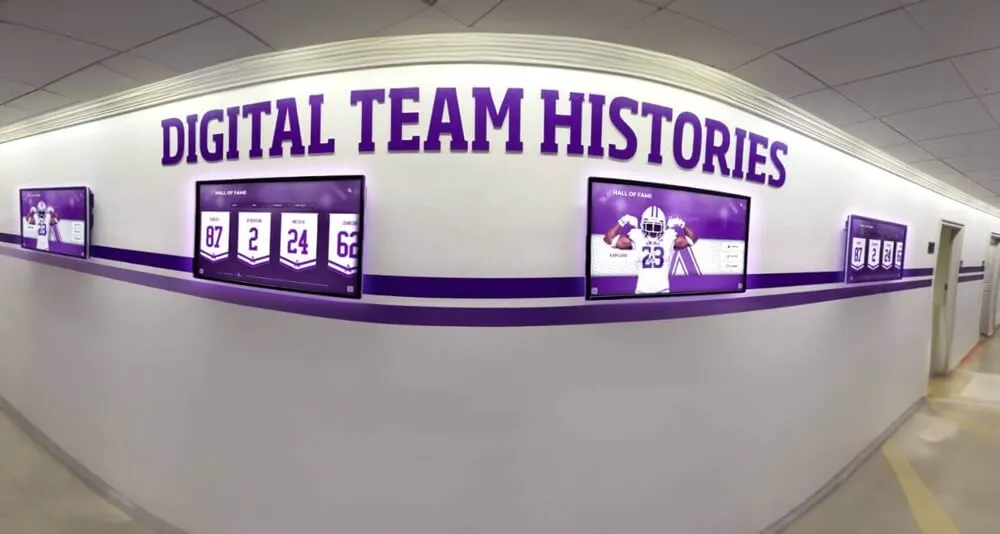
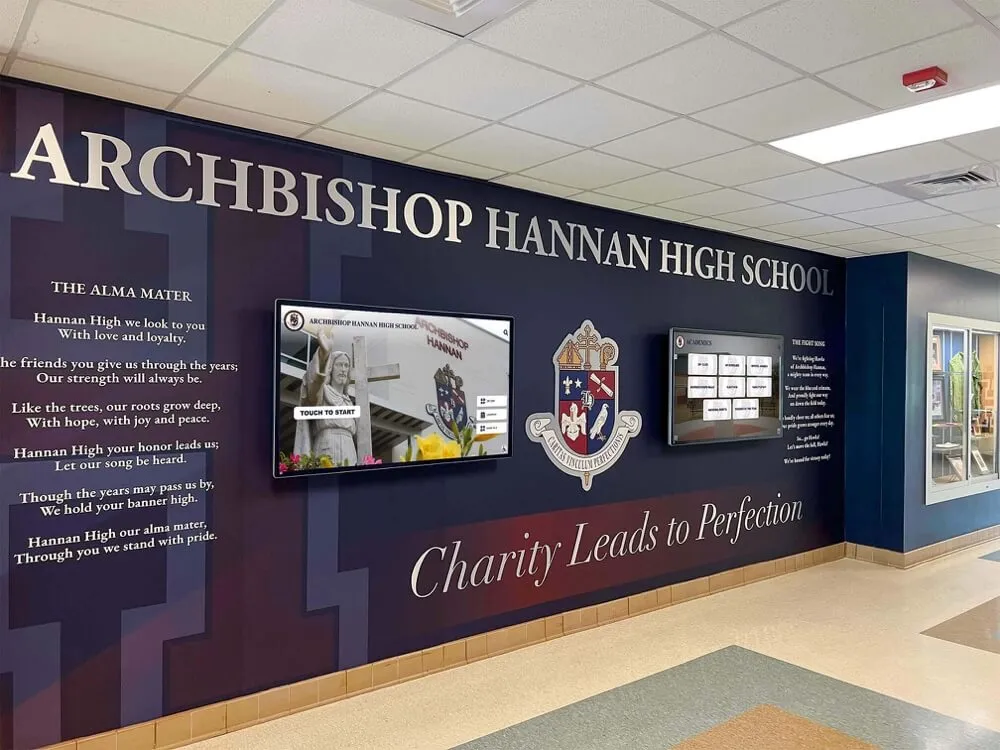
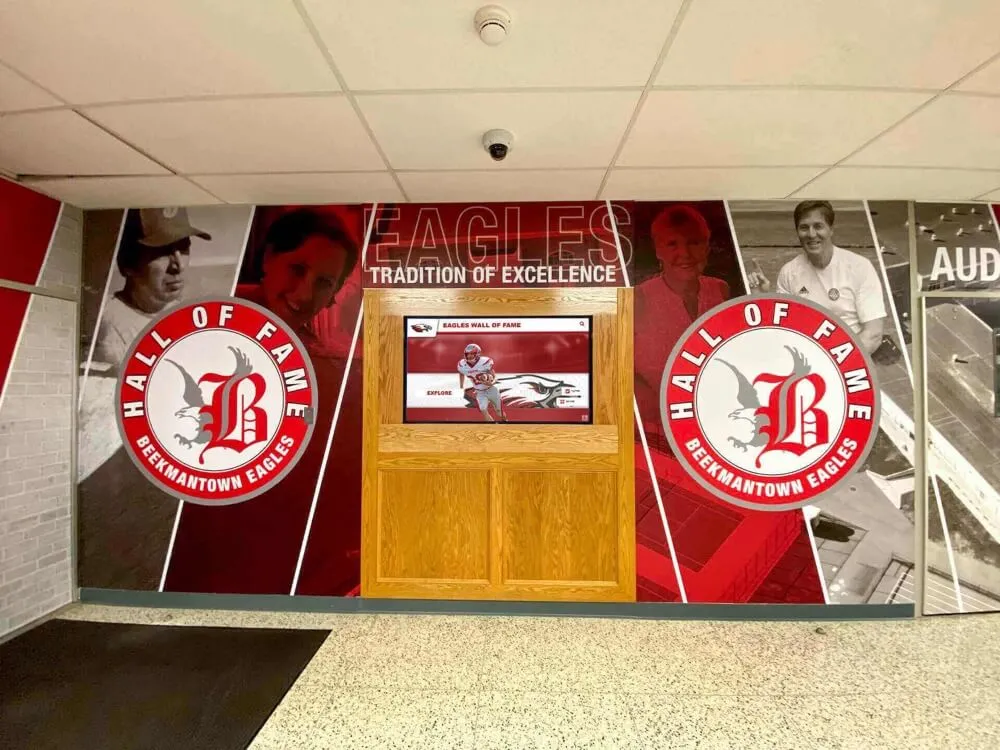
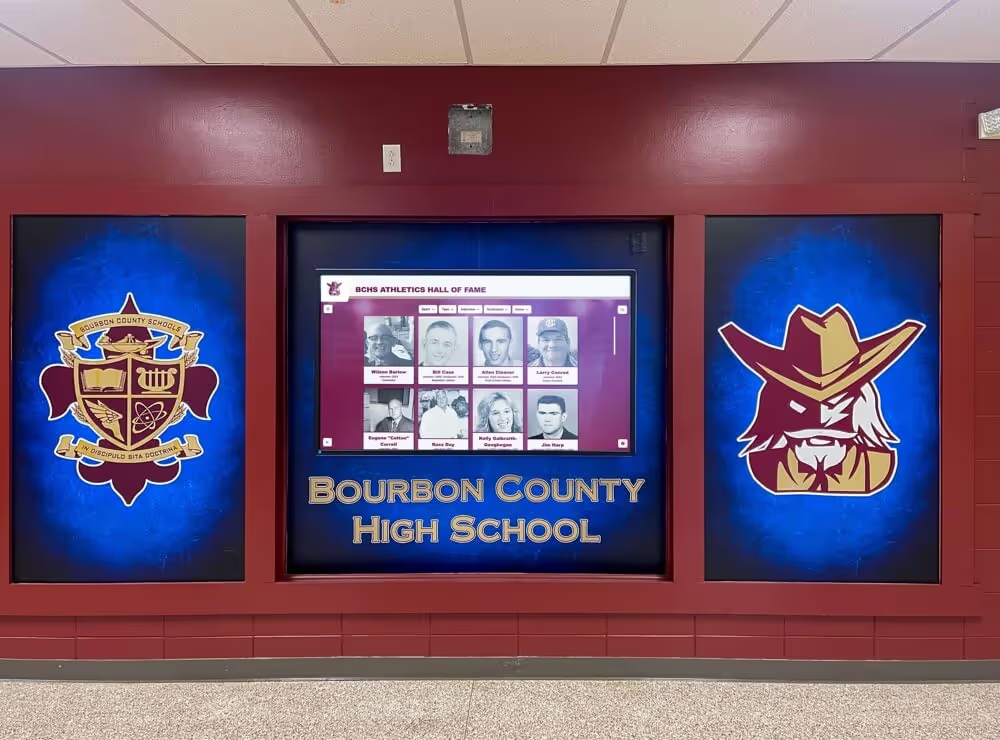
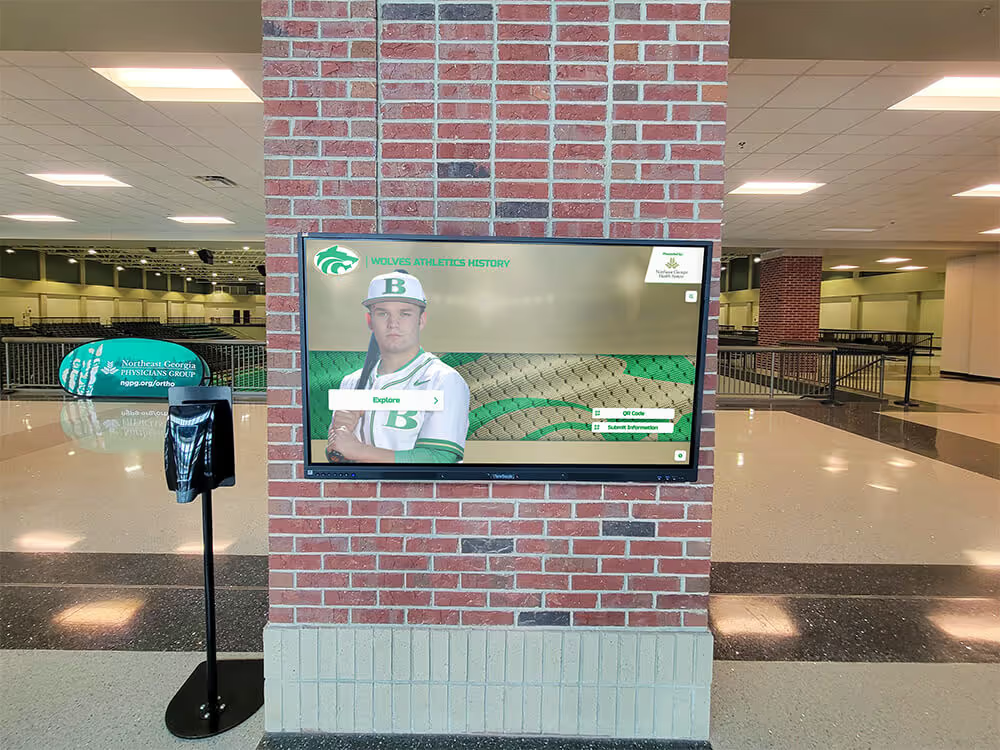
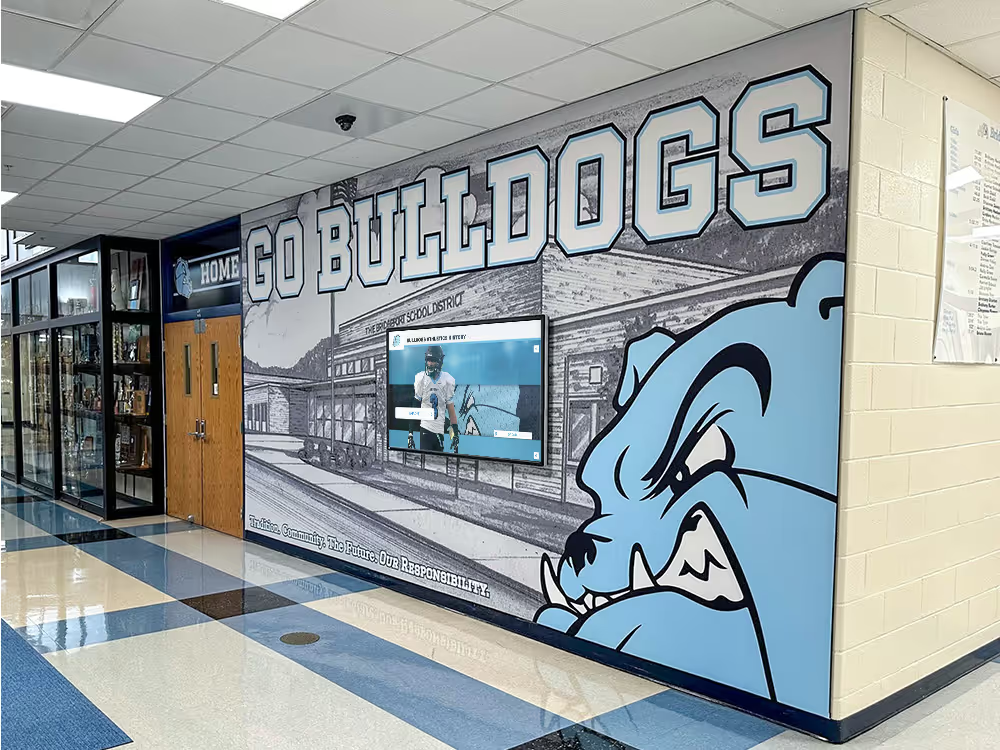
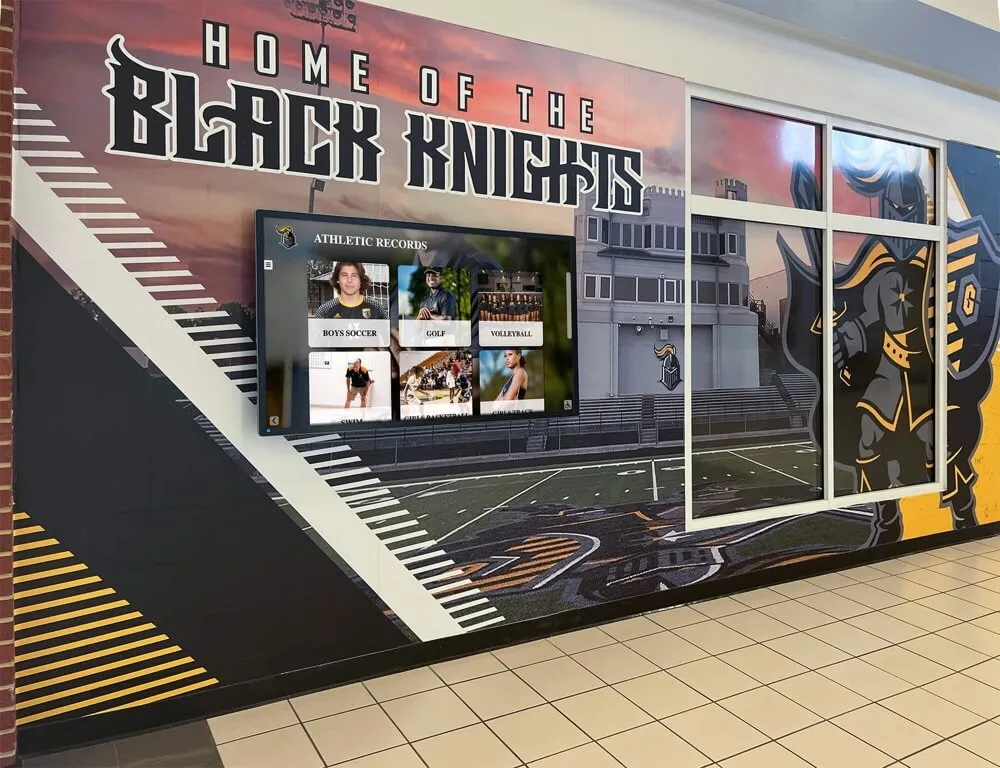
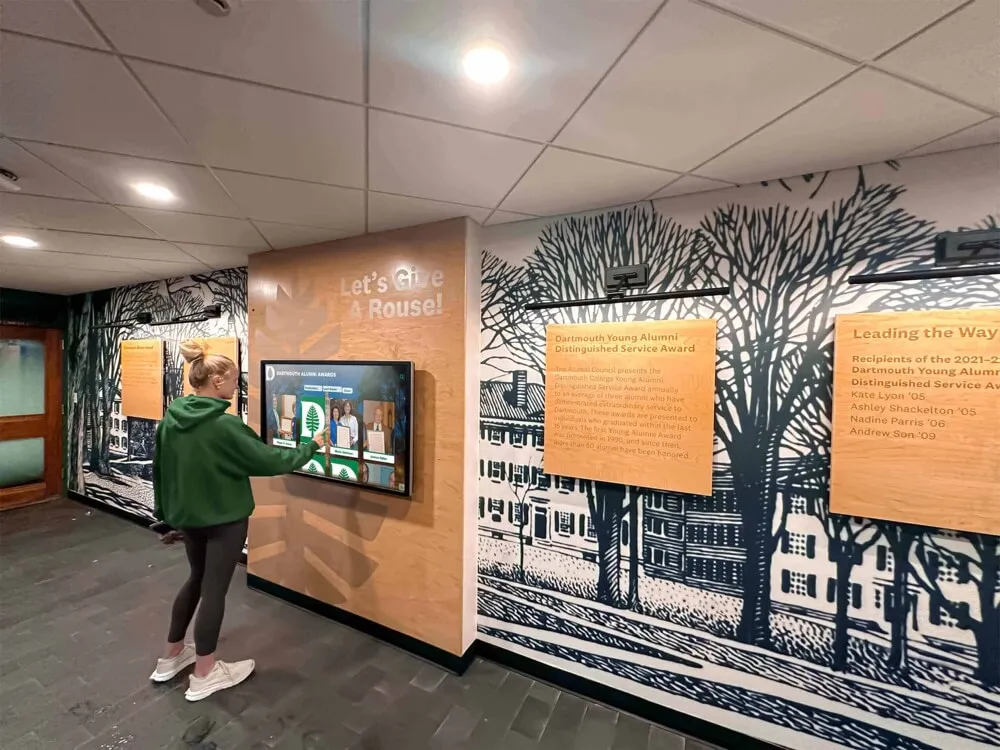
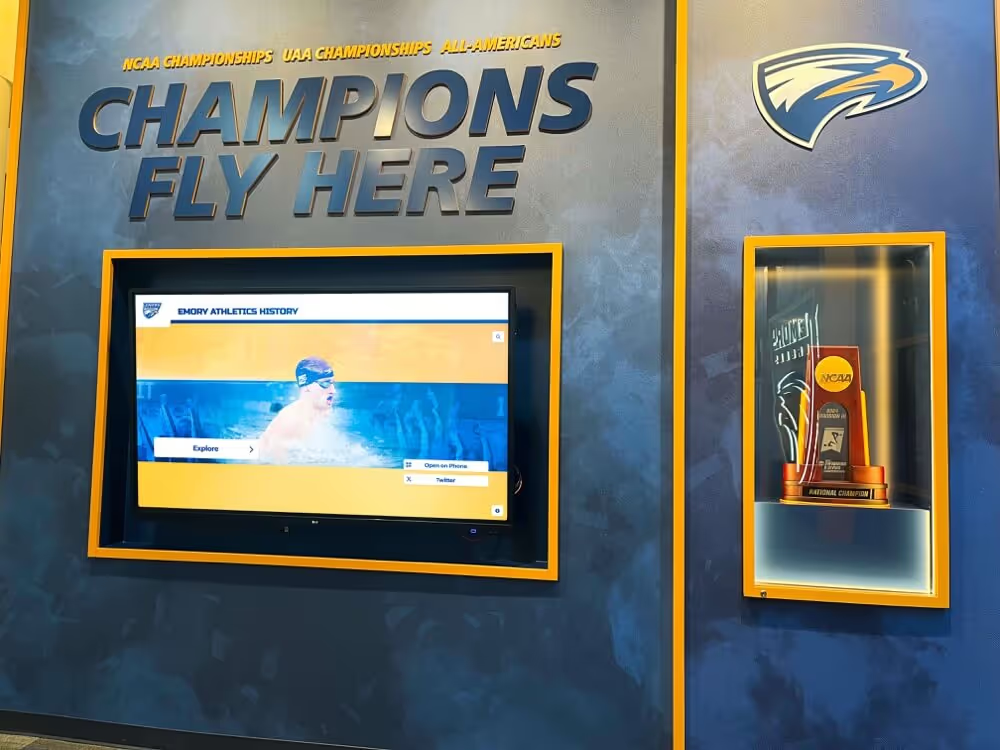
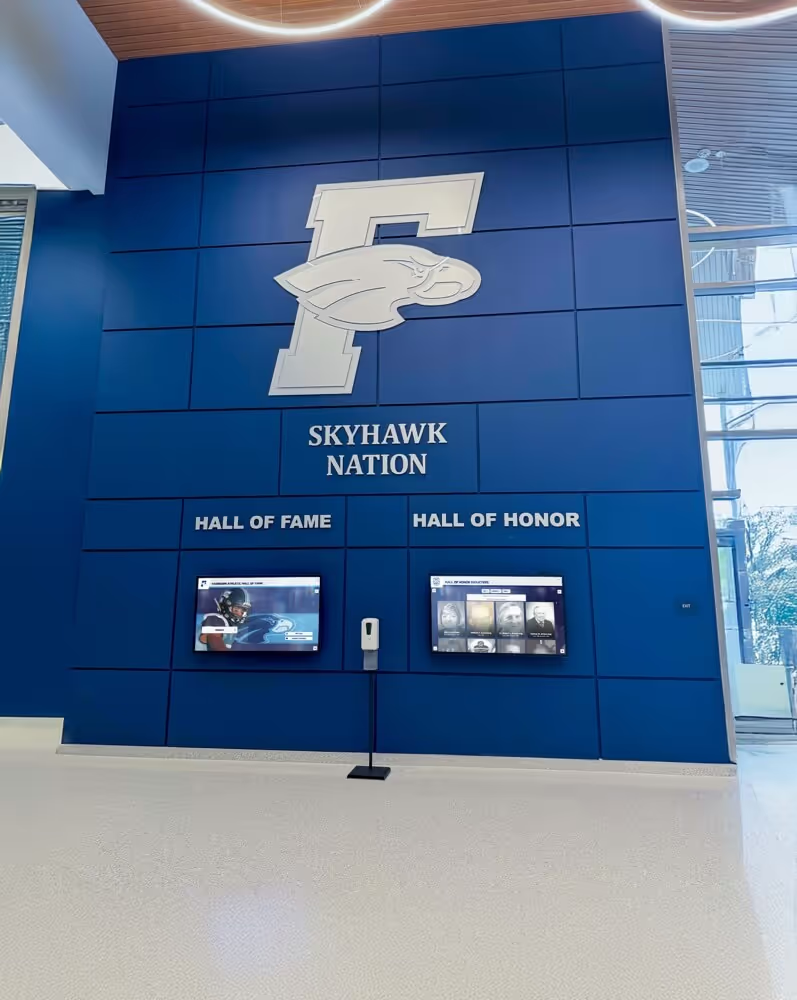
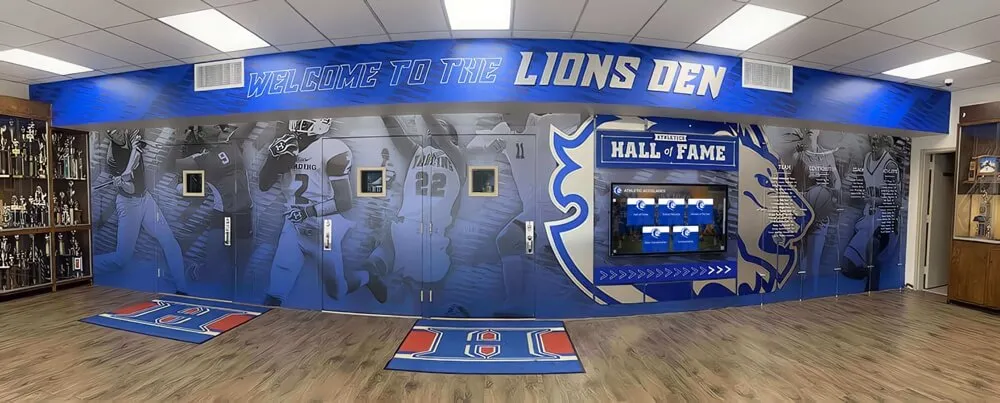
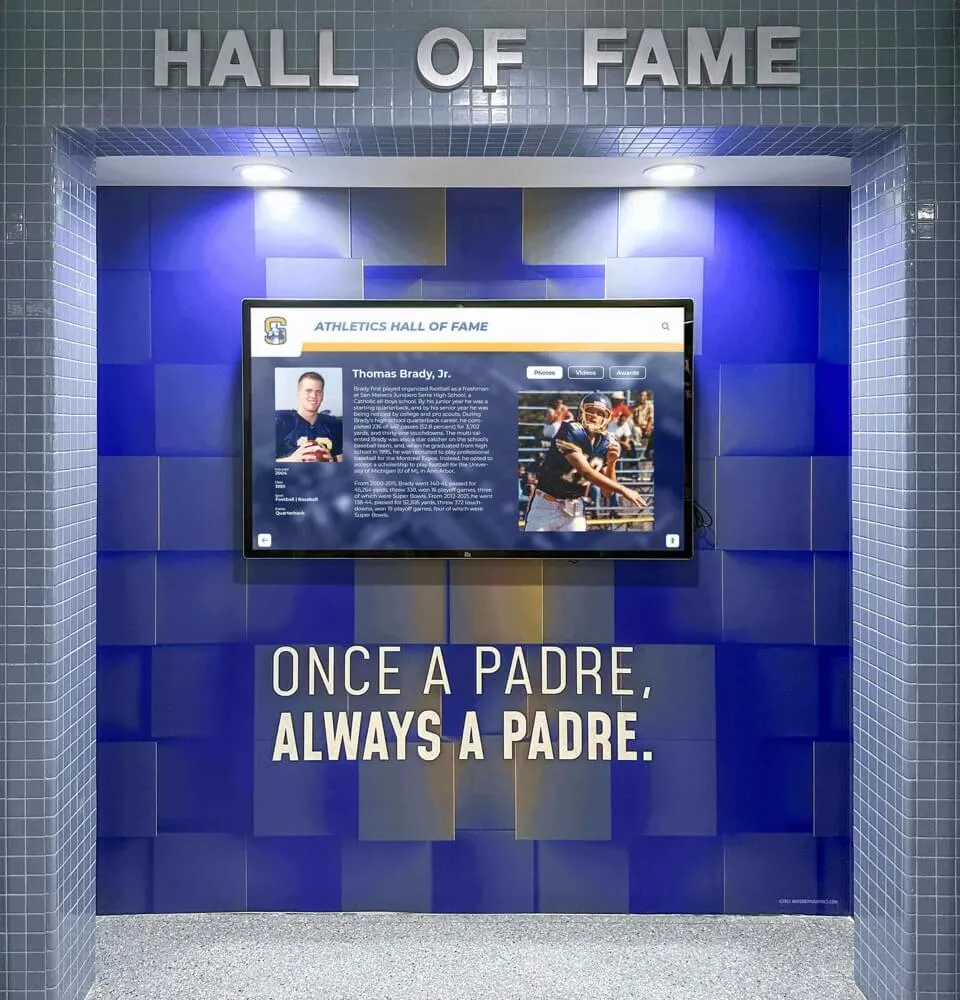
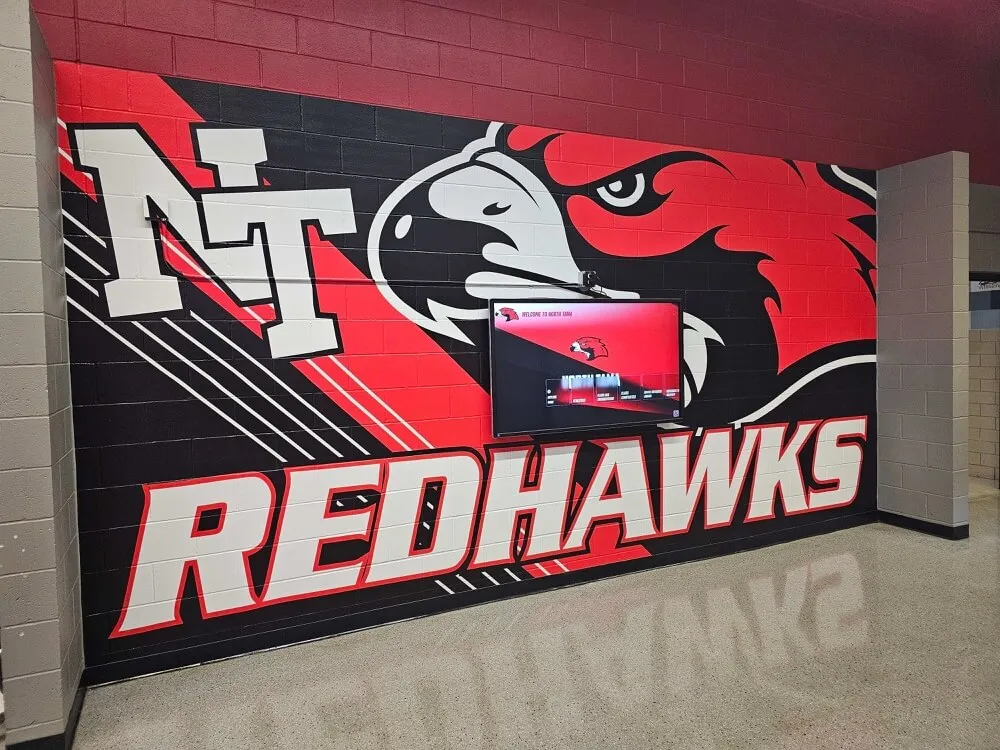
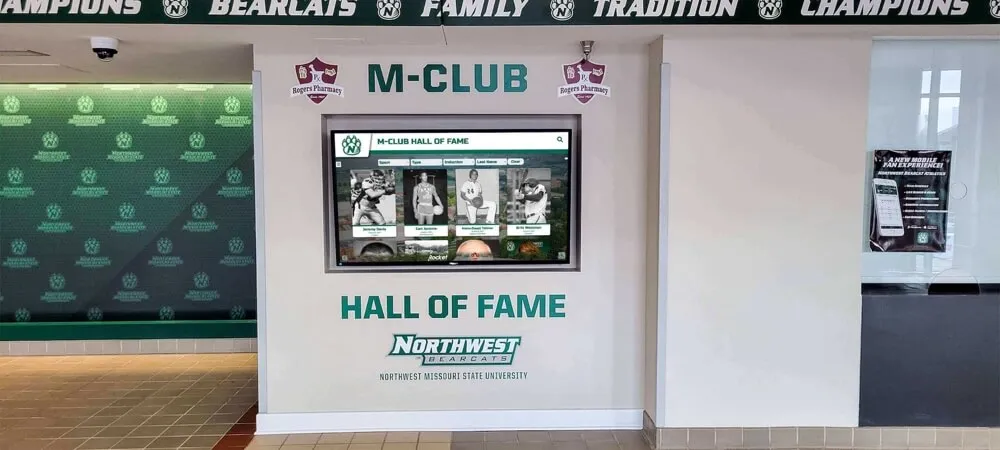
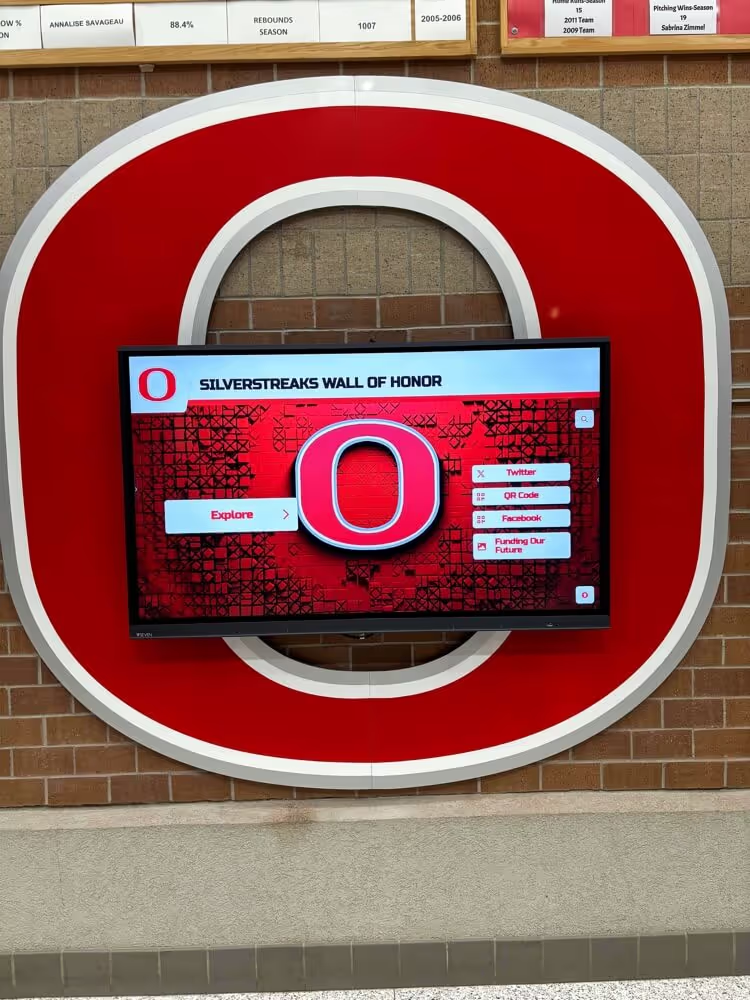
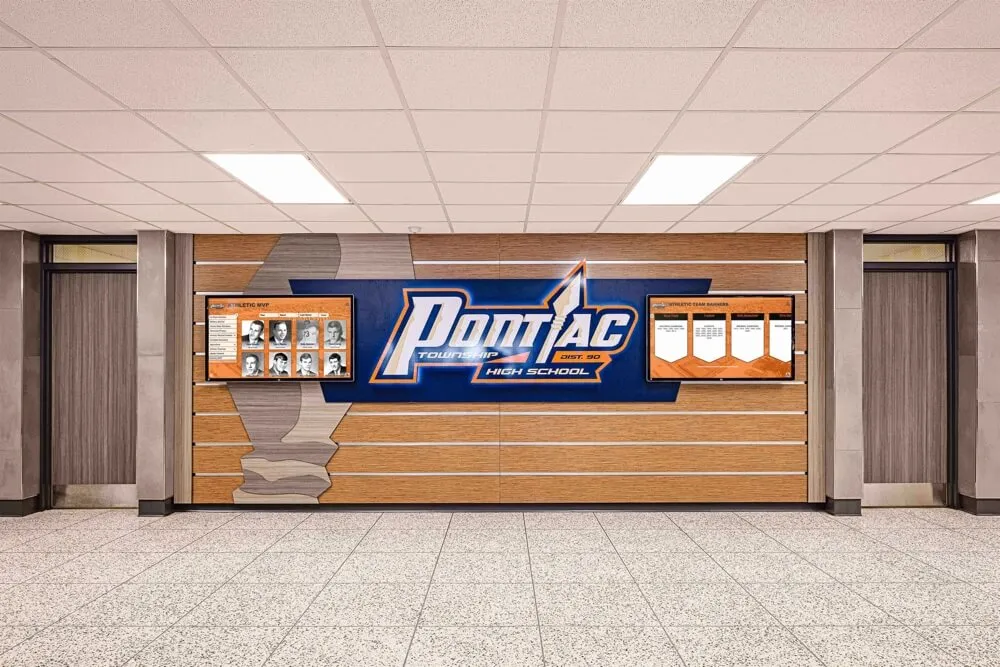
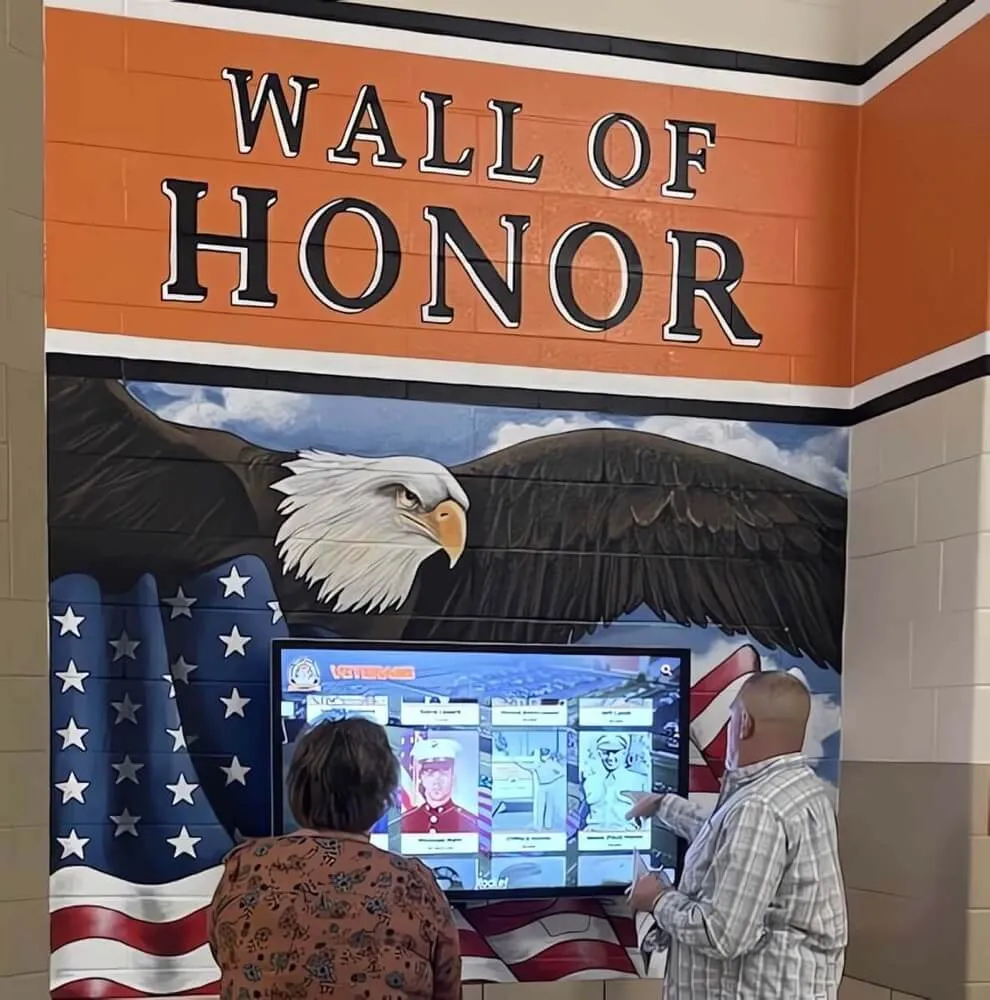
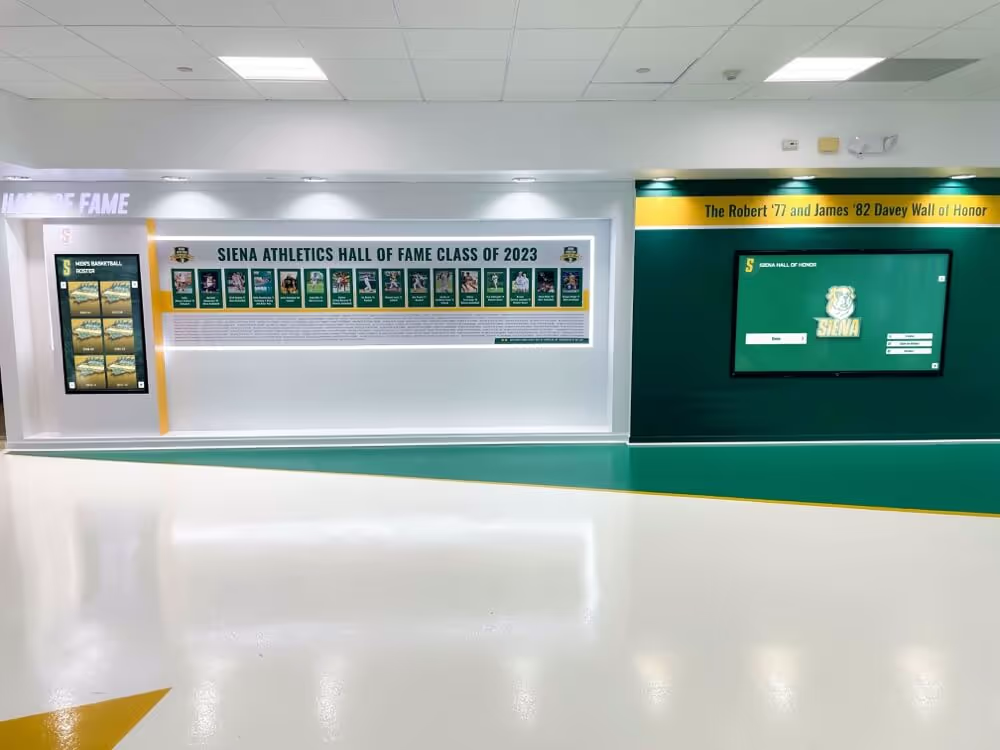
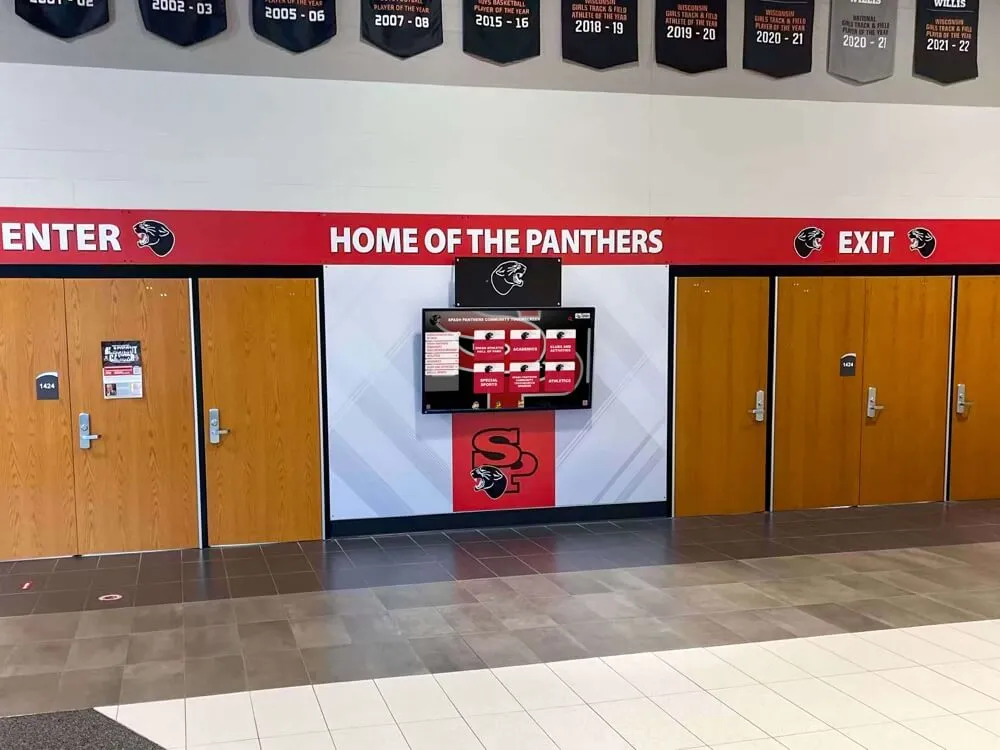
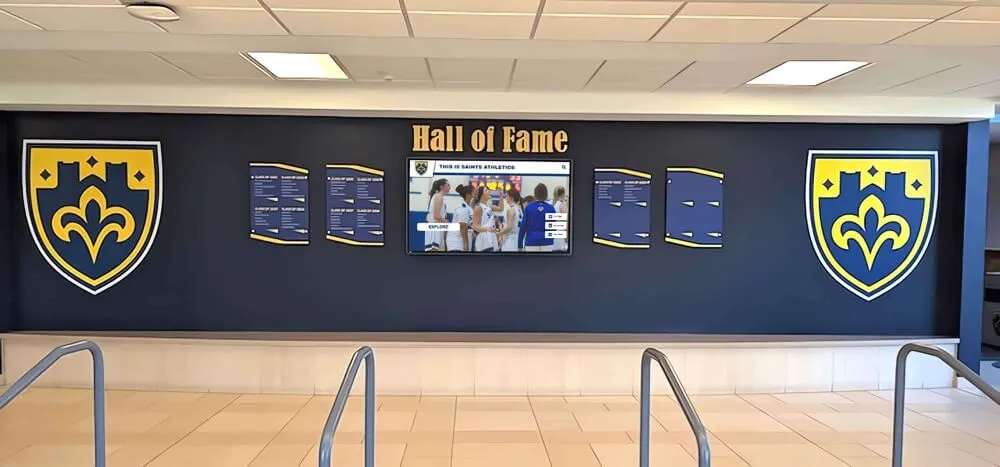
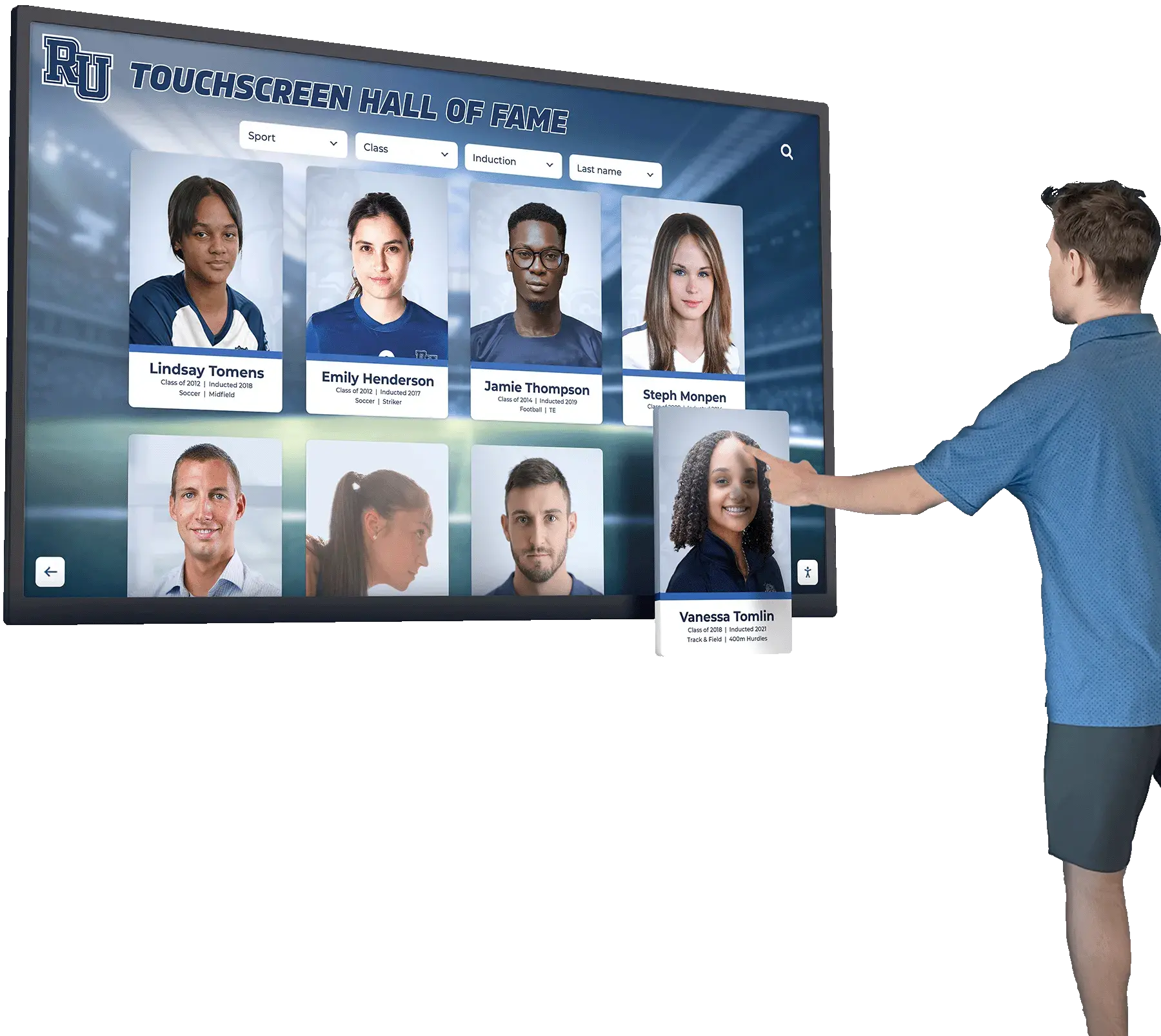
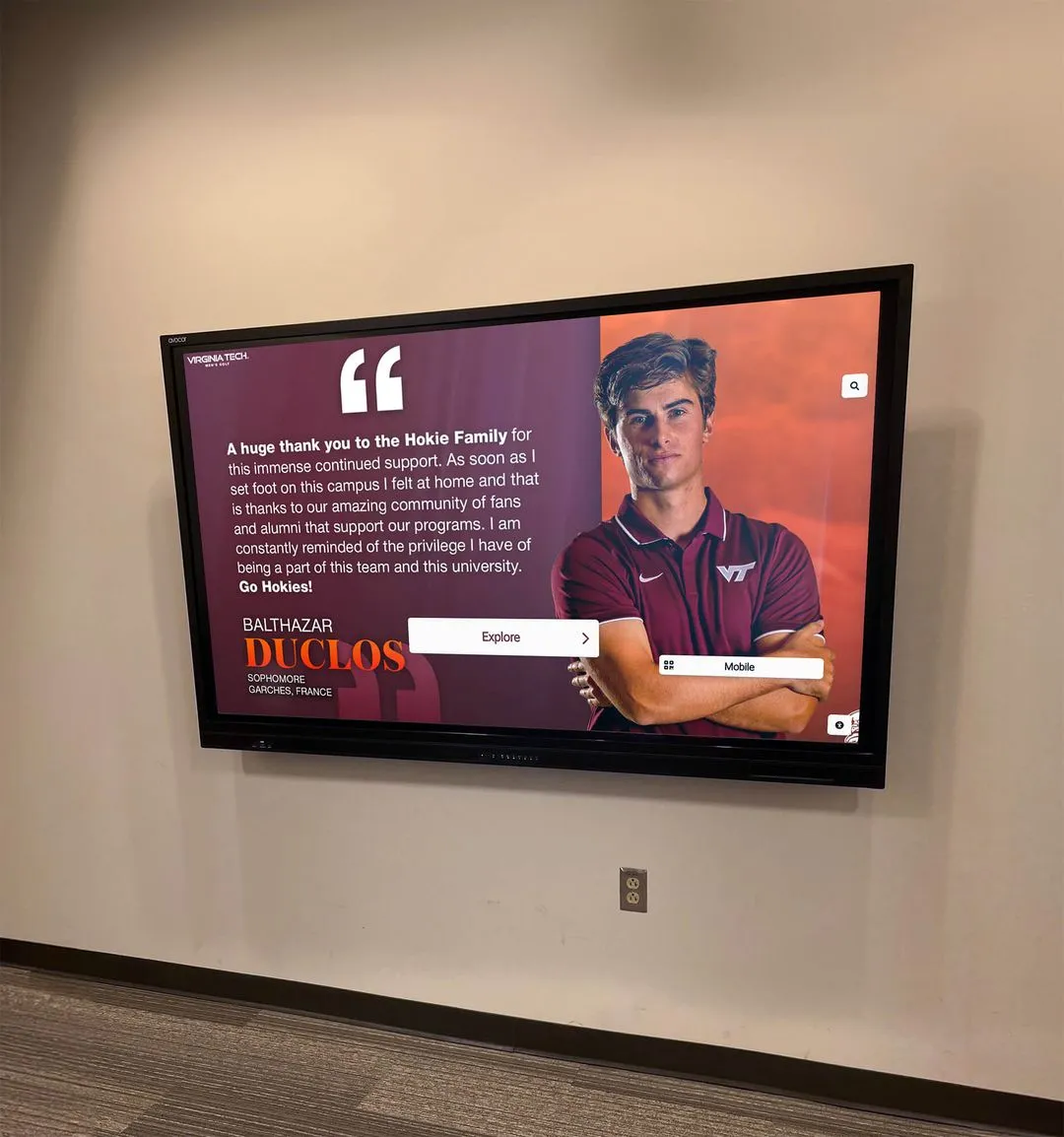
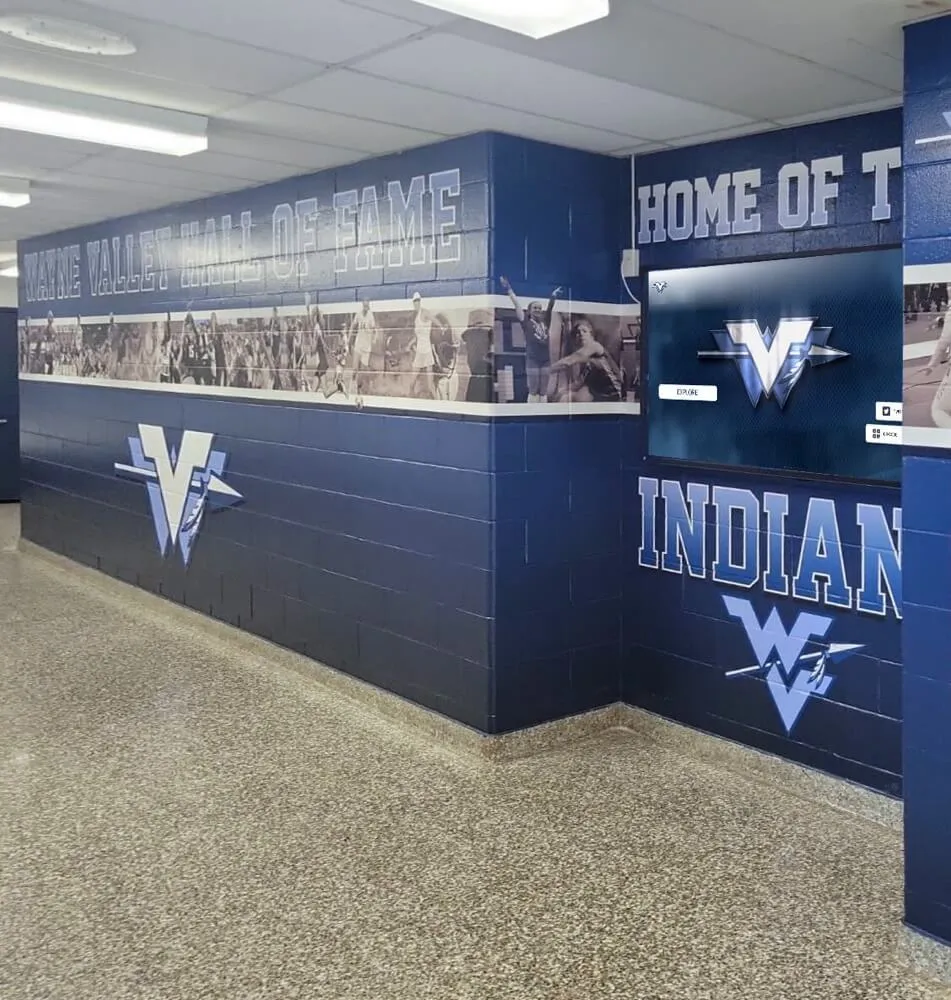
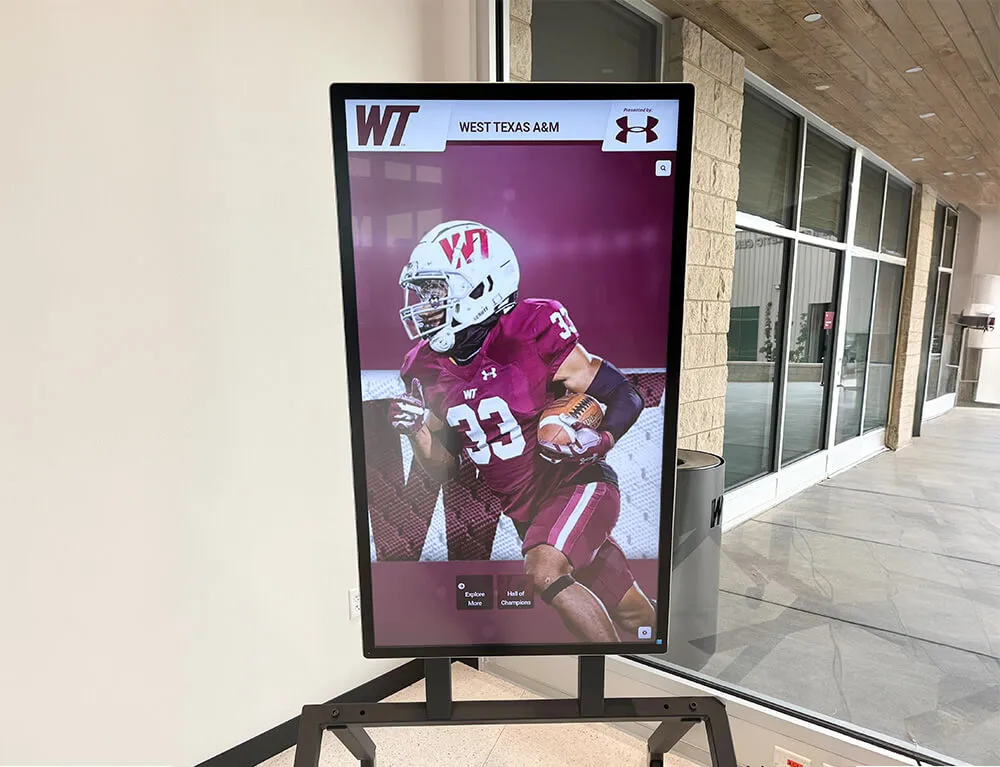
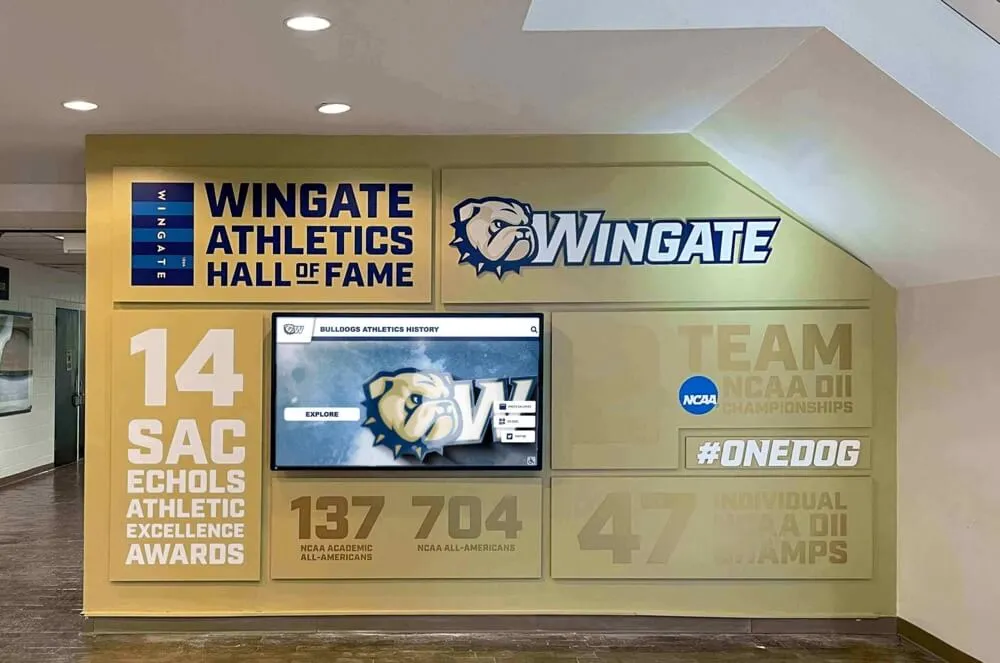
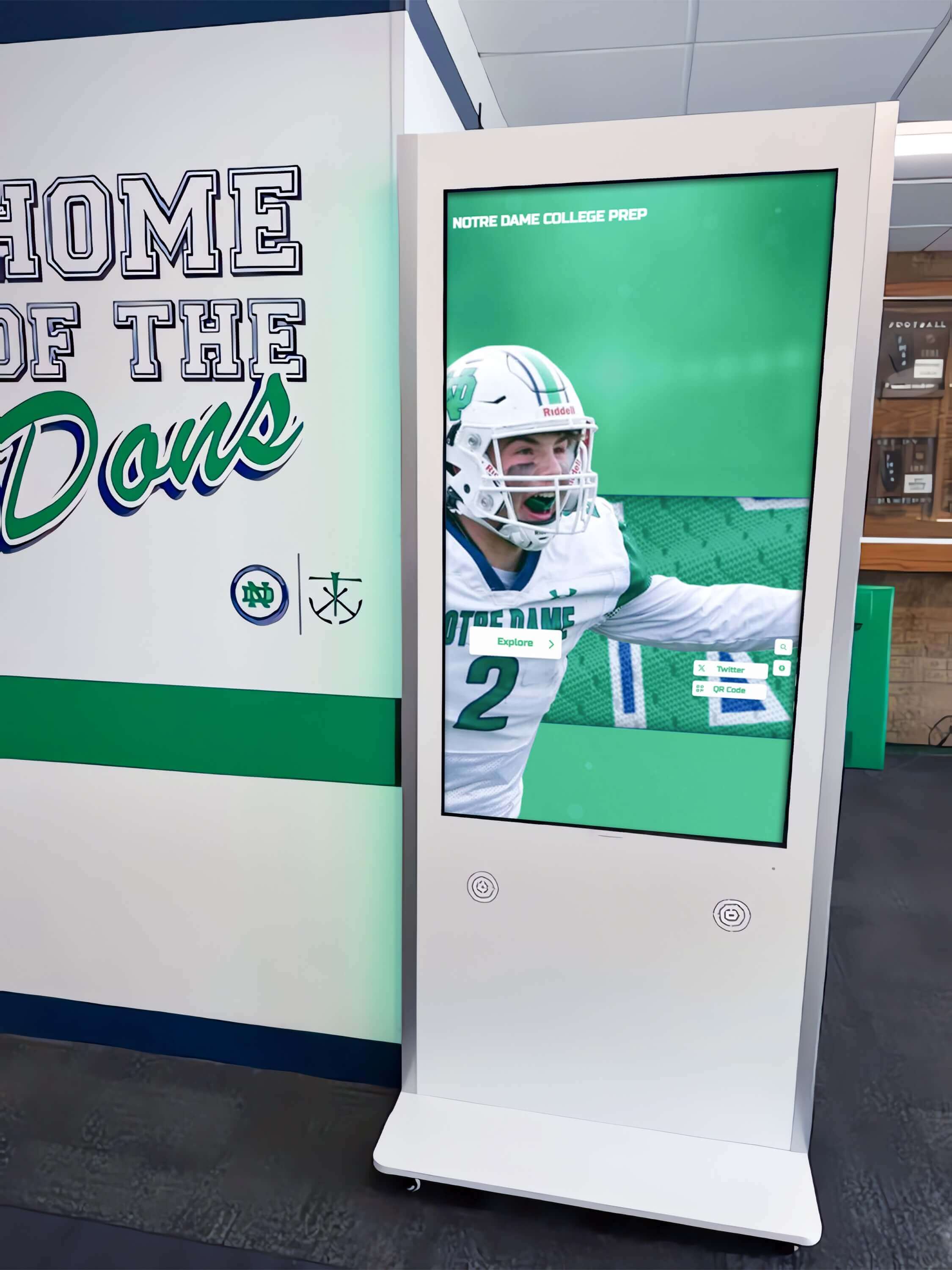
A touchscreen recognition display in a school hallway, lobby, or athletic corridor is built to do one job: show the school’s history to students, staff, and visitors who walk past. Left in a standard Windows environment, that same display is also a full desktop computer accessible to anyone who touches it—capable of opening unauthorized applications, browsing the web, accessing district network resources, or landing on an error screen after an unexpected restart. Kiosk mode closes that gap by locking the display to a single approved application or controlled set of applications, restoring the session automatically after power loss, and ensuring touch input is calibrated correctly at all times.
Read More