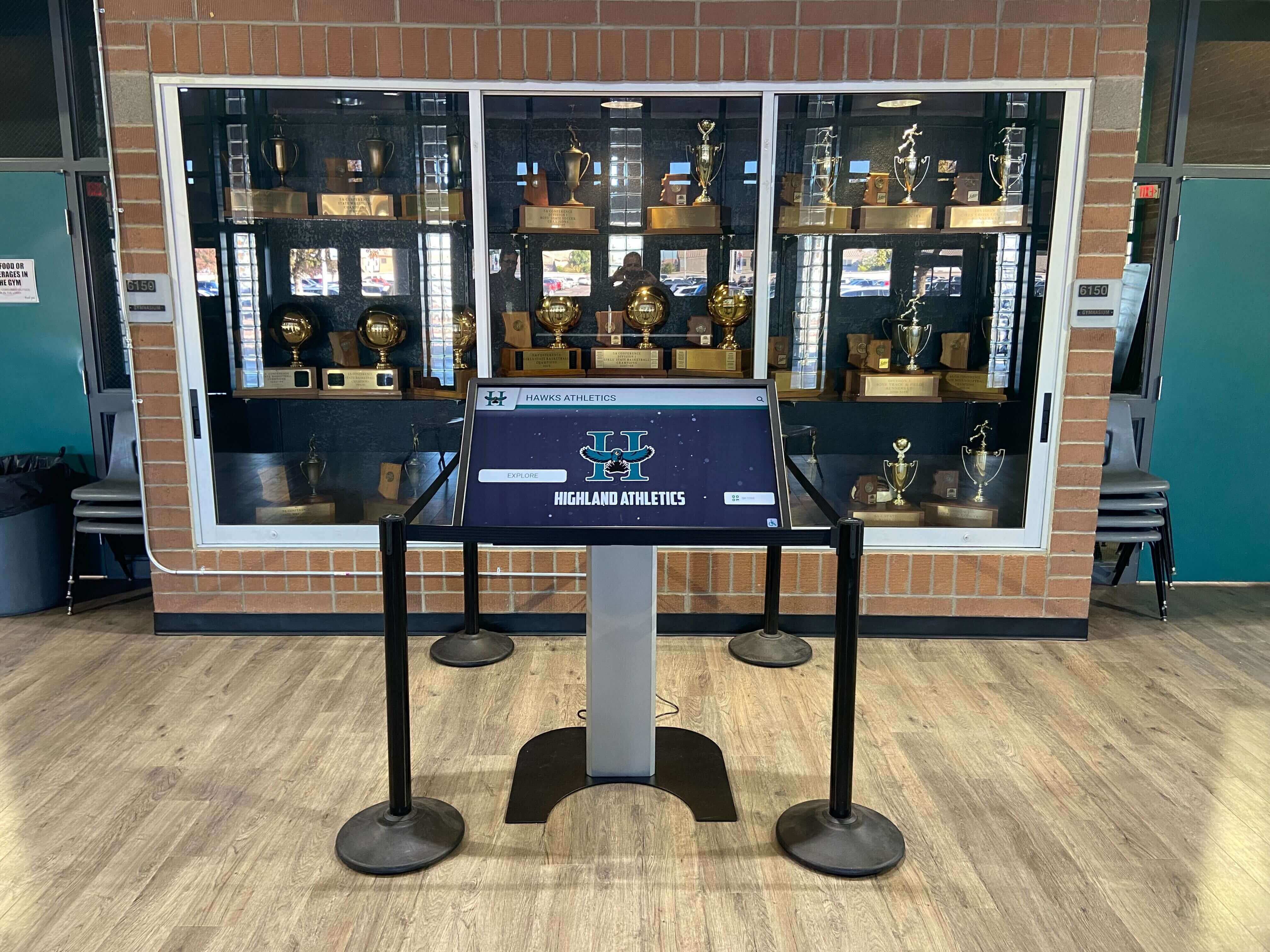
School Recognition Video Picture-in-Picture Test for Shared Touchscreen Kiosks
If your school’s lobby kiosk plays athletic induction highlight reels or digital hall of fame recognition videos, you need to run a school recognition video picture-in-picture test before those videos go live on a shared touchscreen. Picture-in-Picture (PiP) lets a browser detach a playing video into a floating overlay that lives above every other window on the operating system—including the kiosk interface itself. On a personal laptop, that floating window closes when the user is done. On a shared recognition kiosk, it can persist after a visitor walks away, leaving the next visitor to find a floating video of an athletic induction from a previous session obscuring the gallery the display is supposed to show. This guide walks athletic directors, recognition-program owners, and the IT or facilities staff who support those programs through the specific browser behaviors to test, the acceptance criteria that determine whether PiP is safely handled, and the return-to-gallery session-reset steps that clear any active PiP window before the next visitor arrives.
Read More