Athletic Recognition Video networkState Checks: Separate Missing Sources from Slow Loading
An athletic recognition video networkState check reads the browser’s HTMLMediaElement.networkState property to distinguish four distinct states—NETWORK_EMPTY (0), NETWORK_IDLE (1), NETWORK_LOADING (2), and NETWORK_NO_SOURCE (3)—so school IT staff can direct a stalled display to the correct fix rather than rebooting hardware or blaming the school network for a problem that may be a missing source URL. The networkState property, documented at MDN Web Docs, is a read-only unsigned short on the HTMLMediaElement interface that indicates the current state of the media element’s network activity. Paired with currentSrc, media.error, readyState, and event timestamps, it creates a narrow, precise snapshot of what the media element is doing at a given moment—which is the only basis for reliable diagnosis. A single networkState value alone cannot determine whether a kiosk is stalling because the school network is congested, because a source URL is wrong, or because the element was never given a source to begin with.
Read More
Athletic Hall of Fame Video Poster Images: Keep Faces and Titles Visible Before Playback
An athletic hall of fame video poster image audit confirms that the image shown before a recognition video plays displays the athlete’s face and inductee title legibly—at the correct aspect ratio, without cropping off the subject—in the kiosk’s installed orientation. The HTML <video> element’s poster attribute, documented by MDN Web Docs, accepts a URL pointing to an image that the browser displays while the video is loading and before playback begins. If no poster is set, the browser shows nothing until the first video frame is decoded and available—which can leave a black rectangle on the kiosk for several seconds, particularly on a slow network or with a large video file.
Read More
Athletic Hall of Fame Video Media Session API: Kiosk Checks for School Recognition Displays
A Media Session API check for an athletic hall of fame video kiosk verifies that the browser’s navigator.mediaSession interface is present, that metadata describing the current athlete’s highlight reel is set correctly, and that OS-level media-key handlers—play, pause, stop, and seek—actually call the underlying <video> element methods rather than simply registering without effect. The Media Session API, documented at MDN Web Docs, lets a browser communicate with the operating system about the media currently playing, which matters on a school recognition kiosk where a facility manager might press a keyboard media key or where the OS media overlay could otherwise display stale information about a previous athlete’s video.
Read More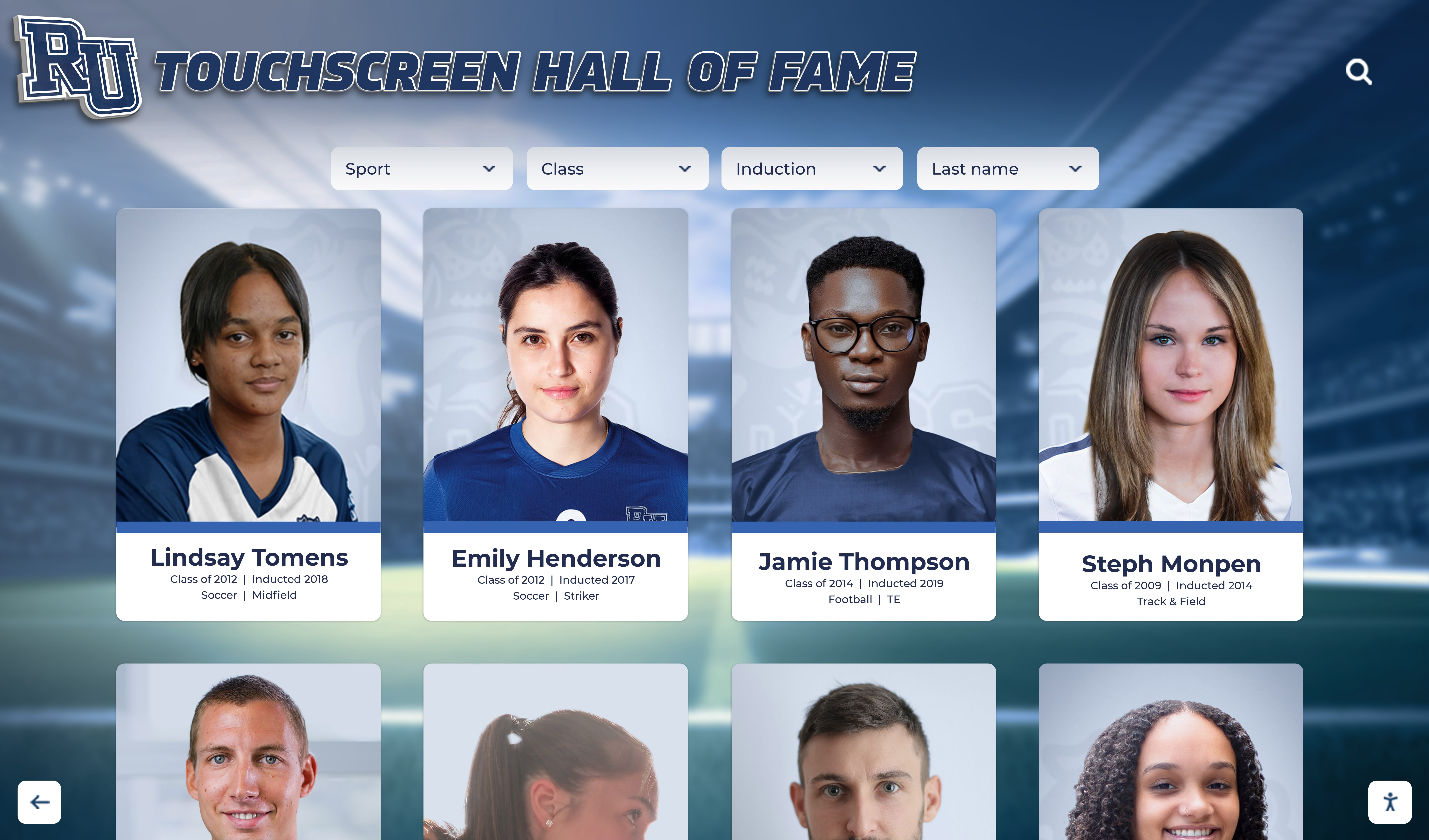
School Recognition Display Server-Sent Events Test for Live Award Updates
A school recognition display server-sent events test is a structured procedure for confirming that the long-lived HTTP connection a kiosk browser holds open to receive live award updates, ranking changes, and real-time inductee announcements is actually delivering events — and for identifying which proxy, firewall, or server configuration is silently breaking that delivery when it is not. Server-sent events (SSE) is a browser API and server protocol, documented on MDN Web Docs under “Using server-sent events”, that lets a web server stream a continuous sequence of text messages to a browser over a single HTTP connection without the browser needing to poll for updates. On a school recognition display — the lobby touchscreen that shows athlete inductees, championship banners, live award announcements, and updated rankings — SSE powers the live side of the display: the data that changes in real time rather than on a publishing cycle. When SSE delivery fails, the display shows stale data, skips update events, or freezes on a snapshot of the recognition program as it was at the last full page reload. The test described in this guide helps school IT coordinators, program administrators, and their facilities or AV contacts audit the five conditions that most commonly interrupt SSE delivery on school networks: proxy buffering, content-type misconfiguration, idle timeout, delivery latency, and Last-Event-ID continuity across reconnections.
Read More
School Recognition Display Content-Disposition Audit: Keep Award PDFs and Media Usable
A school recognition display content-disposition audit is a structured review of the Content-Disposition HTTP response header served with every award PDF, team photo, certificate scan, and archived media asset that your lobby kiosk, hall-of-fame touchscreen, or recognition panel delivers to visitors — confirming that each file opens for in-browser viewing when the display context demands it, or triggers a properly named download when an archivist or program administrator needs to save a copy. The Content-Disposition header, documented in the MDN Web Docs HTTP Reference for Content-Disposition, tells the browser or embedded web view whether to render a resource directly (inline) or prompt the visitor to save it (attachment). On a locked-down school lobby kiosk where the operating system blocks file-system write access and no save dialog ever completes, an award PDF served with Content-Disposition: attachment simply fails — the visitor sees nothing, and the championship certificate, inductee plaque image, or all-conference honor document the school digitized is inaccessible at the exact moment it should be on display. The audit finds each mismatch, assigns the correct disposition per context, and gives an IT or platform contact a precise header change to make.
Read More
Recognition Display Stream Compression Test: Verify High-Resolution Video Playback
A recognition display stream compression test verifies that Display Stream Compression (DSC) is correctly negotiated between your source device and the recognition panel, and that high-resolution athlete video, highlight reels, and animated award graphics play back without blocking artifacts, color banding, or edge halos. DSC is a VESA-standardized visually lossless compression codec built into DisplayPort 1.4+ and HDMI 2.1 interfaces—it enables 4K and higher-resolution content to travel over cable runs and signal paths whose raw bandwidth would otherwise require a lower resolution or a dropped frame rate. When DSC negotiation succeeds and the codec operates correctly, the compression is invisible. When it fails—through a firmware mismatch, a cable that cannot sustain the required bandwidth, or a receiver that partially implements the standard—the result is visible corruption on exactly the content that matters most: a championship video loop playing in the lobby during an induction ceremony.
Read More