Athletic Hall of Fame Video Playback Speed Audit: Reset Each Visitor to Normal Speed
An athletic hall of fame video playbackRate reset ensures that induction clips and athlete interview videos begin at normal speed for each new visitor, even after a previous visitor used slow-motion or fast-forward controls. The playbackRate property, documented at MDN Web Docs, is a live double on the HTMLMediaElement interface that reflects the current rate at which media is playing back; a value of 1 means normal speed, values below 1 produce slow motion, and values above 1 produce fast-forward. It is a runtime property that persists on the element until explicitly changed — it does not automatically return to 1 between visitor interactions or when a new athlete profile is displayed. The defaultPlaybackRate property is a separate value — also a double defaulting to 1 — that the browser applies to playbackRate when a new media resource is loaded. Because these two properties are independent and both must be audited, a speed reset triggered only by loading a new clip may not correct a defaultPlaybackRate that was itself changed during a previous session.
Read More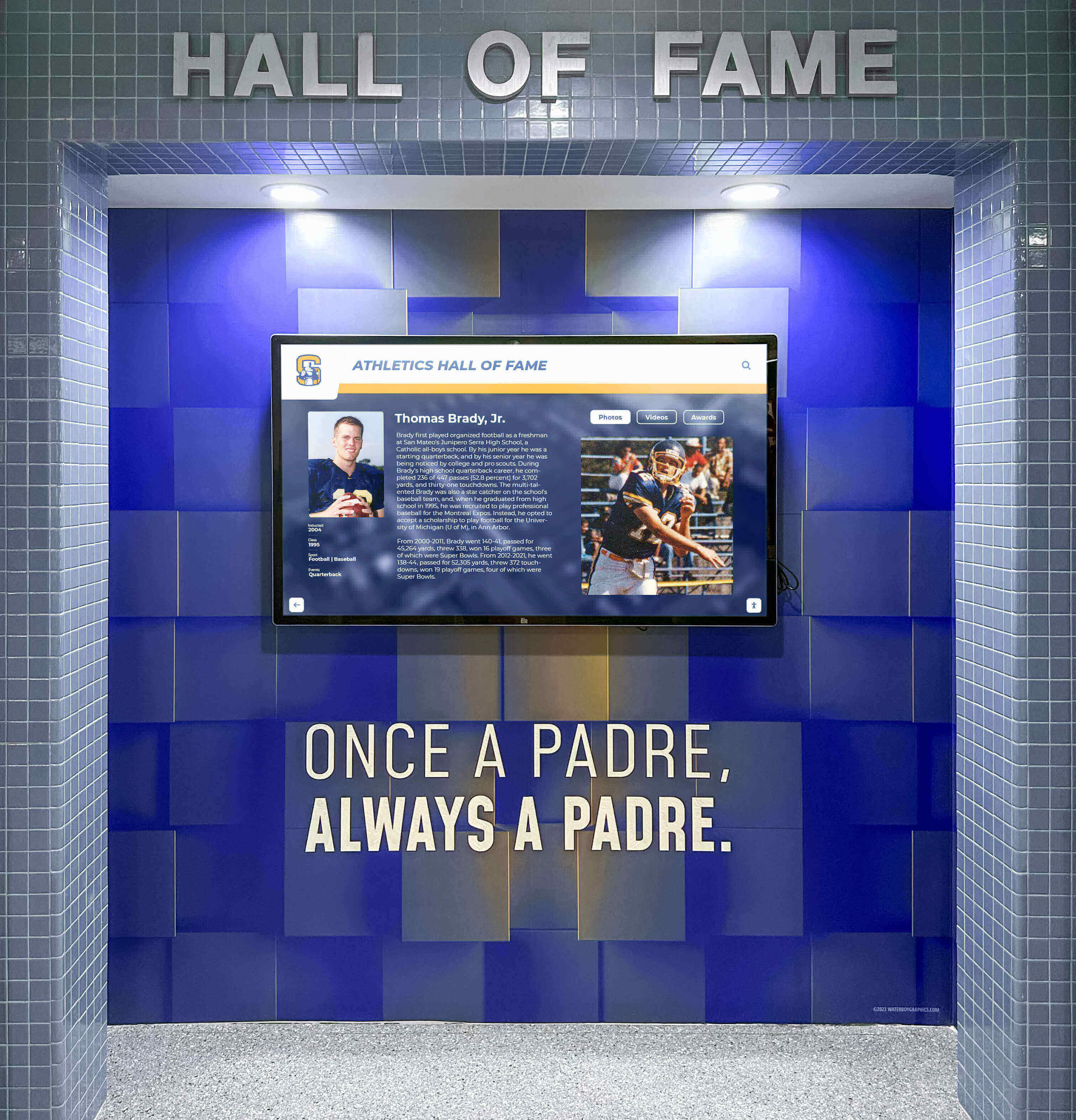
Athletic Hall of Fame Video Poster Images: Keep Faces and Titles Visible Before Playback
An athletic hall of fame video poster image audit confirms that the image shown before a recognition video plays displays the athlete’s face and inductee title legibly—at the correct aspect ratio, without cropping off the subject—in the kiosk’s installed orientation. The HTML <video> element’s poster attribute, documented by MDN Web Docs, accepts a URL pointing to an image that the browser displays while the video is loading and before playback begins. If no poster is set, the browser shows nothing until the first video frame is decoded and available—which can leave a black rectangle on the kiosk for several seconds, particularly on a slow network or with a large video file.
Read MoreAthletic Hall of Fame Video Media Session API: Kiosk Checks for School Recognition Displays
A Media Session API check for an athletic hall of fame video kiosk verifies that the browser’s navigator.mediaSession interface is present, that metadata describing the current athlete’s highlight reel is set correctly, and that OS-level media-key handlers—play, pause, stop, and seek—actually call the underlying <video> element methods rather than simply registering without effect. The Media Session API, documented at MDN Web Docs, lets a browser communicate with the operating system about the media currently playing, which matters on a school recognition kiosk where a facility manager might press a keyboard media key or where the OS media overlay could otherwise display stale information about a previous athlete’s video.
Read More