School Recognition Display Server-Sent Events Test for Live Award Updates
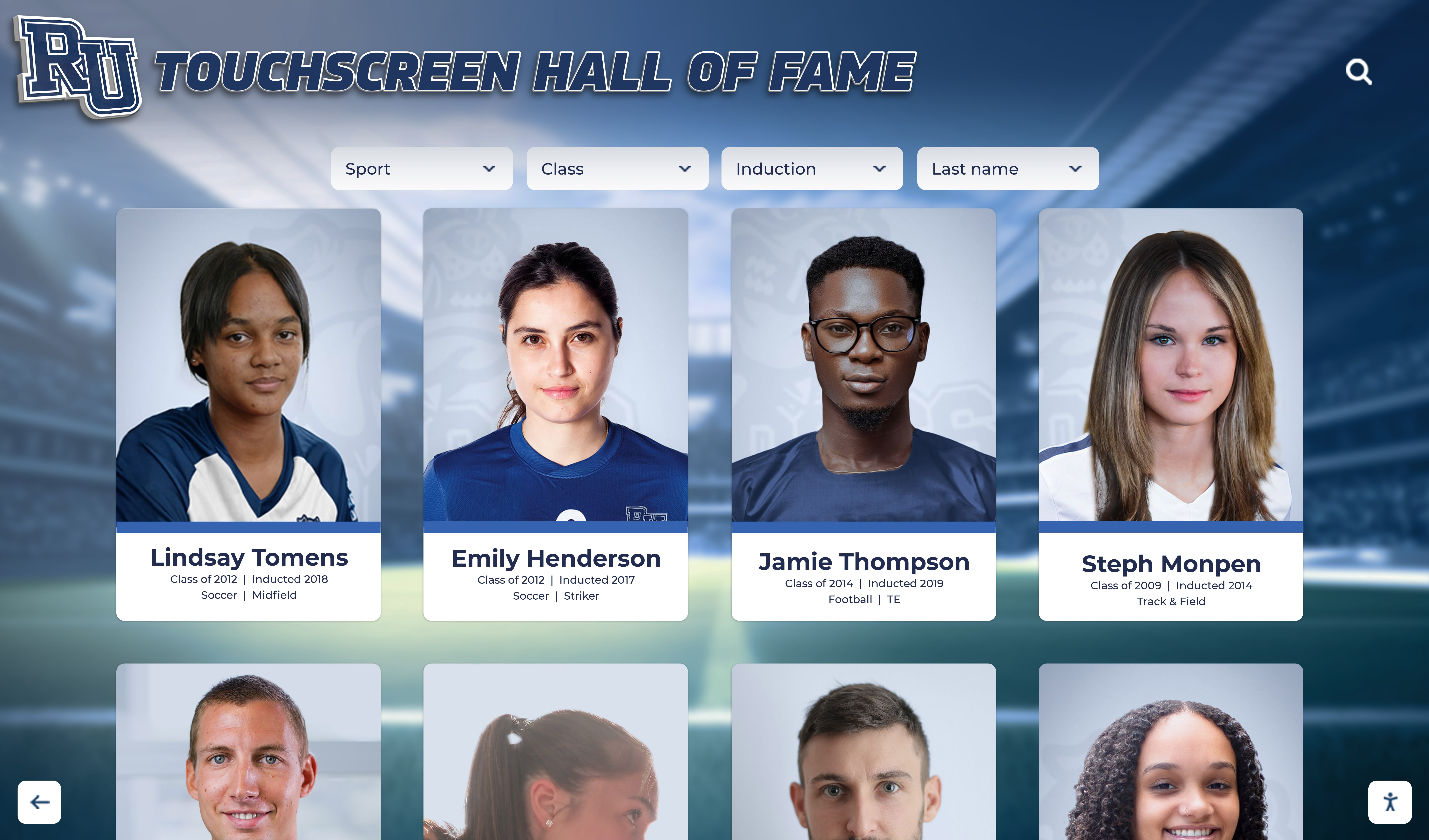
A school recognition display server-sent events test is a structured procedure for confirming that the long-lived HTTP connection a kiosk browser holds open to receive live award updates, ranking changes, and real-time inductee announcements is actually delivering events — and for identifying which proxy, firewall, or server configuration is silently breaking that delivery when it is not. Server-sent events (SSE) is a browser API and server protocol, documented on MDN Web Docs under “Using server-sent events”, that lets a web server stream a continuous sequence of text messages to a browser over a single HTTP connection without the browser needing to poll for updates. On a school recognition display — the lobby touchscreen that shows athlete inductees, championship banners, live award announcements, and updated rankings — SSE powers the live side of the display: the data that changes in real time rather than on a publishing cycle. When SSE delivery fails, the display shows stale data, skips update events, or freezes on a snapshot of the recognition program as it was at the last full page reload. The test described in this guide helps school IT coordinators, program administrators, and their facilities or AV contacts audit the five conditions that most commonly interrupt SSE delivery on school networks: proxy buffering, content-type misconfiguration, idle timeout, delivery latency, and Last-Event-ID continuity across reconnections.
Read More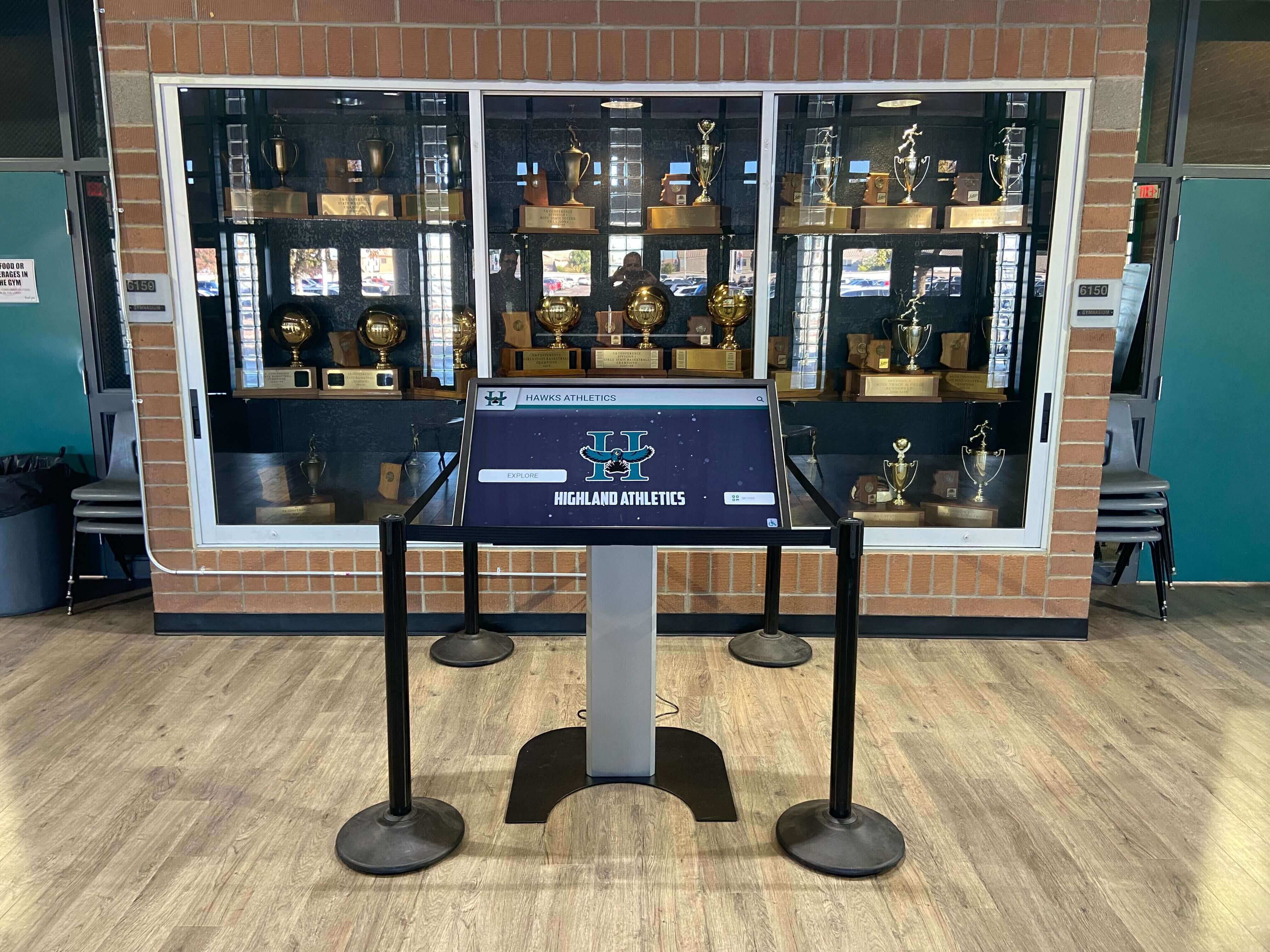
School Recognition Display Content-Disposition Audit: Keep Award PDFs and Media Usable
A school recognition display content-disposition audit is a structured review of the Content-Disposition HTTP response header served with every award PDF, team photo, certificate scan, and archived media asset that your lobby kiosk, hall-of-fame touchscreen, or recognition panel delivers to visitors — confirming that each file opens for in-browser viewing when the display context demands it, or triggers a properly named download when an archivist or program administrator needs to save a copy. The Content-Disposition header, documented in the MDN Web Docs HTTP Reference for Content-Disposition, tells the browser or embedded web view whether to render a resource directly (inline) or prompt the visitor to save it (attachment). On a locked-down school lobby kiosk where the operating system blocks file-system write access and no save dialog ever completes, an award PDF served with Content-Disposition: attachment simply fails — the visitor sees nothing, and the championship certificate, inductee plaque image, or all-conference honor document the school digitized is inaccessible at the exact moment it should be on display. The audit finds each mismatch, assigns the correct disposition per context, and gives an IT or platform contact a precise header change to make.
Read MoreTouch Screen Kiosk Display: Choosing the Right Interactive Screen for School Lobbies and Hallways
School lobbies and hallways make powerful first impressions — on students, parents, prospective families, and visiting officials. A well-placed touch screen kiosk display transforms those spaces from static corridors into dynamic, interactive environments where visitors can explore decades of student achievement, find their way across campus, and connect with the school’s culture in seconds. Choosing the right interactive screen, however, means wading through hardware specs, software ecosystems, installation requirements, and budget realities before a single touchpoint comes to life.
Read More