Touchscreen Recognition Display Touch Calibration Verification Log
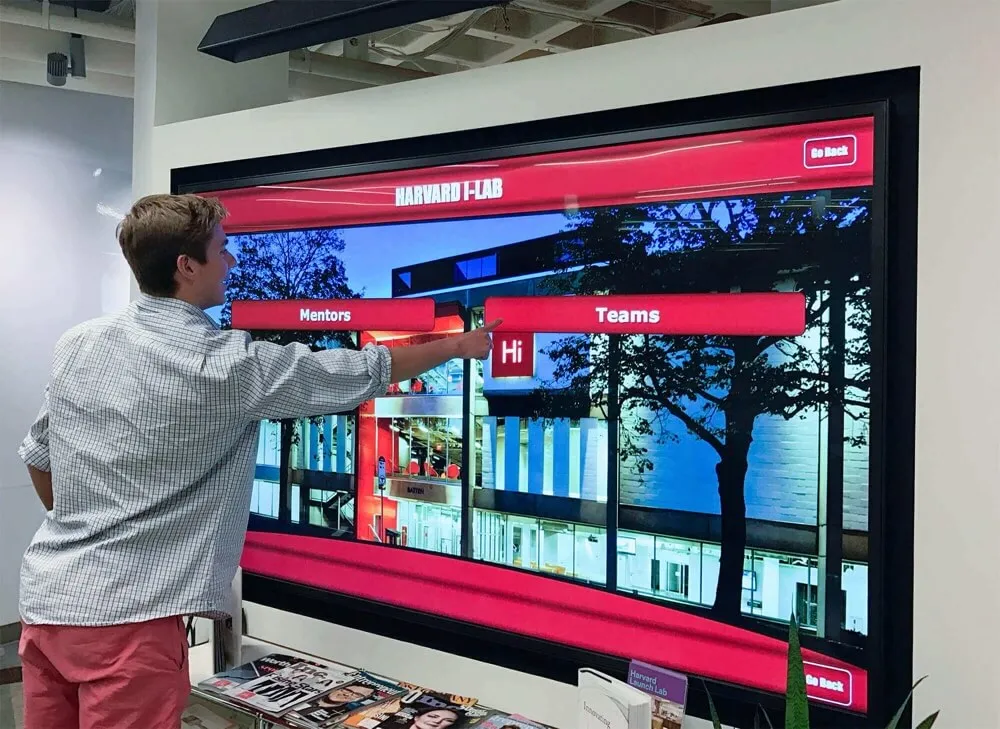
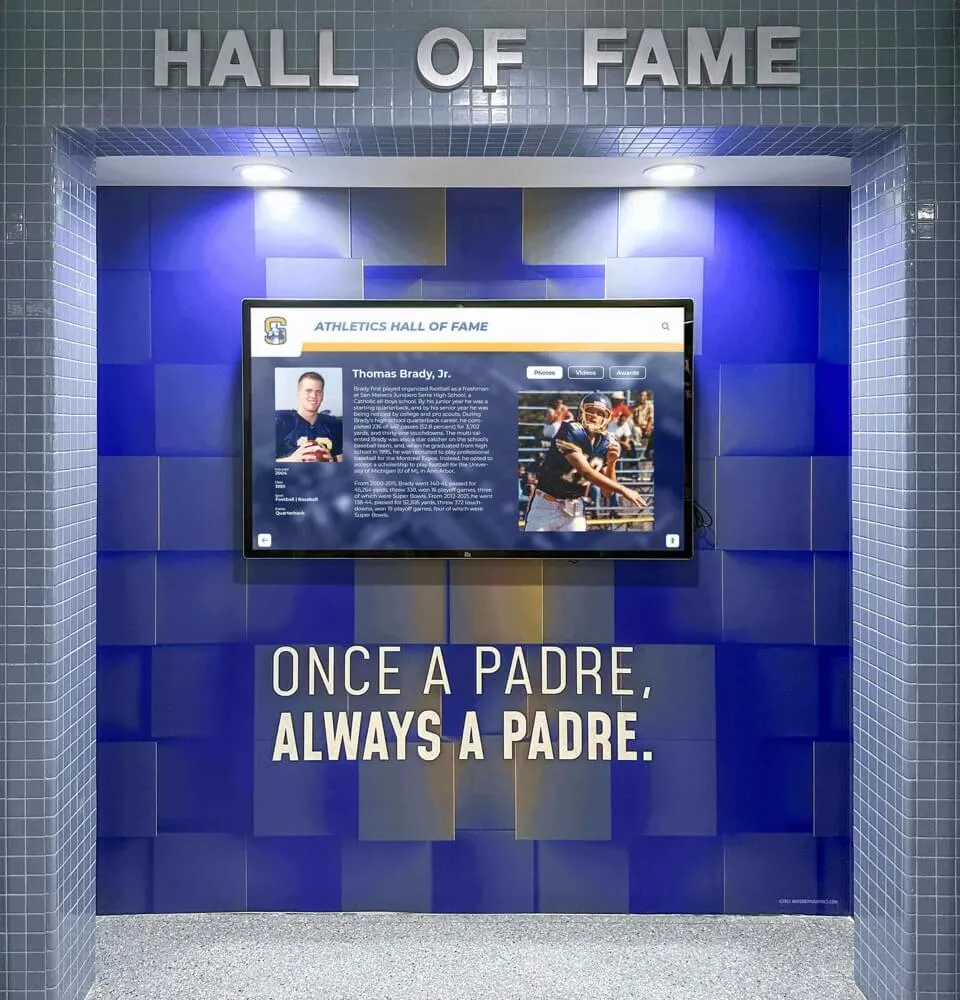
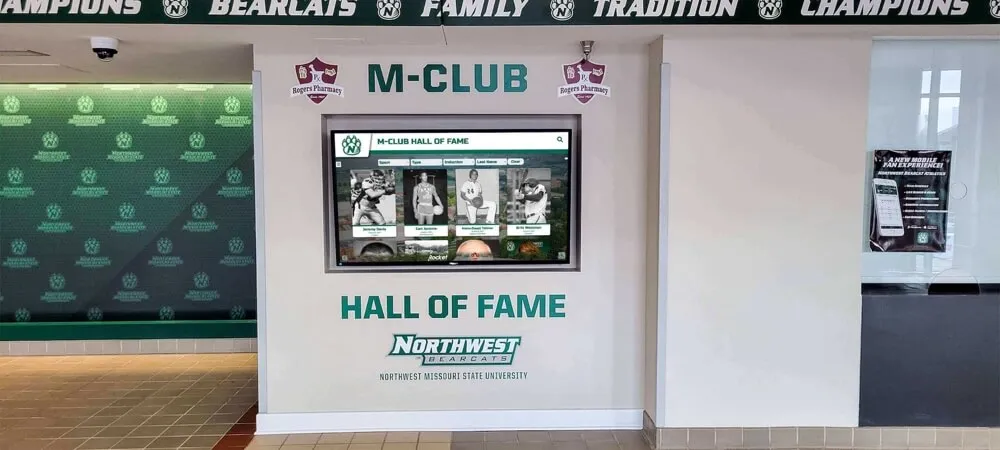
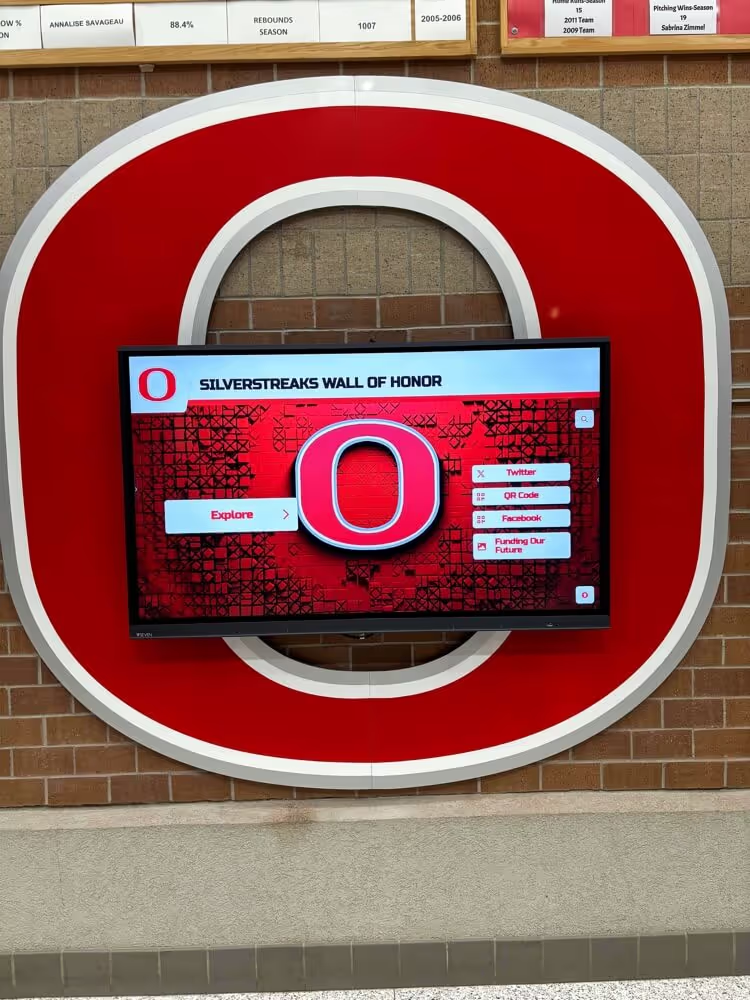
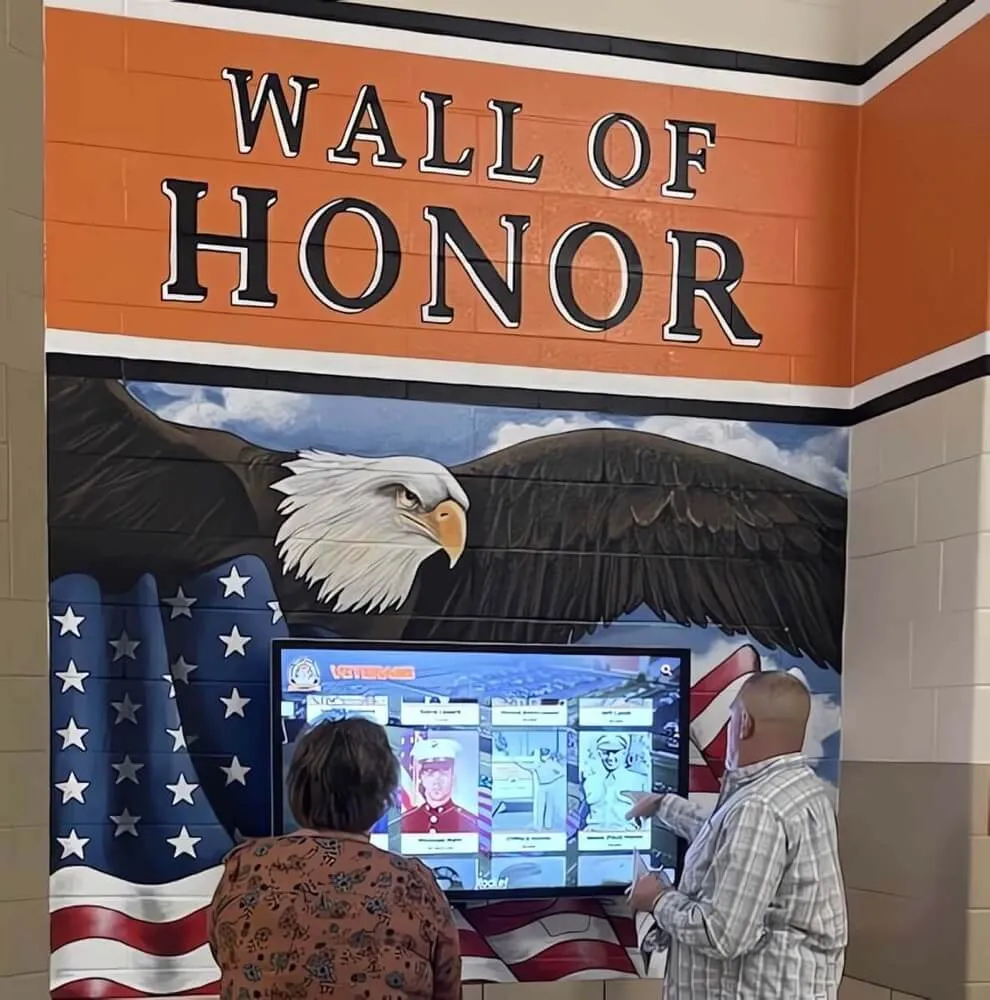
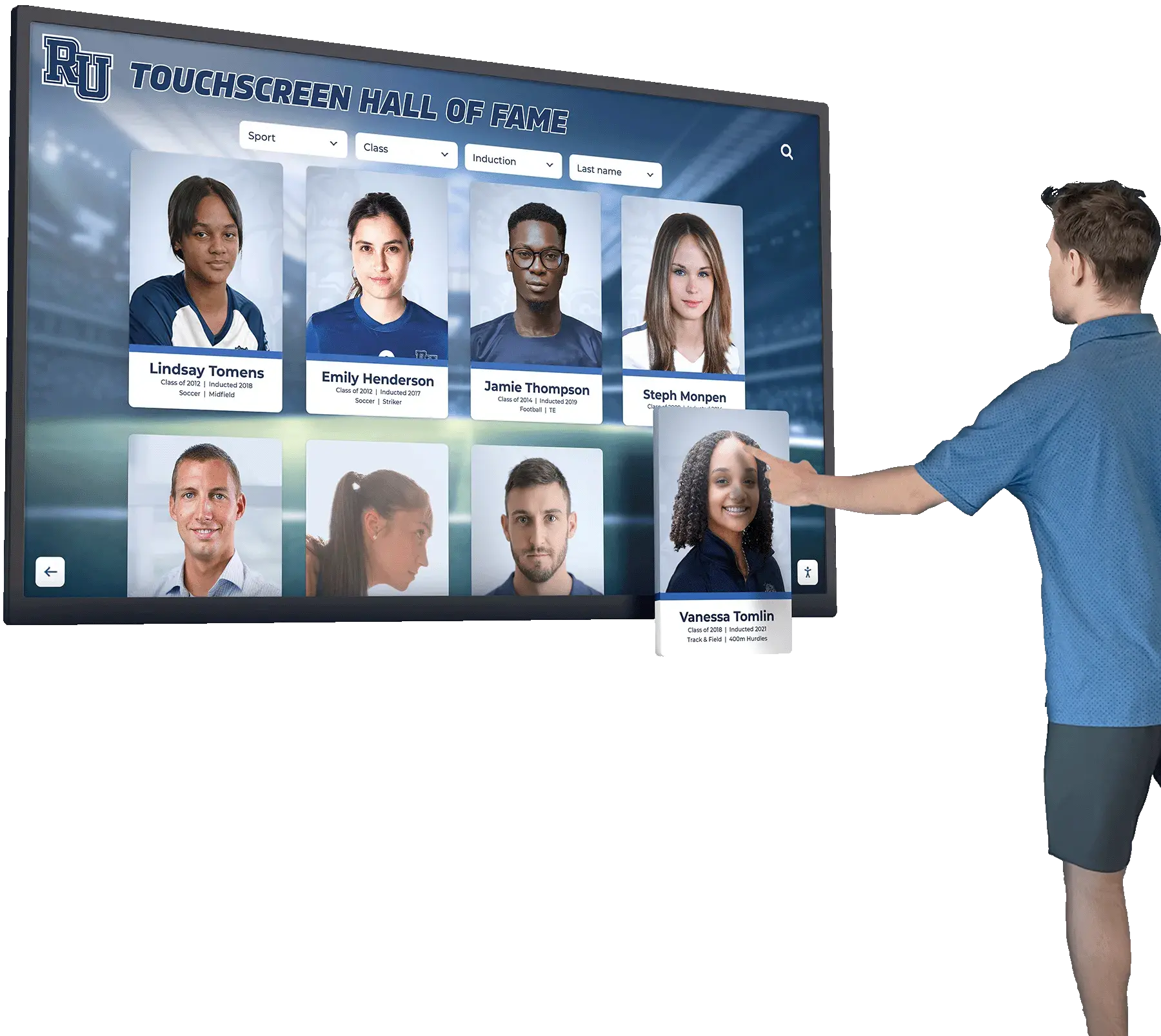
When a hall of fame recognition display starts registering touches in the wrong location—an athlete’s name tapped on the left side of the screen activates a record on the right—the visible symptom is obvious but the documentation trail is almost always missing. Recalibrating fixes the immediate problem. But without a touchscreen recognition display touch calibration verification log, the school has no record of when the offset began, how severe it was before correction, which calibration method was used, or whether the same display has needed recalibration three times in a single semester. That pattern—repeated offset on the same screen—is diagnostic information that points to a hardware fault, mounting vibration, or an OS configuration issue that recalibration alone will not resolve.
Read More