Video Accessibility
- Home /
- Categories /
- Video Accessibility
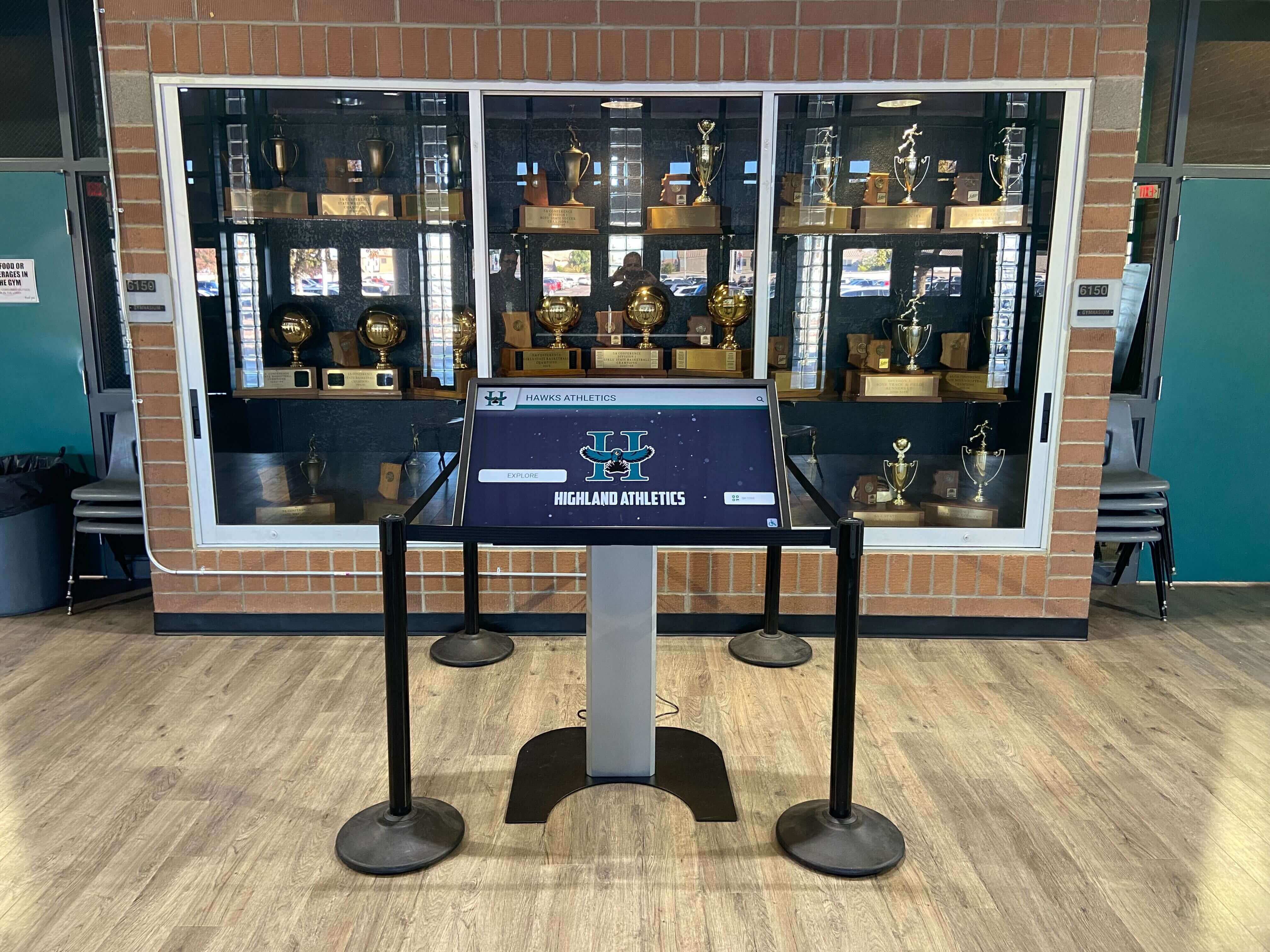
School Recognition Video Picture-in-Picture Test for Shared Touchscreen Kiosks
If your school’s lobby kiosk plays athletic induction highlight reels or digital hall of fame recognition videos, you need to run a school recognition video picture-in-picture test before those videos go live on a shared touchscreen. Picture-in-Picture (PiP) lets a browser detach a playing video into a floating overlay that lives above every other window on the operating system—including the kiosk interface itself. On a personal laptop, that floating window closes when the user is done. On a shared recognition kiosk, it can persist after a visitor walks away, leaving the next visitor to find a floating video of an athletic induction from a previous session obscuring the gallery the display is supposed to show. This guide walks athletic directors, recognition-program owners, and the IT or facilities staff who support those programs through the specific browser behaviors to test, the acceptance criteria that determine whether PiP is safely handled, and the return-to-gallery session-reset steps that clear any active PiP window before the next visitor arrives.
Read More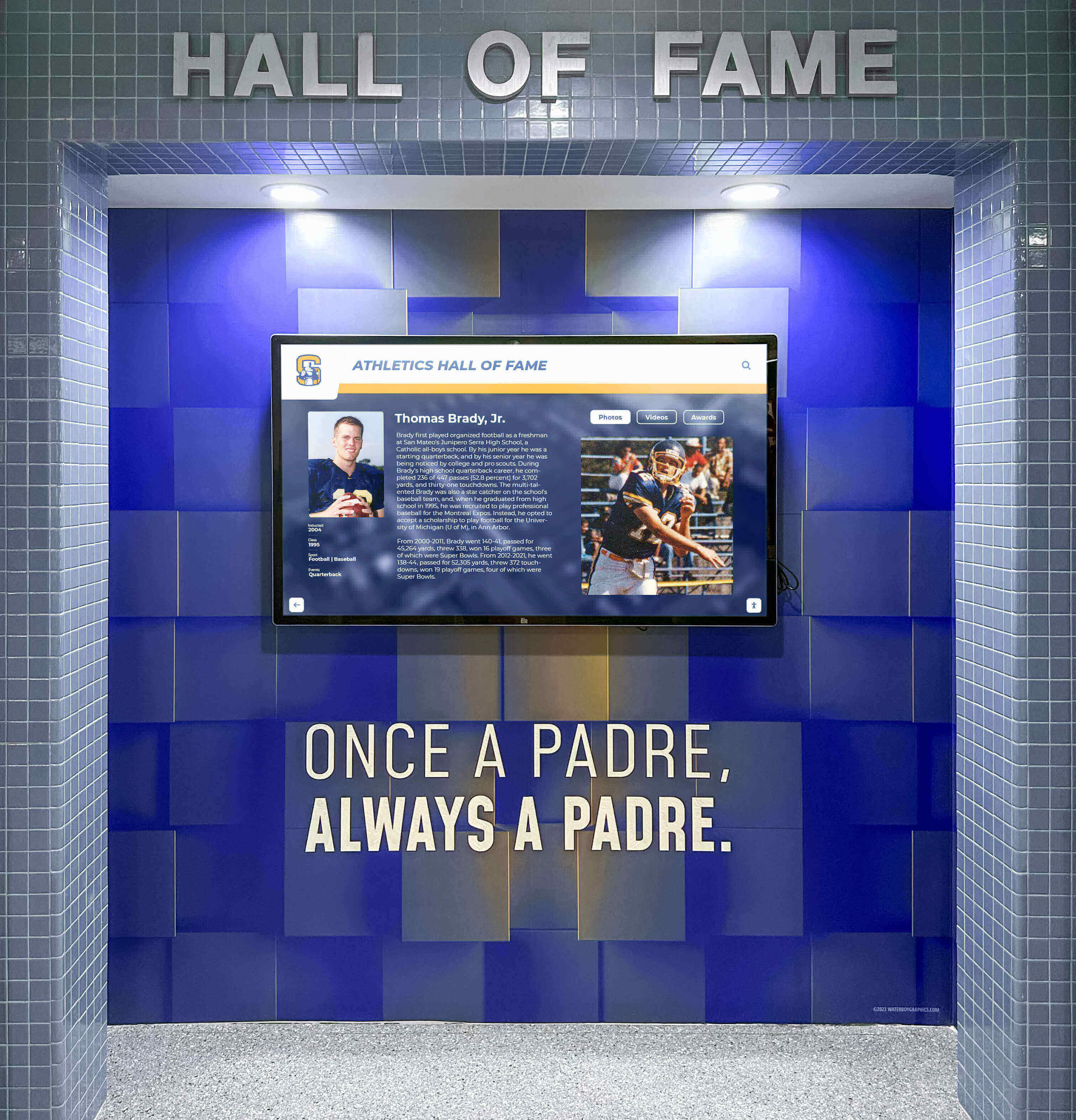
School Athletic Recognition Video WebVTT Chapters: Chapter-Map Checklist for Induction Ceremonies and Historic Sports Archives
School athletic recognition video WebVTT chapters give viewers a structured, keyboard-operable map of long induction ceremony recordings and historic sports archives—letting a parent jump directly to their athlete’s award moment, a booster skip to the championship retrospective, or an alumni volunteer verify that a coach’s tribute lands at exactly the right timestamp. A chapters track is a distinct WebVTT track type (kind="chapters") that carries navigation labels, not caption text, and it lives in its own .vtt file separate from your closed-caption or subtitle tracks. This guide is specifically about chapter-map creation and acceptance testing; it does not cover the closed-captioning workflow, which serves a different accessibility function and belongs in a separate production pipeline.
Read More