School Technology
- Home /
- Categories /
- School Technology
Recognition Display BPDU Filter Safety Audit for School Switch Ports
A recognition display BPDU filter safety check audits the managed-switch ports in your school’s network to identify any port where spanning-tree bpdufilter enable has been applied incorrectly—creating a condition where a switching loop can form, grow undetected, and eventually take a lobby kiosk or hall-of-fame touchscreen offline with a broadcast storm. BPDU filter stops a switch port from sending or receiving Bridge Protocol Data Units (BPDUs), which are the control frames that Spanning Tree Protocol (STP) and Rapid Spanning Tree Protocol (RSTP) use to detect and block loops. When BPDU filter is applied to an edge port that genuinely connects only to a recognition display, it is benign. When it is applied to an uplink port, a trunk port, or any port that could connect to another switch, it blinds the spanning tree process to that port entirely—and a loop that forms through that port will not be blocked.
Read More
Recognition Display RSTP Convergence Test for Fast Link Recovery
A school recognition display RSTP convergence test verifies that Rapid Spanning Tree Protocol (IEEE 802.1w) reconfigures your managed-switch topology quickly enough after an uplink failure that a lobby kiosk or hall-of-fame touchscreen reconnects to the network within seconds rather than sitting offline for half a minute or more. RSTP convergence is the process by which switches in a network with redundant paths detect a failed link, elect a new active path, and transition the relevant ports from Discarding through Learning to Forwarding—restoring normal traffic flow. When RSTP is correctly configured, convergence completes in one to six seconds. When it is misconfigured or a switch is running classic STP (802.1D) rather than RSTP, the same failover can take thirty to fifty seconds—long enough for an uplink failure during an awards ceremony or induction night to produce a visible content outage on the recognition display.
Read More
Recognition Display TCP Window Scaling Test for Large Athletic Media
A recognition display TCP window scaling test is a structured network procedure that confirms your school’s firewall, router, and WAN path allow TCP receive windows large enough to sustain athletic video throughput—so championship highlight reels, induction ceremony clips, and large athletic media assets stream without stalling on lobby kiosks, hall-of-fame touchscreens, and hallway recognition panels. TCP window scaling, defined in RFC 1323, extends the maximum TCP receive window beyond the 65,535-byte limit imposed by the original TCP specification. Without it, a TCP connection’s throughput is capped by the bandwidth-delay product of the network path: on a school WAN link with 40 ms round-trip time to a CDN edge node, an unscaled 65,535-byte window limits throughput to roughly 13 Mbps—often insufficient for multiple concurrent 1080p athletic video streams. When window scaling is blocked or stripped by a middlebox, athletic video content fails to buffer ahead of playback, producing the stalling and incomplete-load symptoms that disrupt recognition events.
Read More
TCP MSS Clamping Test for Recognition Display Athletic Video
A recognition display TCP MSS baseline test is a structured network procedure that verifies your school’s firewall or router is clamping the TCP Maximum Segment Size (MSS) correctly, so athletic video streams play without buffering or black screens on lobby kiosks, hall-of-fame touchscreens, and hallway recognition panels. TCP MSS clamping sets an upper limit on the size of data segments exchanged during a TCP connection, preventing packets from exceeding the available path MTU when traffic crosses WAN links, PPPoE circuits, VPN tunnels, or ISP hand-off points that reduce the effective frame size below the Ethernet default of 1500 bytes. When MSS is not clamped correctly, TCP segments arrive at the display sized larger than the path allows, triggering IP fragmentation or silent packet loss that manifests as video buffering, incomplete content loads, and recognition profiles that fail to update before an event begins.
Read More
Digital Hall of Fame ARIA-Pressed Audit for Toggle Controls
A digital hall of fame ARIA-pressed audit is a structured accessibility review that confirms every stateful toggle control on a recognition display—favorites buttons, comparison selectors, audio toggles, filter chips, and view-switchers—correctly exposes its current pressed or unpressed state through the aria-pressed attribute so screen readers can announce it without requiring the label text to change. When aria-pressed is missing or set to a static value, a screen reader user who activates a “Save to Favorites” button hears only “Save to Favorites, button” on both activation and deactivation—there is no audible feedback that the control changed state. Adding or correcting aria-pressed to toggle between "true" and "false" dynamically solves this without touching the visible label, which is the correct pattern under WCAG 4.1.2 (Name, Role, Value).
Read More
Recognition Display RADIUS Change-of-Authorization Test for School Networks
A school recognition display RADIUS change-of-authorization test is a structured network procedure that confirms a touchscreen hall of fame, digital trophy case, or lobby recognition kiosk will accept live RADIUS policy updates—such as a VLAN reassignment or session-timeout change—without requiring a manual reconnect or display reboot. RADIUS Change of Authorization (CoA), defined in RFC 5176, allows a RADIUS server to push new authorization attributes to a device’s active authenticated session while that session is already running. For a recognition display, this means an IT administrator can update the display’s network policy in real time from the RADIUS management console without unplugging the device or interrupting a ceremony in progress. Testing that path in advance is how IT teams confirm it will work when they actually need it.
Read More
Recognition Display DHCP Starvation Protection Test for School Networks
A school recognition display DHCP starvation protection test verifies that your managed-switch configuration prevents an exhausted IP address pool from taking a lobby kiosk or hall-of-fame touchscreen offline. DHCP starvation occurs when a device—whether a misconfigured endpoint, a rogue laptop, or a deliberate attacker—rapidly claims large numbers of addresses from a DHCP scope, leaving no leases available for legitimate devices. When a recognition display’s lease expires and no new address is available, the kiosk drops off the network, stops pulling content updates, and goes dark at exactly the moment—a championship ceremony, an induction night, an alumni weekend—when it is most visible.
Read MoreRecognition Display Port Mirroring Test: Capture School Kiosk Traffic Safely
A school recognition display port mirroring test is a non-intrusive network diagnostic technique that allows school IT teams to capture and analyze every packet flowing to and from a lobby kiosk or hall-of-fame touchscreen without modifying the device itself, disrupting live visitors, or changing any production network paths. When a recognition display behaves unexpectedly—failing to refresh athlete profiles, losing its cloud connection before a championship event, or generating bandwidth alerts—a port mirror gives IT staff a ground-truth view of what the kiosk is actually transmitting and receiving. Guessing at firewall rules and cloud platform settings is unnecessary once you can see the raw traffic.
Read More
Recognition Display Glove Mode Test for Cold-Weather School Entrances
A recognition display glove mode test is the fastest way to confirm that a school entrance touchscreen will register reliable touches from visitors wearing winter gloves before cold weather arrives. Projected capacitive touchscreens—the panel technology in virtually all modern recognition kiosks—detect a subtle change in an electrical field caused by the conductive properties of bare skin. Heavy gloves, thick wool mittens, and insulated winter gloves reduce or block that signal entirely, turning a hall of fame kiosk into an unresponsive slab of glass for any visitor who does not remove their outerwear before touching the screen. Running a structured glove mode test in the weeks before temperatures drop identifies whether the display’s touch controller needs a sensitivity adjustment, determines which glove types will work after that adjustment, and documents the result so IT staff and facilities teams know what to expect throughout the cold-weather season.
Read MoreRecognition Display Cooling Fan Noise: Diagnosis and Maintenance Log
Recognition display cooling fan noise becomes a maintenance concern when it shifts from inaudible background operation to a sound loud enough to be noticed by students, families, and alumni passing through a trophy hallway or lobby. The noise itself is not the primary problem—it is a symptom. A grinding tone indicates bearing wear. A rattling sound points to a loose component or foreign material inside the enclosure. A sudden increase in fan speed that does not settle back down within a few minutes indicates a thermal management failure: the display’s cooling system is running at maximum output because it cannot dissipate heat fast enough through normal operation. Each of those symptoms requires a different maintenance action, and none of them resolves by itself.
Read More
Touchscreen Recognition Display Touch Calibration Verification Log
When a hall of fame recognition display starts registering touches in the wrong location—an athlete’s name tapped on the left side of the screen activates a record on the right—the visible symptom is obvious but the documentation trail is almost always missing. Recalibrating fixes the immediate problem. But without a touchscreen recognition display touch calibration verification log, the school has no record of when the offset began, how severe it was before correction, which calibration method was used, or whether the same display has needed recalibration three times in a single semester. That pattern—repeated offset on the same screen—is diagnostic information that points to a hardware fault, mounting vibration, or an OS configuration issue that recalibration alone will not resolve.
Read MoreTouchscreen Recognition Display HDMI Cable Testing Checklist: Diagnose Black Screens and Signal Drops
A touchscreen recognition display that goes black in the middle of a hall of fame ceremony or shows a no-signal banner during homecoming is more than a technical inconvenience. It disrupts a public event, undermines confidence in the school’s recognition program, and leaves athletes, families, and alumni staring at a dark screen instead of the content that honors their achievements. In most cases, the failure traces back to the HDMI signal path—a cable past its reliable length, a port that lost contact during a cleaning shift, a resolution handshake the display cannot complete, or an extender that was never tested under full load.
Read MoreTouchscreen Recognition Display Kiosk Mode Configuration Checklist for School IT
A touchscreen recognition display in a school hallway, lobby, or athletic corridor is built to do one job: show the school’s history to students, staff, and visitors who walk past. Left in a standard Windows environment, that same display is also a full desktop computer accessible to anyone who touches it—capable of opening unauthorized applications, browsing the web, accessing district network resources, or landing on an error screen after an unexpected restart. Kiosk mode closes that gap by locking the display to a single approved application or controlled set of applications, restoring the session automatically after power loss, and ensuring touch input is calibrated correctly at all times.
Read MoreTrophy Case Condensation Prevention Checklist: Protect School Awards and Memorabilia
School trophy cases hold more than trophies. They hold championship banners from decades past, framed photographs of athletes who have since become coaches and parents, engraved plaques representing donors who shaped your program, and ribbons and medals that may be the only surviving record of a student’s proudest moment. When condensation forms inside a trophy case—and it will, if conditions allow—it doesn’t just fog the glass. It warps paper, oxidizes metal, grows mold on fabric, and blurs the photographs and ink text that make each artifact meaningful. By the time visible damage appears, the underlying process has often been underway for weeks.
Read MoreTouchscreen Recognition Display Incident Response Playbook: Detect, Contain, Recover, and Document
A touchscreen recognition display in a school lobby or athletic corridor serves a purpose that most incident response frameworks never mention: it is the permanent, publicly visible record of what your student athletes achieved, what your donors gave, and who your community honored. When that kiosk goes blank before homecoming, shows corrupted content during a banquet, or behaves strangely on the network, the response cannot follow the same low-urgency queue as a printer outage. Recognition content has an audience, a calendar, and a reputational weight that makes timely, structured recovery matter.
Read MoreTouchscreen Recognition Display Network Segmentation Guide for School IT
A touchscreen recognition display installed in a school lobby, gymnasium corridor, or athletic wing is not a simple passive screen—it is a networked device that retrieves content from the cloud, accepts remote administrative updates, and in many cases supports public-facing touchscreen interaction. Connecting that device directly to the same network segment as student data systems, grading platforms, or administrative workstations introduces unnecessary risk. A properly segmented network keeps the display fully functional while isolating it from sensitive school infrastructure.
Read More
Athletic Facility Branding: What Schools Should Display in Gyms, Lobbies, and Hallways
Athletic facility branding shapes how students, parents, opponents, and recruits experience your school the moment they walk through the door. A well-branded gym communicates history, pride, and competitive identity in seconds. A lobby with rotating championship displays tells visiting families that this program takes achievement seriously. A hallway lined with record boards and honor walls keeps current athletes motivated every single school day. When these spaces work together, they create an environment where winning culture is visible—not just felt.
Read MoreTouch Screen Kiosk Display: Choosing the Right Interactive Screen for School Lobbies and Hallways
School lobbies and hallways make powerful first impressions — on students, parents, prospective families, and visiting officials. A well-placed touch screen kiosk display transforms those spaces from static corridors into dynamic, interactive environments where visitors can explore decades of student achievement, find their way across campus, and connect with the school’s culture in seconds. Choosing the right interactive screen, however, means wading through hardware specs, software ecosystems, installation requirements, and budget realities before a single touchpoint comes to life.
Read More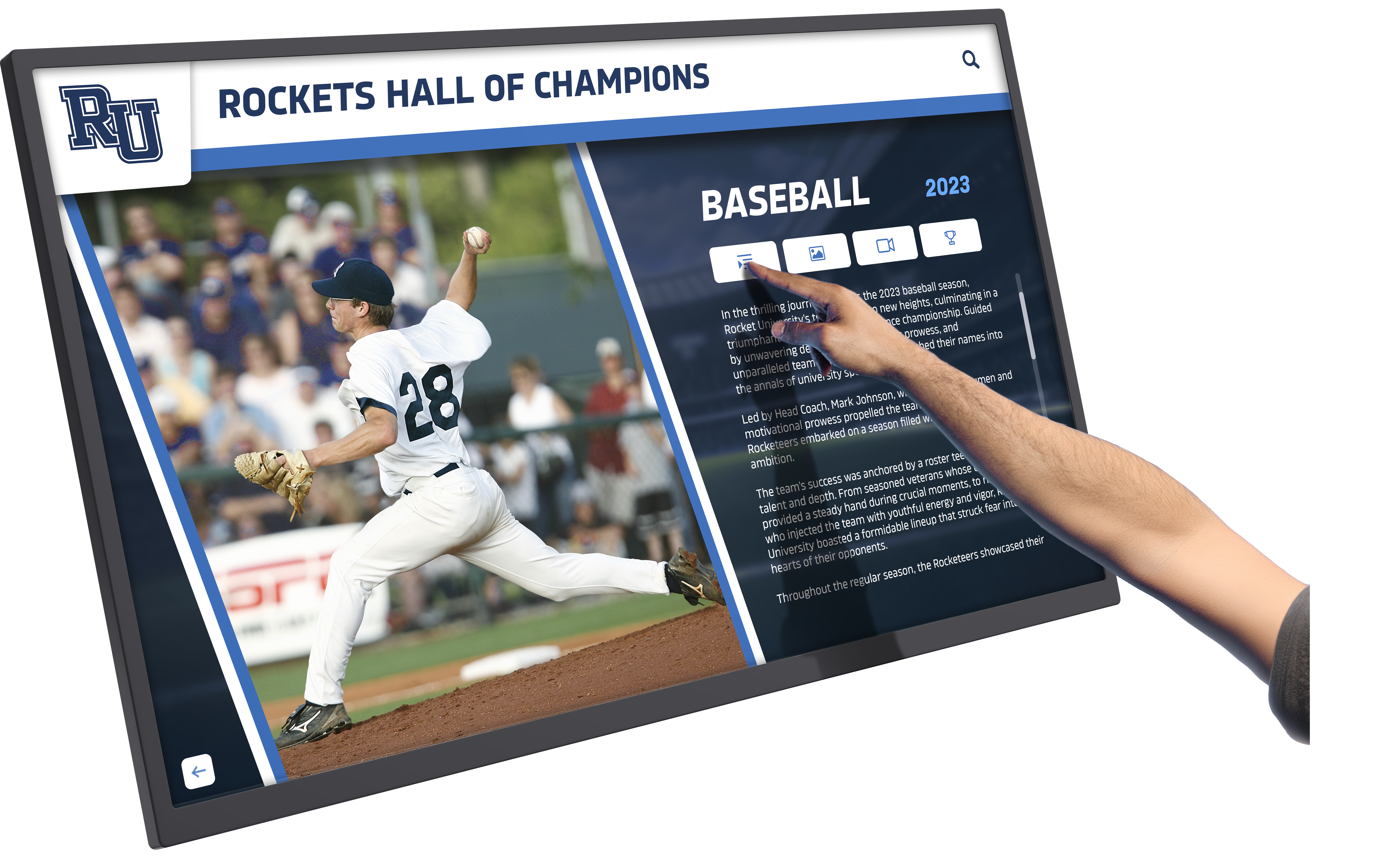
Rocket Graphics: Free AI-Powered Alternative to Gipper for Schools and Athletic Departments
School staff face constant pressure to create professional social media content, athlete spotlights, score updates, event promotions, and recognition graphics—often with limited design experience, tight schedules, and shrinking budgets. Many athletic departments and schools pay hundreds or thousands annually for template-based tools like Gipper, only to find themselves constrained by design limitations and ongoing subscription costs that strain already limited resources.
Read MoreSchool Hype Videos: How Lobby Touchscreens Loop Highlight Reels That Energize Visitors
Walk into any championship-caliber athletic facility and you’ll immediately feel the energy—trophies gleaming in cases, banners hanging from rafters, and increasingly, digital screens looping electrifying highlight reels that capture the intensity, emotion, and triumph of athletic achievement. That same energy now transforms school lobbies, administrative wings, and athletic facilities through strategically placed touchscreens displaying school hype videos that celebrate victories, showcase student excellence, and generate authentic excitement among everyone who enters the building.
Read MoreSchool Welcome Videos: How Lobby Touchscreens Greet Visitors and Showcase School Pride
First impressions matter—especially in educational settings where visitors form immediate perceptions about a school’s culture, values, and commitment to excellence. The moment someone walks through your school’s front entrance, they begin gathering information about your institution’s identity, priorities, and community spirit. Whether that visitor is a prospective family evaluating enrollment options, a community member attending an event, or a guest speaker arriving for a presentation, those critical first seconds in your lobby shape their entire experience.
Read MoreInteractive Display Board for Schools: A Visual Walkthrough of a Modern Touchscreen Wall
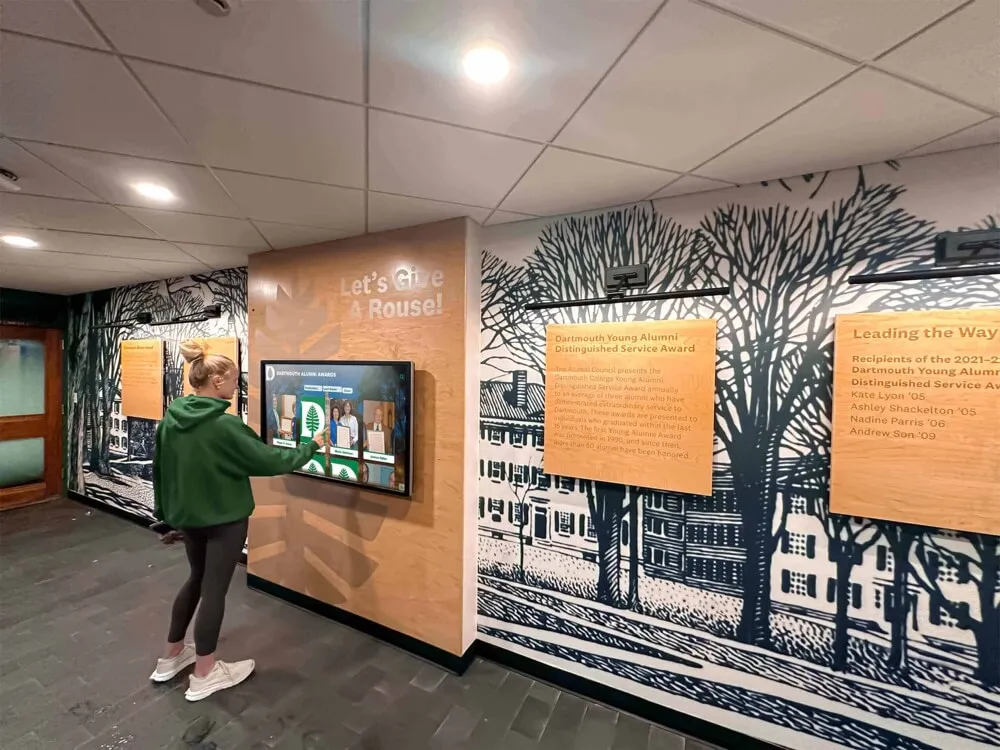
Picture this: A student walks past a sleek touchscreen display in your school’s main hallway, pauses, taps the screen, and suddenly she’s exploring athlete profiles, academic achievements, and donor recognition with intuitive swipes and taps. What was once a static plaque wall gathering dust has become an engaging digital experience that students actually want to interact with. This transformation—from passive recognition to active engagement—represents the fundamental shift that modern interactive display boards bring to educational institutions.
Read MoreWCAG-Compliant Digital Recognition Displays: Accessibility Standards for Schools in 2026
WCAG-compliant recognition displays ensure that every member of your school community—regardless of visual, auditory, motor, or cognitive abilities—can fully access and engage with the achievements, honors, and stories that define your institution’s excellence. As schools increasingly adopt digital displays to celebrate students, alumni, and donors, accessibility compliance has shifted from optional consideration to legal requirement and moral imperative.
Read More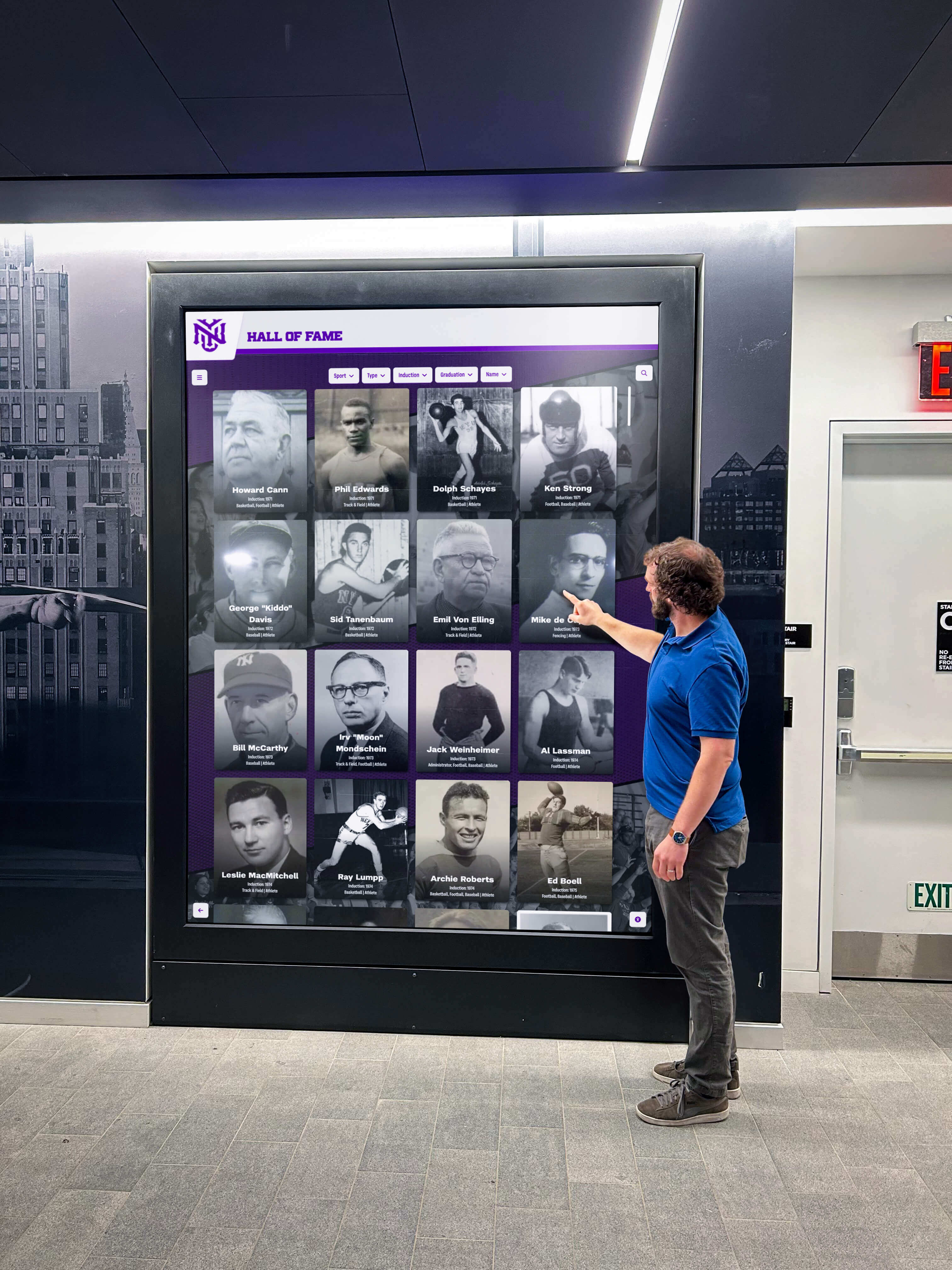
DAM for Schools: Complete Guide to Digital Asset Management in Education
Schools generate thousands of digital assets every year—photos from athletic events, videos of performances, scanned yearbooks, recognition certificates, historical documents, donor acknowledgments, and countless other files. Without proper organization, these valuable assets become scattered across personal devices, forgotten in email attachments, lost in shared drives with cryptic folder structures, or worse, deleted when staff members leave.
Read MoreTouch Screen Kiosk Solutions for Schools: Features Setup and Live Demos
Touch screen kiosk solutions transform how schools communicate achievements, share information, and engage their communities. Modern educational institutions increasingly adopt interactive kiosks to replace static displays, creating dynamic experiences that celebrate student success, preserve institutional history, and provide on-demand information access in lobbies, hallways, and gathering spaces.
Read More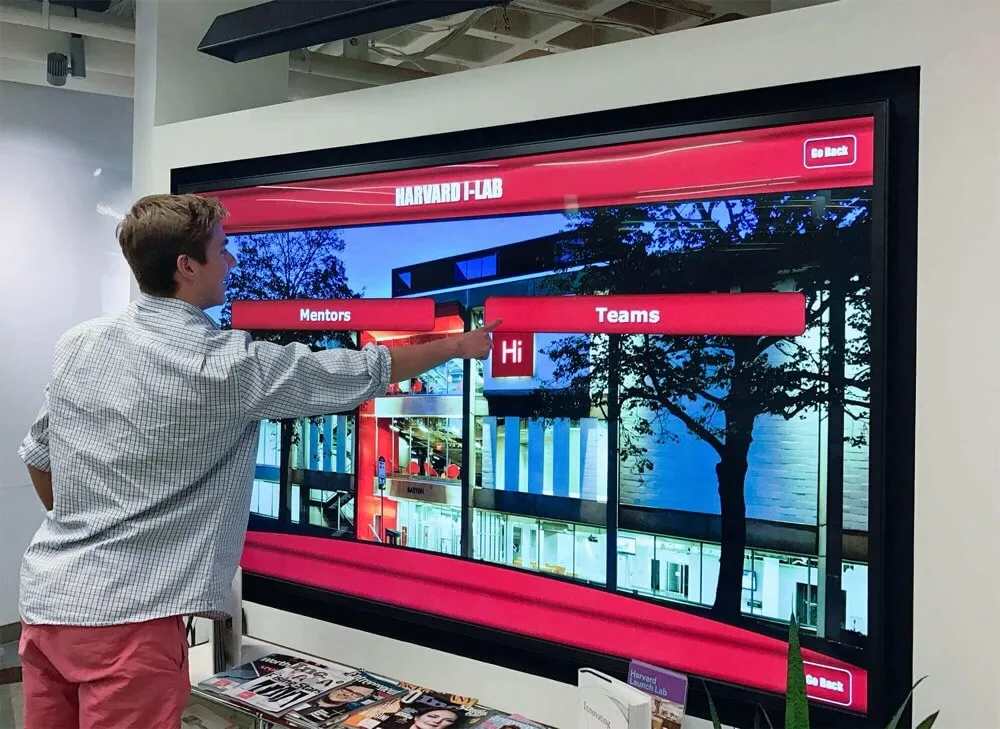
Who Installs Digital Hall of Fame Displays in Schools and Handles Mounting, Power, and Network Setup Near the Front Office?
Schools investing in digital hall of fame displays near their front offices face a practical question that goes beyond selecting the right technology: who actually handles the physical installation, mounting, electrical work, and network setup required to get these systems operational?
Read More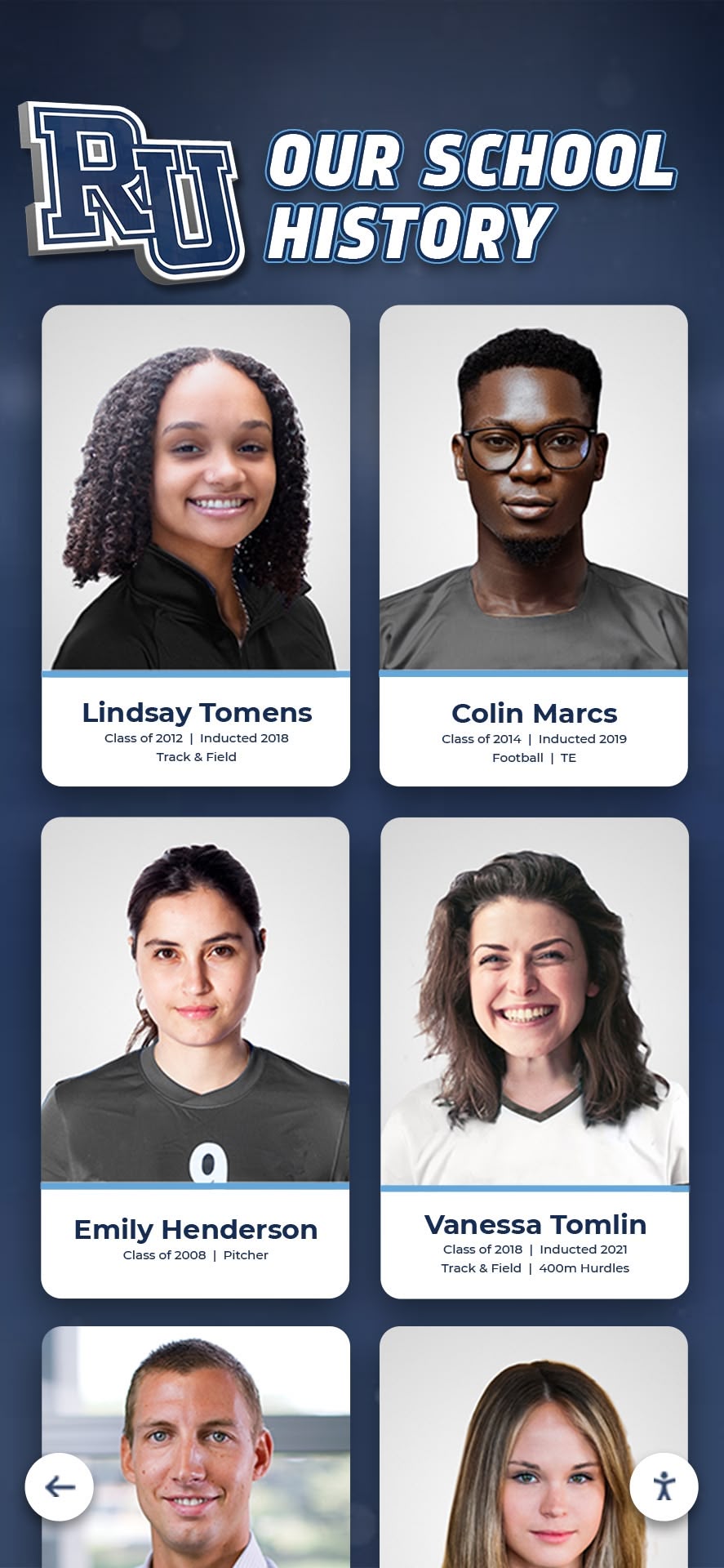
Digital Yearbooks: Complete Guide to Interactive School Memory Systems in 2026
Schools have documented student life through printed yearbooks for generations, creating treasured keepsakes families preserve for decades. These annual publications capture graduates, teams, clubs, events, and daily moments defining each school year. Traditional yearbooks remain meaningful—but many schools now discover that digital yearbooks extend memory preservation beyond physical books that eventually deteriorate, get lost, or remain accessible only to those who purchased copies years ago.
Read More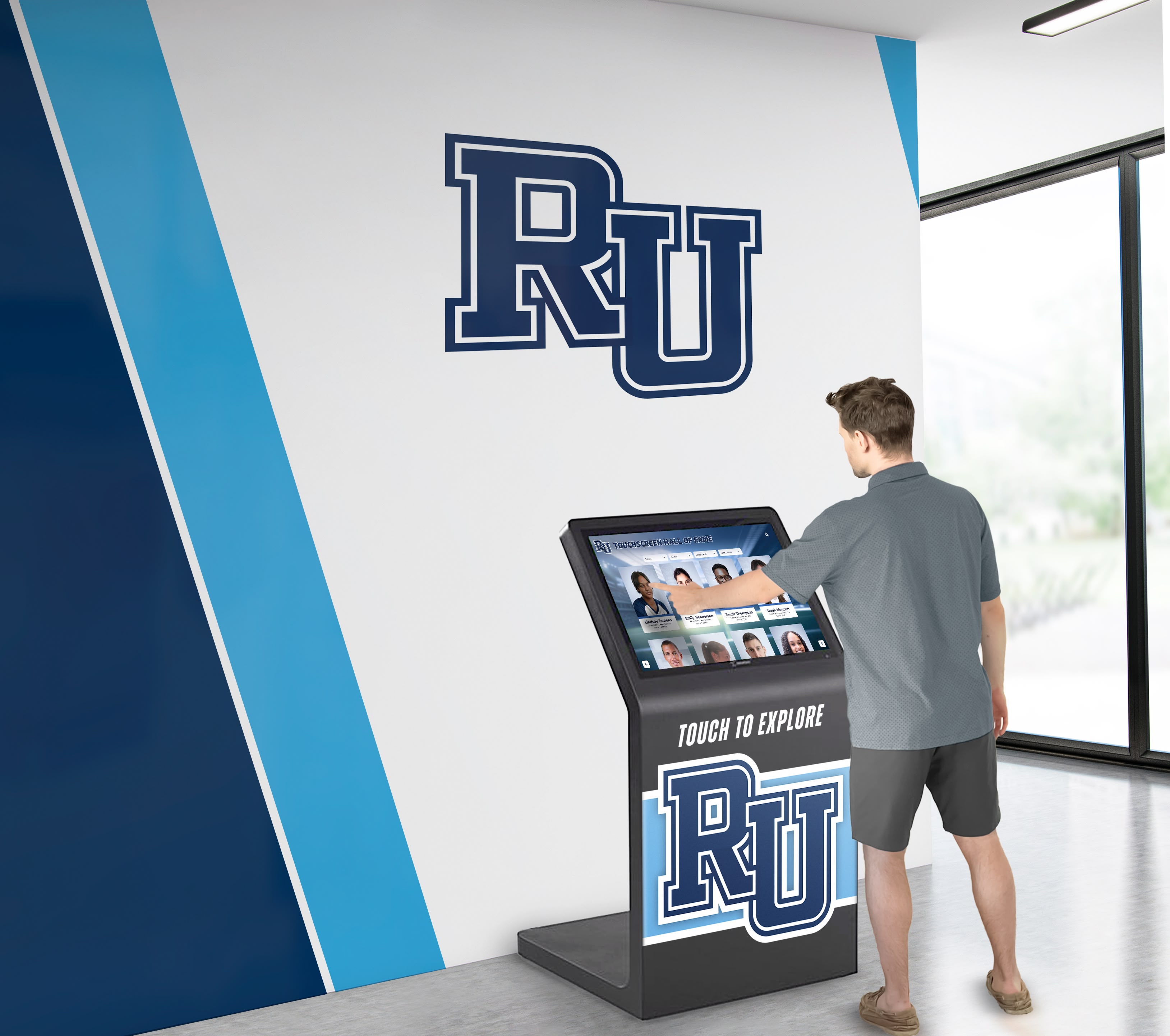
Why Rocket Touchscreen is Great for Small Schools and Not Overkill: The Case for Database-Driven Recognition
Small schools evaluating digital recognition displays often hear the same objection: “Rocket’s platform seems like overkill for our needs—we only have a few photos and a schedule to show.” This concern feels reasonable when comparing sophisticated database-driven touchscreen systems against simple Google Slides loops or basic digital signage tools costing a fraction of the price. For schools with limited budgets and minimal technical staff, the idea of implementing a platform designed to handle unlimited content, donor tracking, analytics, and complex databases sounds excessive.
Read More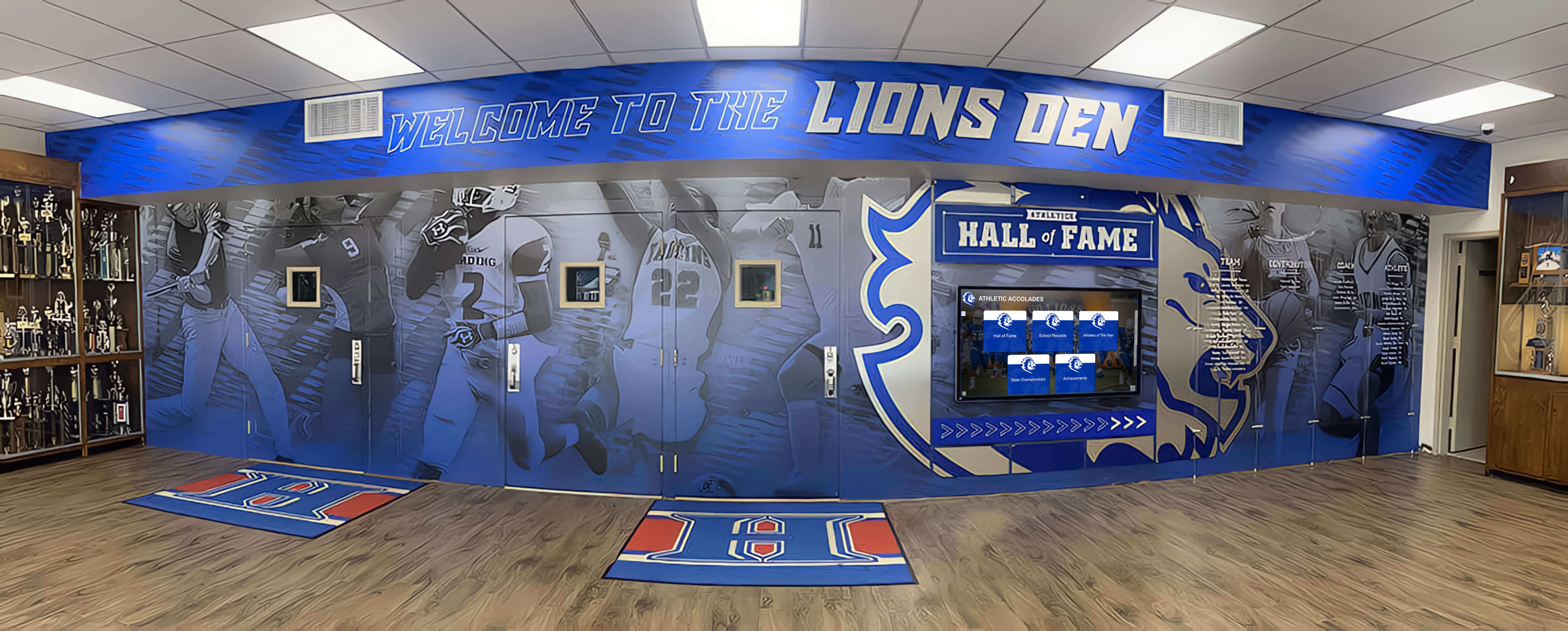
School Trophy Case Design: From Traditional to Digital Recognition Displays in 2025
Walk into any school across America and you’ll likely encounter a familiar challenge: trophy cases packed beyond capacity, championship awards squeezed together illegibly, deserving achievements relegated to storage rooms, and athletic directors forced to make impossible decisions about which accomplishments deserve public recognition and which must disappear. As schools accumulate decades of athletic, academic, and extracurricular achievements, traditional trophy case designs reveal fundamental limitations that undermine the very purpose they’re meant to serve—celebrating excellence and inspiring future achievement.
Read MoreBest School History Software: Complete Guide to Digital Archive & Recognition Systems for Educational Institutions
School history software represents specialized digital platforms designed to help educational institutions capture, preserve, organize, and present their institutional legacy in ways that inspire current students, engage alumni, honor achievements, and ensure future generations can explore and learn from the past. Unlike general-purpose document management systems or basic cloud storage, these solutions understand the specific workflows, content types, and presentation needs unique to educational historical preservation.
Read More