Installation Services
- Home /
- Categories /
- Installation Services
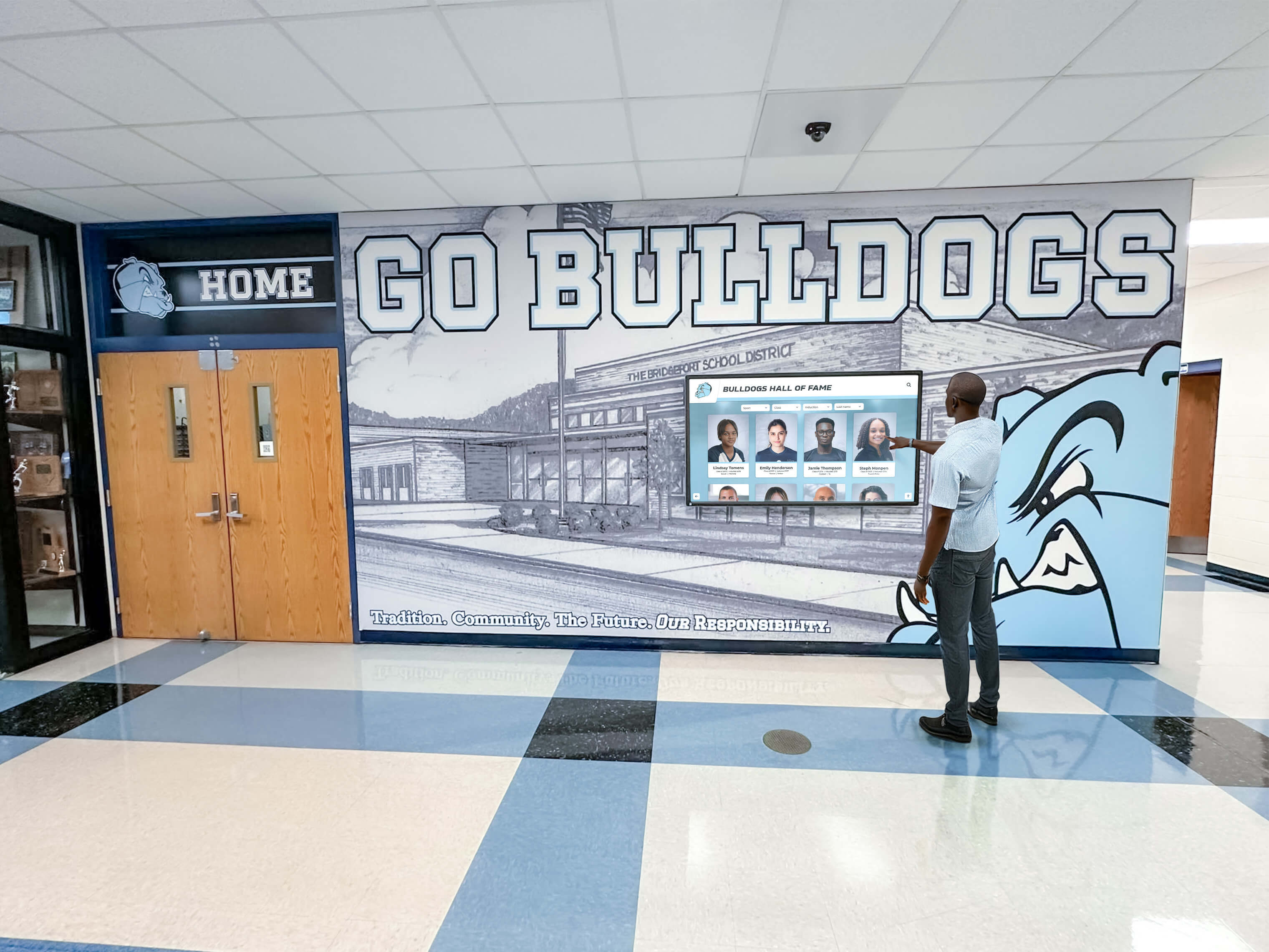
Recognition Display BPDU Filter Safety Audit for School Switch Ports
A recognition display BPDU filter safety check audits the managed-switch ports in your school’s network to identify any port where spanning-tree bpdufilter enable has been applied incorrectly—creating a condition where a switching loop can form, grow undetected, and eventually take a lobby kiosk or hall-of-fame touchscreen offline with a broadcast storm. BPDU filter stops a switch port from sending or receiving Bridge Protocol Data Units (BPDUs), which are the control frames that Spanning Tree Protocol (STP) and Rapid Spanning Tree Protocol (RSTP) use to detect and block loops. When BPDU filter is applied to an edge port that genuinely connects only to a recognition display, it is benign. When it is applied to an uplink port, a trunk port, or any port that could connect to another switch, it blinds the spanning tree process to that port entirely—and a loop that forms through that port will not be blocked.
Read More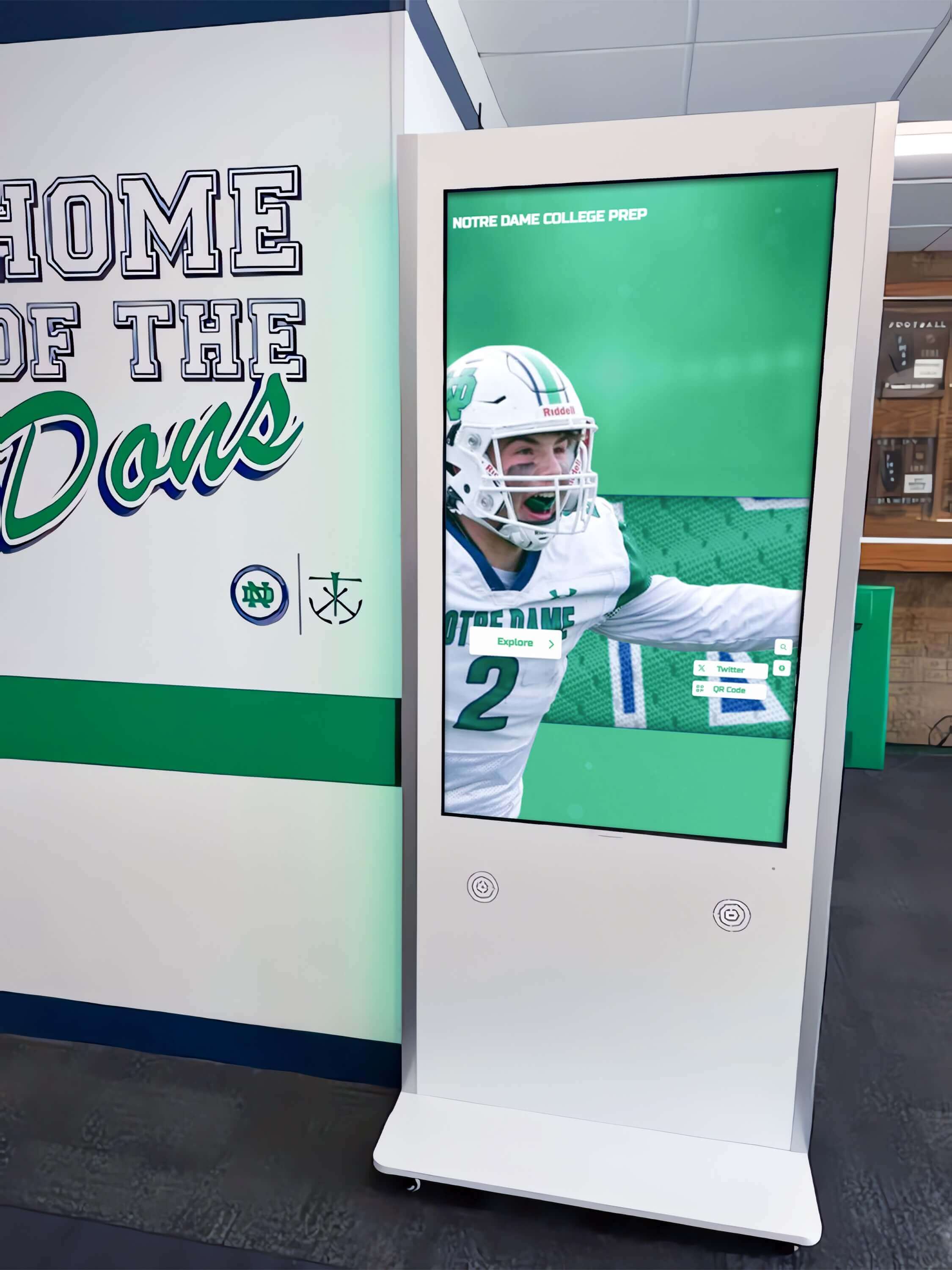
Recognition Display RSTP Convergence Test for Fast Link Recovery
A school recognition display RSTP convergence test verifies that Rapid Spanning Tree Protocol (IEEE 802.1w) reconfigures your managed-switch topology quickly enough after an uplink failure that a lobby kiosk or hall-of-fame touchscreen reconnects to the network within seconds rather than sitting offline for half a minute or more. RSTP convergence is the process by which switches in a network with redundant paths detect a failed link, elect a new active path, and transition the relevant ports from Discarding through Learning to Forwarding—restoring normal traffic flow. When RSTP is correctly configured, convergence completes in one to six seconds. When it is misconfigured or a switch is running classic STP (802.1D) rather than RSTP, the same failover can take thirty to fifty seconds—long enough for an uplink failure during an awards ceremony or induction night to produce a visible content outage on the recognition display.
Read More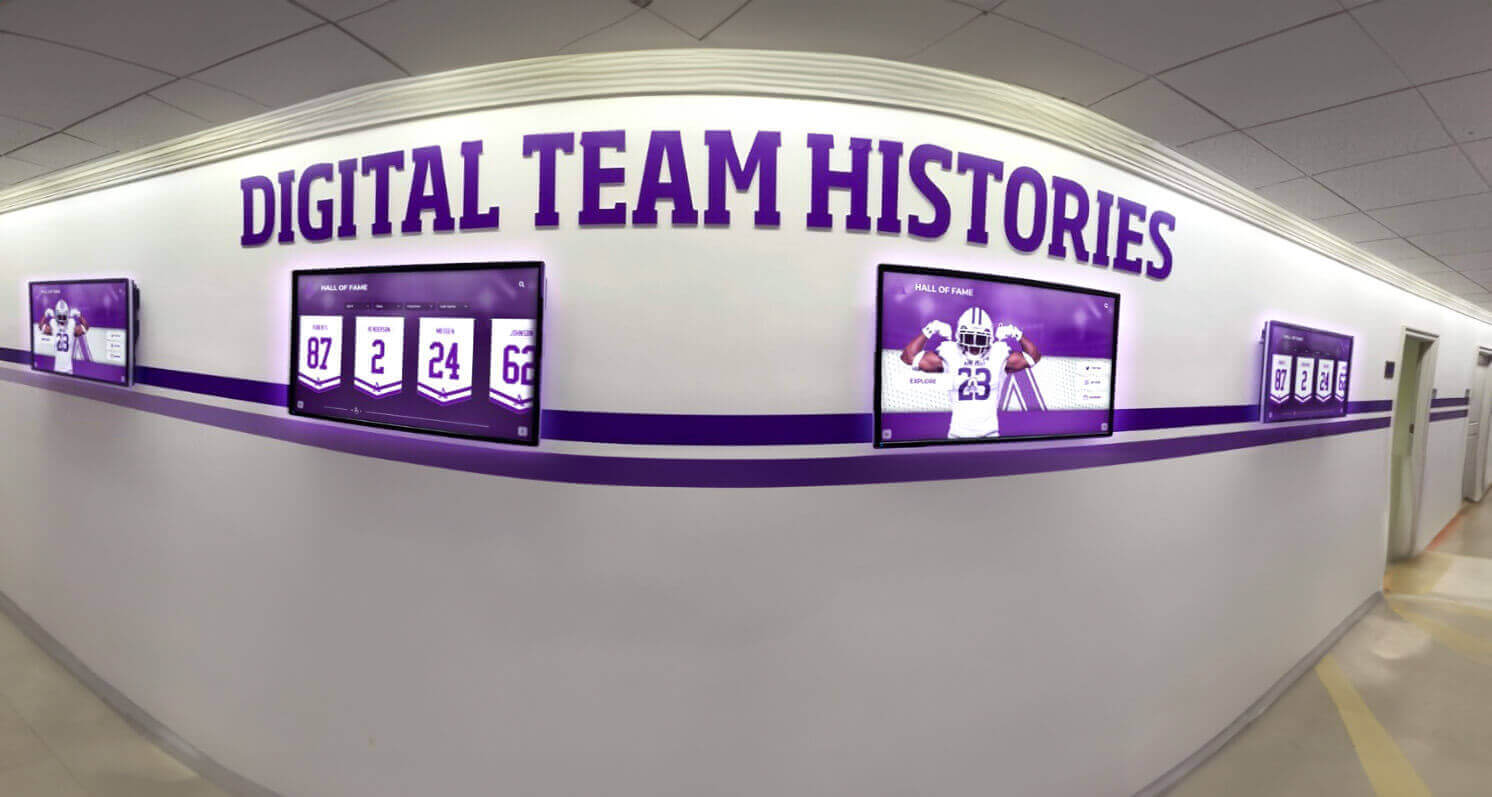
Recognition Display TCP Window Scaling Test for Large Athletic Media
A recognition display TCP window scaling test is a structured network procedure that confirms your school’s firewall, router, and WAN path allow TCP receive windows large enough to sustain athletic video throughput—so championship highlight reels, induction ceremony clips, and large athletic media assets stream without stalling on lobby kiosks, hall-of-fame touchscreens, and hallway recognition panels. TCP window scaling, defined in RFC 1323, extends the maximum TCP receive window beyond the 65,535-byte limit imposed by the original TCP specification. Without it, a TCP connection’s throughput is capped by the bandwidth-delay product of the network path: on a school WAN link with 40 ms round-trip time to a CDN edge node, an unscaled 65,535-byte window limits throughput to roughly 13 Mbps—often insufficient for multiple concurrent 1080p athletic video streams. When window scaling is blocked or stripped by a middlebox, athletic video content fails to buffer ahead of playback, producing the stalling and incomplete-load symptoms that disrupt recognition events.
Read More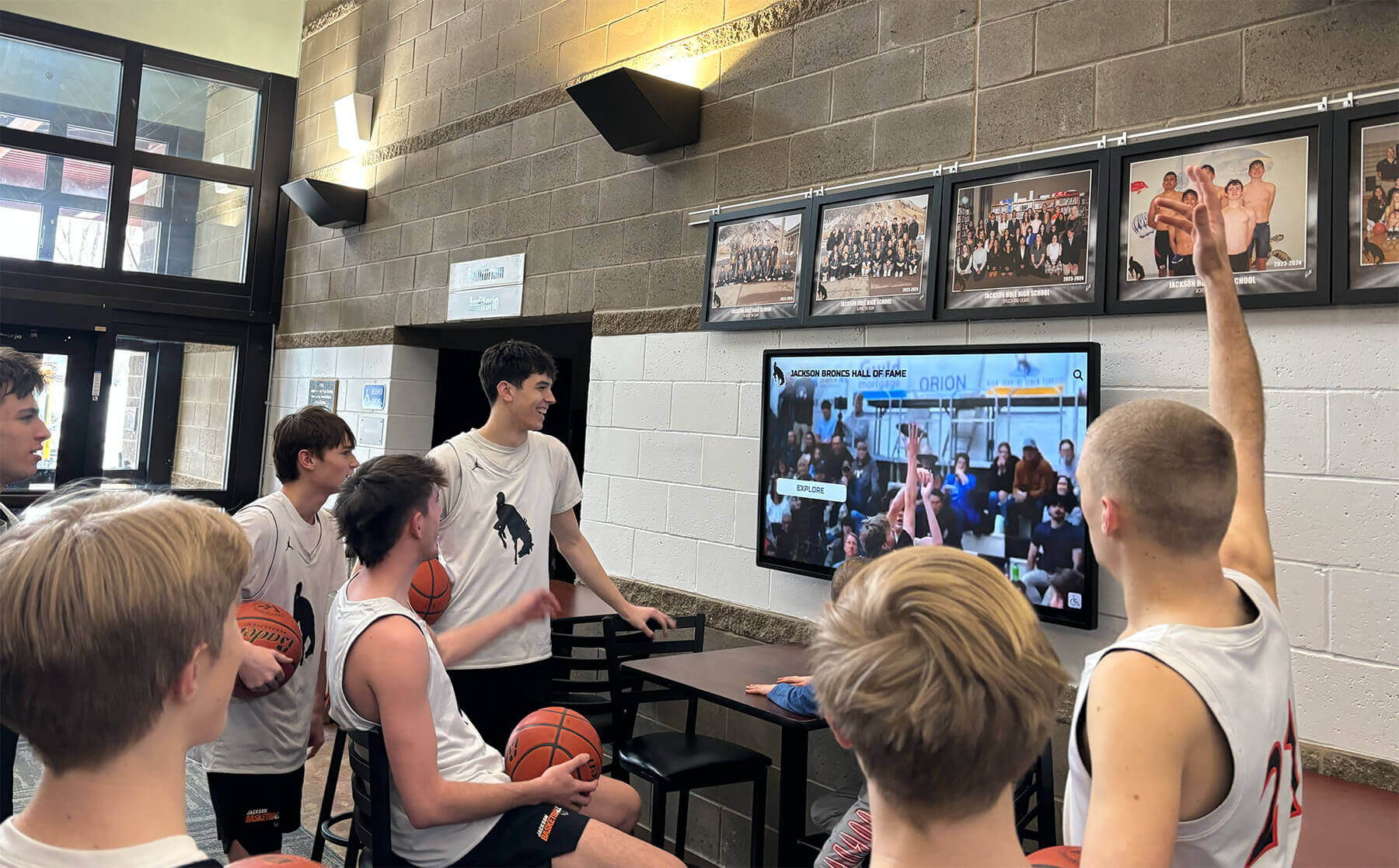
TCP MSS Clamping Test for Recognition Display Athletic Video
A recognition display TCP MSS baseline test is a structured network procedure that verifies your school’s firewall or router is clamping the TCP Maximum Segment Size (MSS) correctly, so athletic video streams play without buffering or black screens on lobby kiosks, hall-of-fame touchscreens, and hallway recognition panels. TCP MSS clamping sets an upper limit on the size of data segments exchanged during a TCP connection, preventing packets from exceeding the available path MTU when traffic crosses WAN links, PPPoE circuits, VPN tunnels, or ISP hand-off points that reduce the effective frame size below the Ethernet default of 1500 bytes. When MSS is not clamped correctly, TCP segments arrive at the display sized larger than the path allows, triggering IP fragmentation or silent packet loss that manifests as video buffering, incomplete content loads, and recognition profiles that fail to update before an event begins.
Read More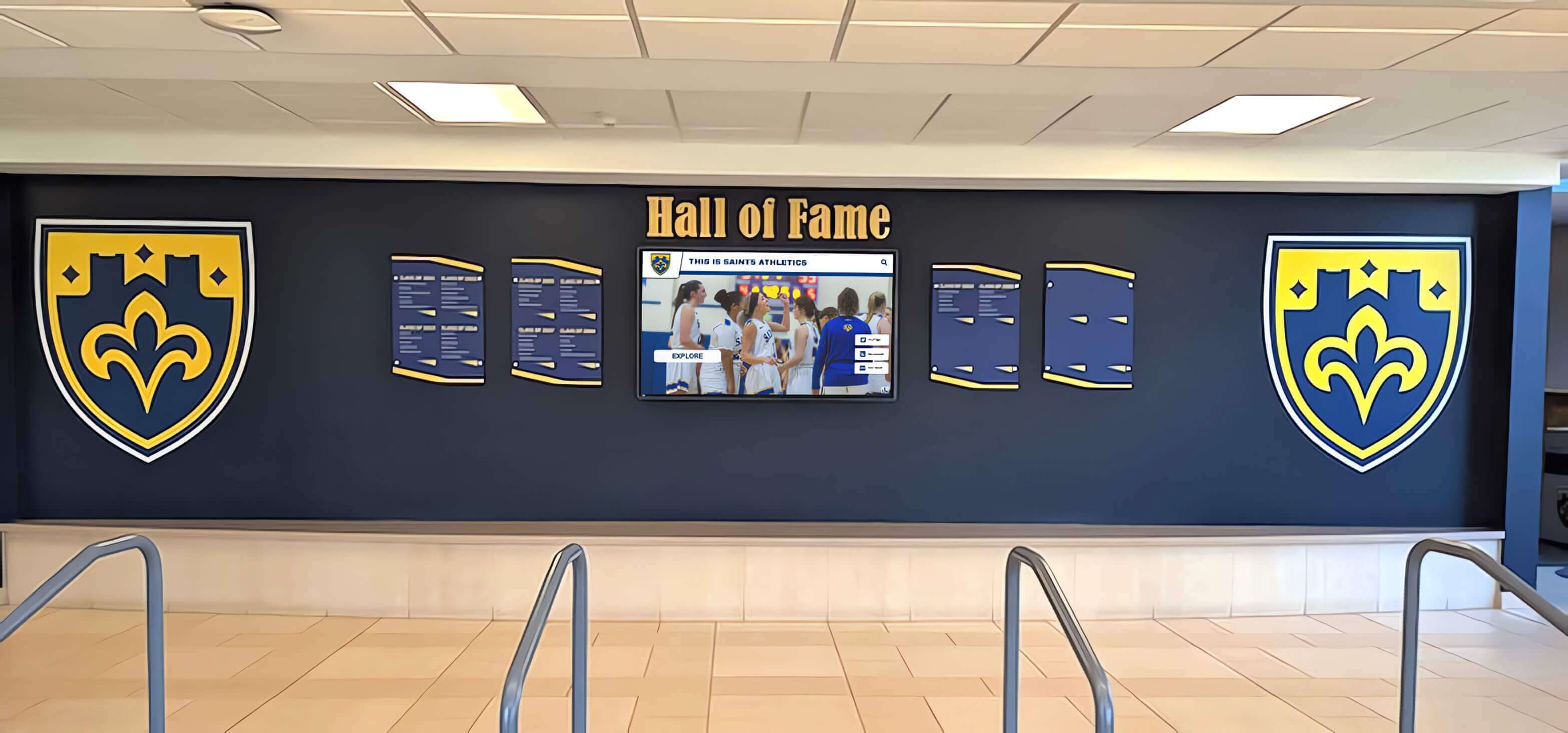
Recognition Display RADIUS Change-of-Authorization Test for School Networks
A school recognition display RADIUS change-of-authorization test is a structured network procedure that confirms a touchscreen hall of fame, digital trophy case, or lobby recognition kiosk will accept live RADIUS policy updates—such as a VLAN reassignment or session-timeout change—without requiring a manual reconnect or display reboot. RADIUS Change of Authorization (CoA), defined in RFC 5176, allows a RADIUS server to push new authorization attributes to a device’s active authenticated session while that session is already running. For a recognition display, this means an IT administrator can update the display’s network policy in real time from the RADIUS management console without unplugging the device or interrupting a ceremony in progress. Testing that path in advance is how IT teams confirm it will work when they actually need it.
Read More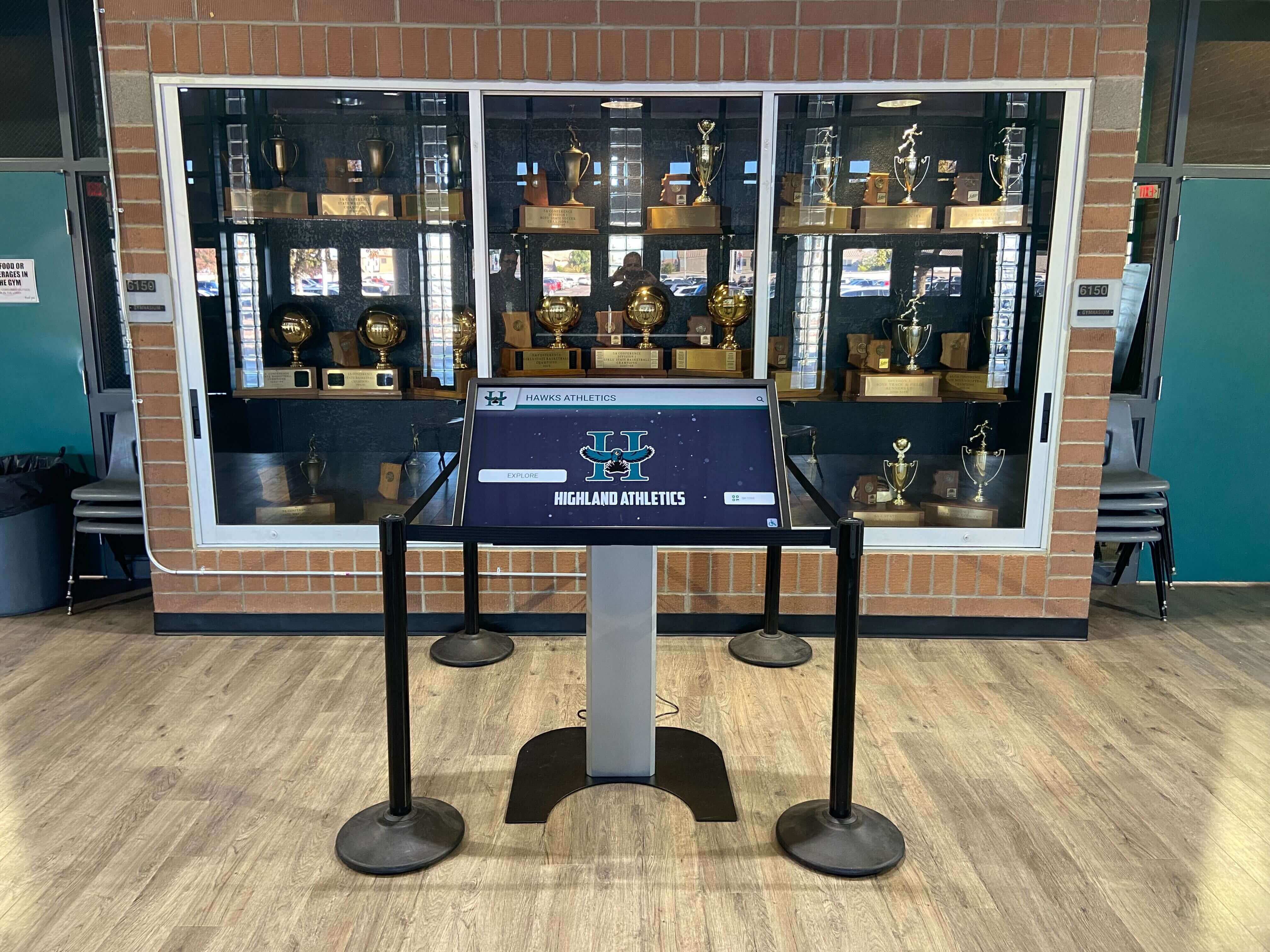
Recognition Display DHCP Starvation Protection Test for School Networks
A school recognition display DHCP starvation protection test verifies that your managed-switch configuration prevents an exhausted IP address pool from taking a lobby kiosk or hall-of-fame touchscreen offline. DHCP starvation occurs when a device—whether a misconfigured endpoint, a rogue laptop, or a deliberate attacker—rapidly claims large numbers of addresses from a DHCP scope, leaving no leases available for legitimate devices. When a recognition display’s lease expires and no new address is available, the kiosk drops off the network, stops pulling content updates, and goes dark at exactly the moment—a championship ceremony, an induction night, an alumni weekend—when it is most visible.
Read More
Recognition Display Port Mirroring Test: Capture School Kiosk Traffic Safely
A school recognition display port mirroring test is a non-intrusive network diagnostic technique that allows school IT teams to capture and analyze every packet flowing to and from a lobby kiosk or hall-of-fame touchscreen without modifying the device itself, disrupting live visitors, or changing any production network paths. When a recognition display behaves unexpectedly—failing to refresh athlete profiles, losing its cloud connection before a championship event, or generating bandwidth alerts—a port mirror gives IT staff a ground-truth view of what the kiosk is actually transmitting and receiving. Guessing at firewall rules and cloud platform settings is unnecessary once you can see the raw traffic.
Read More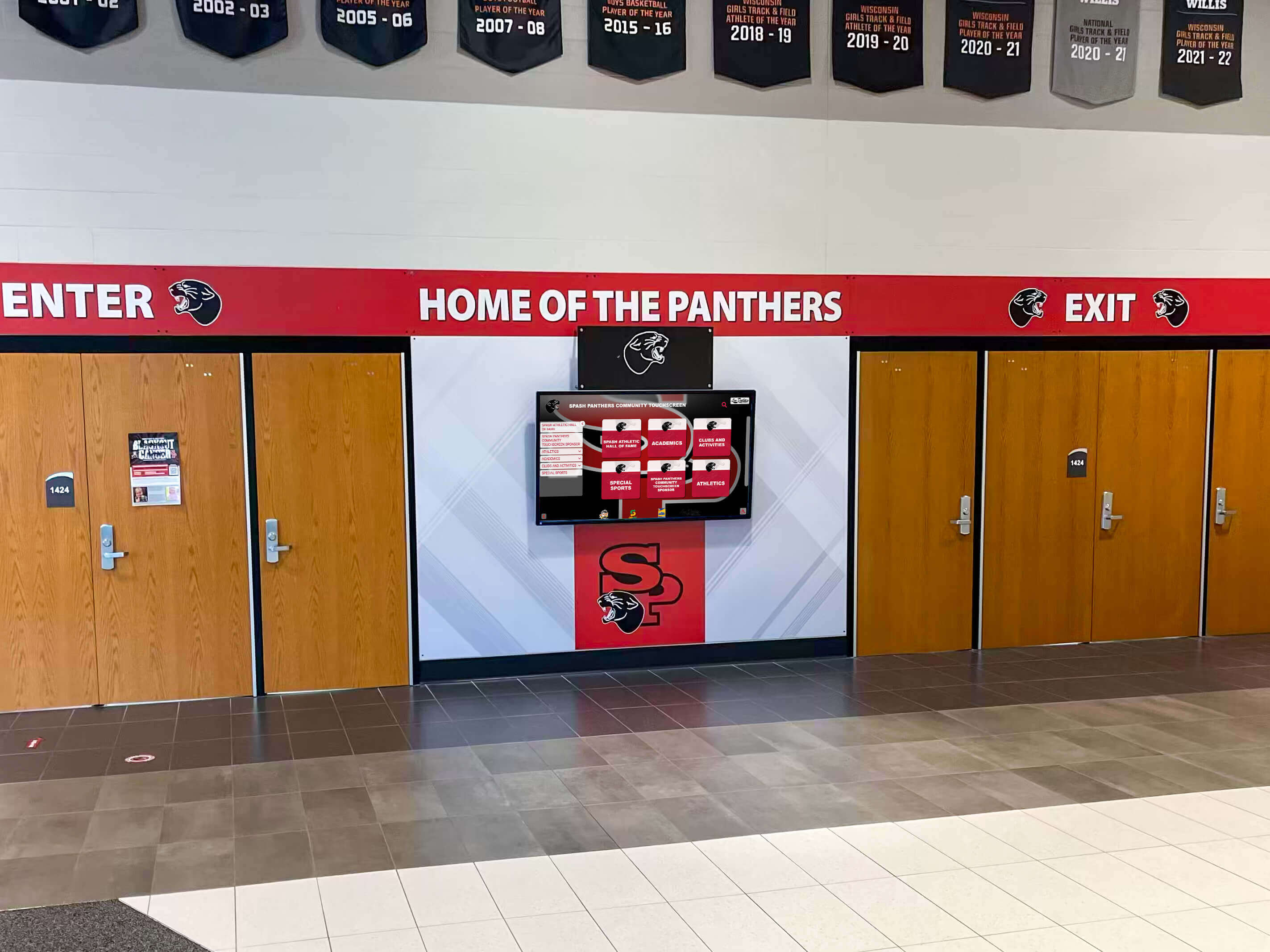
Recognition Display Glove Mode Test for Cold-Weather School Entrances
A recognition display glove mode test is the fastest way to confirm that a school entrance touchscreen will register reliable touches from visitors wearing winter gloves before cold weather arrives. Projected capacitive touchscreens—the panel technology in virtually all modern recognition kiosks—detect a subtle change in an electrical field caused by the conductive properties of bare skin. Heavy gloves, thick wool mittens, and insulated winter gloves reduce or block that signal entirely, turning a hall of fame kiosk into an unresponsive slab of glass for any visitor who does not remove their outerwear before touching the screen. Running a structured glove mode test in the weeks before temperatures drop identifies whether the display’s touch controller needs a sensitivity adjustment, determines which glove types will work after that adjustment, and documents the result so IT staff and facilities teams know what to expect throughout the cold-weather season.
Read MoreRecognition Display Cooling Fan Noise: Diagnosis and Maintenance Log
Recognition display cooling fan noise becomes a maintenance concern when it shifts from inaudible background operation to a sound loud enough to be noticed by students, families, and alumni passing through a trophy hallway or lobby. The noise itself is not the primary problem—it is a symptom. A grinding tone indicates bearing wear. A rattling sound points to a loose component or foreign material inside the enclosure. A sudden increase in fan speed that does not settle back down within a few minutes indicates a thermal management failure: the display’s cooling system is running at maximum output because it cannot dissipate heat fast enough through normal operation. Each of those symptoms requires a different maintenance action, and none of them resolves by itself.
Read More
Touchscreen Recognition Display Touch Calibration Verification Log
When a hall of fame recognition display starts registering touches in the wrong location—an athlete’s name tapped on the left side of the screen activates a record on the right—the visible symptom is obvious but the documentation trail is almost always missing. Recalibrating fixes the immediate problem. But without a touchscreen recognition display touch calibration verification log, the school has no record of when the offset began, how severe it was before correction, which calibration method was used, or whether the same display has needed recalibration three times in a single semester. That pattern—repeated offset on the same screen—is diagnostic information that points to a hardware fault, mounting vibration, or an OS configuration issue that recalibration alone will not resolve.
Read MoreTouchscreen Recognition Display HDMI Cable Testing Checklist: Diagnose Black Screens and Signal Drops
A touchscreen recognition display that goes black in the middle of a hall of fame ceremony or shows a no-signal banner during homecoming is more than a technical inconvenience. It disrupts a public event, undermines confidence in the school’s recognition program, and leaves athletes, families, and alumni staring at a dark screen instead of the content that honors their achievements. In most cases, the failure traces back to the HDMI signal path—a cable past its reliable length, a port that lost contact during a cleaning shift, a resolution handshake the display cannot complete, or an extender that was never tested under full load.
Read MoreTouchscreen Recognition Display Incident Response Playbook: Detect, Contain, Recover, and Document
A touchscreen recognition display in a school lobby or athletic corridor serves a purpose that most incident response frameworks never mention: it is the permanent, publicly visible record of what your student athletes achieved, what your donors gave, and who your community honored. When that kiosk goes blank before homecoming, shows corrupted content during a banquet, or behaves strangely on the network, the response cannot follow the same low-urgency queue as a printer outage. Recognition content has an audience, a calendar, and a reputational weight that makes timely, structured recovery matter.
Read MoreTouchscreen Recognition Display Network Segmentation Guide for School IT
A touchscreen recognition display installed in a school lobby, gymnasium corridor, or athletic wing is not a simple passive screen—it is a networked device that retrieves content from the cloud, accepts remote administrative updates, and in many cases supports public-facing touchscreen interaction. Connecting that device directly to the same network segment as student data systems, grading platforms, or administrative workstations introduces unnecessary risk. A properly segmented network keeps the display fully functional while isolating it from sensitive school infrastructure.
Read More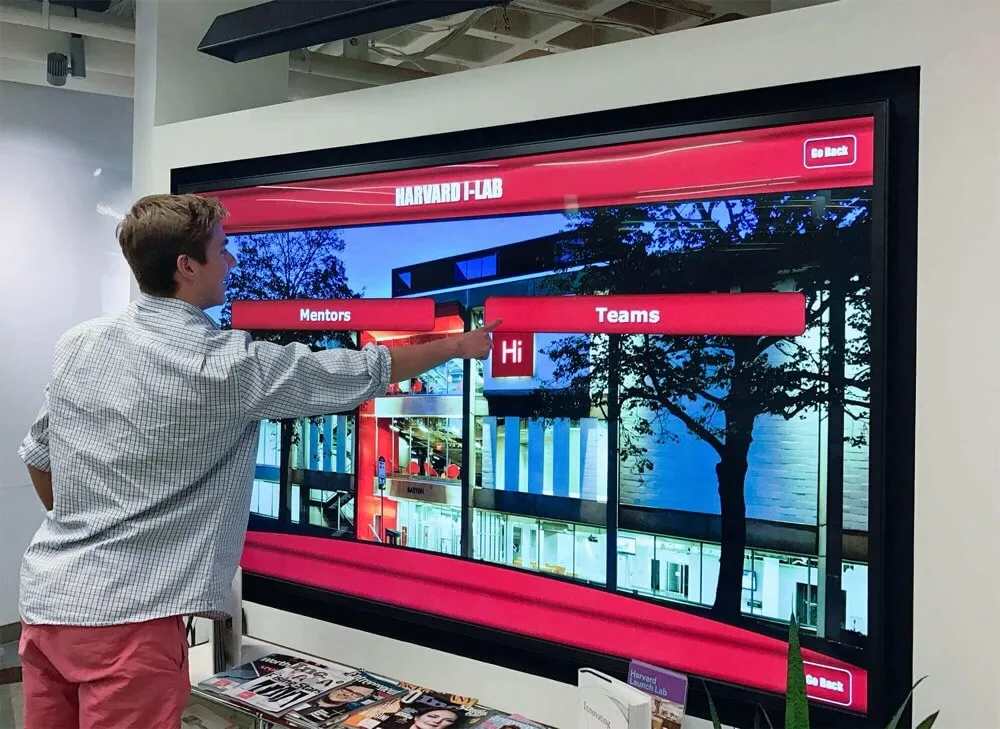
Who Installs Digital Hall of Fame Displays in Schools and Handles Mounting, Power, and Network Setup Near the Front Office?
Schools investing in digital hall of fame displays near their front offices face a practical question that goes beyond selecting the right technology: who actually handles the physical installation, mounting, electrical work, and network setup required to get these systems operational?
Read More