




Touchscreen kiosk software transforms ordinary displays into powerful interactive experiences that engage audiences, deliver information, celebrate achievements, and create memorable connections in schools, businesses, museums, healthcare facilities, and public spaces. As organizations increasingly recognize the limitations of static signage and passive displays, interactive kiosk solutions powered by sophisticated software platforms have emerged as essential tools for communication, recognition, wayfinding, and engagement.
The difference between mediocre and exceptional interactive kiosks lies almost entirely in the software driving the experience. Hardware—the screens, touchscreens, and mounting systems—provides the canvas, but software creates the interactive experiences that capture attention, guide exploration, and deliver value to users and organizations alike. Poor software choices result in frustrating user experiences, limited functionality, maintenance nightmares, and installations that organizations eventually abandon. Strategic software selection creates engaging, maintainable systems that deliver value for years.
This comprehensive guide explores everything organizations need to know about touchscreen kiosk software for interactive displays—from understanding core capabilities and essential features to comparing leading platforms, evaluating costs, planning implementations, and ensuring long-term success. Whether you’re deploying a single information kiosk or managing dozens of interactive recognition displays across multiple locations, this guide provides the framework for confident software decisions that align with your specific requirements, budget constraints, and strategic objectives.
The global interactive kiosk market is projected to reach $32.8 billion by 2025, while the digital out-of-home market continues expanding to $21.35 billion by 2030, demonstrating the accelerating adoption of interactive display technologies across virtually every industry and application context. Organizations that select appropriate kiosk software position themselves to leverage these powerful engagement tools effectively.

Modern touchscreen kiosk software enables engaging interactive experiences for recognition, information delivery, and audience engagement
Understanding Touchscreen Kiosk Software: What It Is and Why It Matters
Before exploring specific platforms and features, establishing clear understanding of what touchscreen kiosk software encompasses and why it fundamentally shapes interactive display success helps organizations approach selection decisions strategically.
What Is Touchscreen Kiosk Software?
Touchscreen kiosk software consists of specialized applications and platforms designed specifically to power interactive display experiences through intuitive touch interfaces. Unlike basic digital signage that simply plays rotating content, kiosk software responds to user input, enables exploration and discovery, manages complex content databases, and creates engaging experiences impossible with passive displays.
Core Software Components
Complete touchscreen kiosk solutions integrate multiple software elements working together:
- Interactive display application: Frontend software users interact with through touch interfaces, presenting content and responding to navigation
- Content management system (CMS): Backend platform enabling content creation, organization, updates, and scheduling without programming
- Cloud infrastructure: Remote hosting and delivery systems supporting distributed deployments and centralized management
- Kiosk mode functionality: Security features locking devices into dedicated display modes preventing unauthorized system access
- Analytics and reporting: Engagement tracking revealing how users interact with content and identifying improvement opportunities
- Media handling: Specialized rendering for images, videos, interactive maps, and multimedia content optimized for touch interaction
- Search and navigation: Discovery tools helping users find specific information within large content databases
This integrated approach differentiates purpose-built kiosk software from generic solutions attempting to adapt desktop applications or basic digital signage for interactive display contexts.
Web-Based vs. Native Kiosk Software Architectures
Touchscreen kiosk software generally follows two fundamental architectural approaches, each offering distinct advantages and limitations affecting deployment decisions.
Web-Based Kiosk Software
Web-based platforms run through browsers using standard internet technologies including HTML5, CSS, and JavaScript. Organizations point browser software to URLs hosting interactive content designed for touch interfaces.
Key Characteristics:
- Platform independence working across Windows, macOS, Android, iOS, and Linux
- Remote content updates applying instantly across all installations
- Simplified development using widely available web technologies
- Lower initial development costs compared to native alternatives
- Responsive design adapting to different screen sizes automatically
- Progressive Web App capabilities enabling offline functionality when designed appropriately
Solutions like Rocket Alumni Solutions exemplify sophisticated web-based approaches delivering native-like experiences while maintaining web architecture’s inherent management advantages.
Learn more about architectural decisions in web-based vs native touchscreen software comparisons examining technical tradeoffs comprehensively.
Native Kiosk Software
Native applications are built specifically for particular operating systems using platform-specific programming languages and development frameworks. These applications install directly on devices and operate without browser intermediaries.
Key Characteristics:
- Direct hardware integration accessing device capabilities unavailable to browsers
- Superior performance for computationally intensive applications
- Complete offline operation without connectivity dependencies
- Enhanced security through system-level controls
- Platform-specific optimization delivering maximum responsiveness
- Comprehensive gesture support for complex multitouch interactions
Organizations should evaluate requirements carefully—web-based platforms excel for content-focused recognition and information applications requiring frequent updates, while native software proves essential for highly interactive exhibits, specialized hardware integration, or environments with connectivity limitations.

Strategic kiosk placement in high-traffic locations ensures maximum visibility and engagement with interactive content
Primary Applications of Touchscreen Kiosk Software
Understanding common kiosk applications helps organizations identify software capabilities most relevant to their specific deployment contexts and objectives.
Recognition and Hall of Fame Displays
Educational institutions, athletic programs, businesses, and community organizations increasingly deploy interactive kiosks celebrating achievements and preserving institutional legacy through engaging digital experiences.
Recognition Kiosk Capabilities
Specialized recognition platforms provide purpose-built features:
- Unlimited honoree profiles with comprehensive multimedia content
- Photo galleries, video highlights, and complete achievement documentation
- Search and filtering enabling discovery across large recognition databases
- Categorical organization by sport, academic achievement, year, or custom taxonomies
- Timeline visualizations showing historical progression and context
- Social sharing capabilities amplifying recognition reach
- Web-responsive extensions enabling exploration beyond physical displays
- Cloud-based management supporting instant content updates from any location
Schools implementing digital hall of fame touchscreen displays report displaying 5-10 times more achievements than previous physical displays accommodated while dramatically increasing visitor engagement through interactive experiences.
Common Recognition Applications
- Athletic halls of fame celebrating championships, individual excellence, and coaching achievements
- Academic recognition showcasing honor roll, scholarships, and educational excellence
- Alumni spotlights connecting current communities with institutional legacy
- Corporate employee recognition celebrating service, performance, and contributions
- Donor recognition honoring philanthropy supporting organizational missions
- Historic preservation documenting institutional evolution across generations
Discover comprehensive frameworks in interactive recognition display guides addressing implementation strategies across diverse contexts.
Wayfinding and Directory Systems
Complex facilities—campuses, hospitals, office buildings, shopping centers—deploy interactive kiosks helping visitors navigate spaces efficiently while reducing staff burden answering directional questions.
Wayfinding Kiosk Features
- Interactive floor plans and campus maps
- “You are here” orientation showing current location
- Department and service directories with search
- Turn-by-turn navigation instructions
- Accessibility routing for users with mobility limitations
- Multi-language support serving diverse populations
- Real-time updates reflecting facility changes
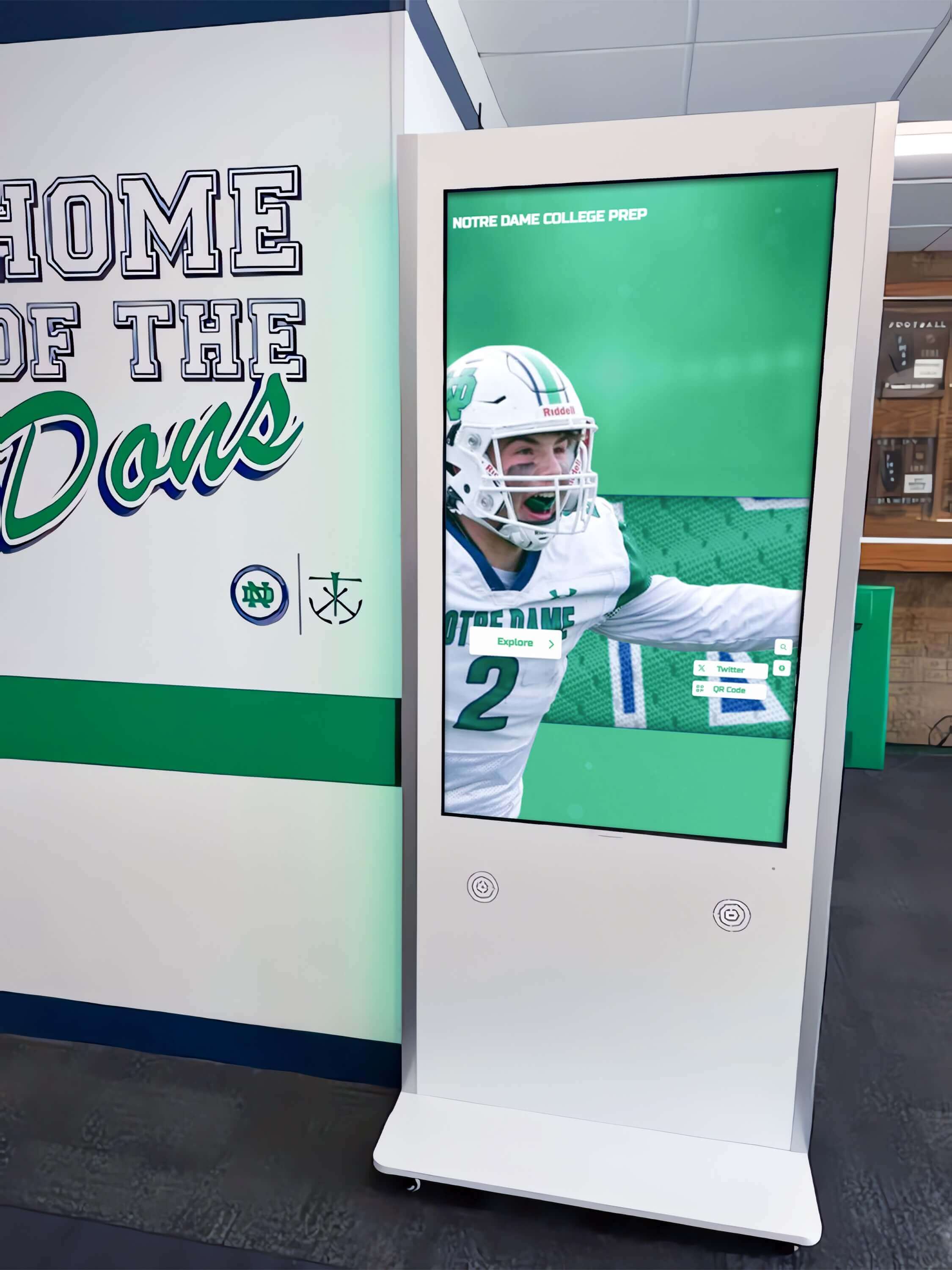
Purpose-built kiosk software enables intuitive navigation and content discovery appropriate for public environments
Healthcare facilities report touchscreen directory systems reducing visitor stress while freeing reception staff from constant directional assistance, demonstrating tangible operational benefits beyond visitor experience improvements.
Information and Communication Kiosks
Organizations use interactive displays delivering timely information to stakeholders—announcements, event schedules, news, emergency notifications, and institutional communications replacing static bulletin boards with dynamic, engaging alternatives.
Information Kiosk Capabilities
- Real-time announcements and news feeds updating automatically
- Event calendars with searchable schedules and registration
- Emergency notifications activating when circumstances require
- Department information and staff directories
- Policy and procedure documentation with search functionality
- Forms and document access reducing printing and distribution
- Integration with content management systems and information databases
Schools deploying interactive announcement feed systems report significantly increased information awareness compared to previous static bulletin boards or passive digital signage implementations.
Museum and Cultural Institution Exhibits
Museums, science centers, historical societies, and cultural institutions leverage interactive kiosks creating educational experiences engaging visitors with collections, stories, and themes through multimedia storytelling impossible with traditional exhibit methods.
Museum Kiosk Applications
- Interactive collection exploration with detailed artifact information
- Historical timeline navigation visualizing chronological progression
- Multimedia storytelling integrating photos, videos, audio, and text
- Educational games and activities enhancing learning engagement
- Virtual reality or augmented reality experiences
- Visitor-contributed content collecting stories and memories
- Multi-language support serving diverse audiences
Research consistently demonstrates that interactive museum exhibits increase visitor dwell time by 70% or more compared to static displays, significantly enhancing educational outcomes and visitor satisfaction.

Professional kiosk software delivers engaging interactive experiences suitable for public demonstrations and exhibitions
Self-Service Transaction Kiosks
Retail, hospitality, healthcare, and service organizations deploy transaction kiosks enabling self-service check-in, ordering, payment, and other operations reducing wait times while controlling labor costs.
Transaction Kiosk Features
- Customer check-in and registration workflows
- Product browsing and ordering interfaces
- Payment processing with integrated card readers
- Receipt and confirmation printing
- Appointment scheduling and management
- Queue management and wait time information
- Integration with point-of-sale and operational systems
These specialized applications typically require native software delivering comprehensive hardware integration and enhanced security meeting payment card industry compliance standards.
Essential Features to Evaluate in Kiosk Software
Selecting appropriate touchscreen kiosk software requires systematic evaluation of capabilities essential for successful implementations matching your specific requirements and constraints.
Intuitive User Interface and Experience
The most technically sophisticated kiosk software fails if users find interfaces confusing, frustrating, or difficult to navigate. Public-facing kiosks must accommodate diverse audiences including users unfamiliar with touch interfaces, elderly users with varying technical comfort, and individuals accessing information under time pressure or stress.
Critical UX Considerations
- Touch-optimized design: Minimum 44-48 pixel touch targets accommodating average finger size accurately
- Clear visual hierarchy: Obvious information architecture guiding users logically through content
- Immediate feedback: Visual confirmation when touches register through highlights, animations, or state changes
- Simple navigation: Obvious paths forward, back, and home without complex hierarchies requiring instruction
- Readable typography: Minimum 24-30 point body text visible at typical viewing distances
- High contrast: Sufficient contrast between text and backgrounds ensuring legibility across lighting conditions
- Minimal cognitive load: Limited choices per screen preventing overwhelming decision paralysis
- Forgiving interaction: Undo capabilities and confirmation for destructive actions preventing frustration
- Accessibility features: Screen reader support, adjustable font sizes, high-contrast modes, and alternative navigation
Organizations deploying kiosks should conduct usability testing with representative users before full deployment—observing real users reveals interface issues developers and internal teams overlook.
Explore comprehensive touchscreen experience design principles ensuring engaging, accessible interactive displays.
Flexible Content Management System
Kiosk value depends entirely on content quality and currency. Software requiring programming expertise or vendor intervention for routine updates creates unsustainable maintenance burdens leading to outdated installations that organizations eventually abandon.
Essential CMS Capabilities
- Intuitive content authoring: WYSIWYG editors enabling content creation without HTML or programming knowledge
- Media library management: Centralized storage for images, videos, and documents with organization and search
- Drag-and-drop interface: Visual layout design without code manipulation
- Content scheduling: Automatic activation and expiration for time-sensitive information
- Template systems: Pre-built layouts ensuring consistent professional presentation
- Multi-user support: Role-based permissions enabling multiple staff contributions
- Version control: Content history enabling rollback if updates cause problems
- Preview functionality: Testing content appearance before public release
- Import/export tools: Bulk content operations avoiding tedious manual entry
Cloud-based content management enables updates from any internet-connected device—dramatically reducing administrative burden compared to systems requiring physical device access or specialized software installations.
Robust Search and Discovery Tools
Interactive kiosks hosting extensive content databases require sophisticated search enabling users to quickly find specific information rather than browsing through hundreds or thousands of entries manually.
Discovery Feature Requirements
- Full-text search: Matching user queries against all content fields
- Auto-complete suggestions: Helping users formulate effective searches as they type
- Filtered browsing: Category, date, and attribute filters narrowing results systematically
- Sort options: Arranging results by relevance, alphabetically, chronologically, or other criteria
- Related content: Suggesting additional entries users might find interesting
- Recently viewed: Easy return to previously explored content
- Favorites/bookmarks: Saving content for future reference or sharing
Schools implementing searchable hall of fame systems report users spend 3-5 times longer exploring content when robust search tools enable discovery of personally relevant information compared to simple chronological browsing.

Intuitive touch interfaces enable users to explore content through natural gestures matching smartphone and tablet experiences
Comprehensive Multimedia Support
Modern kiosks integrate photos, videos, audio, animations, and interactive elements creating engaging experiences far beyond text-based information delivery.
Multimedia Handling Requirements
- High-resolution image display: Supporting 4K and higher resolutions for large displays
- Video playback: Smooth streaming with quality adaptation based on network conditions
- Audio integration: Synchronized narration, ambient sound, and interactive audio feedback
- Animation capabilities: Engaging transitions, data visualizations, and interactive graphics
- Format flexibility: Supporting common formats (JPEG, PNG, MP4, WebM) without specialized conversion
- Responsive media: Automatic optimization for different screen sizes and orientations
- Lazy loading: Efficient resource management loading media as needed rather than all at once
- Offline caching: Local storage ensuring media availability during network interruptions
Educational institutions creating digital storytelling experiences for athletic programs report dramatically increased engagement when comprehensive multimedia brings achievements to life through video highlights, photo galleries, and audio interviews.
Remote Management and Monitoring
Organizations deploying multiple kiosks or installations in locations without convenient physical access require centralized management capabilities reducing administrative burden and ensuring consistent performance.
Remote Management Features
- Cloud-based administration: Web dashboards managing all installations from single interface
- Bulk content updates: Deploying changes across multiple kiosks simultaneously
- Device monitoring: Real-time status showing which installations are online and functioning properly
- Remote troubleshooting: Diagnostic tools identifying and resolving issues without site visits
- Automatic software updates: Keeping all installations current without manual intervention
- Usage analytics: Aggregated reporting across all locations revealing engagement patterns
- Alert notifications: Proactive warnings about offline devices, errors, or performance issues
- Scheduled maintenance: Automatic restarts, cache clearing, and optimization during off-peak hours
Organizations with distributed kiosk networks report remote management capabilities reduce maintenance costs by 60-80% compared to installations requiring on-site service for routine operations.
Security and Kiosk Mode Features
Public-facing kiosks require robust security preventing unauthorized access to underlying operating systems, protecting sensitive data, and ensuring reliable operation even when users attempt inappropriate interactions.
Essential Security Capabilities
- Kiosk mode lockdown: Full-screen operation preventing exit to desktop or system menus
- Disabled keyboard shortcuts: Blocking Alt-F4, Ctrl-Alt-Delete, Windows key, and other system commands
- Automatic recovery: Relaunching application if crashes or unexpected exits occur
- Session timeout: Automatic reset after inactivity preventing prolonged single-user occupation
- Content restrictions: Limiting navigation to approved content only
- User data protection: Secure handling of any personal information collected
- Network security: Encrypted connections protecting data transmission
- Physical security integration: Coordination with hardware locks and tamper detection
Native applications typically provide more comprehensive system-level security controls, though modern web-based platforms using specialized kiosk browsers achieve appropriate security for most applications.
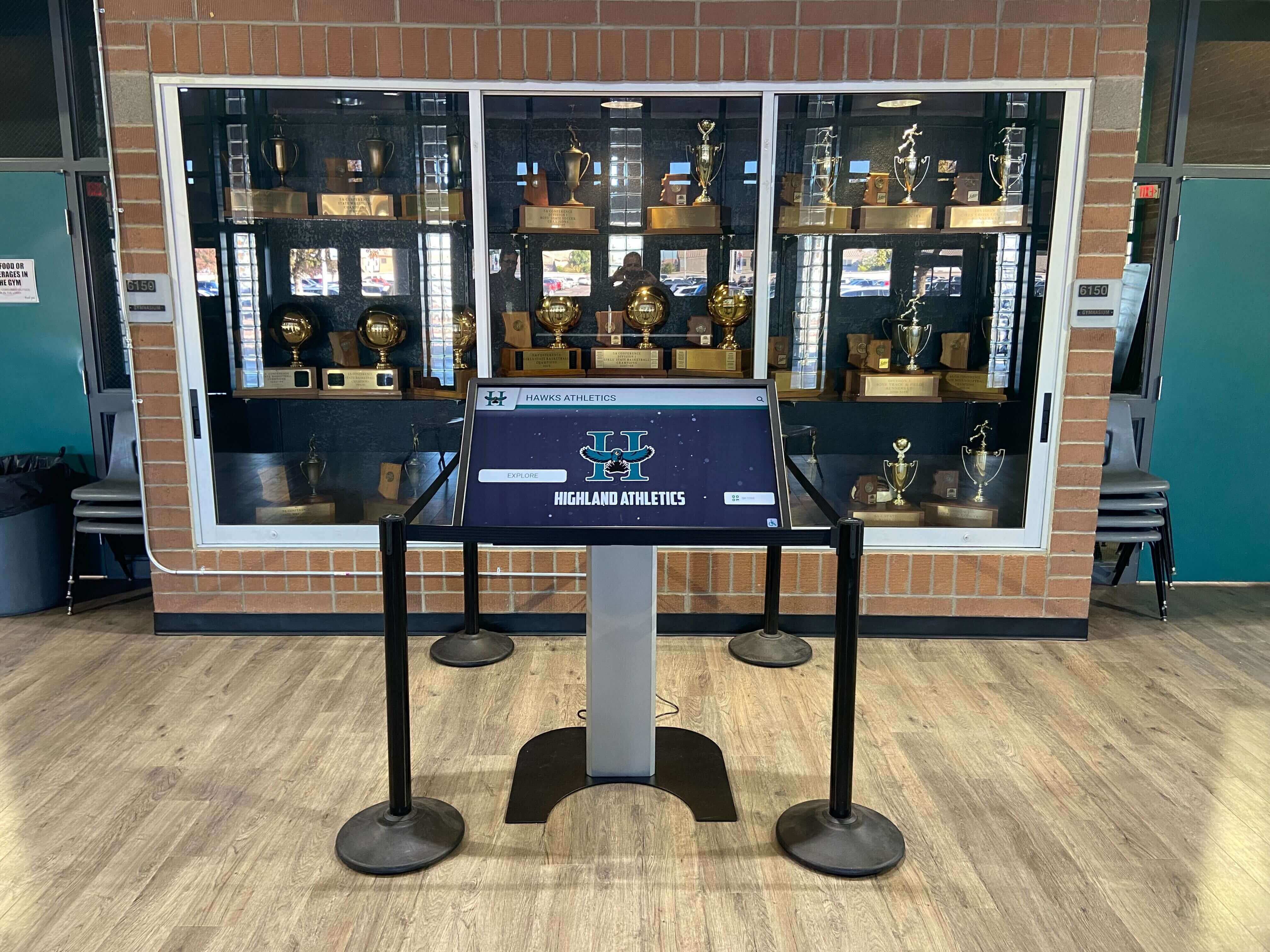
Secure kiosk software enables reliable public operation while protecting underlying systems from unauthorized access
Leading Touchscreen Kiosk Software Platforms Compared
Understanding major platforms and their respective strengths helps organizations narrow choices to solutions most aligned with specific requirements and contexts.
Rocket Alumni Solutions: Best for Recognition and Engagement
Overview
Rocket Alumni Solutions provides purpose-built touchscreen kiosk software designed specifically for recognition, engagement, and institutional storytelling across educational, athletic, corporate, and community contexts. Unlike generic kiosk platforms requiring extensive customization, Rocket delivers specialized features matching recognition application requirements out-of-the-box.
Key Strengths
Recognition-Specific Features:
- Pre-built templates for athletic halls of fame, academic recognition, alumni spotlights, and donor walls
- Unlimited honoree capacity supporting comprehensive celebration across all categories and eras
- Sophisticated search and filtering optimized for discovering individuals and achievements
- Integrated multimedia storytelling combining photos, videos, statistics, and narratives
- Web-responsive design extending recognition beyond physical displays automatically
- Social sharing tools amplifying recognition reach through organic promotion
Ease of Use:
- Cloud-based CMS requiring no technical expertise for content management
- Intuitive drag-and-drop interfaces enabling rapid content creation
- Bulk import tools avoiding tedious manual entry for historical content
- White-glove implementation services ensuring successful launches
- Comprehensive training and ongoing support preventing abandonment
Operational Advantages:
- Platform independence working across Windows, Mac, Android, and other devices
- Remote content updates applying instantly without physical display access
- Centralized multi-location management through single dashboard
- Proven track record across hundreds of successful educational and nonprofit installations
- Pricing appropriate for educational and nonprofit budget realities
Ideal For
- Schools and universities implementing digital halls of fame
- Athletic departments celebrating championships and individual excellence
- Alumni associations strengthening connections through recognition
- Corporate employee recognition programs
- Donor recognition and advancement applications
- Community organizations honoring local achievement
Pricing
Subscription-based pricing starting around $1,680-$3,600 annually depending on features and support level—inclusive model covering software platform, cloud hosting, ongoing updates, and technical support.
Discover comprehensive capabilities in Rocket Alumni Solutions platform overviews examining recognition-specific features and implementation support.
Intuiface: Best for Custom Interactive Experiences
Overview
Intuiface provides professional-grade platform enabling sophisticated custom interactive experiences without programming. Hardware-agnostic approach works across Windows, iPad, Android, Samsung Tizen, LG webOS, and Chrome OS devices.
Key Strengths
- Complete creative control over experience design and branding
- Sophisticated interactivity including gesture recognition, sensor integration, and dynamic data
- Extensive integration capabilities connecting external databases and systems
- Professional-grade reliability suitable for high-visibility installations
- Comprehensive analytics revealing detailed engagement patterns
Ideal For
- Large institutions with dedicated digital experience teams
- Custom museum exhibits requiring unique interactive experiences
- Marketing installations demanding maximum creative flexibility
- Organizations with specialized requirements generic platforms can’t accommodate
Pricing
Enterprise-level pricing starting around $80-150+ per month per device—appropriate for professional applications but potentially prohibitive for smaller organizations or extensive multi-device deployments.
Yodeck: Best for Budget-Conscious Deployments
Overview
Yodeck delivers affordable digital signage with basic interactive capabilities suitable for organizations prioritizing cost efficiency over specialized features.
Key Strengths
- Low-cost entry point ($7.99+ monthly per display)
- Simple setup and operation requiring minimal technical expertise
- Cloud-based management supporting distributed deployments
- Integration with various content sources
Limitations
- Basic interactivity compared to specialized recognition platforms
- Limited customization and feature depth
- Generic templates requiring significant adaptation for specialized applications
Ideal For
- Small organizations with very limited budgets
- Simple information display applications
- Organizations requiring basic interactivity without sophisticated features
OptiSigns: Best for Information Display with Light Interactivity
Overview
OptiSigns focuses primarily on digital signage with add-on interactive capabilities suitable for straightforward information display applications.
Key Strengths
- Straightforward digital signage with basic touch interaction
- Multiple integration options with business systems
- Reasonable pricing for basic interactive needs
Limitations
- Interactive features less sophisticated than purpose-built kiosk platforms
- Better suited for information display than complex engagement applications
Ideal For
- Organizations primarily needing digital signage with occasional interactive elements
- Business environments displaying information with limited user interaction
- Retail or hospitality information displays
Cost Considerations and Total Ownership Economics
Understanding comprehensive costs enables organizations to make financially informed decisions accounting for initial implementation expenses and ongoing operational requirements.
Initial Implementation Costs
Software Platform Costs
Initial software expenses vary dramatically by platform and licensing model:
- Purpose-built recognition platforms (Rocket Alumni Solutions): $2,000-5,000 initial setup
- Enterprise interactive platforms (Intuiface): $5,000-15,000+ initial licensing
- Budget digital signage with interactive features: $0-2,000 initial costs
- Custom development: $25,000-100,000+ for sophisticated bespoke solutions
Hardware Investment
Commercial-grade touchscreen displays and mounting:
- 43-55" commercial touchscreen displays: $2,500-6,000 per unit
- 65-75" commercial touchscreen displays: $6,000-12,000 per unit
- Commercial-grade mounting and kiosk enclosures: $800-3,000 per installation
- Media players or computing devices: $300-1,500 per display
- Professional installation: $800-2,500 per location
Typical single-display implementation: $8,000-20,000 total Typical multi-display implementation (3-5 units): $25,000-65,000 total
Content Development
Initial content creation investment:
- Professional photography and videography: $1,500-5,000
- Content authoring and organization: 40-100 hours staff time
- Historical research and data compilation: 20-60 hours
- Media preparation and optimization: 20-40 hours
Organizations can reduce content costs through phased approaches—launching with limited content then expanding systematically rather than attempting comprehensive development before deployment.
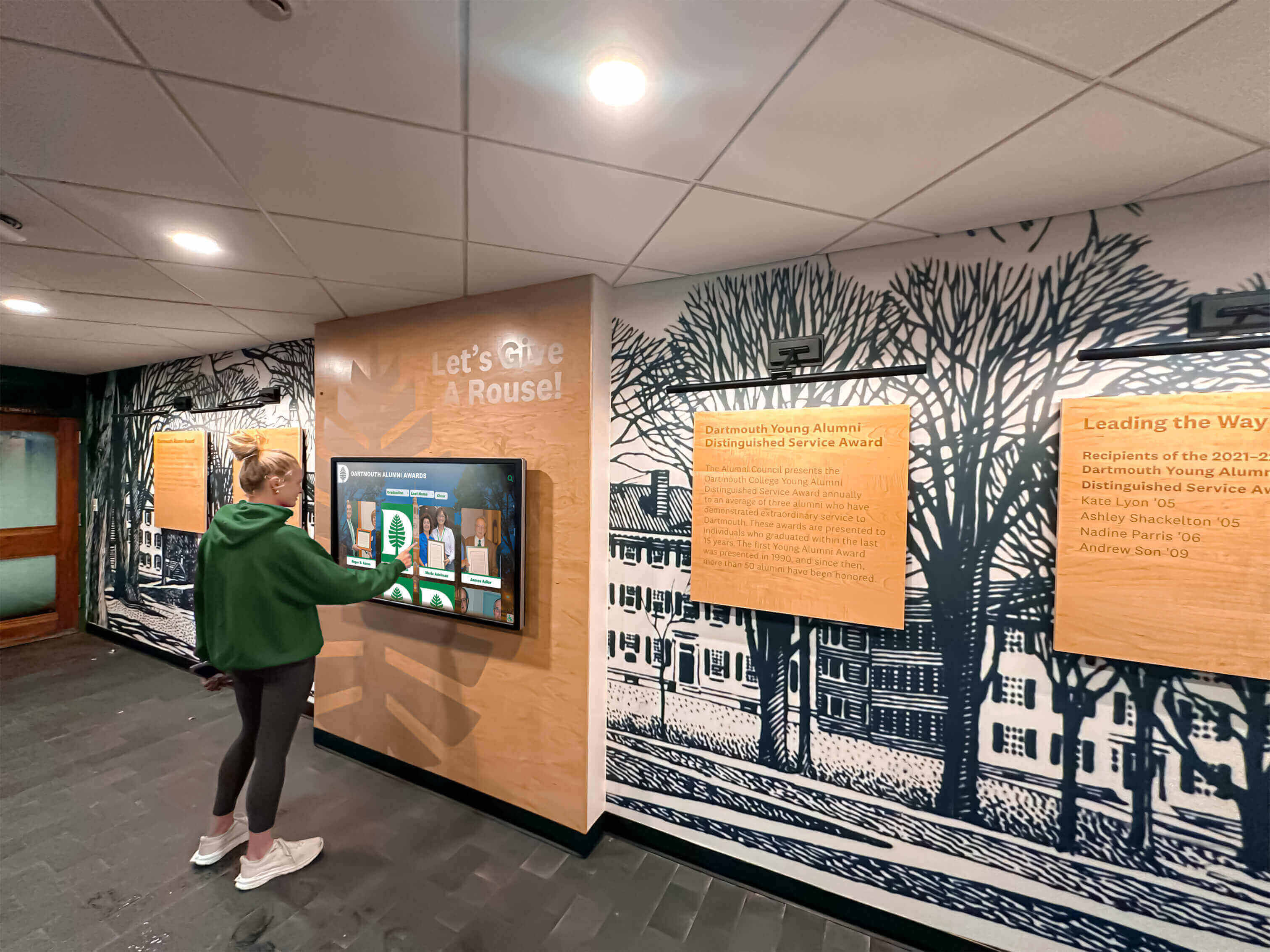
Strategic software selection ensures long-term sustainability through manageable content management and maintenance requirements
Ongoing Operational Costs
Annual Software Expenses
Recurring platform costs vary by solution:
- Purpose-built recognition platforms: $1,680-3,600 annually
- Enterprise interactive platforms: $960-1,800+ annually per device
- Budget digital signage platforms: $96-600 annually per display
- Self-hosted solutions: $300-1,500 annually for hosting and maintenance
Content Management Labor
Ongoing content maintenance requirements:
- Regular content updates: 20-60 hours annually
- Seasonal content refreshes: 10-30 hours annually
- Quality reviews and corrections: 10-20 hours annually
- Total typical content management: 40-110 hours annually
Organizations should designate specific staff responsible for content management rather than treating updates as additional duties multiple people avoid—clear ownership ensures sustained currency.
Technical Maintenance
Ongoing technical support needs:
- Software updates and patches: Typically automatic for cloud platforms
- Hardware maintenance and repairs: $200-800 annually per display
- Network and connectivity maintenance: Minimal incremental costs
- Technical support subscriptions: Often included in software pricing
Return on Investment Considerations
While kiosk software involves real costs, organizations report substantial value across multiple dimensions often justifying investments through benefits that would be impossible to achieve otherwise:
Quantifiable Benefits
- Reduced staff time answering repetitive questions (wayfinding applications)
- Increased alumni engagement and giving (recognition applications)
- Enhanced recruiting outcomes from improved campus experiences
- Operational efficiencies from self-service transaction processing
Qualitative Benefits
- Strengthened institutional culture and pride
- Enhanced visitor experiences and satisfaction
- Improved information accessibility and awareness
- Professional presentation enhancing institutional reputation
- Preserved institutional history preventing legacy loss
Organizations should evaluate ROI comprehensively—kiosk installations serve multiple objectives simultaneously, making per-objective costs quite reasonable when benefits are fully assessed.
Planning Successful Kiosk Software Implementations
Strategic planning significantly increases implementation success rates while reducing costs, frustration, and abandonment risks that plague insufficiently prepared projects.
Needs Assessment and Requirements Definition
Clarifying Core Objectives
Before evaluating software platforms, organizations should clearly articulate what they hope to accomplish through interactive kiosk deployment:
Primary Purpose:
- Recognition and celebration of achievement
- Wayfinding and navigation assistance
- Information delivery and communication
- Educational engagement and storytelling
- Self-service transactions and operations
- Marketing and promotional activities
Success Criteria:
- What specific outcomes would demonstrate successful implementation?
- How will you measure whether objectives are achieved?
- What engagement levels would indicate effective operation?
- What operational improvements would justify investment?
Clear objective definition prevents scope creep while enabling focused software evaluation emphasizing capabilities most critical to intended applications.
Audience and User Experience Requirements
Understanding who will interact with kiosks shapes appropriate software characteristics:
- Age ranges and technical comfort levels affecting interface complexity
- Physical accessibility requirements for users with disabilities
- Language diversity requiring multi-language support
- Peak usage patterns informing performance requirements
- Content interests guiding organization and discovery features
Organizations should conduct stakeholder interviews or surveys gathering input about what audiences most want to see and how they prefer to explore content.
Location and Hardware Planning
Strategic Placement Decisions
Kiosk effectiveness depends heavily on location selection maximizing visibility and encouraging interaction:
High-Traffic Locations:
- Main building entrance lobbies ensuring all visitors encounter displays
- Gathering spaces where people naturally congregate with dwell time
- Waiting areas providing opportunity for exploration
- Athletic facilities creating immediate recognition atmosphere
- Alumni centers facilitating connection and engagement
Environmental Considerations:
- Lighting conditions affecting screen visibility and required brightness
- Ambient noise levels influencing audio capabilities
- Space availability for comfortable interaction without blocking traffic
- Power and network connectivity availability
- Physical security considerations in public environments
Hardware Specification Development
Software capabilities must align with hardware specifications ensuring optimal performance:
- Display size appropriate for viewing distance and content type (43-75 inches typical)
- Touch technology (capacitive or infrared) providing responsive accurate input
- Resolution sufficient for content clarity (minimum 1080p; 4K preferred for large displays)
- Brightness adequate for lighting conditions (350-500 nits typical indoor)
- Commercial-grade durability rated for extended daily operation
- Computing power appropriate for software platform requirements
- Connectivity supporting cloud content delivery and remote management
Consult software vendors about recommended hardware specifications—generic displays may lack features specialized kiosk software requires for optimal operation.
Content Strategy and Development Planning
Content Inventory and Prioritization
Successful implementations require systematic content development planning:
Initial Content Scope:
- What content categories will launch include?
- How much depth per category ensures valuable experiences?
- What historical coverage provides adequate representation?
- Which content areas can launch with limited entries for later expansion?
Content Sources:
- Yearbooks and archives providing historical information
- Athletic department records documenting championships and achievements
- Alumni databases containing biographical information
- Photo and video libraries offering multimedia assets
- Staff and community knowledge preserving institutional memory
Organizations should resist attempting comprehensive content development before launch—phased approaches launching with strong foundation content then expanding systematically prove more successful than delayed launches waiting for impossible completeness.
Content Quality Standards
Professional presentation requires consistent quality standards:
- Minimum image resolution ensuring clarity on large displays
- Video quality, editing, and closed captioning standards
- Written content length, tone, and style guidelines
- Factual accuracy verification procedures
- Permission and rights documentation for all media
- Accessibility features meeting ADA requirements
Discover comprehensive frameworks in digital recognition content guides addressing systematic content development across diverse recognition categories.
Training and Change Management
Staff Training Requirements
Sustainable kiosk programs require staff competency managing content and addressing basic technical issues:
- Content authoring and publishing procedures
- Media preparation and optimization
- Search optimization ensuring discoverability
- Analytics interpretation informing strategy refinement
- Basic troubleshooting and maintenance
- Help resource utilization when advanced support needed
Purpose-built platforms like Rocket Alumni Solutions include comprehensive training as standard implementation services—ensuring staff confidence and capability from launch rather than learning through frustrating trial and error.
Stakeholder Communication
Successful launches require building awareness and excitement:
- Leadership communication explaining objectives and expected benefits
- Staff information about content contribution opportunities
- Community announcements generating anticipation before launch
- Launch events celebrating implementation and demonstrating capabilities
- Ongoing promotion maintaining engagement after initial excitement fades
Organizations treating kiosk launches as significant institutional investments worthy of celebration report dramatically higher initial engagement than quiet deployments community members barely notice.

Comprehensive planning ensures interactive kiosks deliver engaging experiences that serve audiences effectively while remaining sustainable long-term
Best Practices for Long-Term Kiosk Software Success
Initial implementation represents just the beginning—sustained success requires ongoing attention to content currency, user experience optimization, and technical maintenance.
Maintaining Content Currency and Quality
Regular Update Schedules
Kiosk value depends on content remaining current and relevant:
- Weekly or monthly content additions during active periods
- Quarterly comprehensive reviews ensuring accuracy
- Seasonal content refreshes highlighting different achievements or themes
- Annual major updates adding significant new categories or capabilities
Establish clear procedures specifying who creates content, approval workflows, and publishing schedules—preventing “someone should update that” diffusion of responsibility that results in neglected installations.
Content Quality Assurance
Systematic quality control prevents embarrassing errors:
- Peer review before publishing high-visibility content
- Proofreading checklists covering common error types
- Regular audits identifying outdated or incorrect information
- User feedback mechanisms reporting issues community members discover
- Version control enabling rollback if updates cause problems
Cloud-based platforms dramatically simplify corrections—fixing errors immediately upon discovery rather than waiting for scheduled maintenance windows requiring physical device access.
Monitoring Engagement and Optimizing Experiences
Analytics Review and Interpretation
Regular analytics examination reveals optimization opportunities:
- Most-viewed content indicating audience interests worth expanding
- Search patterns showing how users discover information
- Navigation paths revealing whether information architecture works intuitively
- Session duration indicating engagement depth
- Peak usage times informing content scheduling and promotional timing
- Underutilized content suggesting reorganization needs or interest gaps
Organizations should review analytics monthly or quarterly, using insights to guide content strategy rather than simply collecting data without application.
User Feedback Collection
Direct stakeholder input provides insights beyond quantitative metrics:
- Periodic surveys assessing satisfaction and gathering improvement suggestions
- Informal conversations asking users about experiences
- Observation of users interacting with kiosks identifying friction points
- Community forums or suggestion boxes inviting ongoing input
Responsive organizations implementing suggested improvements demonstrate that stakeholder feedback matters—encouraging continued engagement while building systems that genuinely serve audience needs.
Technical Maintenance and Support
Routine Maintenance Procedures
Reliable operation requires preventive maintenance:
- Daily automated checks verifying systems are online and functioning
- Weekly content backup protecting against data loss
- Monthly software updates applying security patches and feature enhancements
- Quarterly hardware inspection checking for damage or wear
- Annual comprehensive review assessing whether upgrades are warranted
Cloud-based platforms handle most software maintenance automatically—dramatically reducing technical burden compared to locally managed systems.
Troubleshooting and Support Resources
Despite robust platforms, occasional issues arise requiring resolution:
- Clear documentation of troubleshooting procedures staff can follow
- Vendor support contacts for issues exceeding internal capabilities
- Remote diagnostic tools enabling efficient problem identification
- Spare hardware for temporary replacement during repairs
- Escalation procedures ensuring critical issues receive immediate attention
Purpose-built recognition platforms typically include comprehensive support as standard service—preventing installations from becoming abandoned when technical challenges exceed internal expertise.
Learn about comprehensive maintenance in touchscreen kiosk software guides addressing long-term operational considerations.
Future Trends in Touchscreen Kiosk Software
Understanding emerging developments helps organizations plan investments remaining relevant and valuable as technology evolves.
Artificial Intelligence and Personalization
AI-Enhanced Experiences
Next-generation kiosk software incorporates intelligent features:
- Personalized content recommendations based on interaction patterns
- Natural language processing enabling conversational interfaces
- Computer vision recognizing users and adapting experiences accordingly
- Predictive analytics anticipating information needs
- Automated content generation from structured data sources
- Real-time language translation expanding accessibility
These AI capabilities will progressively enhance engagement while reducing manual content management burdens through intelligent automation.
Enhanced Accessibility and Universal Design
Inclusive Experience Evolution
Modern platforms increasingly emphasize accessibility ensuring everyone can engage effectively:
- Voice interaction enabling hands-free operation
- Gesture control providing alternative to touch
- Adjustable interfaces accommodating visual and motor limitations
- Multi-language support serving diverse communities
- Cognitive accessibility features reducing complexity for users with intellectual disabilities
- Screen reader optimization supporting assistive technologies
Organizations prioritizing inclusive design demonstrate values while expanding audiences who can engage with interactive content effectively.
Mobile and Multi-Channel Integration
Omnichannel Recognition Ecosystems
Leading kiosk platforms extend beyond physical displays:
- Mobile applications enabling continued exploration beyond kiosks
- Web-responsive design automatically optimized for any device
- Social media integration amplifying recognition reach
- QR codes bridging physical and digital experiences
- Push notifications maintaining ongoing engagement
- Analytics aggregated across all channels revealing comprehensive engagement patterns
Solutions like Rocket Alumni Solutions exemplify integrated approaches—physical kiosks serve as entry points to recognition ecosystems accessible anytime, anywhere through web platforms and mobile optimization.
Conclusion: Strategic Software Selection for Interactive Kiosk Success
Touchscreen kiosk software fundamentally determines whether interactive display investments deliver sustained value or become expensive disappointments organizations eventually abandon. Hardware provides the canvas, but software creates the experiences that engage audiences, deliver information effectively, celebrate achievements meaningfully, and generate returns justifying investments.
Strategic software selection begins with clearly understanding your specific objectives, audience needs, content management capabilities, and budget realities. No single platform proves universally optimal—purpose-built recognition solutions like Rocket Alumni Solutions excel for schools and organizations celebrating achievement, professional creative platforms like Intuiface enable sophisticated custom experiences for specialized applications, and budget-focused options serve organizations with simple needs and limited resources.
Discover Purpose-Built Touchscreen Kiosk Software for Recognition
Explore how Rocket Alumni Solutions delivers engaging interactive recognition experiences through intuitive software platforms designed specifically for schools, athletic programs, and organizations celebrating achievement—no technical expertise required.
Schedule a Software DemoBeyond evaluating individual features, successful organizations assess total ownership economics—accounting for initial implementation costs, ongoing operational expenses, required staff time, and comprehensive benefits spanning engagement, culture, operations, and advancement objectives that kiosks serve simultaneously.
Implementation planning proves as critical as software selection itself. Systematic needs assessment, strategic placement, content development frameworks, staff training, and change management significantly influence whether kiosks achieve intended objectives or disappoint through insufficient preparation regardless of underlying software quality.
Long-term success requires sustained commitment to content currency, user experience optimization, and technical maintenance. Cloud-based platforms dramatically reduce these burdens through remote management, automatic updates, and comprehensive support—enabling organizations to maintain engaging, current systems without prohibitive ongoing investments.
The touchscreen kiosk software landscape continues evolving rapidly—artificial intelligence, enhanced accessibility, mobile integration, and emerging interaction paradigms will progressively expand what’s possible while making sophisticated capabilities accessible to organizations of all sizes and technical sophistication levels.
Start wherever your current situation demands—whether implementing comprehensive recognition displays celebrating institutional excellence, deploying wayfinding systems guiding campus visitors, or creating educational exhibits engaging museum audiences. With strategic software selection aligned to your specific requirements and thoughtful implementation planning, touchscreen kiosks become valuable institutional assets delivering engagement, communication, and recognition benefits for years to come.
Ready to explore touchscreen kiosk software options for your organization? Discover how Rocket Alumni Solutions can help you create engaging interactive recognition experiences that honor achievement, strengthen community connections, and preserve institutional legacy through purpose-built software designed specifically for recognition and engagement applications.
Additional resources for comprehensive kiosk planning include digital hall of fame implementation guides, touchscreen software comparison frameworks, and interactive display design principles addressing strategic decisions ensuring long-term success across diverse organizational contexts and applications.
Sources:































