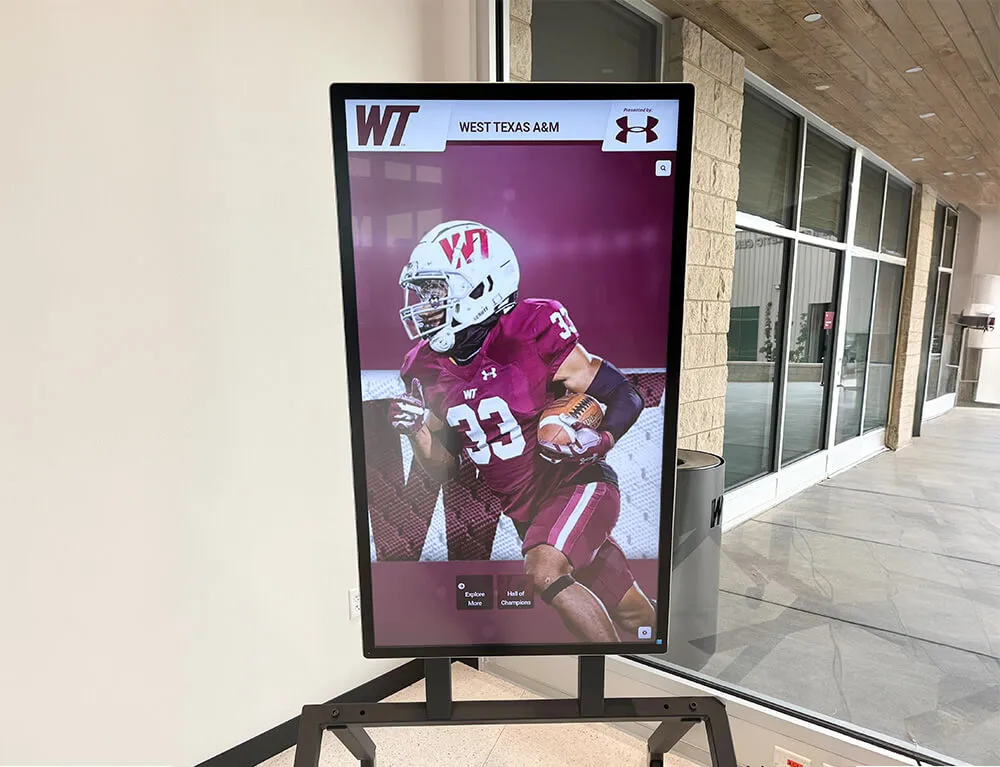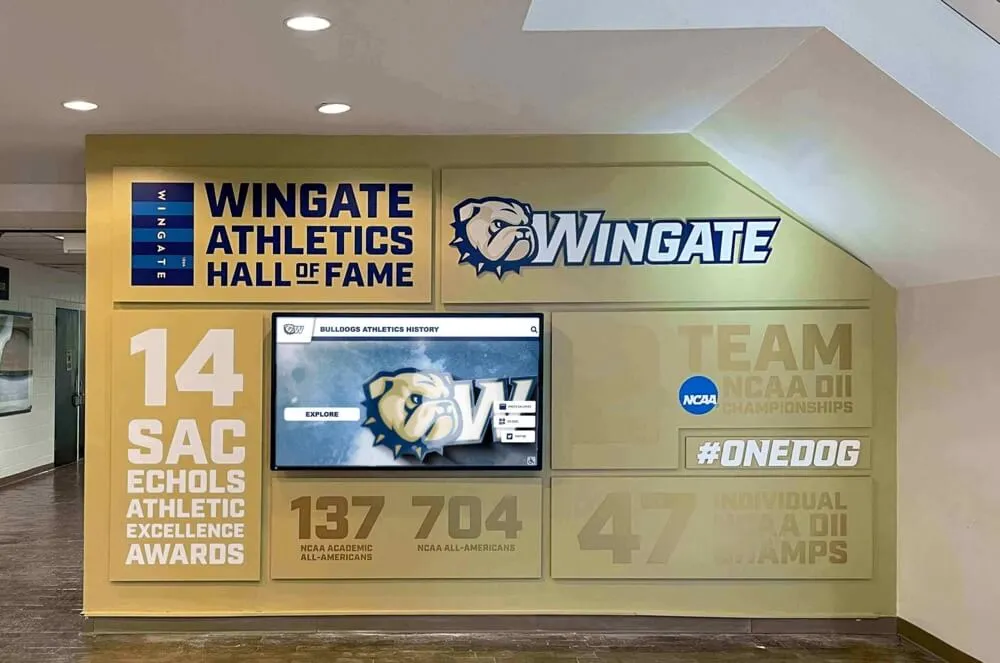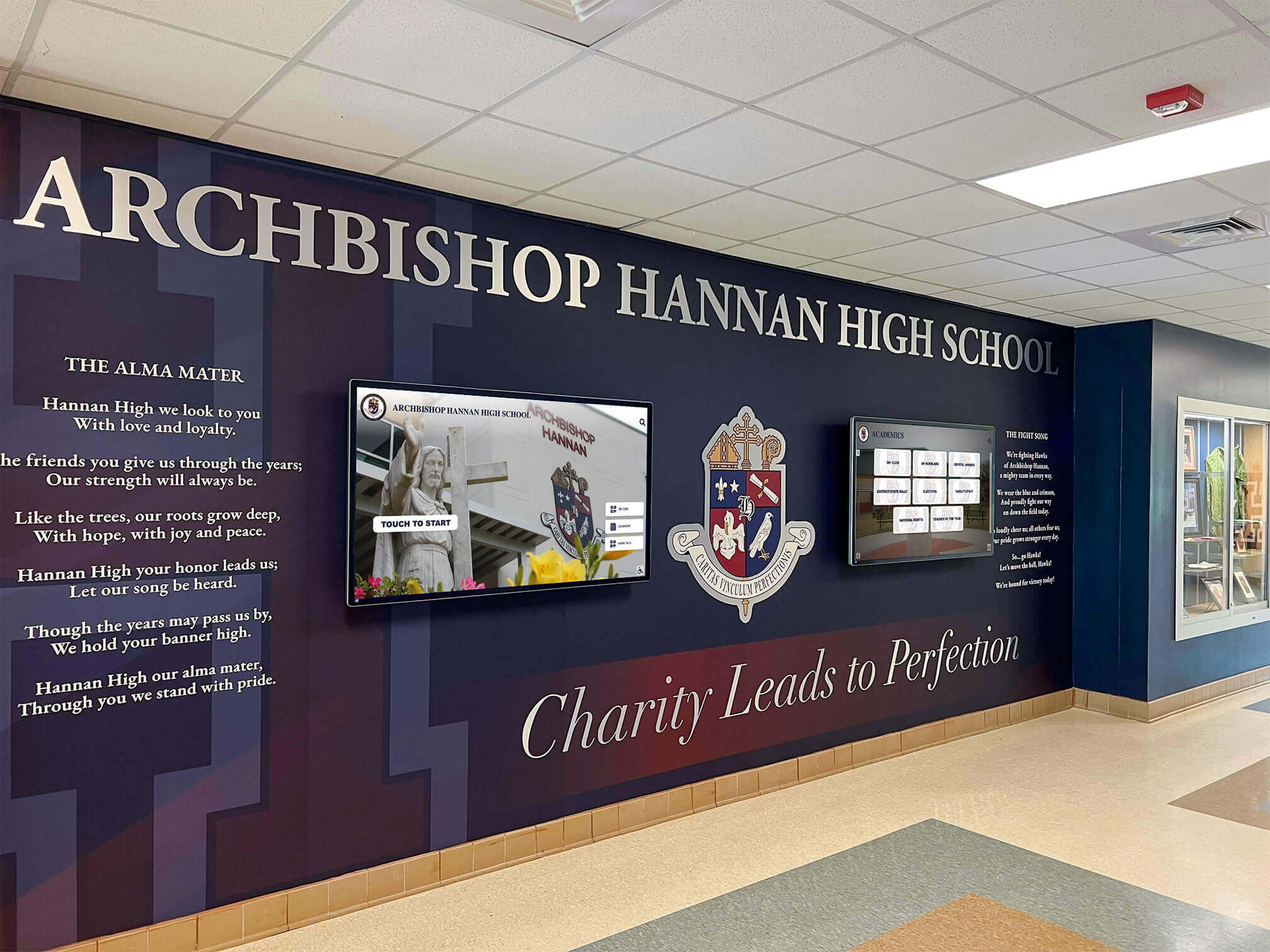




Sports digital signage gives schools a single, flexible surface for the information athletic programs generate every week—game schedules, sponsor acknowledgments, season records, award recipients, and roster updates—without the delays and costs of printing new materials every time something changes. A screen outside the gymnasium that displayed last month’s volleyball bracket can show this week’s football schedule, the booster club sponsors, and the updated swimming record board, all before the next home game.
The practical challenge is rarely the hardware. It’s managing four or five distinct content categories—each with a different update rhythm and a different audience—without letting the displays go stale or fall into neglect between seasons. This guide breaks sports digital signage into those categories, explains how the update workflow for each differs, and shows how to connect all of it into a system that stays current throughout the school year.
Athletic directors who get the most out of digital displays treat screens the way a broadcast team treats airtime: every slot has a purpose, every piece of content has an owner, and nothing runs past its expiration date. Schools that operate that way find that screens become a genuine communication tool rather than an expensive way to show last year’s championship photo on a loop.

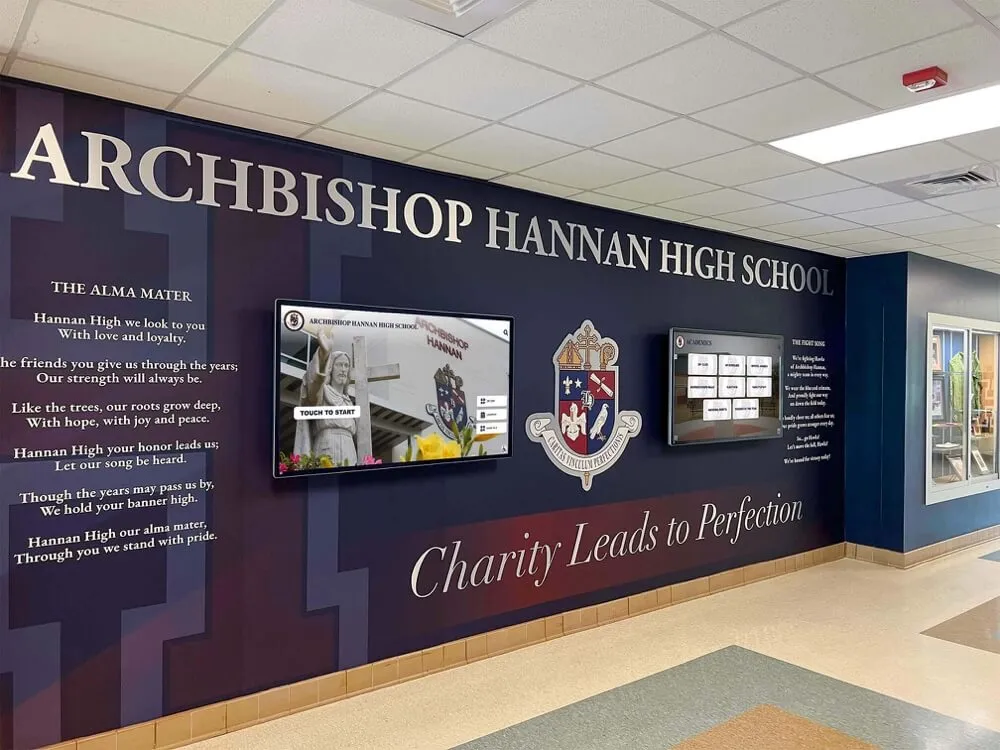
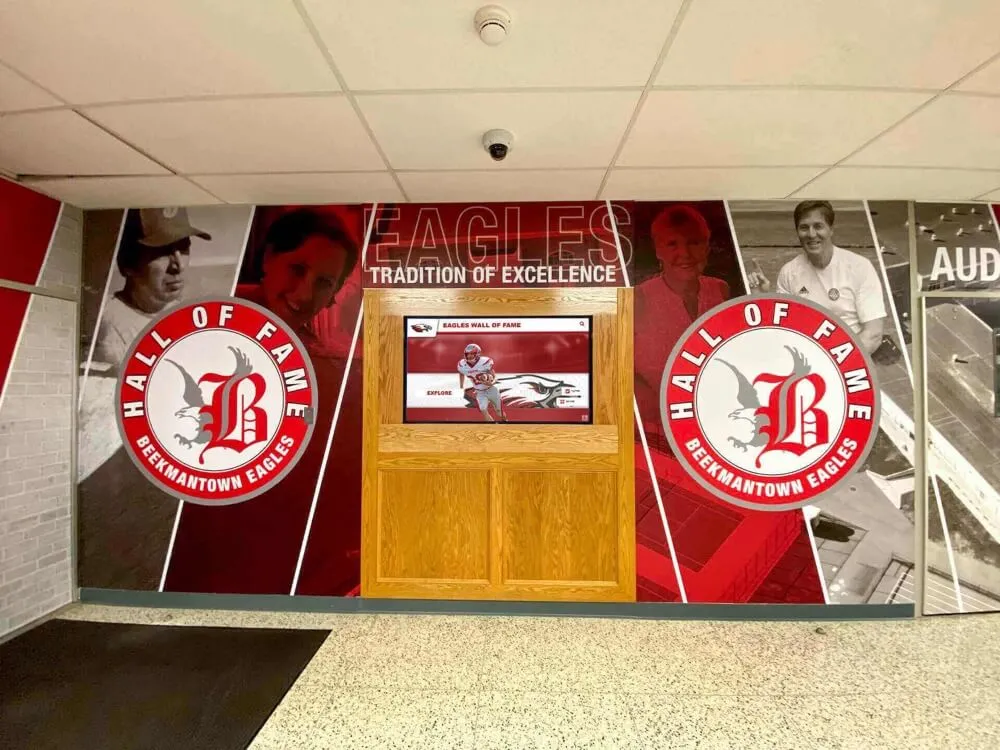
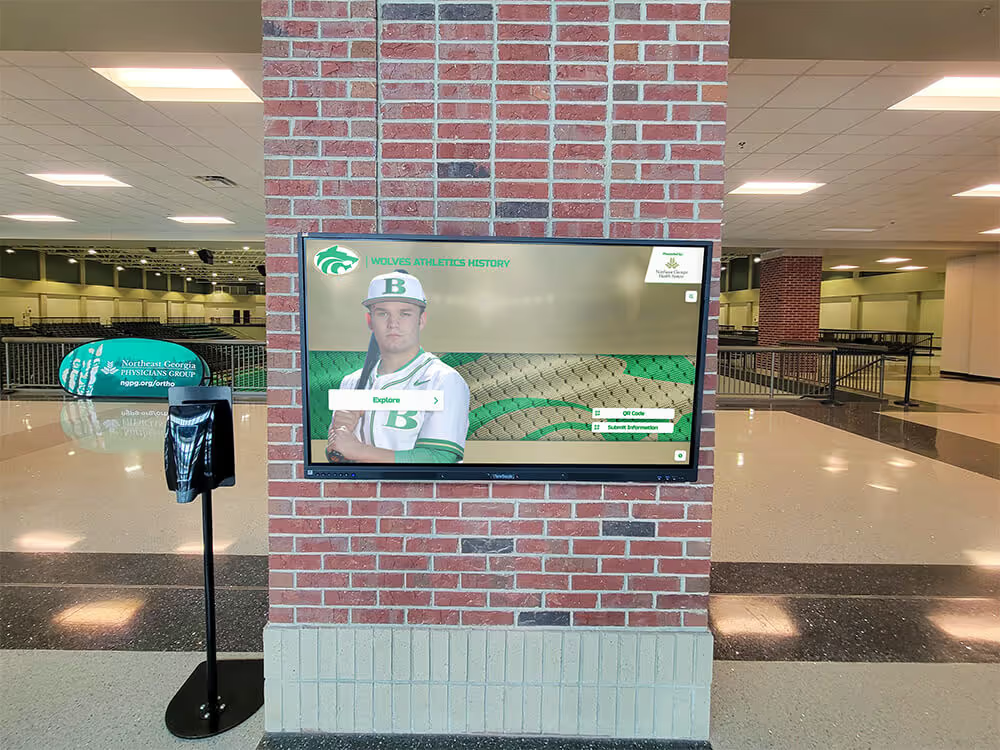
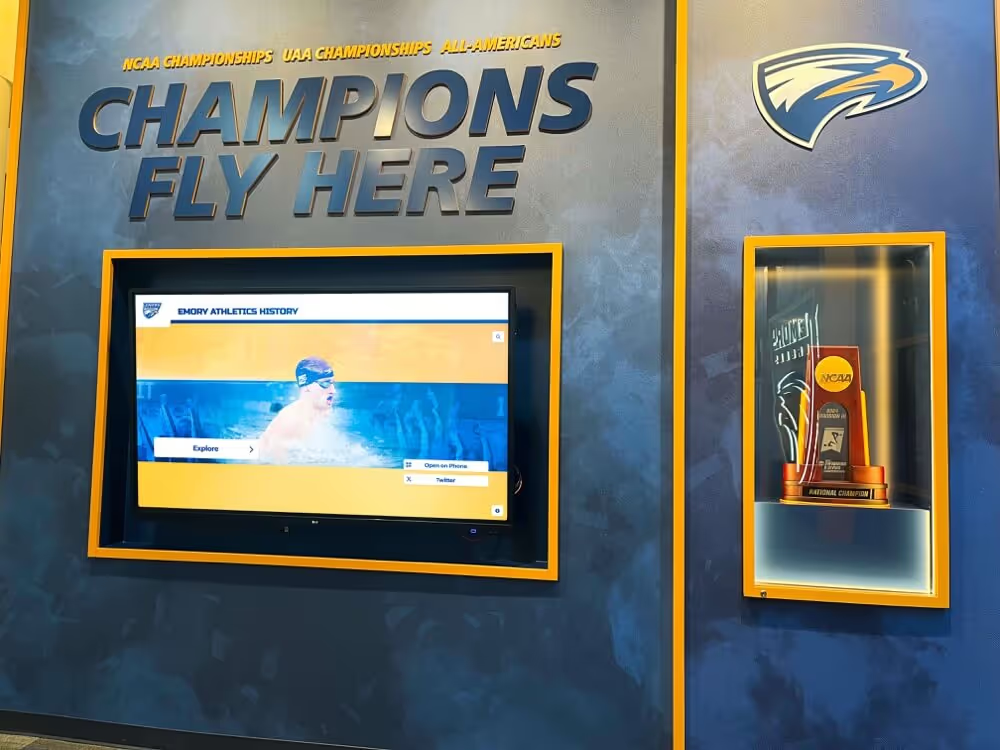
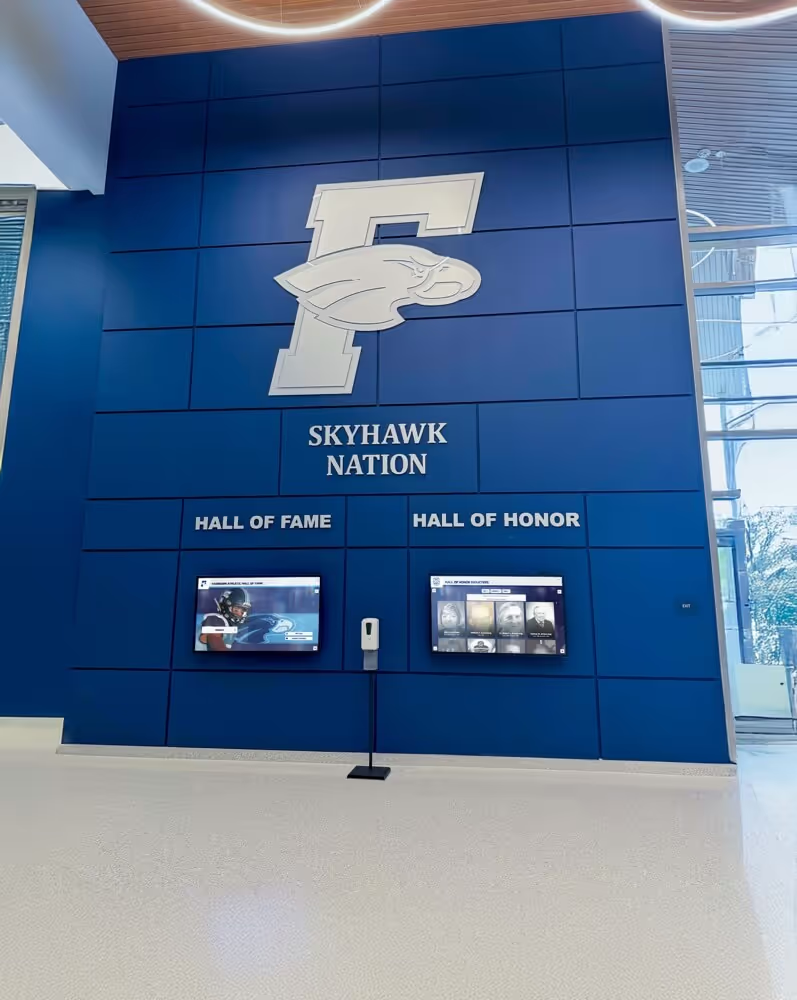
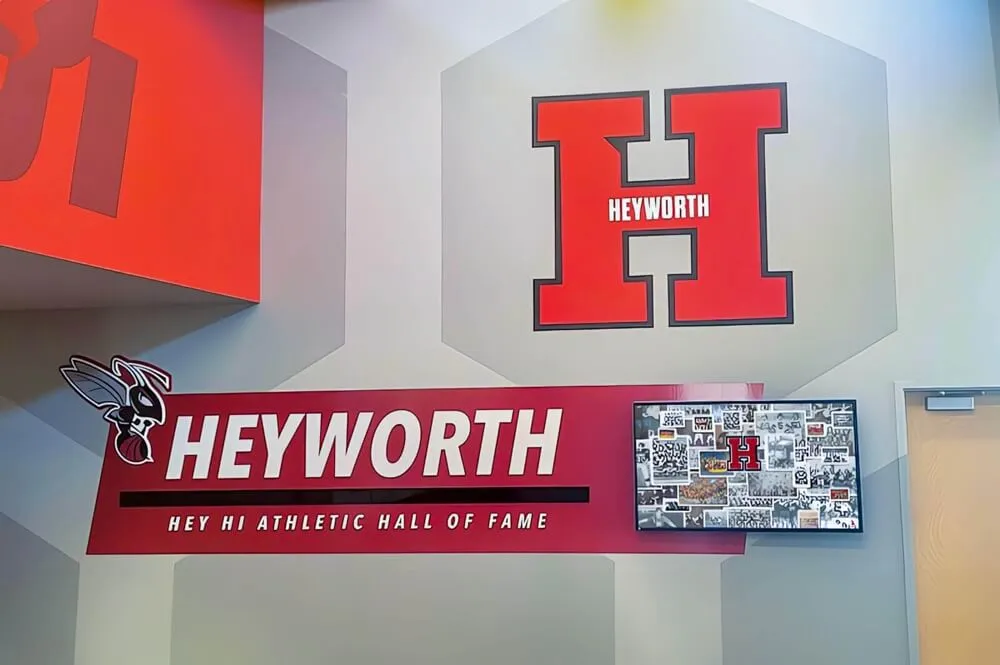
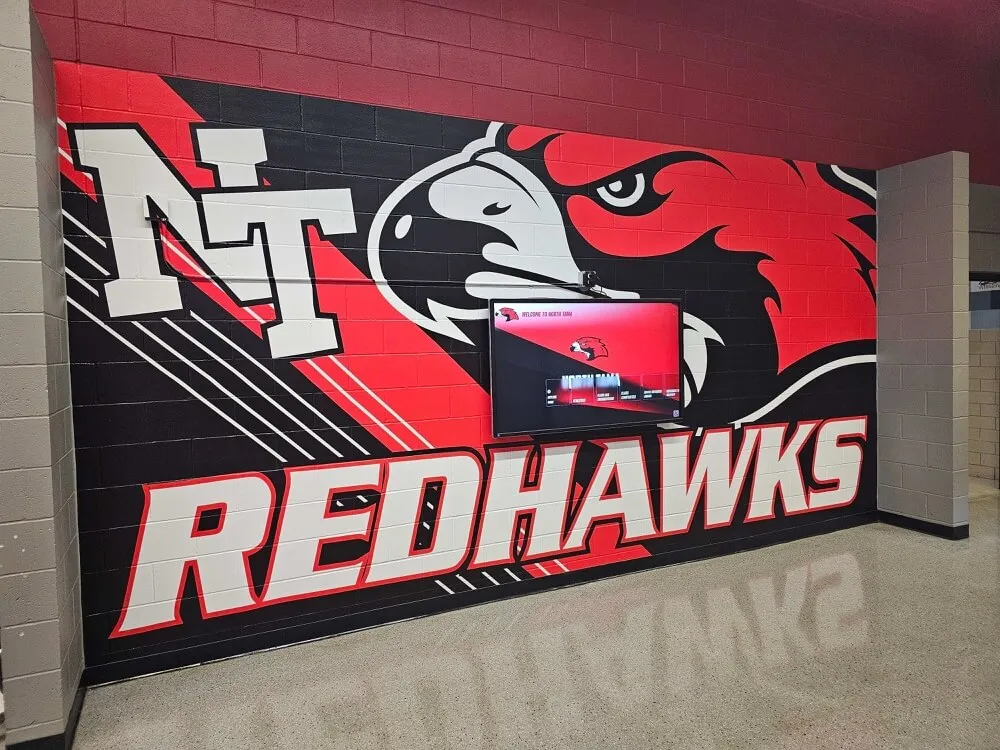
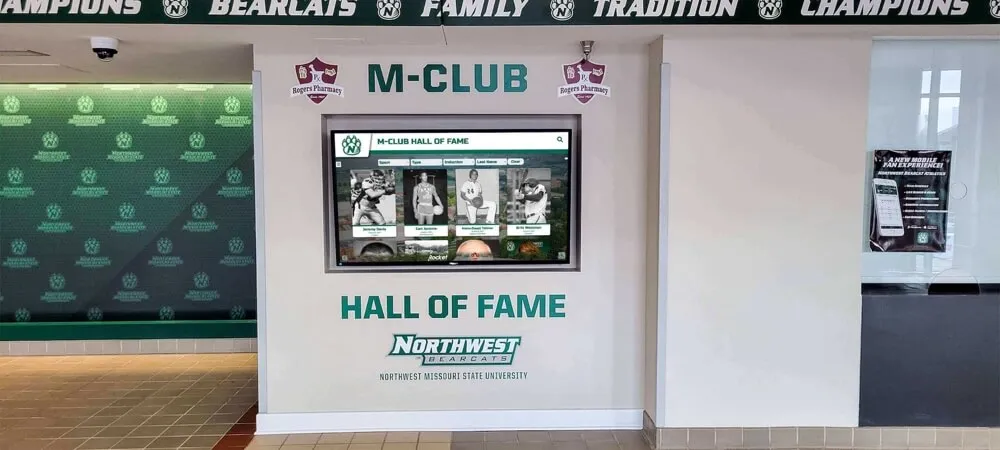
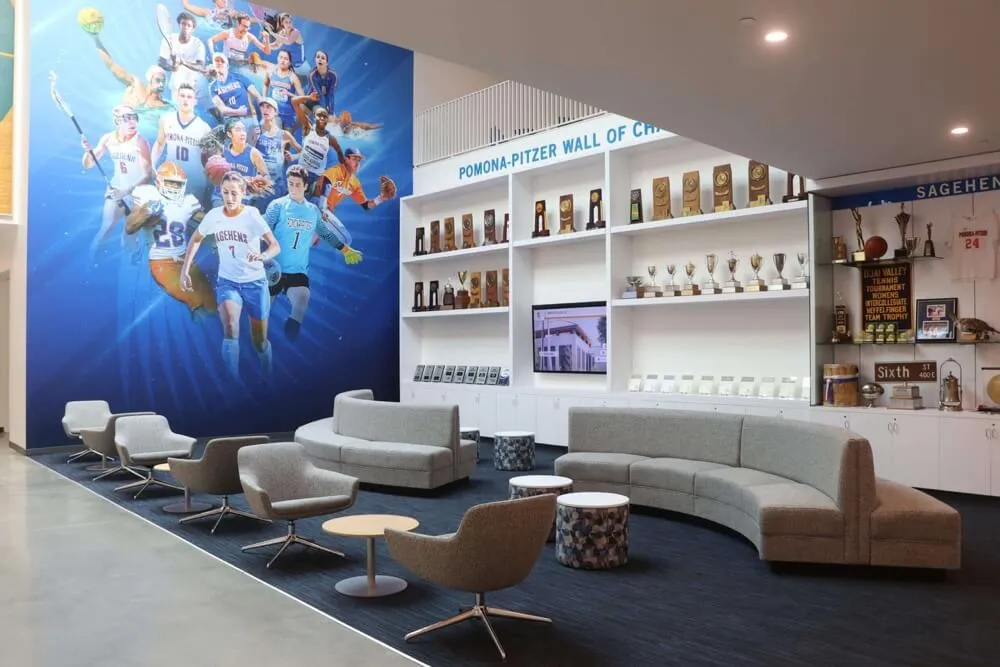
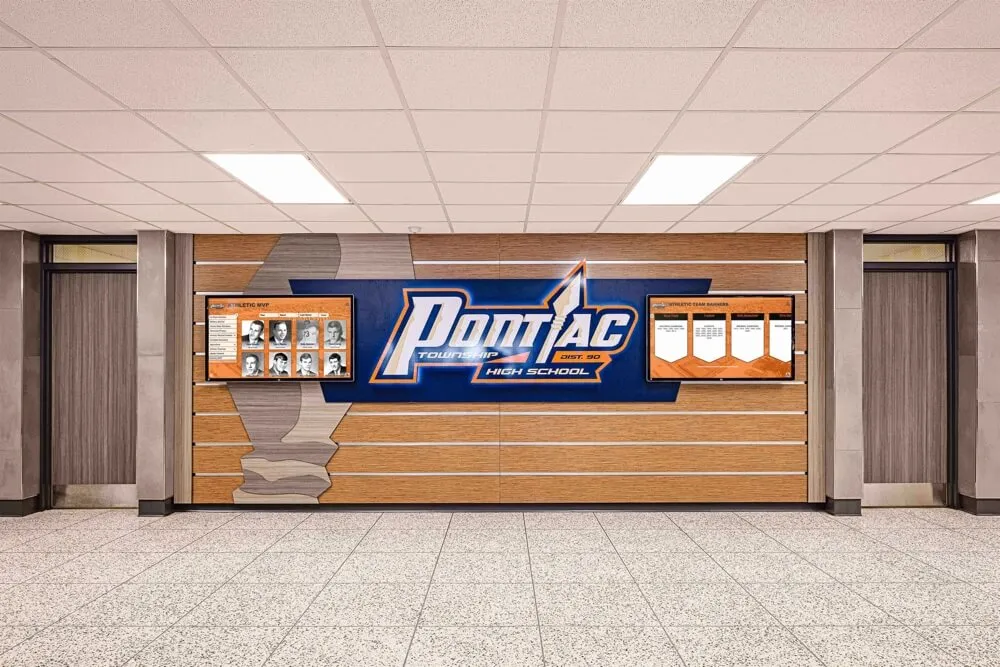
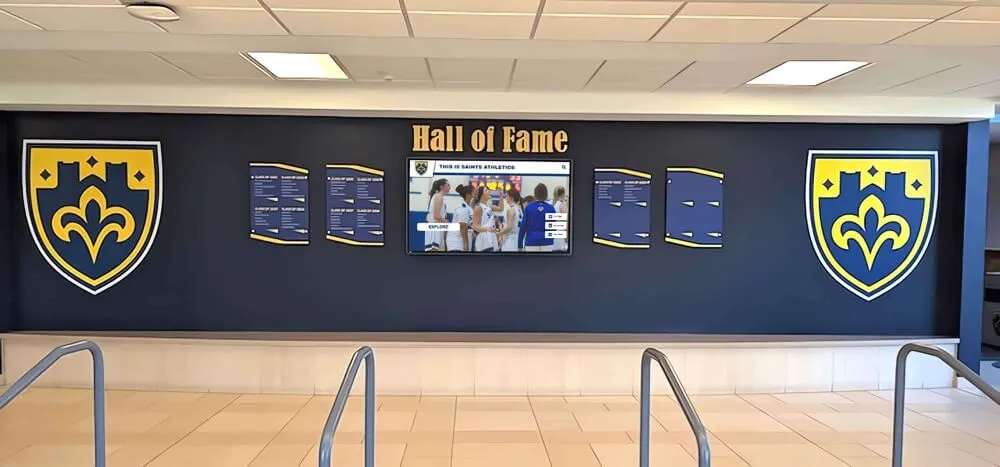
Lobby digital screens placed alongside murals and branding create a natural first impression that communicates athletic identity and current program information to visitors, students, and recruits
The Four Content Categories on a School Sports Display
Before configuring any screens, it helps to define what you are actually trying to show. Most school sports digital signage programs end up managing four distinct types of content, each with its own update frequency and source of truth.
Announcements and schedules are time-sensitive and need to update at least weekly. A game or match announcement becomes irrelevant the moment the event passes. This category includes varsity and JV schedules, playoff brackets, practice cancellations, senior night information, and any information that changes based on the calendar.
Sponsor recognition is evergreen within a contract period. A booster club sponsor whose logo runs during the fall sports season doesn’t need a weekly update, but it does need to rotate cleanly with other sponsors, appear in the right context (a basketball sponsor probably shouldn’t run on a baseball screen all summer), and disappear when the contract period ends.
Records and all-time achievements are stable but need an owner. An all-time rushing record from 2019 is still accurate today, but the moment a new record falls, the display showing the old number is wrong. This category includes individual sport records, career milestones, scoring leaders, championship histories, and award winners going back as far as the school’s archives allow.
Team updates are mid-frequency: they change at season transitions but need accurate information within each season. Rosters, coaching staff, current standings, recent results, and award recipients from this year all belong here.
Understanding which category a piece of content belongs to determines who owns the update, how often it changes, and what happens if it goes stale.
Announcements and Game Schedules
Game schedule displays are the most frequently updated content category and the one with the most direct community impact. Parents checking a hallway screen before a home game, students deciding whether to attend a Friday night match, and visitors navigating an athletic complex all rely on schedule information being current and readable from a reasonable distance.
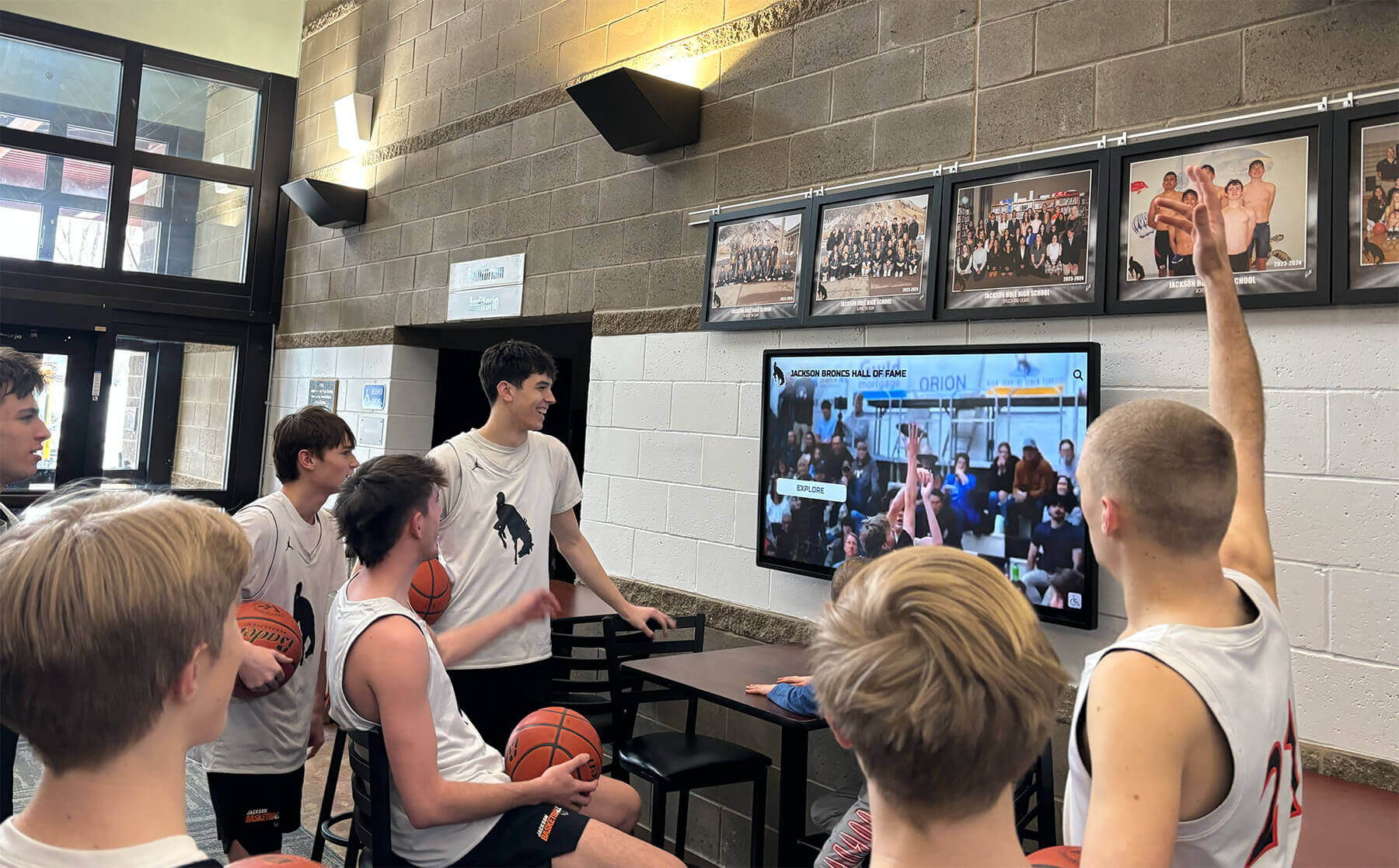
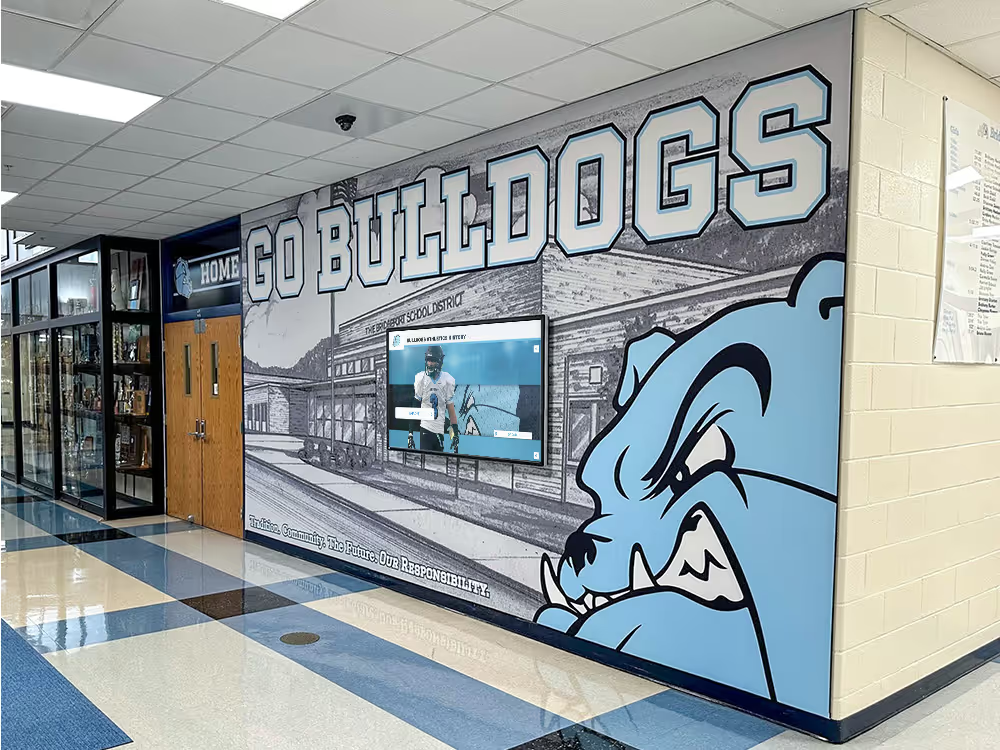
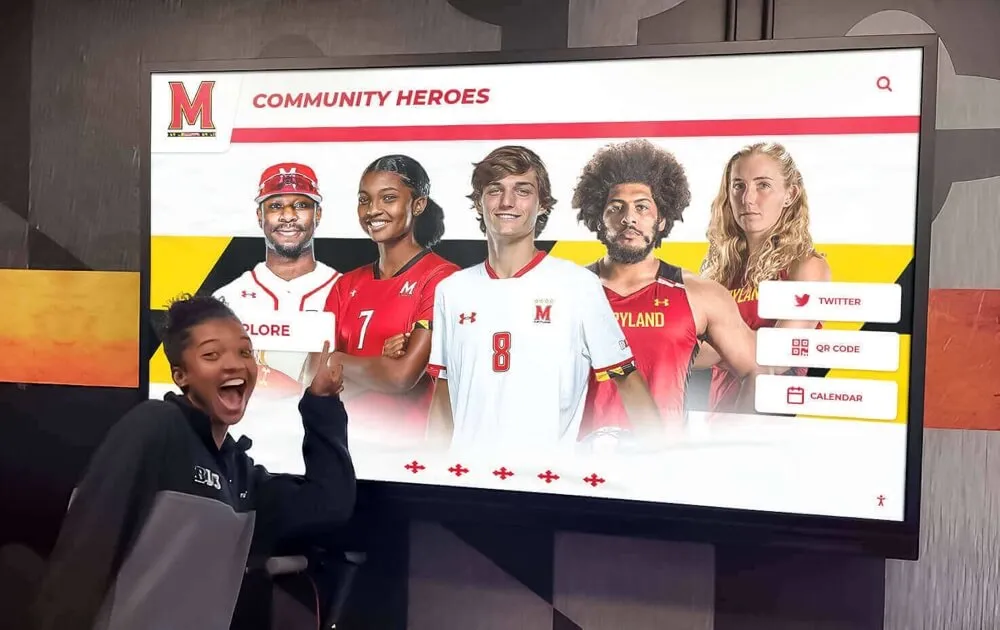
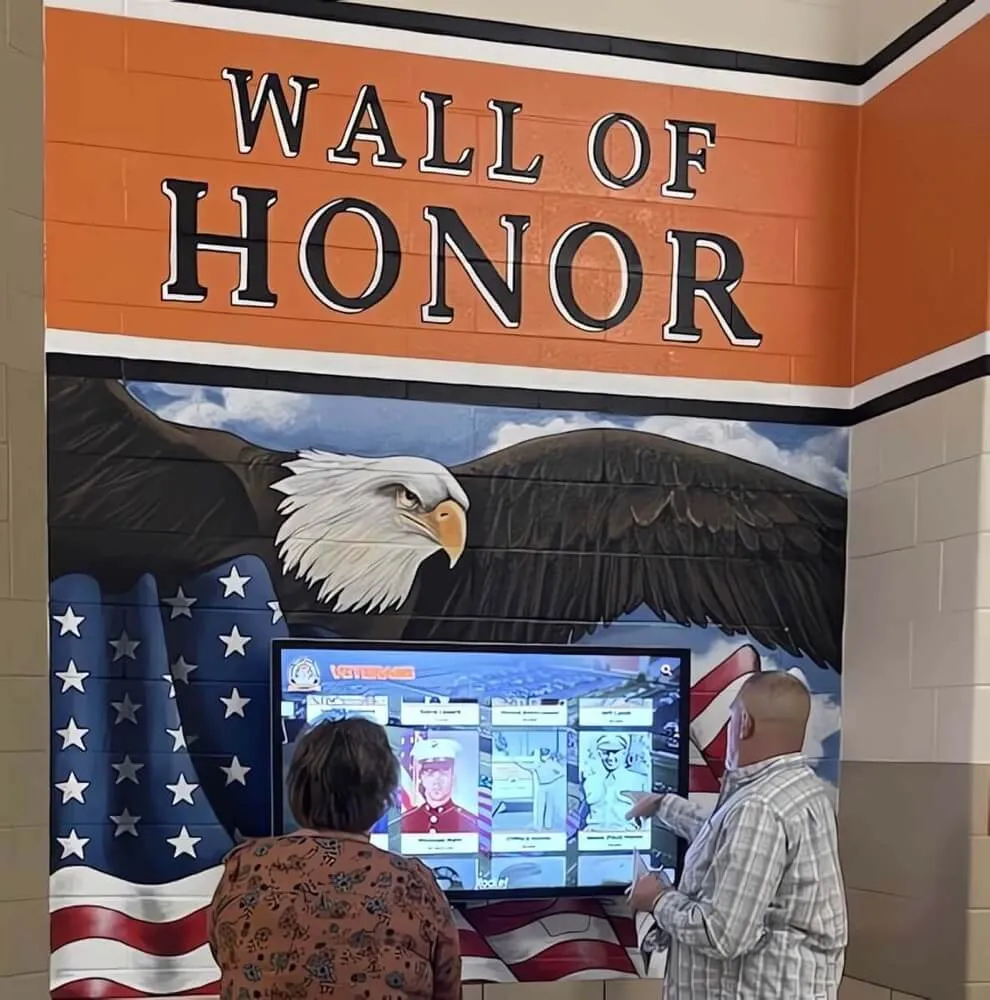
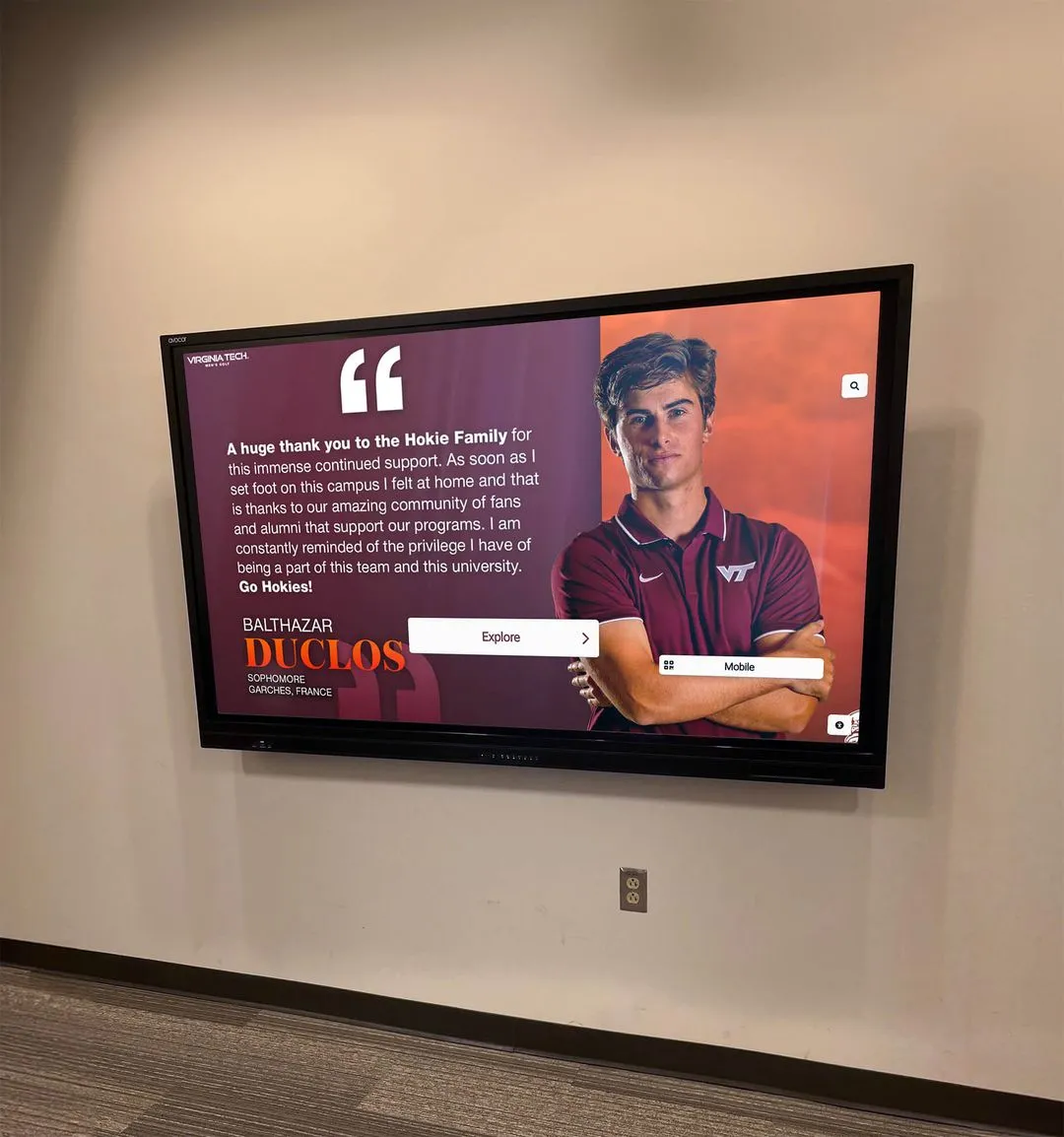
Lobby screens displaying current schedules and game highlights serve students, families, and visitors who need up-to-date information without hunting for a printed calendar
What to Include on Schedule Screens
Schedule displays work best when they show a rolling forward window rather than a full-season calendar. A two- to three-week window of upcoming events, updated weekly, is more useful than a complete season schedule that becomes increasingly misleading as dates pass.
Effective schedule screen content:
- Sport and level — Varsity, JV, and freshman labels prevent confusion when multiple teams share a facility
- Date, time, and location — home vs. away with opponent name; for away games, include the venue name
- Playoff context — district, regional, or state designation when applicable
- Result line — once a game is complete, a brief “W 42–17” or “L 2–3 (OT)” gives current students and visitors a sense of recent results
- Senior night or special event flag — these events draw larger attendance and warrant a callout
Who Updates Schedules
The most common failure mode for announcement screens is unclear ownership. When no specific person is responsible for updating content before each week, outdated schedules accumulate and viewers stop trusting the display. Effective programs assign one person per screen or zone — often the athletic secretary, a communications staff member, or a designated student aide — and give that person both the access and a standing reminder.
Most modern display management systems allow remote content updates from any computer or phone. An athletic secretary who can update a schedule board in the same workflow as updating the school website will keep it current; one who needs to physically access a system in the boiler room will not.
Athletic directors who want a framework for managing this kind of recurring workflow will find a practical structure in this athletic director checklist for recognition, records, and display updates—the same principles that apply to recognition displays apply to schedule management.
Sponsor Recognition on Athletic Screens
Sponsor-facing displays serve a different audience than community-facing schedules, but they run on the same screens. The distinction that matters is the display context: a sponsor logo running in a heavy-traffic lobby during a tournament weekend delivers different value than one running in an empty hallway on a Tuesday in February.
Sponsor display best practices:
- Context-match sponsors to screens — local restaurant sponsors shown near the cafeteria entrance; sporting goods store sponsors shown in the athletic lobby
- Rotate cleanly — if five sponsors appear on one screen, each should get consistent rotation time; don’t let one logo dominate through accidental default
- Honor contract periods explicitly — build sponsor expiration dates into your content calendar so displays update automatically or trigger a staff review when a contract term ends
- Use print-quality logo files — a pixelated sponsor logo on a large display is worse for sponsor relations than no logo at all; require high-resolution assets (minimum 300 DPI PNG with transparent background) during onboarding
- Include contact or call-to-action when appropriate — some sponsors want a website URL or QR code alongside their logo; confirm this during the sponsorship agreement stage
Sponsor Visibility and ROI
Sponsors supporting school athletics increasingly expect some form of visibility reporting. Digital signage systems that log impression counts, rotation frequency, or event-day exposure give athletic departments a way to document what sponsors actually receive — which helps with renewal conversations and with attracting new sponsors who want evidence of reach before committing.
For schools thinking through how to structure sponsor recognition in a way that is sustainable and demonstrably valuable, the analysis of how schools show sponsors visibility, engagement, and recognition covers the key elements that make sponsor programs work over multiple seasons.
Athletic programs that also hold sports banquets should consider how sponsor recognition carries from screen to print. Sports banquet program templates with sponsor sections and team history illustrate how visual sponsor formats that work on digital displays translate naturally into printed programs — keeping branding consistent across contexts.
Records and All-Time Achievements
Records displays are the category where schools most frequently underinvest and then regret it. A vinyl letter board with 1980s-era records that runs out of space and gets ignored does more reputational damage to a program than having no record display at all — it signals that achievements from the past 20 years weren’t worth tracking.
Digital displays solve the space problem entirely. An all-time record board that exists only on a screen can include every sport, every event category, every year, with photos and biographical context for record holders, without running out of room.
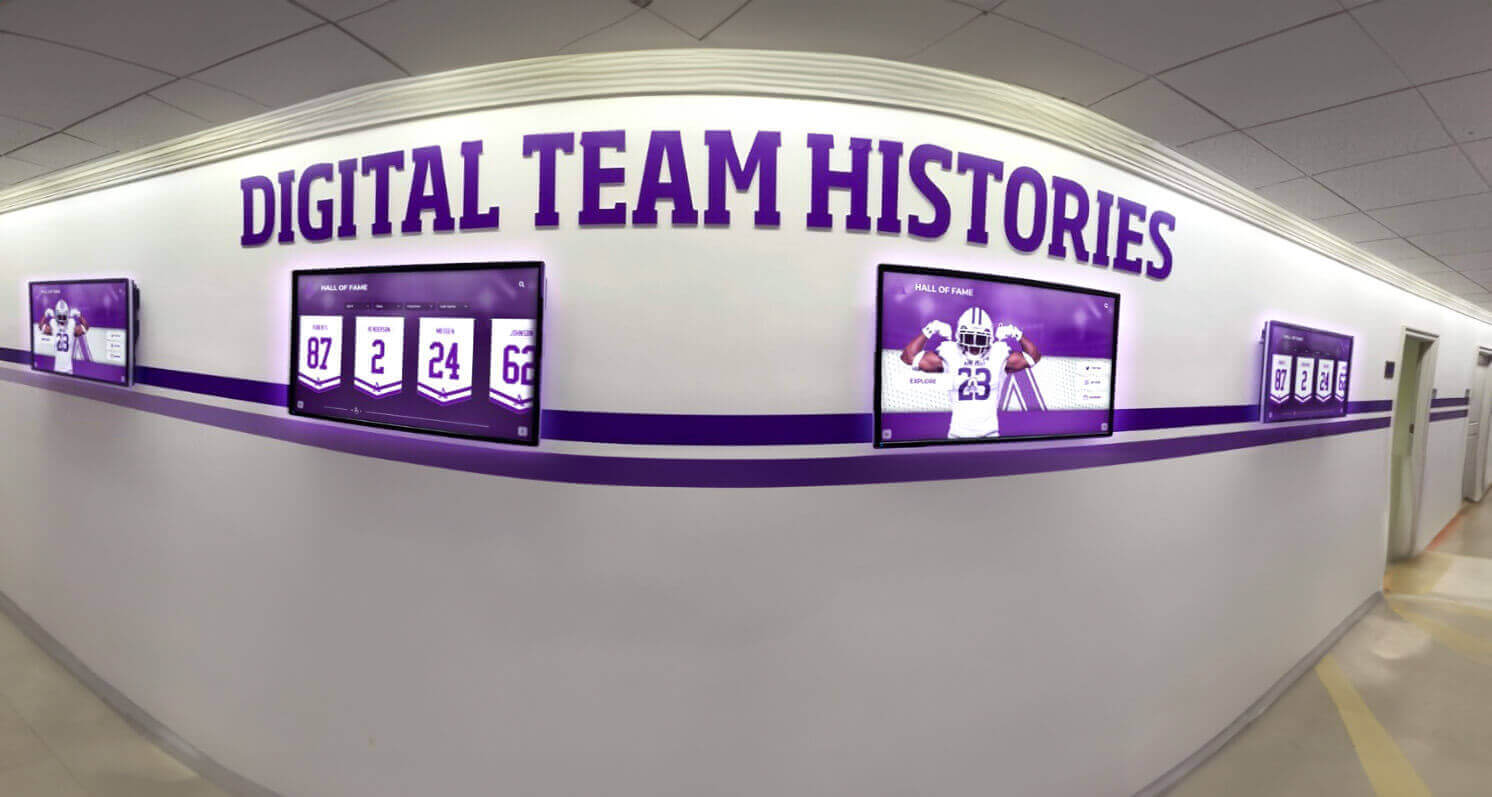
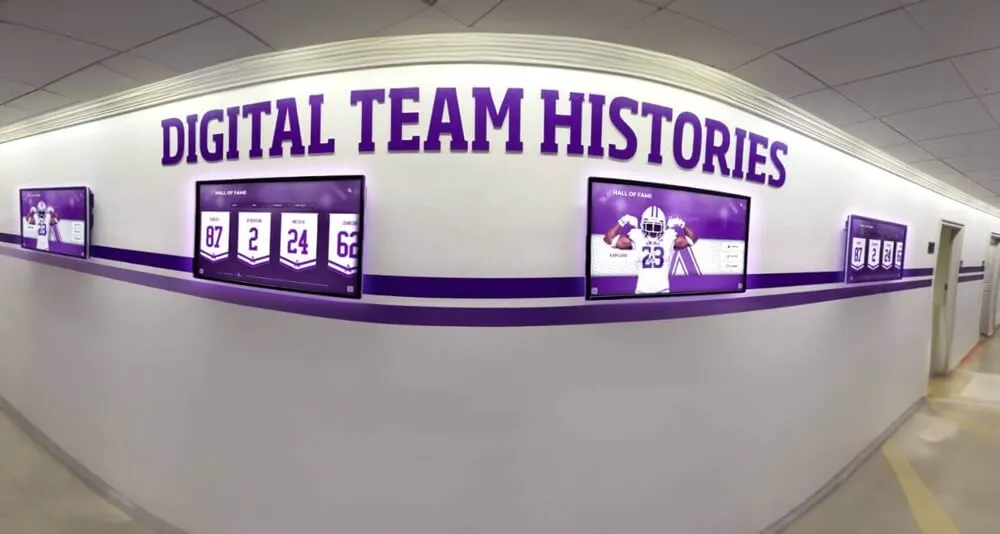
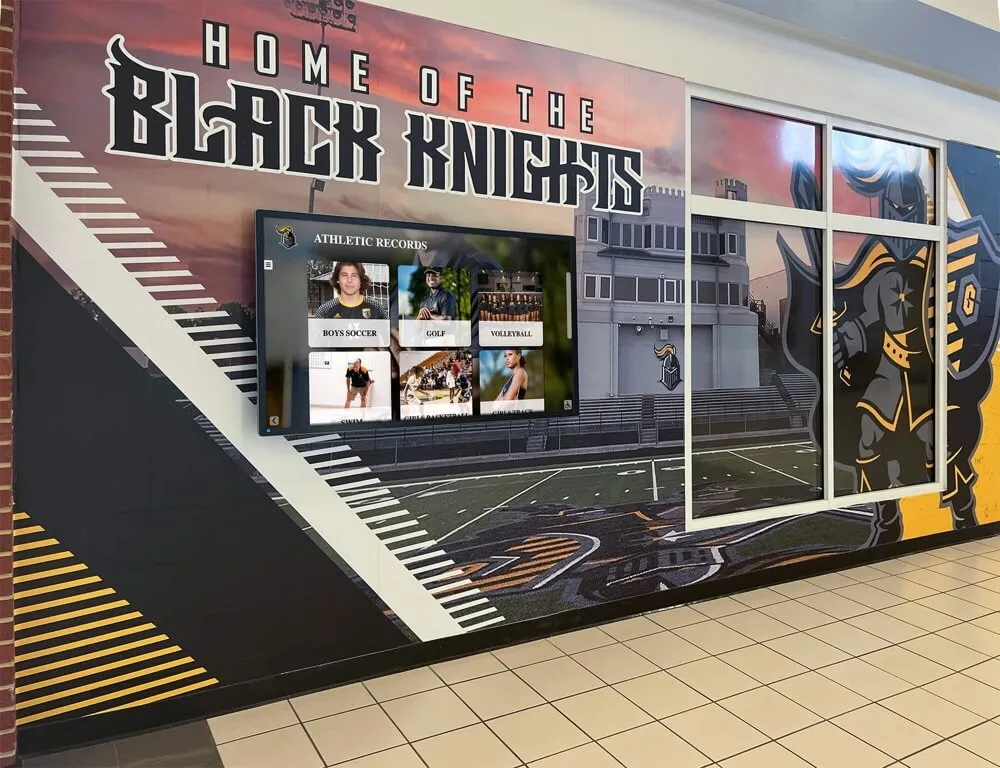
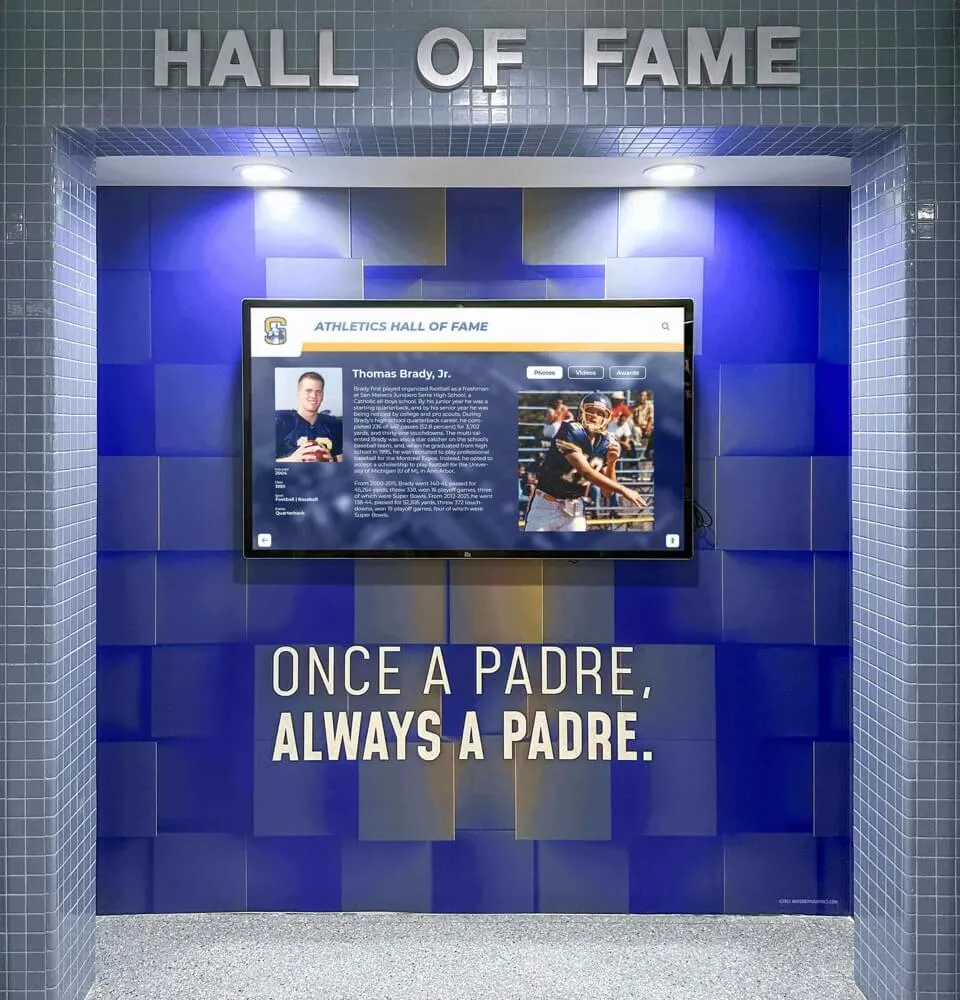
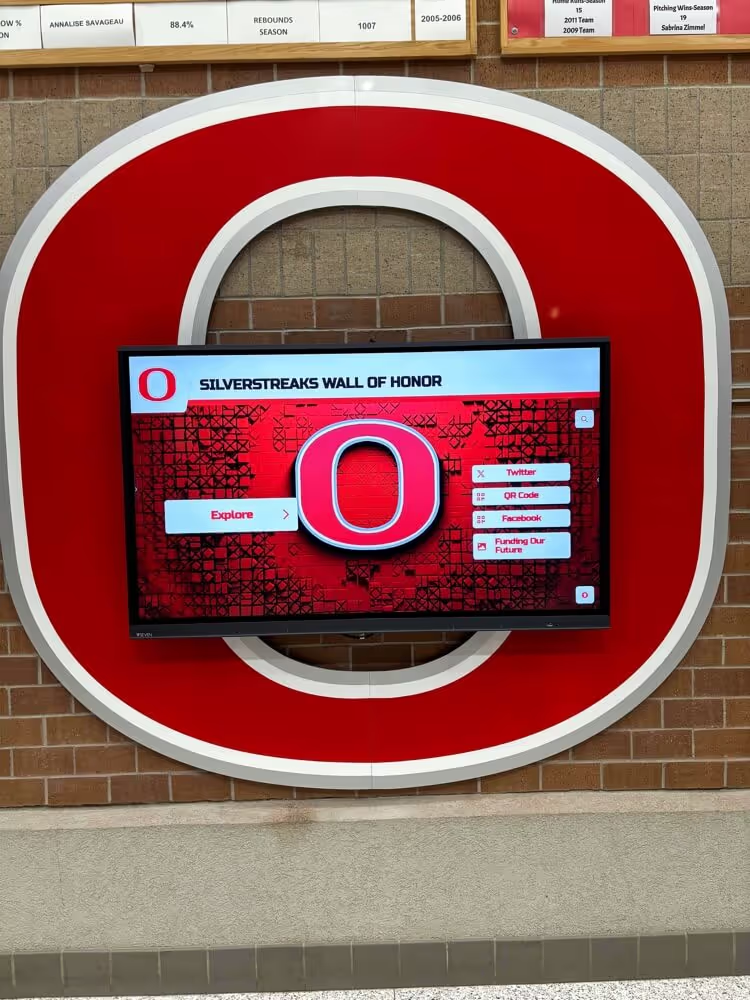
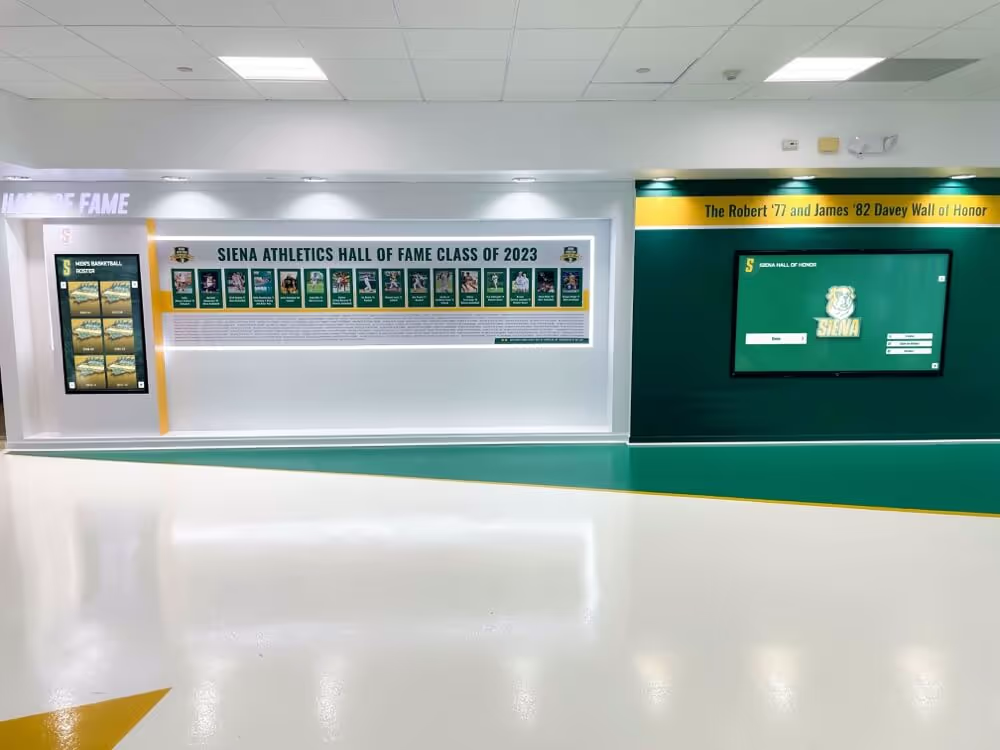
Dedicated hallway screens for team histories and records give every sport program visible recognition without the space constraints of physical boards
What the Records Display Should Show
All-time records display content by category:
Individual sport records
- Competitive records by event (track and field separated by individual events; swimming by stroke and distance; field events separately)
- Season and career statistical leaders for team sports (points, assists, rebounds, goals, saves, innings pitched, batting average, etc.)
- State tournament placements and individual champions
Team records
- Best single-season win-loss records by sport
- Championship and title history with years
- Longest winning streaks and notable season achievements
Award winners
- Annual award recipients (MVP, coaches award, most improved, scholar-athlete) by sport and year
- Conference, regional, and state-level individual honors
- National honor recipients where applicable
Milestone achievements
- 1,000-point scorers, 100-win pitchers, four-year letter winners — milestones that don’t fit neatly into record categories but deserve permanent recognition
Keeping Records Accurate
Records are only as trustworthy as the verification process behind them. Before adding a record to a permanent display, programs should require documentation from the coach, cross-reference it against any existing record, and verify against official meet or game results when available. An inaccurate record on a digital display is visible to hundreds of visitors daily.
The update workflow for records is typically event-driven rather than calendar-driven: a new record falls at a meet on Saturday, and the display should reflect it by Monday. That requires a clear process — who gets notified, who has access to update the display, and who confirms the update went through. Programs that integrate record tracking into their seasonal workflow rather than treating it as an end-of-year project keep their displays accurate without a major catch-up effort every spring.
The resource on digital touchscreen athletic building team records addresses how schools structure their record-tracking processes in ways that keep displays current across multiple seasons and coaching transitions.
Schools considering the full scope of what a touchscreen athletic building can display — from records to roster histories to championship archives — will find useful framing in this guide to digital touchscreen athletic building team records, which covers how different schools organize their content by sport and era.
Team Updates: Rosters, Award Winners, and Season Results
Team updates occupy the middle frequency range — they don’t change daily, but they’re wrong by definition if they’re showing last year’s roster or a completed season’s standings as though they’re current. This content category requires a clear seasonal handoff process: someone is responsible for the pre-season update, someone handles mid-season additions (new award recipients, notable results), and someone does the post-season archive.

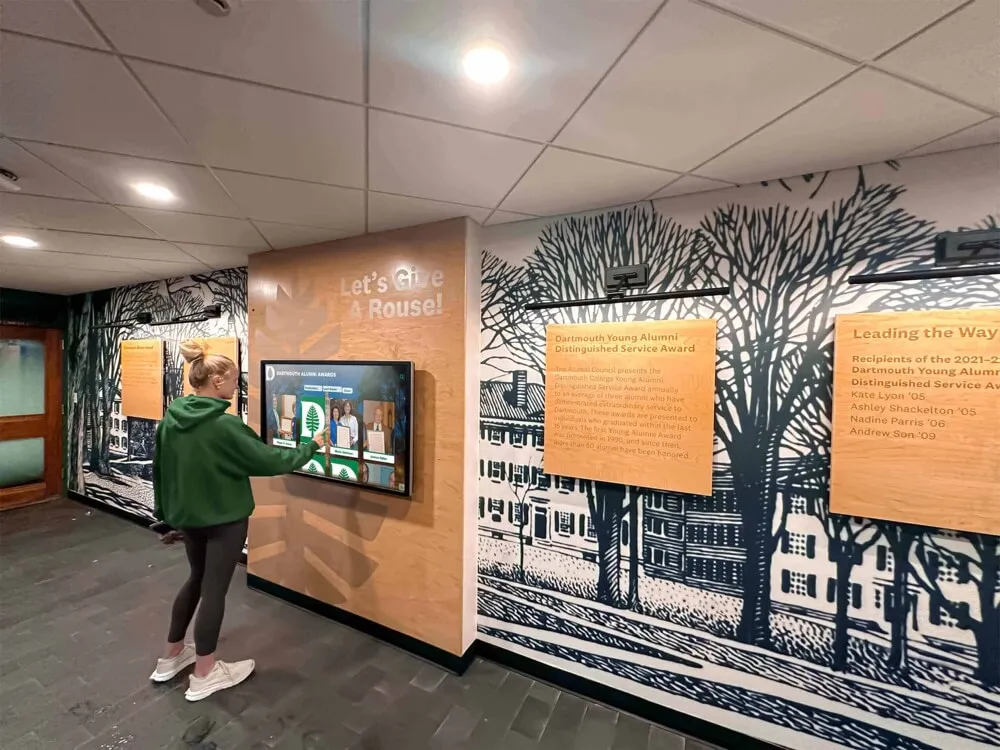
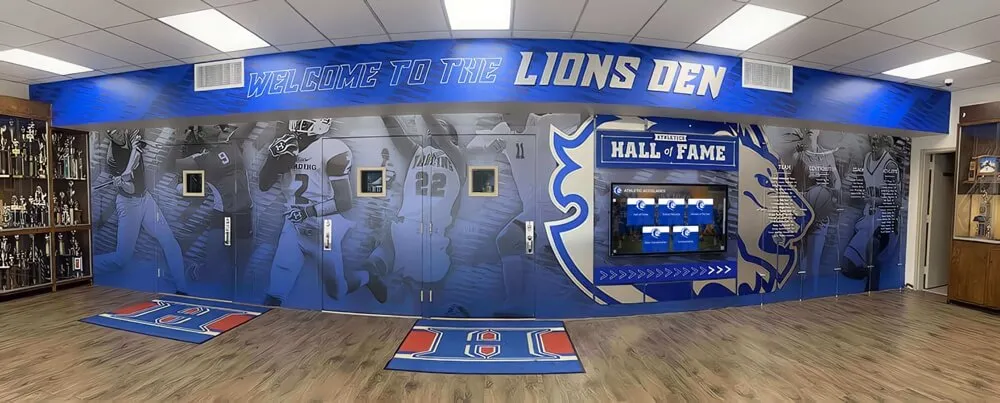
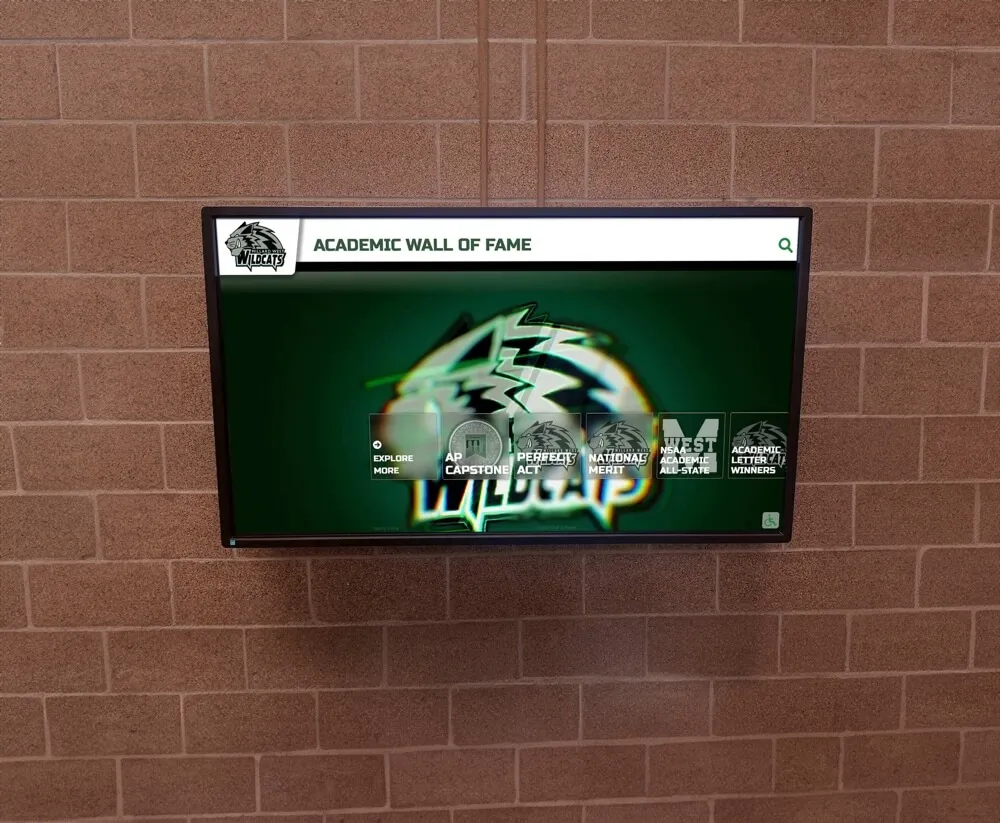
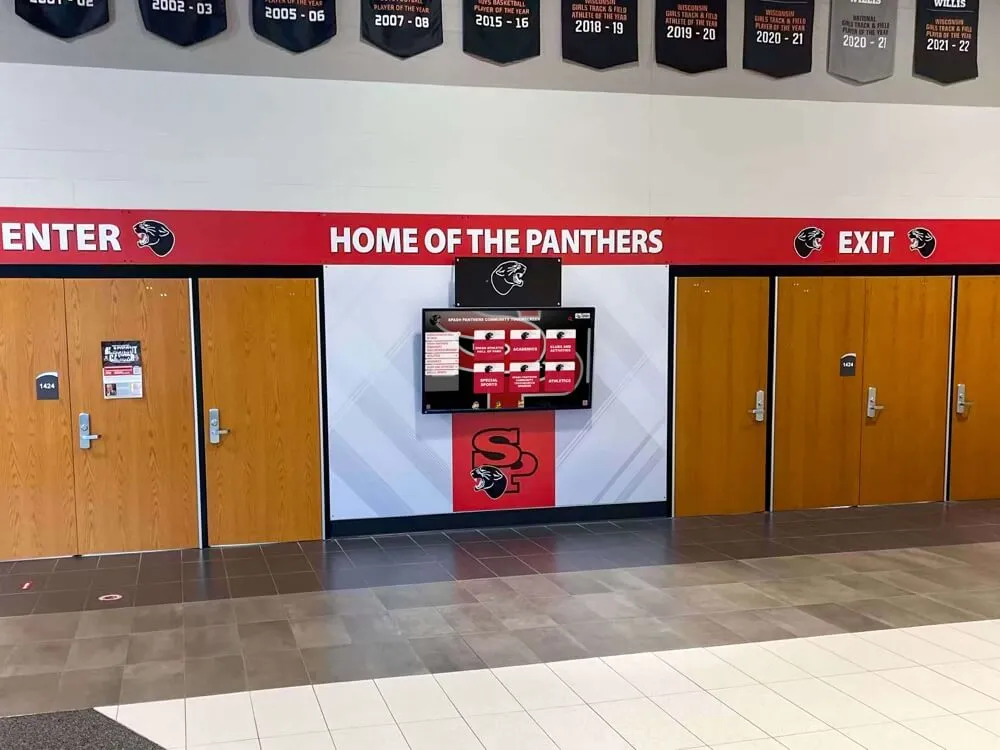
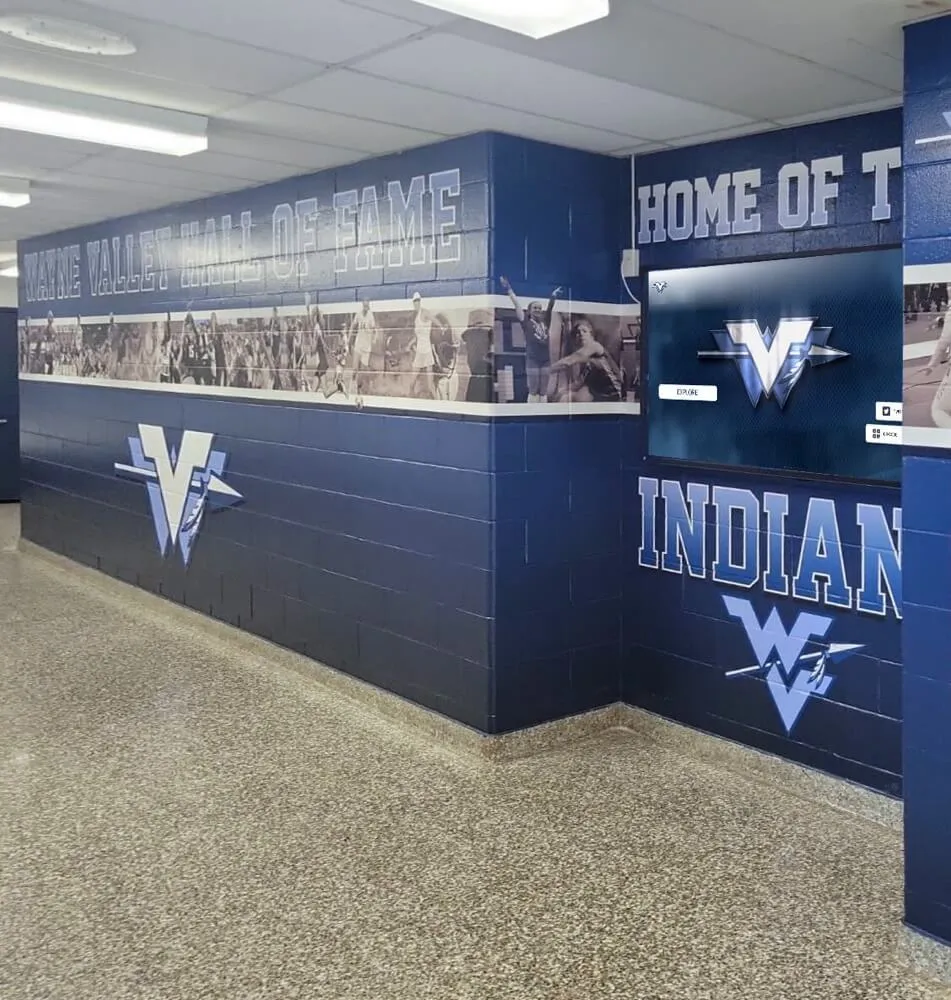
Team-focused hallway displays that combine mural branding with current roster and standing information give student-athletes visible recognition during their active season
Pre-Season Setup
Before the first game of each season, the displays for that sport should show:
- Current season roster with player names and numbers
- Coaching staff for the current season
- Schedule overview (first two to three weeks in full; season arc as a summary)
- Previous season summary — final record, notable achievements — to bridge the gap while this season’s results accumulate
This pre-season content requires coordination with coaches, who typically finalize rosters during the first week of practice. Building the display update into the athletics department’s season-start workflow — alongside uniform distribution, eligibility confirmation, and schedule publication — prevents it from slipping.
Mid-Season Recognition Opportunities
Once the season is underway, team displays can carry recognition content that would otherwise go unnoticed between major award events:
- Conference player-of-the-week honors
- Milestone achievements as they happen (100th career point, 50th career goal)
- Game results with brief context (“Defeated #3 seed in overtime to advance to regionals”)
- Senior recognition in the weeks before senior night
This mid-season content is the most valuable kind for student-athletes — recognition during the season, when it reinforces effort, rather than only at the end-of-year banquet. For schools thinking about how award recognition structures connect to display planning, the overview of types of sports awards for schools — team honors, criteria, and display planning provides a useful taxonomy of what categories most programs track and how to present them.
Post-Season Archive
After a season ends, the team’s display content should transition from current-season information to a season summary that serves the archive function. This is the content that stays on the screen through the off-season until the next pre-season update:
- Final season record
- Award recipients with names and award titles
- Any records broken during the season
- Individual honors (all-conference, all-region, all-state)
- Senior names and post-graduation plans for graduating players
This archived season content also becomes the source material for the school’s long-term recognition record. Programs that capture this information consistently each year build a complete athletic archive without a major reconstruction project. Sports memory board ideas for banquets, team rooms, and digital archives addresses how schools format season summaries in ways that serve both immediate and long-term recognition needs.
Building a Content Rotation Workflow
The four content categories above — announcements, sponsors, records, and team updates — need to coexist on a finite number of screens without any one category crowding out the others. The mechanism for managing that coexistence is a content rotation workflow: a defined schedule that determines which content runs when, who updates it, and how screen time is allocated.
Sample content rotation structure for a main athletic lobby screen:
| Time Slot | Content Type | Duration | Update Frequency |
|---|---|---|---|
| 0:00–0:20 | Current week’s schedule | 20 sec | Weekly |
| 0:20–0:35 | Sponsor recognition (rotating) | 15 sec per sponsor | Per contract period |
| 0:35–0:50 | Current sport team update | 15 sec | Seasonal |
| 0:50–1:05 | Record or award highlight | 15 sec | As records fall |
| 1:05–1:20 | Upcoming event / announcement | 15 sec | As needed |
| 1:20–1:40 | Second sponsor slot | 20 sec | Per contract period |
Adjust proportions based on active season. During tournament weeks, expand schedule/announcement time. During off-season, increase records and legacy content.
Screen Zone Planning
Not every screen in a school serves the same audience. A display in the athletic office waiting area has a different function than one at the main gym entrance. Planning content by zone — rather than pushing identical content to every screen — gets more value from the same infrastructure.
Common zone types and their primary content:
- Main lobby / entrance — broad overview: schedule, sponsors, current-season highlights, records summary
- Sport-specific hallways — deep content for individual sports: rosters, season results, sport-specific records
- Weight room / training areas — motivational content: records, career milestones, alumni at next level, current standings
- Trophy case adjacent — historical content: championship histories, award archives, hall of fame profiles
- Cafeteria / common areas — lighter content: upcoming game reminders, senior recognition, recent results
Comparing Display System Options for Schools
Schools evaluating sports digital signage systems typically consider three levels of solution. Each has a different capability ceiling and a different maintenance profile.
Option 1: Consumer Smart TVs with a Media Player
A smart TV connected to a streaming stick or media player running slideshow software. Cost-effective to start, but requires manual file management for every content update. There is no remote content management, no scheduling by screen, and no integration with other recognition systems. This works for a single-sport display in a locker room but does not scale to a multi-screen athletic complex with four content categories running simultaneously.
Option 2: Digital Signage Software with Commercial Displays
Dedicated signage software — paired with commercial-grade displays rated for all-day operation — allows remote content management, scheduled playlists, screen-by-screen configuration, and role-based access for different staff members. This is the appropriate tier for most school athletic departments managing three or more screens with multiple content categories.
Most signage platforms in this category can be integrated with external data sources (a Google Calendar for schedules, a shared spreadsheet for records) to reduce manual re-entry when content changes.
Option 3: Integrated Athletic Recognition Platforms
The most capable option for schools prioritizing long-term athletic recognition is a purpose-built platform like Rocket Alumni Solutions, which combines digital signage with interactive touchscreen walls of fame, hall of fame profiles, searchable records databases, donor and sponsor recognition, and a content management system designed specifically for athletic departments.
These platforms go beyond passive displays. A touchscreen installed in a lobby doesn’t just show records — it lets a visitor search by athlete name, filter by sport and year, browse a career photo gallery, and see every award a specific athlete received across their high school career. That depth of engagement is not possible with a standard signage platform.
The athletic building digital touchscreen team records guide covers how schools at different investment levels have built out athletic recognition systems that scale over time.
For programs considering whether participation in club sports versus school sports affects how recognition should be structured — because many athletes have achievements across both — the breakdown of club sports versus high school sports pros, cons, and how families should choose provides relevant context on how school athletic programs can position their recognition systems to serve both cohorts.
Common Sports Digital Signage Mistakes Schools Make
Treating all screens as identical. Pushing the same content playlist to every screen in the building wastes the specificity that digital signage enables. A screen in the natatorium serving the swim team doesn’t need to show football schedules; a screen in the main lobby probably should.
No expiration dates on content. A sponsor logo, a playoff bracket, or a “good luck at states!” message that runs for six weeks after the relevant date undermines viewer trust and embarrasses the program. Every piece of content should have an owner and a review date.
Updating records only at season end. If a school record falls in February and the display still shows the old record in May, the record holder received no real-time recognition from the school’s own screens. Build a process that updates records within 72 hours of a new mark.
Ignoring lower-profile sports. Cross country, wrestling, swimming, and tennis programs deserve recognition space alongside football and basketball. Athletic directors who review their screen content quarterly for coverage gaps avoid the cultural divide that comes from visible inequity in recognition.
Starting with content, not workflow. The display looks great at launch and then degrades steadily because no one has clear ownership of what gets updated and when. Before commissioning any screens, build the content calendar, assign ownership, and confirm that the people who will maintain it have the access and time to do so.
Quick-Start Workflow for Athletic Directors
If your school is setting up or reorganizing its sports digital signage program, this sequence gets you to a working system without wasted rework.
Sports digital signage launch checklist:
Before any screens go up
- Map every planned screen location with its primary audience and primary content category
- Identify one content owner per screen zone (not one owner for all screens)
- Collect sponsor logos in print-quality format (300 DPI PNG with transparent background)
- Pull current all-time records from coaches for every sport — note gaps where records are undocumented
- Establish a records verification process with each head coach before the first season
Display configuration
- Configure content playlists by zone, not a single school-wide playlist
- Set expiration dates or review triggers for time-sensitive content (playoff brackets, announcements)
- Build a sponsor rotation that gives each sponsor consistent visibility without favoring any one logo
- Test readability at typical viewing distances (10–15 feet for hallway displays, 20–30 feet for gymnasium entrance screens)
Ongoing operations
- Weekly: update game schedules for the coming week
- Within 72 hours of any new record: update the records display
- Pre-season (each sport): update roster, coaching staff, and season schedule
- Post-season (each sport): update with final record, award recipients, individual honors
- Annually: audit sponsor rotation against current contracts; archive completed season summaries
The resource on how to structure quick team-building games and activities for sports teams and school groups offers a useful parallel perspective: just as team culture is built through consistent small activities rather than one-time events, athletic recognition culture is built through consistent, current displays rather than one launch-day effort.
Connecting Digital Signage to Long-Term Athletic Recognition
Sports digital signage that operates only as a current-events board — schedules, recent results, active sponsors — misses its most durable use case. Every piece of content that appears on a school screen is a potential archive entry: this year’s award recipients become next decade’s historical record, this season’s team photo becomes the baseline for a 20-year retrospective, and the sponsor who ran on screens during a championship season becomes part of that team’s story.
Programs that connect their signage workflow to a permanent recognition system get compounding value from the same content. A winning season that gets documented in the display system this year doesn’t need to be reconstructed from memory in ten years — the data is already in the system, structured and attributed, ready to surface on a hall of fame profile or a donor recognition wall.
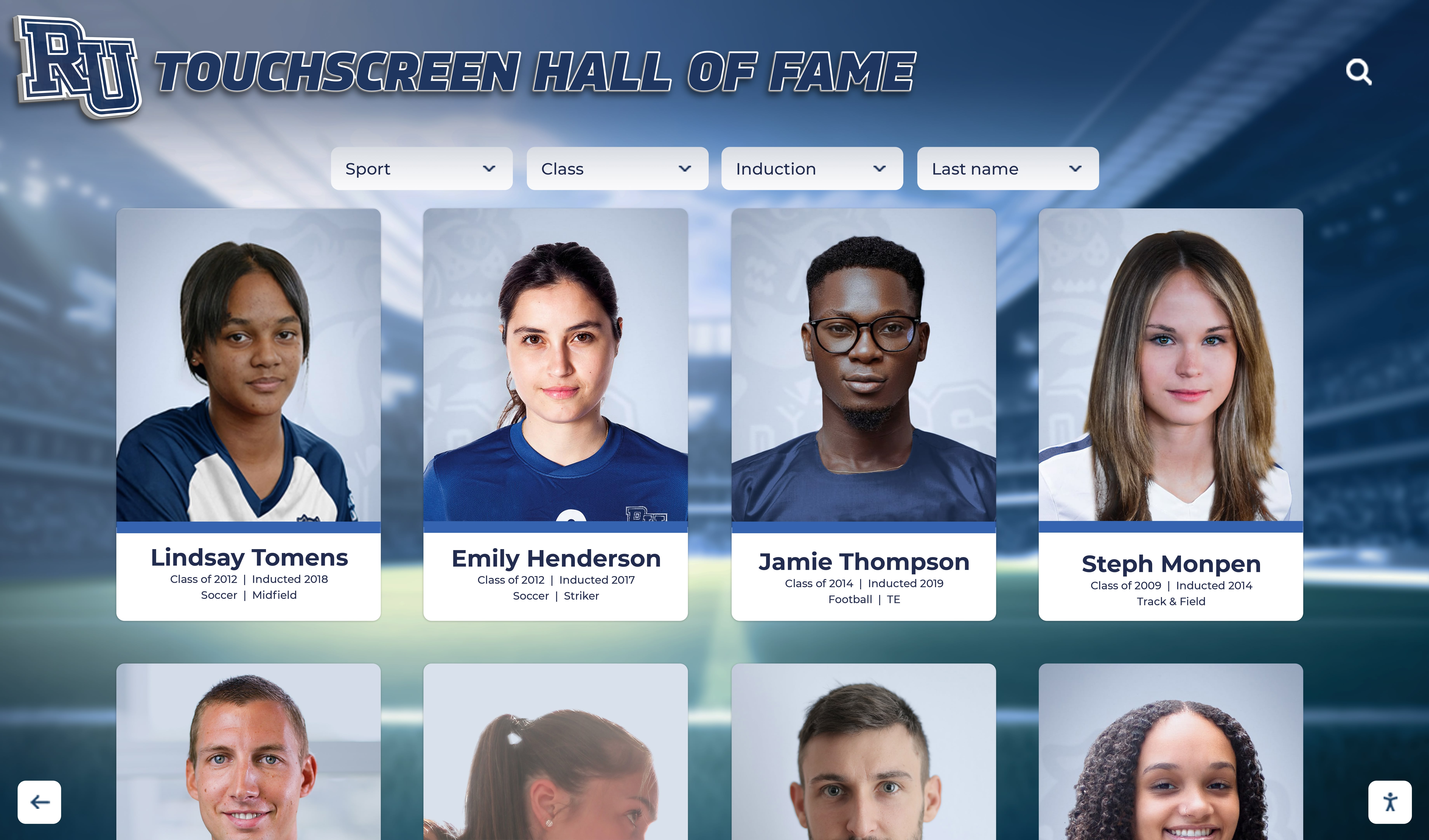
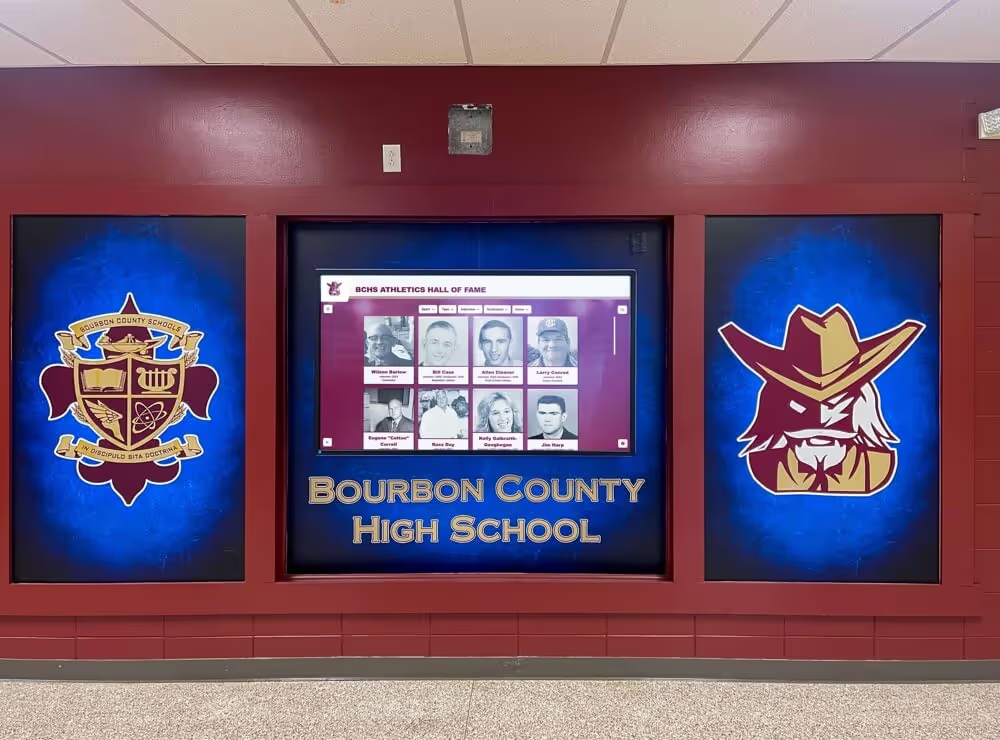
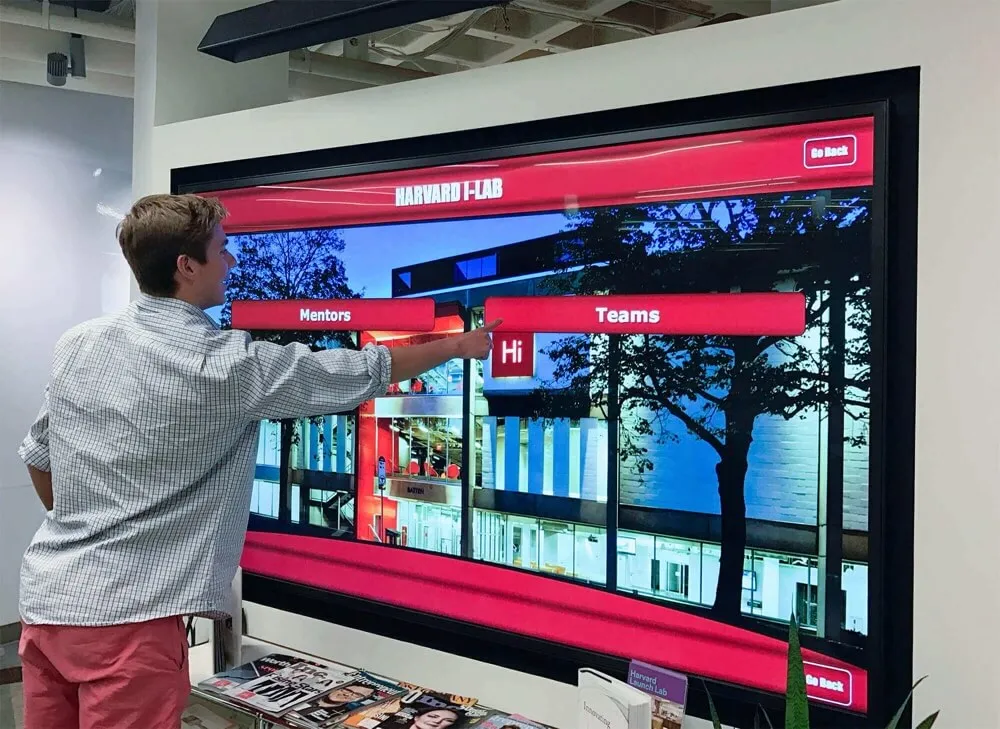
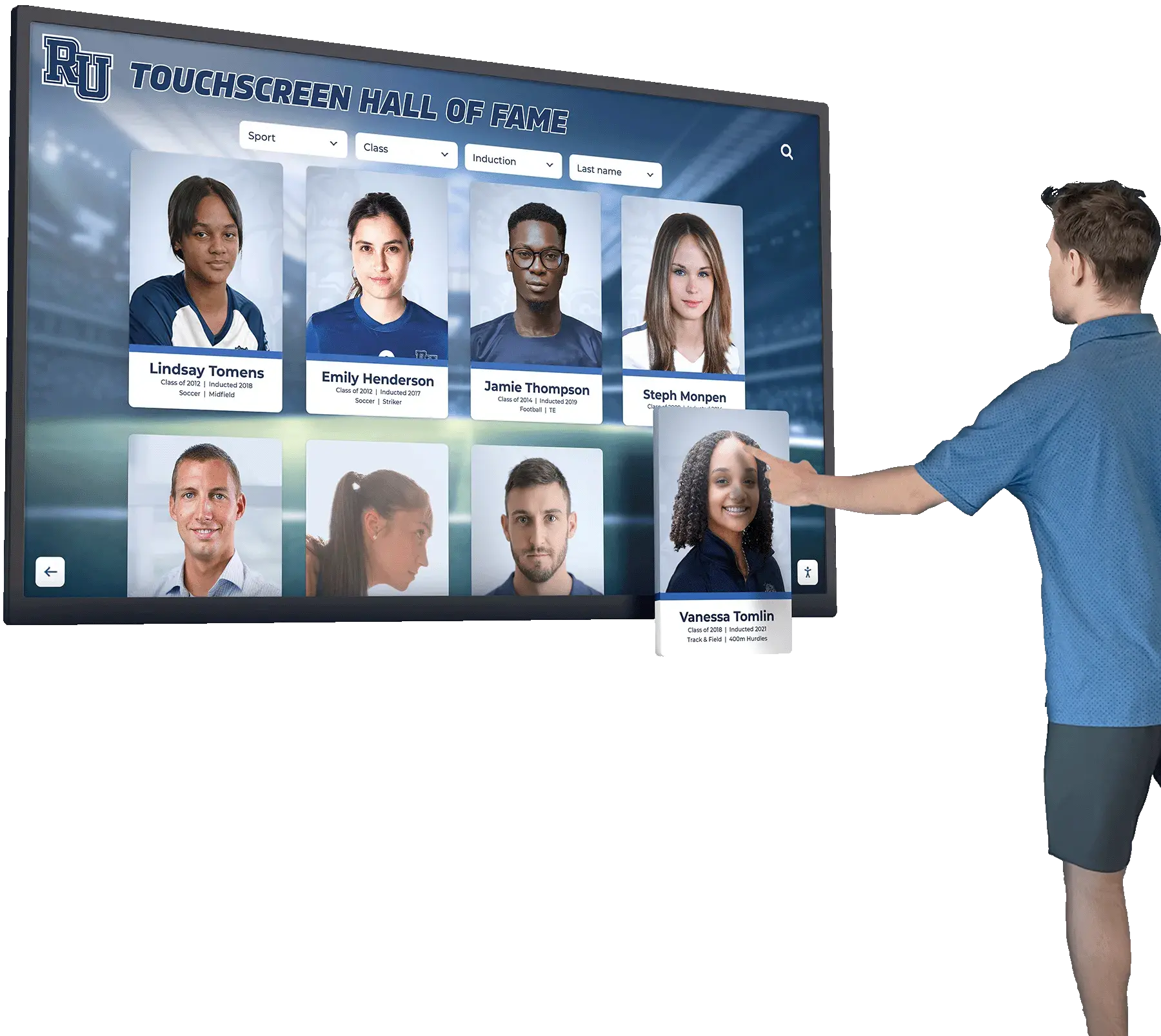
Touchscreen recognition systems that combine digital signage with searchable athlete profiles allow visitors to find any athlete by name, sport, or year — turning current-season content into a permanent athletic archive
Platforms like Rocket Alumni Solutions connect the active-season content that lives on hallway screens to the deep-search recognition that alumni, recruits, and current athletes want to access interactively. Rather than maintaining two parallel systems — a signage platform for current content and a static trophy case for historical content — schools using an integrated approach manage both from a single content system, where this year’s award recipients automatically join the historical record alongside athletes from every previous season.
For programs at earlier stages of building out their recognition infrastructure, sports memory board ideas for banquets, team rooms, and digital archives covers how schools start with basic season archives and scale toward interactive displays as their content library grows.
Frequently Asked Questions
How many screens does a typical school need for sports digital signage? It depends on facility size and how many distinct zones you have. A single-building athletic complex with a main lobby, one sport-specific hallway, and a gymnasium entrance can function effectively with three to five screens. Larger multi-sport facilities with separate buildings for aquatics, field sports, and indoor courts benefit from zoned displays with eight to twelve screens managed from a single content system.
How do we handle sports with no documented historical records? Start with what exists and build forward. If a sport has been at your school for 15 years but nobody tracked records systematically, reach out to current and former coaches for whatever records they remember, pull results from old yearbooks or school newspapers, and document this season’s results going forward. A display that shows “Records tracking began 2026” with current-season leaders is more honest and more useful than blank screens or incorrect numbers.
Can we use student athletic media teams to help manage content? Yes, and many programs do. Students who manage sports photography, the school’s social media accounts, or the athletic section of the yearbook often have the technical access and seasonal awareness to keep signage content current. The key is clear editorial oversight from an adult staff member who can review content before it goes live and who owns final decisions on what appears on school screens.
What is the right ratio of current-season content to historical content? During the active season for a sport, roughly 60–70% of that sport’s screen time should carry current-season content (schedule, roster, recent results) and 30–40% can carry historical content (records, past champions, notable alumni). In the off-season, flip that ratio — historical and legacy content becomes the primary display, with a brief preview of the upcoming season added as registration or tryouts approach.
How do we avoid screens going stale during summer? Summer is when content ownership gaps become visible. Build a summer content plan before the school year ends: identify which records or award summaries from completed spring sports need to be archived, confirm what sponsor contracts carry into fall, and schedule a pre-season update in August for each fall sport. Assigning a summer content owner — even on a rotating schedule — prevents the drift that leaves screens showing March brackets in August.
A well-managed sports digital signage program is not primarily a technology project — it is a content operations project. The screens are only as useful as the workflow behind them. Programs that define ownership, set update cadences, build seasonal handoffs into their existing athletics calendar, and connect current-season displays to a long-term recognition archive turn an equipment investment into a year-round recognition system that serves student-athletes, families, alumni, and community partners simultaneously.
Ready to see how a purpose-built platform can handle schedules, sponsor rotation, all-time records, and interactive athlete profiles from a single system? Request a demo of Rocket Alumni Solutions to explore how schools are managing sports digital signage alongside hall of fame displays, donor recognition walls, and searchable athletic archives—all from one content management system.