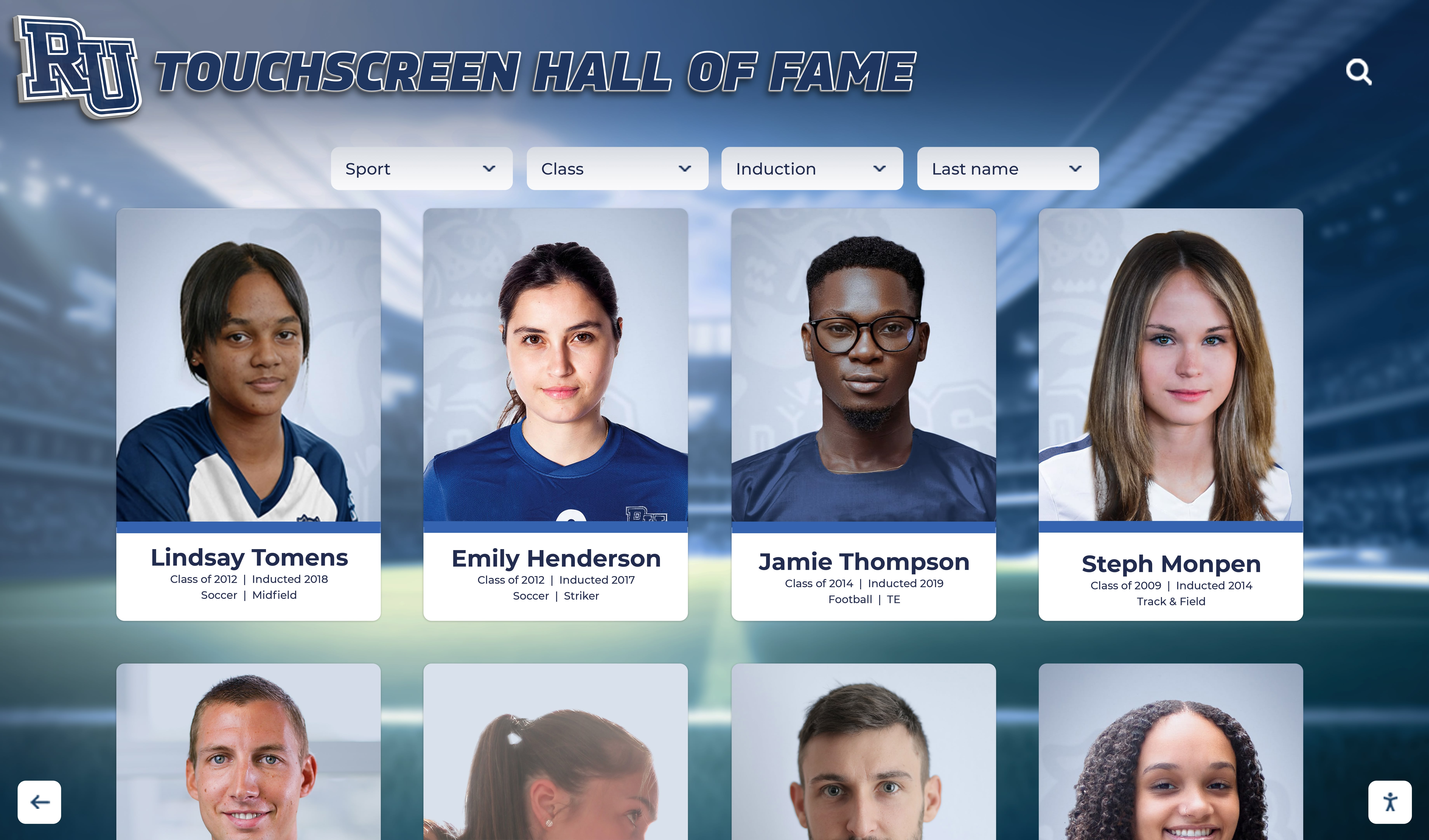




A school recognition display server-sent events test is a structured procedure for confirming that the long-lived HTTP connection a kiosk browser holds open to receive live award updates, ranking changes, and real-time inductee announcements is actually delivering events — and for identifying which proxy, firewall, or server configuration is silently breaking that delivery when it is not. Server-sent events (SSE) is a browser API and server protocol, documented on MDN Web Docs under “Using server-sent events”, that lets a web server stream a continuous sequence of text messages to a browser over a single HTTP connection without the browser needing to poll for updates. On a school recognition display — the lobby touchscreen that shows athlete inductees, championship banners, live award announcements, and updated rankings — SSE powers the live side of the display: the data that changes in real time rather than on a publishing cycle. When SSE delivery fails, the display shows stale data, skips update events, or freezes on a snapshot of the recognition program as it was at the last full page reload. The test described in this guide helps school IT coordinators, program administrators, and their facilities or AV contacts audit the five conditions that most commonly interrupt SSE delivery on school networks: proxy buffering, content-type misconfiguration, idle timeout, delivery latency, and Last-Event-ID continuity across reconnections.
A school recognition display earns its place in the lobby precisely because it stays current: the athlete who earned all-conference recognition last week appears alongside the inductees from 1987; the updated ranking table reflects this season’s statistics rather than a printout from the last program meeting. When the platform delivering that live data uses server-sent events to push updates to the display browser, the school network has to cooperate for those updates to arrive. School networks commonly include web proxy appliances, content filters, and firewall rules that can interrupt or buffer SSE connections without generating any visible error on the display — leaving the recognition program frozen with no indication that it stopped receiving updates minutes or hours ago.
This guide covers the five conditions that an SSE test should audit for a school recognition display, explains each in practical terms for program administrators and IT staff who are not web developers, provides a numbered procedure, and includes a decision table mapping test outcomes to remediation actions. It does not cover WebSocket connection behavior (a different bidirectional protocol that some recognition systems use instead of SSE), TCP keepalive configuration at the socket level (a transport-layer mechanism distinct from SSE’s application-level reconnection logic), or general reconnection strategy.

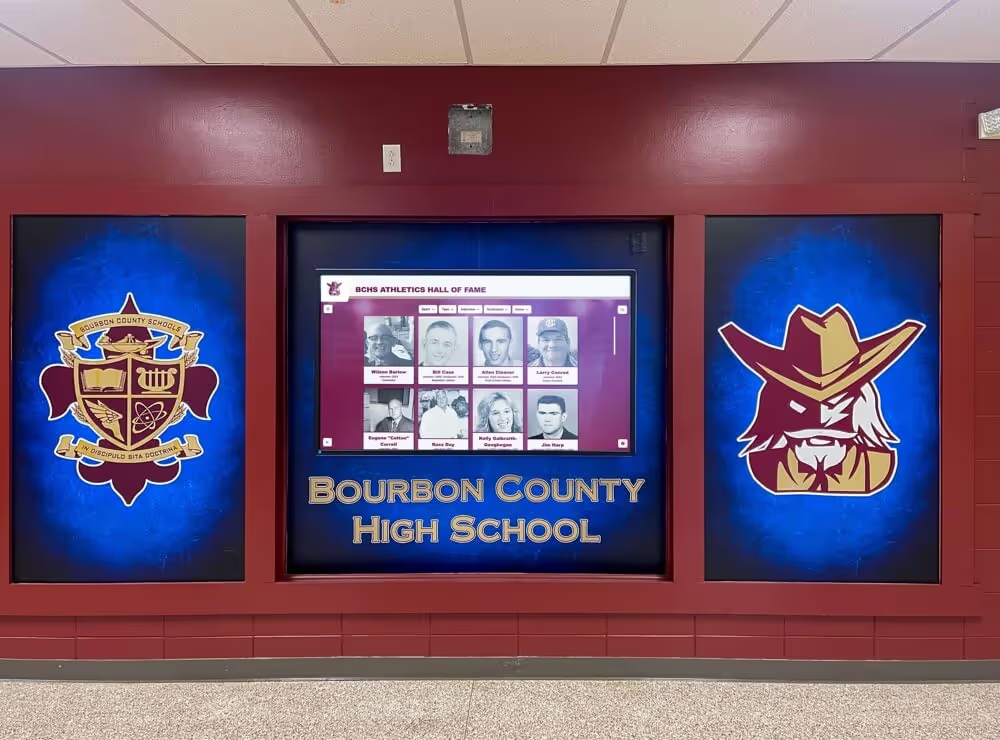
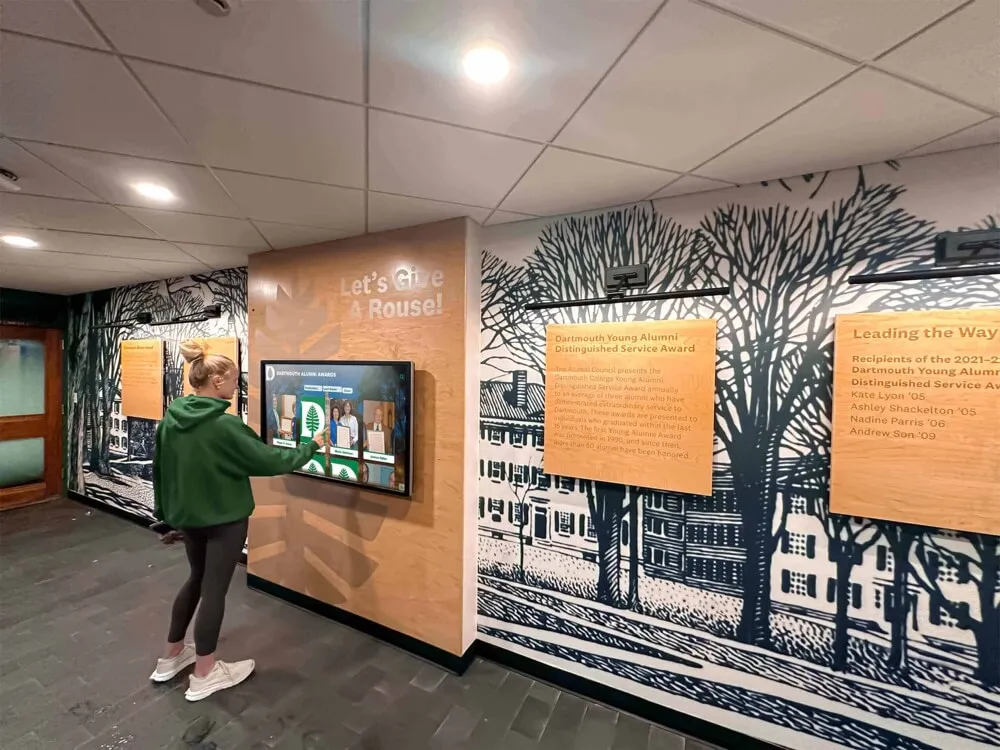
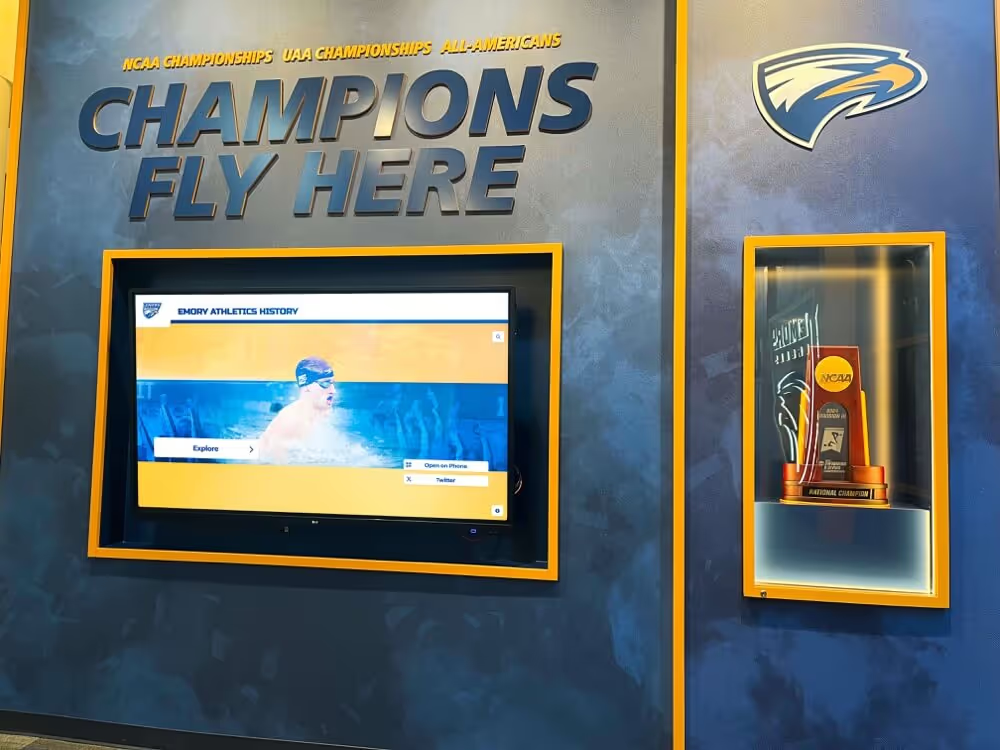
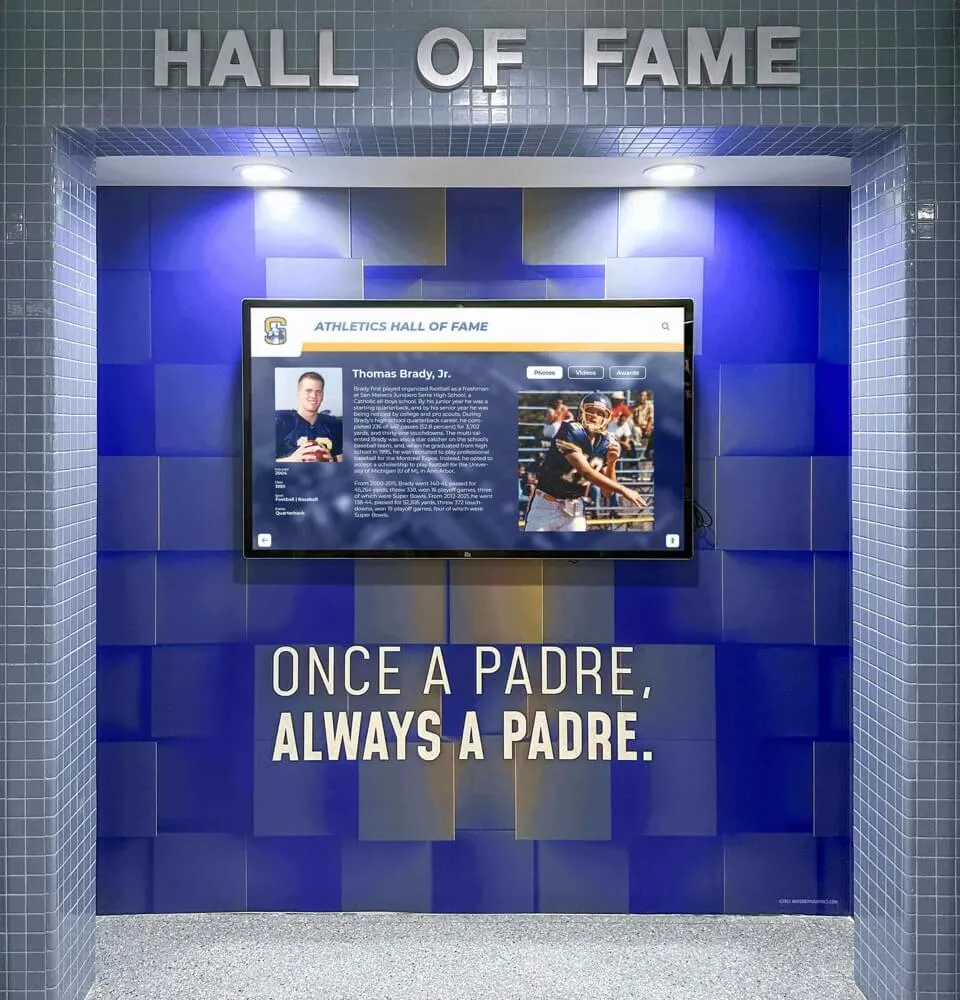
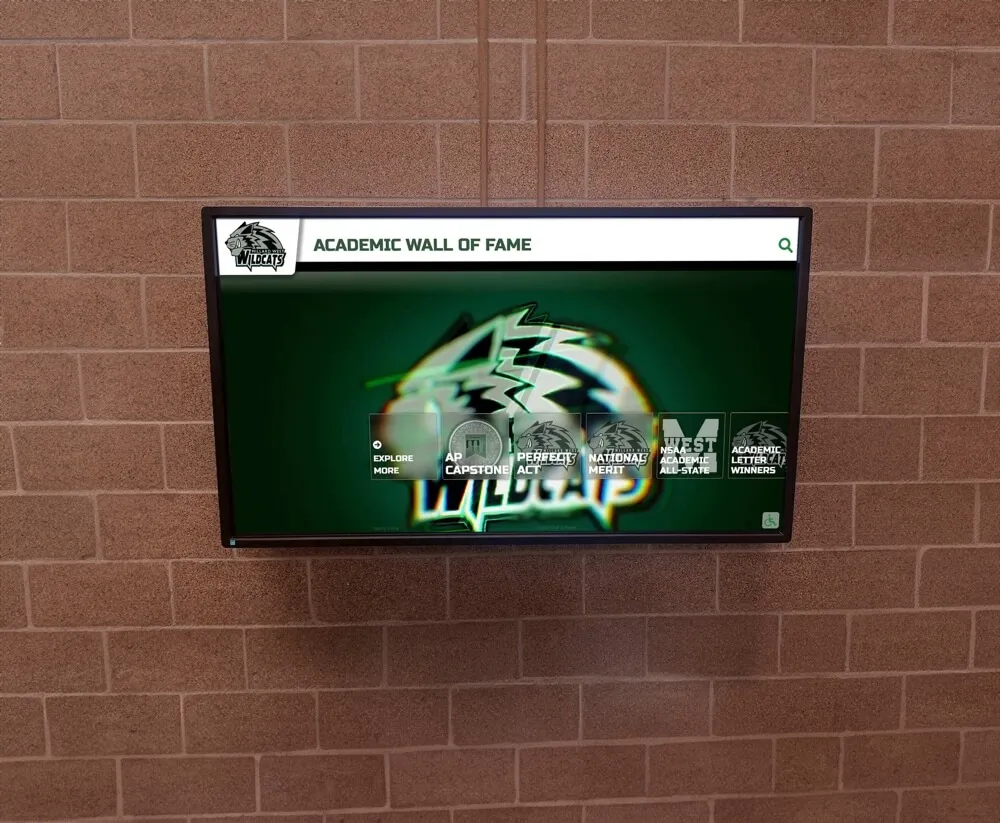
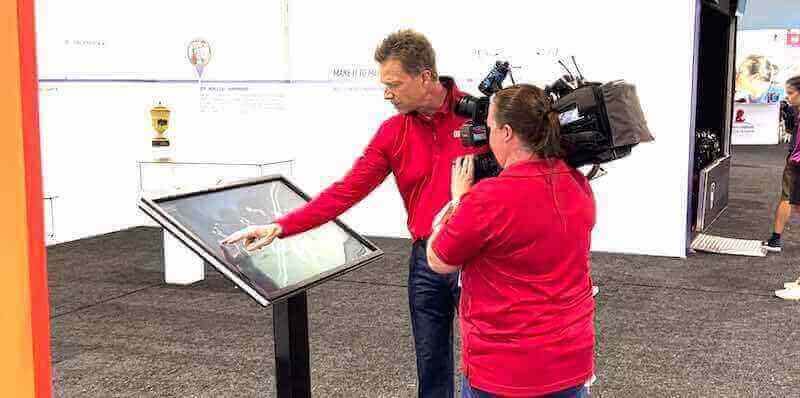
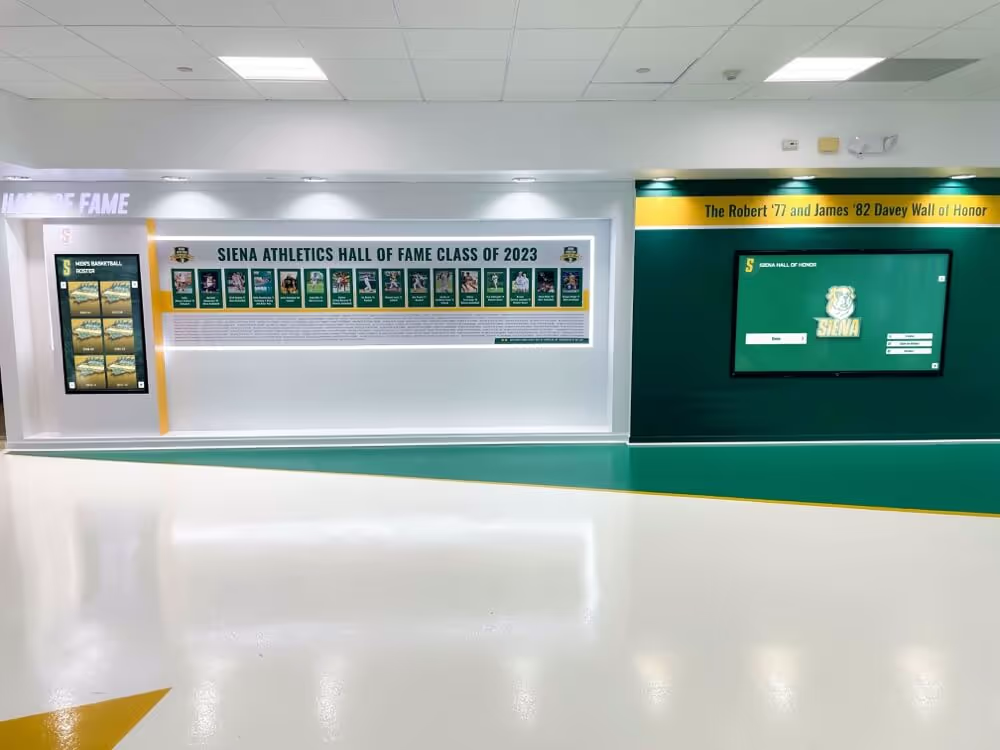
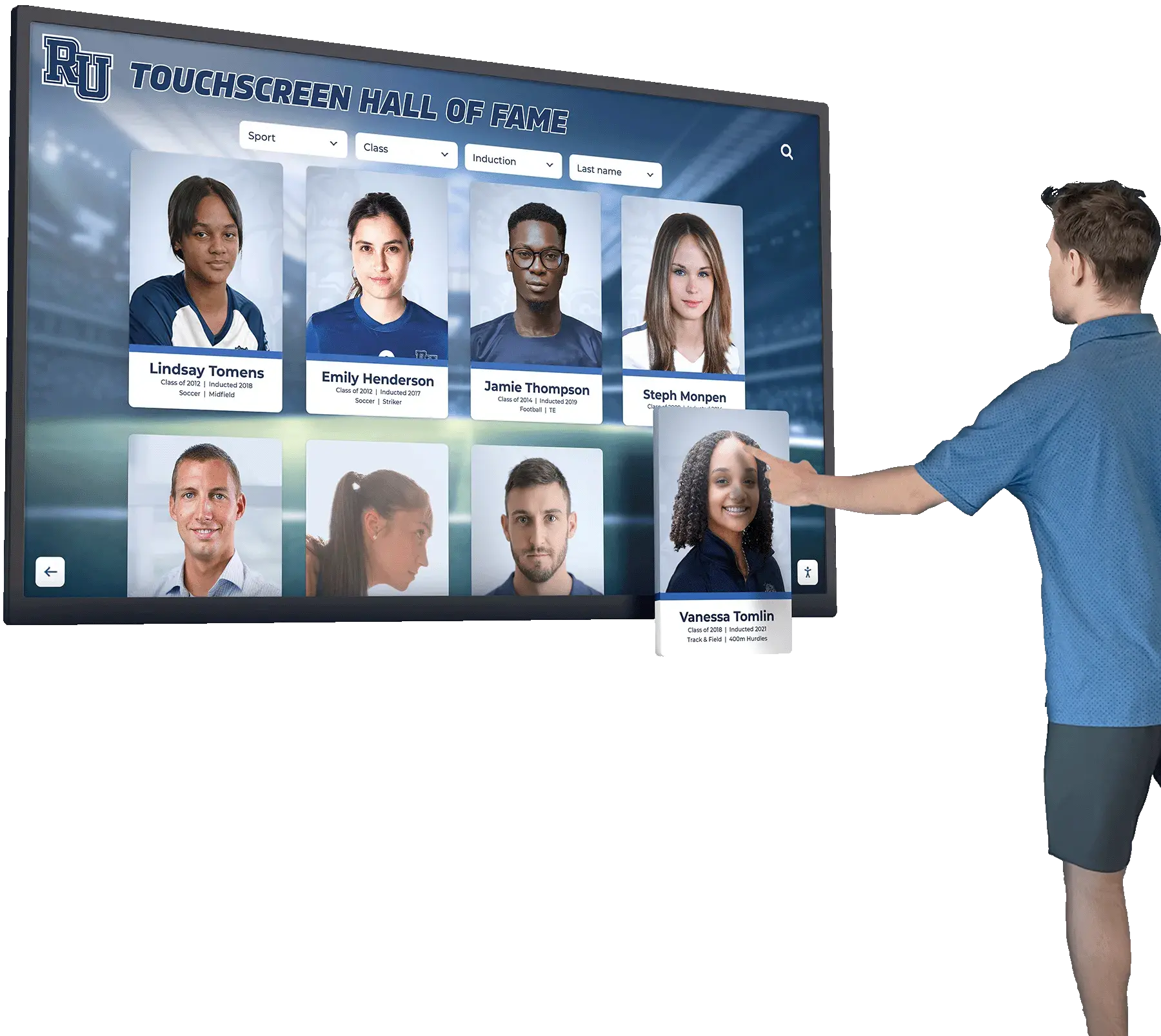
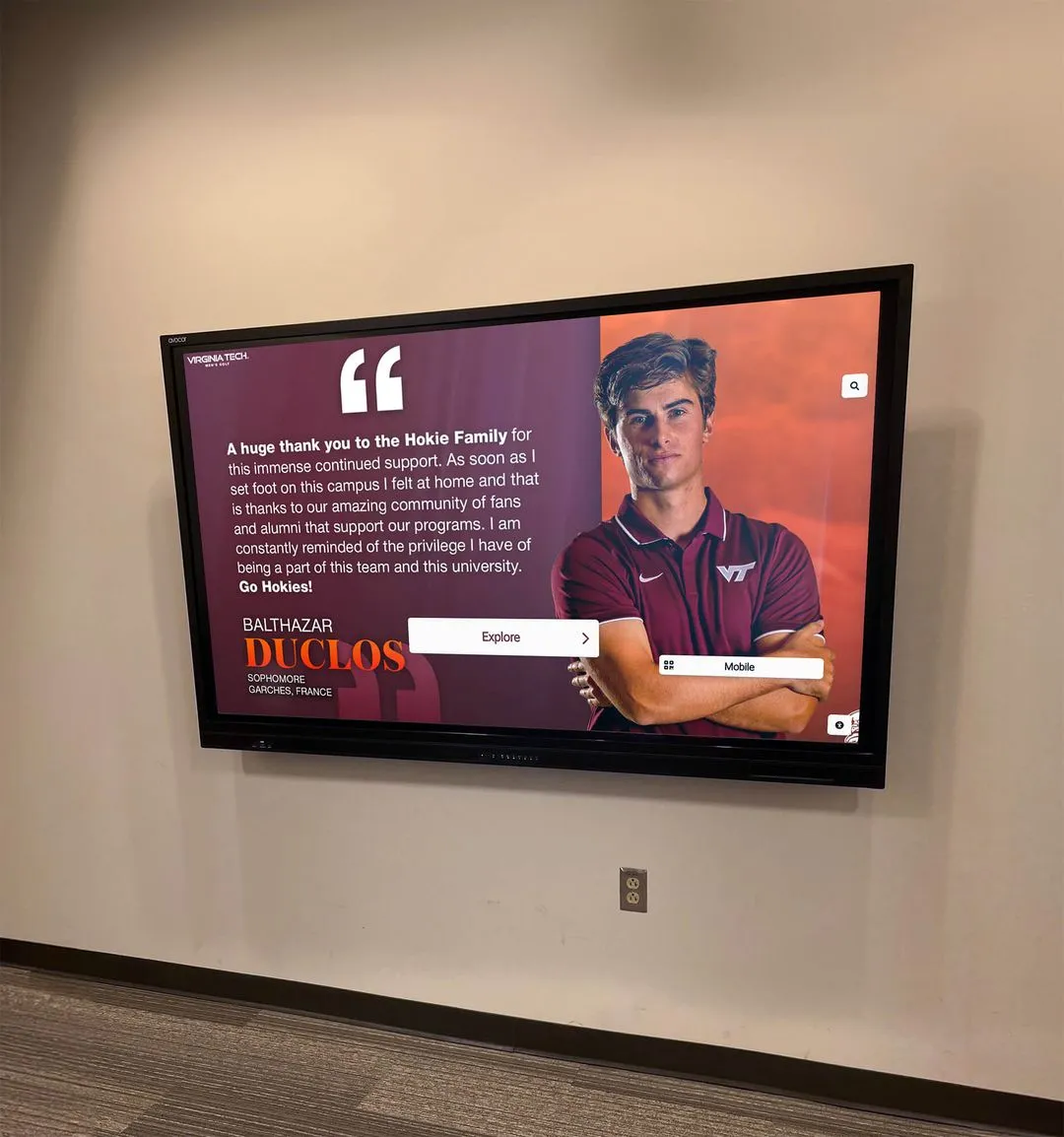
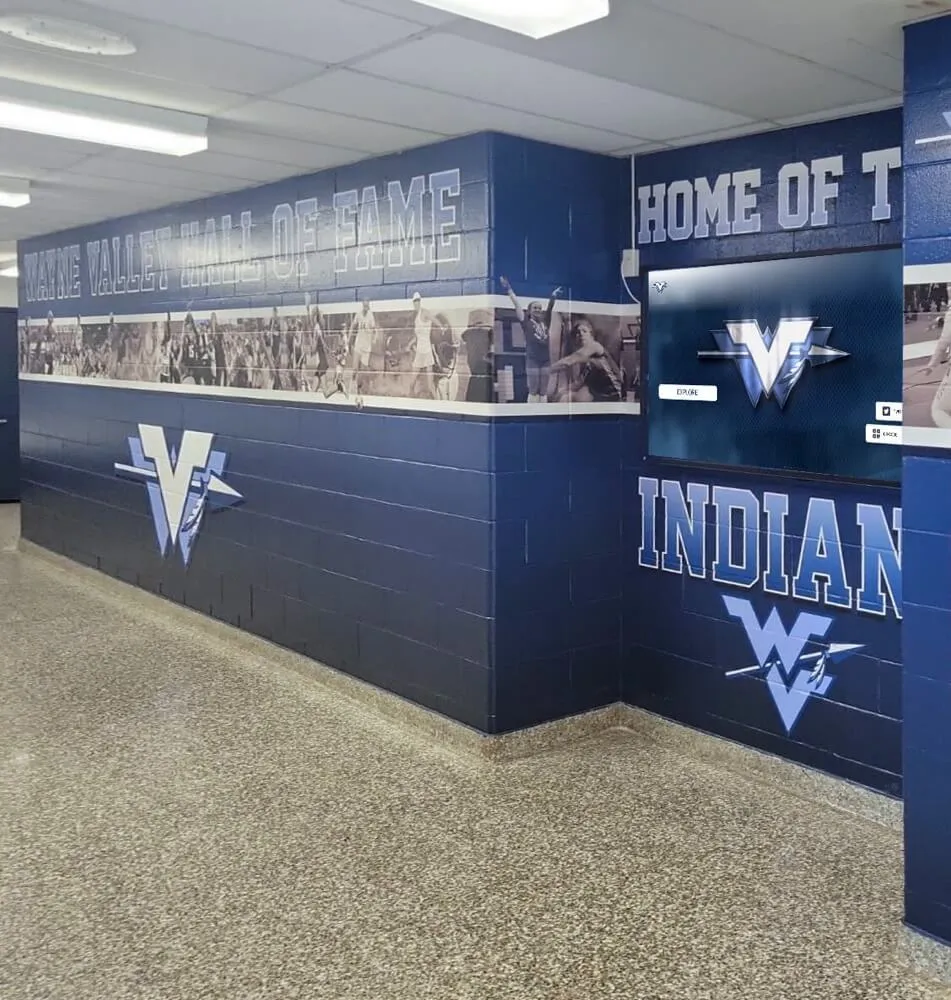
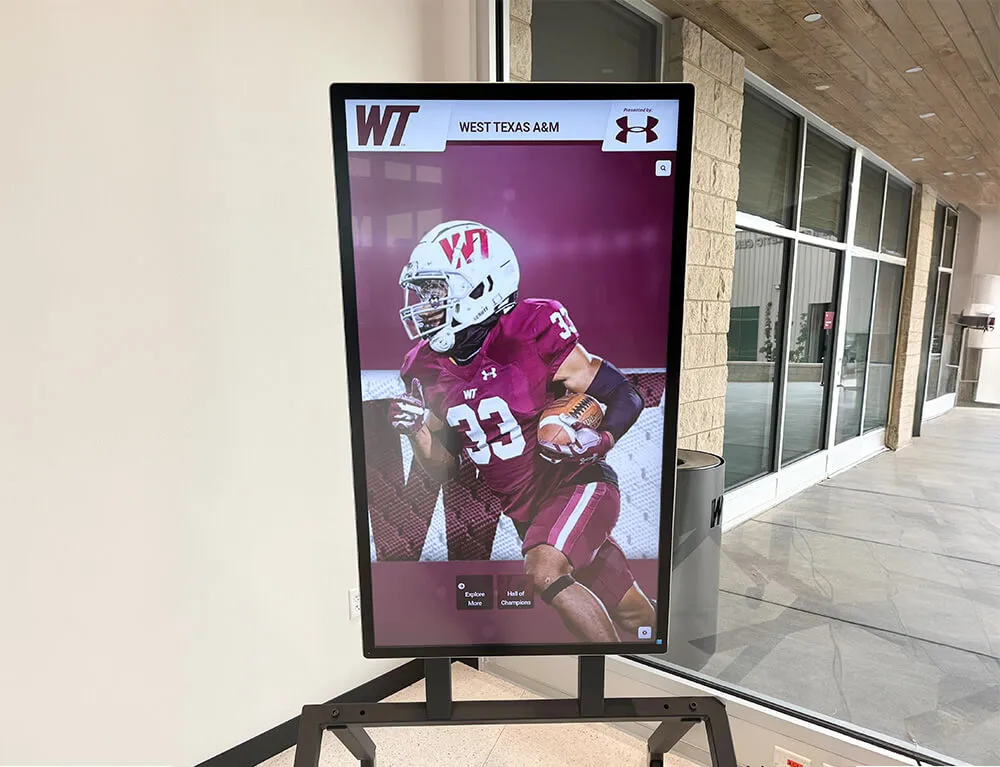
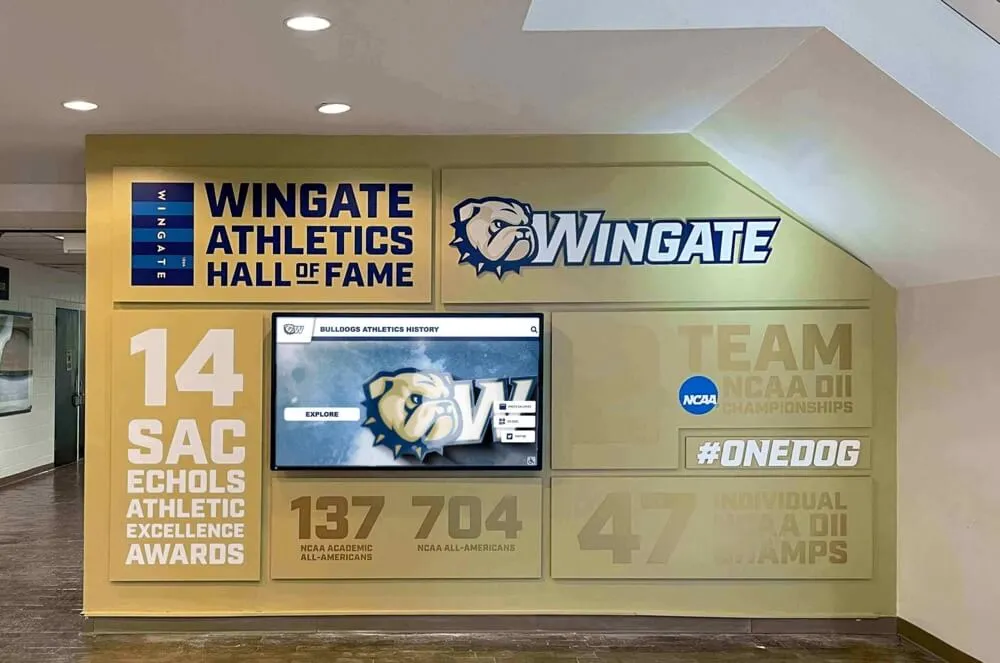
Interactive hall of fame displays that present athlete portrait cards and live award updates depend on a functioning SSE connection — a school recognition display server-sent events test verifies that the long-lived HTTP connection carrying those updates reaches the kiosk browser through the school network
What Server-Sent Events Are and How Recognition Displays Use Them
Server-sent events work through the browser’s built-in EventSource API. The browser opens an HTTP GET request to a URL on the recognition platform’s server and keeps that connection open indefinitely. Rather than closing the response after sending a body, the server holds the connection open and writes structured text messages to it whenever there is new data — a ranking update, a newly published inductee record, a live award announcement during an event. Each message follows a simple line-based format: lines beginning with data: carry the message payload, lines beginning with event: name the event type, lines beginning with id: set an event identifier used for reconnection continuity, and a blank line terminates each message.
The connection must be served with the MIME type text/event-stream. Without that content type in the Content-Type response header, the browser’s EventSource implementation refuses to consume the stream — no events are delivered regardless of what the server sends.
SSE is distinct from WebSockets in two ways relevant to the school network context. SSE is one-way: data flows from the server to the browser only. WebSockets are bidirectional, allowing the browser to send messages back. Recognition displays that only need to receive live updates are well-suited to SSE’s simpler one-way model. SSE also uses a standard HTTP connection on port 443, which passes through most school network security appliances without special firewall rules, whereas WebSockets require a protocol upgrade that some filtering appliances block.
SSE is also distinct from TCP keepalive. TCP keepalive is a transport-layer mechanism by which the operating system periodically sends small probe packets on an idle TCP connection to detect disconnection. SSE’s application-level reconnection logic — built into the EventSource API — operates independently and above that transport layer. Whether an idle SSE connection stays open depends on intermediate network timeout policies, which the idle timeout step of this test addresses.
The awards and honors that recognition programs track in high school athletic programs — conference titles, individual performance records, postseason recognitions, academic honors — are the data that SSE is responsible for delivering to the lobby display in real time. When that delivery layer is working correctly, the recognition program operates as a living record of school achievement. When it is not, the display becomes a static page that silently falls behind the program’s actual state.
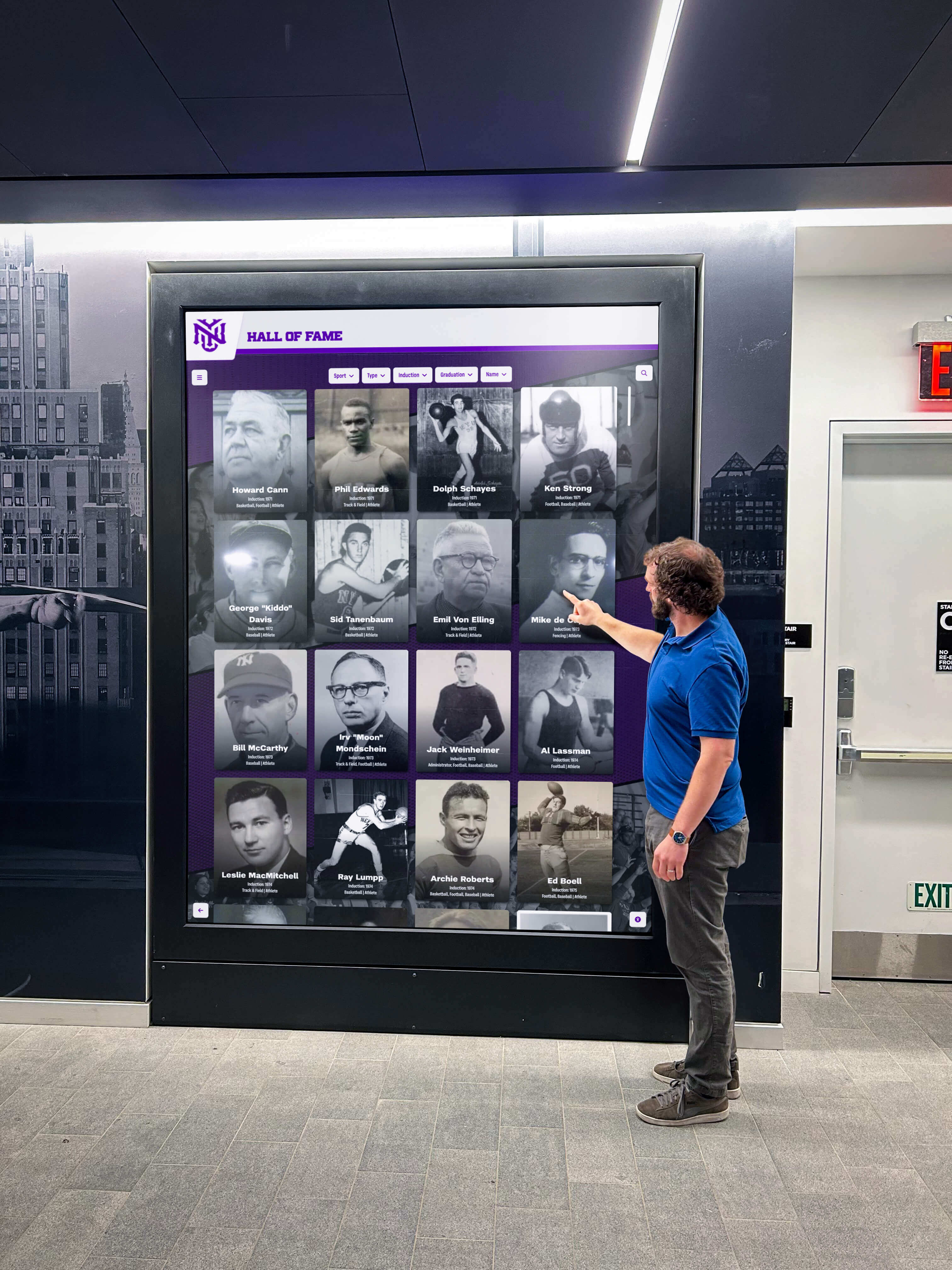
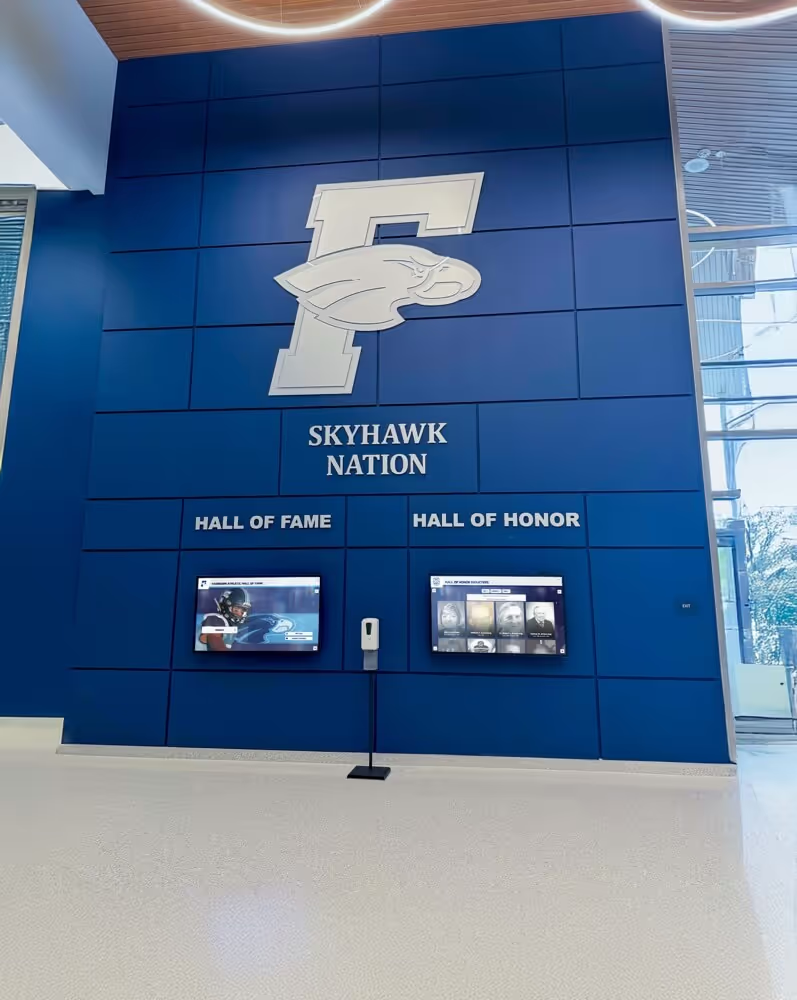
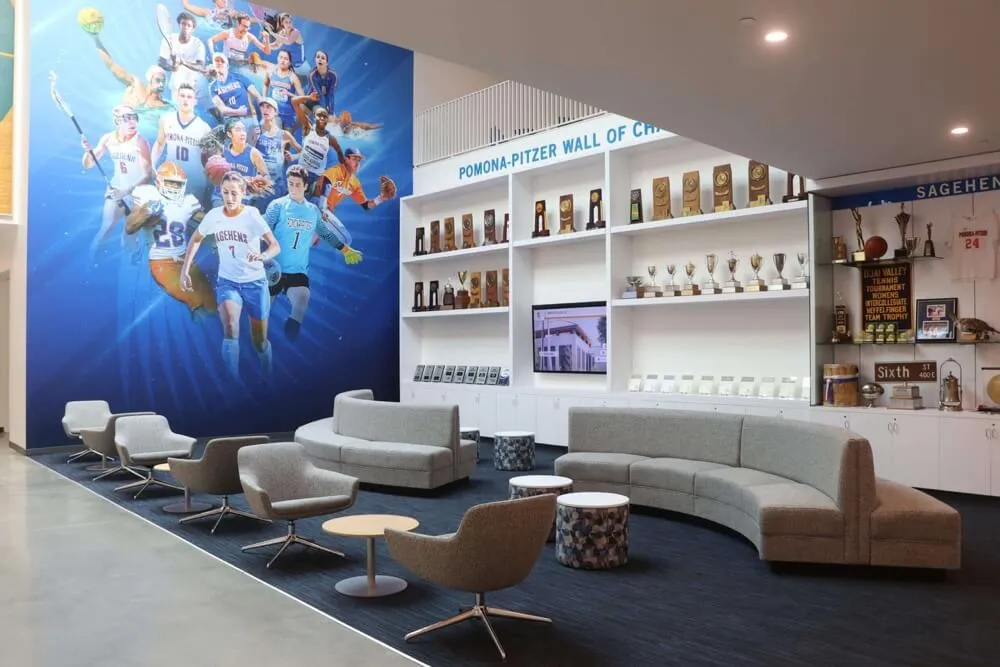
School hall of fame displays serve families, students, alumni, and community members who expect the recognition program to reflect current achievements — server-sent events are the delivery mechanism for live updates, and the SSE test confirms that mechanism is reaching the kiosk browser intact
The Five Conditions This Test Covers
The conditions addressed here are distinct from one another and require separate verification steps. A display that passes one check may fail another — proxy buffering is not detected by a content-type check, and Last-Event-ID continuity cannot be assessed by measuring delivery latency alone. The five conditions are:
- Proxy buffering — Whether an HTTP proxy between the kiosk browser and the recognition platform is accumulating the SSE stream and releasing it in bursts rather than forwarding each event immediately as the server writes it
- Content-type accuracy — Whether the server sends the correct
text/event-streamMIME type in theContent-Typeresponse header - Idle timeout — Whether the school network’s firewall, proxy, or load balancer is closing long-lived connections that have been quiet for a configurable period, before the platform’s keep-alive comment cycle fires
- Delivery latency — Whether events sent by the server arrive at the kiosk browser within a time span useful for the live-update purpose the display serves
- Last-Event-ID continuity — Whether the kiosk browser, after a reconnection, sends the
Last-Event-IDheader and whether the server uses it to resume the event stream from the correct position rather than starting fresh
School Recognition Display SSE Test: Numbered Procedure
Complete each step in order. Document findings at each step before moving to the next; a finding at one step does not eliminate the need for the remaining steps.
Step 1 — Audit Proxy Buffering
Proxy buffering is the most common source of SSE failure on school networks. A web proxy or content filter designed for standard request-response HTTP traffic may buffer the entire response body of an HTTP connection before forwarding it to the requesting browser. For a standard page load, buffering is harmless or beneficial. For an SSE connection, buffering prevents events from reaching the browser until the proxy’s buffer fills or the connection closes — at which point the display receives a burst of stale events, or nothing at all if the connection times out first.
To check whether a proxy is buffering the SSE stream, open a terminal on a device connected to the same network segment and VLAN as the recognition display kiosk. Issue a curl request to the SSE endpoint URL:
curl -N -H "Accept: text/event-stream" "<sse-endpoint-url>"
The -N flag disables curl’s output buffering so you observe events as they arrive. If the platform sends keep-alive comment lines — lines starting with : — on a regular interval, you should see those lines appearing at roughly that interval in the terminal output. If the terminal is silent between events for longer than the expected keep-alive interval, then suddenly delivers multiple events at once, that burst-delivery pattern indicates proxy buffering upstream of your test device.
If your network routes kiosk traffic through a proxy that does not forward an X-Accel-Buffering: no response header from the server, the proxy may buffer by default. Report the buffering symptom — specifically the burst-delivery pattern observed in the curl output — to the recognition platform vendor and your network administrator. Adding X-Accel-Buffering: no in the SSE response headers instructs Nginx-based proxies to disable buffering for that response; equivalent directives exist for other proxy software. This is a configuration change for the platform vendor or the proxy administrator, not a setting you can change from the kiosk.
Schools that have run a recognition display bufferbloat test for their school network baseline will already have a picture of queuing behavior on their WAN link. Bufferbloat and proxy buffering are separate phenomena, but both affect whether SSE events arrive at the kiosk at the expected moment.
Step 2 — Verify the text/event-stream Content-Type
The recognition platform’s SSE endpoint must return Content-Type: text/event-stream in its HTTP response headers. Issue a request to the SSE endpoint and inspect the response headers:
curl -sI -H "Accept: text/event-stream" "<sse-endpoint-url>"
In the response, locate the Content-Type header. The value must be text/event-stream. A response of text/html, application/json, application/octet-stream, or any other MIME type causes the browser’s EventSource implementation to reject the connection — no events are delivered, and the browser may fire an error event without a descriptive message that would help identify the root cause.
If the Content-Type is incorrect, report the exact value observed in the curl output to the recognition platform’s support team. This is a server-side configuration issue that only the platform vendor can correct; it is not addressable from the kiosk browser or the school network.
Step 3 — Idle Timeout Test
An SSE connection that carries no events for an extended period may be closed by the school network’s firewall, proxy, or load balancer enforcing an idle connection timeout. The platform’s recognition server typically sends periodic keep-alive comment lines — lines beginning with : in the event stream — specifically to prevent this. The idle timeout test confirms that those keep-alive comments are being transmitted, that they are arriving at the kiosk browser rather than being swallowed by a proxy, and that the network’s idle timeout is longer than the platform’s keep-alive interval.
In the curl session from Step 1, watch for lines that begin with : and contain no other content. Note the approximate interval between them. If keep-alive comments appear regularly at the platform’s observed interval, the idle timeout condition is likely managed. If the curl connection drops silently after a period of inactivity — the terminal returns to a prompt without a curl error message — the school network’s idle connection timeout is shorter than the platform’s keep-alive interval.
Specific timeout values vary by network vendor and policy; there is no universal threshold that applies to all school deployments. The relevant diagnostic is whether the connection drops before the platform’s keep-alive comment fires, which the curl observation makes visible without knowing the exact timeout value in advance.
If idle timeouts are closing the connection prematurely, the school’s network administrator can review the stateful session timeout configuration on the firewall for HTTPS connections from the kiosk VLAN. Raising the idle timeout for long-lived HTTPS connections from the recognition display subnet — or reviewing the kiosk VLAN policy for long-lived sessions — can address this without affecting security controls for general school traffic.
Step 4 — Delivery Latency Check
Delivery latency measures how quickly an event sent by the recognition platform server arrives at the kiosk display browser. For a live award update — a new inductee announcement, an updated ranking, a real-time scoring change — the event should appear on the display promptly after the platform publishes it, not after a multi-second delay.
To measure SSE delivery latency, you need a test scenario in which a known event is published to the SSE stream at a recorded time and you can observe its arrival at the receiving browser. This is most straightforward when the platform provides a test-event trigger in its administrative interface, or when you can publish a test update to the recognition program and observe when it appears on the display.
Note the time at which the test update is published, then note the time at which it appears on the display. If the platform’s event stream includes an id: field with a timestamp, that value in the arriving event can be compared to the publication time. Delivery latency that is consistent with the burst-delivery pattern from Step 1 warrants follow-up against those proxy buffering findings. Persistent high latency not explained by proxy buffering may reflect WAN link congestion or packet queuing on the school network’s uplink.
Step 5 — Last-Event-ID Continuity Check
The EventSource API includes a built-in reconnection mechanism: when an SSE connection drops, the browser automatically attempts to reconnect to the same endpoint, sending a Last-Event-ID HTTP request header containing the id: value of the most recently received event. A recognition platform that supports this feature uses the Last-Event-ID value to resume the event stream from where it left off — sending only the updates the browser missed during the disconnection, rather than starting fresh with only the current state.
This matters for school recognition displays because kiosk network connections can drop briefly — a Wi-Fi reassociation, a momentary DHCP renewal, a proxy restart — without the display browser reloading the page. If the platform supports Last-Event-ID resume, the display picks up missed updates seamlessly. If it does not, the display may miss events that occurred during the gap.
To test Last-Event-ID continuity:
- Open the SSE endpoint in a
curlsession and confirm that events include anid:field with a value - Interrupt the connection manually (terminate the
curlprocess or briefly disconnect the test device from the network) - Reconnect and issue a new
curlrequest with theLast-Event-IDheader set to the last observed event ID:
curl -N -H "Accept: text/event-stream" -H "Last-Event-ID: <last-id-value>" "<sse-endpoint-url>"
- Observe whether the server sends events from after the last ID, or whether it starts fresh from the current state
If the server does not honor Last-Event-ID — because the platform does not implement server-side resume — document that as a platform characteristic rather than a misconfiguration. This is a vendor capability question, not a network or IT issue. For recognition programs where brief disconnections are rare, the practical impact may be limited; for programs with less reliable Wi-Fi coverage at the kiosk location, it is worth noting in the audit record so the program coordinator understands how the display recovers from brief outages.
This step is specifically about whether the server publishes a useful id: field and whether it uses the Last-Event-ID header on reconnection. It does not address general connection resilience or retry strategy beyond what is needed to confirm continuity.
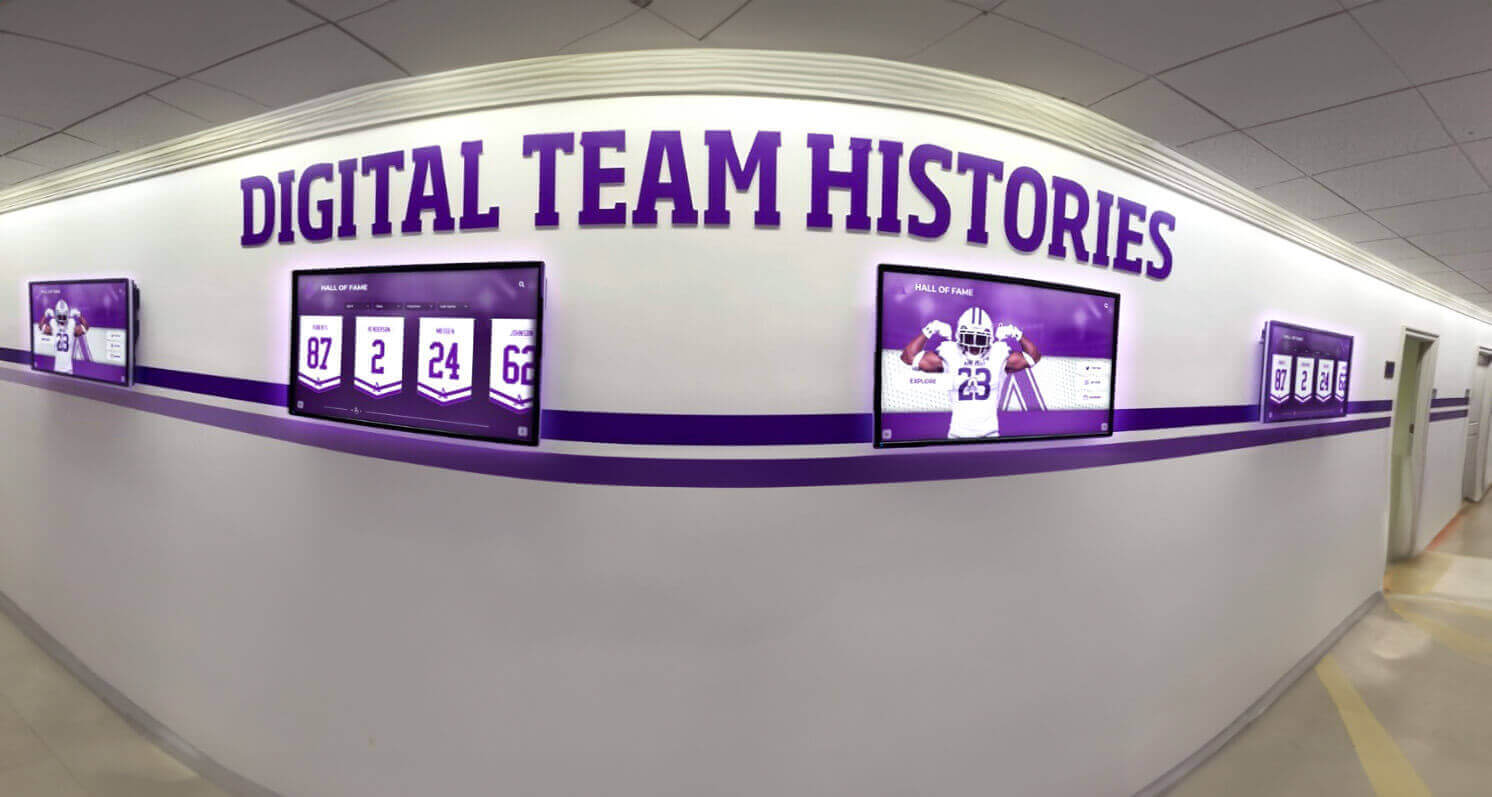
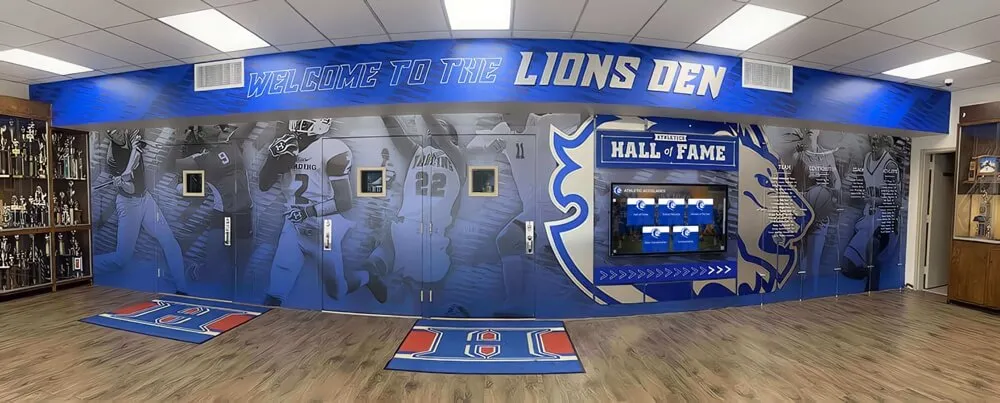
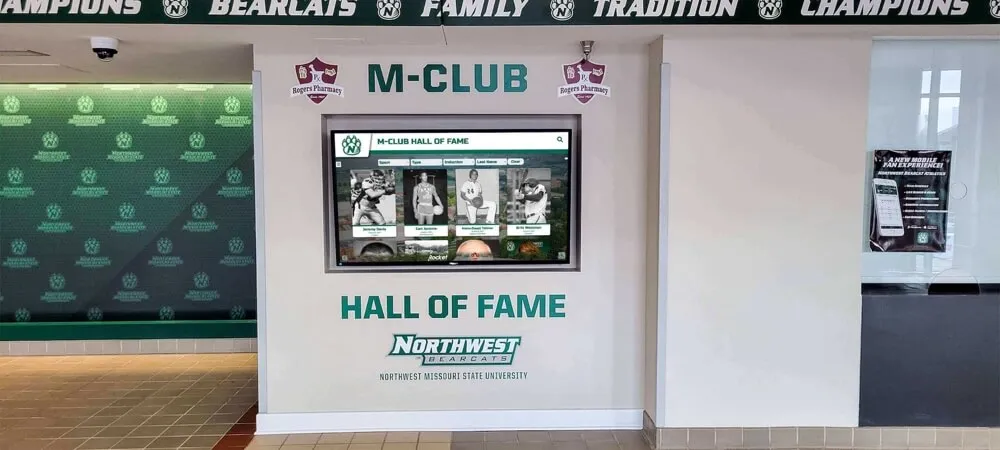
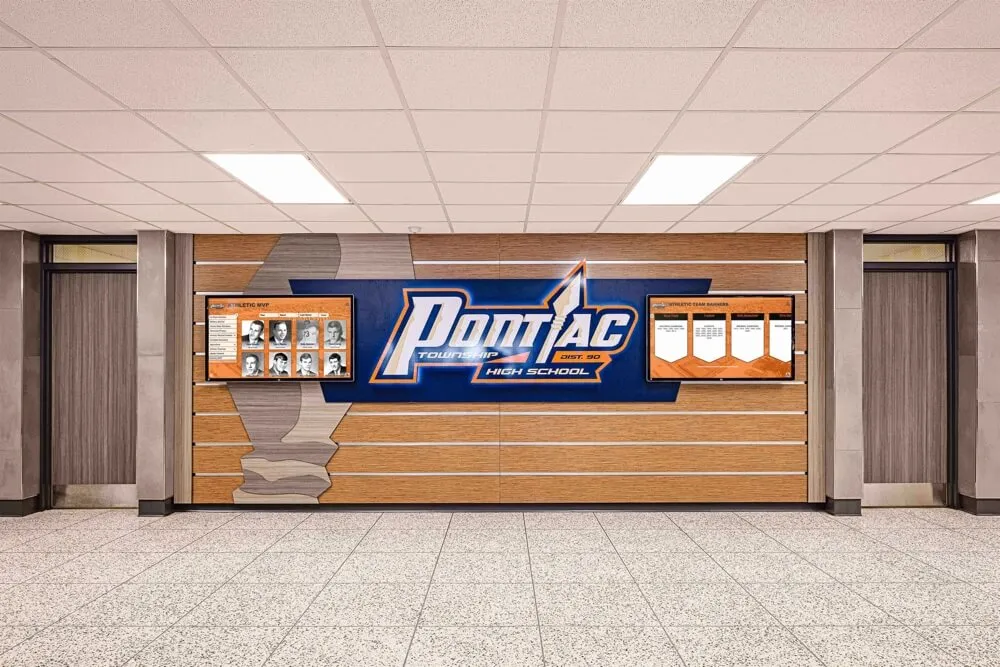
Hallway recognition screens that display team histories and season-by-season records depend on live data delivery to stay current — the Last-Event-ID continuity test confirms that brief reconnections do not cause the browser to miss award updates that were published while the connection was interrupted
SSE Test Decision Table
Use this table to map findings from each test step to the appropriate next action.
| Test Step | Finding | Likely Cause | Action |
|---|---|---|---|
| Step 1 — Proxy buffering | Events arrive in bursts; long silence then multiple at once | Proxy buffering upstream | Report to platform vendor (X-Accel-Buffering: no) and network admin (proxy buffering policy) |
| Step 1 — Proxy buffering | Events arrive individually at expected interval | No proxy buffering issue | Proceed to Step 2 |
| Step 2 — Content-Type | Content-Type is text/event-stream | Correct | Proceed to Step 3 |
| Step 2 — Content-Type | Any other MIME type | Server-side misconfiguration | Report exact header value to platform vendor; no browser-side workaround |
| Step 3 — Idle timeout | Keep-alive comments arrive at expected interval; connection stays open | Idle timeout longer than keep-alive interval | Proceed to Step 4 |
| Step 3 — Idle timeout | Connection drops silently before keep-alive comment fires | Firewall or proxy idle timeout shorter than keep-alive interval | Network admin: review idle timeout policy for kiosk VLAN HTTPS connections |
| Step 4 — Delivery latency | Events arrive promptly after publication | No buffering or congestion issue | Proceed to Step 5 |
| Step 4 — Delivery latency | Consistent multi-second delay not explained by buffering | WAN congestion or uplink queuing | Review QoS policy for kiosk traffic; run network baseline tests |
| Step 5 — Last-Event-ID | Server sends id: fields; honors Last-Event-ID on reconnect | Platform supports resume | SSE test complete; document baseline |
| Step 5 — Last-Event-ID | Server sends id: fields but ignores Last-Event-ID on reconnect | Platform does not implement server-side resume | Document as platform capability; assess reconnection impact for kiosk location |
| Step 5 — Last-Event-ID | Server does not send id: fields in events | Platform does not publish event IDs | No continuity resume possible; document for program coordinator awareness |
| Any step | curl cannot reach SSE endpoint | Network block, DNS failure, or authentication required | Confirm endpoint URL, DNS resolution, and network path from kiosk VLAN before re-running |
Q&A: Server-Sent Events Testing for School Recognition Displays
What does the display show when SSE events stop being delivered?
In most cases, the display continues showing whatever state it was in when events last arrived — the same athlete rankings, the same announcement, the same inductee list — without any visible indication that it has stopped updating. The display does not show an error or spinner; it simply stops changing. For a lobby display watched by families before or during a recognition event, the frozen state may not be immediately obvious unless someone notices that a live update has not appeared. This is why the SSE test is most valuable when run before a scheduled event rather than after a problem is reported.
Is this test the same as checking whether the kiosk can access the internet?
No. A kiosk can reach the internet successfully for standard HTTPS page loads and still fail at SSE delivery. Standard HTTPS requests open a connection, receive a complete response, and close. SSE holds the connection open for minutes or hours while the server writes incremental updates. A proxy or firewall that handles short-lived HTTPS traffic correctly may still buffer or drop a long-lived SSE connection. The SSE test specifically exercises the long-lived connection behavior, which is not tested by a standard connectivity or page-load check.
Do all school recognition display platforms use SSE?
No. Some recognition platforms deliver live updates through WebSockets, some through periodic polling (where the browser requests fresh data at an interval rather than holding a connection open), and some through SSE. The test in this guide applies specifically to platforms that use SSE — the text/event-stream content type and EventSource API. If your recognition platform uses WebSockets, a different test procedure applies. Your platform vendor’s documentation or support team can confirm which update delivery mechanism the platform uses.
Can we run this test from any device, or does it need to be the kiosk?
The most accurate version uses the kiosk browser itself, because proxy routing, VLAN assignment, and DNS resolution may differ between the kiosk network segment and a general staff laptop. The curl commands in this guide can be run from a laptop connected to the same VLAN and subnet as the kiosk to approximate the kiosk’s network path. For the idle timeout and Last-Event-ID tests in particular, testing from the kiosk or from a device on the same VLAN is strongly preferred, because idle timeout policies are often applied per-network segment.
The display updates correctly from our office but not from the lobby kiosk. Why would SSE work in one location and not another?
Proxy routing, VLAN assignment, and firewall policy are often different for kiosk or guest network segments versus staff networks. A staff laptop in the office may bypass the proxy appliance that kiosk traffic is routed through; it may be on a VLAN with different idle timeout rules; or it may not pass through a content filter that inspects and potentially buffers HTTPS connections. If SSE works from the office network and fails from the kiosk, the difference is almost certainly in how the kiosk network segment routes and inspects HTTPS traffic. Run the curl tests from a device on the same VLAN as the kiosk — not from the staff network — to reproduce the kiosk’s actual network path.
What if the platform’s SSE endpoint requires authentication to access?
Some platforms serve the SSE stream through an authenticated endpoint — the browser must be logged in or include an authentication token. For the curl-based tests in this guide, you can include an authorization header or session cookie to replicate the authenticated request. Your platform vendor can provide the correct authentication mechanism for their SSE endpoint. Note that cross-origin SSE connections — where the kiosk browser’s page origin differs from the SSE endpoint’s domain — may require credentials configuration in the platform’s EventSource implementation. This is a platform implementation detail; confirm with the vendor whether their SSE connection is same-origin or cross-origin from the kiosk’s perspective.
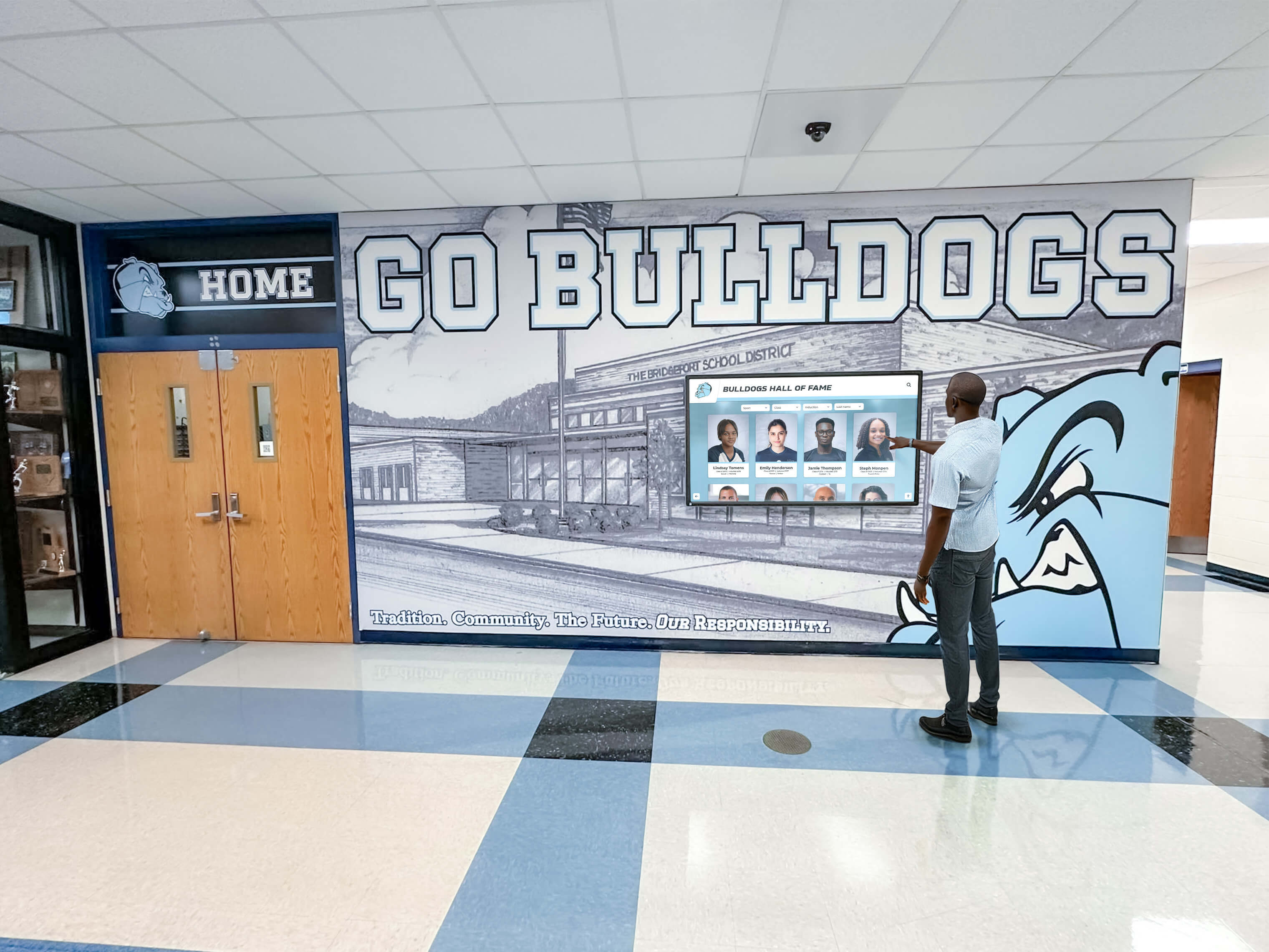
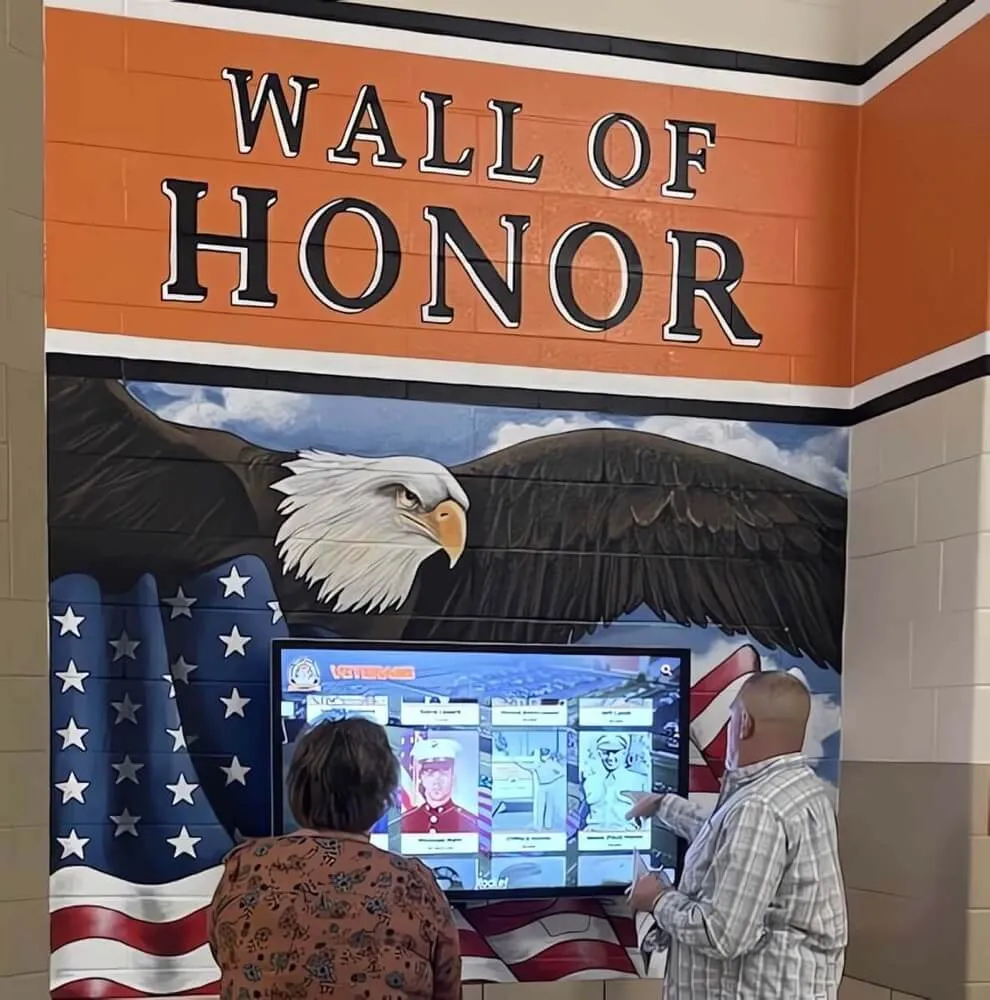
School hallway recognition displays serve athletes, families, and community members who trust the display to show current program information — an SSE test confirms the live update layer is functioning correctly so the display reflects the recognition program's actual state at the time of each visit
Running the SSE Test Before Recognition Events
The school celebration days and recognition event calendar for K-12 schools includes moments — hall of fame induction nights, senior recognition nights, championship banquets, all-conference announcements — when a recognition display’s live update capability is most visible and most meaningful to the audience. Running a brief SSE check before these events — confirming that the curl connection receives events at the expected interval and that the text/event-stream content type is present — takes less than ten minutes and catches the proxy buffering or idle timeout condition before families arrive.
Schools planning recognition events that include live award announcements, such as those illustrated in award speech examples for school hall of fame recognition evenings, benefit from a lobby display that is synchronized with the ceremony as it unfolds. An inductee whose name appears on the display at the moment of announcement is a small, vivid detail that families notice and remember. An SSE test before the event is what makes that detail reliable.
The school recognition display server-sent events test also pairs naturally with the display’s visual readiness check. A recognition display black level test for school lobbies and gyms confirms that the screen’s light output and contrast are correct for the room’s ambient light; the SSE test confirms that the content displayed on that screen is arriving live. Both are pre-event readiness checks for different layers of the same display system.
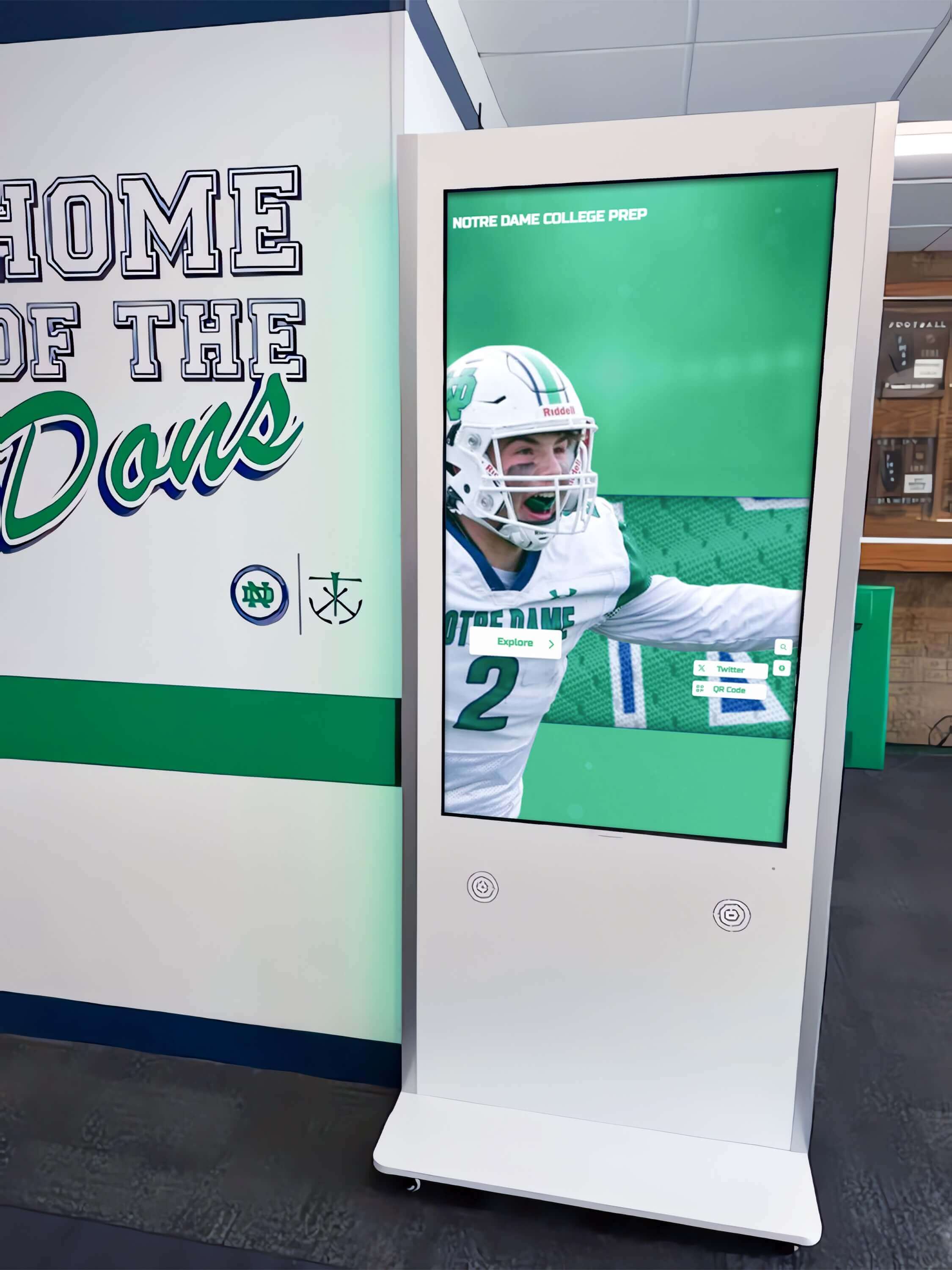
School hallway recognition kiosks serve as digital archives of athletic achievement — the SSE test confirms that the real-time update layer is working so the display reflects the program's current state rather than a snapshot from the last full page reload
The recognition display represents an investment in school athletic memory — the years of championships, the names of athletes who shaped what the school’s program means, the coaches and program builders who built the tradition. That memory lives in the platform’s data. Server-sent events are one piece of the infrastructure that brings that data to life on the screen for every family and alumnus who stops in front of the display. The test in this guide is small in scope and brief in execution; it is worth running because the display that works correctly at an induction night is the one that makes that evening more meaningful for the athletes and families who traveled to be there.
See a School Recognition Display Working Live — Including Live Update Delivery
If your school is evaluating or building out a touchscreen athletic recognition display and wants to see how live award updates, inductee announcements, and real-time content reach the kiosk browser — including how the platform handles delivery through school network environments — a live product demonstration covers those specifics alongside the recognition content, design, and athletic program features. Rocket Alumni Solutions works with school athletic directors, IT coordinators, and program administrators to confirm the complete live-update delivery path before recognition content goes live in the lobby.