IGMP Querier Checklist for School Recognition Video Displays
- Home /
- Blog Posts /
- IGMP Querier Checklist for School Recognition Video Displays
The Easiest Touchscreen Solution




Live Example: Rocket Alumni Solutions Touchscreen Display
Interact with a live example (16:9 scaled 1920x1080 display). All content is automatically responsive to all screen sizes and orientations.
A school recognition display IGMP querier is the network device—either a multicast-capable router or a switch configured with a software querier—that sends periodic IGMP General Membership Queries on the VLAN carrying your recognition video streams. Without an active querier on that VLAN, the switch’s IGMP snooping tables age out and the switch stops forwarding multicast traffic to display ports. The result is a recognition screen that goes dark or freezes mid-video at exactly the moment a visitor, parent, or honored athlete is standing in front of it.
School networks frequently run recognition displays on VLANs that have no multicast-capable router connected. Lobby kiosks, hallway honor walls, and athletic record boards are often placed on a dedicated display VLAN that carries only switch-to-switch uplinks and display endpoints. No router means no natural IGMP querier—and without a querier, the multicast video streams that keep recognition content animated and current stop reaching the displays within minutes of the first query interval expiration.
This checklist covers every configuration point a school IT coordinator or AV integrator needs to verify before commissioning a recognition display installation that relies on multicast delivery. It includes a numbered procedure, a verification table, school-specific IGMP scenarios, and a Q&A section addressing the most common querier problems encountered on school networks.
When a school hall-of-fame display, athletic record board, or lobby recognition kiosk relies on multicast to receive its video content, the IGMP querier is the silent keeper of that stream. Get the querier configuration right and the displays run without intervention. Miss it and the displays go dark on a schedule determined by the IGMP membership table expiry timer—usually two or three times the query interval, which is 60 to 125 seconds by default. On a display VLAN with no router and no switch querier, that means multicast video stops flowing within five to seven minutes of the last query.

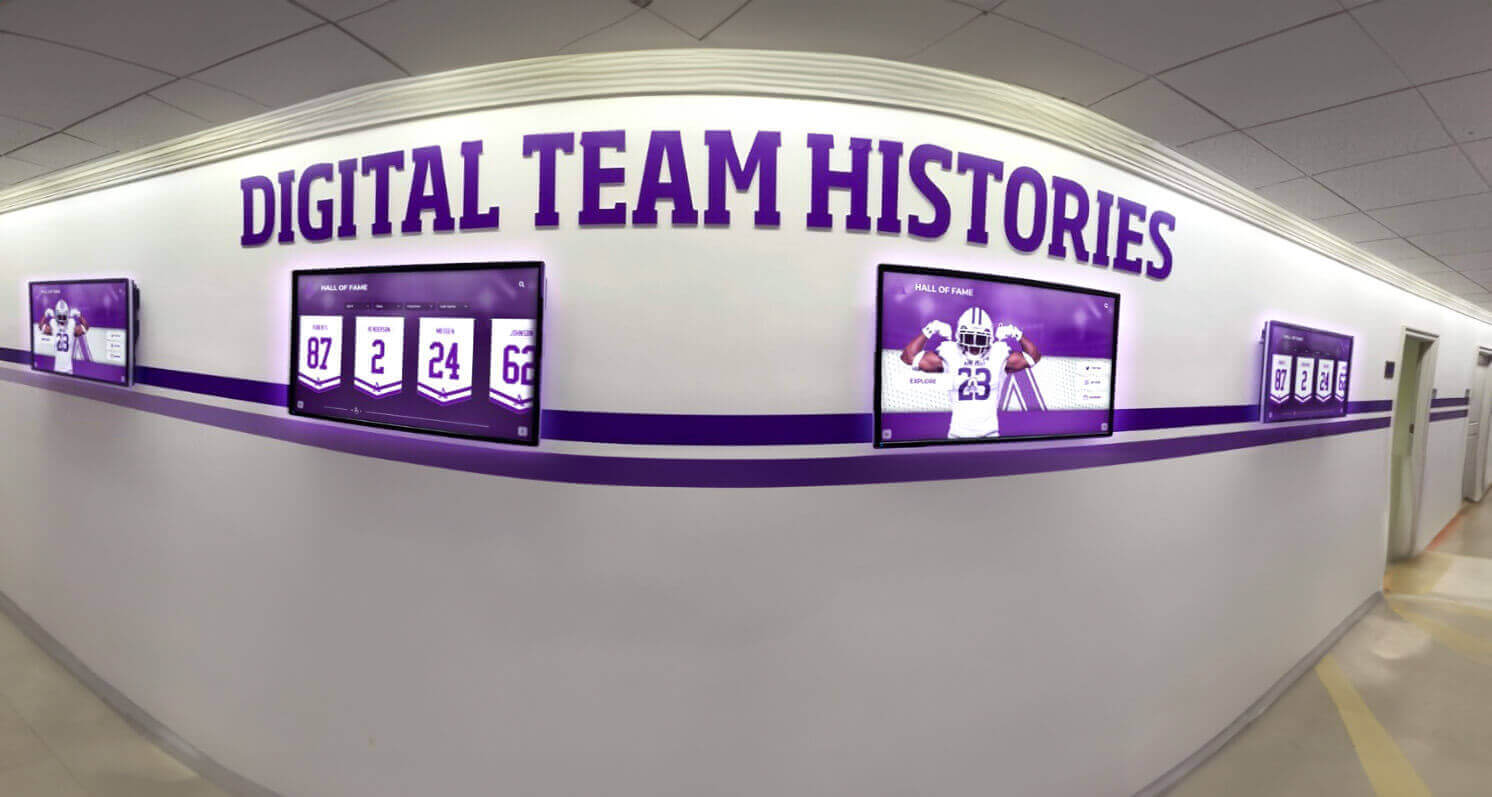
Hallway recognition displays that stream team histories and athletic records over multicast require a correctly configured IGMP querier on the display VLAN—without one, IGMP snooping tables expire and multicast video stops reaching the screens
What an IGMP Querier Does for School Recognition Video Displays
Internet Group Management Protocol (IGMP) is the signaling mechanism that allows IP devices to join and leave multicast groups. A recognition display that receives multicast video sends an IGMP Membership Report to join the multicast group address corresponding to its content stream. The switch intercepts that report through IGMP snooping and records the display’s port as an interested receiver for that group. From that point forward, the switch forwards multicast traffic for that group only to ports that have joined—preventing the stream from flooding the entire VLAN.
The querier is what keeps this table alive. At regular intervals it sends an IGMP General Membership Query to the all-hosts address (224.0.0.1). Connected devices respond with their current group memberships, which refreshes the switch’s snooping table. If the querier stops sending queries—because a router was removed, because a switch failover interrupted the querier process, or because no querier was ever configured—the snooping table entries for the display ports age out after the membership interval expires (Group Membership Interval = Robustness Variable × Query Interval + Max Response Time; typically around 260 seconds on default IGMPv2 settings). Once the entry expires, the switch no longer forwards the multicast stream to the display port and the recognition video stops.
The connection to school recognition is direct. Athletic hall-of-fame platforms, digital honor walls, and academic recognition kiosks typically use cloud-hosted content platforms that push video and animated graphics to display endpoints. Many implementations use multicast delivery for efficiency when multiple displays share the same content stream—a single multicast transmission reaches all the displays simultaneously rather than requiring one unicast stream per screen. Interactive touchscreen displays in school recognition environments depend on that content connection remaining stable across the school day, through after-hours maintenance windows, and during high-attendance events when network activity is elevated. The IGMP querier is what guarantees that stability at the multicast layer.
Pre-Checklist Preparation
Before running the querier verification steps, gather the following information about the display network segment. Having these items ready prevents repeated trips to the switch CLI mid-procedure.
Network topology facts to collect:
- The VLAN ID assigned to the recognition display segment (the VLAN your display ports are configured on)
- Whether a multicast-capable router interface (with PIM or DVMRP enabled) is present on this VLAN—if so, that router is the natural querier and no switch-based querier is needed
- The IP address range in use on the display VLAN (you will need to assign a querier source address in this range if configuring a switch querier)
- The switch platform and software version serving the display ports (Cisco IOS/IOS-XE, Cisco Meraki, Ubiquiti UniFi, HPE Aruba, or other)
- The multicast group address(es) used by the recognition content platform (check the platform’s deployment guide or run
show ip igmp snooping groupson the serving switch while a display is actively streaming) - The IGMP version in use on the segment—IGMPv2 (RFC 2236) is most common in school LAN environments; IGMPv3 (RFC 3376) is used when source-specific multicast is required
Tools needed:
- SSH or console access to the switch serving display ports
- A stopwatch or timer (for testing query interval behavior)
- Physical or remote access to at least one display to observe screen state during testing
IGMP Querier Checklist: Numbered Procedure
Complete each step in order and record the result before moving to the next. Steps 1 through 4 are read-only and safe to run at any time. Steps 5 and 9 involve configuration changes or deliberate disruption—complete these during a maintenance window if the displays serve a currently occupied space.
Step 1 — Confirm IGMP snooping is enabled globally and on the display VLAN
IGMP snooping must be enabled before a querier is meaningful. On Cisco IOS and IOS-XE:
show ip igmp snooping
show ip igmp snooping vlan <display-vlan-id>
In the global output, confirm IGMP snooping: Enabled. In the per-VLAN output, confirm IGMP snooping operational state: Enabled and that the VLAN is listed. If snooping is disabled on the display VLAN, multicast traffic floods all ports on that VLAN regardless of querier state—the querier exists to support snooping, so snooping must be running first.
To enable IGMP snooping on a specific VLAN if it is disabled:
ip igmp snooping vlan <display-vlan-id>
On Ubiquiti UniFi: IGMP snooping is enabled per-network under Network > Networks > [Display Network] > IGMP Snooping.
On HPE Aruba: show ip igmp and show ip igmp vlan <id> display snooping state; enable with ip igmp vlan <id>.
Step 2 — Identify whether a natural querier (multicast router) is present on the display VLAN
A router running PIM or another multicast routing protocol on the display VLAN will elect itself as the IGMP querier automatically and send periodic queries. Check for multicast router ports on the VLAN:
show ip igmp snooping mrouter vlan <display-vlan-id>
If a multicast router port is listed, a natural querier is active. Verify the querier is actually sending queries by checking the last-query timestamp:
show ip igmp snooping querier vlan <display-vlan-id>
If the output shows a querier IP address and a recent Last query time (within the query interval—60 seconds for IGMPv2 defaults), the querier is healthy. Proceed to Step 4 to verify the display’s group membership is present.
If no multicast router port is listed and no querier is reported—which is the common case on a dedicated display VLAN with only access switches and display endpoints—proceed to Step 3 to configure a switch-based querier.
Step 3 — Enable and configure a switch-based IGMP querier
When no multicast router is present on the display VLAN, configure the access or distribution switch serving the display ports as the IGMP querier for that VLAN.
On Cisco IOS / IOS-XE:
ip igmp snooping querier
ip igmp snooping vlan <display-vlan-id> querier
ip igmp snooping vlan <display-vlan-id> querier address <switch-ip-on-vlan>
The querier address command sets the source IP for IGMP queries sent by this switch. Use an IP address on the display VLAN’s subnet that is assigned to the switch’s SVI (Layer 3 interface for that VLAN). If no SVI exists on this VLAN, create one with an IP address in the display subnet; the querier process requires a source address to function.
To set the query interval (default is 60 seconds on IOS):
ip igmp snooping vlan <display-vlan-id> querier query-interval <seconds>
A 60-second interval is appropriate for most school display deployments. Reducing it below 30 seconds adds unnecessary IGMP traffic; increasing it beyond 125 seconds lengthens the membership expiry window and makes snooping table recovery slower after a display reboot.
On Cisco Meraki: querier settings are not directly configurable through the Meraki dashboard. Meraki switches running IGMP snooping elect the Meraki device itself as the querier when enabled. Verify the setting in Network > Switch > Routing & DHCP > Multicast, or contact Meraki support for per-VLAN querier configuration guidance.
On HPE Aruba: ip igmp querier vlan <id> enables the querier; ip igmp querier-timeout <seconds> sets the other-querier-present interval.
Step 4 — Verify the display’s multicast group membership appears in the snooping table
With IGMP snooping enabled and a querier active, check that the recognition displays’ multicast group memberships are present in the switch’s snooping table.
show ip igmp snooping groups vlan <display-vlan-id>
In the output, locate entries for the multicast group address(es) used by your content platform. Each line shows the VLAN, multicast group IP, the switch port where the membership was learned, and an expiry time. Confirm:
- The display’s switch port appears as a receiver for the correct multicast group address
- The expiry time is greater than zero and is refreshing (run the command twice, 30 seconds apart, and confirm the expiry timer has not counted all the way to zero between runs)
If the display’s port is not listed, the display has not sent an IGMP Join for that group. This indicates either the content platform is not configured to use multicast, the display application has not started streaming, or the display’s IGMP Join was not forwarded correctly through the network. Check that the display is actively streaming content before concluding the group is missing.
Step 5 — Confirm querier election behavior with multiple switches
If the display VLAN spans multiple switches (for example, a distribution switch connects to two access switches that each serve display ports), only one device should be the active querier. IGMP querier election uses the same rule as IGMP router election: the device with the numerically lowest IP address on the segment becomes the querier. All other querier-capable devices enter the non-querier state and suppress their own queries while the elected querier is active.
Verify which device is the elected querier:
show ip igmp snooping querier vlan <display-vlan-id> detail
The output identifies the querier’s IP address and the port through which its queries arrive. Confirm that:
- Only one querier IP is listed (multiple queriers indicate a misconfiguration where two devices have querier enabled with no election suppression)
- The querier IP belongs to a device you control and have configured intentionally
- The
Other Querier-Present Expirytimer is refreshing, meaning the elected querier is actively sending queries
If you see two querier IPs listed—indicating two switches both acting as queriers simultaneously—check whether both switches have ip igmp snooping querier enabled. In a properly functioning election, the device with the higher IP should suppress its queries once it receives a query from the device with the lower IP. If suppression is not occurring, verify both switches are running compatible IGMP versions and that the queries are actually being received on the inter-switch link.
Step 6 — Verify the query interval and max response time settings
Query interval and max response time work together to set how quickly a recognition display’s port membership expires from the snooping table when the display goes offline or the querier stops. Confirm current settings:
show ip igmp snooping querier vlan <display-vlan-id> detail
Look for the Querier query interval and Max response time values. On default Cisco IOS settings, these are 60 seconds and 10 seconds respectively. The Group Membership Interval—the time before an unrefreshed membership expires—is calculated as: (Robustness Variable × Query Interval) + Max Response Time. With default values (robustness 2, interval 60, max response 10): (2 × 60) + 10 = 130 seconds.
For school recognition displays, the 130-second default expiry means a display that briefly loses connectivity (a brief port flap, a display reboot, a DHCP renewal) has 130 seconds to rejoin before its multicast group entry expires. In practice this is adequate, but if displays are observed to require manual content-platform reconnection after brief interruptions, verify the query interval is not set unusually long—a 300-second query interval produces a 610-second expiry window, during which a content platform may time out the connection and require a display-side restart to resume.
Step 7 — Test multicast delivery end-to-end at the display port
With the querier confirmed and group membership verified in the snooping table, confirm that multicast traffic is actually reaching the display port by observing the display directly.
A display receiving multicast video should show its content animating normally with no buffering, freezing, or black-screen events. If the content platform provides a management console, check the console for stream reception statistics and connection status.
For a more direct network-layer verification, connect a laptop to the display port (with the display disconnected or using a switch port mirror) and run a multicast listener:
# On Linux, join the multicast group and measure received packets:
ip maddr add <multicast-group-ip> dev eth0
tcpdump -i eth0 host <multicast-group-ip> -c 100
Confirm packets are arriving at the expected rate for the content stream. Absence of packets with a confirmed group membership in the snooping table indicates a problem between the source (content platform or media gateway) and the switch—not a querier issue. A querier issue manifests as group membership entries absent from the snooping table, not as absent traffic when membership is confirmed.
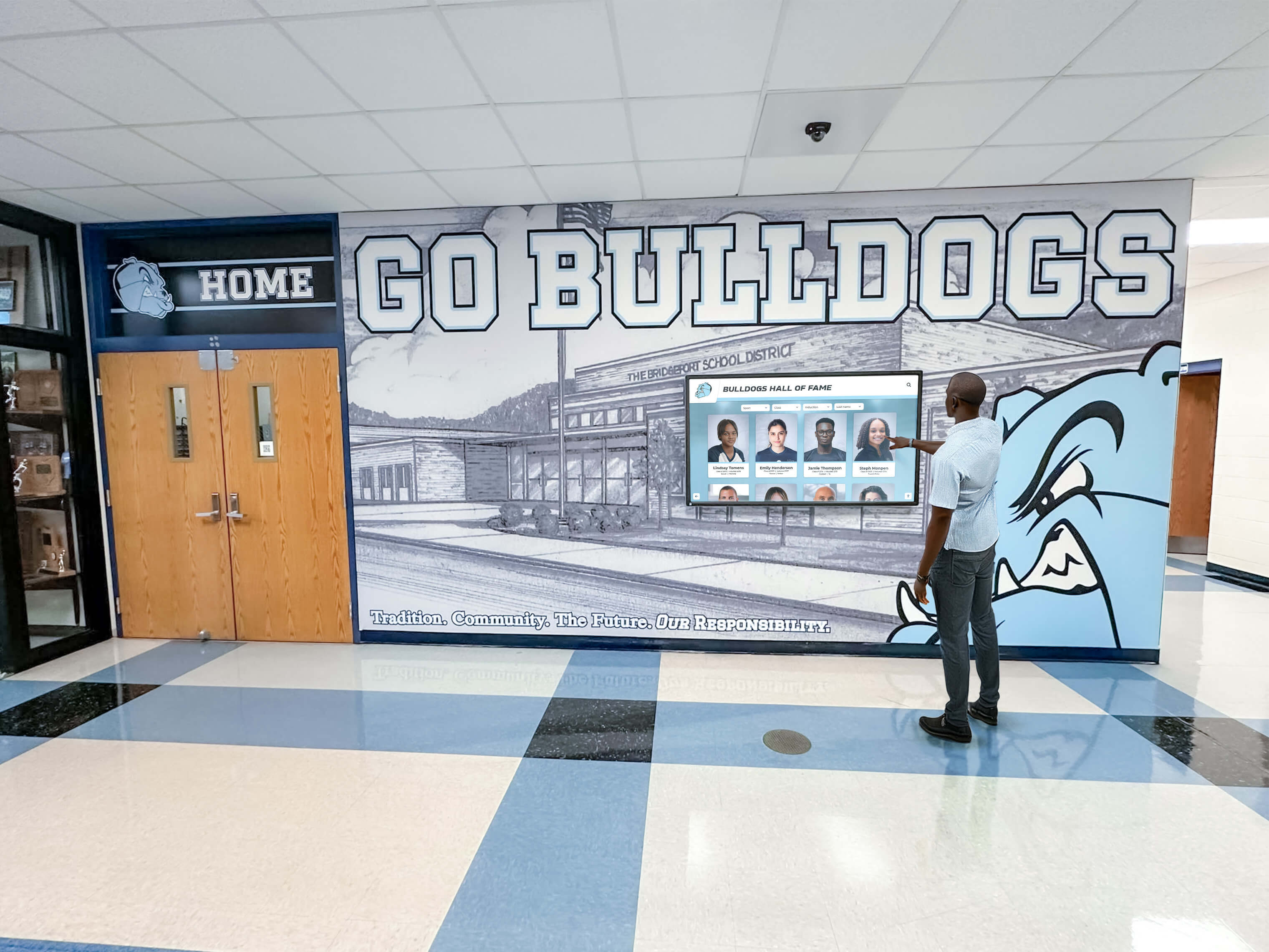
Recognition displays that support interactive browsing of athlete profiles and academic honors receive their content over multicast—the IGMP querier keeps the multicast group membership current so content is always available when a visitor touches the screen
Step 8 — Verify querier behavior after a display reboot
Recognition displays reboot after software updates, power events, or content platform maintenance. When a display reboots, it must re-send IGMP Join messages to rejoin its multicast groups. Verify that the switch correctly learns the rejoined group membership by rebooting a display (or cycling its network connection) and watching the snooping table:
show ip igmp snooping groups vlan <display-vlan-id>
Run this command immediately after the display’s network port comes back up and again 30 seconds later. Within one query-response cycle (query interval plus max response time—about 70 seconds on defaults), the display’s port should reappear in the snooping table for its multicast groups. If the entry does not appear within two query intervals, the display’s network stack may be failing to send IGMP Join messages on reconnection—check the display’s OS network configuration and confirm the content application is starting its multicast listener correctly.
Step 9 — Simulate querier loss and verify recovery
Run this step during a maintenance window. This simulation confirms that the display VLAN recovers correctly if the current querier becomes unavailable—a scenario that occurs during switch reboots, querier failover events, or when a router is removed from the segment.
Disable the querier on the switch:
no ip igmp snooping vlan <display-vlan-id> querier
Watch the display. Within the Group Membership Interval (default approximately 130 seconds), the snooping table entry for the display port will expire. On switches with an unknown-multicast flood policy (traffic is flooded when no snooping entry exists), the display may continue receiving the stream via flooding but at the cost of multicast traffic reaching all ports on the VLAN. On switches with an unknown-multicast drop policy, the display will go dark.
After observing the behavior, re-enable the querier:
ip igmp snooping vlan <display-vlan-id> querier
ip igmp snooping vlan <display-vlan-id> querier address <switch-ip-on-vlan>
Within one to two query intervals after re-enabling the querier, the display’s port should reappear in the snooping table and the stream should resume. Document whether the display recovered automatically or required manual intervention, and whether the content application resumed playback without staff interaction.
Step 10 — Document the final configuration
Record the following information in your site documentation before leaving the installation:
- Display VLAN ID and subnet
- IGMP snooping state (enabled/disabled per VLAN)
- Querier device (IP address and switch hostname)
- Query interval (seconds) and max response time (seconds)
- Multicast group address(es) used by the content platform
- Authentication method for the display ports (if 802.1X is used alongside IGMP—see the related NTP clock synchronization checklist for other time-sensitive display dependencies)
- Recovery behavior observed in Step 9 (automatic or manual)
Want to Review Recognition Display Network Requirements Before Your Installation?
If your school is evaluating a hallway recognition display or touchscreen hall-of-fame kiosk and wants to understand how IGMP querier configuration, multicast delivery, and switch snooping policy interact with the content platform, a live demonstration addresses those specifics directly. Schedule a free demo with Rocket Alumni Solutions to see the platform running and discuss infrastructure requirements before your installation begins.
IGMP Querier Verification Table
Use this table to record results for each checklist item. A complete Pass column with no outstanding Fail or Note entries indicates the display VLAN is correctly configured for uninterrupted multicast delivery.
| Check | Pass Criteria | Result (Pass / Fail / Note) | Command or Method |
|---|---|---|---|
| IGMP snooping enabled globally | IGMP snooping: Enabled in global output | show ip igmp snooping | |
| IGMP snooping enabled on display VLAN | Operational state: Enabled for display VLAN | show ip igmp snooping vlan <id> | |
| Querier identified (router or switch) | Querier IP and recent Last-query time recorded | show ip igmp snooping querier vlan <id> | |
| Single querier elected on segment | Only one querier IP listed; no duplicate querier conflict | show ip igmp snooping querier vlan <id> detail | |
| Display port appears in snooping table | Display switch port listed for correct multicast group | show ip igmp snooping groups vlan <id> | |
| Snooping table entry refreshing | Expiry timer not counting to zero between checks | show ip igmp snooping groups vlan <id> (run twice) | |
| Query interval within expected range | Interval is 60–125 seconds; max response time ≤ 25 seconds | show ip igmp snooping querier vlan <id> detail | |
| Multicast traffic observed at display port | Display shows live animated content; no freeze or blackout | Direct display observation | |
| Display rejoins group after reboot | Port reappears in snooping table within two query cycles | show ip igmp snooping groups vlan <id> after display reboot | |
| Display recovers after querier loss | Stream resumes automatically after querier re-enabled | Direct display observation during Step 9 | |
| Configuration documented | VLAN, querier IP, interval, and group addresses recorded in site docs | Site documentation |
School-Specific IGMP Querier Scenarios
School network environments present IGMP querier conditions that differ from those in enterprise networks. The following scenarios are commonly encountered during recognition display deployments in K-12 and higher education facilities.
Display VLAN With No Layer 3 Interface
Many school IT teams create a dedicated display VLAN for security segmentation without creating a corresponding Layer 3 SVI on the distribution switch. The VLAN carries only the display endpoints and switch-to-switch uplinks. Without an SVI, the switch has no IP address on the VLAN and the ip igmp snooping querier address command requires a source address within the VLAN’s subnet.
To resolve this without routing the VLAN, create a minimal SVI with an IP address from a small block reserved for management:
interface Vlan<display-vlan-id>
 ip address 10.x.x.1 255.255.255.252
 no ip proxy-arp
 no shutdown
Then configure the querier to use this address. The SVI does not need to be the default gateway for the displays—the querier source address only needs to be a valid IP on the segment so that IGMP query frames carry a routable source.
For cable continuity and physical installation verification that precedes this network configuration step, confirm each display port is wired and patched to the correct VLAN before configuring the querier.
Summer Infrastructure Rebuilds
School IT teams frequently rebuild switch configurations and VLAN policies during summer break. A recognition display VLAN that had a correctly configured querier in the spring may lose that configuration if the summer rebuild resets the switch to factory defaults or applies a new base template that omits the querier settings.
Run the querier checklist whenever the following events affect the switch serving recognition displays:
- Switch firmware upgrades that reset running configuration to defaults
- VLAN policy changes that reassign display ports to a new VLAN ID
- Distribution switch replacements that require reconfiguration from scratch
- Spanning Tree topology changes that change which switch is the root bridge for the display VLAN (which may affect which switch’s querier wins the election)
A 20-minute run of this checklist before the fall semester begins confirms displays will operate correctly through the first recognition event of the school year—hall-of-fame induction nights, homecoming celebrations, and athletic award presentations are high-visibility moments where a dark recognition screen is immediately noticed.
Multi-Building Campuses With Layer 2 Extensions
High schools and colleges with multi-building campuses sometimes extend the display VLAN across buildings over fiber uplinks. A single display VLAN spanning multiple buildings means the IGMP querier election involves switches in each building. If the elected querier is in Building A and the displays are in Building B, IGMP queries must traverse the inter-building link to reach the display ports, and display IGMP Joins must traverse the same link back to the querier.
If the inter-building link goes down, the Building B switches are isolated from the querier. Depending on the switch platform’s behavior, Building B switches may automatically elect a local querier from among themselves, or they may simply stop receiving queries and let their snooping tables expire. Verify whether your switch platform supports local querier election on isolated segments and, if critical displays are in a remote building, consider configuring a querier on the remote building’s distribution switch as well. When two switches both have querier enabled, the one with the lower IP wins the election—configure the remote building’s querier IP higher than the primary building’s querier IP so the primary wins during normal operation, but the remote querier can take over if the primary becomes unreachable.
Recognition Event Night Multicast Load
Major school events—hall-of-fame induction ceremonies, athletic banquets, alumni homecoming weekends—bring elevated visitor device counts onto the school’s wireless network. Visitor devices joining the school guest wireless VLAN and issuing IGMP Leave and Join messages for streaming apps can produce a burst of IGMP traffic that elevates query processing load on the switch. School recognition programs that use athletic photo archives and digital recognition records during these events need the recognition displays to be operating flawlessly when alumni and families are in the building.
The querier checklist should be run as part of pre-event preparation—confirm the querier is active, confirm group memberships are current, and confirm the display content is animating normally before guests arrive. A 10-minute pre-event verification is faster than troubleshooting a frozen display while the honored athlete is standing in the lobby.
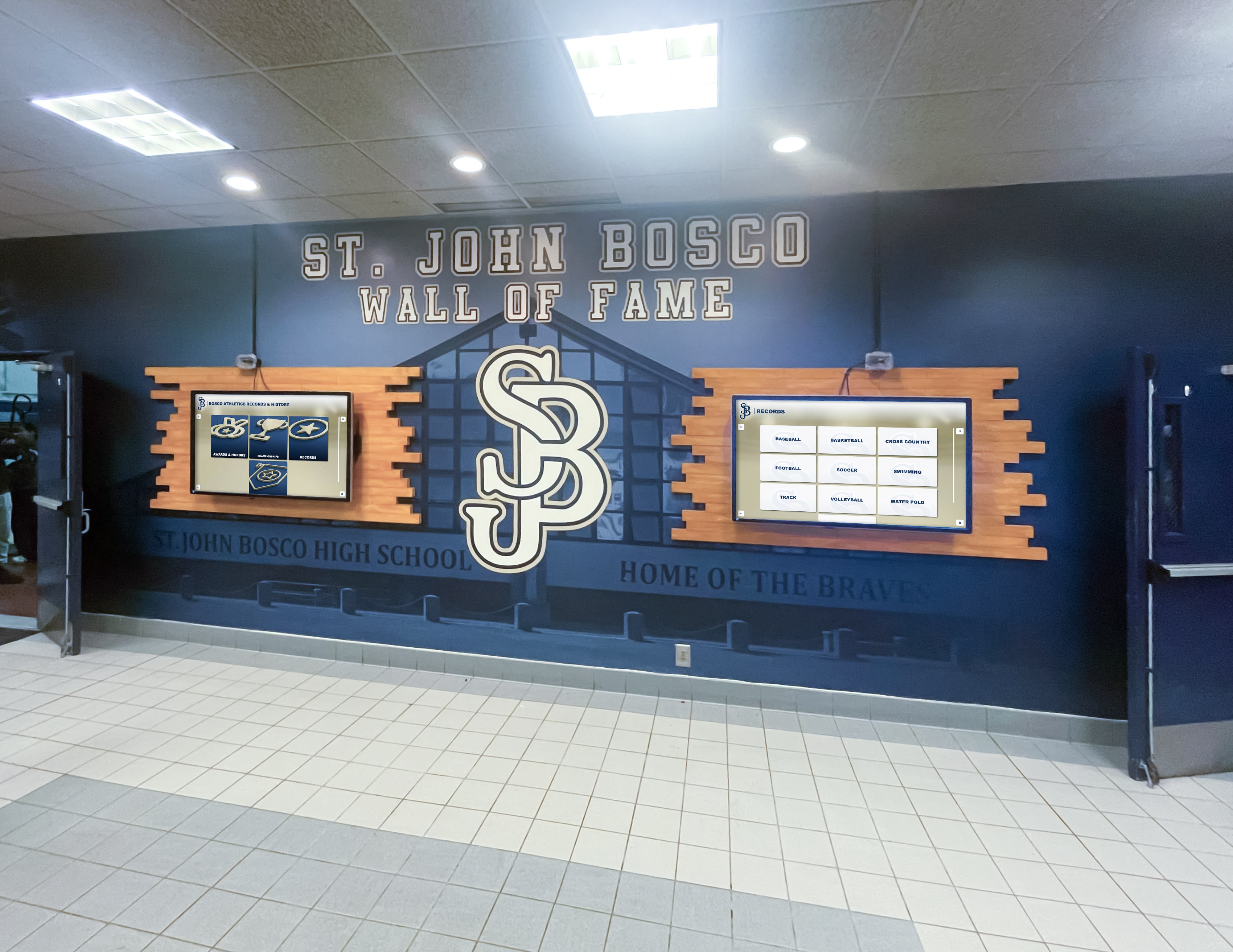
Multi-screen recognition installations where several displays share a single multicast content stream are especially sensitive to IGMP querier reliability—a single querier failure darkens every screen on the segment simultaneously
Q&A: IGMP Querier for School Recognition Display Networks
What is an IGMP querier and why does a school recognition display need one?
An IGMP querier is a network device that periodically sends IGMP General Membership Queries to all hosts on a subnet. When a switch running IGMP snooping receives these queries and the responses from display endpoints, it maintains a table of which switch ports have joined which multicast groups. The switch uses this table to forward multicast video traffic only to ports where displays are subscribed, rather than flooding the entire VLAN. Without an active querier, this table ages out and the switch either floods multicast traffic to all ports (causing network congestion) or stops forwarding it to display ports entirely (causing the screens to go dark). A school recognition display needs a querier present on its VLAN to ensure the multicast content stream reliably reaches the screen.
What happens if there is no IGMP querier on the recognition display VLAN?
Without a querier, no IGMP Membership Queries are sent on the segment. Display devices cannot respond with Membership Reports because there is nothing to respond to. The switch’s IGMP snooping table entries age out according to the Group Membership Interval—typically around 130 seconds on default settings. After expiry, the switch’s behavior depends on the platform configuration: some switches flood unknown multicast traffic to all ports in the VLAN (meaning the stream still reaches the displays but also floods every other port, increasing load); others drop unknown multicast traffic and the displays go dark. The most reliable outcome is to configure an explicit querier rather than depend on flooding behavior, which varies by switch model and firmware version.
Can I use a switch as the IGMP querier instead of a router?
Yes. Cisco IOS, IOS-XE, and most enterprise-grade access switches support a software-based IGMP snooping querier that functions independently of the switch’s routing capabilities. The switch querier sends IGMP queries and processes responses just as a router querier would, but it does not perform multicast routing—it only manages the local VLAN’s group membership table. Configuring a switch querier is the standard approach for display VLANs that have no multicast router interface present. The required commands on Cisco IOS are ip igmp snooping querier (global) and ip igmp snooping vlan <id> querier with an assigned source address.
How do I tell which device is currently the active IGMP querier on my display VLAN?
On Cisco IOS, run show ip igmp snooping querier vlan <id> detail. The output shows the querier’s IP address, the IGMP version it is using, and the port through which its queries arrive at the local switch. If the querier is the local switch itself, the output shows “Local querier.” If the querier is a remote device (a router or another switch), it shows the IP and the upstream port where queries are received. On switches that report no querier, either snooping is disabled or no device on the segment is sending queries.
What query interval should I configure for a school recognition display VLAN?
The default query interval of 60 seconds (IGMPv2) or 125 seconds (IGMPv3) is appropriate for most school display deployments. A shorter interval means faster recovery when a display reboots and re-joins its multicast groups, but also more IGMP traffic on the segment. A 60-second interval with a 10-second max response time produces a Group Membership Interval of about 130 seconds—meaning a display that goes offline and comes back will re-appear in the snooping table within about 70 seconds of rejoining. This is fast enough for typical recognition display scenarios where content should resume promptly after a display restart. Avoid intervals below 30 seconds unless there is a specific reason; the additional IGMP traffic volume provides diminishing returns for display use cases.
What should I do if two switches are both acting as the querier on the same VLAN?
Duplicate queriers cause IGMP instability. Both devices send queries independently, and display ports receive two sets of queries with potentially different source IPs, confusing some IGMP implementations. The device with the lower IP should suppress its queries after receiving a query from the lower-IP device—this is the querier election mechanism defined in RFC 2236. If suppression is not occurring, verify both switches are running the same IGMP version (a version mismatch prevents proper election), and check whether a firewall or ACL on the inter-switch link is blocking IGMP frames (EtherType 0x0800, IP protocol 2). If the segment intentionally has two querier-capable devices for redundancy, ensure their source IP addresses are configured so the primary querier has the lower IP and will always win the election during normal operation.
Does the IGMP querier setting survive a switch reload?
On Cisco IOS, the ip igmp snooping querier configuration is part of the running configuration and persists after write memory / copy run start. However, if the switch is reloaded without saving, or if a network administrator applies a configuration template that does not include the querier lines, the setting is lost. Run show ip igmp snooping querier after any planned switch maintenance to confirm the querier is active. Include the querier configuration in your site documentation so it can be restored quickly after any reconfiguration event.
Does the IGMP querier need to be on the same switch as the display ports?
No. The querier only needs to be reachable on the same broadcast domain (VLAN) as the display ports. Its queries are sent to 224.0.0.1 and forwarded within the VLAN by the switch fabric. A querier configured on a distribution switch will serve access switches connected to it, as long as the distribution-to-access links are trunking the display VLAN and IGMP traffic is not blocked by inter-switch ACLs. However, placing the querier on the distribution switch adds a dependency on the inter-switch uplink—if that uplink goes down, the access switches may temporarily lose querier coverage. For critical display installations, consider enabling querier capability on the access switch directly and using IP address assignment to control querier election priority.
Conclusion: Confirm the IGMP Querier Before Every Recognition Display Installation
An IGMP querier misconfiguration is one of the most common causes of intermittent multicast video failures on school recognition display networks, yet it is also one of the most avoidable. The checklist steps in this guide take under 30 minutes to run during a standard installation visit. Completing them before the installation is signed off means the IT team and athletic director can be confident the displays will keep running through the first half-of-fame event night, the first homecoming, and every recognition moment in between.
For schools using ADA-accessible recognition display configurations that require continuous display availability as part of their accessibility commitment, the IGMP querier check is particularly important—a dark screen caused by a querier timeout is an accessibility failure as much as a network failure.
Pair this checklist with the HDBaseT link integrity test for AV connections and the varsity letter recognition display guide for content planning, and your school’s recognition display installation will be ready to run reliably from commissioning day forward.
Ready to see how Rocket Alumni Solutions’ recognition platform integrates with your school’s network infrastructure? Request a free demo to walk through platform requirements, multicast delivery options, and how the platform supports your IT team’s configuration standards.
Live Example: Rocket Alumni Solutions Touchscreen Display
Interact with a live example (16:9 scaled 1920x1080 display). All content is automatically responsive to all screen sizes and orientations.