



School athletic recognition video WebVTT chapters give viewers a structured, keyboard-operable map of long induction ceremony recordings and historic sports archives—letting a parent jump directly to their athlete’s award moment, a booster skip to the championship retrospective, or an alumni volunteer verify that a coach’s tribute lands at exactly the right timestamp. A chapters track is a distinct WebVTT track type (kind="chapters") that carries navigation labels, not caption text, and it lives in its own .vtt file separate from your closed-caption or subtitle tracks. This guide is specifically about chapter-map creation and acceptance testing; it does not cover the closed-captioning workflow, which serves a different accessibility function and belongs in a separate production pipeline.
Athletic induction ceremonies regularly run sixty to ninety minutes. Historic sports archives—footage of championship seasons, retirement tributes, or multi-decade record boards—can stretch longer. When those recordings live on a school website, a lobby kiosk playlist, or a digital hall of fame archive, a viewer who cannot immediately find the moment they care about will leave before they find it. A well-built chapter map solves that problem by dividing the video timeline into named, keyboard-navigable segments before the content goes live—not after viewers complain that they cannot locate a specific inductee.

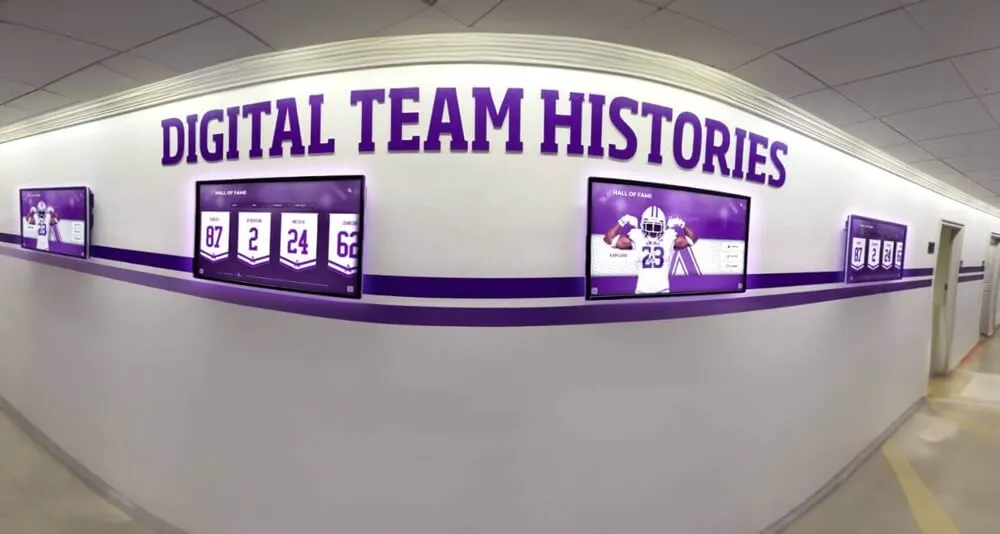
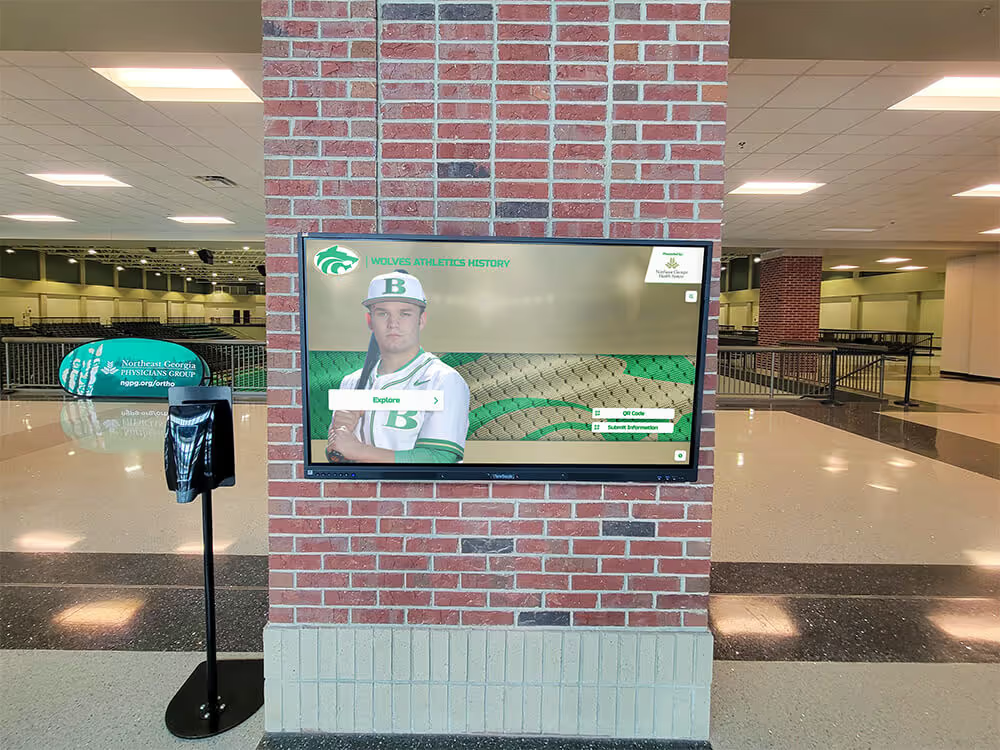
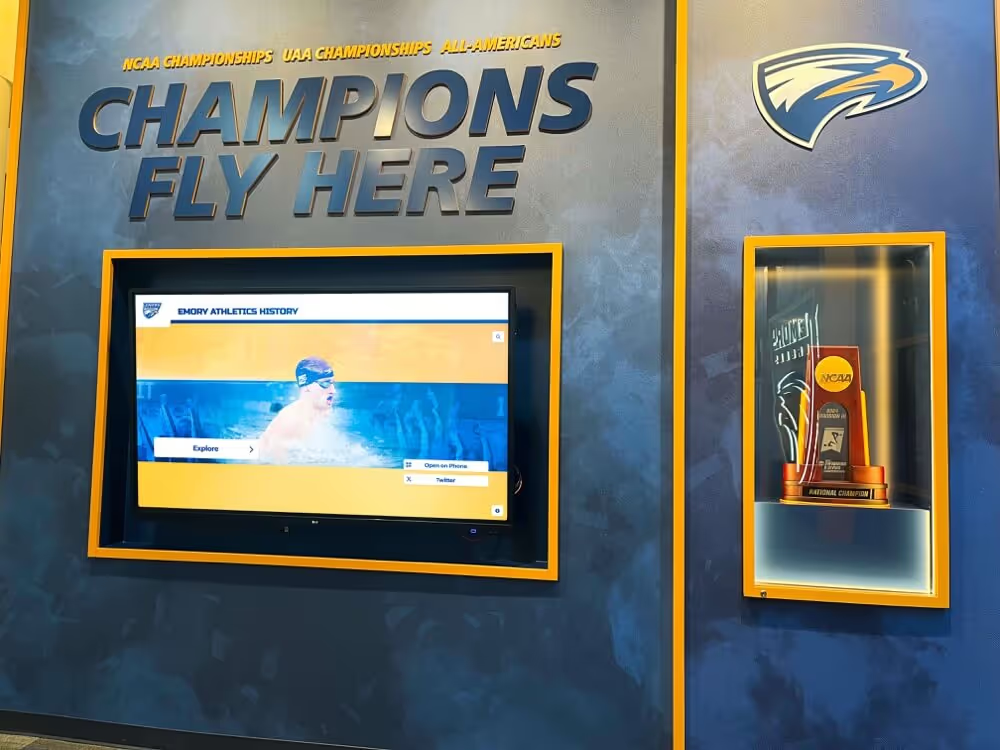
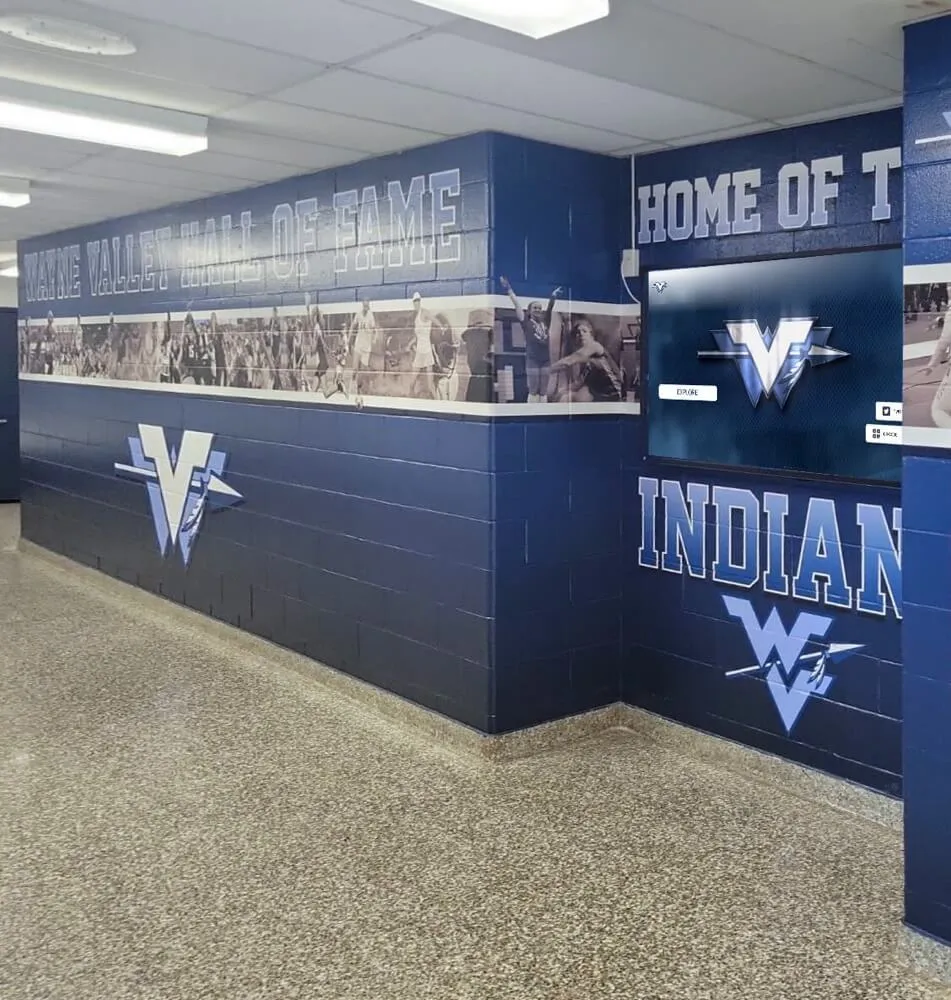
School athletic recognition displays often include long ceremony recordings and multi-year archive footage—content where chapter navigation directly determines whether viewers reach the moments that matter to them
What WebVTT Chapters Are and What They Are Not
Before building your chapter map, it helps to be precise about the track type you are creating. The W3C WebVTT specification defines several distinct track kinds. A chapters track (kind="chapters") contains cue text that serves as a chapter title—a label for a segment of the video timeline. It is not a transcript of what is being said on screen. A captions track (kind="captions") carries spoken dialogue and sound descriptions for hearing-impaired viewers, and it operates on different timing and accuracy standards than a chapters track.
The practical difference matters for school recognition programs: your induction ceremony video likely needs both tracks, but they must be separate files. Merging chapter labels into your caption track breaks both functions—chapter titles will appear mid-sentence over the video, and caption text will not display when expected by assistive technology users.
A chapters .vtt file for an induction ceremony might look like this:
WEBVTT

1
00:00:00.000 --> 00:03:10.000
Welcome and Program Opening

2
00:03:10.000 --> 00:12:45.000
Athletic Hall of Fame Class Introductions

3
00:12:45.000 --> 00:24:30.000
Individual Inductee Tributes

4
00:24:30.--> 00:35:00.000
Championship Records Retrospective

5
00:35:00.000 --> 00:47:20.000
Coach and Staff Recognition

6
00:47:20.000 --> 00:55:00.000
Community Awards and Closing
Three structural rules flow directly from the WebVTT specification: cue timestamps must be in ascending order, cues in a chapters track must not overlap in time, and each cue’s payload text is the chapter title—plain text is standard and most broadly supported. Markup in chapter payloads can produce inconsistent results across browsers.
How to Write a Chapter Map for a Long Induction Ceremony: 8 Steps
The following steps move a raw ceremony recording from an unnavigable single block of video to a chapter-mapped file ready for acceptance testing.
1. Watch the full recording with a note-taking document open. Log the timecode and a brief description every time the program transitions: when a presenter takes the stage, when an inductee is named, when a video tribute plays, when applause bridges to the next segment. You will not use all of these as chapter boundaries, but this pass gives you a complete raw map before you decide on granularity.
2. Choose chapter granularity appropriate to your audience. A thirty-second chapter covering only one inductee’s name announcement may be too fine; a single forty-five-minute chapter labeled “Ceremony” gives viewers nothing useful. For most school athletic induction ceremonies, chapters between three and fifteen minutes each work well—long enough to be meaningful navigation units, short enough that a viewer can find what they are looking for within two or three jumps.
3. Assign specific, informative labels to every cue. A chapter title like “Chapter 3” tells the viewer nothing. “Women’s Volleyball Inductees — Class of 2024” tells them exactly where they are and whether this segment is what they want. Include the sport, the inductee class year, or the event type in every label. If a chapter covers a coach tribute, include the coach’s name (verify spelling against your ceremony program before encoding).
4. Create the .vtt file with a plain text editor. The file must begin with the string WEBVTT on the first line, followed by a blank line before the first cue block. Each cue block contains an optional cue identifier (a number or label), the timestamp range, and the cue text. Save the file in UTF-8 encoding without a byte order mark.
5. Verify timestamp ordering by inspection and by tool. Timestamps must be strictly ascending—the start time of cue N+1 must be equal to or later than the end time of cue N. A manual review catches most errors; running the file through a WebVTT validator catches formatting issues that a text scan misses. The W3C maintains guidance on cue timing syntax in the specification.
6. Add the track element to your video HTML. Use kind="chapters" and include a label attribute and a srclang attribute so browsers and assistive technology can identify the track:
<video controls>
  <source src="ceremony-2024.mp4" type="video/mp4">
  <track kind="chapters" src="ceremony-2024-chapters.vtt" srclang="en" label="Chapter Navigation">
  <track kind="captions" src="ceremony-2024-captions.vtt" srclang="en" label="English Captions">
</video>
Note that both tracks appear simultaneously and serve different purposes. The chapters track does not replace the captions track.
7. Do not set default on the chapters track. The default attribute causes a track to activate automatically on load. For caption tracks, some programs choose to set default to improve accessibility for viewers who cannot enable captions manually. Chapters tracks activate differently—browsers load the chapter data independently of the default flag to populate the chapter navigation interface. Setting default on a chapters track can produce unexpected behavior in some browser/player combinations.
8. Store the .vtt file alongside the video and update your asset manifest. A chapters file that becomes separated from its video in a file migration or archiving step stops working silently—the player loads without an error but chapter navigation disappears. When adding a recognized video to a digital trophy case or hall of fame archive, treat the chapters file as part of the same package as the video, the captions file, and the thumbnail image.
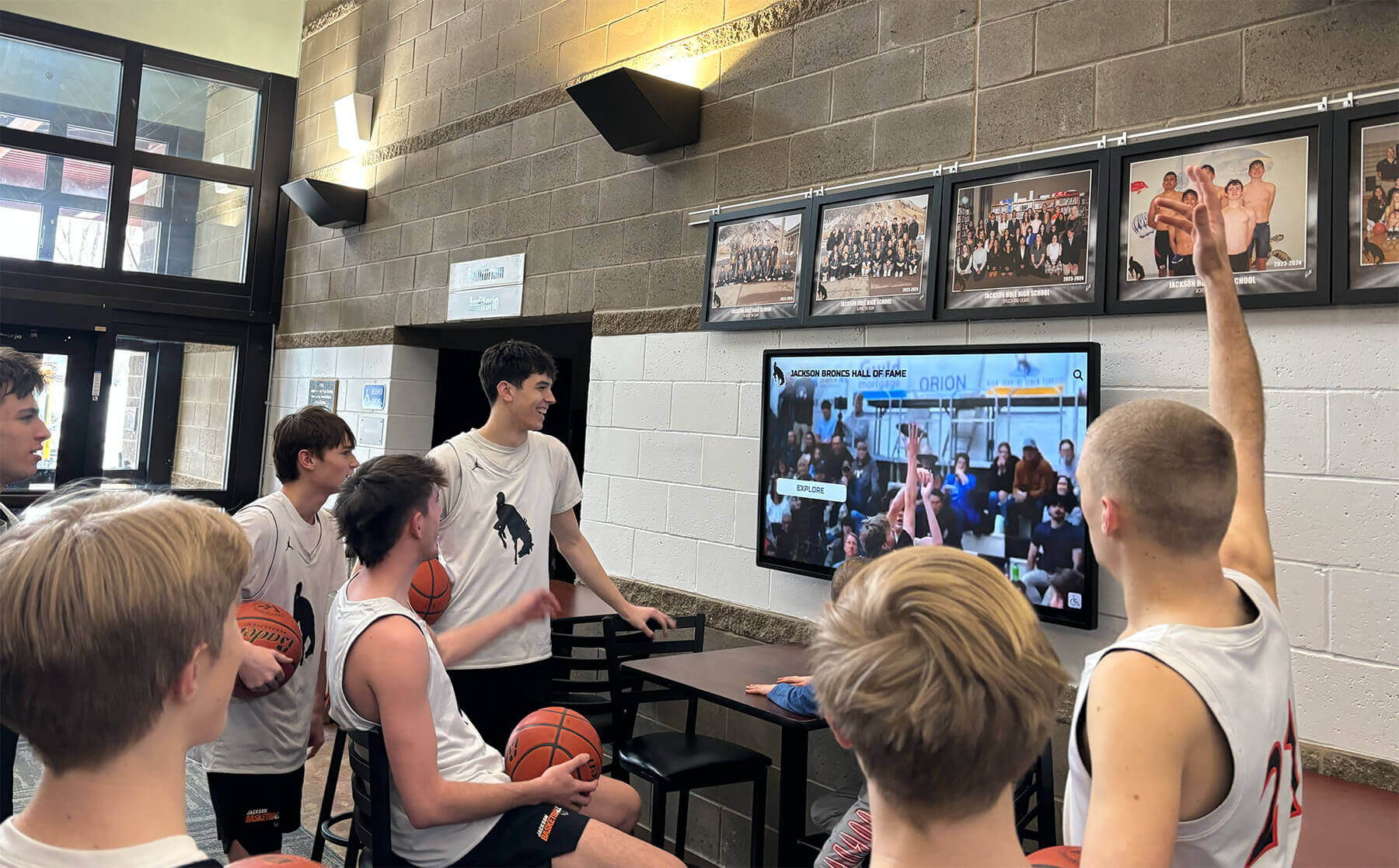
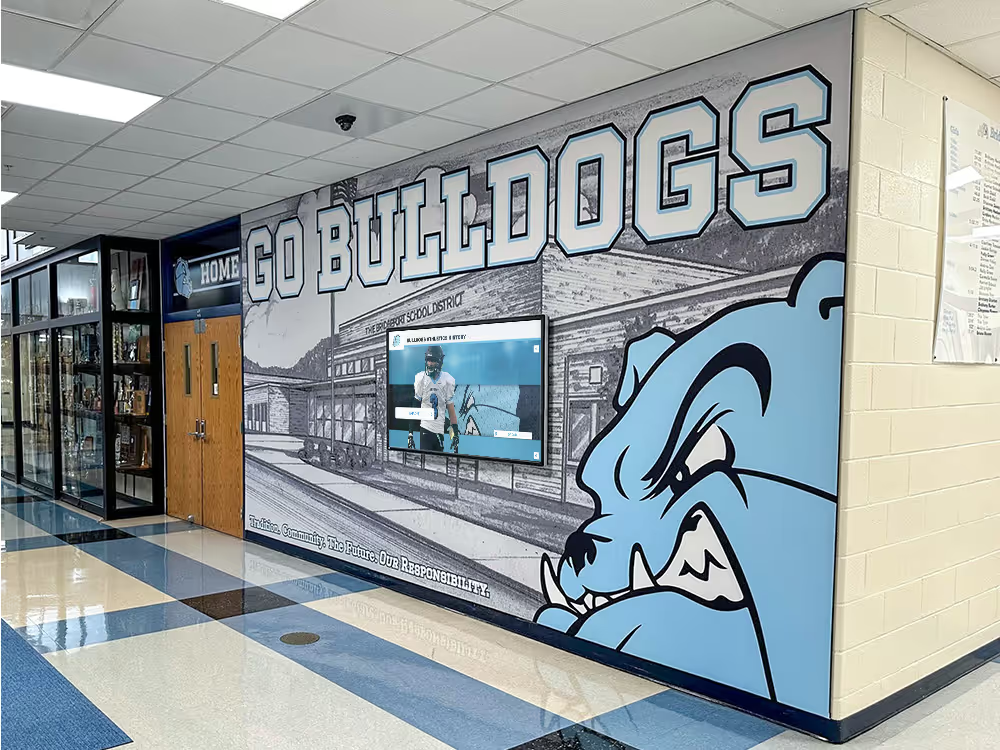
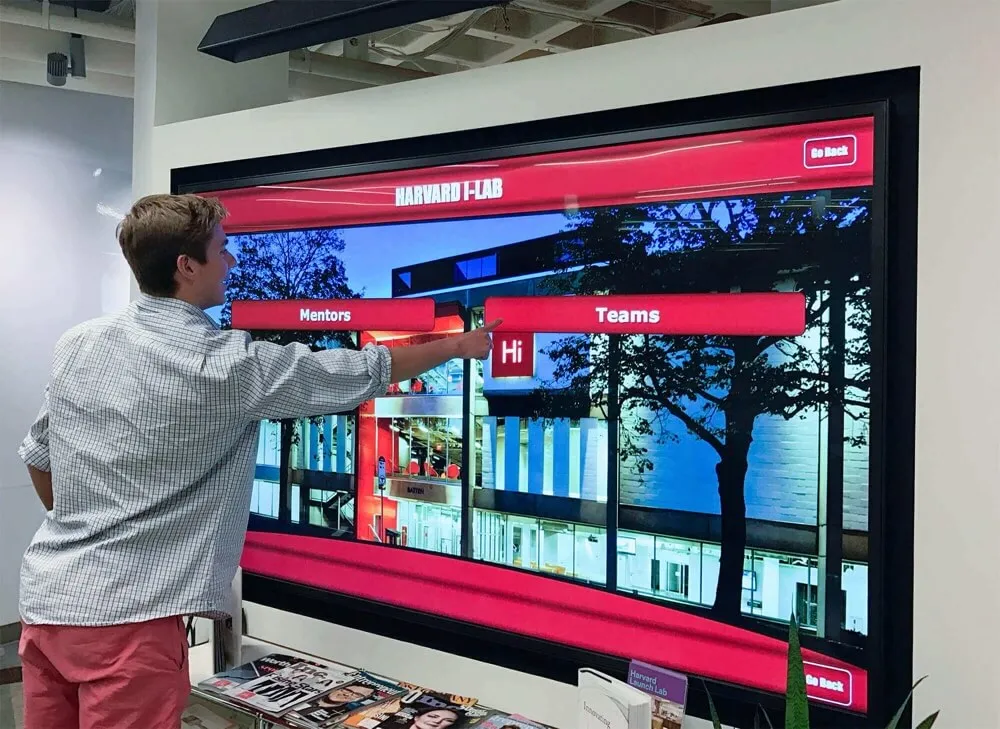
A lobby or kiosk video that plays a full ceremony recording without chapter navigation requires viewers to scrub manually through footage to find the moment they care about—a friction that chapter maps eliminate
Chapter-Map Acceptance Checklist
Run each item in this checklist against your chapters file before the video is published to any public-facing page, embedded in a kiosk playlist, or linked from a hall of fame archive. A checkmark in every row means the chapter map is production-ready.
| Checklist Item | Pass Criteria | Notes |
|---|---|---|
| File header | First line is exactly WEBVTT | No BOM, no trailing space, no version string needed |
| track kind attribute | kind="chapters" in the HTML track element | Not kind="subtitles" or kind="captions" |
| track label attribute | label is present and descriptive | Example: label="Chapter Navigation" |
| srclang attribute | srclang is present | Use BCP 47 code, e.g., srclang="en" |
| Timestamp ordering | Every cue start ≥ previous cue end | No overlapping or reversed cues |
| First cue start | Starts at or near 00:00:00.000 | Viewers should not see an unindexed opening |
| Last cue end | Within a few seconds of video end | Gap at end leaves an unnavigable tail |
| No overlapping cues | End time of cue N ≤ start time of cue N+1 | Overlapping chapter cues are invalid per W3C spec |
| Informative titles | Every cue label names the segment content | No “Chapter 1”, “Section A”, or blank titles |
| Sport and year specificity | Labels include sport, inductee class, or event type | Example: “Football Inductees — Class of 2023” |
| Proper name accuracy | All inductee and presenter names verified | Cross-check against ceremony program |
| UTF-8 encoding | File saved as UTF-8 without BOM | BOM causes parsing errors in some browsers |
| Caption track separate | Captions in a separate file with kind="captions" | Chapters and captions must not share a file |
No default on chapters | default attribute absent from chapters track element | Prevents unexpected activation behavior |
| Validator passed | File parsed without errors by a WebVTT validator | Catches syntax issues not visible in a text editor |
| Browser render test | Chapter menu visible in Chrome, Firefox, Safari, Edge | See browser support section below |
| Keyboard navigation verified | Chapter list reachable and operable without a mouse | See keyboard testing section below |
Keyboard-Operable Jump Controls
Chapter navigation accessibility depends on more than having a valid chapters file—it requires that viewers can reach and use the chapter interface without a mouse. This matters for hall of fame recognition programs because kiosk visitors, students using keyboard-only modes for motor accessibility reasons, and community members browsing on adaptive hardware all depend on keyboard-operable controls.
In browsers that expose a chapter menu natively (Chrome and Edge being the most common), the standard interaction flow is:
- Tab focus moves through the video player controls: play/pause, timeline scrubber, volume, fullscreen, and the settings or menu button that contains chapter navigation.
- The chapter menu is activated with Enter or Space when the menu button has focus.
- Arrow keys move between chapter entries in the menu list.
- Enter or Space on a chapter entry jumps the video playback position to that cue’s start time.
- Escape closes the chapter menu and returns focus to the menu button.
For videos embedded in school websites or recognition platforms using a custom player rather than the browser’s native controls, verify that the custom player has wired chapter navigation into its keyboard interaction model. Many lightweight JavaScript players expose chapter cues through the HTMLTrackElement API but do not add corresponding keyboard controls. If your player falls into this category, the chapter data is present and accessible to screen readers via the TextTrackList interface, but sighted keyboard users may not have a visible mechanism to jump between chapters.
When reviewing ceremony recordings destined for a hall of fame digital archive or induction profile page, test keyboard chapter navigation as a separate step from mouse-based navigation—they are not interchangeable in practice.
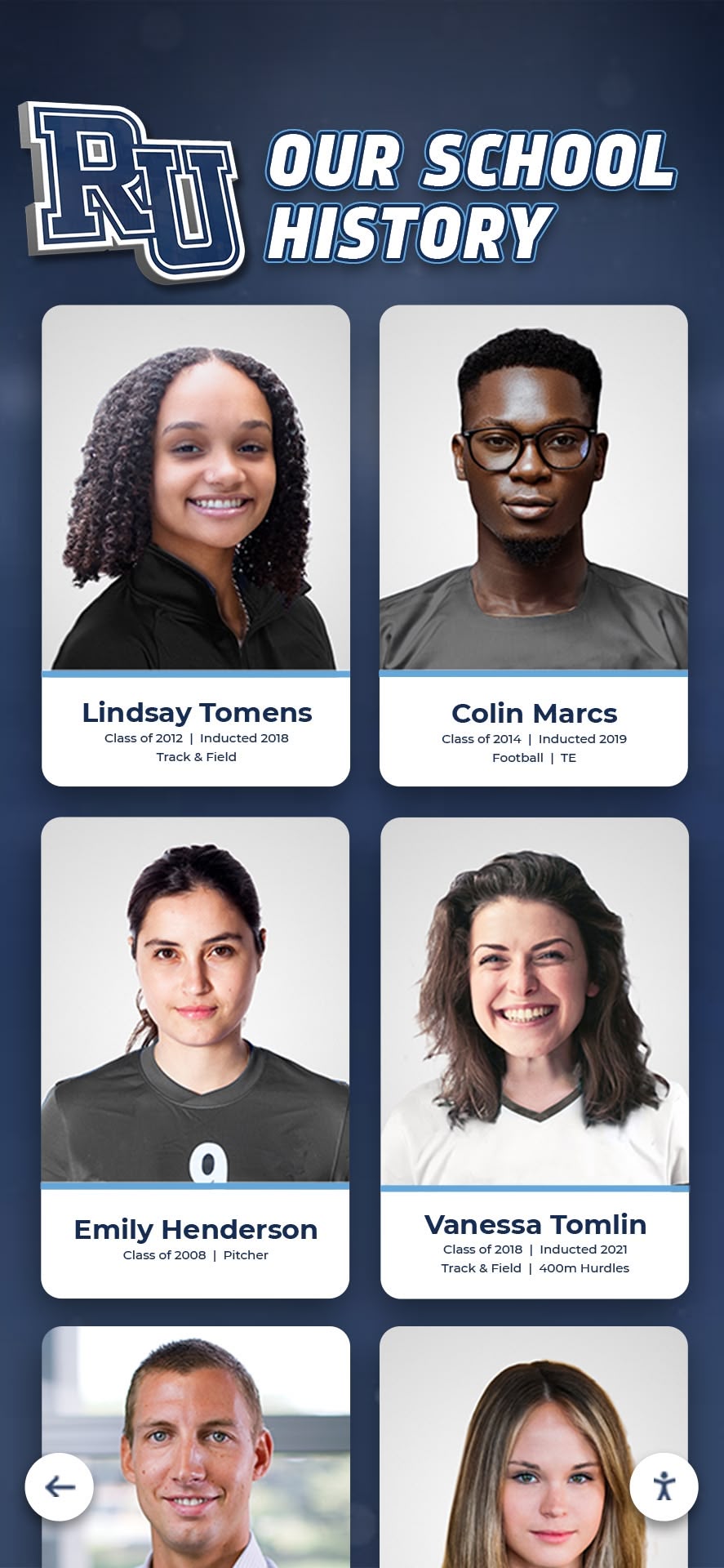
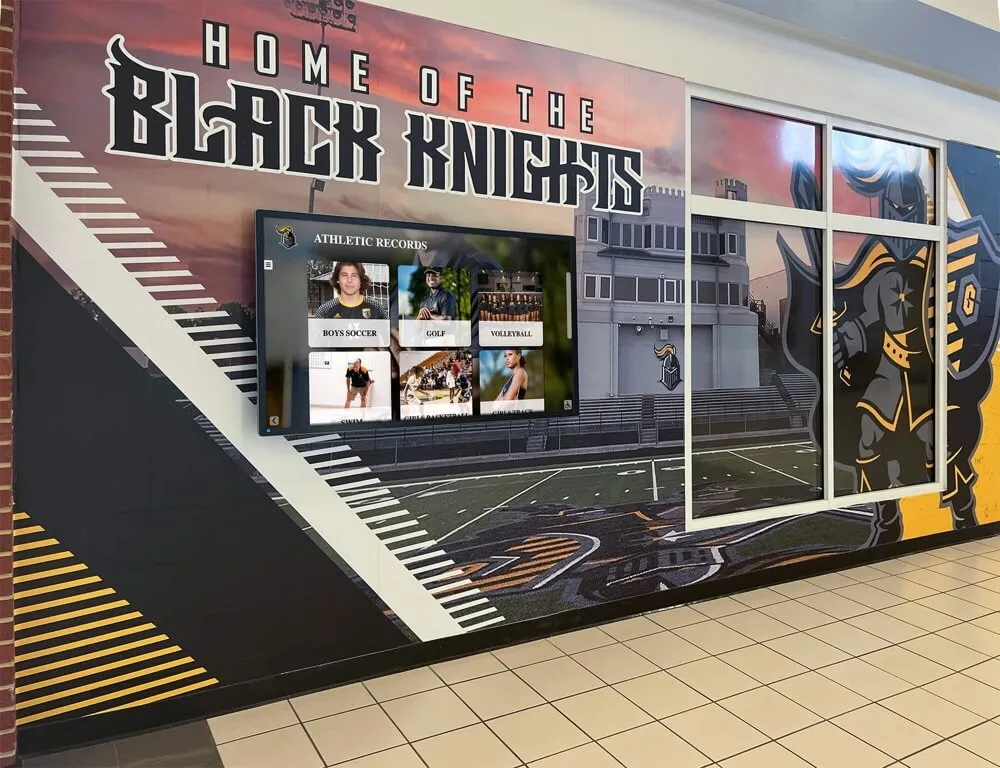
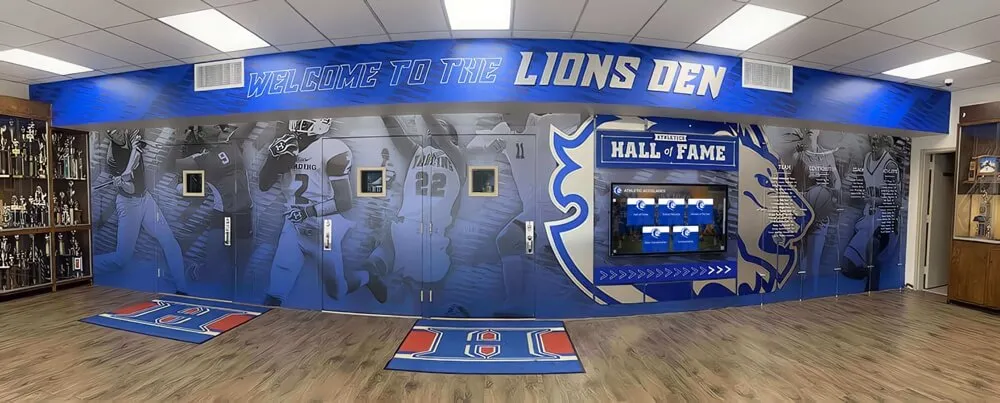
Multi-decade recognition archives covering consecutive inductee classes benefit most from granular chapter labels—viewers searching for a specific era or sport need to reach the right segment without scrubbing through years of footage
Browser-Specific Chapter Support Testing
WebVTT chapter support is implemented differently across major browsers. Testing in each browser before publishing prevents the situation where chapter navigation works in the browser your team used for development but fails silently for a significant portion of your audience.
Chrome and Chromium-based Edge. The native <video> player in Chrome and Edge renders a chapter menu accessible from the player settings or overflow menu, depending on the version. Chapter titles appear in a list that updates the playback position on click or keyboard activation. This is the most consistent implementation for chapter display. Test by loading the video on a page using only the browser’s native controls (no custom player), opening the player menu, and verifying that each chapter title appears and navigates correctly.
Firefox. Firefox parses WebVTT chapters tracks and exposes the chapter data to the TextTrack API, but the native player UI does not always render a visible chapter menu in the same way Chrome does. Chapter data is present and accessible programmatically, which means screen readers and custom players that read from TextTrackList can use it—but a viewer relying on the Firefox native player may not see a chapter navigation interface. If your deployment targets Firefox users, test with your actual player implementation rather than assuming native browser behavior matches Chrome.
Safari. Safari on macOS and iOS has supported WebVTT chapters in the WebKit player for some time. The chapter list appears in the playback timeline or in the player’s chapter menu depending on the OS version. Test on both macOS and iOS because the player UI differs between platforms. On iOS, the chapter interface is typically accessible through the AirPlay/fullscreen menu area rather than inline controls.
General cross-browser strategy. Test at minimum in Chrome, Firefox, and Safari on desktop before publication. Add Edge if your school’s IT environment uses Edge as the default browser. The goal is not that every browser renders the chapter menu identically—it is that chapter data is accessible in each environment, either through the native UI or through programmatic access that a custom player or assistive technology can use.
When a video is part of a recognition archive that will be evaluated for archival integrity or long-term storage stability, include the chapters file in your fixity check alongside the video and caption files. A chapters file that degrades silently over a long storage period produces the same failure mode as a missing file: chapter navigation disappears with no error message to the viewer.
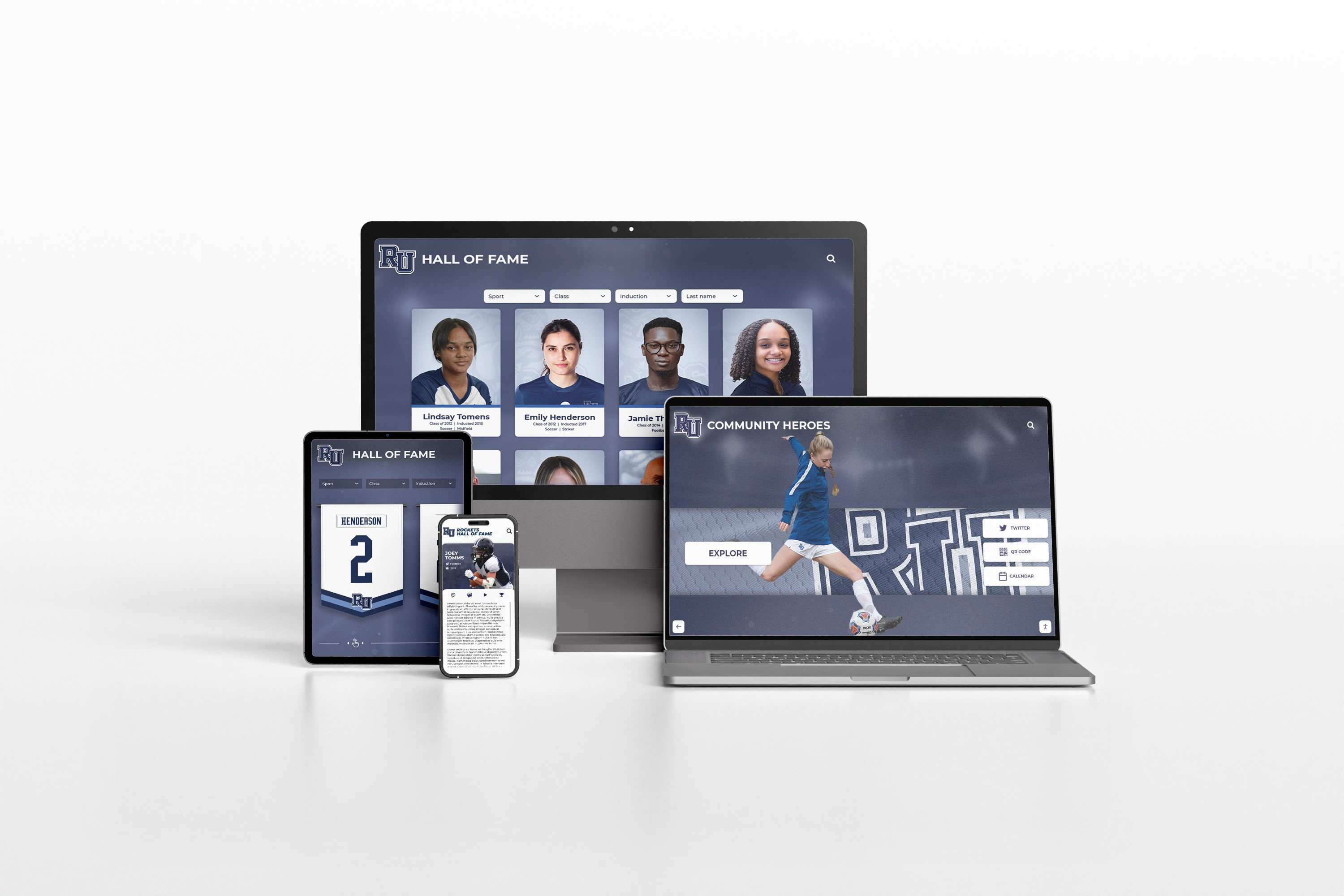
Cross-device browser testing for WebVTT chapter navigation covers desktop Chrome and Firefox, Safari on macOS and iOS, and Edge—each environment renders the chapter interface differently and requires its own verification pass
Applying Chapter Maps to Historic Sports Archives
Long-form historic archive footage—multi-year championship retrospectives, retirement tribute compilations, decade-spanning record board reviews—presents chapter-mapping challenges that differ from a single ceremony recording.
The main difference is granularity planning. A two-hour archive video covering four decades of football championships might need twenty or more chapter cues to be genuinely navigable. At that scale, consistent labeling conventions become important: if one chapter reads “1987 State Championship Season” and another reads “Basketball 1994,” the inconsistency makes the chapter list harder to scan even though both titles are technically informative.
A working convention for historic archive chapters:
- Lead with the sport or event type when the archive covers multiple sports
- Follow with the year or year range in a consistent format (four-digit years, no abbreviations)
- Add a brief descriptor for anything that is not self-explanatory from sport and year alone
An example label sequence for a mixed-archive video might read:
- Football — 1987 State Championship Season
- Track and Field — 1991 Regional Records
- Basketball — 1994 Coach Retirement Tribute
- Cross Country — 1998–2001 Conference Titles
- Athletic Hall of Fame — Inaugural Class, 2003
This convention lets a viewer scanning the chapter list find a specific era and sport without reading every entry. If your recognition program maintains a standardized framework for evaluating athletic achievement across sports and eras, aligning your chapter label vocabulary with those categories creates consistency between how achievement is described in your recognition criteria and how it is labeled in your archive navigation.
Rocket-Managed Chapters vs. Manual Static Chapter Files
Schools managing recognition video through a content management system face a practical choice about where chapter data lives and who maintains it.
Manual static approach. Each chapter file is a standalone .vtt file authored and updated by a staff member with a text editor. The file is stored alongside the video on a file server or CDN. When an inductee’s name is corrected after publication, or when a new segment is added to an archive video, the .vtt file must be located, edited, and re-uploaded manually. For a small archive with infrequent updates, this is manageable. For a program adding new inductees annually, re-editing chapter files for every historical video that references an updated record grows into a recurring maintenance burden.
CMS-integrated approach. A recognition platform that manages video assets through a CMS can generate or update chapter data from the same record that holds an inductee’s name, sport, and year. When a name is updated in the inductee record, the chapter label in the associated video reflects that update without requiring a separate file edit. This approach is most useful when chapter labels reference data that the CMS already owns—inductee names, ceremony years, sport categories—rather than chapter content that lives only in the video itself.
The practical question for each school is whether the volume and frequency of chapter updates justifies managing chapter data through a system that can automate consistency, or whether manual maintenance of a small static file set is the right fit for the program’s size and staff capacity.
Protecting the Video Archive That Chapter Maps Index
A chapter map is only as durable as the video file it references. Physical recognition archives face preservation challenges that digital archives share in a different form: humidity and environmental degradation affect trophies and jerseys; file format obsolescence and storage decay affect video and caption files. When the original ceremony recording becomes unreadable, the chapter map built to navigate it becomes an index to nothing.
Physical award preservation guidance—such as the practices for managing humidity, temperature, and light exposure for physical awards, photographs, and fabric items—has a digital parallel in video archive management: controlling format obsolescence risk, maintaining redundant storage copies, and scheduling integrity checks at regular intervals. A WebVTT chapters file is a small text asset, but it depends on the video file it references remaining accessible and in a playable format over the years a school intends to maintain the archive.
For programs digitizing older ceremony recordings as part of a hall of fame modernization project, this is the right moment to create chapter maps alongside the digitization workflow—before the original physical media becomes unavailable and before the digitized files are distributed across storage locations where the .vtt file could be separated from its video.

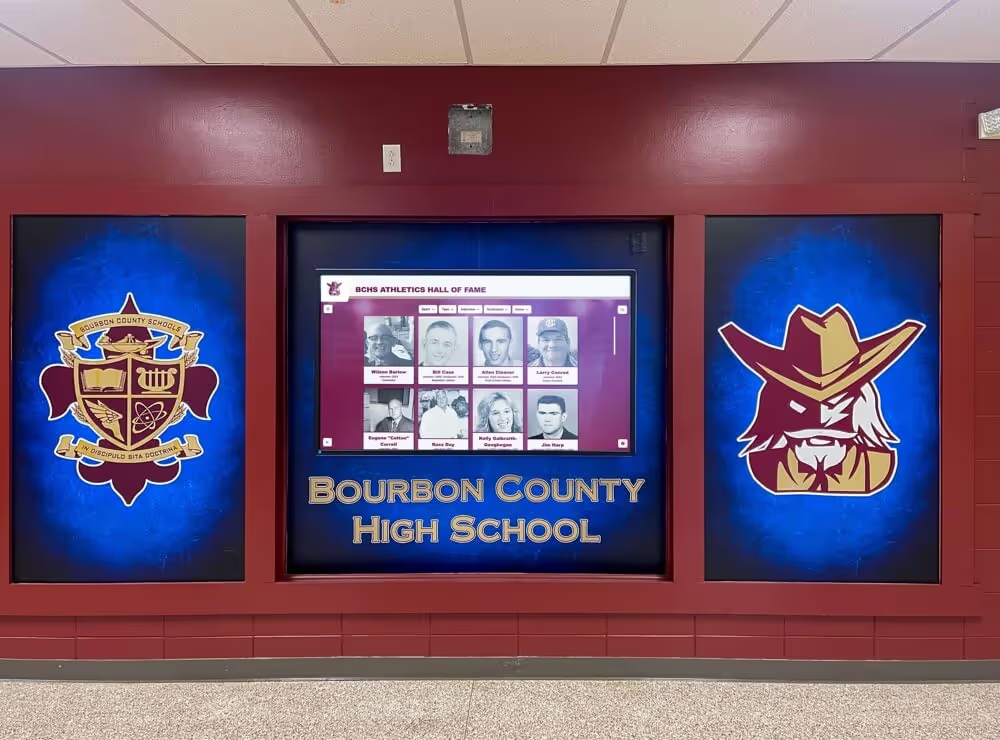
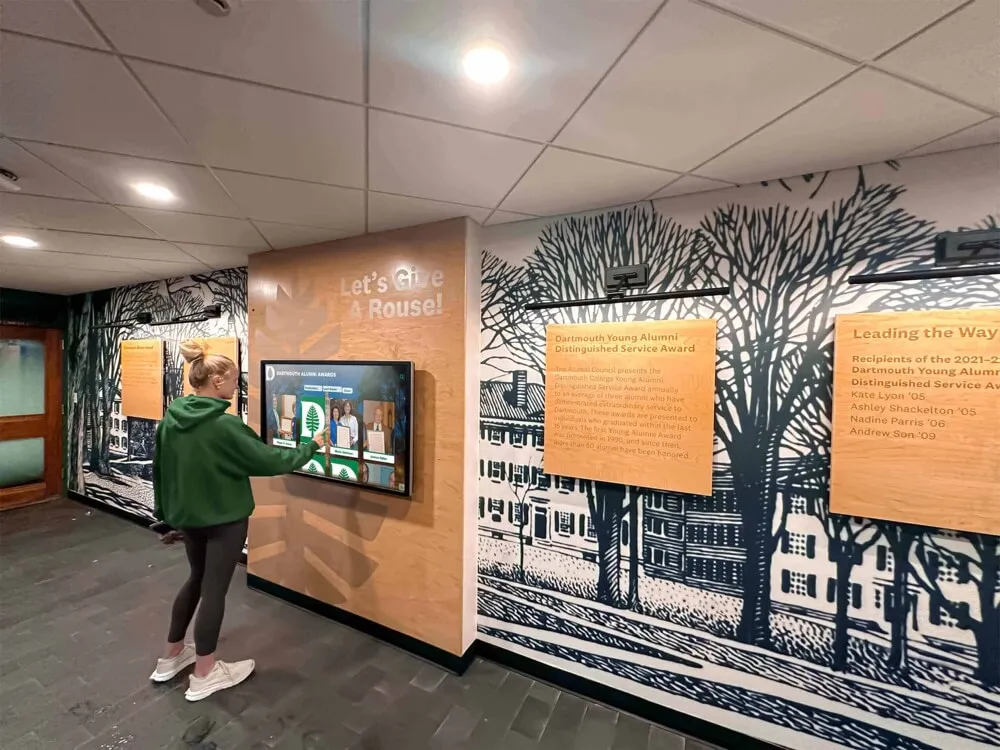
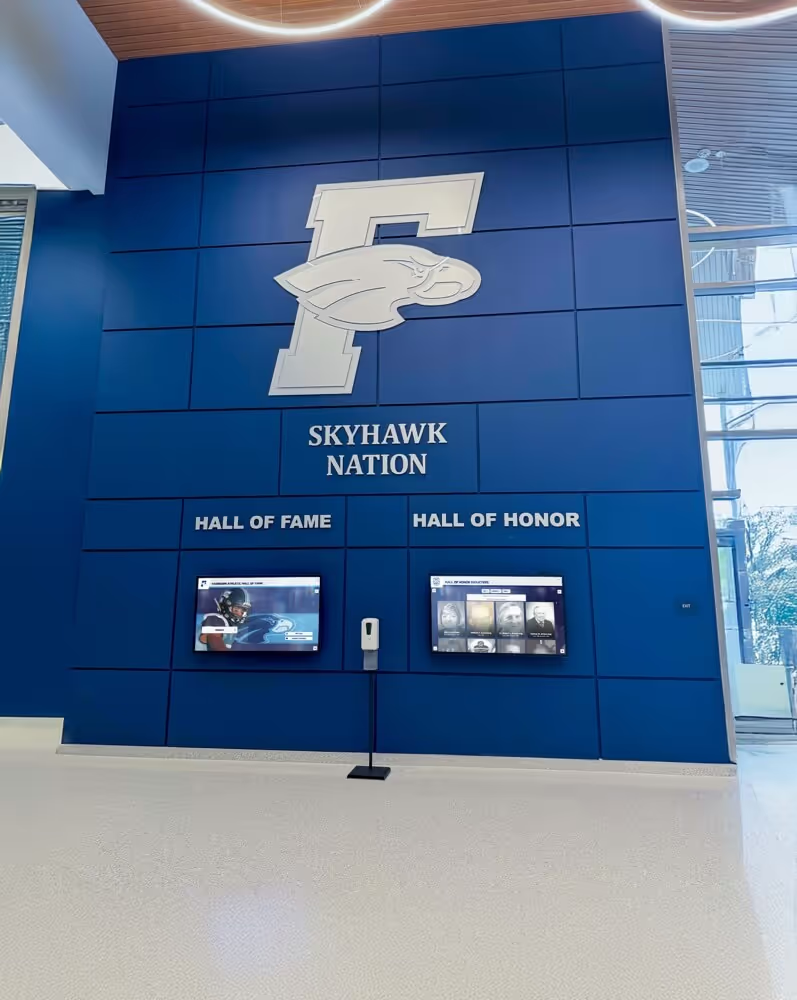
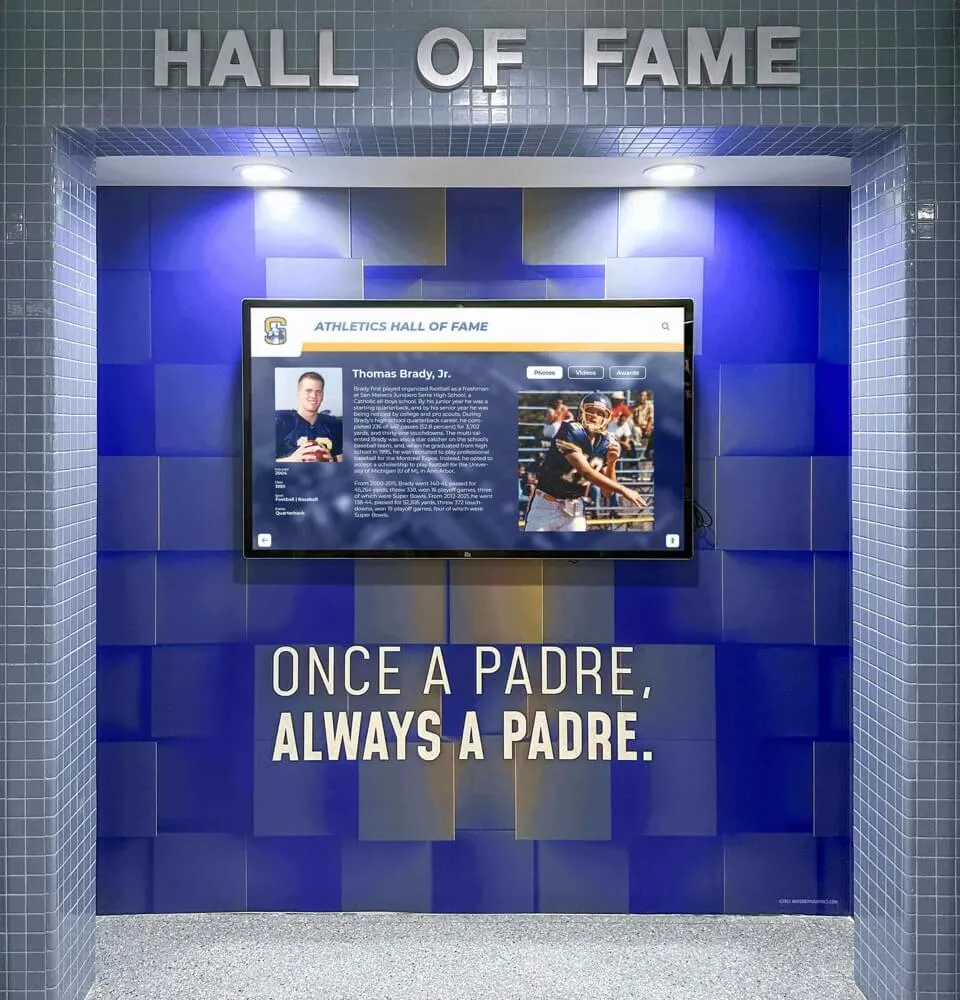
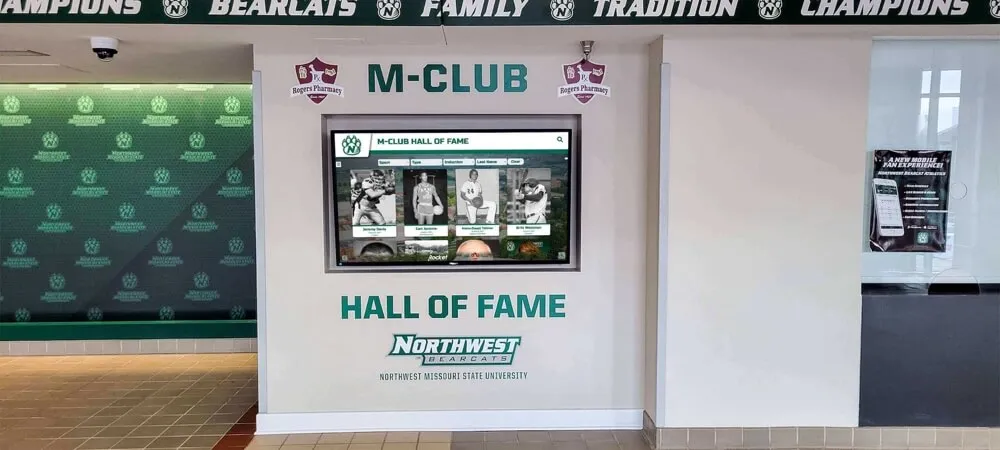
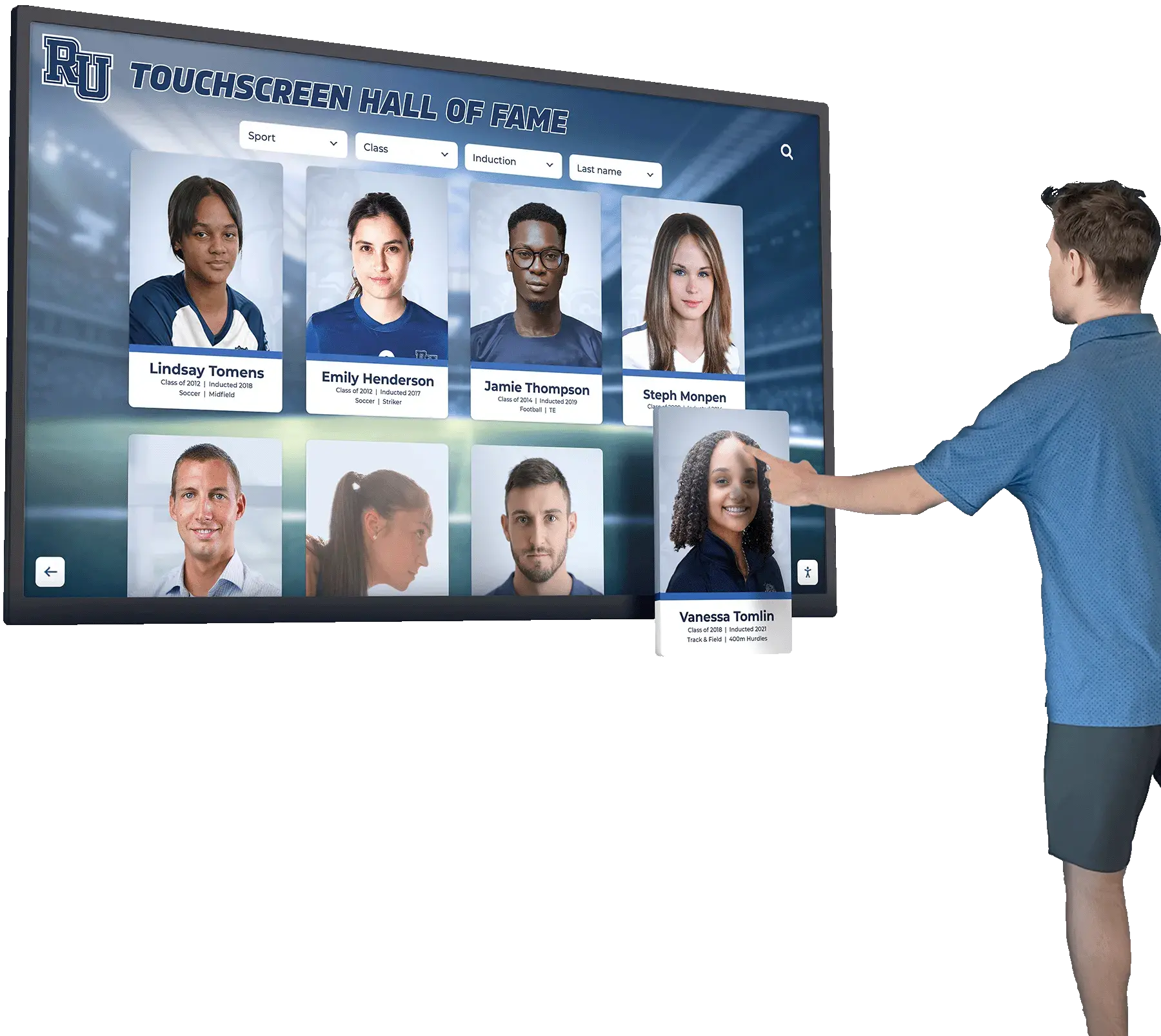
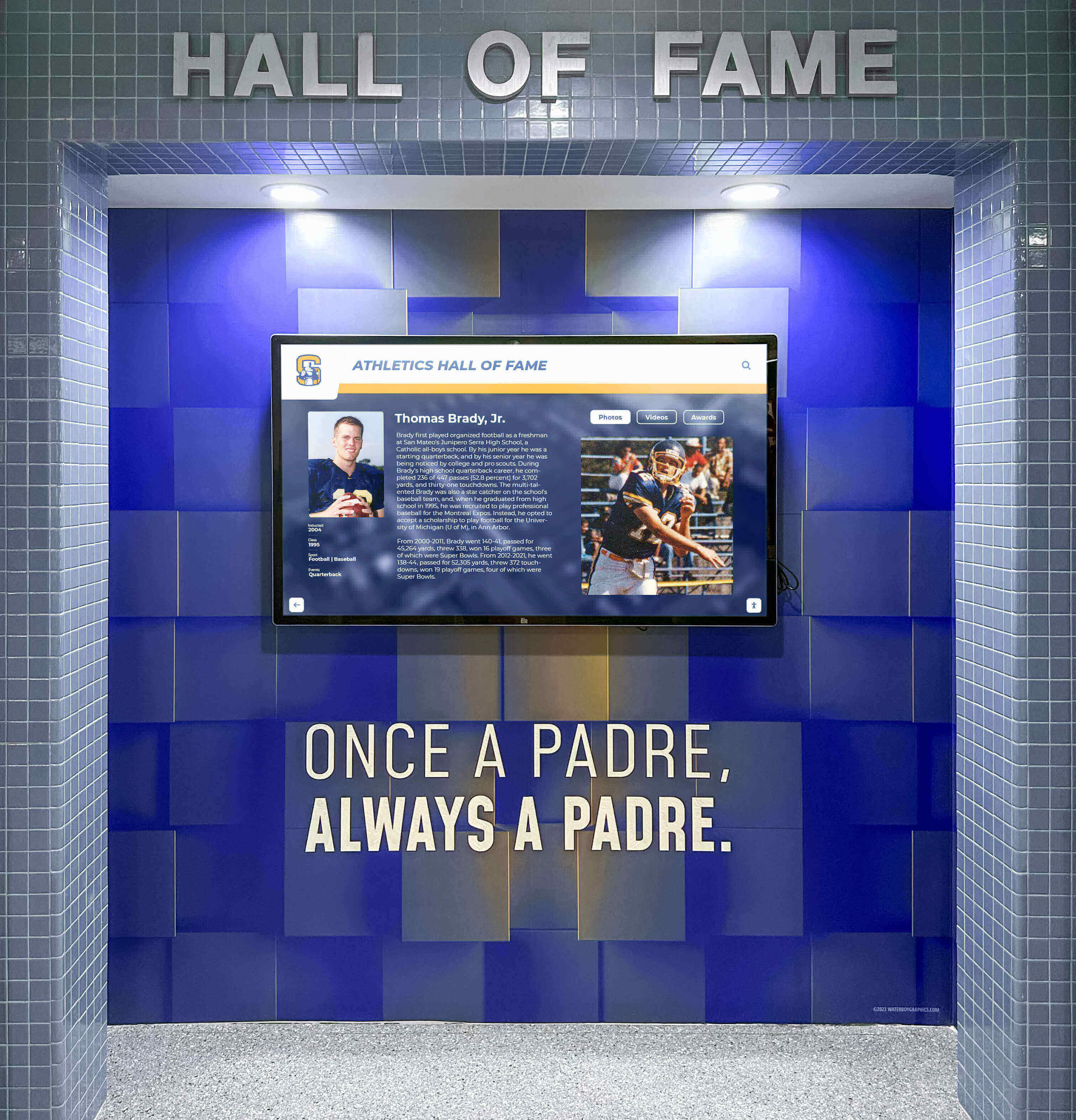
The interactivity that makes a touchscreen hall of fame browsable—jump to any profile, any year, any sport—extends to video archives when chapter maps are built to the same standard of specificity and accuracy
Frequently Asked Questions
What is the difference between a chapters track and a subtitle or caption track in WebVTT?
A chapters track uses kind="chapters" and carries navigation labels—short titles identifying segments of the video. A subtitle or caption track uses kind="subtitles" or kind="captions" and carries the transcript of spoken content synchronized to match when it is spoken. They serve different functions and are kept in separate files. Your induction ceremony video may need both, but one does not substitute for the other.
How many chapters should a ninety-minute ceremony video have?
There is no fixed rule, but chapters that are too short (under two minutes) create a navigation list that is tedious to scan, while chapters that are too long (over twenty minutes) defeat the purpose of chapter navigation. For a ninety-minute ceremony, eight to fifteen chapters covering distinct program segments—opening, each sport’s inductee group, special awards, closing—typically gives viewers enough granularity to find what they want in one or two jumps.
Does adding a chapters track affect how captions work?
No. A chapters track and a captions track are independent tracks on the same video element. Adding a chapters track does not modify, replace, or interfere with caption track behavior. Both tracks should be present in the HTML track elements, each with its own kind, src, srclang, and label attributes.
My custom video player does not show a chapter menu. Is the chapter data still there?
If the chapters .vtt file is correctly referenced in the track element, the chapter data is available to the browser via the TextTrack API even if the player’s visual UI does not expose a chapter menu. Screen readers and programmatic tools can access it. If visible chapter navigation is a requirement for your deployment, verify whether your player has built-in chapter menu support or whether custom JavaScript is needed to surface the data from TextTrackList.
Should chapter titles include the inductee’s full name or just the sport and year?
For a segment covering one inductee, including the inductee’s full name in the chapter title gives the most direct navigation path for family members and researchers looking for that specific person. For a segment covering multiple inductees in the same sport class, a label like “Women’s Track — Class of 2024 Inductees” is appropriate. If a single chapter covers three or more individual inductees, naming all of them in the chapter title makes the label unwieldy; naming the group by sport and year keeps the list scannable.
What happens if two cues in the chapters file overlap in time?
Overlapping chapter cues are invalid under the WebVTT specification. Browser behavior when parsing an invalid chapters file varies—some parsers skip the second overlapping cue, some ignore the entire track, and some attempt to display both titles simultaneously. None of these outcomes is useful for navigation. Validate the chapters file before publication to catch overlapping cues before they reach viewers.
Ready to see how a managed recognition platform handles video archives, inductee profiles, and hall of fame records in one place? Request a demo of Rocket Alumni Solutions to explore how athletic recognition content can be organized, updated, and navigated at scale.