



A school athletic recognition video requestVideoFrameCallback test uses the browser’s requestVideoFrameCallback() API to inspect per-frame metadata—presentedFrames, expectedDisplayTime, and processingDuration—as an award or highlight video plays on a recognition display. The API, documented at MDN Web Docs, registers a callback on an HTMLVideoElement that fires when each frame is sent to the compositor, delivering a metadata object alongside that frame. A jump in presentedFrames between two successive callbacks indicates the player did not observe one or more compositor submissions during that interval—a useful signal for evaluating presentation continuity—but it does not on its own confirm whether the decoder discarded frames internally. expectedDisplayTime is the browser’s forward estimate of when the current frame will appear on screen; processingDuration, measured in seconds, records how long the decoder pipeline took to produce the frame. These two values measure different things and should not be compared directly.
This guide walks school IT coordinators and athletic technology staff through registering the callback on a recognition display, reading the metadata fields correctly, interpreting presentedFrames gaps without overstating what they prove, and using the results to decide whether a video presentation passes an acceptable baseline or warrants further investigation before a hall-of-fame ceremony or awards event.
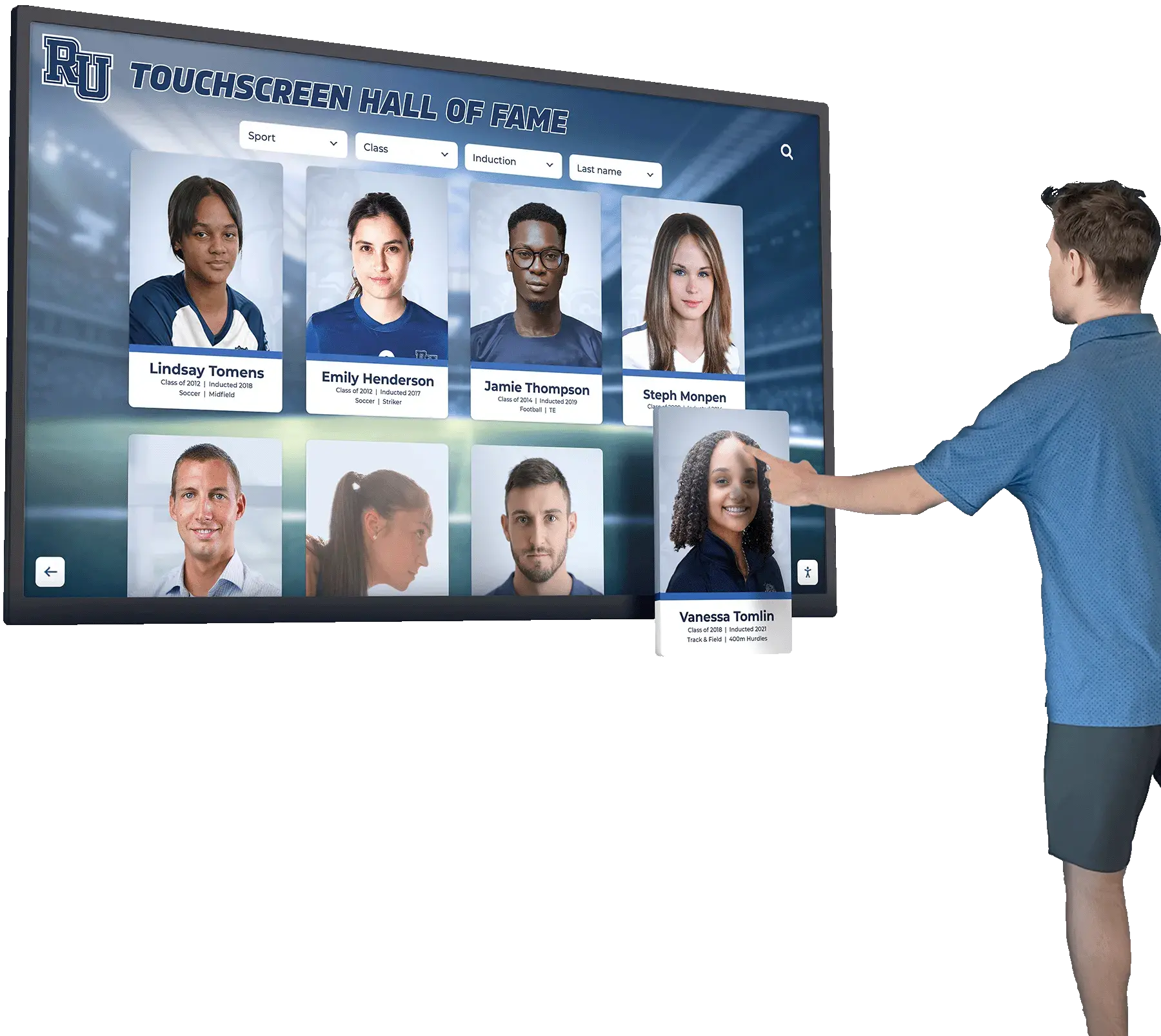
When a family member walks up to a school recognition kiosk during an athletic awards night and taps a championship highlight video, the browser on the display decodes and presents frames continuously. With requestVideoFrameCallback(), IT staff can instrument that playback in place—on the actual display hardware, running the actual video file served through the actual school network—and collect per-frame metadata to evaluate whether presentation is keeping up. That per-device, per-video approach is more direct than running benchmarks on a separate machine, because the kiosk hardware, browser configuration, and network path all affect the result together.

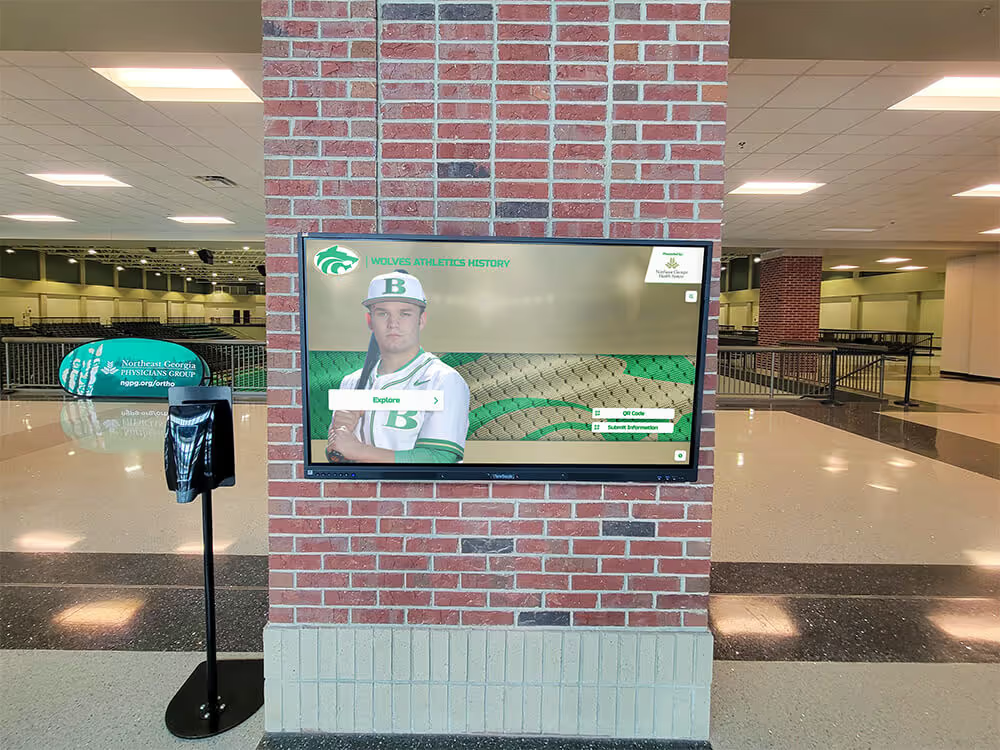
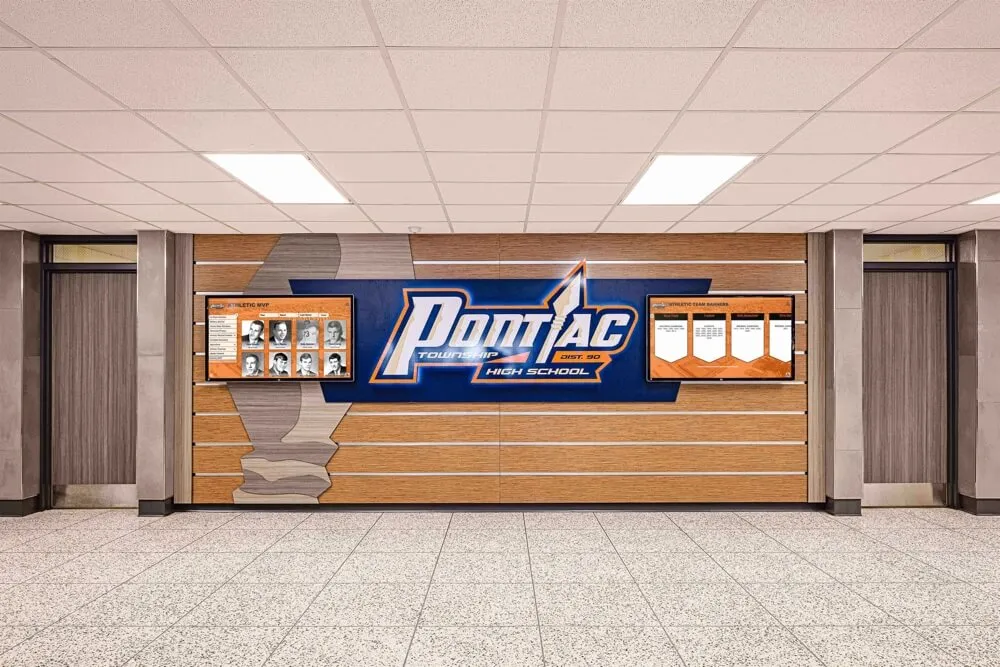
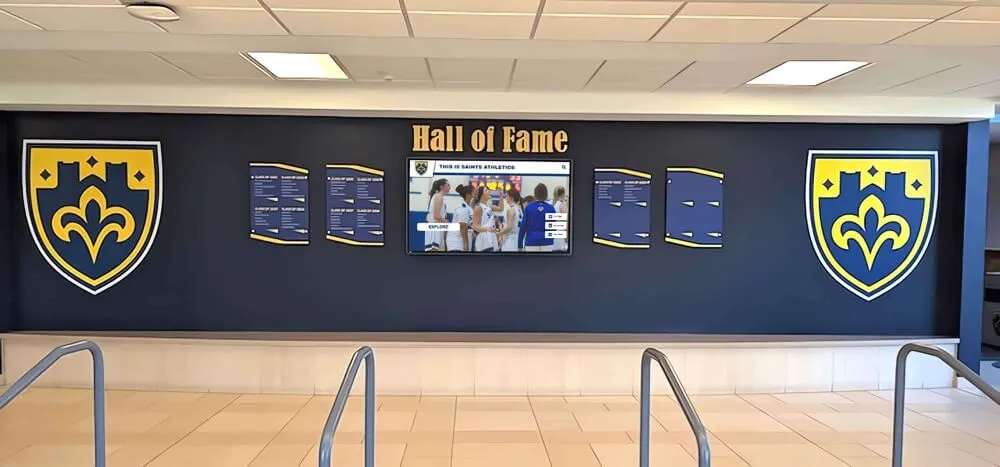
Athletic highlight videos on school recognition displays are served to visitors during events when the display hardware and browser must decode and present frames without interruption—per-frame diagnostics confirm whether playback is meeting that standard
What requestVideoFrameCallback Measures and What It Does Not
The MDN reference for HTMLVideoElement.requestVideoFrameCallback() describes the method as registering a callback that fires when a new video frame is sent to the compositor. Each invocation receives a now timestamp and a metadata object. The fields most relevant to a school athletic recognition video requestVideoFrameCallback test are:
presentedFrames — a running count of frames submitted for composition. Comparing this value across consecutive callback invocations tells you how many frames the compositor received between two callbacks. If presentedFrames increases by exactly one each time the callback fires, the callback observed every submitted frame. If it increases by two or more, at least one callback cycle was skipped—the browser may not have called back in time, a display refresh rate mismatch caused a missed cycle, or the video frame rate and browser paint rate were out of step. This gap is a missed callback observation; it does not on its own confirm the decoder discarded a frame.
expectedDisplayTime — a DOMHighResTimeStamp representing the browser’s estimate of when the current frame is expected to become visible. This is a forward-looking estimate relative to the moment the callback fires, not a record of when the frame actually appeared. Comparing expectedDisplayTime to the now parameter in the same callback can show where the callback falls within the v-sync window, but this value is not a timing guarantee. The browser may invoke the callback one v-sync late relative to the frame it describes.
processingDuration — the time in seconds from when the decoder submitted the frame to when it became ready for composition. This reflects decoder pipeline latency for that individual frame. A processingDuration consistently longer than the video’s nominal frame interval is one signal that the decoder is working harder than expected for the content and hardware. This value is independent of expectedDisplayTime—a frame with short processingDuration may still carry a expectedDisplayTime well in the future if the compositor queue is backed up.
mediaTime — the video’s presentation timestamp in seconds, equivalent to video.currentTime at that frame. Useful for correlating frame metadata to a specific position in the highlight reel.
Callbacks fire at the lower of the video’s frame rate and the browser’s paint refresh rate. A 30 fps athletic highlight on a 60 Hz display produces callbacks at up to 30 Hz. The callback is not a guaranteed-interval timer; it may arrive one v-sync out from the frame it describes.
The API reached Baseline status in October 2024 and is available in recent Chromium-based browsers. Older kiosk browser builds may not support it—verify with 'requestVideoFrameCallback' in HTMLVideoElement.prototype before relying on it.
Practical Workflow: Running the Test on the Recognition Display
This procedure runs directly on the recognition display using the browser’s built-in DevTools console. It does not require external tools or changes to the recognition platform’s configuration.
1. Open DevTools on the display browser. On Chromium-based browsers, press F12 or right-click and select Inspect. If the kiosk browser blocks DevTools, enable developer mode in the kiosk configuration before running this test.
2. Confirm API support. In the console, run:
'requestVideoFrameCallback' in HTMLVideoElement.prototype
If this returns false, the browser build does not support the API and the test cannot proceed on that device.
3. Select the video element. Run:
const vid = document.querySelector('video');
If the recognition platform renders multiple video elements, inspect the Elements panel to identify the active one.
4. Confirm the video is playing. Verify vid.paused returns false. Start playback if the video is paused or not yet loaded.
5. Register the callback and collect metadata. Paste into the console:
const log = [];
const cbId = vid.requestVideoFrameCallback(function onFrame(now, metadata) {
  log.push({
    now: now.toFixed(2),
    presentedFrames: metadata.presentedFrames,
    expectedDisplayTime: metadata.expectedDisplayTime.toFixed(2),
    processingDurationMs: (metadata.processingDuration * 1000).toFixed(1),
    mediaTime: metadata.mediaTime.toFixed(3)
  });
  if (log.length < 60) {
    vid.requestVideoFrameCallback(onFrame);
  } else {
    console.table(log);
  }
});
This collects 60 successive callback entries—roughly two seconds at 30 fps—then prints a table. Adjust the limit for longer observation windows; for a 24 fps reel, 48 entries covers two seconds.
6. Let playback run through the collection window. Do not interact with the display during collection. The table prints automatically when the count is reached.
7. Review presentedFrames deltas. Subtract each row’s presentedFrames from the next. A delta of 1 on every row means the callback fired for every submitted frame during this window. A delta of 2 or more on any row means at least one callback cycle was skipped in that interval.
8. Check processingDurationMs. Values are already in milliseconds in this snippet. A consistent value above the frame interval—for example, above approximately 33 ms for a 30 fps video—is worth noting. A value well below the frame interval is expected on capable hardware with active hardware decode acceleration.
9. Inspect expectedDisplayTime relative to now. For each row, expectedDisplayTime - now gives the browser’s forward estimate for that frame in milliseconds. A result near one v-sync period (approximately 16.7 ms on a 60 Hz display) is typical when the callback fires one refresh cycle before the frame becomes visible. These comparisons describe timing position within the v-sync window—they are not a pass/fail measurement of playback correctness.
10. Repeat under realistic load. Run the collection again while the platform is also rendering athlete profile cards or other recognition content alongside the video. Event conditions may differ materially from an idle display.
To stop an ongoing callback loop: vid.cancelVideoFrameCallback(cbId).
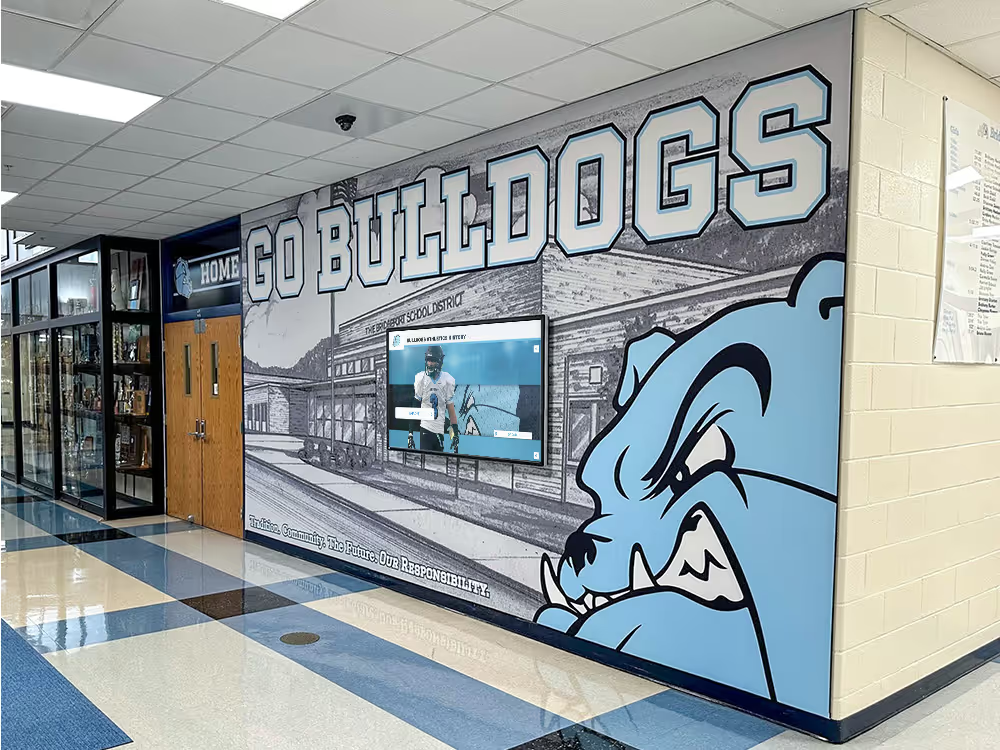
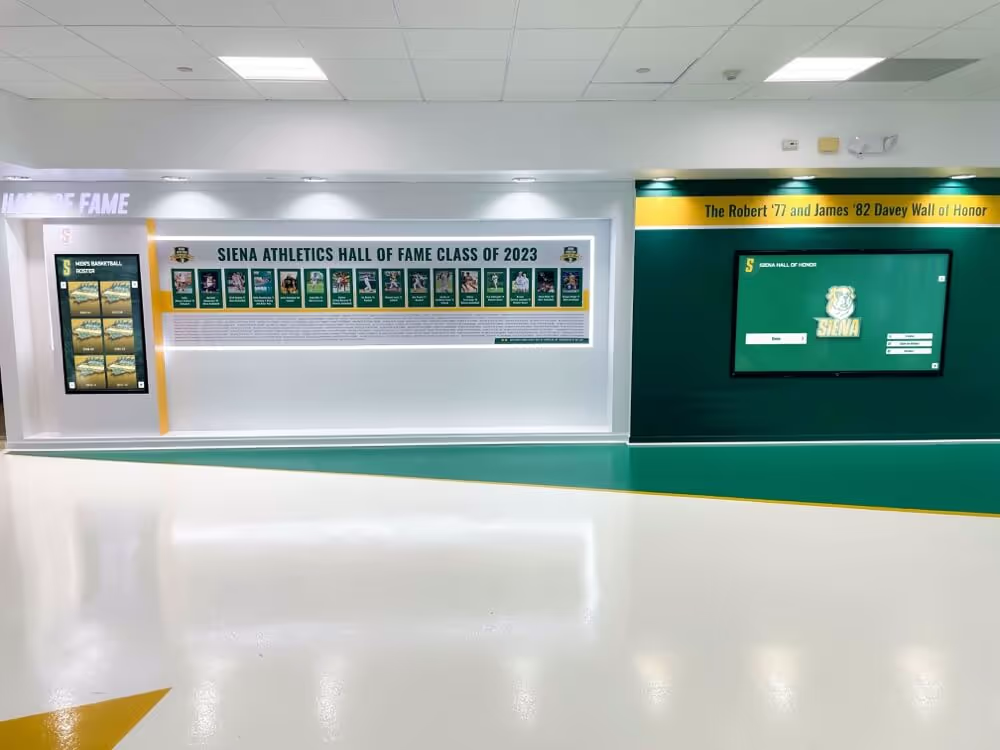
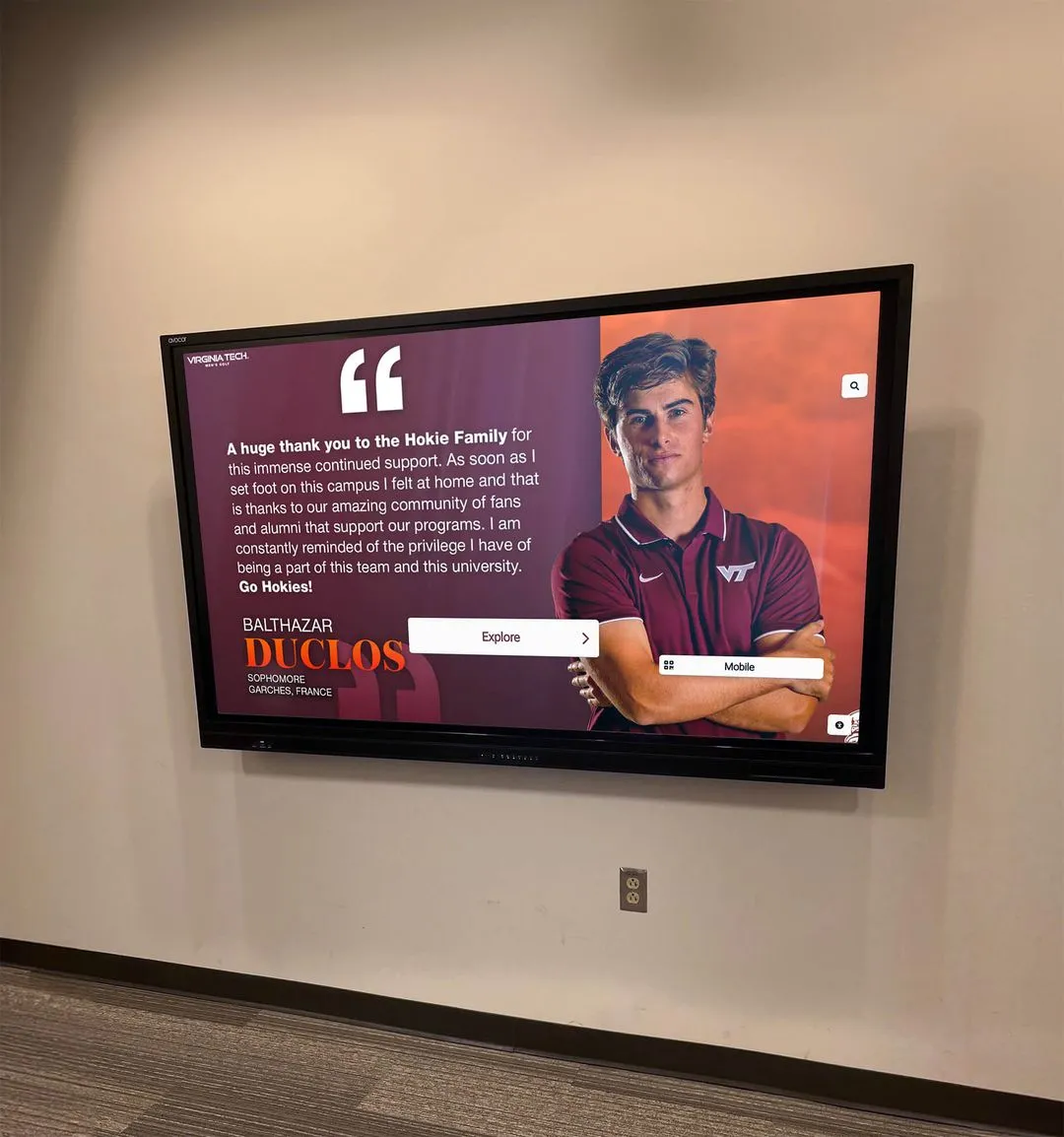
Running the requestVideoFrameCallback test on the physical recognition kiosk captures the actual decode and presentation pipeline on the display hardware and browser serving visitors during events—separate test devices may not reflect the same conditions
Interpreting Results: Evidence and Decision Table
The table below describes common observations from the collected metadata and the questions each observation raises. Thresholds used as examples are not universal acceptance mandates; choose observation windows and comparison values appropriate to your video content and hardware.
| Observation | What it may indicate | Suggested next step |
|---|---|---|
presentedFrames delta = 1 on every row | Callback observed every submitted frame across the window | Baseline met for this window; repeat under heavier platform load |
presentedFrames delta ≥ 2 on one or two rows | Occasional missed callback cycle—may be transient | Note mediaTime at each gap; test again to see if gaps recur at the same video positions |
presentedFrames delta ≥ 2 on many rows | Callback is consistently skipping cycles | Investigate CPU utilization on the kiosk; confirm hardware video decode acceleration is active |
processingDurationMs consistently below frame interval | Decoder producing frames well within budget | Expected on capable hardware; no action needed |
processingDurationMs exceeding frame interval on most rows | Decoder pipeline slower than frame rate demands | Check browser hardware acceleration settings; verify the video codec matches GPU acceleration capabilities on the kiosk |
expectedDisplayTime - now ≈ one v-sync period | Callback fired approximately one refresh cycle before frame display | Normal operating condition |
mediaTime stops advancing; presentedFrames also stops | Video player stalled—buffering or source interruption | Investigate network delivery of the video; check whether the CDN is reachable from the display VLAN |
| Console table never prints | Callback not firing | Confirm API support returns true; verify the selected video element is actively playing |
Schools that include digitized legacy sports footage in their recognition reels may encounter frame timing irregularities from analog-era recordings—unexpected mediaTime gaps or variable processingDurationMs that reflect inconsistencies in the source material rather than a kiosk problem. An athletic archive time base correction workflow applied to legacy sports video before upload addresses frame timing issues at the source rather than at playback.
How This Compares to Generic Static and Manual Observation
Without requestVideoFrameCallback, the practical alternatives for evaluating recognition video playback are:
Manual visual observation. A staff member watches the video and notes visible stutter, freeze frames, or audio-video desync. Manual observation catches severe failures but misses intermittent single-frame gaps and produces no quantitative data for comparing one display to another or one event condition to another.
requestAnimationFrame loop with video.currentTime polling. A rAF loop can sample currentTime and compare expected versus actual advancement. This approximates frame-level measurement but fires at the browser’s paint rate regardless of whether a new video frame was presented—it cannot distinguish frames submitted to the compositor from frames that were held or repeated.
Recognition platform dashboards. A platform like Rocket Alumni Solutions may surface content delivery or playback status in its management interface. These platform-level reports confirm whether content reached the display and what the system recorded—they do not capture the per-frame compositor behavior the browser produced on the device hardware.
requestVideoFrameCallback occupies the space between these: it yields quantitative, per-frame data tied to actual compositor submissions, without requiring an external measurement device or changes to the platform configuration. Its constraint is that it requires DevTools access to the kiosk browser and is not available in older browser builds that predate October 2024.
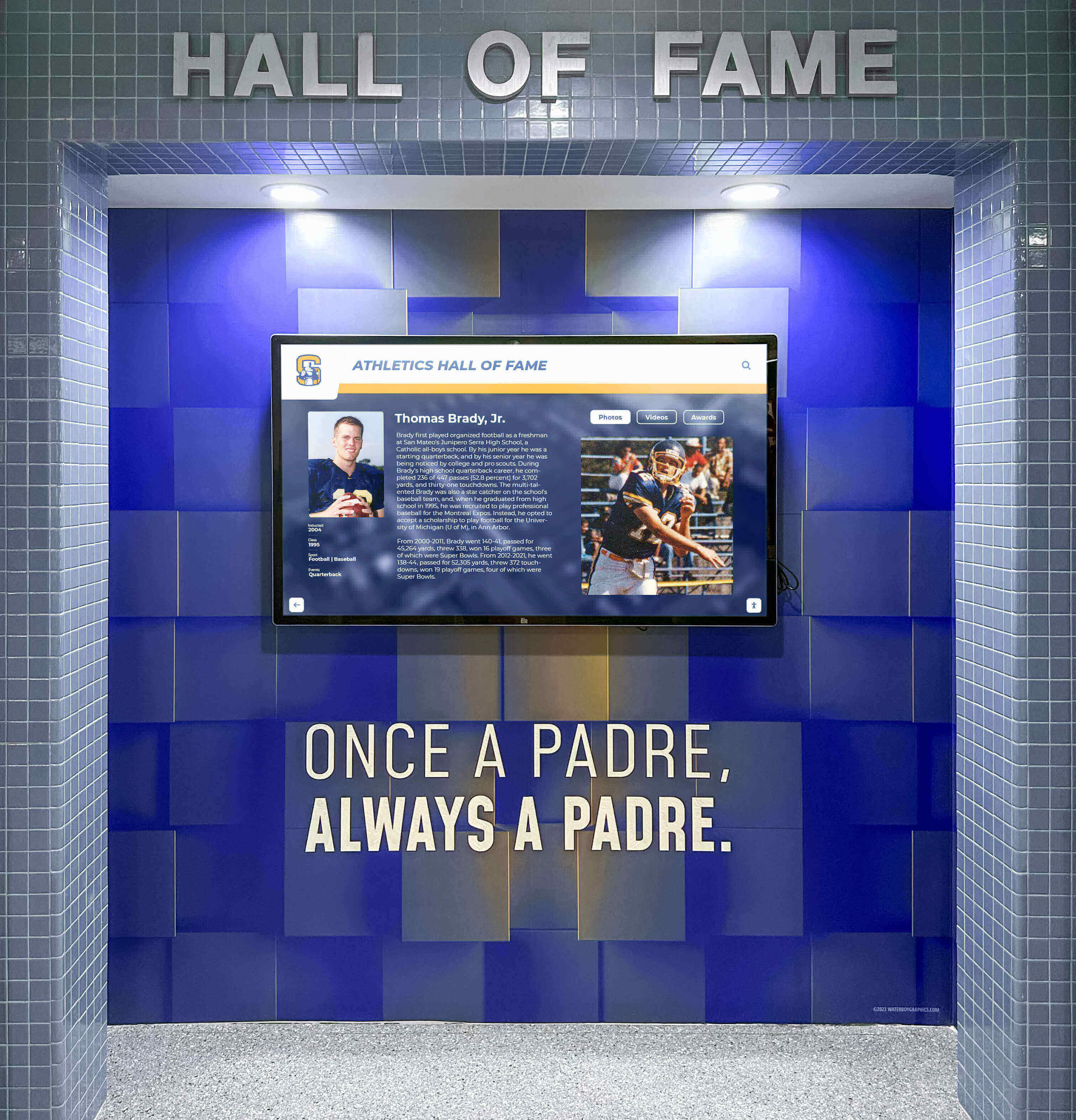
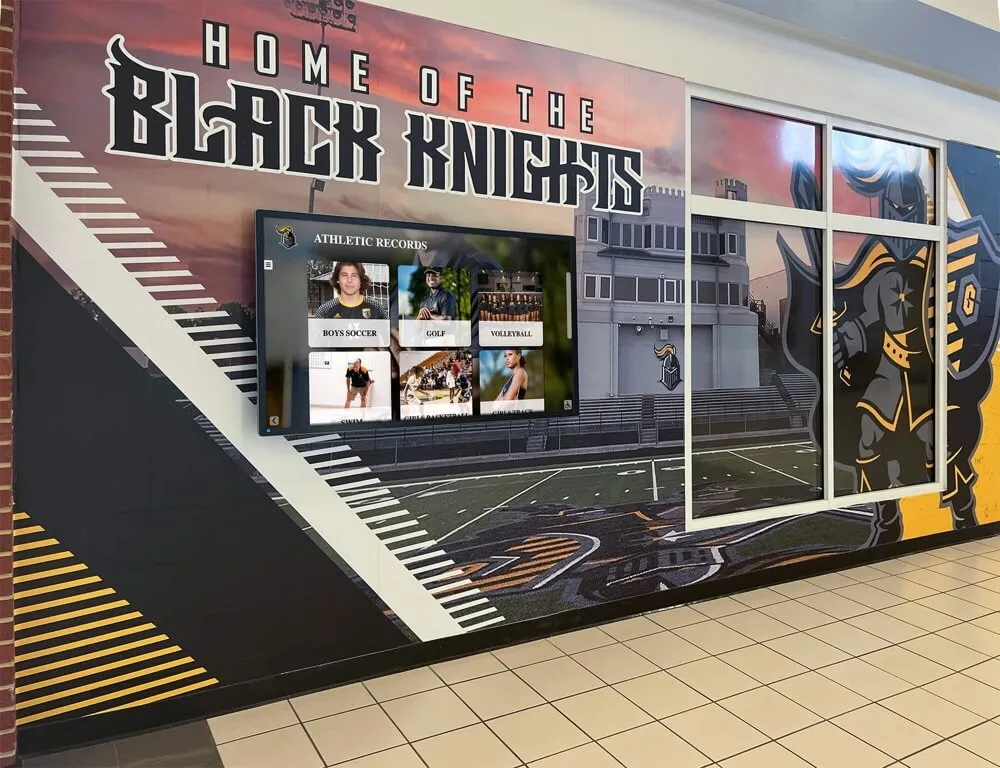
Per-frame diagnostics with requestVideoFrameCallback complement visual inspection—quantitative frame metadata from the callback log identifies presentation gaps that manual observation alone may not catch before an event
Pre-Event Acceptance Checklist
Complete this checklist before a hall-of-fame induction, athletic awards banquet, or other event where the recognition display will show athletic highlight videos to visitors.
API and Browser Readiness
- Confirm
'requestVideoFrameCallback' in HTMLVideoElement.prototypereturnstruein the kiosk browser console - Verify the browser build was released after October 2024; update the kiosk browser if the build is older
- Confirm DevTools console access is available, or that a pre-event test has already been run and logged
Video Source and Content
- Confirm the athletic highlight video is encoded in a codec the kiosk browser hardware-accelerates (H.264 in MP4 is broadly supported; verify the recognition platform’s encoding format against the kiosk hardware spec)
- If digitized legacy footage is included in the highlight reel, confirm it has been normalized for frame timing before upload to the platform
- Confirm the video is served from a network path accessible from the display VLAN—not blocked by a proxy or VLAN filter
Callback Collection and Baseline
- Run the 60-entry collection during idle conditions; record the maximum
presentedFramesdelta observed - Run the collection again while the platform renders other recognition content simultaneously; compare delta patterns to the idle baseline
- Note the
processingDurationMsrange (min and max across the collected rows); flag values that consistently exceed the video’s nominal frame interval - Document the browser build, kiosk hardware model, and video format alongside the collected results so future pre-event tests can be compared to this baseline
Network Delivery
- Confirm
mediaTimeadvances continuously during the collection window; a stallingmediaTimealongside a stallingpresentedFramescount points to a source delivery interruption, not a decoder issue - Verify the recognition platform’s media CDN is reachable from the display without proxy interception that would alter the video stream
- If the display shares a network segment with other active devices during the event, confirm that concurrent traffic does not reduce available bandwidth below the video’s bitrate requirement
For recognition displays that serve video alongside other concurrent media streams during busy events, the recognition display receive-side scaling check for multi-stream media playback covers how the display network interface handles concurrent video delivery under load—a complementary test for multi-stream event environments.
Factors Outside the Callback’s Measurement Scope
requestVideoFrameCallback measures what the decoder produces for the compositor. Several factors that affect recognition video quality sit outside what the callback metadata can confirm directly.
Network delivery quality. A slow processingDurationMs may reflect a decoder waiting for video data not yet received, rather than a slow decode operation. If the network path delivering the video is congested or poorly prioritized, the decoder stalls waiting for data. Verifying that video traffic carries appropriate DSCP markings to help network equipment prioritize it is a separate diagnostic step from the per-frame test. The recognition display DSCP marking verification for athletic video traffic covers that network-layer check independently of browser-side diagnostics.
Hardware acceleration state. Whether the kiosk browser is using hardware video decode acceleration significantly affects processingDurationMs. If the browser has fallen back to software decode—due to a driver problem, a hardware limitation, or a codec the GPU does not accelerate—processing durations will be higher than hardware-accelerated playback on the same device. Check chrome://gpu in a Chromium-based kiosk browser to confirm video decode acceleration status before interpreting processing duration results. High processingDurationMs with hardware acceleration disabled is a different problem than high processingDurationMs with acceleration active.
Platform application and database latency. The recognition platform may query a database to render athlete data alongside the video. Slow query responses can freeze the surrounding interface while the video element itself continues to play—presentedFrames keeps advancing while page interaction stalls. That combination points to a platform application layer issue rather than a video presentation problem. Schools investigating query performance in the recognition system’s database separately can refer to athletic awards database Postgres index-only scan diagnostics for that aspect of system performance.
Physical display acceptance. Per-frame diagnostics confirm the browser’s compositor pipeline is functioning; they do not evaluate the display panel’s output quality, color accuracy, or physical installation integrity. For recognition environments that include printed championship banners or fabric displays alongside digital screens, a separate visual acceptance step—such as the championship banner fabric bow and skew acceptance checklist—covers the physical recognition materials that frame metadata cannot reach.
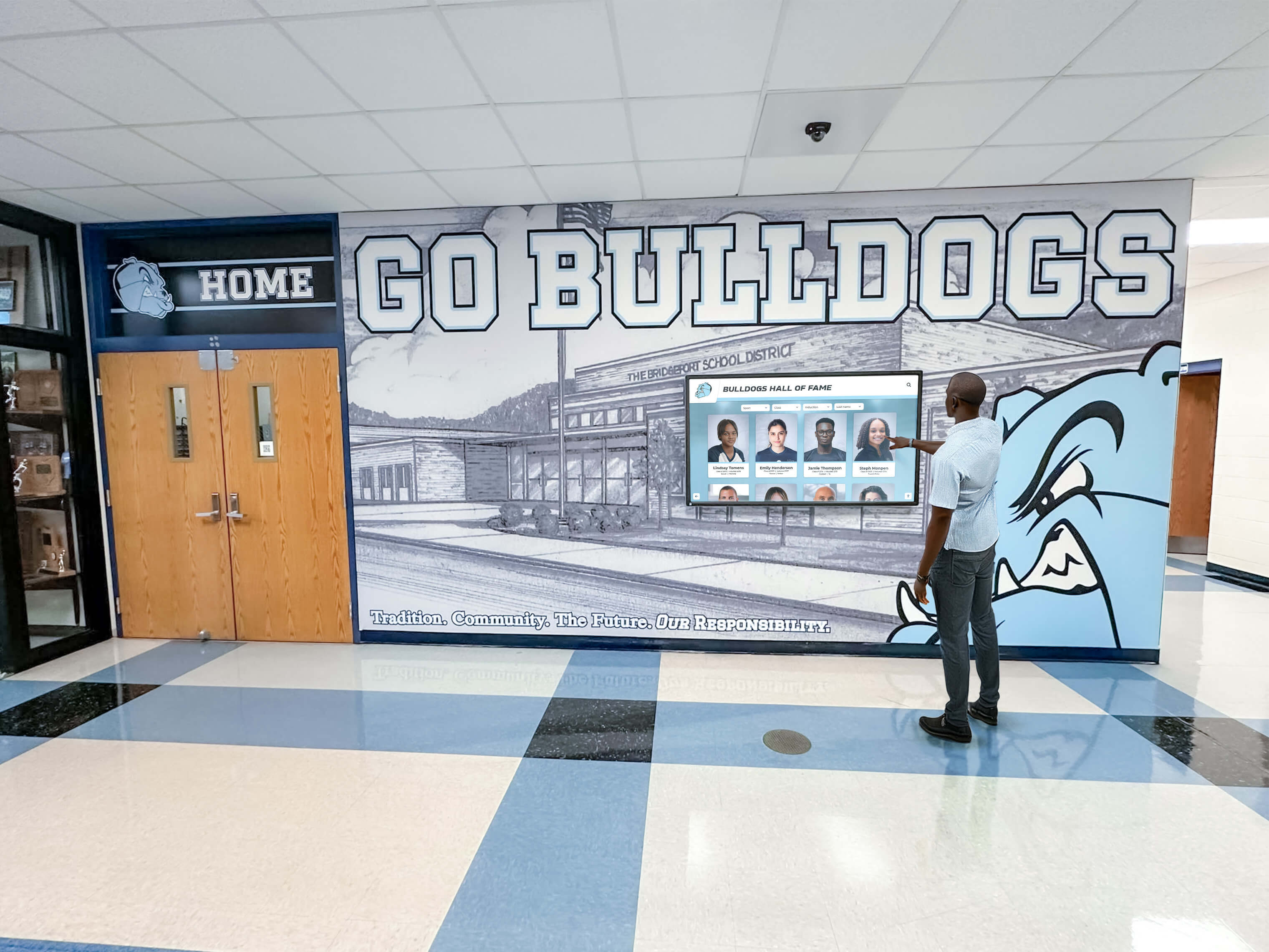
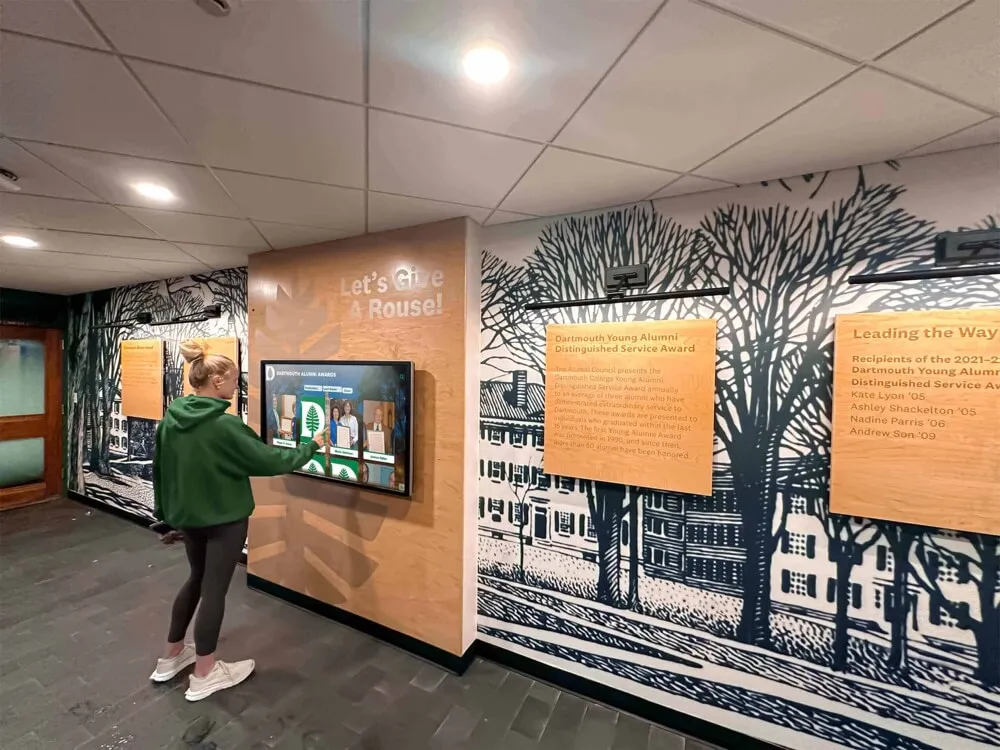
Per-frame callback metadata diagnoses the browser's video presentation pipeline on the recognition kiosk—network delivery, hardware acceleration, and physical display quality are separate verification steps that the callback log alone cannot replace
Q&A
Does a gap in presentedFrames between callbacks mean the decoder dropped frames?
Not necessarily. A delta greater than one means that between two consecutive callback invocations, the compositor received more frames than callbacks fired. The callback may have been delayed by a busy main thread, a v-sync scheduling decision, or a rate mismatch between the video frame rate and the display refresh rate—any of which would allow the decoder to have produced those frames normally. The gap is an observation about when the API invoked the callback, not a direct count of decoder output. To investigate whether the decoder is discarding frames, compare the final presentedFrames value over a known playback duration against the expected frame count for that duration—a meaningful cumulative shortfall over a long window is a stronger signal than an isolated delta-2 row.
What is the difference between expectedDisplayTime and processingDuration?
expectedDisplayTime is forward-looking: the browser’s estimate of when the current frame will become visible, expressed as a DOMHighResTimeStamp. processingDuration is backward-looking: the time in seconds from when the decoder submitted the frame to when it was ready for composition. expectedDisplayTime describes display timing; processingDuration describes decoder pipeline latency. They are independent of each other, and neither is a timing guarantee. Comparing them to each other would conflate two different phases of the video pipeline.
Why doesn’t the callback always fire at the video’s native frame rate?
The callback fires at the lower of the video frame rate and the browser’s paint refresh rate. On a recognition display configured to run at 30 Hz for power or compatibility reasons, even a 60 fps video produces callbacks at 30 Hz. Check the display’s configured refresh rate in the operating system display settings—some kiosk configurations set a refresh rate below the panel’s native maximum, which limits callback frequency and should be accounted for when interpreting presentedFrames deltas.
Can this test be run without DevTools access on the production kiosk?
Not directly. The test requires pasting JavaScript into the browser console. If the production kiosk browser locks DevTools access in kiosk mode, run the test during a maintenance window when kiosk mode is suspended, or on a staging instance with the same browser and hardware configuration before the production device is locked down. Recording the results from the staging run gives a comparable baseline for the production device.
What should we do if gaps appear at the same mediaTime positions across multiple test runs?
Gaps that recur at identical mediaTime positions on repeated tests suggest a characteristic of the video file itself—a keyframe interval boundary, a scene with high motion complexity, or a chapter transition where the file’s encoding changes. Gaps that appear at random positions across test runs point toward a runtime condition such as CPU load spikes or memory pressure on the kiosk. The mediaTime column in the logged table is the primary tool for distinguishing these two cases.
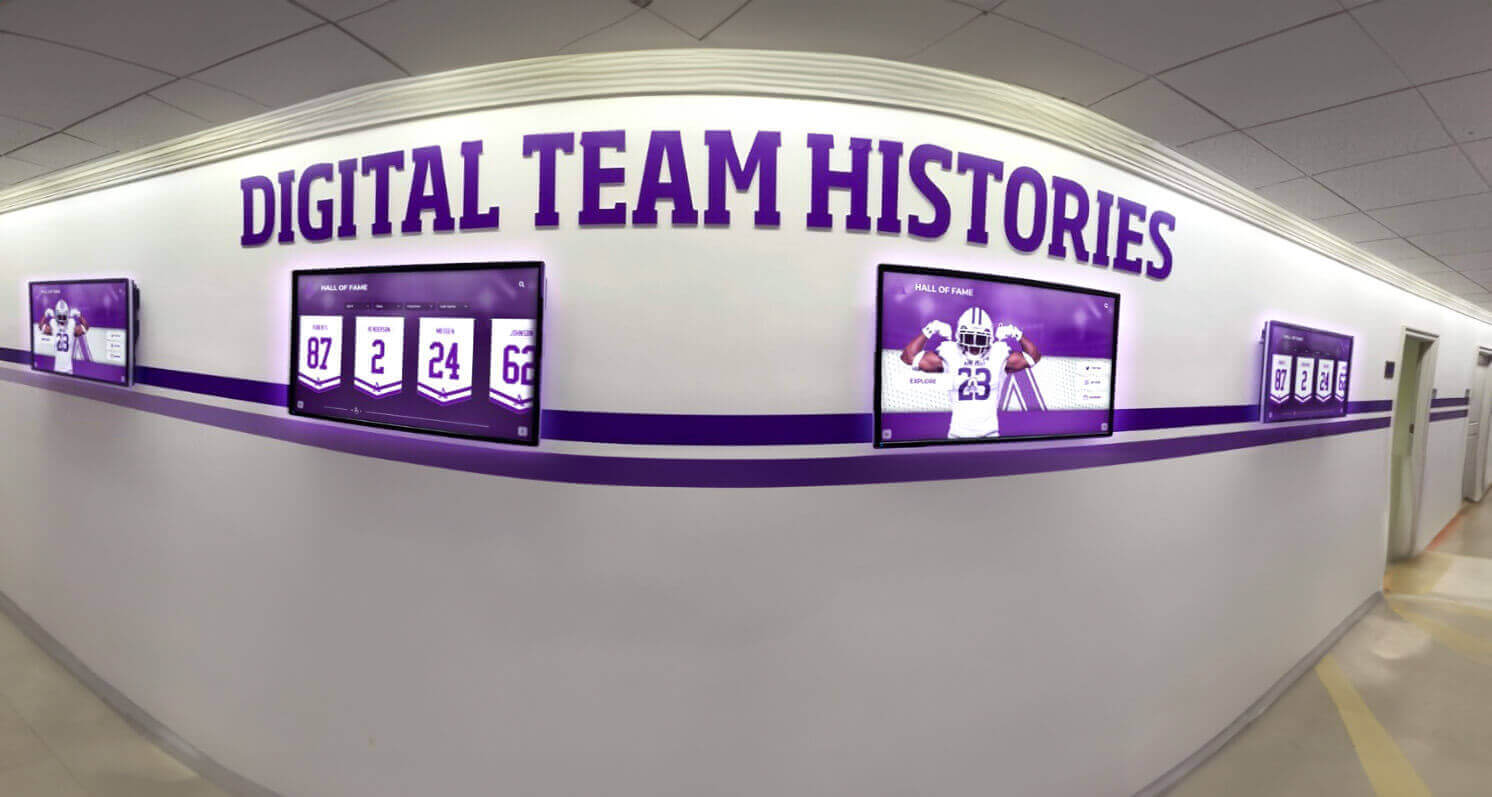
Athletic recognition displays run continuously through events—running the requestVideoFrameCallback test before each major event confirms the video presentation pipeline is ready before visitors arrive
See Rocket Alumni Solutions Athletic Recognition in Action
If your school is evaluating how a purpose-built athletic recognition platform handles video presentation, content delivery, and display reliability across hall-of-fame and awards events, a live walkthrough covers exactly that. Rocket Alumni Solutions builds touchscreen recognition systems used in school athletic corridors, lobby honor walls, and hall-of-fame installations.