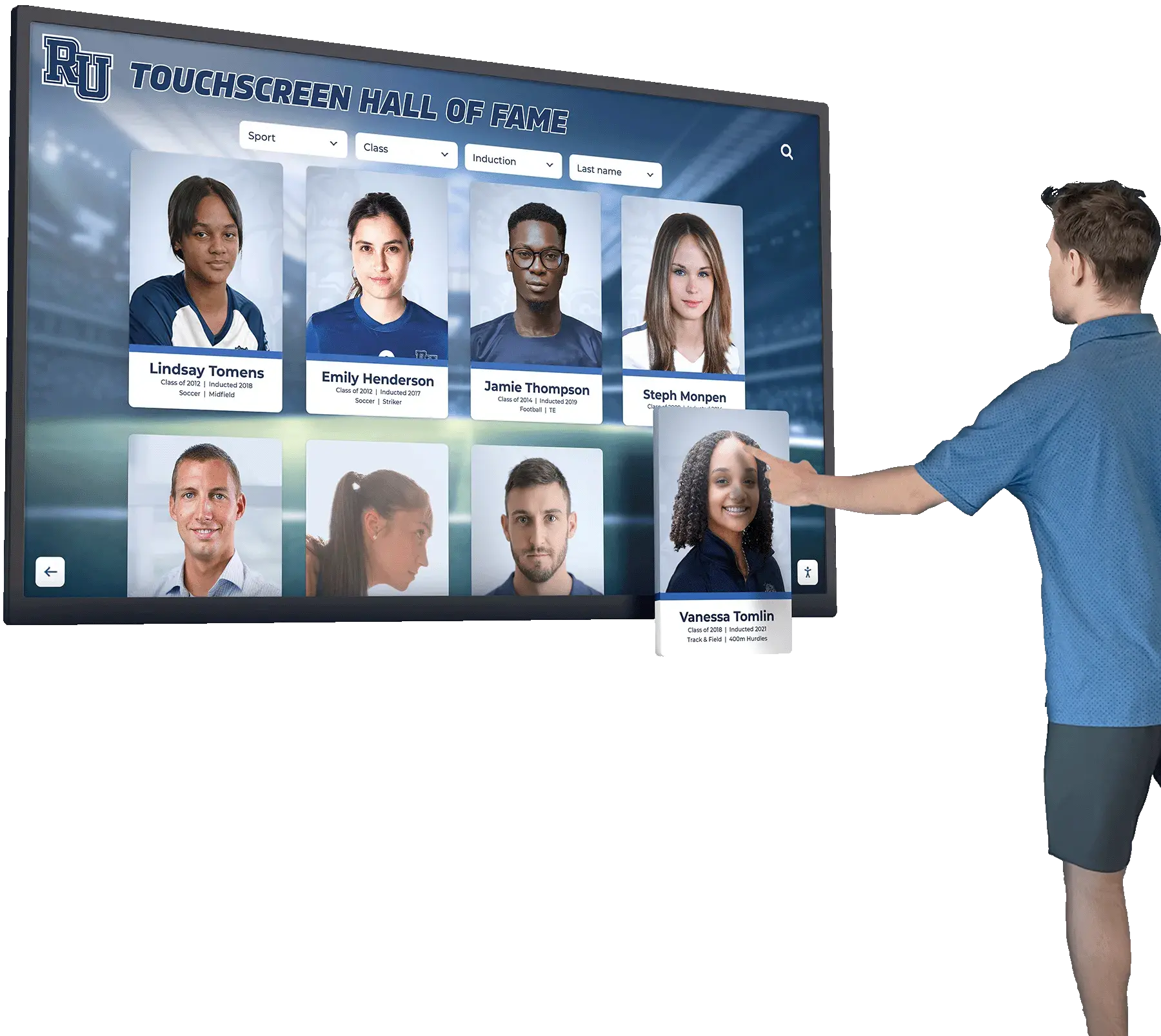




A school recognition display RADIUS change-of-authorization test is a structured network procedure that confirms a touchscreen hall of fame, digital trophy case, or lobby recognition kiosk will accept live RADIUS policy updates—such as a VLAN reassignment or session-timeout change—without requiring a manual reconnect or display reboot. RADIUS Change of Authorization (CoA), defined in RFC 5176, allows a RADIUS server to push new authorization attributes to a device’s active authenticated session while that session is already running. For a recognition display, this means an IT administrator can update the display’s network policy in real time from the RADIUS management console without unplugging the device or interrupting a ceremony in progress. Testing that path in advance is how IT teams confirm it will work when they actually need it.
This guide walks school IT coordinators, network administrators, athletic directors, and recognition-program owners through a complete recognition display RADIUS change-of-authorization test. It covers what CoA is and how it differs from standard RADIUS authentication, why it matters specifically for recognition displays, the prerequisites your environment must meet before testing, a numbered checklist for each test phase, and a FAQ addressing common CoA configuration questions on school networks.
RADIUS Change of Authorization (CoA) is an extension to the standard RADIUS protocol that reverses the typical direction of communication. In standard 802.1X authentication, the network access server (NAS)—your switch or wireless controller—sends authentication requests to the RADIUS server on behalf of connecting devices. With CoA, the RADIUS server initiates a message to the NAS that modifies or terminates an already-authenticated session, with no action required from the connected device. The NAS listens for incoming CoA messages on UDP port 3799 from authorized RADIUS server IP addresses.

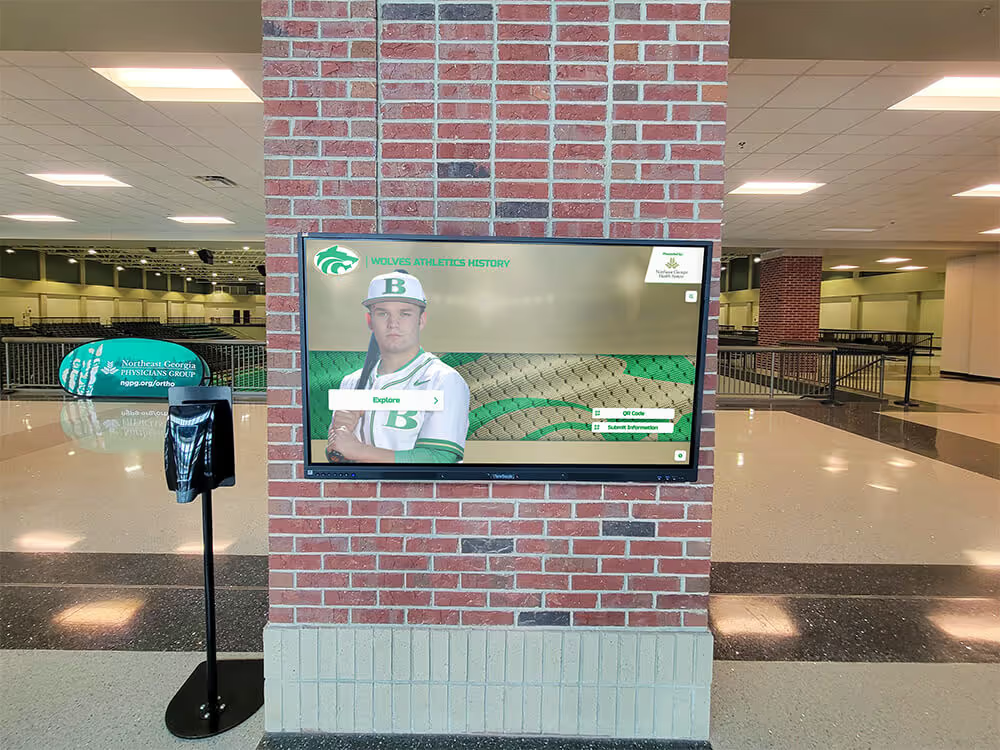
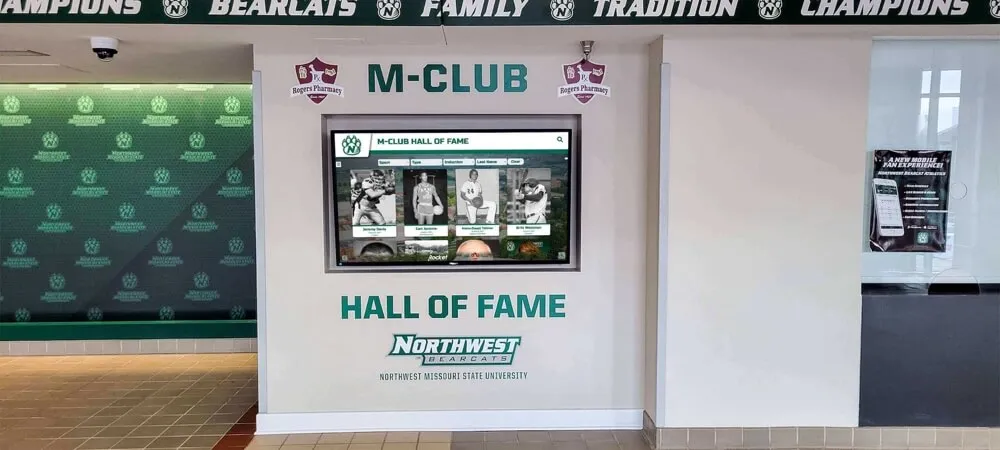
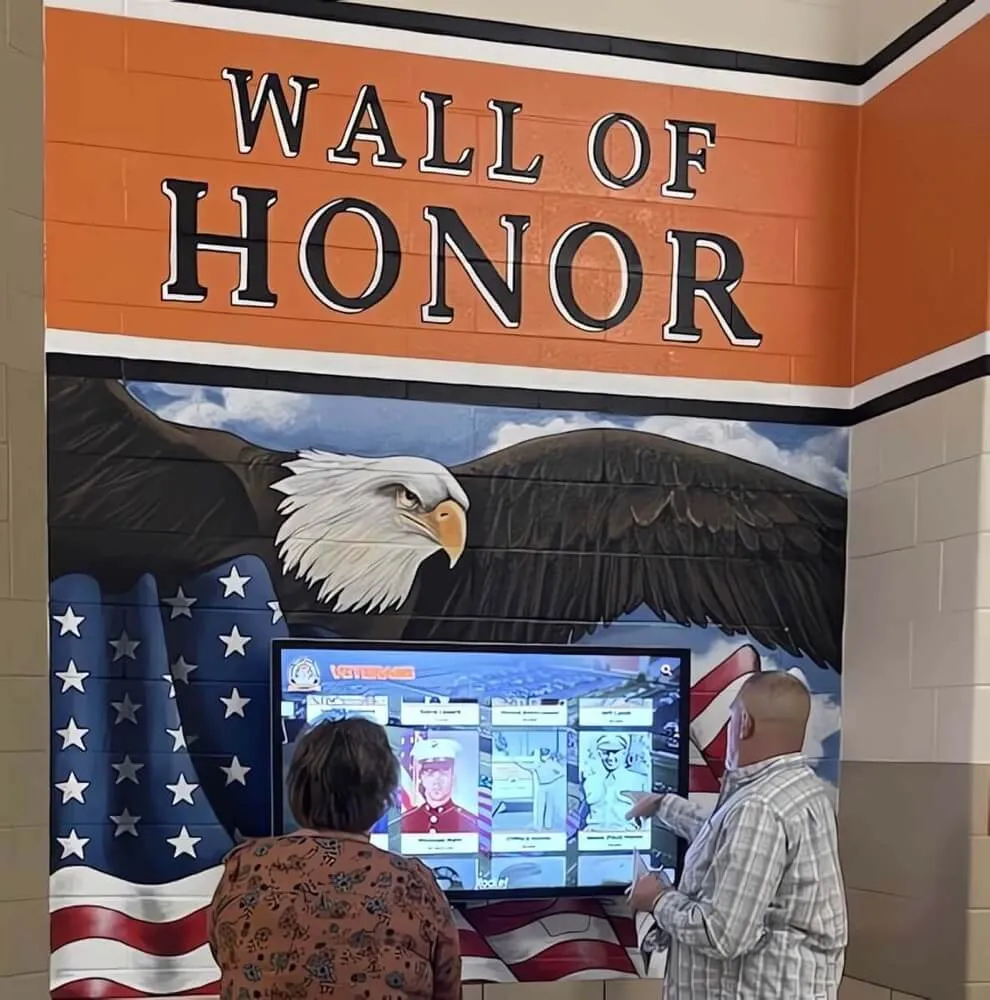
A recognition display integrated into a school lobby's hall of fame wall is visible to everyone who enters the building—a CoA test verifies that network policy changes can be pushed to the display without the interruption a manual reconnect would cause during school hours or an event
What RADIUS CoA Does and Why It Differs from Standard Authentication
Standard RADIUS authentication happens at connection time: the device connects, the NAS contacts the RADIUS server, the server authenticates the device and returns authorization attributes (VLAN assignment, session timeout, ACL), and the session begins. That exchange is over in seconds, and the NAS does not contact the RADIUS server again for that session unless re-authentication is triggered.
CoA operates on an already-running session. Two message types exist under RFC 5176:
| Message Type | What It Does | NAS Response |
|---|---|---|
| CoA-Request | Changes authorization attributes for an active session (new VLAN, new session timeout, new ACL) without terminating the session | CoA-ACK (accepted) or CoA-NAK (rejected) |
| Disconnect-Message (DM) | Terminates an active session; the device must re-authenticate to reconnect | DM-ACK (session ended) or DM-NAK (request rejected) |
For a recognition display, CoA-Request is the message type most relevant to policy management: it lets an IT administrator assign the display to a different VLAN, extend or shorten the session timeout, or apply an updated access policy without taking the display offline. A Disconnect-Message is useful when a complete re-authentication is required—for example, after updating the display’s credentials in the RADIUS server.
Why RADIUS CoA Testing Matters for School Recognition Displays
Recognition displays occupy a specific operational position that makes CoA testing more valuable than it might appear for general infrastructure:
Policy changes happen during active use. A recognition display in a school lobby may be running during an induction ceremony when an IT administrator needs to push a VLAN policy update—perhaps moving it from a staging VLAN to the production recognition VLAN, or applying updated bandwidth controls. Without a confirmed CoA path, the administrator’s only option is to manually disconnect the display and let it re-authenticate, which causes visible disruption.
Events concentrate the timing of both need and risk. Schools running hall of fame inductions, award nights, and campus storytelling events use recognition displays when visitor traffic is highest and the displays are most visible. That same event traffic—guests connecting phones, tablets, and laptops—can trigger network policy reviews that the IT team wants to apply immediately. A working CoA path means applying those changes without touching the display physically.
Display VLAN migrations benefit from CoA. When a recognition display’s VLAN assignment needs to change—for a network segmentation update, a security policy change, or a facilities renovation that moves the display to a different network segment—CoA allows the new VLAN to be pushed to the active session rather than requiring a truck roll or administrative access to the display’s location.
Testing documents that the CoA infrastructure is functional. CoA requires configuration at three points: the RADIUS server, the firewall (UDP 3799 must be permitted from the RADIUS server to the NAS), and the NAS itself. All three must be configured correctly for CoA to work. Testing under controlled conditions before an event confirms all three are correct—not merely configured but actually functional as a system.
School award walls and digital recognition installations that rely on cloud-hosted content platforms have a continuous dependency on network access. A CoA test that confirms live policy updates reach the display without disruption is the network team’s contribution to making that continuous access reliable under changing policy conditions.
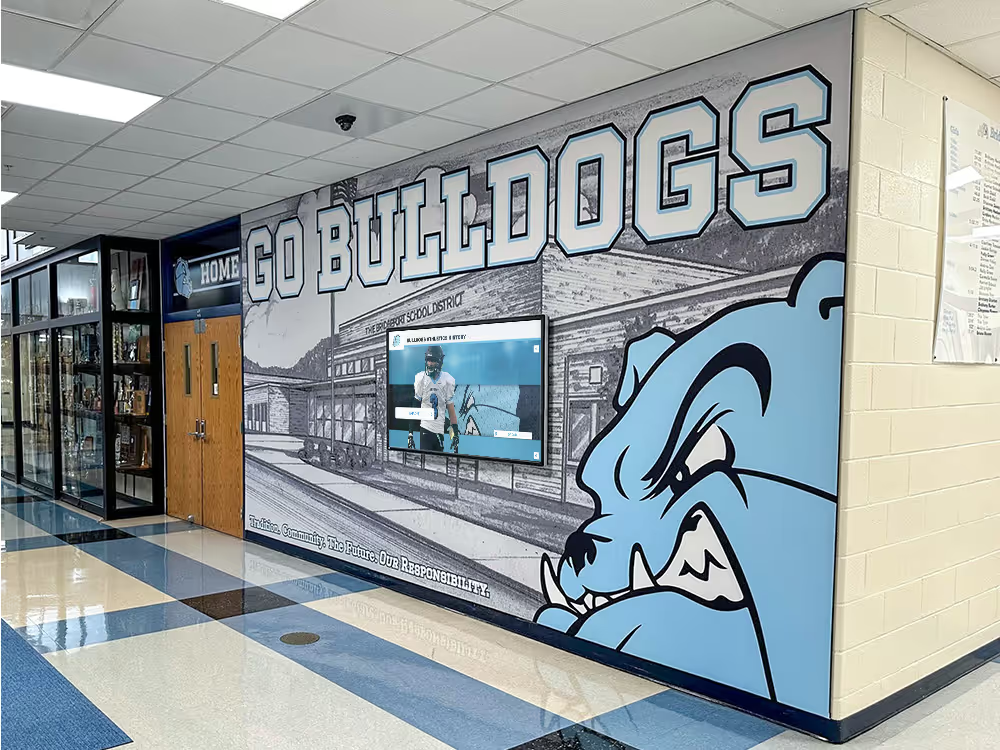
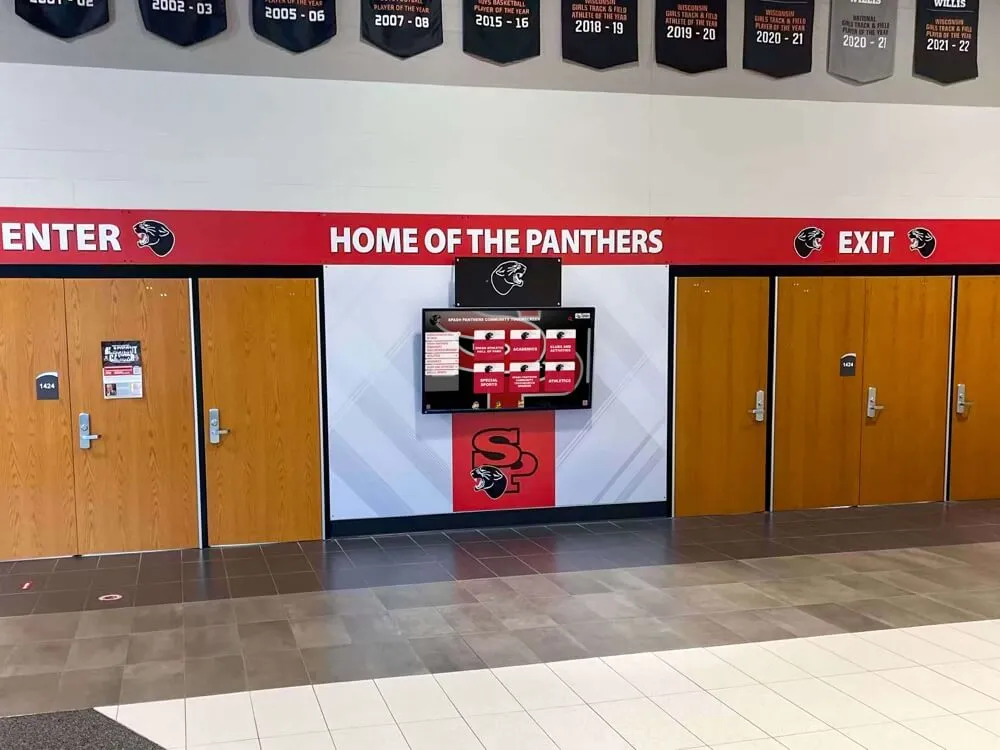
Recognition displays that students and visitors use actively during the school day need network policy changes delivered without visible disruption—a CoA test confirms that RADIUS can push policy updates to the display's live session rather than requiring a reconnect that would interrupt the current user
Before You Start: CoA Prerequisites Checklist
RADIUS Change of Authorization requires verified support at the RADIUS server, the switch or wireless controller, and the firewall between them. Confirm all items in this checklist before proceeding to the test procedure.
RADIUS Server Requirements
| Requirement | How to Verify |
|---|---|
| RADIUS server supports CoA (RFC 5176) | FreeRADIUS: confirm raddb/sites-enabled/dynamic-clients or raddb/policy.d/coa is active; Cisco ISE: Administration > System > Settings > RADIUS > Enable CoA; Aruba ClearPass: Enforce > Profiles > Dynamic CoA enabled; Windows NPS: CoA is not natively supported—requires a third-party module or migration to a CoA-capable server |
| CoA client (NAS) is configured in RADIUS server | The NAS IP address must be registered as a CoA client in the RADIUS server’s configuration, usually with the same shared secret used for authentication |
| RADIUS server can reach the NAS on UDP 3799 | Run a port test from the RADIUS server: nc -zu <NAS-IP> 3799 (Linux/macOS); if the test times out, the firewall is blocking CoA |
Network Access Server (Switch or Wireless Controller) Requirements
| Requirement | How to Verify |
|---|---|
| NAS supports RFC 5176 CoA | Cisco IOS/IOS-XE: confirm with show aaa server or check that aaa server radius dynamic-author is configured; Cisco Meraki: Dashboard—CoA is supported on Meraki MX/MR for RADIUS change of authorization; Aruba / HPE: show aaa server-group; Ubiquiti UniFi: RADIUS CoA is supported in UniFi Network 8.x+ via RADIUS profile settings |
| CoA server block is configured on NAS | On Cisco IOS: aaa server radius dynamic-author block must specify the RADIUS server IP and shared secret; this is separate from the standard RADIUS server configuration |
| NAS listens on UDP 3799 | On Cisco IOS: `show running-config |
Firewall Requirements
- Confirm UDP 3799 is permitted from the RADIUS server IP to the NAS IP in both directions (CoA-Request from server to NAS; CoA-ACK/NAK from NAS back to server)
- Confirm UDP 1812 (authentication) and UDP 1813 (accounting) remain open for standard RADIUS traffic
- If the RADIUS server is in a separate network segment from the switches (common in school district architectures where the RADIUS server is at a central location and switches are at campus buildings), confirm that the CoA traffic path is identical to the authentication traffic path—or that a separate path exists that includes UDP 3799
Documentation to Gather Before Testing
| Item | Where to Find It |
|---|---|
| RADIUS server IP address | Network management console |
| NAS IP address (switch management IP) | Switch label, network diagram, or show interfaces |
| Shared secret for CoA client | Network management console—do not write it in test documentation |
| Current VLAN assignment for each recognition display | show dot1x interface on Cisco, or wireless controller client table |
| Current session timeout for each recognition display | RADIUS server accounting log or NAS session table |
| MAC address of each recognition display | Display network settings, or switch MAC table |
Section 1: Baseline Session Documentation
Before sending any CoA messages, document the recognition display’s current authenticated session state. This baseline is your reference for confirming that CoA changes were applied correctly and that the display returned to the expected state after testing.
Baseline documentation checklist:
- On the NAS, confirm the recognition display is currently authenticated: on Cisco IOS,
show dot1x interface GigabitEthernet0/Xorshow authentication sessions interface GigabitEthernet0/X; on the wireless controller, locate the display’s MAC address in the authenticated client table - Record the current VLAN the display is assigned to
- Record the current session timeout (session-time attribute) from the RADIUS accounting log or NAS session table
- Record the timestamp of the current session start—this confirms the session is active and its age, which is relevant if you are testing CoA on a recently authenticated session
- Confirm the recognition display is currently showing live content by loading the touchscreen interface and verifying that the content is current
- Confirm the display can reach its cloud platform by checking the last content-sync timestamp on the display or in the platform’s admin interface
- Take note of the display’s current IP address—if a VLAN change CoA test is performed, the display will be issued a new IP address by DHCP, and the old IP will become unreachable
Section 2: CoA-Request Test — Session Timeout Change
The simplest CoA test for a recognition display is a session-timeout attribute change. This modifies the display’s current session without changing its VLAN or terminating the session, making it the least disruptive first test and a clean verification that the CoA path is functional.
Test 2A: Send a CoA-Request to change session timeout
On FreeRADIUS, use radclient to send a CoA-Request:
echo "User-Name = <display-mac>, Session-Timeout = 7200" | \
  radclient -x <NAS-IP>:3799 coa <shared-secret>
Replace <display-mac> with the display’s MAC address in the format your RADIUS server uses for MAC authentication (typically xx:xx:xx:xx:xx:xx or xxxxxxxxxxxx), <NAS-IP> with the switch management IP, and <shared-secret> with the CoA shared secret configured on the NAS.
On Cisco ISE: navigate to Operations > RADIUS > Live Sessions, locate the display session, and use the CoA action to push a new session timeout.
On Aruba ClearPass: navigate to Monitoring > Live Users, locate the display session, and use the Send CoA action.
Test 2A checklist:
- Send the CoA-Request from the RADIUS server to the NAS
- Confirm the NAS returns a CoA-ACK (not a CoA-NAK)
- On the NAS, verify the session timeout attribute was updated: on Cisco IOS,
show authentication sessions interface GigabitEthernet0/X detailshould show the new session timeout value - Confirm the recognition display remains online and connected throughout (ping the display’s IP during the CoA exchange; it should remain uninterrupted)
- Confirm the display is still showing live content after the CoA exchange
If you receive a CoA-NAK:
| CoA-NAK Error Code | Likely Cause | Resolution |
|---|---|---|
| Error-Cause = 401 (Unsupported Attribute) | The NAS does not support the attribute you sent | Check NAS documentation for supported CoA attributes |
| Error-Cause = 402 (Missing Attribute) | A required session identifier (User-Name, Calling-Station-Id, or Acct-Session-Id) is missing | Include the session-identifying attribute in the CoA-Request |
| Error-Cause = 403 (NAS Identification Mismatch) | The NAS-IP-Address or NAS-Identifier in the CoA-Request does not match what the NAS expects | Verify the NAS IP is correctly specified in the CoA-Request |
| Error-Cause = 501 (Administratively Prohibited) | CoA is not enabled on the NAS | Enable CoA on the NAS (aaa server radius dynamic-author on Cisco IOS) |
A recognition display that visitors are actively using during an event cannot be manually disconnected for a policy update without disrupting the experience—a verified CoA path allows the network team to push policy changes to the live session without the visitor noticing
Section 3: CoA-Request Test — VLAN Reassignment
A VLAN reassignment via CoA is the highest-impact change you can push to an active session. When the NAS receives a CoA-Request containing a new VLAN attribute (Tunnel-Private-Group-ID), it moves the device’s switch port to the new VLAN. On a wired connection, the device must then renew its DHCP lease on the new VLAN to obtain a new IP address. On a wireless connection, the controller typically deauthenticates and re-associates the client to the new VLAN.
Before running this test: confirm a DHCP scope exists on the test target VLAN and that the recognition display’s MAC address has a static DHCP reservation on that VLAN, or that the display can obtain a dynamic address without disruption. A VLAN change with no DHCP scope on the destination VLAN will leave the display without an IP address.
Test 3A: Send a CoA-Request to reassign VLAN
On FreeRADIUS:
echo "User-Name = <display-mac>, Tunnel-Type = VLAN, Tunnel-Medium-Type = IEEE-802, Tunnel-Private-Group-Id = <target-vlan-id>" | \
  radclient -x <NAS-IP>:3799 coa <shared-secret>
Test 3A checklist:
- Confirm the target VLAN has a DHCP scope with at least one available address (or a static reservation for the display MAC)
- Confirm the target VLAN allows the display to reach its cloud content platform (check firewall rules and routing for the target VLAN range)
- Send the CoA-Request from the RADIUS server
- Confirm the NAS returns a CoA-ACK
- On the NAS, verify the display’s switch port is now assigned to the target VLAN:
show interfaces GigabitEthernet0/X switchport(wired) or check the client table for the new VLAN assignment (wireless) - Confirm the display renews its DHCP lease and obtains an IP address on the target VLAN
- Confirm the display can reach its cloud platform on the target VLAN
- Measure the time from CoA-ACK to the display showing live content on the new VLAN—record this as the VLAN transition time
Acceptable VLAN transition time benchmarks:
| Phase | Target Time | Notes |
|---|---|---|
| CoA-Request to CoA-ACK | Under 3 seconds | NAS processing time |
| VLAN assignment to DHCP renewal | Under 30 seconds | Wired: depends on DHCP lease renewal interval |
| DHCP renewal to network connectivity | Under 10 seconds | |
| Network connectivity to content display | Under 60 seconds | Cloud platform reconnection |
Test 3B: Restore original VLAN via CoA
After verifying the VLAN change, restore the display to its original VLAN using a second CoA-Request:
- Send a CoA-Request with the original VLAN ID
- Confirm the display returns to the original VLAN
- Confirm the display’s IP address returns to the original DHCP scope (or static reservation)
- Confirm the display is again showing live content on the original VLAN
- Document both the change time and the restoration time
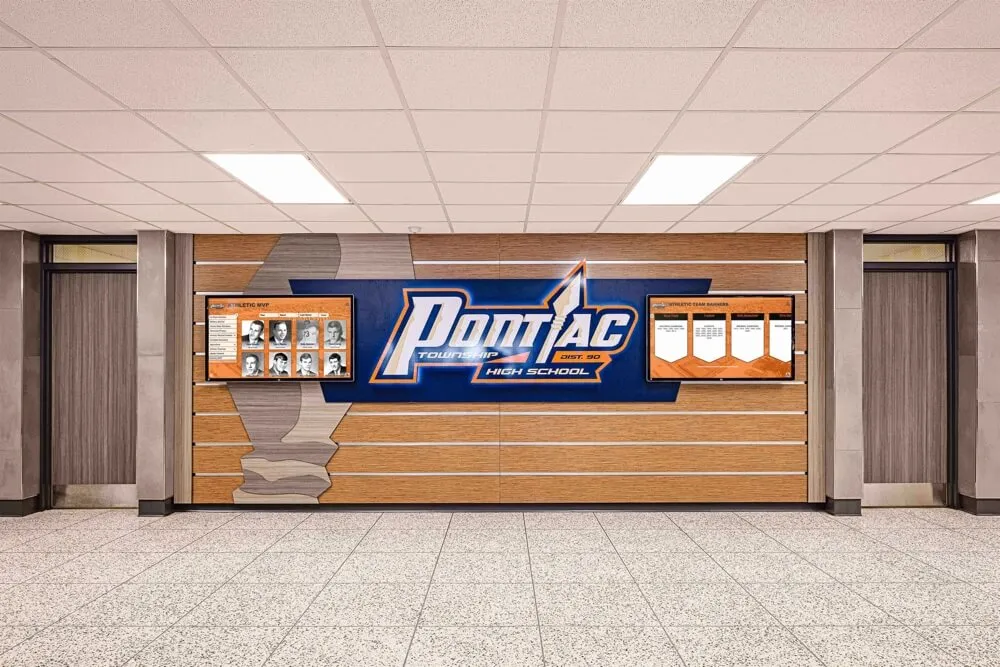
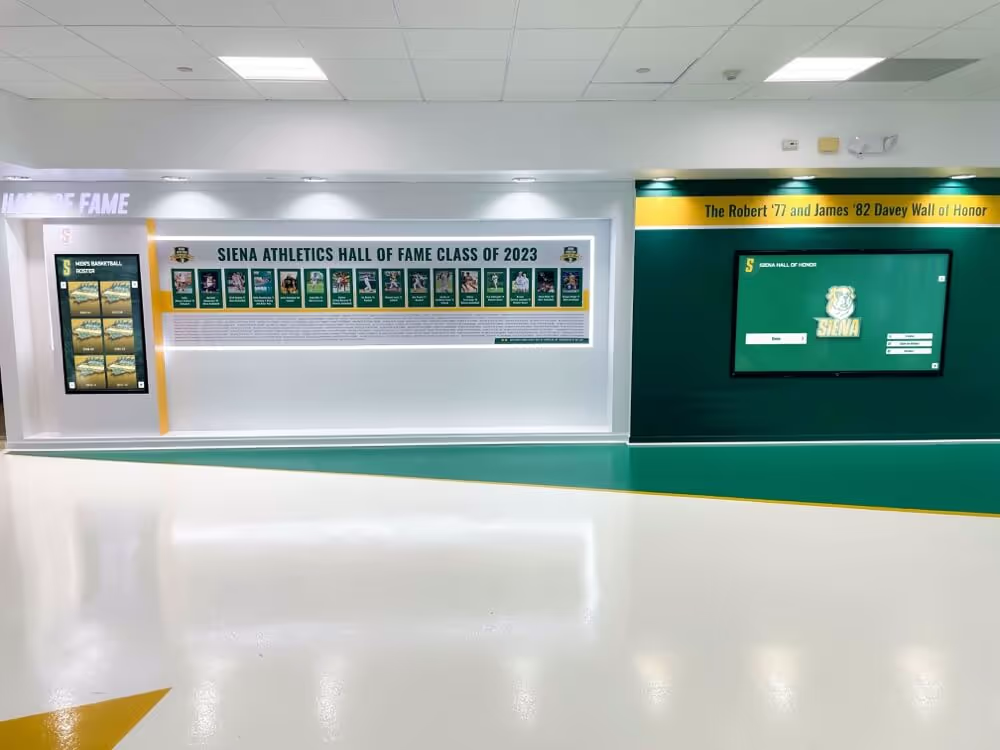
Schools that have invested in comprehensive digital hall of fame and trophy case installations need to confirm that any future VLAN restructuring can be applied to the recognition display without a facility staff visit to physically reconnect the device.
Section 4: Disconnect-Message Test
A Disconnect-Message (DM) from the RADIUS server instructs the NAS to terminate the display’s current authenticated session. After receiving a DM-ACK from the NAS, the display must re-authenticate from scratch. For a display configured with MAC Authentication Bypass (MAB) or 802.1X authentication, the re-authentication happens automatically when the NAS detects the device is still physically connected and attempts a new session.
The DM test verifies that the RADIUS server can force a clean re-authentication of the display without requiring physical intervention, and that the display recovers cleanly to a fully authenticated state.
Test 4A: Send a Disconnect-Message
On FreeRADIUS:
echo "User-Name = <display-mac>, Acct-Session-Id = <session-id>" | \
  radclient -x <NAS-IP>:3799 disconnect <shared-secret>
Obtain the Acct-Session-Id from the RADIUS accounting log or from show authentication sessions interface GigabitEthernet0/X detail on Cisco IOS.
Test 4A checklist:
- Send the Disconnect-Message from the RADIUS server
- Confirm the NAS returns a DM-ACK
- Confirm the display’s switch port or wireless client enters an unauthenticated state (the port may briefly bounce or the wireless client may show as disconnected)
- Confirm the NAS initiates a new authentication attempt for the display (MAB or 802.1X) without manual intervention
- Confirm the display successfully re-authenticates and is assigned the correct VLAN
- Confirm the display obtains its DHCP address (same address if using a static reservation, or a new dynamic address)
- Confirm the display reconnects to its cloud content platform and shows live content
- Measure and record the full re-authentication cycle time: from DM-ACK to live content displayed
DM recovery time benchmarks:
| Phase | Target Time |
|---|---|
| DM-ACK to NAS-initiated re-authentication | Under 10 seconds |
| Re-authentication to authorized state | Under 15 seconds |
| Authorized state to DHCP renewal | Under 30 seconds |
| DHCP renewal to live content | Under 60 seconds |
A display that takes longer than 90 seconds from a Disconnect-Message to live content will show a blank screen or connection error during that window. If your school’s recognition program publishes fresh content during athletic events and achievement showcases, a slow re-authentication cycle is a visible failure during the moments when the display matters most.

Fixed recognition display installations in school hallways authenticate once at boot and run for the entire school day—a Disconnect-Message test confirms that the NAS can force a clean re-authentication cycle when needed and that the display recovers to live content without manual intervention at the display location
Section 5: Wireless CoA Considerations
Recognition displays that connect via wireless rather than wired Ethernet require additional CoA verification steps. Wireless controllers handle CoA at the controller level rather than at individual access points, and the wireless client’s behavior during a VLAN change via CoA differs from the wired case.
Wireless CoA checklist:
- Confirm the wireless controller is registered as a CoA client in the RADIUS server (the controller IP, not the access point IP, is the NAS for RADIUS purposes on most platforms)
- Confirm CoA is enabled on the wireless SSID profile that the recognition display uses (on Cisco Meraki: Wireless > Access Control > RADIUS CoA; on Aruba controller: under the AAA profile for the SSID; on UniFi: RADIUS profile settings for the SSID)
- Confirm UDP 3799 is permitted from the RADIUS server to the wireless controller management IP—not to individual access point IPs
- On a wireless client, a VLAN change via CoA typically causes the controller to deauthenticate the client so it can re-associate to the new VLAN; confirm the display re-associates to the same SSID and does not roam to a different access point during re-association
- Confirm the wireless controller correctly assigns the new VLAN to the re-associated client based on the RADIUS attributes from the re-authentication
| Wireless Platform | CoA Configuration Location | Supported CoA Actions |
|---|---|---|
| Cisco Meraki | Wireless > Access Control > RADIUS CoA enabled | Session termination; reauthentication |
| Aruba / HPE (AOS-CX) | AAA profile > RFC 3576 server (CoA server block) | CoA-Request, Disconnect-Message |
| Ubiquiti UniFi (8.x+) | Network > WiFi > Advanced > RADIUS profile > CoA enabled | Disconnect-Message; CoA-Request for session attributes |
| Cisco WLC (traditional) | Security > AAA > RADIUS > CoA > Enable | CoA-Request, Disconnect-Message |
| Juniper Mist | Organization > Access Policies > RADIUS Servers > CoA | Disconnect-Message; VLAN change via CoA |
Section 6: Post-Test Documentation Checklist
Documentation converts a one-time verification into a repeatable network management asset. Without recorded baseline values and test results, the next CoA operation—whether a planned policy change or an emergency response—starts from an unknown state.
Documentation checklist:
- Record the RADIUS server IP, NAS IP(s), shared secret storage location (not the secret itself), and CoA port (UDP 3799) confirmation
- Record the CoA-capable attributes confirmed during testing (session timeout, VLAN assignment, session termination)
- Record the CoA-ACK and DM-ACK response times observed during each test
- Record the VLAN transition time from Section 3 (CoA-ACK to live content on new VLAN)
- Record the DM re-authentication cycle time from Section 4 (DM-ACK to live content)
- Note any CoA-NAK responses received, the error codes, and the resolutions applied
- Record the test date, names of IT staff who conducted the test, and the RADIUS server and NAS software versions at the time of the test
- Schedule the next CoA test—recommended semi-annually or within thirty days after any RADIUS server, NAS, or firewall configuration change
CoA test summary table:
| Test Phase | Expected Result | Observed Result | Pass / Fail | Notes |
|---|---|---|---|---|
| UDP 3799 port test from RADIUS server to NAS | Port open; connection succeeds | |||
| CoA-Request — session timeout change | CoA-ACK received; timeout updated on NAS; display remains online | |||
| CoA-Request — VLAN change | CoA-ACK received; display moves to target VLAN; live content within 90 seconds | |||
| CoA-Request — VLAN restoration | CoA-ACK received; display returns to original VLAN; live content within 90 seconds | |||
| Disconnect-Message | DM-ACK received; display re-authenticates automatically; live content within 90 seconds |
Schools whose programs cover academic achievement recognition alongside athletic honors maintain recognition displays that are in use throughout the school year across multiple event calendars. Documenting a confirmed CoA path for each display means that network policy changes required by either calendar can be applied without coordinating a maintenance window that takes the display offline.
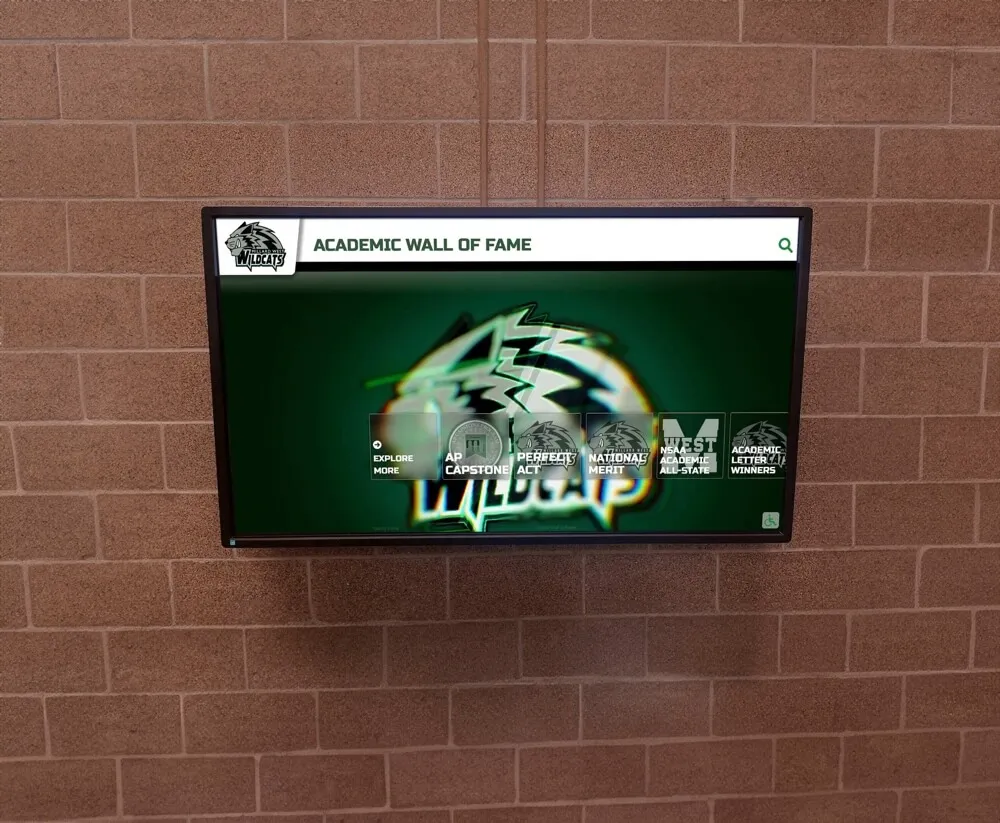
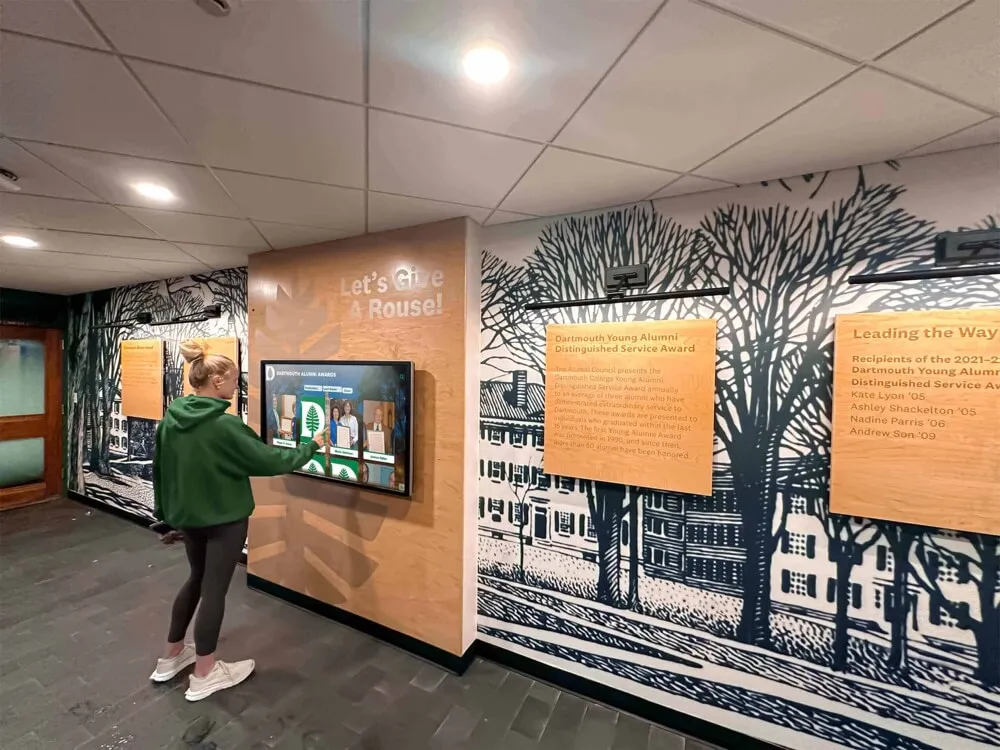
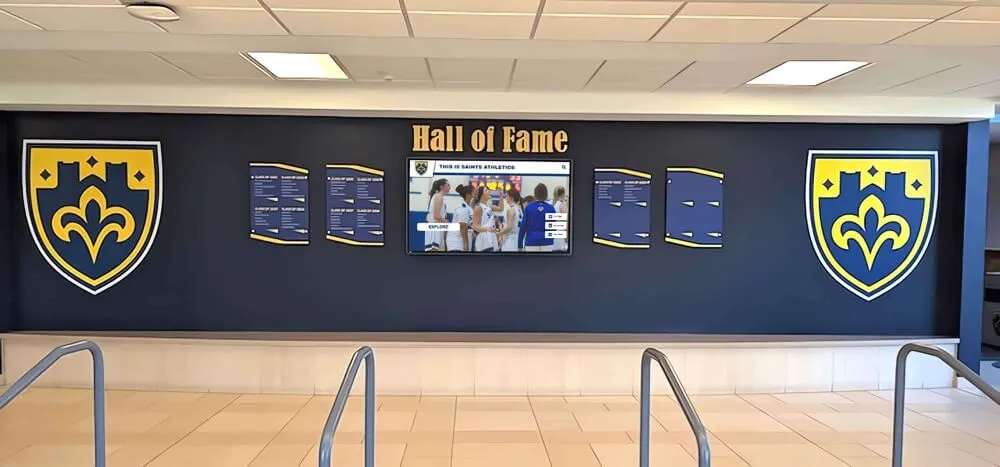
Academic recognition displays that operate continuously during school hours are ideal candidates for CoA-delivered policy updates—verifying the CoA path before it is needed gives the IT team confidence that policy changes can be applied without scheduling a maintenance window that takes the display offline
Section 7: Connecting CoA Testing to Pre-Event Network Verification
A RADIUS CoA test addresses one layer of recognition display network reliability: the ability to push live policy changes to authenticated sessions without disruption. It complements, rather than replaces, other network verification procedures.
Schools building comprehensive pre-event IT checklists typically address:
- RADIUS failover (backup server authentication when primary is unavailable)
- DHCP starvation protection (kiosk IP reservation under scope pressure from event crowds)
- RADIUS CoA capability (live policy updates to active sessions)
The CoA test is most time-sensitive before network policy changes are planned—a VLAN restructuring project, a new network segmentation policy applied to recognition displays, or an update to session timeout parameters. Running the test thirty days before such a change confirms the CoA infrastructure is functional and gives time to resolve any CoA-NAK issues before the change is applied in production.
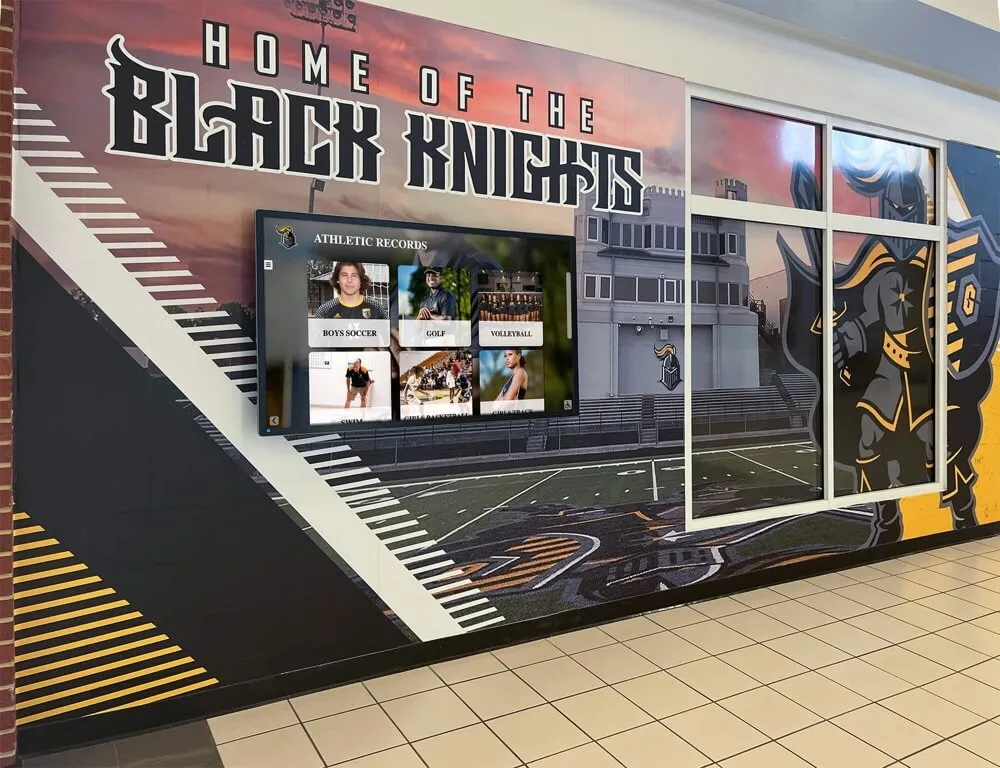
Athletic booster club events and recognition evenings that feature live displays of athlete records, championship histories, and award announcements are the visible outcome of both the recognition program and the infrastructure that delivers it. A pre-event CoA test is the network team’s equivalent of the program coordinator’s final content review: it confirms that the technical path for live updates is clear before the event begins.
Digital interactive displays in institutional settings rely on continuous content delivery over managed networks. The CoA path is the mechanism that allows those managed networks to evolve their policies without requiring the displays to go offline each time a policy changes.
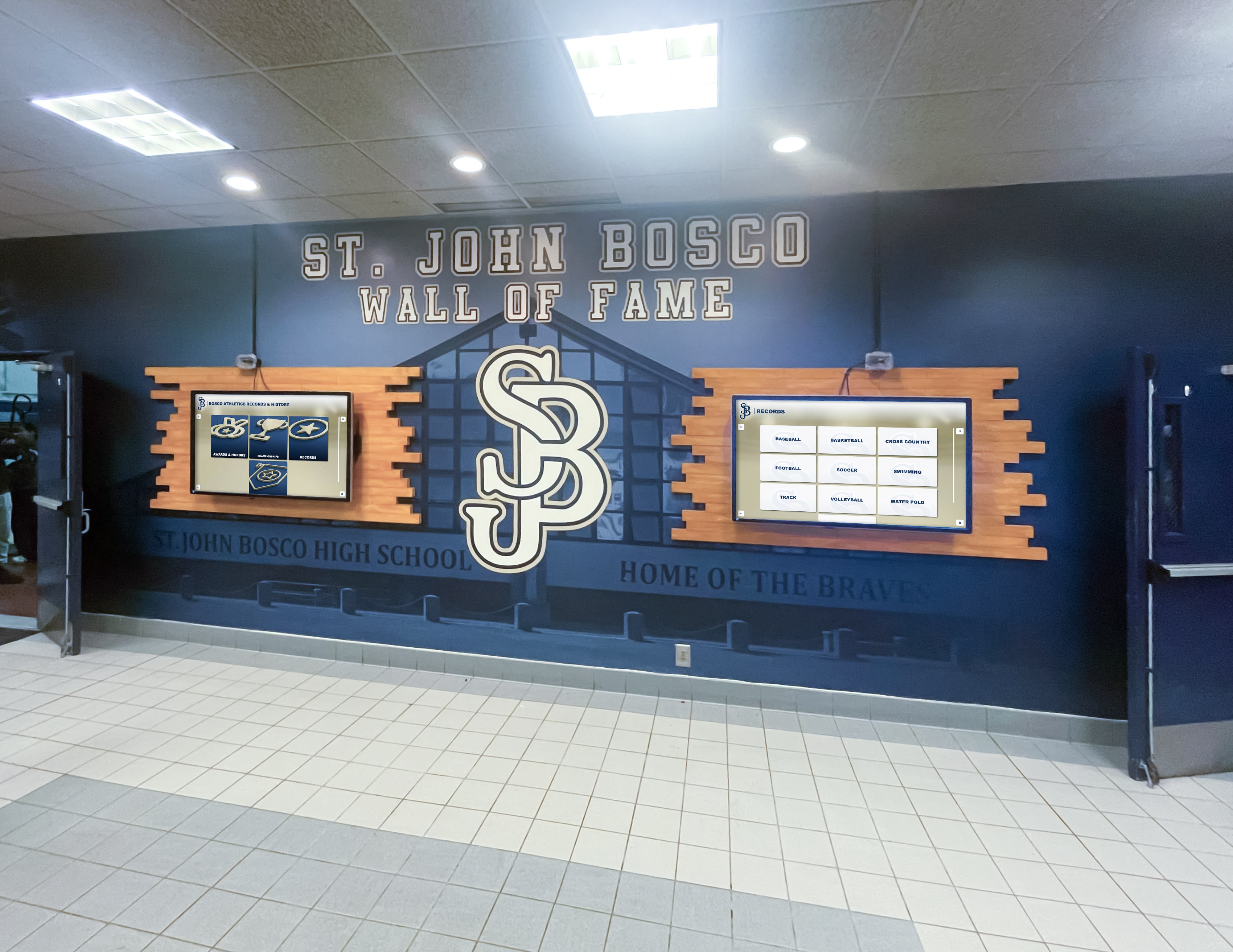
Multi-display recognition installations require CoA testing on each display independently—a CoA-ACK from one switch port does not confirm that the CoA path works correctly for displays on different ports or in different buildings on the same campus network
RADIUS CoA Quick Reference for School IT Teams
| Parameter | Value | Notes |
|---|---|---|
| CoA listening port on NAS | UDP 3799 | NAS must accept inbound CoA from RADIUS server IP on this port |
| Firewall rule required | Allow UDP 3799 from RADIUS server IP to NAS IP | Bidirectional for ACK/NAK return traffic |
| Key CoA-Request attributes for recognition displays | Tunnel-Private-Group-Id (VLAN), Session-Timeout, Idle-Timeout | Check NAS documentation for supported attributes |
| Session identifier for CoA-Request | User-Name (MAC address), Acct-Session-Id, or Calling-Station-Id | All three provide reliable session identification; use whichever your RADIUS server returns in accounting records |
| CoA shared secret | Typically same as authentication shared secret; configured separately in NAS CoA server block | On Cisco IOS: aaa server radius dynamic-author client <RADIUS-IP> server-key <secret> |
| Wireless CoA target | Wireless controller management IP—not access point IP | The controller, not the AP, handles CoA for wireless clients |
| Windows NPS native CoA support | Not supported natively | Requires third-party extension or migration to FreeRADIUS, Cisco ISE, or Aruba ClearPass for CoA |
Frequently Asked Questions
Our RADIUS server is Windows NPS. Can we run a CoA test?
Windows Network Policy Server (NPS) does not natively support RFC 5176 CoA. NPS handles inbound RADIUS authentication and accounting requests from switches, but it does not send CoA-Requests or Disconnect-Messages to NAS devices. If your environment uses NPS and CoA capability is a requirement for managing recognition displays, the options are to add a CoA-capable RADIUS proxy (such as FreeRADIUS running alongside NPS) or to migrate to a RADIUS platform that supports CoA natively, such as Cisco ISE, Aruba ClearPass, or a cloud RADIUS service that supports CoA.
What is the difference between a CoA-Request and a re-authentication trigger?
A CoA-Request modifies the existing authenticated session in place: it changes attributes (VLAN, timeout) without terminating the session. The device does not re-authenticate; the NAS simply updates the session parameters. A re-authentication trigger—typically sent as a CoA-Request with a Cisco VSA like Cisco-AVPair = "subscriber:command=reauthenticate"—tells the NAS to initiate a new authentication exchange with the device while keeping the physical port active. A Disconnect-Message is different from both: it terminates the session completely, and the device must go through full re-authentication from the beginning. For recognition displays, a VLAN change typically requires either a Disconnect-Message (so the device re-authenticates and the RADIUS server returns the new VLAN) or a CoA-Request with the VLAN attributes pushed directly.
Can a CoA change move a recognition display to a different subnet?
Yes, if the new VLAN is associated with a different IP subnet. The display will receive a new IP address from DHCP on the new VLAN after the switch port is moved. This is an important consideration for troubleshooting: if you are monitoring the display’s old IP address during a VLAN change test, that IP becomes unreachable when the port moves. Update your monitoring target to the new IP after DHCP renewal, or monitor the display’s MAC address in the NAS client table rather than its IP address during the test.
Our recognition display uses a static IP address, not DHCP. What happens during a VLAN change via CoA?
If the display has a statically assigned IP address and the CoA moves it to a new VLAN where that IP address is not valid, the display will be unreachable by IP even though it is physically connected. A static IP address does not update automatically when the VLAN changes. For a VLAN change via CoA to work cleanly on a statically addressed display, either the target VLAN must use the same IP subnet (unusual), or the display must be reconfigured with a new static IP address before the VLAN change is applied. Alternatively, converting the display to DHCP with a static reservation is the cleaner approach for displays that may undergo VLAN changes.
How often should we run the CoA test for recognition displays?
Run the CoA test semi-annually as a baseline, and also run it any time a relevant change is made to the network: RADIUS server upgrade, NAS firmware update, firewall rule change, or any modification to the CoA server block configuration on the NAS. Because CoA requires agreement across three systems (RADIUS server, firewall, NAS), a change to any one of them can silently break the CoA path while standard RADIUS authentication continues working normally. The test catches those silent breaks before they matter.
We have recognition displays across three campus buildings. Do we test CoA at each building?
Yes, if the buildings have separate NAS devices (different switches or wireless controllers). A CoA path verified at one building’s switch confirms that switch’s CoA configuration—it does not confirm the CoA configuration on switches in other buildings. Each NAS must have its own CoA server block configured with the RADIUS server IP and shared secret, and each NAS must have UDP 3799 permitted from the RADIUS server at its local firewall. Test the CoA path to at least one recognition display per NAS in your environment.
Digital hall of fame programs that use core web vitals and infrastructure health as part of their reliability framework treat network verification as one layer of a complete system check. A RADIUS CoA test is the network layer’s contribution to that framework—confirming that live policy management of the display is reliable, documented, and verified before it is needed.
Rocket Alumni Solutions builds interactive touchscreen halls of fame, digital trophy displays, and recognition platforms that school programs rely on year-round for inductions, athletic events, and alumni recognition. If your school is planning a recognition display installation and wants to understand exactly how the display integrates with your 802.1X network—including RADIUS requirements, CoA compatibility, and what your IT team should verify before and after deployment—a live walkthrough gives your team those answers before installation begins.
See How a Recognition Display Works on a Managed School Network
If your school is deploying or evaluating a touchscreen recognition display and wants to understand how it integrates with your RADIUS infrastructure—including CoA support, VLAN requirements, and cloud platform traffic patterns—a live session gives you those answers before installation. Rocket Alumni Solutions builds recognition display platforms designed for managed school networks, with IT teams who can walk through authentication requirements alongside your network coordinator.