



Recognition display multicast storm control is the switch-level rate-limiting mechanism that prevents a surge of multicast traffic—triggered by a scheduled media update to digital hall-of-fame screens, record boards, or lobby recognition kiosks—from flooding every port on a school network segment and degrading other services until the storm clears. The problem is specific to how recognition display systems deliver content: when a media server pushes updated video, championship records, or athlete-of-the-week images to multiple screens simultaneously, those updates often travel as multicast frames. Without storm control configured on the access layer switch, a single misconfigured or misbehaving device can generate multicast at line rate, saturating uplinks and disrupting adjacent traffic on the same VLAN—exactly when administrative staff are watching for the new content to appear.
This guide is written for school IT directors, network administrators, facilities managers, and athletic directors managing a recognition display network. It covers how multicast traffic arises in display environments, how multicast storms form during media updates, how to configure storm control thresholds and IGMP snooping as complementary protections, and how to schedule updates to minimize network impact. No failure statistics have been invented. Where specific configuration syntax is discussed, the guidance distinguishes standards-defined behavior from vendor-specific implementation recommendations.
Recognition display networks look simple from the outside: a media player plugged into a switch, a cable run to a screen, content appearing on the wall. The network complexity is hidden in how content gets from a centralized server or cloud platform to multiple display endpoints simultaneously, and in what happens to other devices on the same VLAN when that delivery process goes wrong.

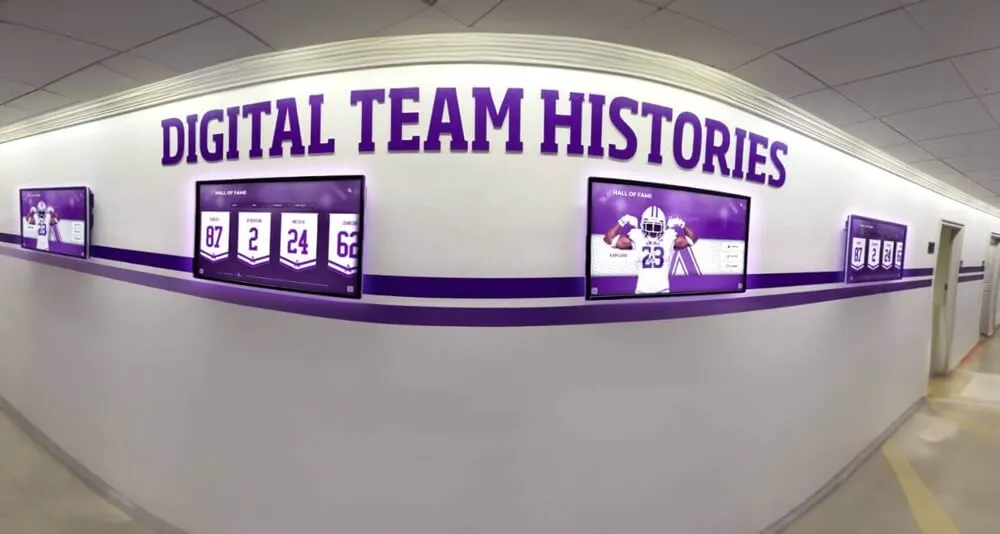
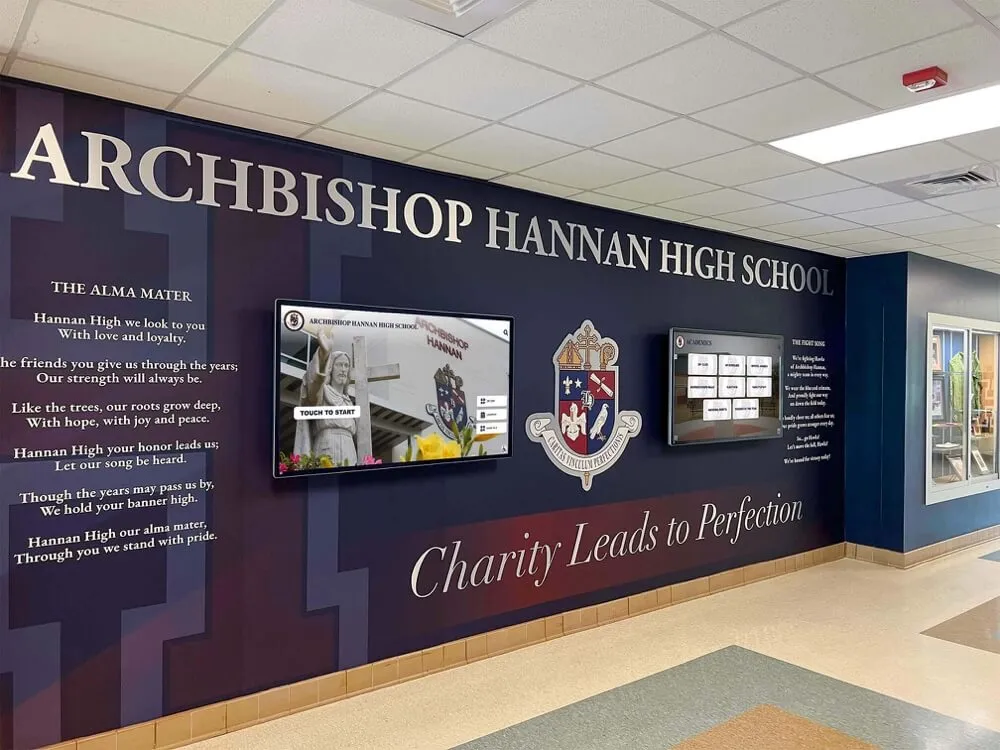
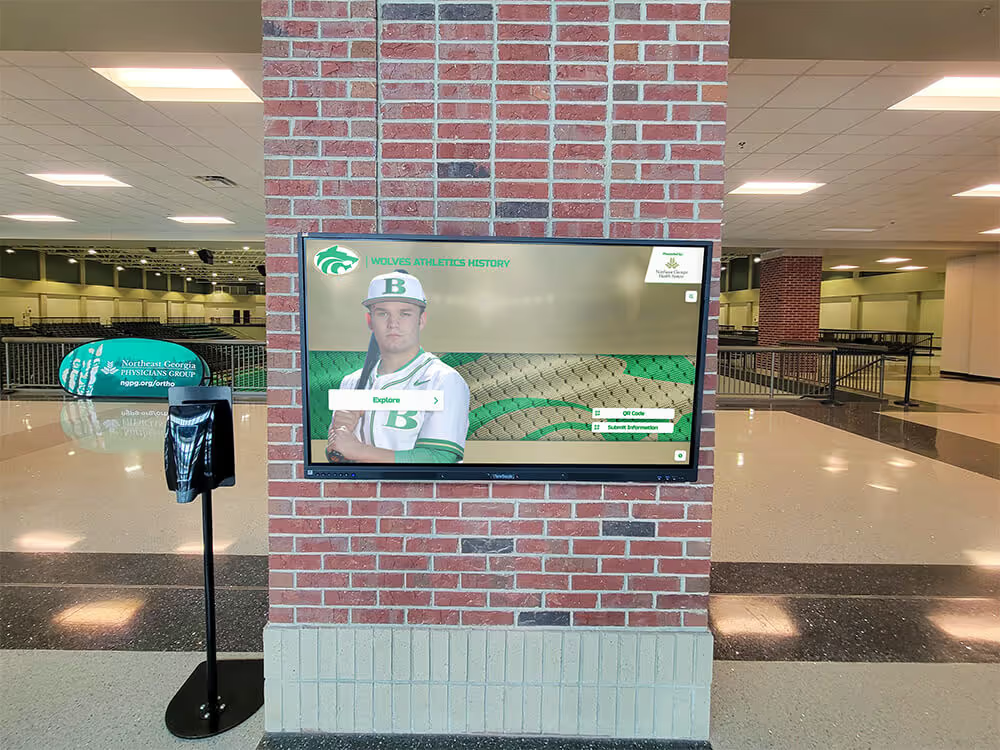
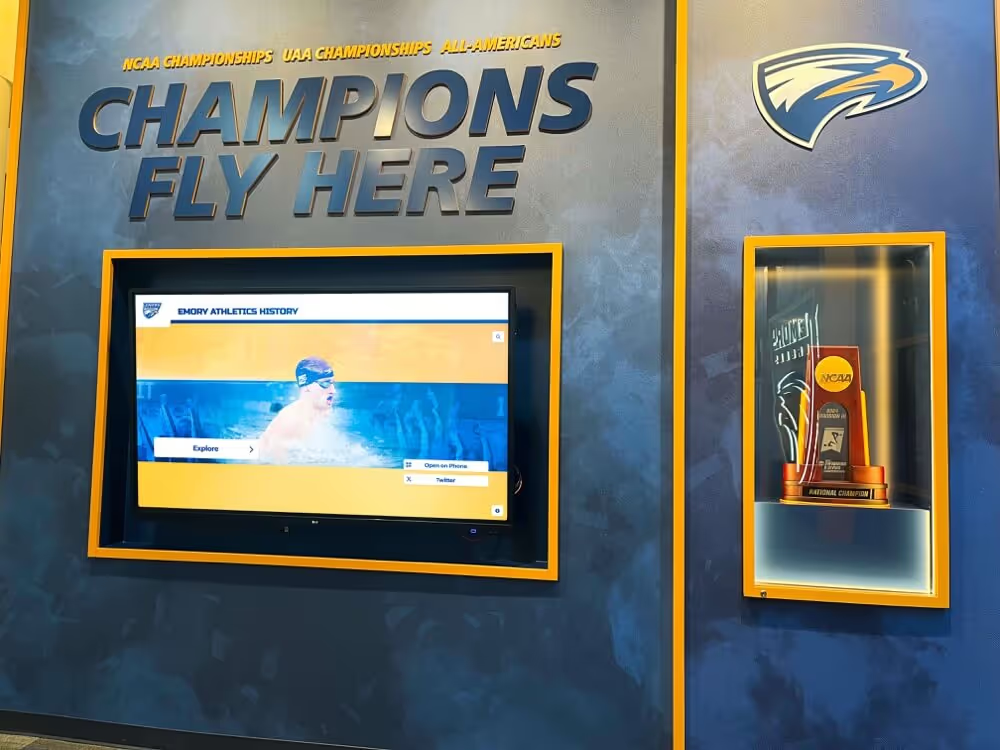
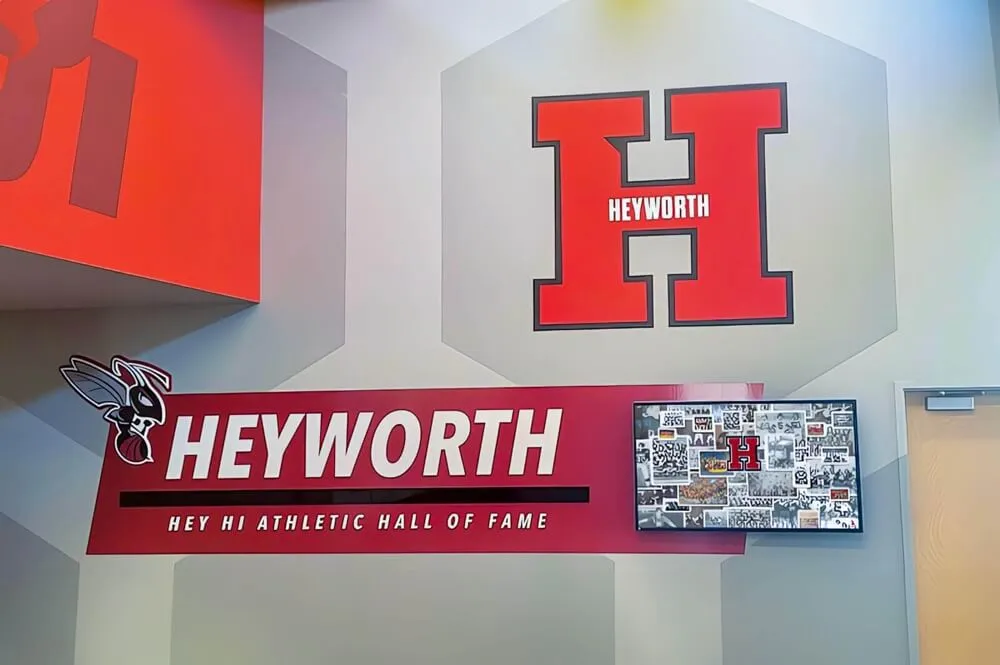
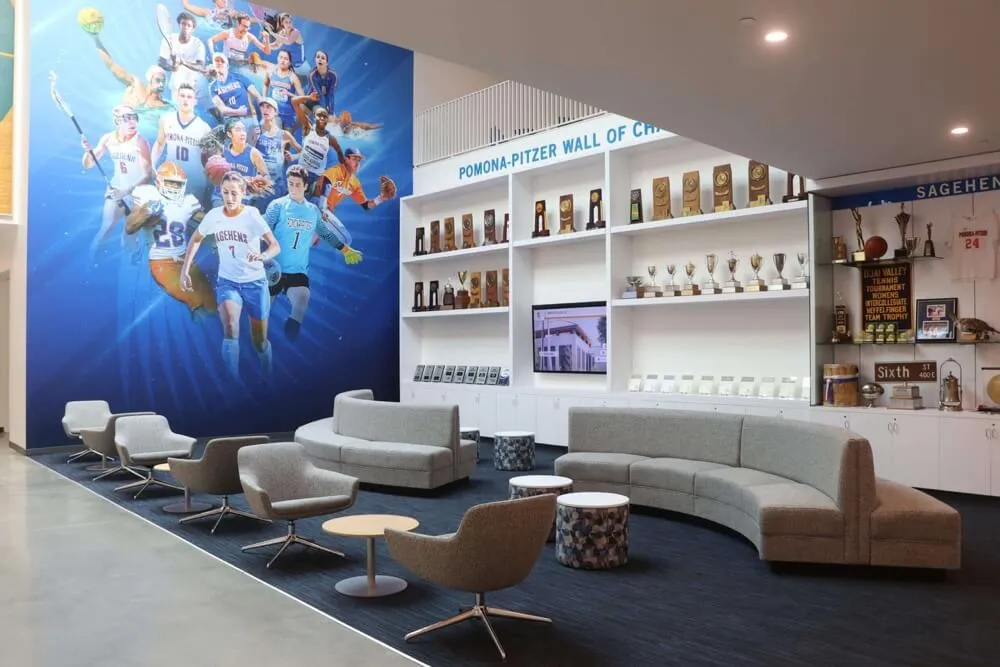
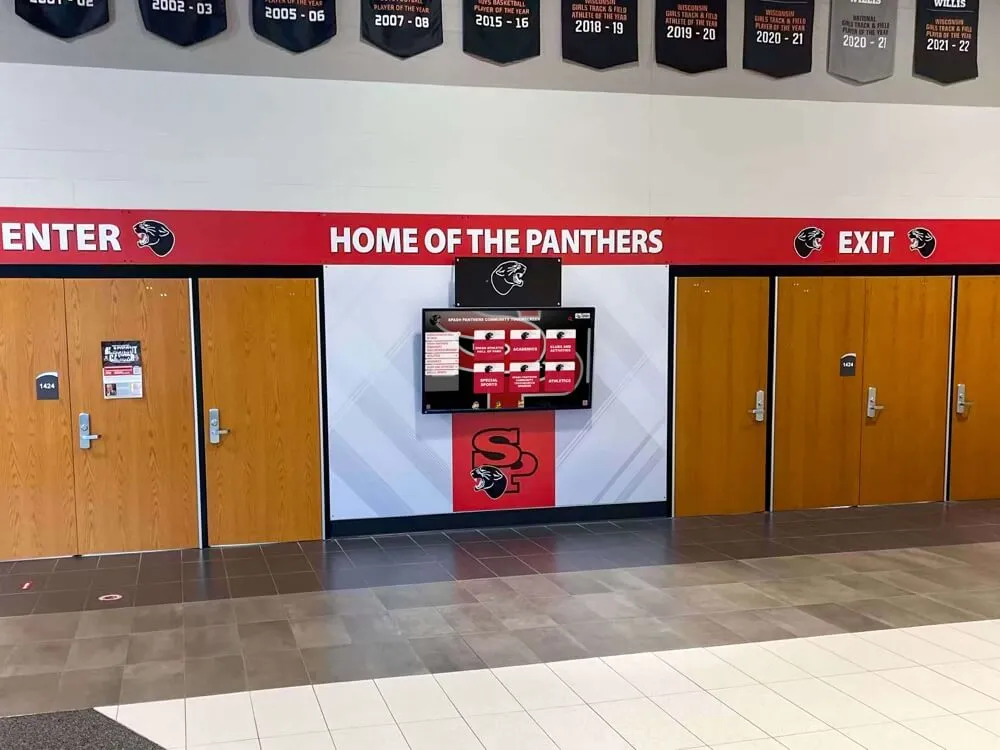
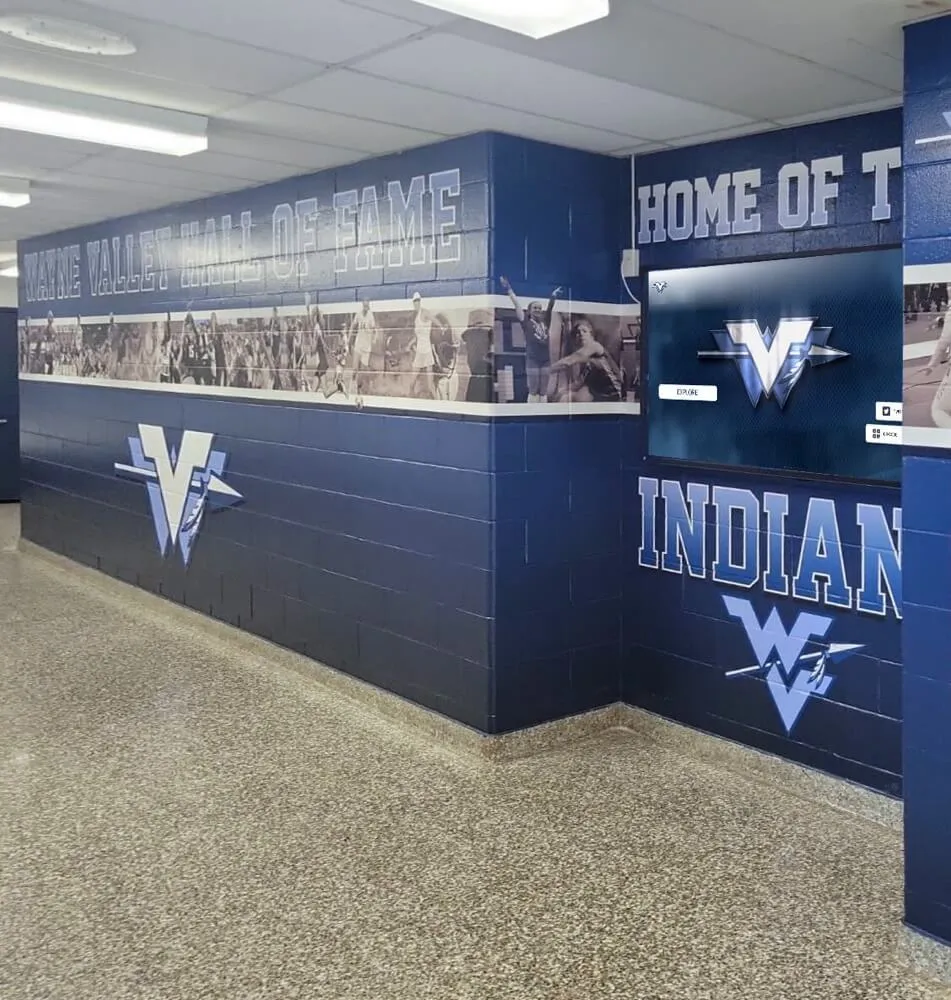
Recognition display installations that integrate digital screens with physical recognition walls depend on reliable network delivery of media updates—multicast storm control is the switch-level protection that keeps those updates from disrupting adjacent network traffic
Why Recognition Display Networks Generate Multicast Traffic
Recognition display installations—hall-of-fame touchscreens, championship record boards, lobby trophy case kiosks, and synchronized hallway screens—connect to the school network as standard Ethernet or Wi-Fi endpoints. From a network perspective, they receive an IP address, pull content from a server, and render that content on screen.
The multicast dimension appears in how content updates are delivered. Display management systems use multicast for two distinct purposes.
Synchronized content distribution. When a school wants all six hallway screens to update to a new championship graphic at exactly the same time, the media server can send a single multicast stream rather than six separate unicast streams. One frame departs the server; the network infrastructure replicates it to each display endpoint. Efficient for the server, multicast-heavy on the network if the receiving displays span multiple switch ports or VLANs.
Multicast DNS and service discovery. Some display management software uses mDNS (multicast DNS, RFC 6762) or SSDP (Simple Service Discovery Protocol) for automatic device discovery. These protocols generate low-rate background multicast traffic continuously as devices announce their presence on the network.
The first type creates storm risk. A media update—pushing new athlete profiles, updated records boards, and video tributes for a hall-of-fame ceremony—can generate a sustained burst of multicast at a rate that approaches the access switch’s port capacity, particularly if the media files are large and the update window is short. For programs that have invested in digital record boards for athletic programs across multiple buildings or floors, all screens receiving simultaneous updates amplifies this traffic significantly on the uplink between the access switch and the distribution layer.
How a Multicast Storm Forms During a Media Update
A multicast storm on a school recognition display network most commonly originates from one of three conditions.
IGMP snooping is disabled or misconfigured. IGMP (Internet Group Management Protocol) allows routers and layer-3-capable switches to track which hosts have joined which multicast groups, so multicast traffic is forwarded only to interested receivers. IGMP snooping extends this capability to layer-2 switches: the switch inspects IGMP membership reports and prunes multicast forwarding to only those ports whose attached hosts have requested the stream. When IGMP snooping is disabled—which is sometimes the default on older or lower-cost managed switches—the switch treats multicast frames like broadcast frames and floods them to every port on the VLAN. A media update targeting four display endpoints floods every port on the segment.
A display endpoint fails to send an IGMP leave message. If a display player crashes, reboots, or loses power mid-update, it may leave a multicast group entry active in the switch’s IGMP table without sending the leave message that would prompt the switch to stop forwarding. The switch continues delivering multicast to that port—and if the reconnected device joins a different group for a subsequent update, duplicate forwarding entries can accumulate until the IGMP query timer expires.
A misconfigured or misbehaving source generates multicast at line rate. A media server with a misconfigured time-to-live (TTL) value, a faulty NIC driver, or a software defect can send multicast frames at the full capacity of its NIC without any rate limiting between the server and the switch. If the access switch has no storm control threshold configured, that traffic propagates through all ports in the VLAN at full speed.
All three conditions can occur together. A media server misconfiguration triggers high-rate multicast; IGMP snooping is not enabled on the recognition display VLAN; a display player that rebooted mid-update has left a stale group entry. The result is a flood that occupies every port on the segment until a network administrator diagnoses and corrects each contributing factor.
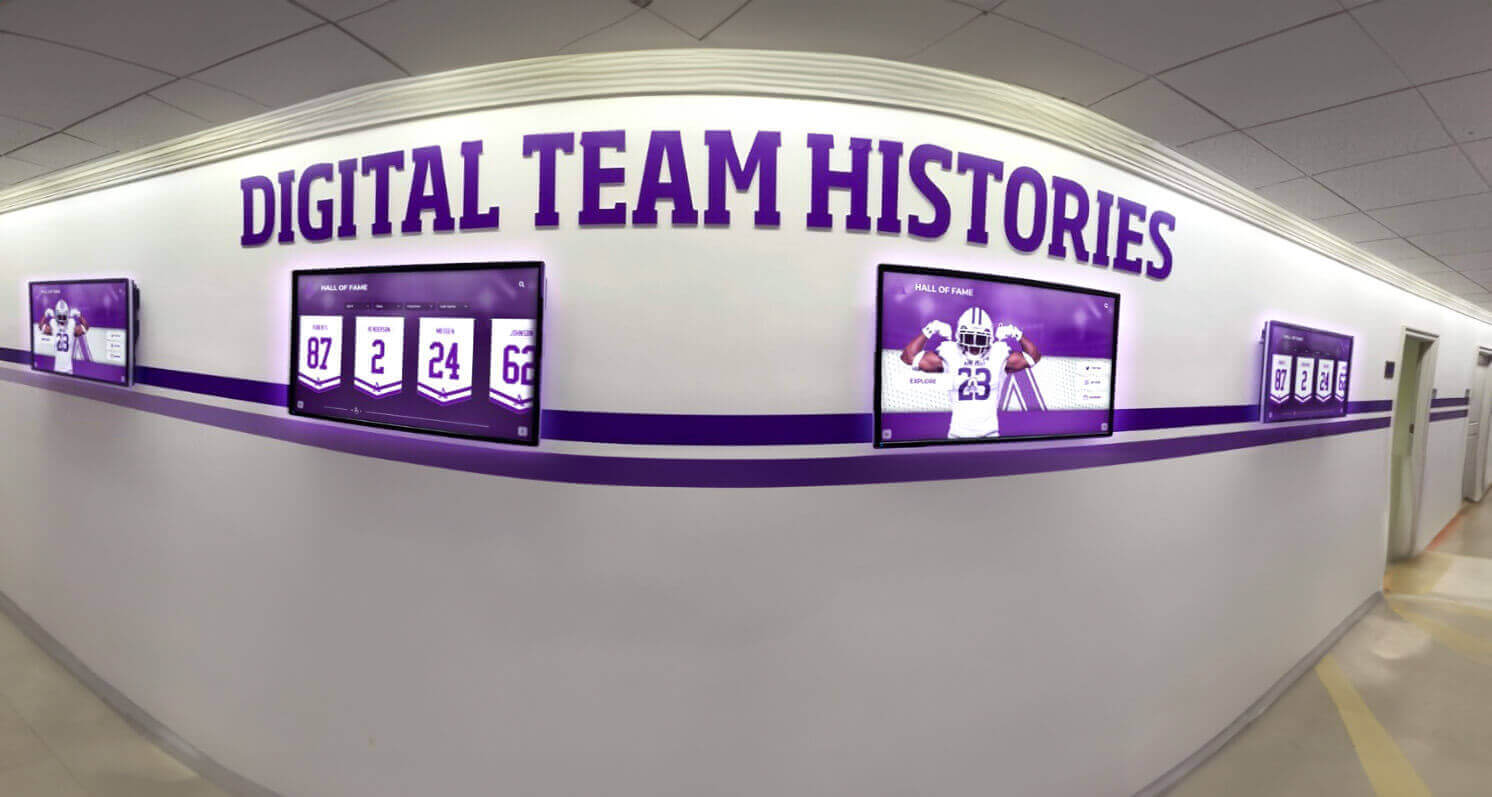
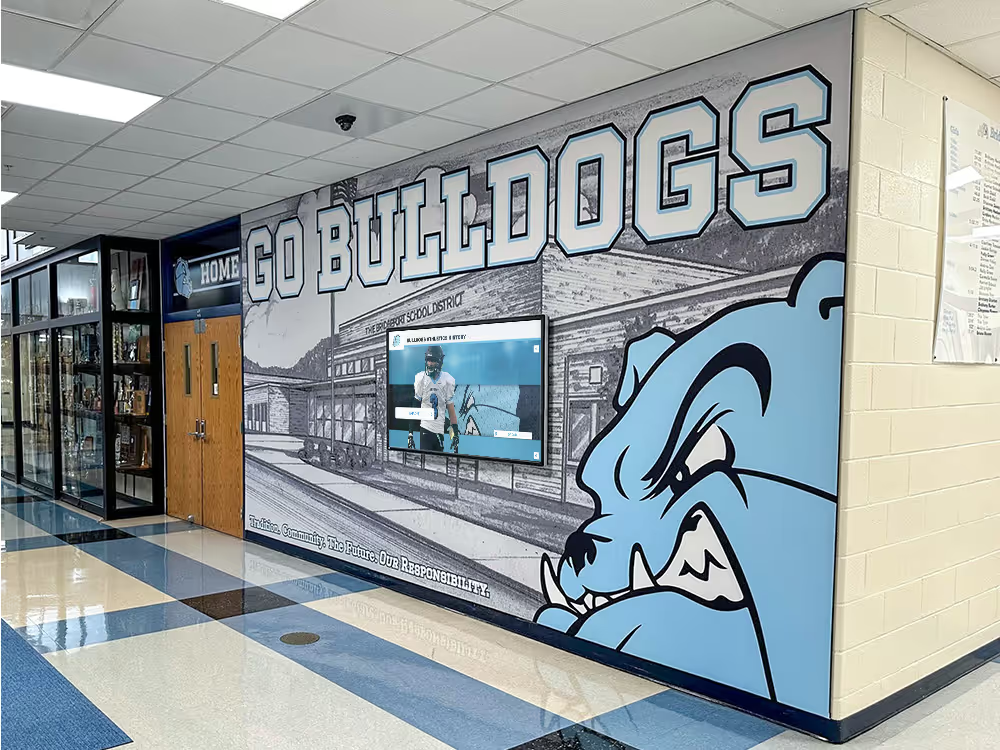
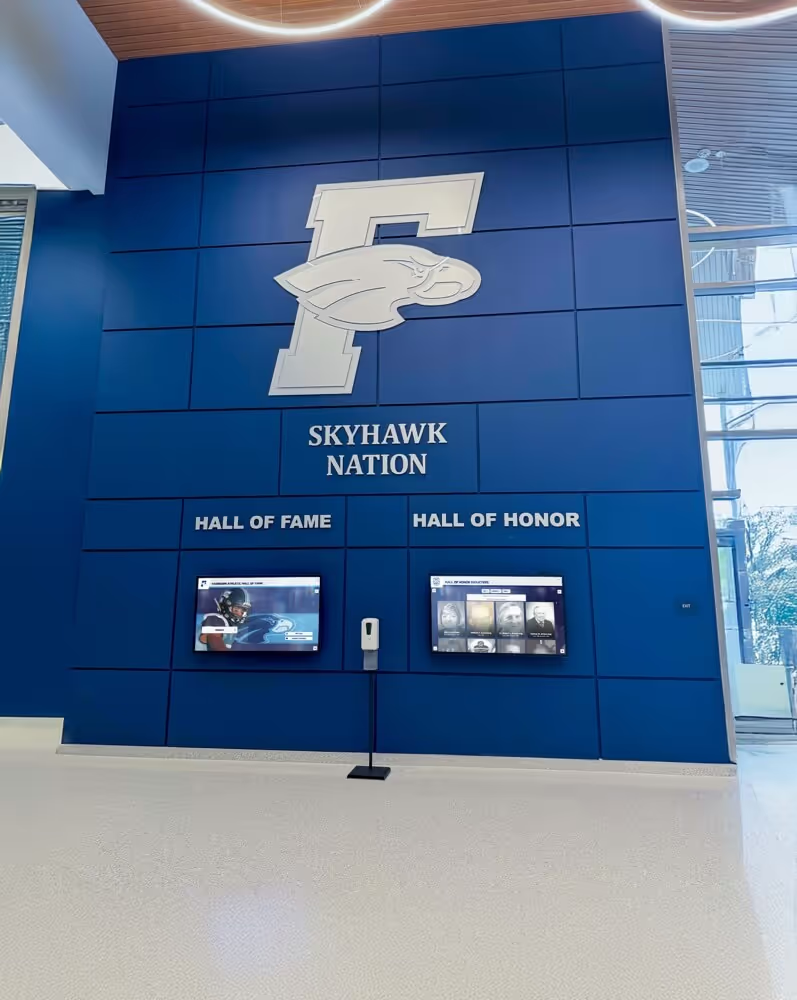
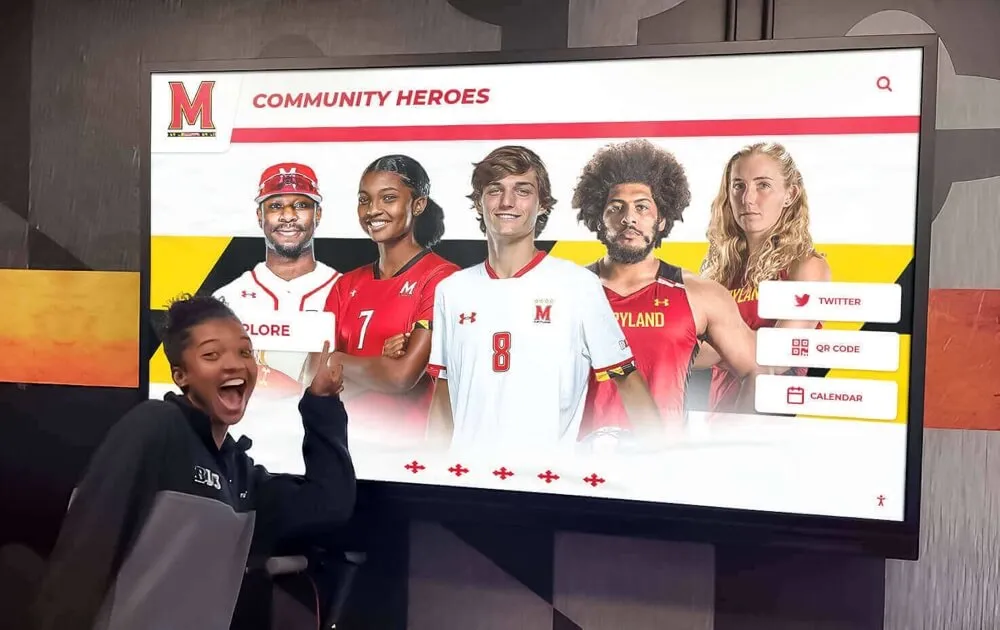
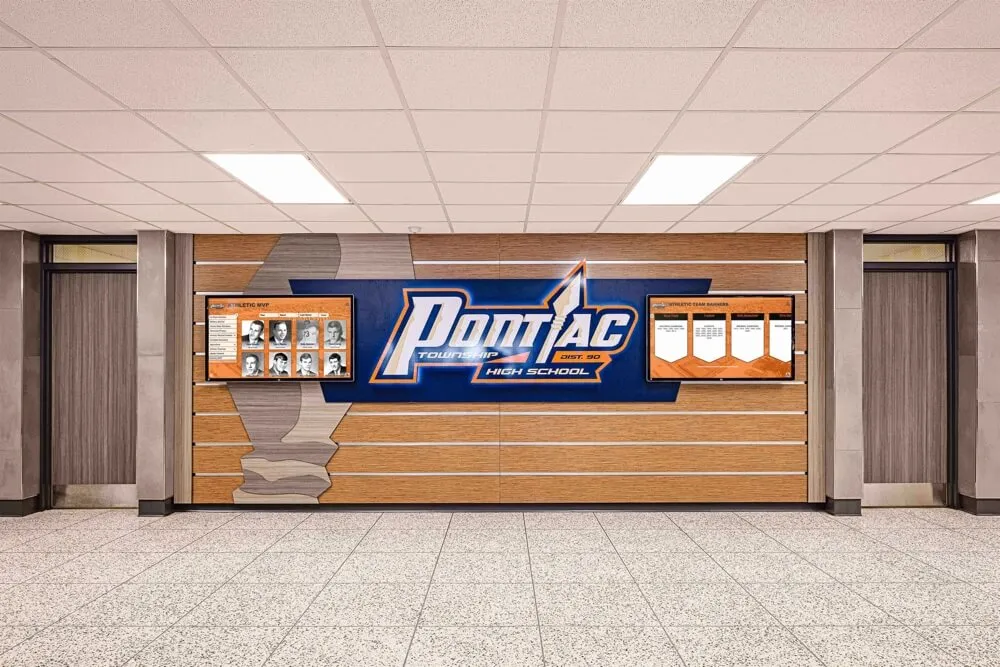
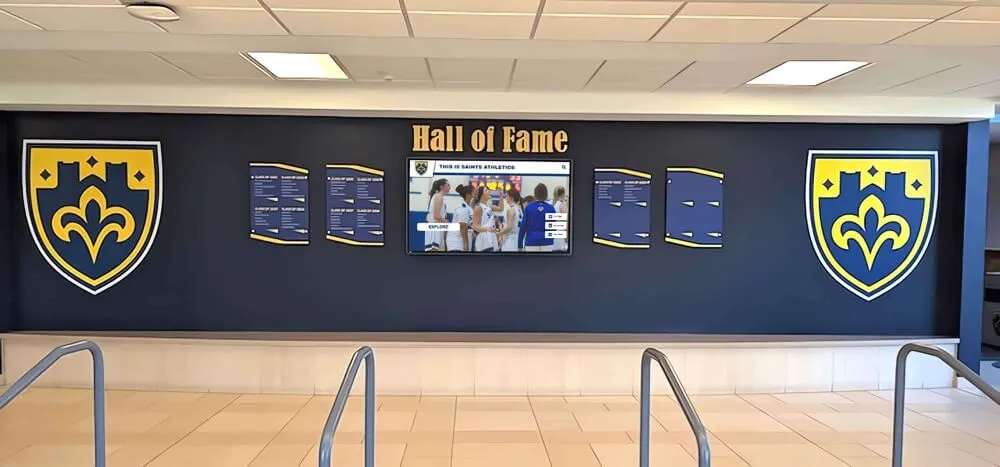
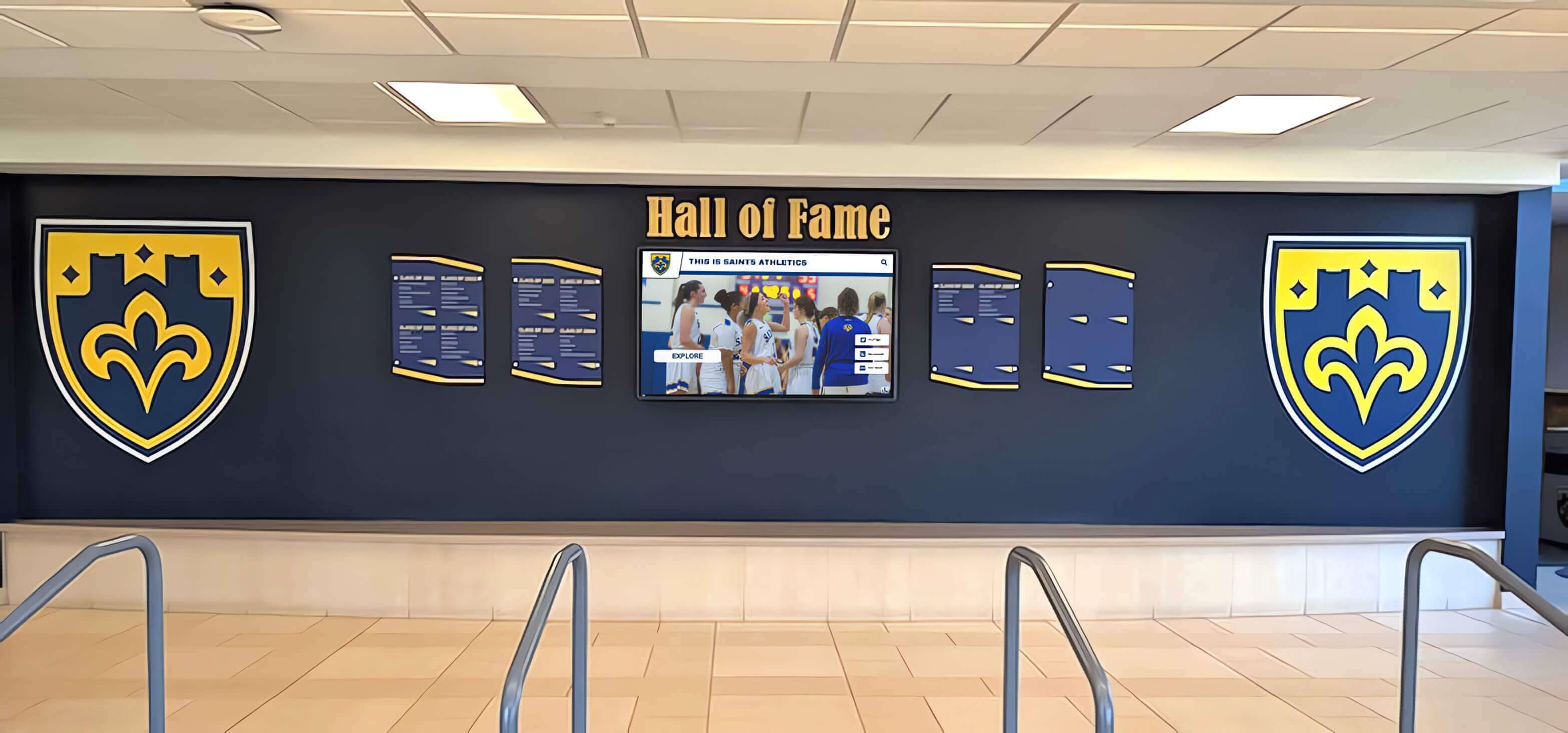
Synchronized updates across multiple hallway recognition screens generate the multicast traffic pattern that storm control thresholds are designed to contain—without that protection, a single update cycle can degrade the entire network segment
What Storm Control Does at the Switch Level
Storm control is a switch feature—not an IEEE standard but a broadly available capability implemented on most managed access switches—that monitors the rate of broadcast, multicast, or unknown-unicast traffic on each port and drops frames that exceed a configured threshold. It operates independently per port and typically measures traffic as one of the following:
- A percentage of available bandwidth (for example, 20% of a 1-Gbps port equals 200 Mbps of multicast before dropping begins)
- Packets per second (PPS), which limits the number of frames regardless of frame size
- Bits per second (bps), which limits by raw bandwidth consumption
The choice of measurement unit matters for recognition display deployments. Large video files transmitted as multicast produce high-bandwidth, lower-PPS streams. mDNS and SSDP discovery traffic produces very-low-bandwidth but potentially high-PPS traffic if many devices are announcing simultaneously. A PPS threshold is appropriate for protecting against discovery-protocol storms; a bandwidth percentage or bps threshold is more appropriate for controlling media-update storms.
When storm control drops frames that exceed the threshold, it does not reset or block the port—it rate-limits the offending traffic at the point of excess. A display receiving a media update at a rate above the threshold will receive a reduced delivery rate, which may slow content delivery but will not cause the port to drop all traffic or affect traffic on neighboring ports.
What storm control does not do:
- It does not selectively drop only harmful multicast while preserving legitimate streams—it applies the threshold to all multicast on the port without distinguishing content type
- It does not eliminate the need for IGMP snooping—the two mechanisms address different aspects of multicast management and should be deployed together
- It does not correct an IGMP configuration error—if the root cause is IGMP misconfiguration, storm control is a safety net, not a substitute for fixing the configuration
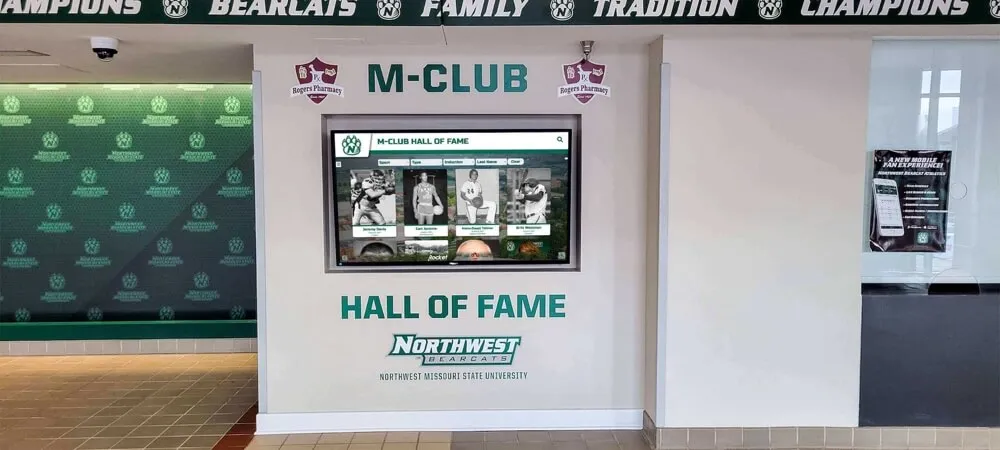
For programs running hall-of-fame search and interactive retrieval systems alongside scheduled media updates, storm control ensures that user-initiated queries on interactive kiosks are not disrupted by a background content push running on the same switch segment.
IGMP Snooping: The Complementary Protection
Storm control and IGMP snooping address the multicast problem from different angles and should be deployed together on recognition display VLANs. Storm control is reactive—it drops traffic that has already exceeded a threshold. IGMP snooping is preventive—it limits multicast forwarding to only the ports that need it, reducing both the volume of traffic and the number of ports at risk.
Enabling IGMP snooping on the recognition display VLAN:
IGMP snooping should be enabled on the VLAN that carries recognition display traffic. On most managed switches, it is a per-VLAN setting:
| Switch Platform | Configuration Command or Location |
|---|---|
| Cisco IOS / Catalyst | ip igmp snooping vlan <id> (often enabled by default—verify active state) |
| Aruba / HP ProCurve | ip igmp vlan <id> in the VLAN context |
| Netgear managed switches | Switching → IGMP Snooping → Enable per-VLAN in the web UI |
| Ubiquiti UniFi | Network settings → Enable IGMP Snooping per-network in the UniFi application |
After enabling IGMP snooping, verify that the recognition display VLAN has a configured IGMP querier. The querier is the device responsible for periodically sending IGMP general queries that prompt hosts to report their active group memberships. Without a querier, IGMP group entries time out and the switch defaults to flooding multicast to all ports—negating the benefit of IGMP snooping. If no layer-3 device on the VLAN is already acting as querier, configure the switch itself to act as the IGMP snooping querier, a feature available on most managed switches as a supplementary option.
IGMP query interval and membership timeout:
The IGMP query interval (the period between general queries) and the group membership timeout (how long a group entry remains active without a new membership report) should be calibrated to your media update schedule. The default query interval defined in RFC 3376 is 125 seconds; the default membership timeout is approximately 260 seconds. These defaults are generally acceptable for recognition display deployments. Lowering the query interval below 30 seconds on networks with many display endpoints can itself generate noticeable background traffic from membership responses.
Configuring Storm Control Thresholds for Recognition Display Ports
Storm control configuration is per-port on most managed switches. For recognition display deployments, apply storm control to both the access ports serving display endpoints and the uplink port connecting the access switch to the distribution or core layer.
Recommended threshold approach:
Do not configure a single threshold for all multicast traffic across the entire school network. The goal is to set a threshold high enough to allow normal media updates to complete without drops, but low enough to prevent a storm from consuming the entire uplink.
A practical starting point for access ports serving recognition display endpoints:
| Port Type | Recommended Starting Threshold | Basis |
|---|---|---|
| Access port — display endpoint | 20–30% of port bandwidth | Sufficient for most media update streams at 1 Gbps; blocks runaway sources |
| Uplink port — access to distribution | 40–50% of port bandwidth | Allows for aggregated legitimate streams from multiple displays |
| Access port — media server | 30–40% of port bandwidth | Media server is the multicast source; threshold limits misconfiguration impact |
These are starting points based on the general characteristics of recognition display media updates—not a guarantee that these values are correct for every installation. After configuring an initial threshold, monitor traffic during a scheduled media update using the switch’s per-port traffic statistics or a network monitoring tool, and adjust the threshold if legitimate traffic is being suppressed.
Verifying storm control configuration:
After configuring storm control, verify the settings with your switch’s status commands (for example, show storm-control on Cisco IOS, or the storm control status page in a web-managed switch’s interface) before conducting a live media update. A threshold that is too aggressive causes media updates to fail silently—displays appear not to receive new content without any error message, because storm control drops are not visible at the application layer.
Verifying network-layer controls before a live update is the same discipline that applies to testing physical connectivity. The principle behind testing recognition display signal integrity at each stage of a deployment applies equally to verifying that storm control thresholds are configured, active, and calibrated correctly before content publishing begins.
VLAN Segmentation for Recognition Display Traffic
The most effective architectural protection against multicast storms on a school network is to place recognition display traffic on its own VLAN, isolated from classroom, office, and administrative traffic. This ensures that a multicast storm originating from or destined for display endpoints cannot consume bandwidth on the VLAN serving student devices or faculty computers.
VLAN segmentation does not require dedicated physical infrastructure—the same physical switches and cables can carry multiple VLANs with logical separation using 802.1Q tagging. What it requires is:
- A managed switch that supports 802.1Q VLAN tagging (standard on all modern managed access switches)
- A layer-3 boundary—a router or layer-3 switch—between the recognition display VLAN and other school VLANs
- A separate IP subnet and DHCP scope for display devices
- IGMP snooping and storm control configured on the recognition display VLAN independently from other VLANs
With segmentation in place, a multicast storm is contained to the recognition display VLAN. The storm may temporarily slow a content update to hall-of-fame screens, but it cannot disrupt classroom internet access, administrative traffic, or the school’s primary Wi-Fi network.
For schools managing large recognition programs—spanning digitized varsity letter archives, multi-sport record boards, and lobby displays that serve current students, families, and returning alumni—VLAN segmentation is the infrastructure decision that makes storm control threshold calibration practical. You configure thresholds specifically calibrated to display traffic without risk of inadvertently throttling classroom or office traffic on the same switch.
Scheduling Media Updates to Minimize Storm Risk
Storm control threshold calibration is more accurate when media updates are scheduled rather than ad hoc. A recognition display network with predictable update windows—for example, every weeknight between 11 PM and 1 AM, or each Sunday morning before the building opens—gives the IT team a known traffic baseline to measure against, a maintenance window for threshold adjustments if something fails, and an aligned cycle for content publishing.
Athletic directors and recognition program coordinators publishing new content—updated athlete profiles for a homecoming recognition event, new season records, or senior recognition graphics—benefit from knowing the window within which published content will appear on screens. That coordination requires IT to configure the update schedule in the display management system, confirm that storm control thresholds are calibrated for the expected update size, and communicate the expected display latency to program coordinators.
Where display management software allows scheduling, configure updates during low-utilization periods and avoid scheduling large media updates during school-day high-traffic windows such as class-change periods, when wireless clients generate significant background traffic that shares uplink capacity with wired display endpoints.
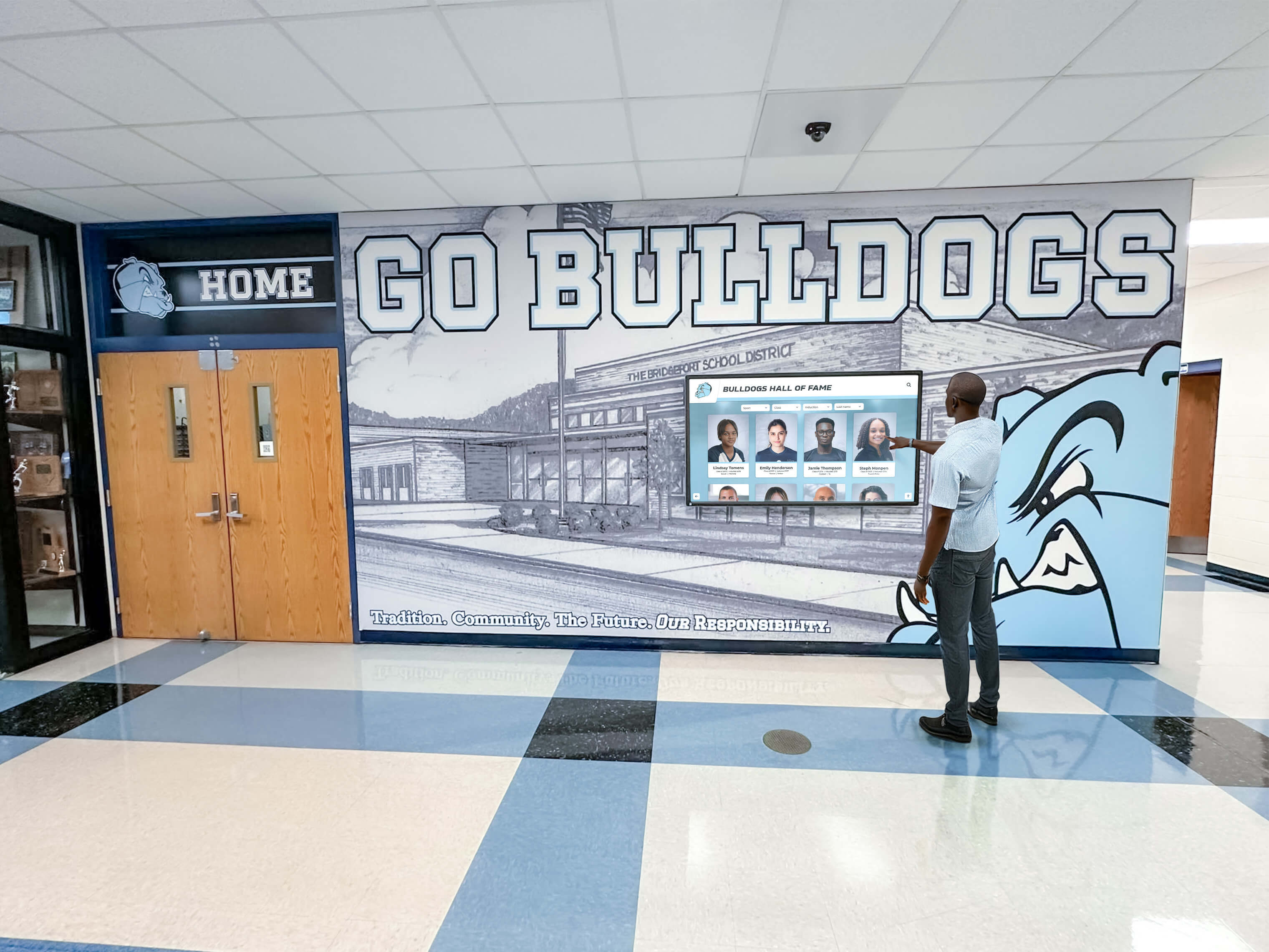
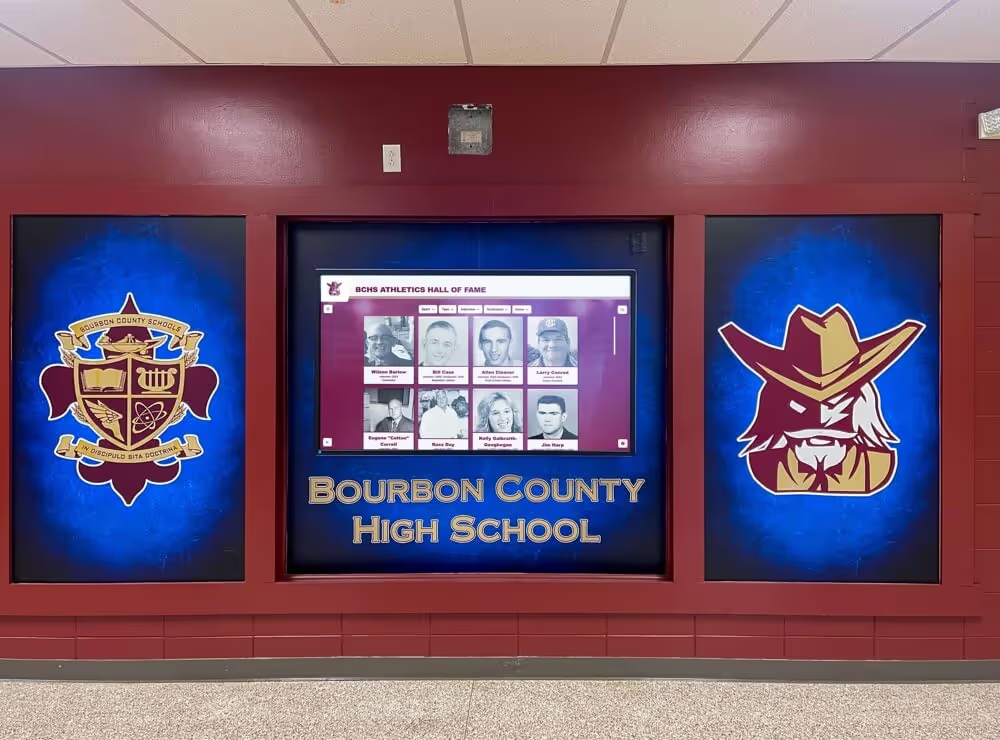
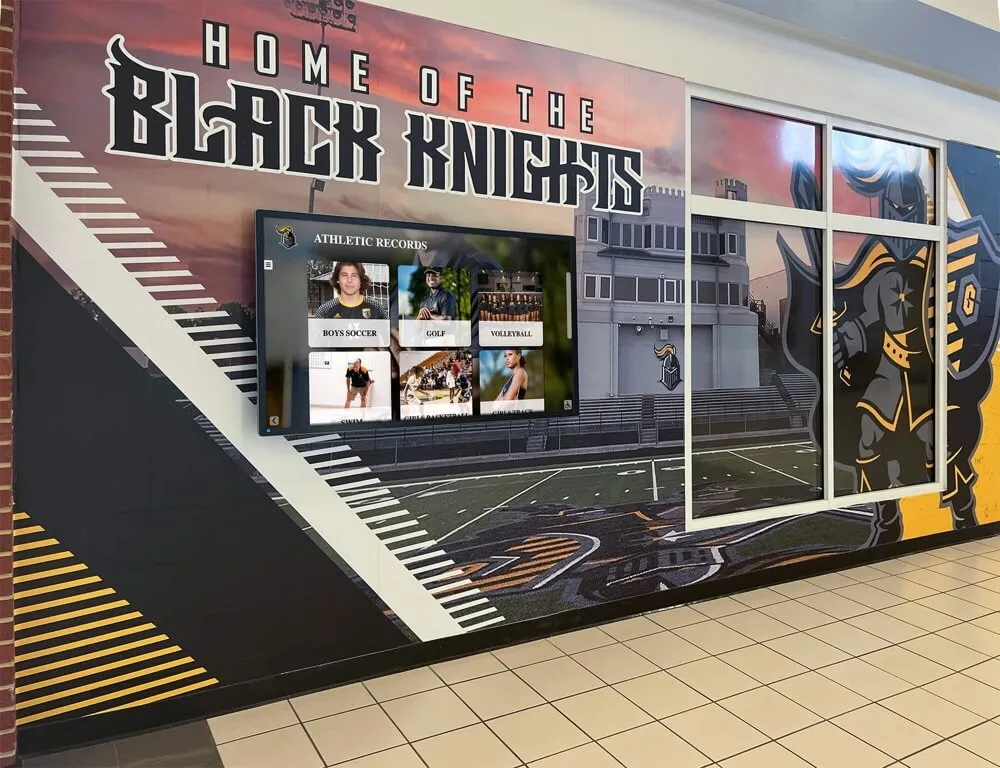
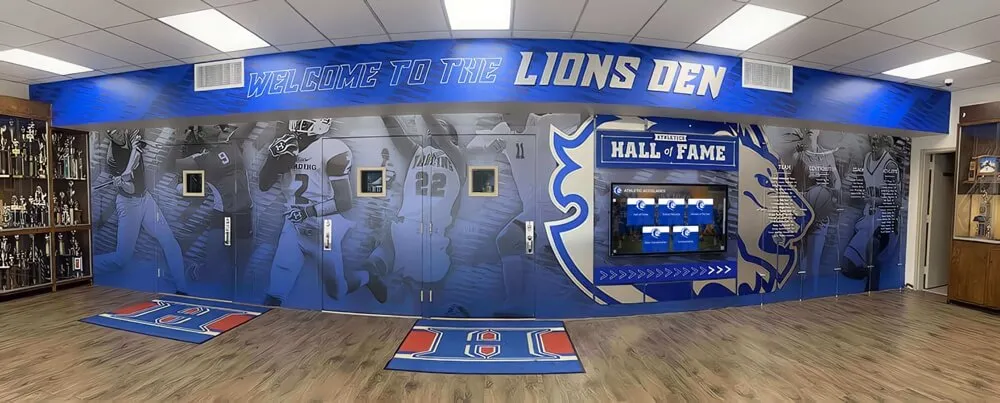
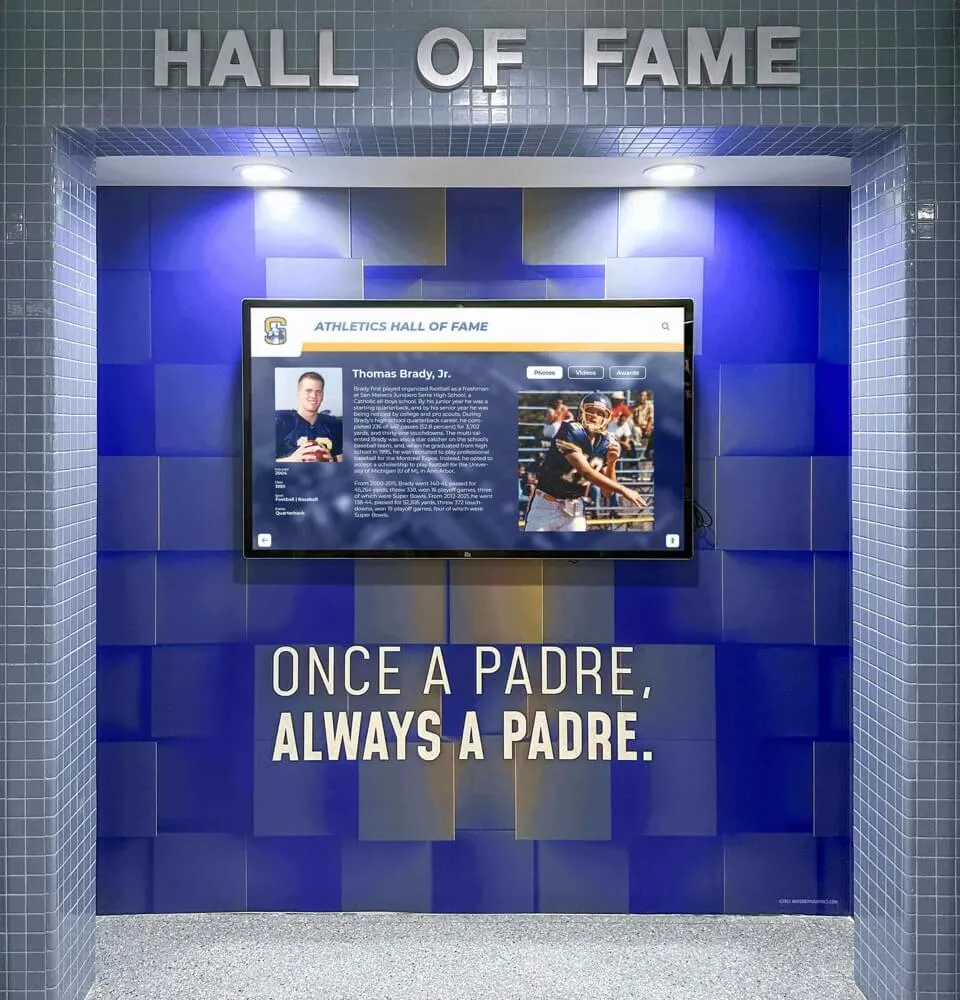
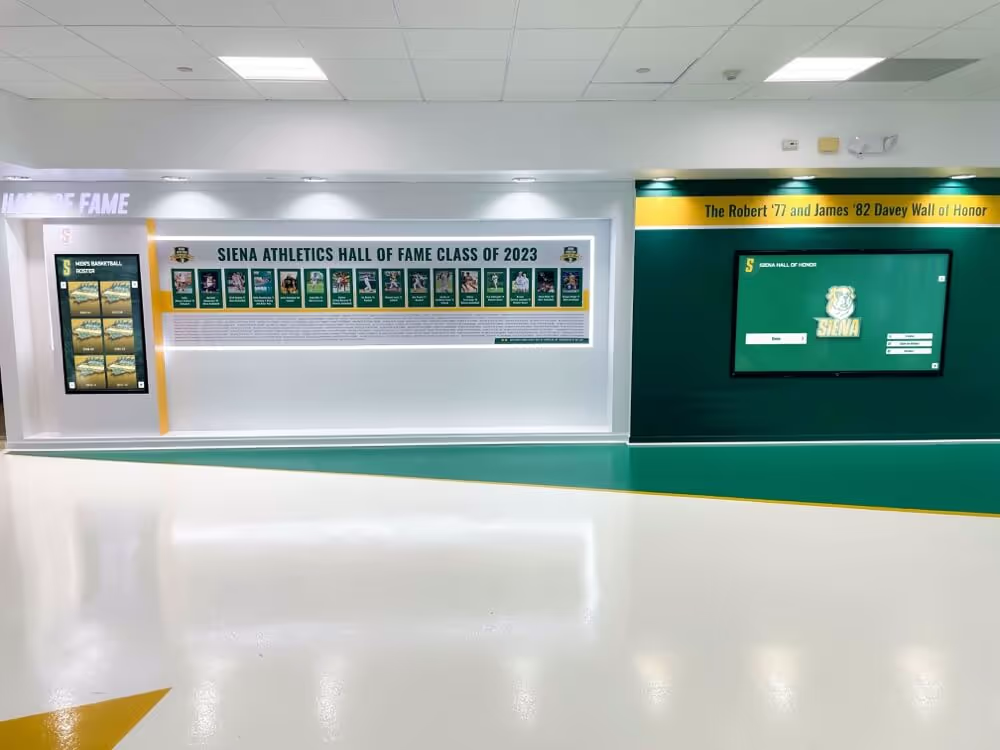
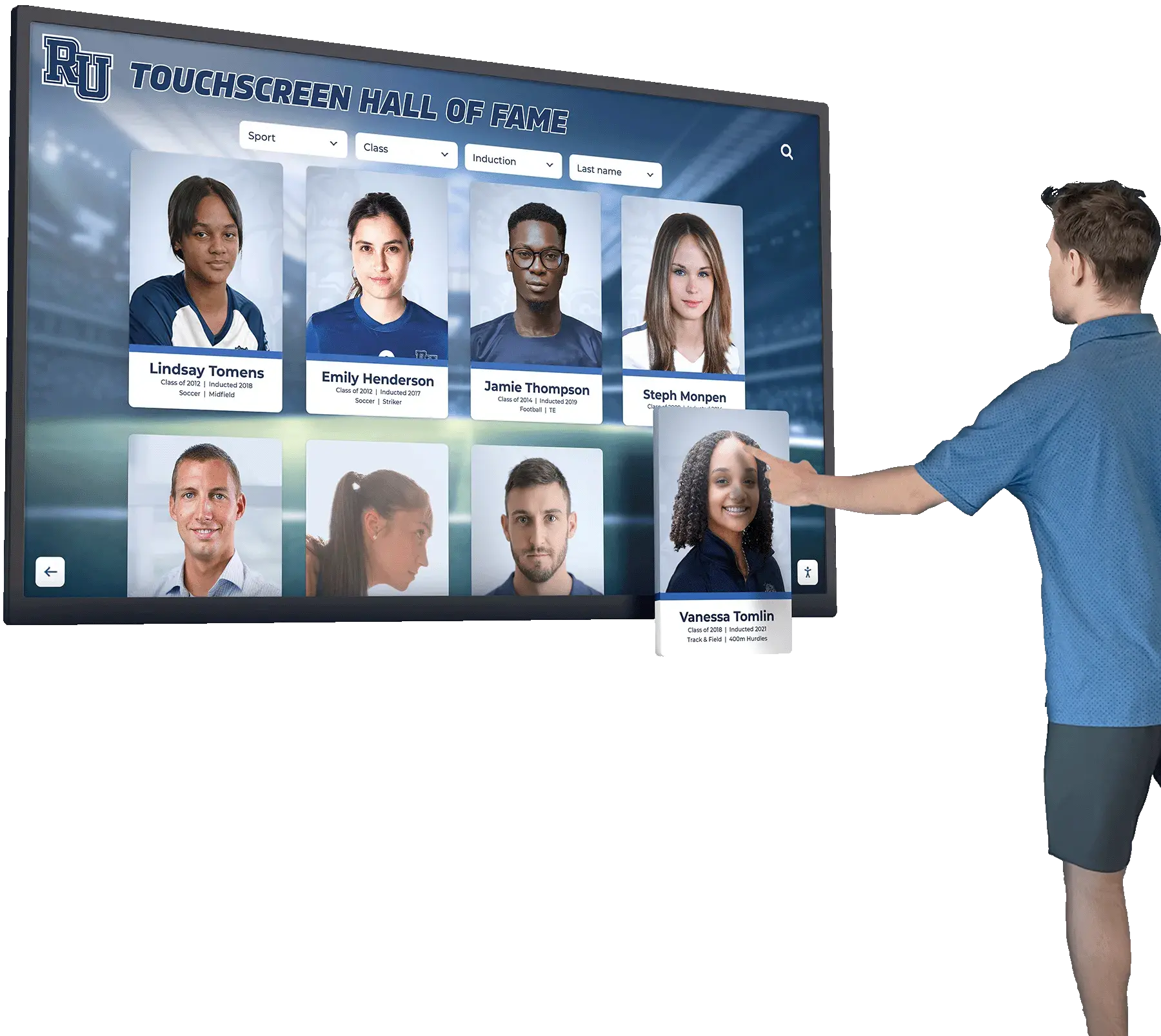
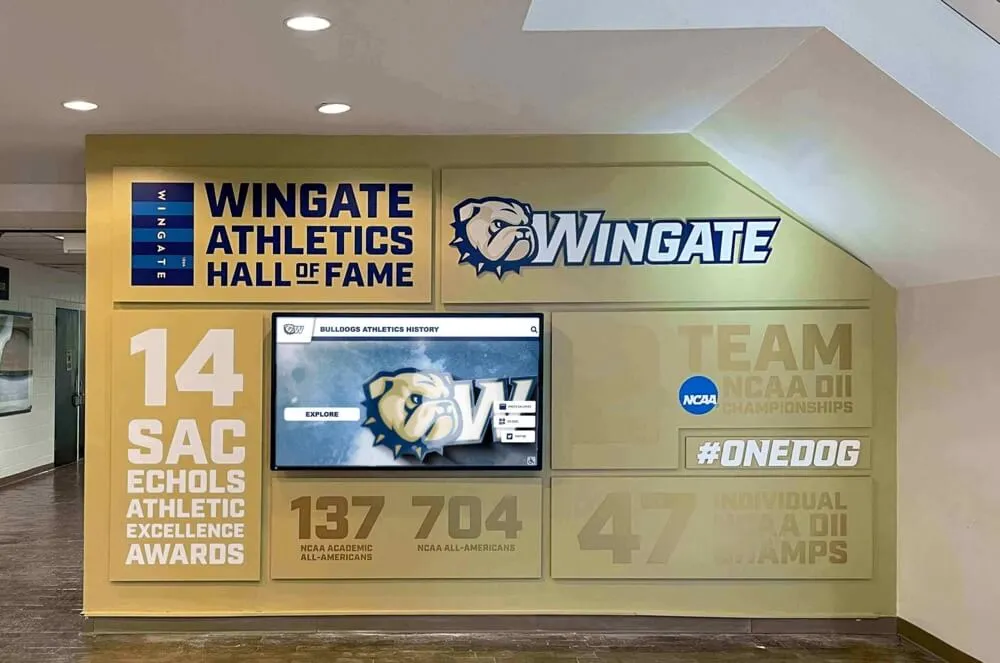
Interactive hall-of-fame kiosks receive scheduled media updates that push new athlete profiles and recognition content—storm control thresholds calibrated during low-utilization windows ensure those updates deliver correctly without affecting user experience during school hours
How Storm Control Connects to Recognition Display Reliability
A recognition display that fails to update—or updates intermittently—is a recognition program that fails the athletes and programs it is designed to honor. When championship records do not update after a season-ending tournament, when senior recognition content does not appear on lobby displays before a spring awards ceremony, or when a hall-of-fame touchscreen continues to show last year’s inductees after a new induction night, the cause is often not a software problem or a content management error. It is a network problem—and multicast storm control is one of the network-layer configurations that prevents that class of failure.
For programs building out recognition display infrastructure in phases—beginning with a single lobby kiosk and adding hallway boards and touchscreen trophy case displays over time—multicast storm control configuration should happen before each new screen is added, not after problems appear. Each additional display endpoint changes the multicast traffic profile that a scheduled update generates, which means each addition may require threshold recalibration.
Adding digitized athlete records and award histories to a recognition display system typically requires a media update that pushes multiple image and video files simultaneously to all connected screens—exactly the update profile where storm control matters most.
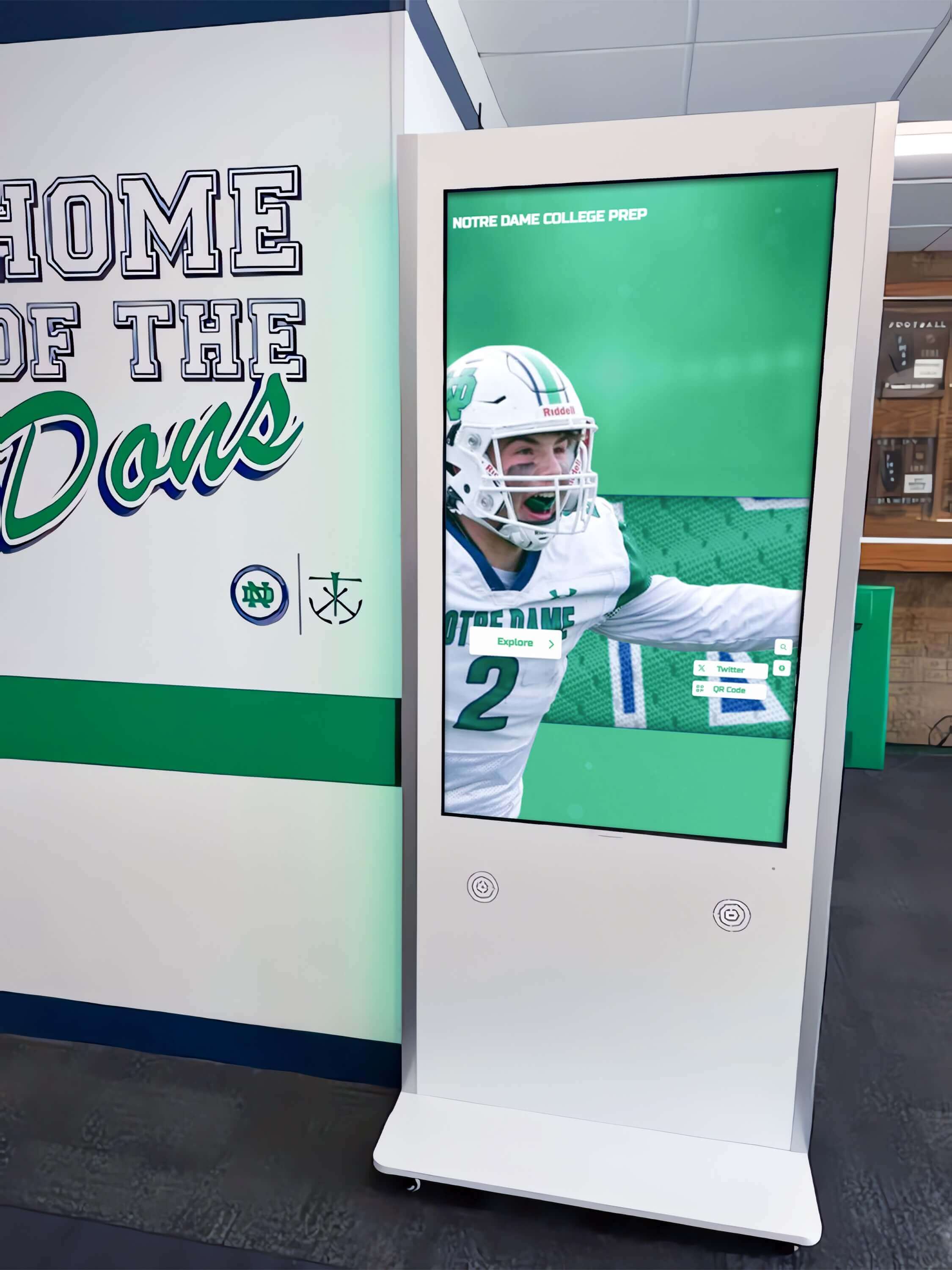
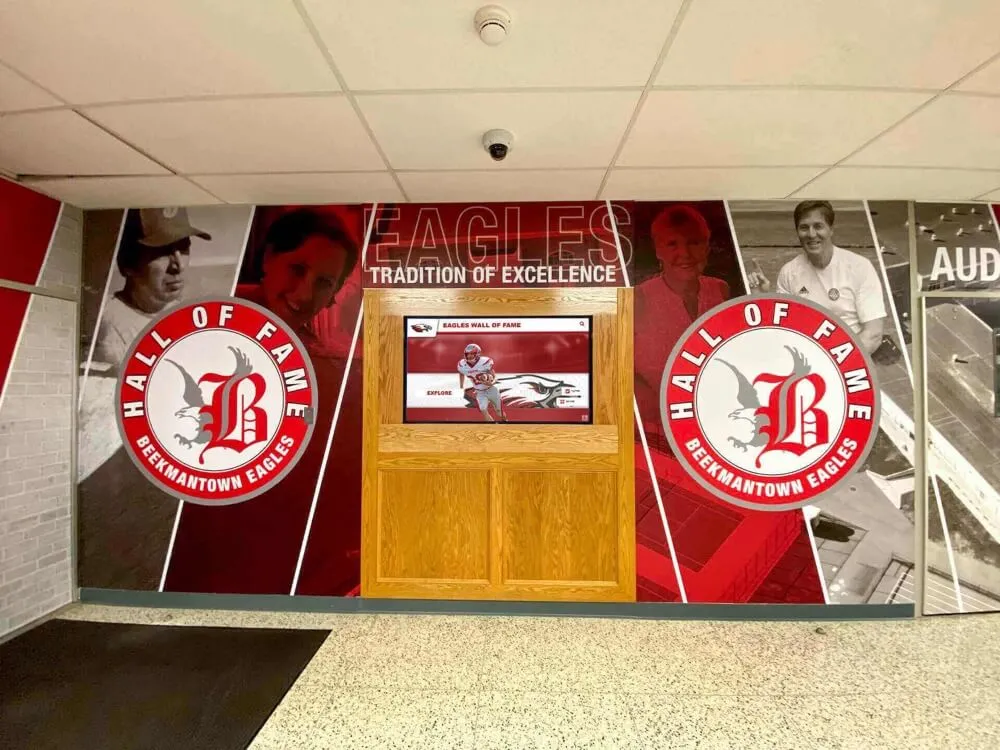
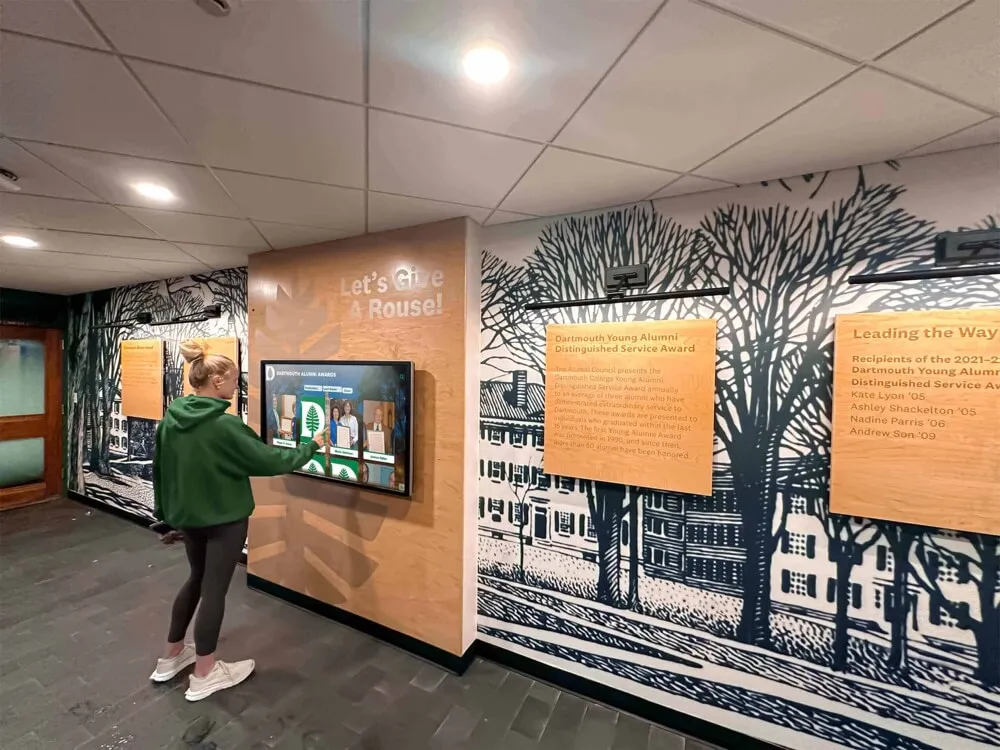
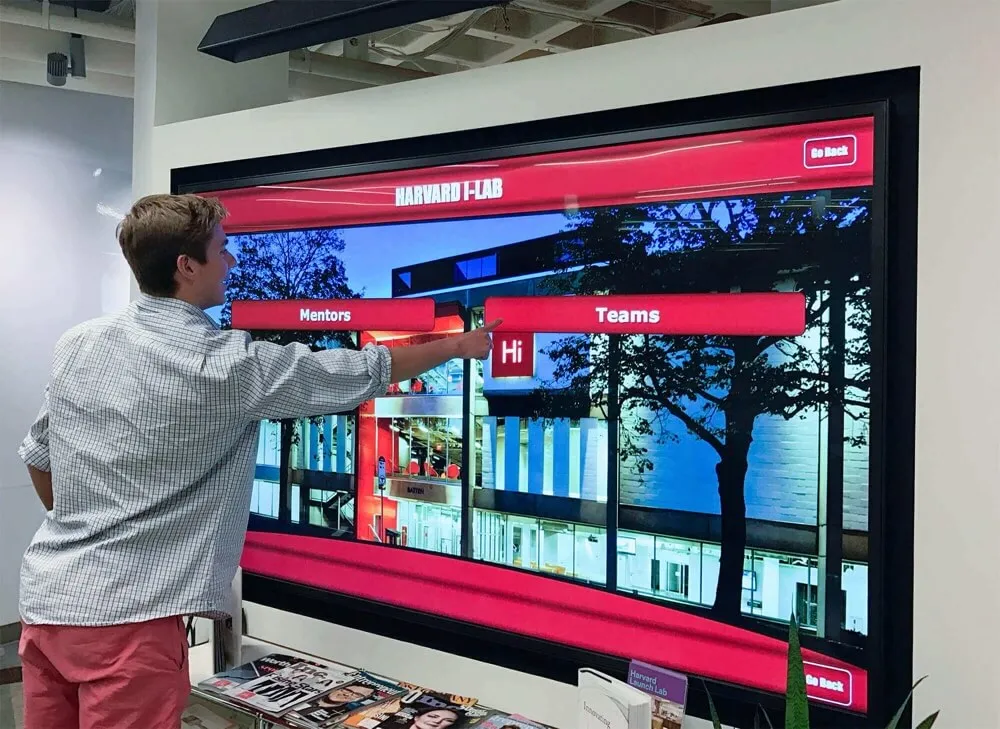
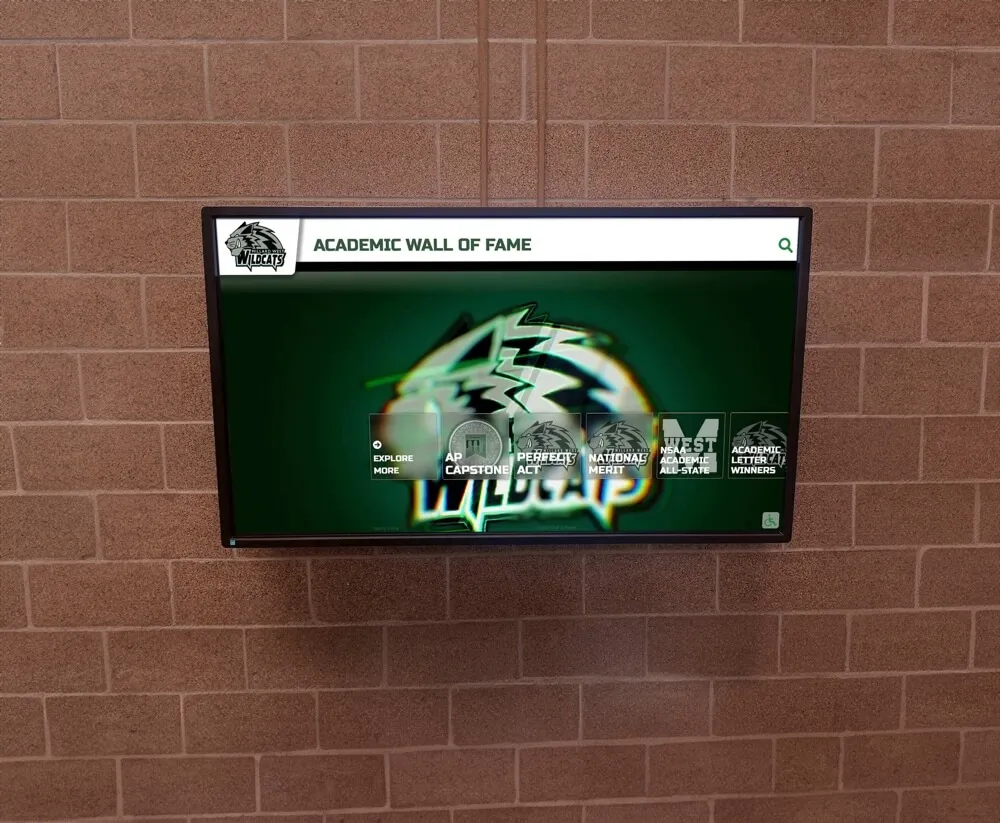
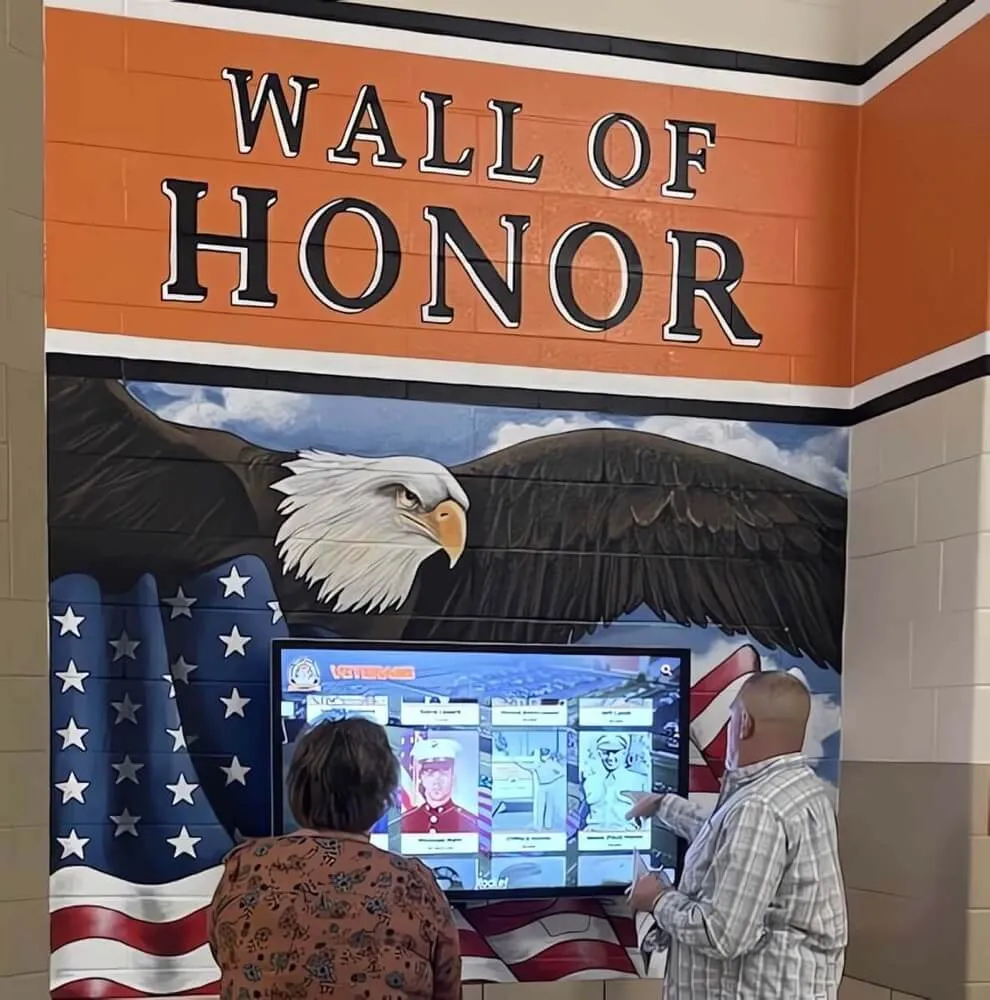
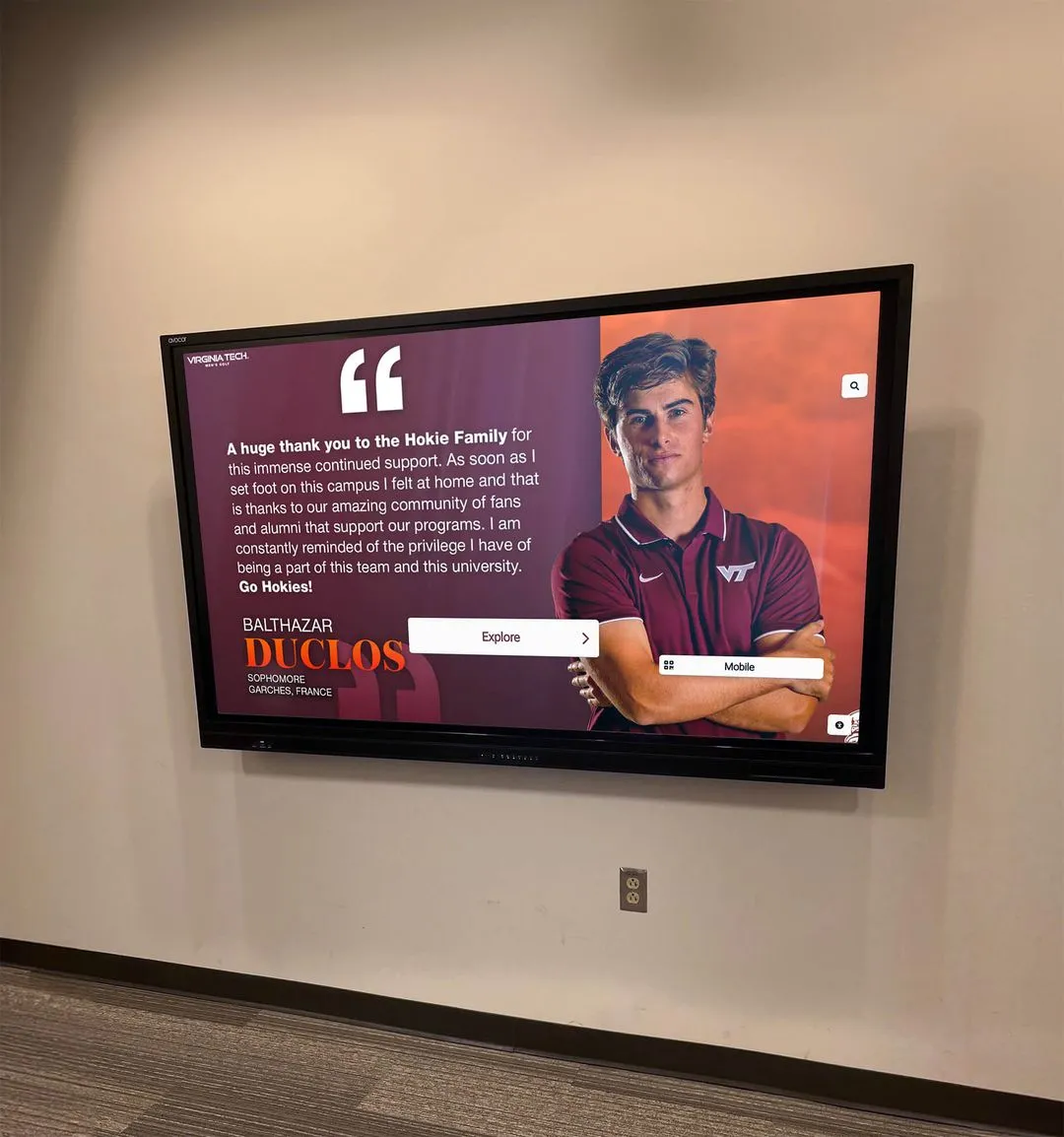
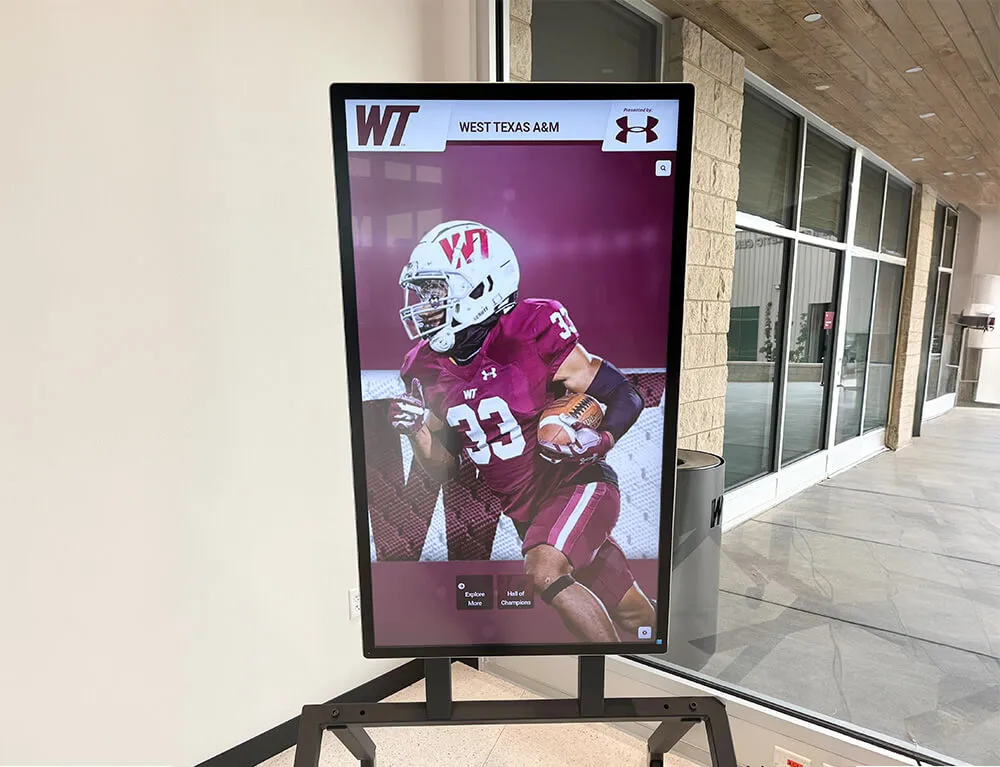
Recognition kiosks like this one depend on scheduled media updates pushing correctly through a network configured with appropriate storm control thresholds and IGMP snooping on the display VLAN
Frequently Asked Questions
Q: Our school uses a cloud-managed display platform. Does multicast storm control still apply?
It depends on how the platform delivers content updates. Cloud-managed display systems often use unicast HTTPS connections from each display endpoint to a content delivery network, pulling updated content on a schedule rather than receiving multicast streams from a local server. In that architecture, multicast storm control is less relevant for content delivery but still relevant for mDNS and SSDP discovery traffic that the display management software may use for local network presence. Verify your platform’s traffic model with the vendor: if content updates are unicast pulls, storm control configuration can focus on discovery-protocol traffic rather than media stream management.
Q: Which recognition display deployments need storm control configured most urgently?
Any deployment with more than one display endpoint on a shared network segment benefits from some level of multicast traffic management. The urgency increases with the number of display endpoints, the size of media update files, and the frequency of updates. A school with two lobby displays on a dedicated VLAN with IGMP snooping correctly configured may have minimal storm risk even without explicit storm control thresholds. A school with twelve hallway screens, three touchscreen kiosks, and a weekly scheduled update that pushes large video files across multiple sports programs benefits from explicitly configured thresholds on each display port and uplink.
Q: Can QoS (Quality of Service) substitute for storm control?
QoS and storm control address different problems. QoS manages the priority of different traffic types when the network is congested—it ensures that VoIP traffic, for example, is queued ahead of bulk file transfers. Storm control prevents any single traffic type from flooding ports and consuming bandwidth that other traffic types need. They are complementary mechanisms and can be deployed together, but QoS does not substitute for storm control in preventing a multicast flood.
Q: What should we log or monitor after configuring storm control?
Monitor storm control event counters on access ports serving display endpoints. If the counter increments during a scheduled update, the threshold is too aggressive and legitimate media traffic is being suppressed—lower the threshold or investigate whether the media server is generating unnecessarily high-rate multicast. If the counter never increments even during an incident that caused degraded display performance, the storm may have originated from a source other than multicast traffic, such as a broadcast storm or a unicast flooding problem. Most managed switches can export SNMP traps when storm control activates; integrating these with a school network monitoring platform provides proactive alerting rather than post-incident diagnosis.
Q: How often should storm control thresholds be reviewed?
Review storm control thresholds whenever the recognition display network changes: when new screens are added, when the display management system is updated or replaced, when media file sizes increase significantly (for example, when adding high-definition video tributes to an archive that previously held only still images), and after any incident where displays failed to update during a scheduled window. A threshold calibrated for a four-screen deployment in one building may not be appropriate after a twelve-screen expansion across two floors.
See How Recognition Displays Are Built for School Networks
Rocket Alumni Solutions designs interactive hall-of-fame touchscreens, digital trophy cases, and athletic recognition kiosks that are built to integrate with managed school network environments. If your program is planning a multi-screen recognition display rollout and wants to understand how content delivery, scheduled media updates, and network infrastructure requirements connect—schedule a demo to walk through the complete workflow from content publishing to on-screen display.
Book a Live Demo