



A school recognition display HTTP range request video seeking test is a structured procedure that confirms the media host serving athletic highlight videos supports HTTP byte-range requests—so the display player can seek to any point in a championship reel, induction ceremony recording, or season archive without downloading the entire file from the start. HTTP range requests, defined by the HTTP specification, allow a client to request only a specific portion of a resource by sending a Range: bytes=start-end header; a supporting server replies with 206 Partial Content and a Content-Range header identifying the bytes delivered. When range support is absent—indicated by the server returning 200 OK and the full file instead of 206—the display’s video player cannot seek forward into a highlight reel: it must buffer from the beginning every time a visitor taps a championship clip. Verifying range support on the specific media host serving your school’s athletic content, and distinguishing a missing Accept-Ranges header from browser codec errors or school network proxy interference, is what this test accomplishes.
This guide walks school IT staff, athletic directors, and AV coordinators through the complete range request seeking test for recognition display athletic videos: checking the Accept-Ranges response header, issuing a test byte-range request to verify a 206 response and correct Content-Range header, confirming a 416 Range Not Satisfiable is returned for intentionally invalid ranges, testing seek behavior in the display player, identifying whether a school network proxy is stripping or rewriting range headers, and documenting a verified seeking baseline before the next hall-of-fame event.
When a parent visits the school athletic corridor during a recognition event and taps a championship highlight to jump to the winning moment—a track finish, a basketball buzzer-beater, a state wrestling match—the display’s video player relies on HTTP range requests to fetch only the video segment covering that timestamp. If the media server hosting the athletic content does not support range requests, the player silently falls back to downloading the video from byte zero and buffering forward to the requested position. On a long highlight reel—four to six minutes of archived footage at 1080p—that fallback can mean a ten-second wait before a visitor sees anything useful. For a recognition program built to celebrate athletic achievement in a compelling, immediate way, that delay undermines the experience the school invested to create.

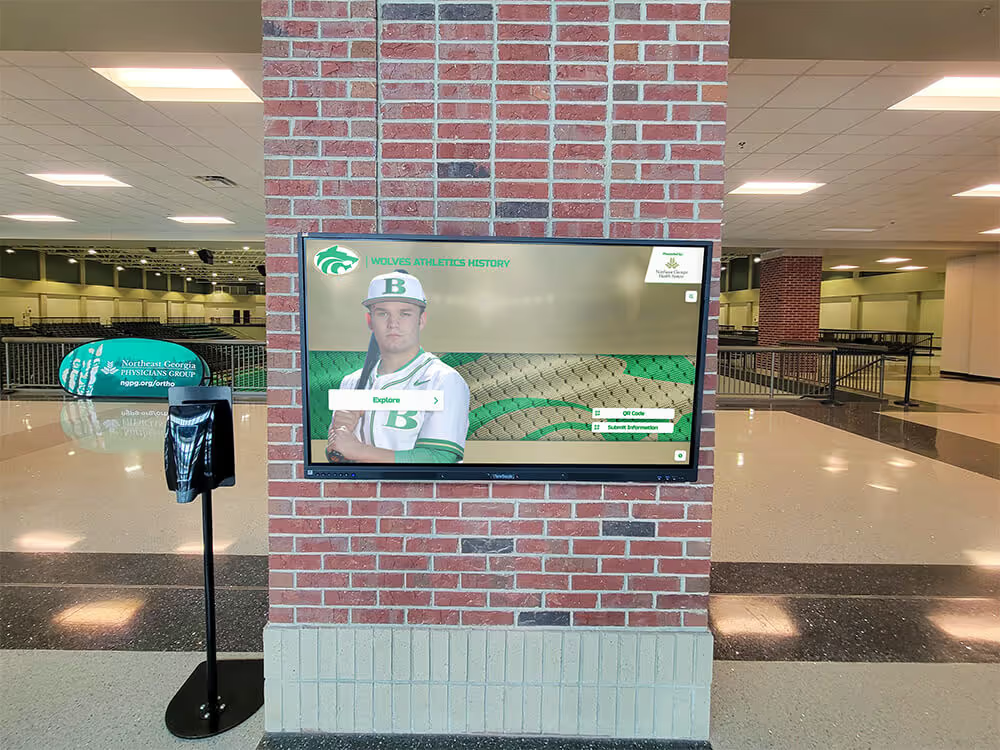
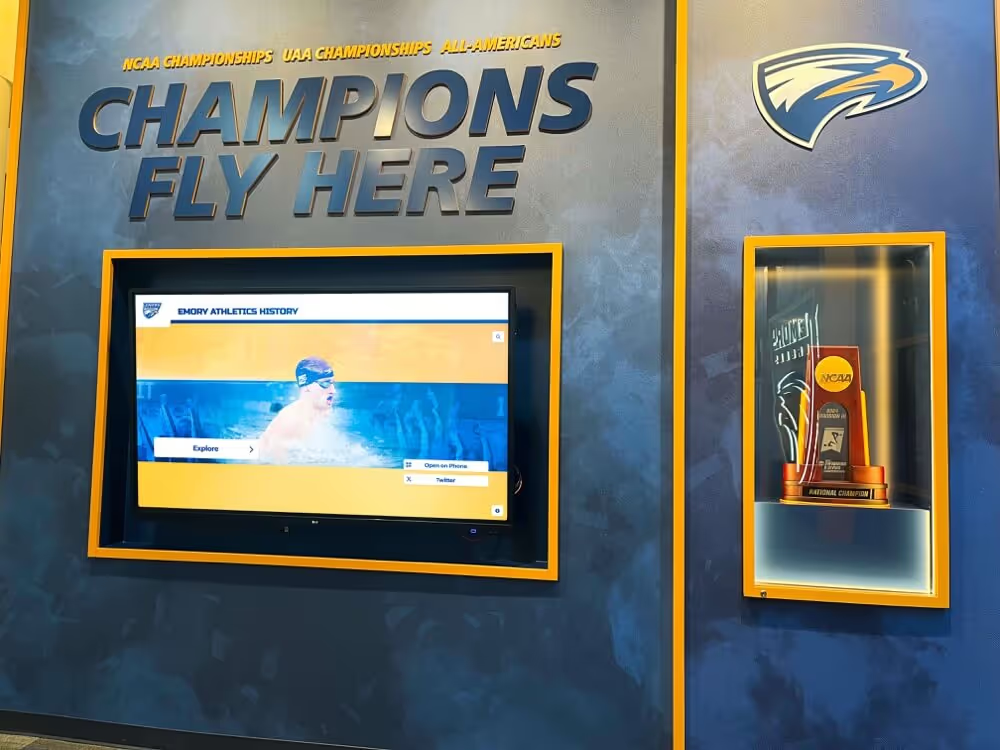
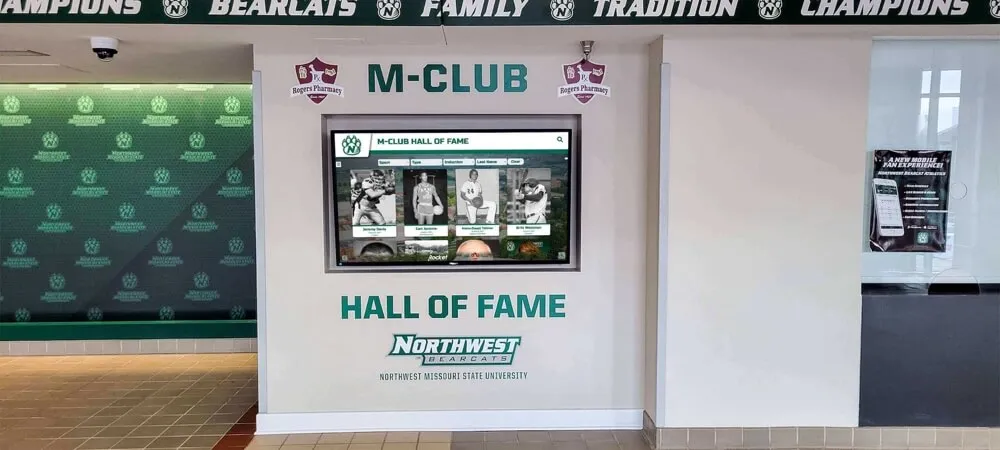
Interactive recognition kiosks in school athletics hallways serve championship highlight videos to visitors who tap specific moments in a school's athletic history—HTTP range request support at the media host determines whether the player can seek immediately to any point in those videos or must buffer from the beginning on every seek
Why HTTP Range Requests Matter for Athletic Video Seeking on Recognition Displays
HTTP range requests allow the browser or media player running on a recognition display to request a specific byte range within a video file rather than the complete file. The request includes a Range header specifying the byte offset, such as Range: bytes=2097152-4194303, and the server responds with a 206 Partial Content status, a Content-Length header reflecting only the requested range’s size, and a Content-Range header identifying the delivered bytes within the full file—for example, Content-Range: bytes 2097152-4194303/18874368.
According to the MDN Web Docs reference on HTTP range requests, a server that supports range requests advertises that support through an Accept-Ranges: bytes response header, which a client can check using a HEAD request before sending a range request. A server that does not support range requests omits this header or returns Accept-Ranges: none. When a range request is sent to a non-supporting server, the server ignores the Range header and returns a 200 OK response with the full file—the requesting client receives more data than it requested and must discard everything outside the desired range or buffer forward to the target position.
For recognition display athletic video, three practical consequences follow from whether range support is present.
Seeking without range support requires buffering from byte zero. A visitor who taps a seven-minute highlight reel at the two-minute mark triggers a full-file request starting at byte 0. The browser’s video player receives the entire file stream and fast-forwards internally—consuming bandwidth for the portions of the video the visitor never watches and introducing a delay before the requested position becomes playable. On a shared school network, this full-file download competes with other display content requests and school traffic simultaneously.
Time-to-first-frame at a seek position is bounded with range support. When range support is confirmed, the player calculates the byte offset corresponding to the requested timestamp, sends a Range request for only the bytes needed to begin playback from that point forward, and renders video to the screen using only the bytes retrieved. The visitor sees the requested moment within seconds rather than waiting for the full file to arrive. Schools that have evaluated network uplink capacity for their recognition displays will recognize that range requests reduce the per-seek bandwidth demand on the display’s WAN path, which matters most when multiple visitors browse simultaneously during a recognition event.
Conditional range requests support resumption after interruption. HTTP range requests can be combined with an If-Range header containing an ETag or Last-Modified value; if the resource has not changed since the previous request, the server delivers the requested range; if it has changed, the server returns the full file with 200 OK so the player refreshes its copy. This allows a display player to resume a partial download after a brief network interruption—relevant for recognition displays in facilities where wireless conditions vary between zones.
Understanding range request support is distinct from understanding video codec support or school network proxy behavior—the test procedure below separates each potential failure mode so that a seeking problem can be diagnosed precisely rather than attributed to “video isn’t working.”
How to Distinguish Media Host Range Support from Browser, Codec, and Proxy Failures
Before running the range request test, it helps to understand the three failure modes that can produce similar symptoms—video seeks that stall, loop back to the beginning, or fail to play—so that the test results point to the correct cause.
Media host does not support range requests. The server returns 200 OK and the full file when the player sends a range request. The display player receives bytes starting at position 0, which may briefly render the start of the video before the player seeks forward internally. The symptom is a slow seek with a visible flash of video content from the beginning. Confirmed by a 200 response with Content-Length equal to the full file size when a Range header is present in the request. Fix: confirm with the recognition platform vendor that range requests are supported on the CDN or media host serving athletic content; range support is a media server or CDN configuration that the platform controls, not a school-side setting.
Browser or codec cannot decode the video format. The seek fails regardless of whether range support is present because the browser’s decoder encounters a container or codec it cannot process. The symptom is video that does not play at any seek position, not just when seeking forward. Confirmed by checking browser console for codec errors and verifying the video format against the kiosk browser’s supported codec list. Fix: confirm the recognition platform encodes video in a format supported by the display’s browser (H.264/AAC in MP4 container or VP8/VP9 in WebM are broadly supported; VP9 or AV1 may require a browser version check on older kiosk hardware). This is a separate problem from range support.
School network proxy strips or rewrites the Range header. A transparent HTTP/HTTPS proxy, WAN optimizer, or content filtering appliance in the school network path intercepts the player’s range request and either strips the Range header before forwarding to the CDN or returns a cached full-file response without passing the range request to the origin. The symptom is that the range request test succeeds from an external network but fails from the school’s display VLAN. Confirmed by comparing the response from a test device on the display VLAN to a response from a device on a direct internet connection. Fix: bypass the proxy for approved CDN hostnames for the recognition platform rather than modifying the proxy’s global policy.
Schools that have measured bufferbloat on their school network baseline understand that latency variability during a seek request compounds the time-to-first-frame delay when range support is absent; a range-aware server can minimize the bytes the player must receive before playback begins, reducing the exposure to bufferbloat during seeks.
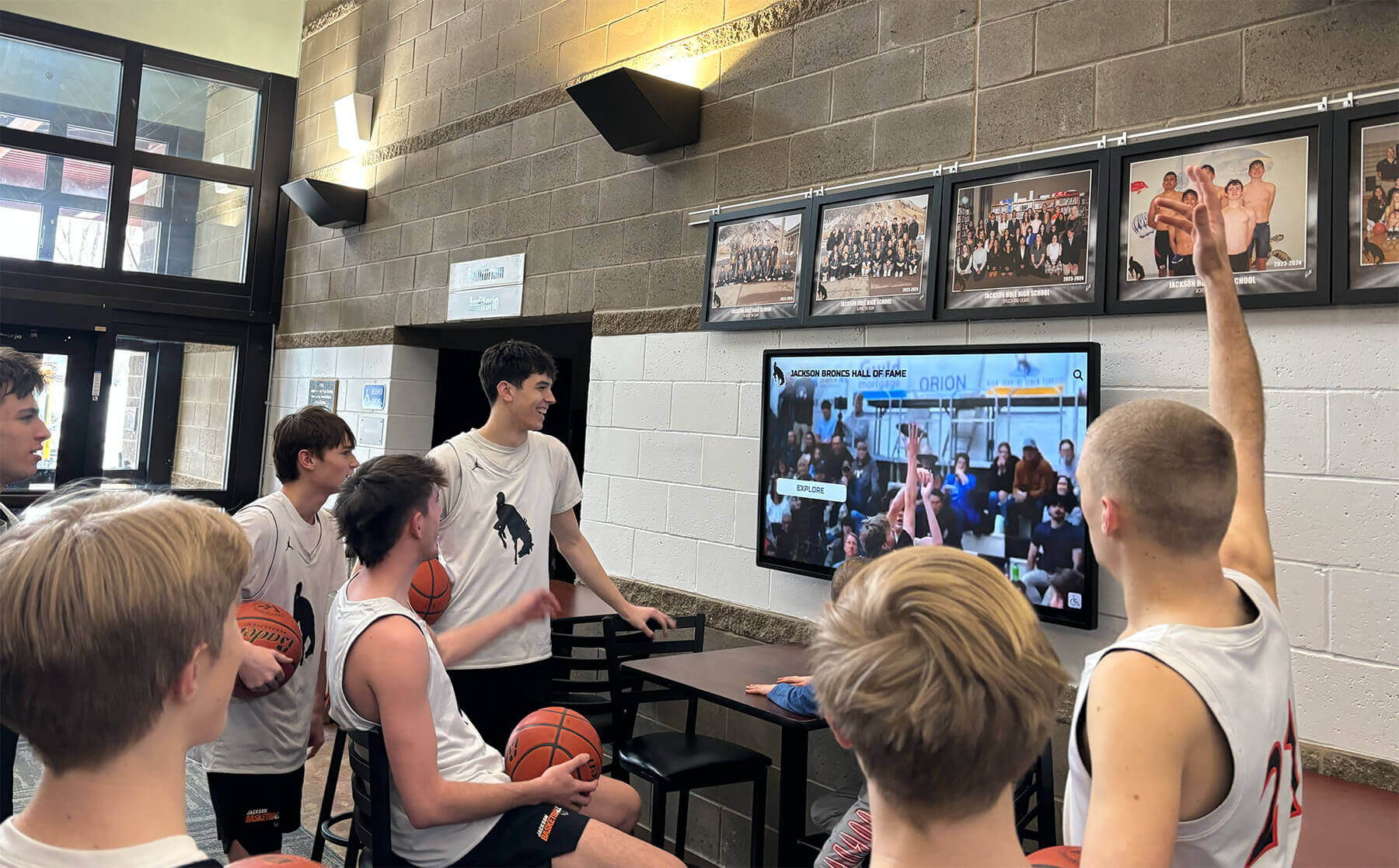
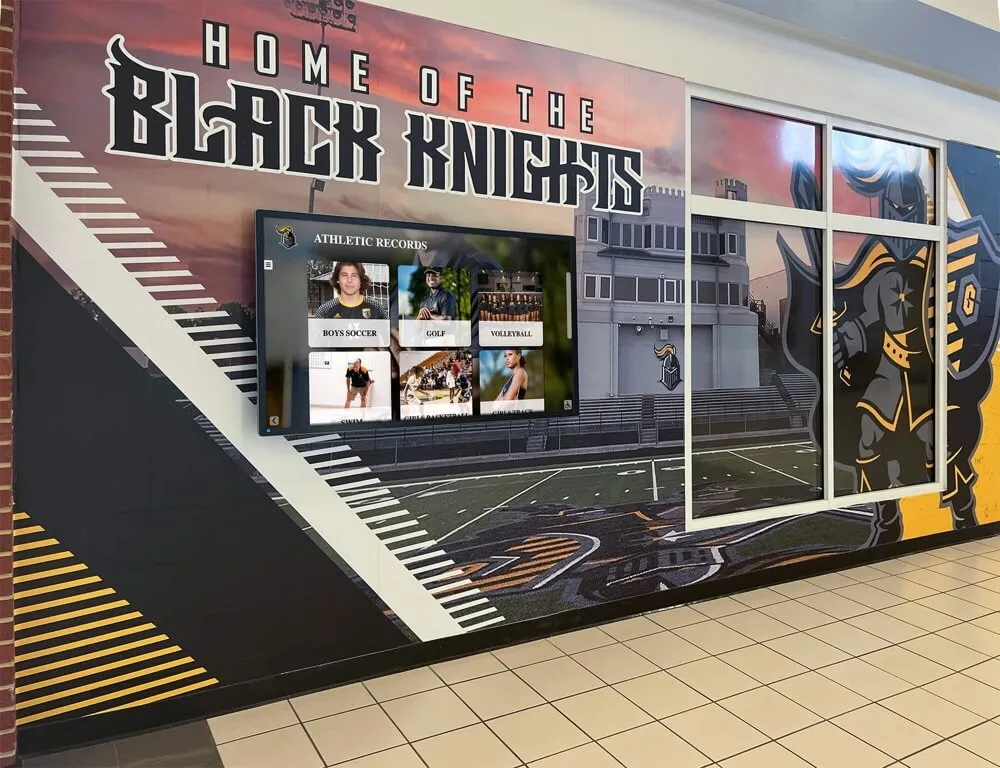
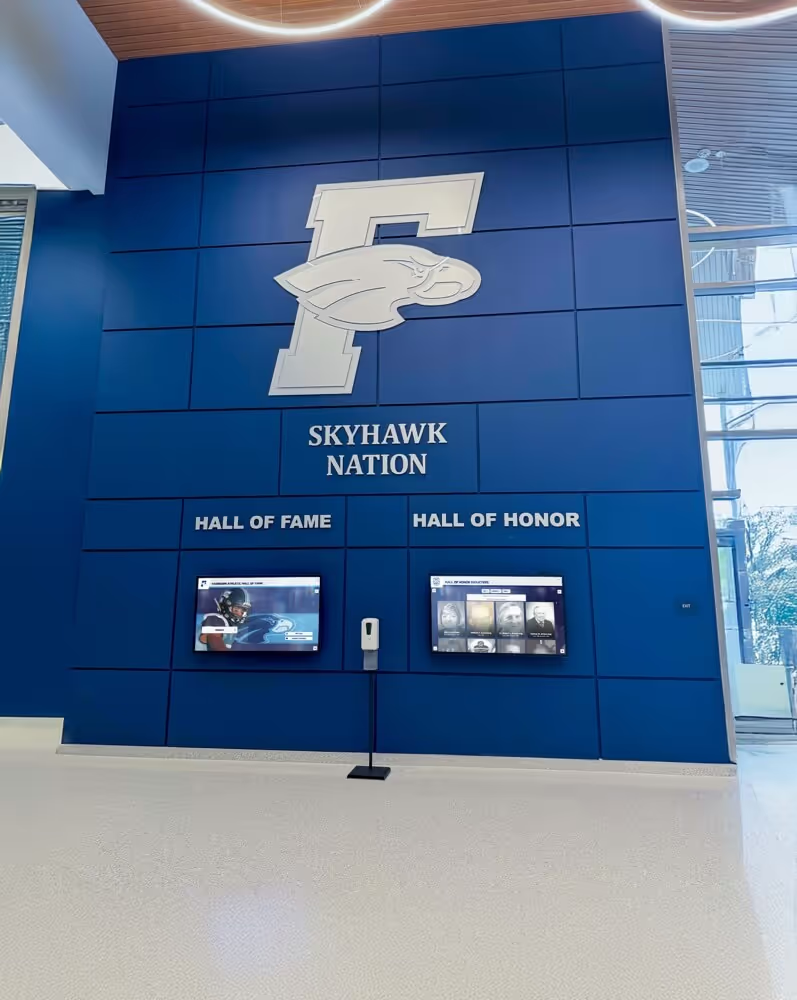
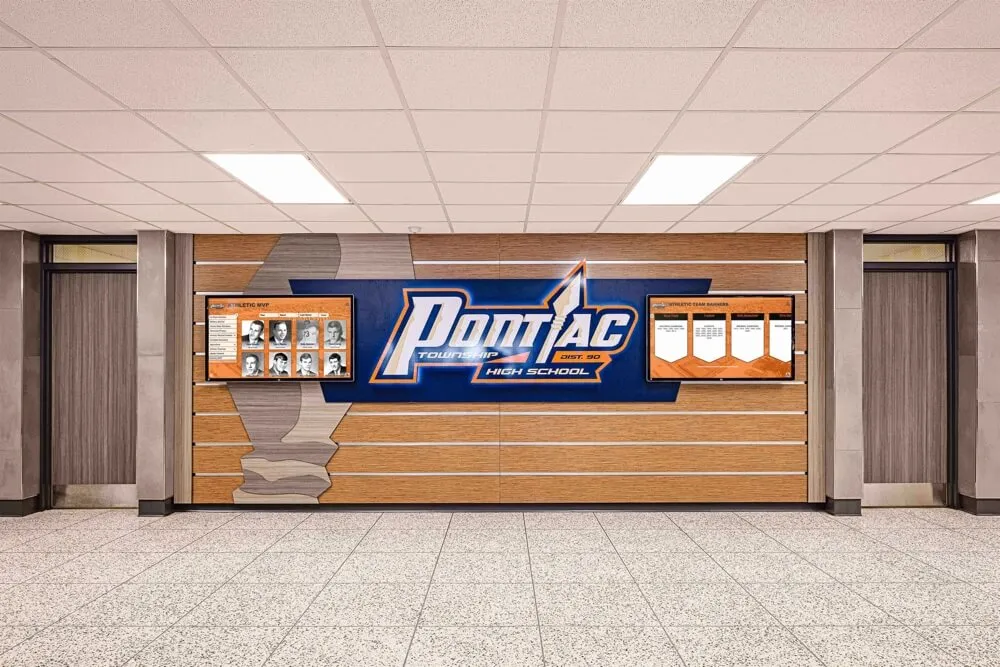
Recognition displays in school lobbies serve championship highlight videos to students, families, and alumni who expect to seek immediately to specific moments—HTTP range request support at the media host is the network-layer requirement that makes seamless seeking possible on these displays
Before You Start: Pre-Test Checklist
Complete each item before beginning the range request test. Several steps require access to a test device on the same network segment as the recognition display, and some require the media URL for an athletic highlight video currently served to the display.
Media Content and Hostnames
- Identify a currently active athletic highlight video URL served to the recognition display (obtain from the browser’s DevTools Network panel while the display plays the video, or from the recognition platform’s content configuration)
- Confirm the video URL is directly accessible (not requiring authentication that would block the
curltest commands) - Note whether the video is served from a CDN subdomain distinct from the recognition platform’s main domain (different CDN endpoints may behave differently)
- Identify whether the video file is a progressive MP4, an HLS
.m3u8manifest with.tssegments, or MPEG-DASH.mpdwith.m4ssegments—the range request test applies to progressive MP4 files and individual HLS/DASH segment files, not to manifest files themselves
Test Device and Tools
- Laptop with
curlinstalled, connected to the same VLAN as the recognition display (wired preferred for consistent results) - Browser on the test laptop for checking DevTools network responses and observing seek behavior
- Access to the recognition display itself for the player seek test in Step 6
School Network
- Identify whether a transparent HTTPS proxy is active on the display VLAN (check the proxy’s configuration or observe whether HTTPS traffic is intercepted and re-served using a school-issued certificate)
- Confirm whether the display VLAN applies any content caching policy that might serve cached full-file responses for video requests regardless of the Range header
School Recognition Display HTTP Range Request Video Seeking Test: Numbered Procedure
Run each step in sequence. Document results at every step.
Step 1 — Check the media server’s Accept-Ranges header with a HEAD request
Use a HEAD request to determine whether the server hosting the athletic highlight video advertises range request support. A HEAD request returns only the response headers without downloading the response body, making it an efficient way to inspect server capability before issuing a range request.
From the test laptop connected to the display VLAN:
curl -sI "<athletic-video-url>"
Replace <athletic-video-url> with the direct URL of the athletic highlight video (e.g., a .mp4 file or a .ts segment URL).
In the response headers, look for:
Accept-Ranges: bytes
Content-Length: <file-size-in-bytes>
Possible outcomes:
Accept-Ranges: bytespresent: The server advertises range request support. Proceed to Step 2 to verify that a range request actually returns a206response.Accept-Ranges: nonepresent: The server explicitly indicates no range support. Document this and proceed to Step 7 to determine whether this is a media host configuration issue or a proxy stripping the header.Accept-Rangesheader absent: The server does not advertise range support; behavior on an actual range request is undefined for this server and may vary. Proceed to Step 2 to test directly.200 OKwith noContent-Length: The server may be using chunked transfer encoding; some streaming servers do not emitAccept-Rangesfor chunked responses. Document and proceed to Step 2.
Also note the Content-Length value from this step—you will need the file size to construct a valid range request in Step 2 and an unsatisfiable range request in Step 3.
Document the full response headers.
Step 2 — Issue a single byte-range request and verify the 206 Partial Content response
With the file size from Step 1, issue a range request for the first 1,024 bytes of the video file. This tests whether the server returns a 206 Partial Content status and the correct Content-Range header.
curl -s -o /dev/null -w "%{http_code}\n%{size_download}\n" \
  -H "Range: bytes=0-1023" "<athletic-video-url>"
Expected output for a range-supporting server:
206
1024
Now request the full Content-Range header in the response to confirm the server is reporting the byte range and total file size correctly:
curl -sI -H "Range: bytes=0-1023" "<athletic-video-url>" | grep -i "content-range\|http/"
A correct response looks like:
HTTP/2 206
content-range: bytes 0-1023/18874368
The Content-Range value format is bytes start-end/total, where total is the full file size. This confirms the server is returning the exact bytes requested and knows the total resource size.
If the response is 200 OK with a Content-Length equal to the full file size (matching the value from Step 1), the server ignored the Range header and returned the full file. This confirms that range requests are not supported by this media host. Document the response status and whether Accept-Ranges and Content-Range headers appear.
Step 3 — Test the 416 Range Not Satisfiable response with an unsatisfiable range
Confirm that the server correctly handles a range request that falls outside the file’s actual byte range. Send a request for bytes starting past the end of the file—use a start byte greater than the Content-Length value observed in Step 1.
If the file size from Step 1 was, for example, 18,874,368 bytes, request a range starting at byte 20,000,000:
curl -sI -H "Range: bytes=20000000-20001023" "<athletic-video-url>" | grep -i "http/"
Expected response for a correctly implemented server:
HTTP/1.1 416 Range Not Satisfiable
or
HTTP/2 416
A server that returns 416 for an out-of-bounds range is correctly enforcing the HTTP range request specification. Some servers instead return the full file with 200 OK rather than 416—this is technically non-compliant but functionally means the player receives the complete video and must seek forward within it. Document the response status.
If the server returns 416 for a valid range in Step 2 (where the range is within the file’s byte count), the server has a range implementation error. Document this as a platform-side issue to escalate to the recognition platform vendor—a correctly functioning server should return 206 for satisfiable ranges and 416 only for ranges that exceed the resource length or contain invalid syntax.
Step 4 — Test a mid-file range request to verify seeking positions are retrievable
A range request for the first 1,024 bytes tests the start of the file. A mid-file range request tests whether the server can deliver bytes from the middle of a video—the actual operating condition when a visitor seeks to a point partway through a championship highlight reel.
Using the file size from Step 1, calculate an offset at approximately 40% of the file length and request 1 megabyte (1,048,576 bytes) from that position:
# Example: for an 18,874,368-byte file, 40% offset = ~7,549,747
# Adjust to your actual file size
curl -s -o /dev/null -w "%{http_code}\n%{size_download}\n" \
  -H "Range: bytes=7549747-8598322" "<athletic-video-url>"
Expected output:
206
1048576
If the server returns 206 with the correct download size, range requests work for mid-file seeks. If it returns 200 with the full file size, range support is absent or the proxy is intercepting. Document the result.
This mid-file test matters because some caching servers handle small byte-range requests at the file start differently from large mid-file range requests: a cache might serve the first few kilobytes from a primed cache entry while forwarding mid-file range requests to the origin. If Step 2 succeeds but Step 4 fails, the school’s caching layer is the likely cause.
Step 5 — Check whether the school network proxy is stripping the Range header
If Step 2 or Step 4 returned 200 OK from the display VLAN, repeat the same curl commands from a device on a network without the school’s proxy in path—a laptop on a direct 4G/LTE connection or on a network that does not route through the school’s content filter.
If the range request from the external network returns 206 but the same request from the display VLAN returns 200, the school network’s proxy is stripping the Range header before forwarding the request to the CDN or media host.
To confirm the proxy is the cause, check whether the proxy is set to intercept HTTPS traffic for the video URL’s domain. On the test laptop connected to the display VLAN:
curl -sI "<athletic-video-url>" | grep -i "server\|via\|x-cache\|x-served-by"
A Via: header in the response identifies a proxy in path. An X-Cache: header indicates a caching layer. If these headers appear in the response from the display VLAN but not from the external connection, the school proxy is in the path for this domain.
The correct fix for a proxy stripping Range headers is to add the recognition platform’s video CDN hostnames to a bypass list in the proxy configuration—a targeted change that affects only those specific hostnames rather than a proxy-wide policy modification. This avoids disrupting content inspection for other school network traffic while allowing the recognition display’s media requests to reach the CDN with their original headers intact. Confirm the bypass is applied only to the approved CDN hostnames serving the recognition platform, not to the entire video traffic category. Schools managing mixed-resolution content scaling for recognition displays will recognize that targeted proxy exceptions are the standard approach for preserving specific header behaviors without reconfiguring the proxy globally.
Step 6 — Test seek behavior in the display player with range requests confirmed
With the media host’s range support confirmed in Steps 2 and 4, test actual seek behavior on the recognition display to verify that the player is sending range requests and that the resulting seek experience is correct.
On the recognition display, open the browser’s DevTools (if accessible on the kiosk hardware) or use a browser on the test laptop navigating to the same video content URL the display uses.
Navigate to a content section showing a long athletic highlight video (three minutes or longer). In the browser’s DevTools Network panel, trigger a seek to a position partway through the video—approximately 40–60% of the video’s total length—by clicking or tapping the video playback bar.
Observe the network requests that appear in the DevTools panel immediately after the seek:
- A new request to the video file URL should appear with a
Rangeheader visible in the Request Headers section - The response to that request should show status
206in the Status column - The response Content-Length should be significantly smaller than the full file size
- The video player should begin rendering content from approximately the seeked position within a few seconds
If only a 200 response appears at the full file size after a seek, range requests are not being sent by the player for this video—either the player is not using range requests for this format, or the media server is not responding to range requests and the player has fallen back to full-file delivery.
Note that HLS (.m3u8 + .ts segments) and MPEG-DASH (.mpd + .m4s segments) deliver video as a sequence of fixed-duration segment files. For these formats, seeking works by calculating which segment file covers the target timestamp and fetching that segment file from its start—effectively using the segment structure rather than byte-range requests within a single large file. If the display’s recognition platform uses HLS or DASH, test the range request behavior against the individual segment files (.ts or .m4s URLs), not the manifest file, and confirm that those segment URLs return Accept-Ranges: bytes and support byte-range requests for partial segment retrieval if the player needs sub-segment seeking.

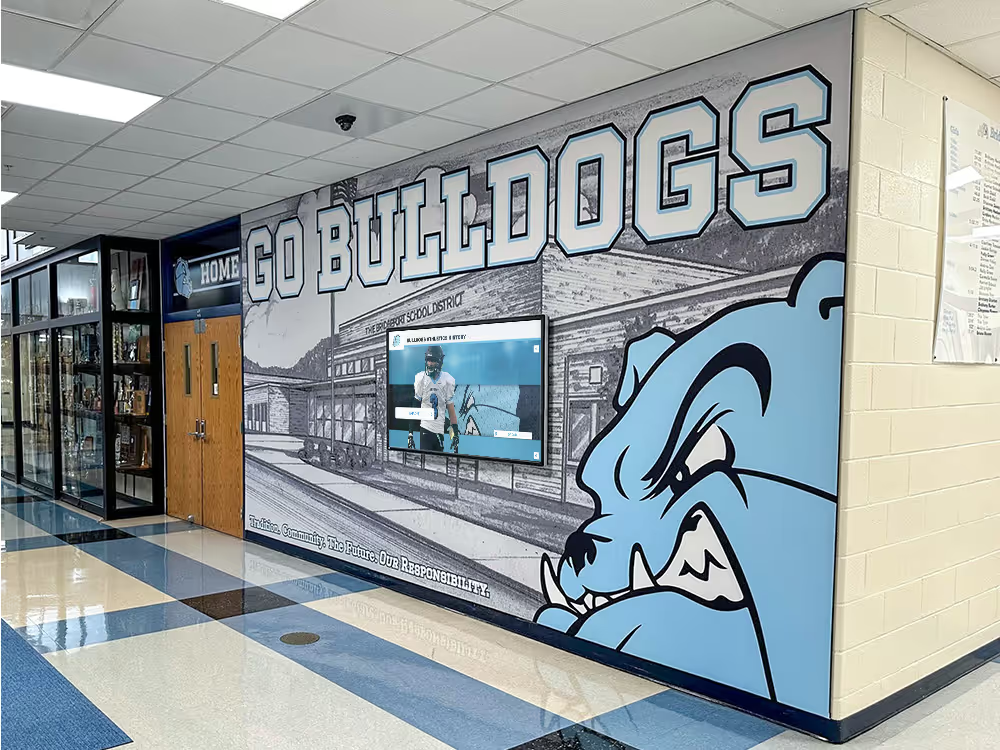
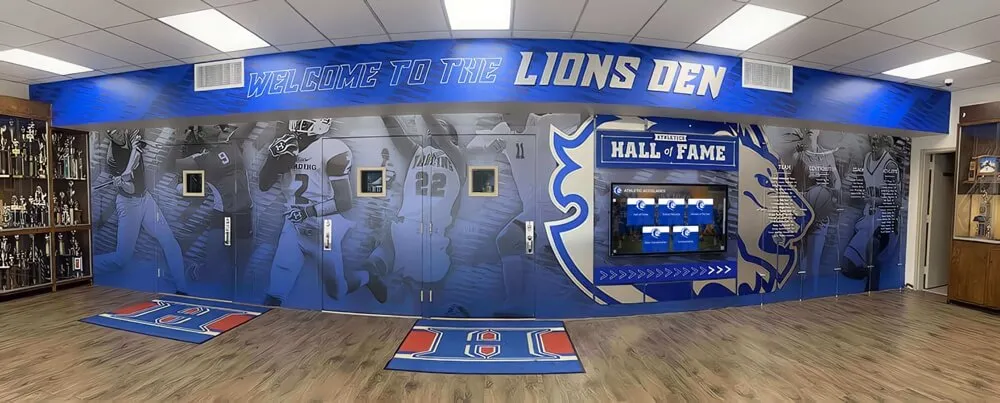
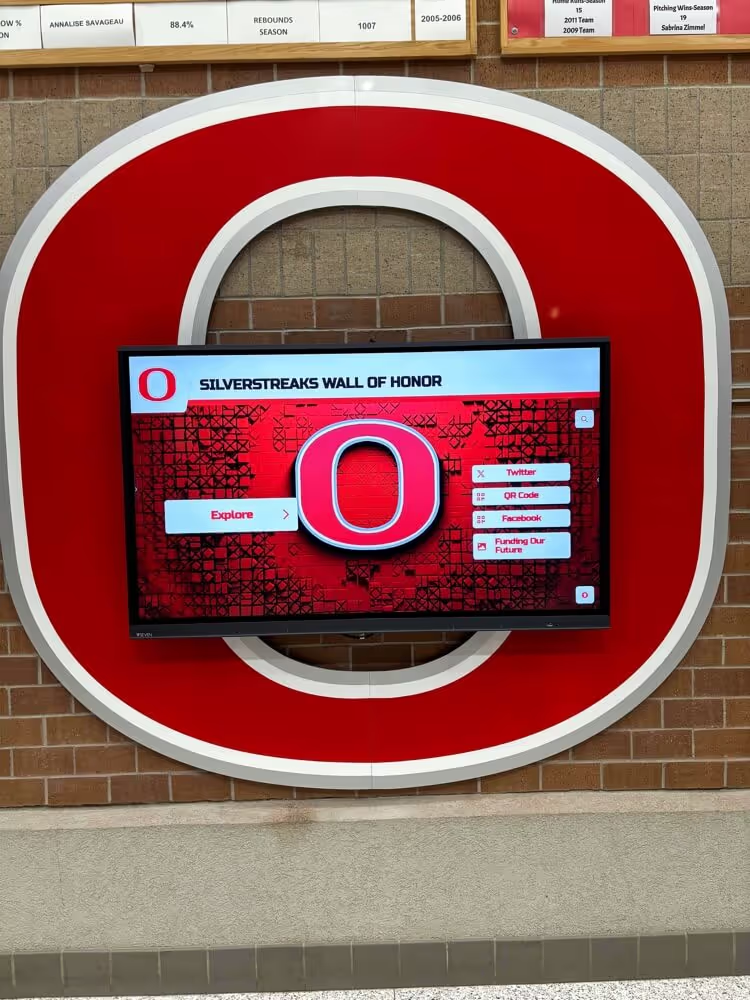
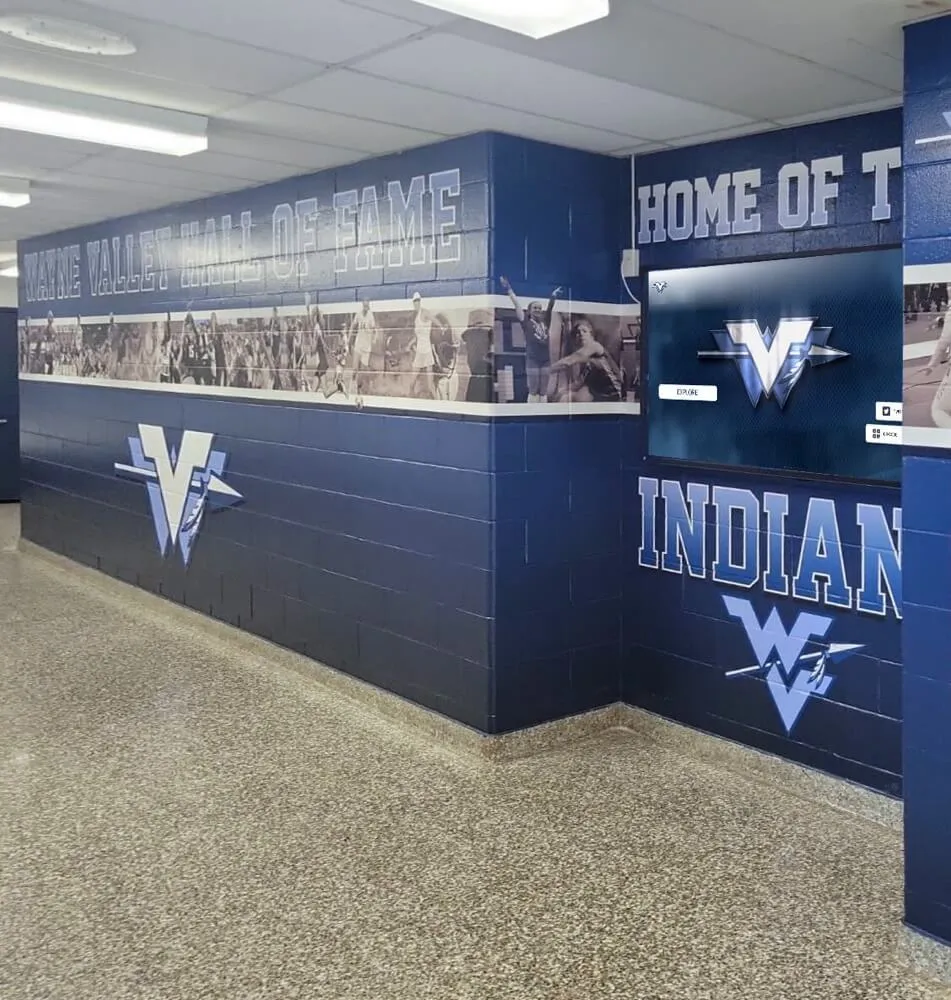
Digital recognition displays integrated into school athletics murals serve long-form video archives of championships, team seasons, and induction ceremonies—range request support at the media host determines whether visitors experience immediate seeking or buffered full-file delivery on every seek interaction
Step 7 — Verify results from outside the school network to isolate proxy vs. media-host issues
If Step 5 identified a proxy in path and a targeted bypass was applied, re-run the range request tests from Steps 2 and 4 from the display VLAN after the bypass is in effect. Confirm:
- Step 2 now returns
206with the correctContent-Rangeheader from the display VLAN - Step 4 returns
206for the mid-file range request - The
ViaorX-Cacheheaders from the proxy no longer appear in responses to the video CDN hostname (confirming the bypass is active for that domain)
If Steps 2 and 4 still return 200 OK after the proxy bypass is applied, the media host itself does not support range requests. This is a platform-side limitation. Escalate to the recognition platform vendor with the specific curl commands and their outputs as evidence—the vendor can determine whether range support is available for the specific CDN endpoint serving the school’s content, or whether the content delivery configuration needs to be updated to enable range requests.
Document which outcome applies:
- Media host does not support range requests (returns
200from external network test) - School proxy was stripping Range headers; bypass applied and confirmed (returns
206from display VLAN after bypass) - Range support confirmed end-to-end (returns
206from display VLAN without any proxy bypass needed)
Step 8 — Document the verified seeking baseline
Record the complete test findings in the school IT runbook or ticketing system:
- Athletic video URL(s) tested and the CDN/media host serving them
Accept-Rangesheader value observed in Step 1 (present withbytes,none, or absent)- Full file size from
Content-Lengthin Step 1 - HTTP response status for the byte-0-to-1023 range request in Step 2 (
206or200);Content-Rangeheader value if206 - HTTP response status for the out-of-bounds range request in Step 3 (
416or200) - HTTP response status for the mid-file range request in Step 4 (
206or200) - Proxy identification from Step 5: whether a proxy is in path; whether it was stripping the
Rangeheader; whether a hostname bypass was applied and confirmed - Player seek behavior observed in Step 6: range request visible in DevTools, status
206, seek time to first frame - Final diagnosis: range support confirmed end-to-end, proxy bypass applied, or media host limitation
- Date and technician name
This baseline is the reference for future range request behavior checks—if a platform update, CDN change, or proxy policy change later causes seeking to regress, the documented results from this test identify what changed.
HTTP Range Request Decision Table
Use this table to determine the correct diagnosis and next action based on observed test results.
| Accept-Ranges Header | Range Request Response (Step 2) | Mid-File Range (Step 4) | Proxy in Path (Step 5) | Diagnosis | Next Action |
|---|---|---|---|---|---|
bytes | 206 with correct Content-Range | 206 | No | Range support confirmed end-to-end | Verify player seeking in Step 6; document baseline |
bytes | 206 | 200 with full file | Yes | Proxy stripping Range headers for mid-file requests | Apply CDN hostname bypass; re-test Step 4 |
bytes | 200 with full file | 200 | No | Media host ignores Range header despite advertising support | Escalate to recognition platform vendor |
| Absent | 206 with Content-Range | 206 | No | Server supports range requests but does not advertise via Accept-Ranges | Functionally working; document for reference |
| Absent | 200 with full file | 200 | No | Media host does not support range requests | Escalate to platform vendor; confirm CDN range support |
none | 200 with full file | 200 | No | Range requests explicitly unsupported at media host | Escalate to platform vendor |
bytes | 200 from VLAN; 206 from external | 200 from VLAN | Yes | Proxy stripping Range header outbound | Apply targeted hostname bypass in proxy for CDN hostnames |
bytes | 206 | 206 | Yes | Proxy passes Range headers (or bypass already active) | Range support confirmed; document proxy bypass status |
| Any | 416 for valid range (within file size) | 416 | No | Server-side range implementation error | Escalate to platform vendor; provide curl test outputs |
bytes | 206 | 206 | No | Range support and player working; seek shows 200 in DevTools | Video format may use HLS/DASH segments—test individual segment URLs for range support |
Understanding Range Requests for HLS and DASH Video Formats
Many recognition platform video archives use adaptive streaming formats—HTTP Live Streaming (HLS) or MPEG-DASH—rather than a single progressive MP4 file. This changes how seeking works and how to interpret range request test results.
HLS (.m3u8 manifest + .ts segment files). The display player fetches a manifest file that lists segment durations and URLs, then fetches individual segment files for the portion of the video it needs to play. Seeking to a specific timestamp means calculating which segment covers that time and fetching that segment from its start. Individual .ts segment files should support range requests for partial fetches, but the player may not send range requests for short segments (two to ten seconds of video) since the full segment is small enough to fetch entirely. Test range request support on .ts segment URLs using the same curl procedure in Steps 1 through 4; the results for segment files are the relevant data, not the response to the manifest URL.
MPEG-DASH (.mpd manifest + .m4s or .mp4 fragment files). The structure is similar to HLS: a manifest describes the available bitrates and segment structure; the player fetches segment files for the current playback position. Range requests on individual .m4s segments follow the same test pattern. Some DASH players use byte-range requests within initialization segments to fetch the MP4 box headers needed to begin playback—confirm that both the initialization segment and the media segment URLs support range requests.
Progressive MP4 (single .mp4 file). This is the format where byte-range request support most directly affects seeking. The player sends a range request to the file URL for the bytes covering the requested timestamp, and the server must support range requests for immediate seeking to work. The test procedure in this guide applies directly to progressive MP4 files.
When the recognition display is serving archived athletic content—championship footage from seasons past, hall-of-fame induction recordings, alumni athlete highlight compilations—the video format determines which range request test applies. School athletic directors who work with platforms like Rocket Alumni Solutions to curate decades of athletic history into a navigable display should confirm with the platform which video delivery format is in use for archived content before running the range request test, so the correct URL pattern (manifest vs. segment vs. progressive file) is used in the curl commands.

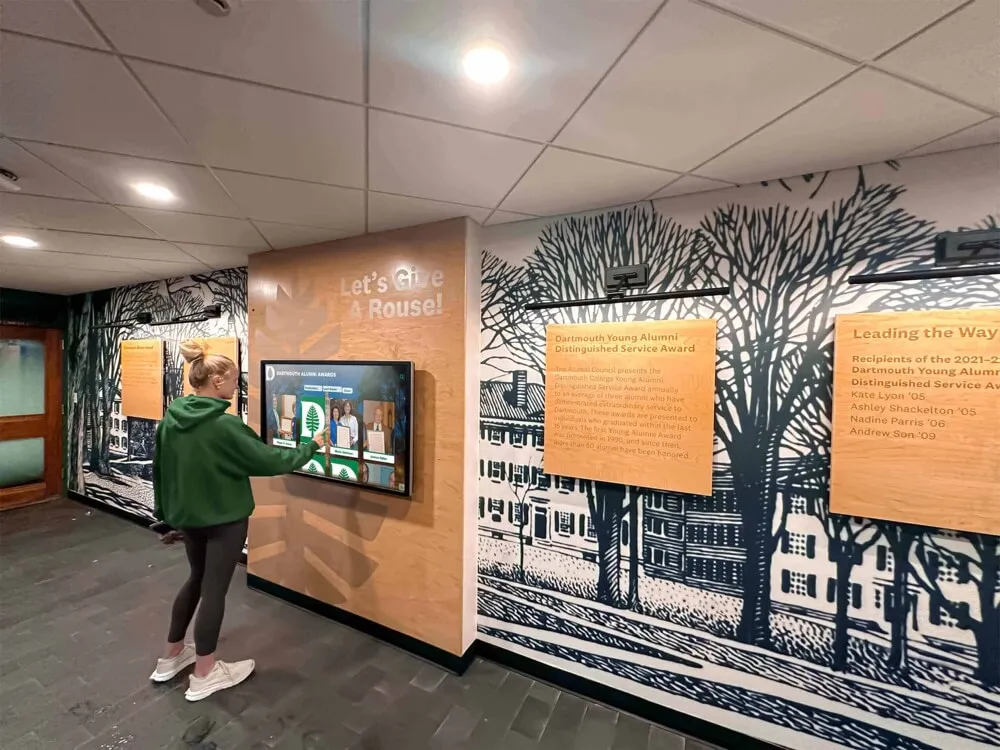
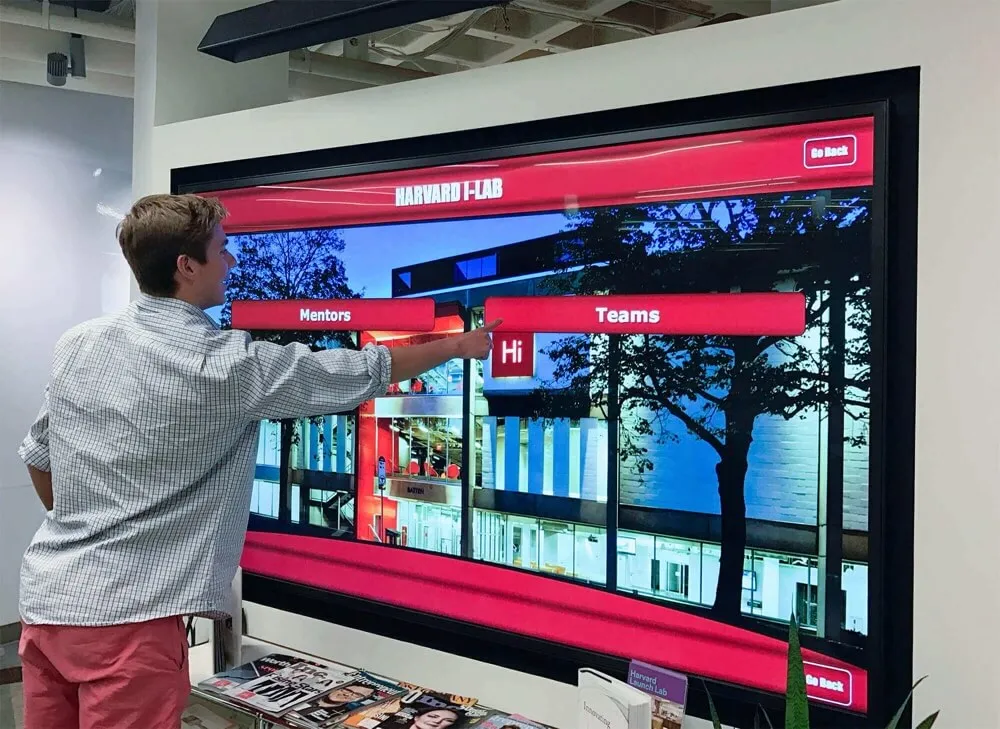
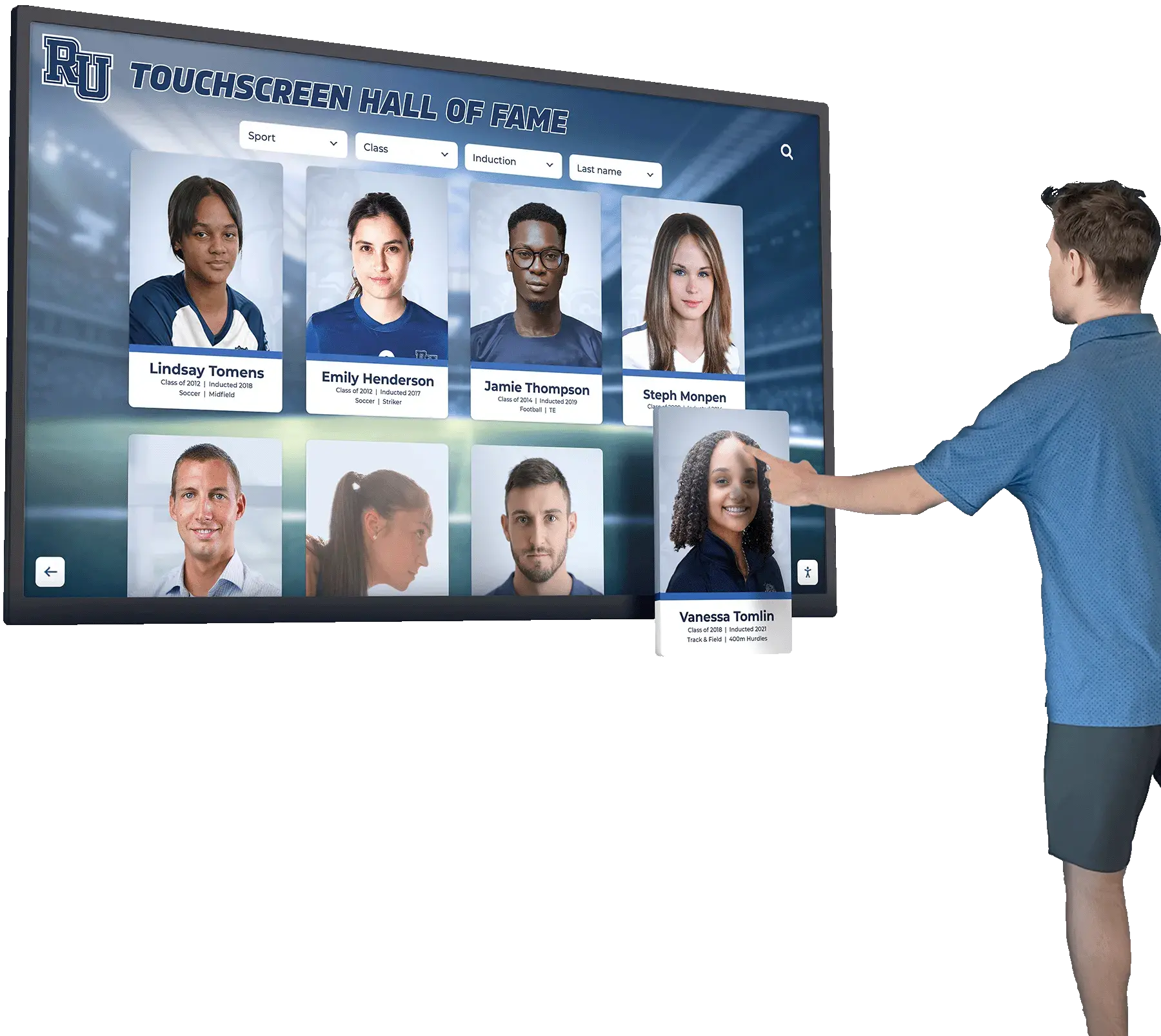
Touchscreen hall of fame displays in stadium lobbies let visitors tap athlete portraits to launch highlight videos—the immediacy of that seeking experience depends on whether the media host supports HTTP range requests so the player can fetch only the bytes covering the requested timestamp
Avoiding Proxy-Wide Changes When Fixing Range Header Stripping
When a school network proxy is identified as stripping Range headers from video requests, the temptation is to configure the proxy to pass all Range headers universally—or to disable Range header stripping as a global setting. These proxy-wide changes are the wrong approach and can disrupt content inspection policies the school relies on for CIPA compliance, acceptable use enforcement, or security monitoring.
The correct scope for a range header fix is the specific CDN hostnames serving the recognition platform’s athletic video content. Adding those hostnames—typically two to five CDN subdomains—to a proxy bypass list preserves the full proxy function for all other school network traffic and student device content while allowing the recognition display’s media requests to reach their destination servers with original headers intact.
How to apply a targeted hostname bypass:
On most school proxy appliances (Cisco Umbrella, Fortinet FortiGuard, Palo Alto Panorama, or a Squid-based transparent proxy), a proxy bypass list or SSL inspection exclusion list accepts specific domain names or CIDR ranges. The bypass should be scoped to:
- The recognition platform’s video CDN subdomains (e.g.,
cdn.recognitionplatform.comor specific cloud storage bucket domains serving.mp4files) - Only for traffic originating from the recognition display’s VLAN or IP range, if the proxy configuration supports per-source bypass rules
This scoping ensures that the bypass does not extend to general video traffic from student devices on other VLANs.
Document the bypass entries added, the date applied, and the names of the CDN hostnames bypassed. This prevents a future IT administrator from removing the bypass as an unexplained exception without understanding its purpose. Schools that have developed recognition programs honoring high school swimming records and multi-sport athletic histories understand that the technical infrastructure supporting those displays requires deliberate configuration decisions—a documented proxy bypass is one of those decisions.
What if the CDN hostnames change?
CDN infrastructure changes over time. If the recognition platform migrates to a new CDN provider or updates its domain structure, the bypass list entries may no longer match the new hostnames, and range header stripping may reappear. Re-run Step 1 of this test after any platform announcement of CDN or infrastructure changes, and update the bypass list entries if new hostnames are serving the video content.
Ongoing Monitoring and Re-Test Triggers
A range request seeking baseline documents the verified configuration at the time of testing. Several subsequent events require a re-test.
Recognition platform CDN or video hosting changes. If the platform migrates video storage to a new CDN, updates the domains serving athletic content, or changes the video delivery format (from progressive MP4 to HLS, for example), the Accept-Ranges behavior and the test URLs may change. Re-run Steps 1 through 3 after any platform release notes referencing CDN, video hosting, or media delivery changes.
School proxy appliance replacement or policy changes. A new proxy appliance or an updated proxy policy may behave differently toward Range headers. Re-run Step 5 after proxy replacements or major policy updates to confirm the range header bypass remains effective.
New recognition display installations in different locations. A display installed in a gym entrance, an alumni atrium, or a trophy room may be on a different VLAN with different proxy policy coverage. Run the full range request test for each new deployment location, since proxy bypass configurations may not apply uniformly across all VLANs.
Reports of slow seeking or “jumps to beginning” behavior. If athletes, families, or staff report that tapping a seek position in a championship highlight reel returns them to the start of the video, re-run Steps 2 and 4 immediately. This symptom is consistent with range request support having been disrupted—either by a CDN change removing Accept-Ranges support or by a proxy policy change re-enabling Range header stripping.
Transition from progressive video to adaptive streaming formats. If the recognition platform migrates archived athletic content from progressive MP4 files to HLS or DASH delivery, the player’s seeking mechanism changes and the test procedure should be updated to test individual segment URLs rather than the monolithic file URL. Schools archiving athletic display records and trophy histories from early digital eras may encounter older progressive MP4 files alongside newer adaptive-stream content; both types are worth testing independently.
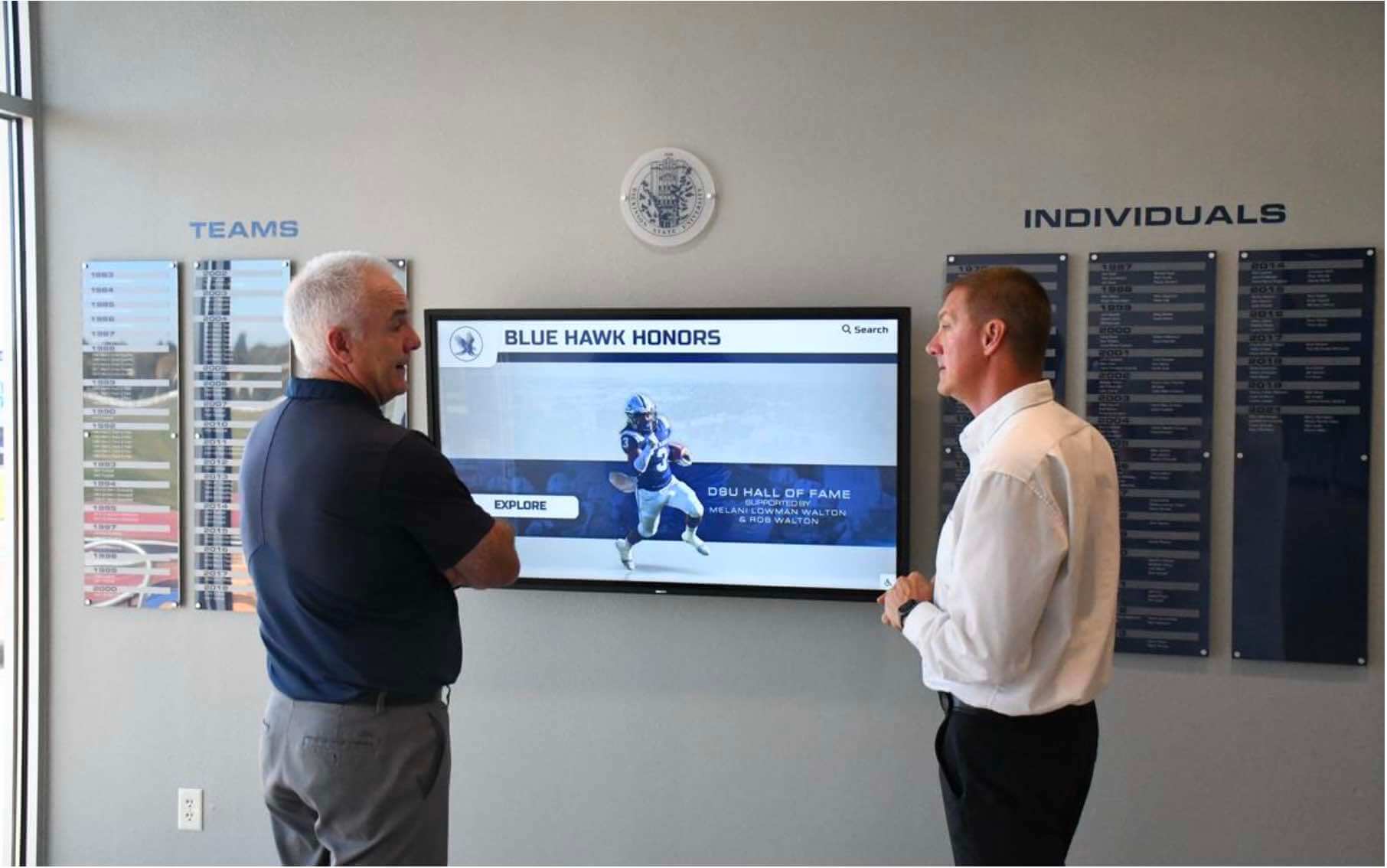
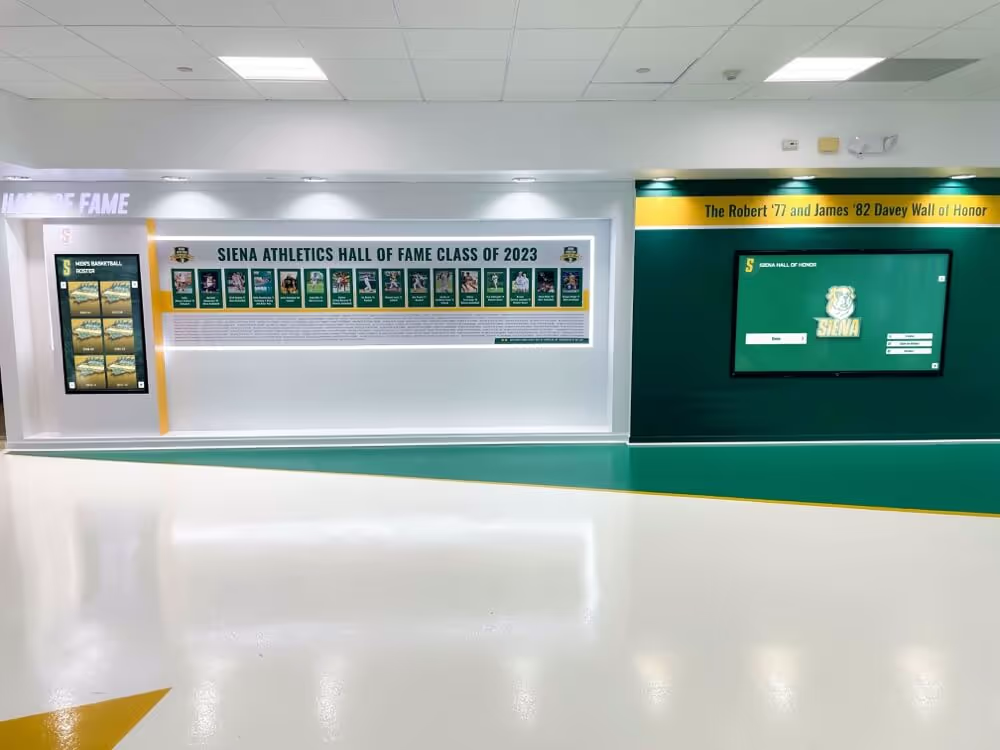
School hall of fame displays showcase decades of athletic achievement through video—HTTP range request verification confirms that the media host supports byte-range delivery so visitors can seek through championship footage, induction ceremony recordings, and season archives without experiencing avoidable buffering delays
Q&A: HTTP Range Requests and Athletic Video Seeking on School Recognition Displays
What does it look like when range requests are not supported—what will we actually see on the display?
When range support is absent, seeking behavior in the display player depends on the player implementation. Some players disable the seek bar entirely when they detect that the server does not support range requests, showing a progress bar but not allowing interaction. Others allow seek interaction but scroll the video forward from the beginning at a fast rate—visitors see video content from the start of the reel playing quickly until it reaches the requested position, which typically takes several seconds for a seek to the midpoint of a five-minute video. A third behavior is that the seek appears to work but the video stalls and restarts from the beginning because the player sent a range request, received a full 200 OK file response instead of 206, and reset playback. Any of these behaviors indicates a range support problem worth investigating with the test procedure above.
Does range request support matter equally for short clips and long videos?
The impact of missing range support scales with video length. A thirty-second highlight clip downloaded in full before seeking is a minor delay; a seven-minute championship archive downloaded in full before a seek to the four-minute mark is a substantial one. Recognition programs that archive full-season highlight reels, multi-year history videos, or induction ceremony recordings—videos that run five minutes or longer—benefit most from confirmed range request support. Short athlete introduction clips under sixty seconds show minimal difference between range-supported and full-file delivery in most school network conditions.
Can we test range request support without curl?
Yes. The browser’s DevTools Network panel shows the Range request header and the 206 response status for seeks that the media player initiates. In Chrome or Edge, open DevTools (F12), navigate to the Network panel, trigger a seek in a playing video, and filter the network requests for the video file URL. Select the request that appears after the seek and check the Request Headers for a Range header and the Response Headers for a Content-Range header with status 206. This approach is slower than curl for testing specific ranges but does not require a command-line tool and works directly on the recognition display’s browser if DevTools is accessible on the kiosk.
Our display uses HLS. Do we still need to test byte-range requests on the segments?
For typical HLS deployments, the player seeks by fetching the appropriate .ts segment file from its start—segment-level seeking means the player usually does not need sub-segment byte-range requests. However, some HLS players do use byte-range requests within the initialization segment for format negotiation, and some CDN configurations require range requests even for individual segment fetches. Run the HEAD request test (Step 1) against a .ts segment URL to confirm whether Accept-Ranges: bytes is advertised. If it is absent, and the display player shows correct seeking behavior in Step 6, segment-level seeking is working without sub-segment range requests and the absence of Accept-Ranges on segments may not be a practical problem. Document the result either way.
Should we contact the recognition platform vendor if range requests are not supported?
Yes. Range request support is a CDN and media server configuration that the recognition platform controls, not a school-side setting. If the test confirms the media host returns 200 and the full file in response to byte-range requests—from both the display VLAN and an external network—the correct path is to report the specific test commands and results to the platform vendor and ask them to confirm whether range requests are supported for the CDN endpoint serving the school’s content. Vendors who support athletic video delivery on recognition display platforms should be able to confirm or enable range request support on their CDN configuration. Providing the exact curl output from Steps 1 through 4 gives the vendor a precise technical record to act on.
What is the difference between a 416 response and a 200 response when an out-of-bounds range is requested?
A 416 Range Not Satisfiable response means the server correctly identified that the requested byte range exceeds the resource length and returned an error status per the HTTP specification. A 200 OK response with the full file when an out-of-bounds range was requested means the server ignored the Range header entirely and returned the full resource—which is the same behavior as returning 200 for a valid range request. Both outcomes for an out-of-bounds range request (Step 3) indicate the same thing: the server does not enforce range semantics. The 416 response in Step 3 is the positive indicator that the server correctly processes range requests: it understands byte ranges, checks them against the file size, and returns the appropriate error for invalid ranges.
Test Completion Checklist
Use this checklist to confirm the HTTP range request video seeking test was completed correctly and findings were documented.
- Athletic highlight video URL(s) identified from the recognition display’s active content
-
Accept-Rangesheader checked via HEAD request (Step 1); value documented - Full file
Content-Lengthrecorded from HEAD request - Byte-range request for bytes 0–1023 issued; response status documented (
206or200) -
Content-Rangeheader value confirmed in206response (format:bytes 0-1023/total) - Out-of-bounds range request issued;
416or200response documented (Step 3) - Mid-file range request issued at ~40% of file length; response status documented (Step 4)
- Same range requests repeated from external network to isolate proxy interference (Step 5)
- Proxy-in-path status documented: Via/X-Cache headers observed or absent
- CDN hostname bypass applied in proxy configuration (if proxy was stripping Range headers); re-test confirmed
206from display VLAN - Seek behavior tested in browser DevTools: Range header visible in seek request;
206status confirmed; Content-Range header present (Step 6) - Diagnosis documented: range support confirmed end-to-end, proxy bypass applied, or media host limitation requiring vendor escalation
- Findings recorded in IT runbook: video URL, Accept-Ranges status, range request responses, proxy outcome, seek test result, date, technician
- Re-test triggers documented: CDN changes, proxy policy changes, new display installations, format migrations
Building Range Request Verification Into Pre-Event Recognition Display Preparation
A recognition display that has delivered athletic video reliably for months can silently lose seeking capability after a CDN infrastructure change, a proxy policy update, or a content format migration—changes that do not disrupt video playback entirely but do degrade the seeking experience that makes athletic history navigable for visitors. A student searching for the moment their team won the regional championship, a parent looking for their athlete’s induction speech, or an alum reliving a decades-old record-breaking performance all depend on seeking that works without delay.
Adding a range request check to the pre-event preparation routine for major recognition events—hall-of-fame inductions, signing days, championship celebrations—costs less than ten minutes of IT staff time with the curl commands in this guide. The check either confirms that seeking is working correctly and documents the result, or it surfaces a range support problem while there is still time to resolve it before the event begins.
Schools building recognition programs that celebrate athletes, teams, alumni, and decades of community achievement invest in both the content and the technology to deliver it. Confirming that the network and media infrastructure layer supports immediate, reliable seeking means the display works as intended at the moment it matters most: when the people the school is honoring are in the room watching their own history unfold on the screen.
See Athletic Video and Seeking Working Live on a Recognition Display
If your school is planning or evaluating a touchscreen athletic recognition display and wants to understand the complete media delivery infrastructure—including range request support, CDN configuration, proxy requirements, and network preparation for recognition events—a live product demonstration covers those specifics alongside the content and design. Rocket Alumni Solutions works with school IT teams and athletic directors to confirm the full display path is ready before championship highlights and hall-of-fame archives go live on screens where athletes, families, and alumni will be seeking through years of school history.