



A school recognition video display DNS CNAME loop is a circular chain of DNS alias records that prevents the display from resolving the hostname of its cloud content platform, causing recognition videos, athlete profiles, and championship archives to fail to load. A CNAME loop exists when record A points to record B, record B points to record C, and record C points back to record A (or directly back to A), so the DNS resolver follows aliases indefinitely without reaching an authoritative address record. Modern resolvers detect this condition quickly and return a resolution failure rather than looping forever, but the practical result is the same: the recognition display cannot contact the content delivery network, the hall-of-fame video queue goes blank, and the display shows an error or cached placeholder during precisely the kind of event—an induction night, a championship celebration, an alumni weekend—when community members expect it to be running.
This guide walks school IT coordinators, network administrators, athletic directors, and recognition program managers through the complete diagnostic and resolution procedure: understanding what causes CNAME loops in school DNS environments, confirming a loop is the active failure mode, identifying which record in the chain creates the circular reference, correcting it at the authoritative source, and verifying resolution end-to-end before content delivery resumes on the recognition display.
When a hall-of-fame touchscreen or athletic video kiosk goes dark without any hardware or power change, the first network-layer suspect is DNS. Recognition display platforms deliver video content through hostnames—CDN edge nodes, content management endpoints, and streaming URLs—that the display must resolve before any connection can be made. A CNAME loop on any hostname in that chain stops the display cold.

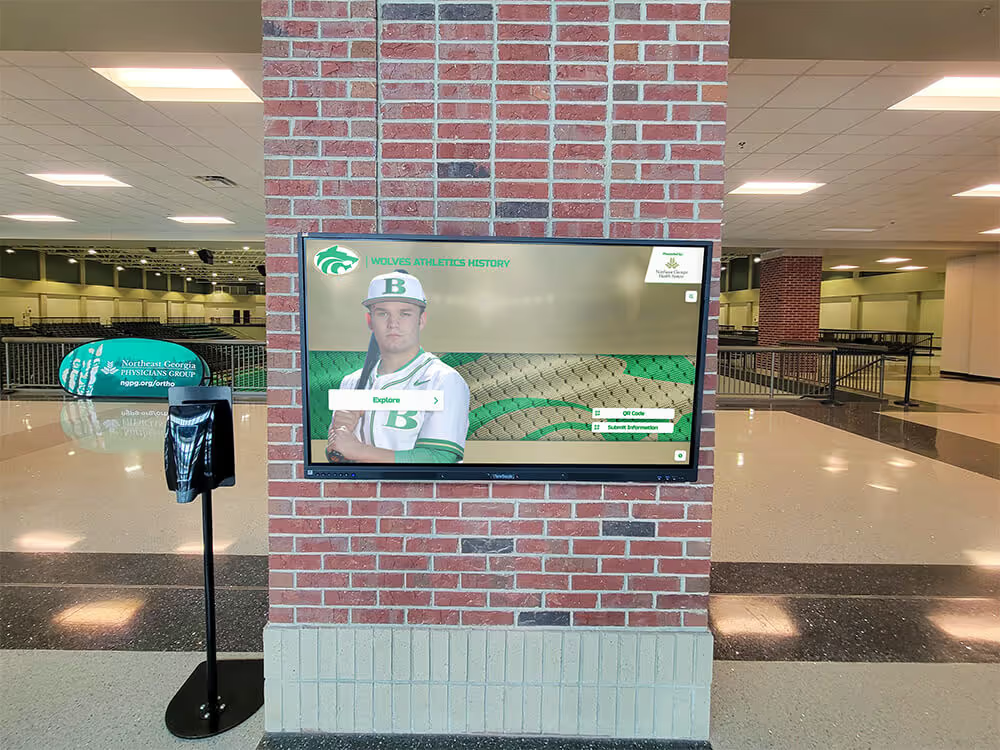
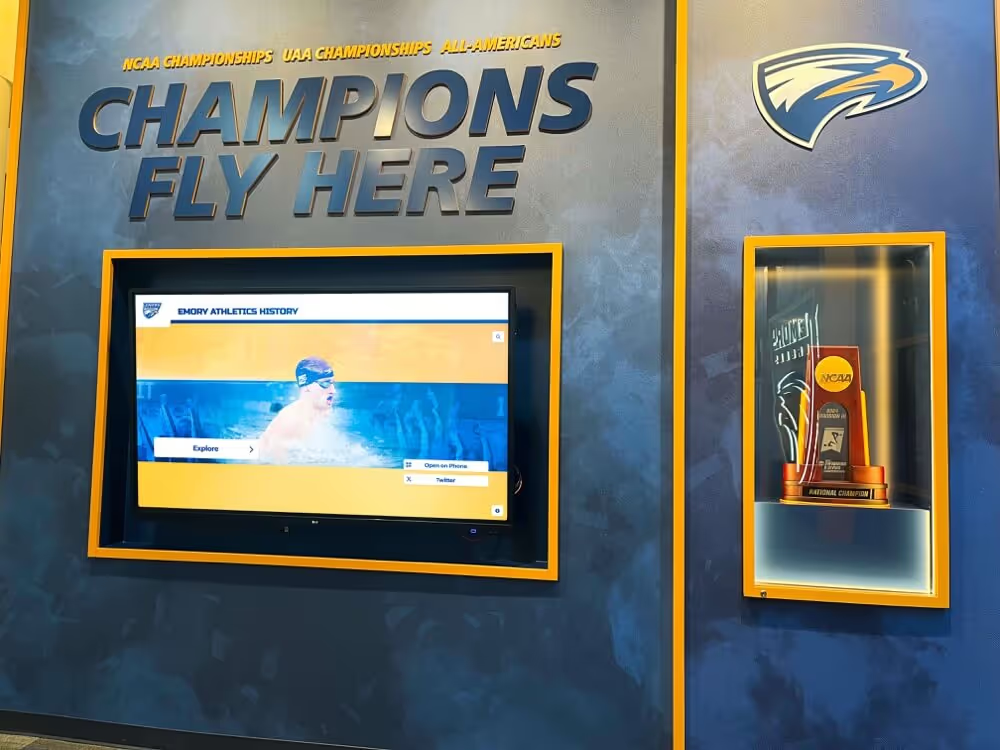
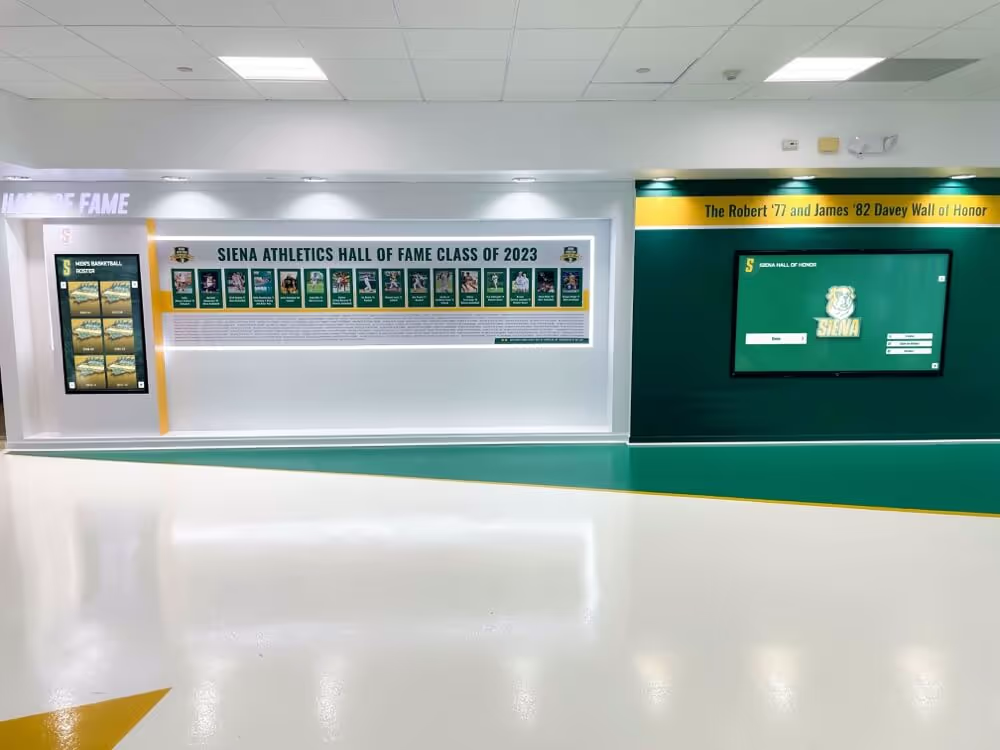
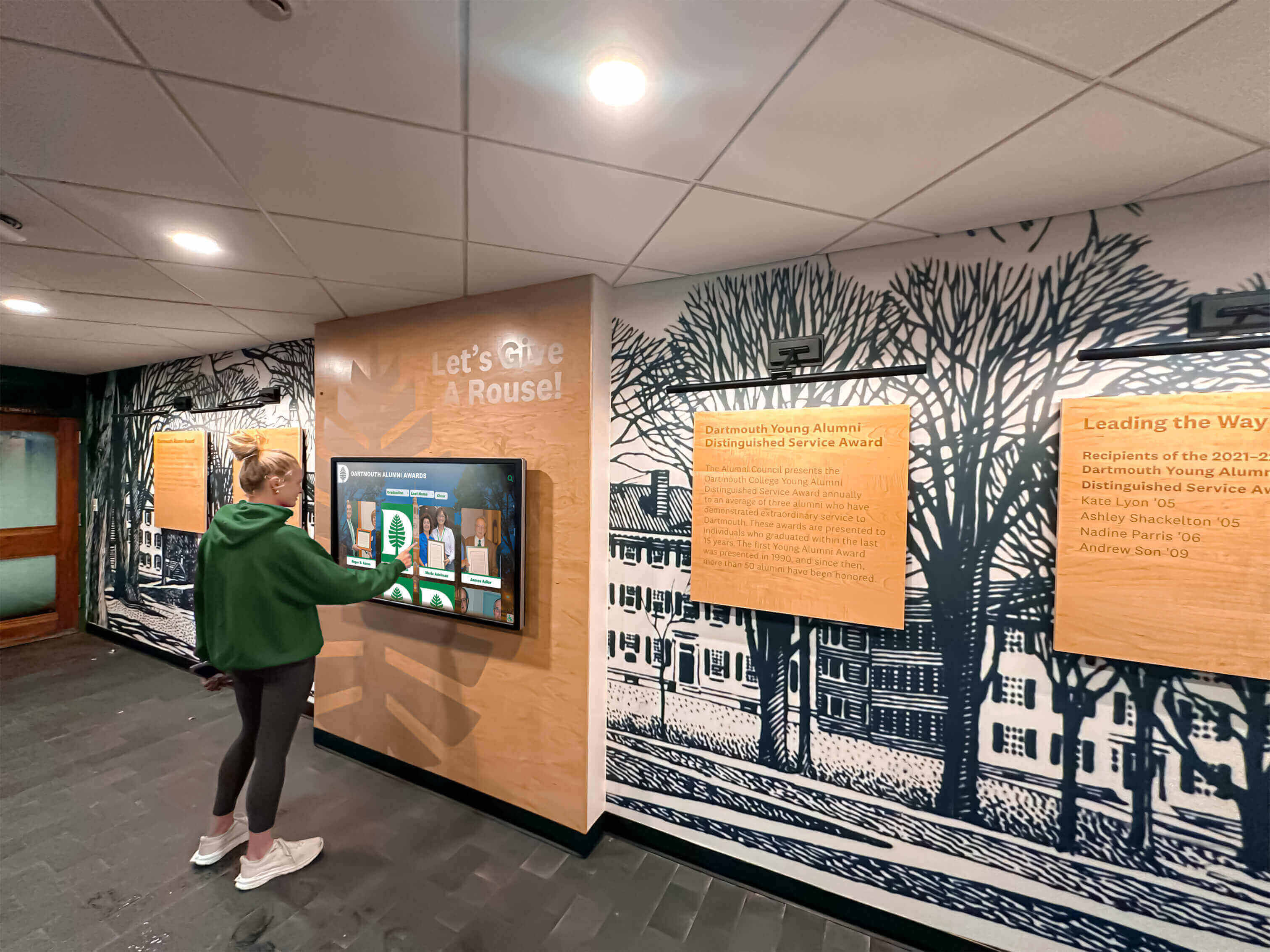
Recognition displays in school alumni hallways depend on successful DNS resolution to retrieve video content from cloud platforms—a CNAME loop at any alias in the hostname chain blocks that resolution and leaves the display unable to load athletic videos or hall-of-fame records
What a DNS CNAME Loop Is and Why It Affects Recognition Video Displays
A CNAME record (Canonical NAME) is a DNS alias that tells a resolver “this hostname is actually another hostname—go look that one up instead.” CNAME records are legitimate and widely used: content delivery networks use them to route display traffic through geographically optimal edge servers, and cloud recognition platforms use them to allow schools to use custom subdomain branding while pointing to the platform’s actual endpoints.
A loop occurs when the chain of CNAME records folds back on itself. For example:
display.school.edu  CNAME  content.cdn-platform.com
content.cdn-platform.com  CNAME  delivery.cdn-platform.net
delivery.cdn-platform.net  CNAME  display.school.edu
A resolver following this chain will follow display.school.edu → content.cdn-platform.com → delivery.cdn-platform.net → display.school.edu → and so on, never arriving at an A record (IPv4 address) or AAAA record (IPv6 address) that it can hand to the display. The resolver returns SERVFAIL or a NXDOMAIN-equivalent error after detecting the cycle, and the display reports that the hostname cannot be resolved.
How CNAME loops appear in school DNS environments. The most common causes in school recognition display deployments are:
- A school IT administrator configures a custom subdomain for the recognition display (e.g.,
halloffame.school.edu) as a CNAME pointing to the platform’s endpoint, while the platform simultaneously configures its own CNAME for that domain pointing back toward the school’s nameservers. - A recognition platform migrates its content delivery infrastructure and updates CNAME records on the platform side without coordinating with the school’s DNS administrator, creating a mid-chain reference to a now-circular destination.
- A school switches DNS hosting providers and imports existing zone records, inadvertently creating duplicates or mispointed aliases that form a loop through the new provider’s resolver.
- A content filtering or DNS security appliance in the school network intercepts and rewrites DNS queries for the recognition platform’s hostname, adding a redirect that re-enters the resolution chain at a point that creates a cycle.
Recognition displays are particularly exposed because they rely on multiple hostnames—one for the content management endpoint, one for the video CDN, one for the analytics or heartbeat service—any of which can independently enter a CNAME loop state. A single looping record in the chain is enough to prevent the video content from loading.
Schools that have configured DNS-over-HTTPS policy for managed school kiosks will notice that DoH configuration changes the resolver path for display queries, which can surface previously masked CNAME loop conditions if the DoH resolver behaves differently from the prior recursive resolver—making loop detection part of a DoH migration checklist.
Before You Start: Confirm DNS Is the Failure Layer
CNAME loop errors have visible symptoms that help distinguish them from other recognition display failures. Before beginning the loop diagnostic, confirm that DNS resolution failure—not network connectivity, content authentication, or firewall blocking—is the active failure mode.
Symptoms consistent with a CNAME loop:
- The recognition display shows a “content unavailable,” “connection failed,” or “server not found” error, not a buffering or authentication error
- The error appears immediately on content load, not after a delay (a loop fails at DNS resolution, before any TCP connection is attempted)
ping <platform-hostname>from the display network segment returns “Name or service not known,” “could not resolve host,” or a similar resolution errornslookupordigfor the platform hostname returnsSERVFAIL, a CNAME loop detection error, or a chain that visibly loops in the output- The failure affects all content from the platform, not individual videos (a loop on a CDN hostname blocks all content, not a single asset)
Symptoms that suggest a different cause:
- The display connects but video buffers indefinitely (suggests bandwidth or DNS mDNS service discovery issues rather than a CNAME loop)
- The display resolves the hostname but shows a TLS certificate error (loop is not active; this is a certificate or firewall inspection issue)
- Only some content loads while other content fails (partial failure suggests a firewall allowlist or content path issue rather than a DNS loop affecting the base hostname)
- The failure began during a school-wide DNS infrastructure change (correlate the change with the failure to confirm causality)
Once you have confirmed that DNS resolution failure matches the symptom pattern, proceed to the numbered diagnostic procedure.
School Recognition Video Display DNS CNAME Loop Troubleshooting: Numbered Procedure
Run each step in sequence. Document findings at every step; together they form the record that identifies the looping record and confirms the fix.
Step 1 — Identify every hostname the recognition display resolves
Obtain from the recognition platform vendor the complete list of hostnames the display contacts during normal operation. This typically includes:
- The primary content management API endpoint (e.g.,
api.platform.com) - The video CDN hostname or CDN-specific CNAME (e.g.,
content.cdn.platform.com) - The heartbeat or health-check endpoint
- Any custom subdomain the school’s DNS zone has been configured to point at the platform
If the vendor’s documentation does not include this list, capture it by enabling DNS query logging on the school’s recursive resolver for the recognition display’s IP address, then triggering a content reload on the display. Every hostname the display queries will appear in the log within 30 seconds of the reload.
Document each hostname. Any of them can be the entry point for a CNAME loop.
Step 2 — Run a dig trace on each hostname to identify the looping record
From a monitoring workstation on the same network segment as the recognition display (or from the display itself if it has a command shell), run a dig trace for each hostname identified in Step 1:
dig +trace <platform-hostname>
A healthy resolution will follow the delegation chain from the root zone to the authoritative nameserver and return an A or AAAA record at the end. A CNAME loop will produce one of two observable results:
- The trace terminates early with
SERVFAILor a “too many redirections” error - The CNAME chain is visible in the output as a sequence of aliases; trace the chain manually by looking at the value each CNAME record points to and confirming that value does not re-appear earlier in the same chain
If dig is not available on the monitoring workstation, use nslookup interactively:
nslookup
server <school-recursive-resolver-IP>
set type=CNAME
<platform-hostname>
Follow the chain manually by querying each CNAME value in turn until you find the record that points back to a hostname already earlier in the chain. That record is the source of the loop.
For a definitive automated detection, use dig +short to flatten the chain and check for a repeated value:
dig +short CNAME <platform-hostname>
dig +short CNAME <value-returned-above>
Continue following each returned CNAME value until a value repeats. The record whose value matches a hostname already seen is the looping record.
Step 3 — Determine where each looping record is hosted
Once you have identified the looping record—the specific CNAME whose value creates the circular reference—determine which DNS zone it belongs to and who controls that zone.
CNAME records in school recognition display environments typically belong to one of three owners:
| Record Pattern | Likely Owner | Action |
|---|---|---|
halloffame.school.edu CNAME ... | School IT / school DNS administrator | School IT corrects the record in the school’s DNS zone |
content.platform.com CNAME ... | Recognition platform vendor | Platform support team corrects the record in their DNS zone |
display.cdn.net CNAME ... | CDN provider | CDN or platform support corrects the record in the CDN zone |
Use whois <domain> or a public WHOIS lookup to confirm the registrar and nameservers for the domain hosting the looping record. Then check the authoritative nameservers for that domain:
dig NS <domain-of-looping-record>
If the authoritative nameserver belongs to the school’s DNS infrastructure (e.g., the school’s DNS hosting provider), the school IT team can correct the record directly. If it belongs to the recognition platform’s domain, contact the platform support team.
Step 4 — Map the full CNAME chain and identify the intended resolution path
Before correcting any record, map the complete intended resolution chain. This requires reviewing:
- The recognition platform’s documented DNS configuration instructions for custom subdomain setups
- Any DNS configuration change records in the school’s IT ticketing system for the past 90 days
- The DNS provider’s current zone file export for the school’s domain
The goal is to understand what the chain was supposed to look like—what A or AAAA record the final CNAME in the chain was intended to reach—so that the corrective action rebuilds the intended resolution path rather than simply breaking the loop at an arbitrary point.
A common scenario: the platform documentation instructs the school to create halloffame.school.edu CNAME platform-schools.cdn.net. The platform then creates platform-schools.cdn.net CNAME display.platform.com. At some point, display.platform.com was updated to CNAME halloffame.school.edu for custom branding purposes, completing the loop. The correct fix is to change display.platform.com to point to the actual CDN edge A record, removing the loop while preserving the custom subdomain branding.
Document the intended resolution path before making any DNS change.
Step 5 — Correct the looping CNAME record at the authoritative source
Apply the correction at the authoritative DNS zone for the looping record, using the intended resolution path documented in Step 4.
If the looping record is in the school’s DNS zone:
Access the school’s DNS management interface (the registrar’s DNS panel, a self-hosted DNS server, or the school’s DNS hosting provider portal) and locate the looping CNAME record. Change the value to the correct target—the hostname the platform documentation specifies, or the A record IP address of the CDN endpoint if the intended target is confirmed to have no further CNAME dependencies.
On a BIND-format DNS server:
; Before (looping)
halloffame.school.edu. 300 IN CNAME display.platform.com.

; After (corrected)
halloffame.school.edu. 300 IN CNAME platform-schools.cdn.net.
Increment the zone’s serial number and reload the zone:
rndc reload school.edu
If the looping record is in the platform vendor’s DNS zone:
Open a support ticket with the recognition platform vendor. Include:
- The complete CNAME chain as traced in Step 2
- The specific record creating the loop (hostname, current value, and the value it should have)
- The intended resolution path documented in Step 4
- A request for estimated time to resolution and confirmation when the change is applied
Do not attempt to correct a record in the vendor’s zone without their coordination; the vendor may have dependencies on the current configuration that require coordinated changes.
If the looping record is at the CDN layer:
Contact the CDN provider through the platform vendor’s support channel. CDN CNAME corrections typically propagate within minutes once applied, but require vendor coordination to avoid disrupting other customers sharing the CDN infrastructure.
Step 6 — Flush DNS caches and verify resolution
After the correction is applied, flush DNS caches on the school’s recursive resolver and the recognition display to ensure queries use the updated records rather than cached loop-state entries.
On a BIND recursive resolver:
rndc flush
On a Windows DNS Server:
dnscmd /clearcache
On the recognition display (Windows):
ipconfig /flushdns
On Linux:
systemd-resolve --flush-caches
On macOS:
sudo dscacheutil -flushcache; sudo killall -HUP mDNSResponder
After flushing, re-run the dig trace from Step 2:
dig +trace <platform-hostname>
Confirm that the trace now follows a clean CNAME chain ending in one or more A or AAAA records without revisiting any hostname. The final resolution should match the intended resolution path documented in Step 4.
Step 7 — Confirm athletic video content loads on the recognition display
After confirming DNS resolution is clean, navigate to the recognition display’s content interface and trigger a full content reload. Verify that:
- Athletic video content loads without buffering errors or blank screens
- Athlete profiles, championship records, and hall-of-fame archives are accessible
- The display’s cloud sync status shows a successful connection timestamp within the expected heartbeat interval
If video content still does not load after DNS resolution is confirmed, the failure has shifted layers—proceed with firewall allowlist verification, TLS certificate inspection, or platform authentication troubleshooting as a separate diagnostic. The CNAME loop is resolved; the remaining issue is above the DNS layer.
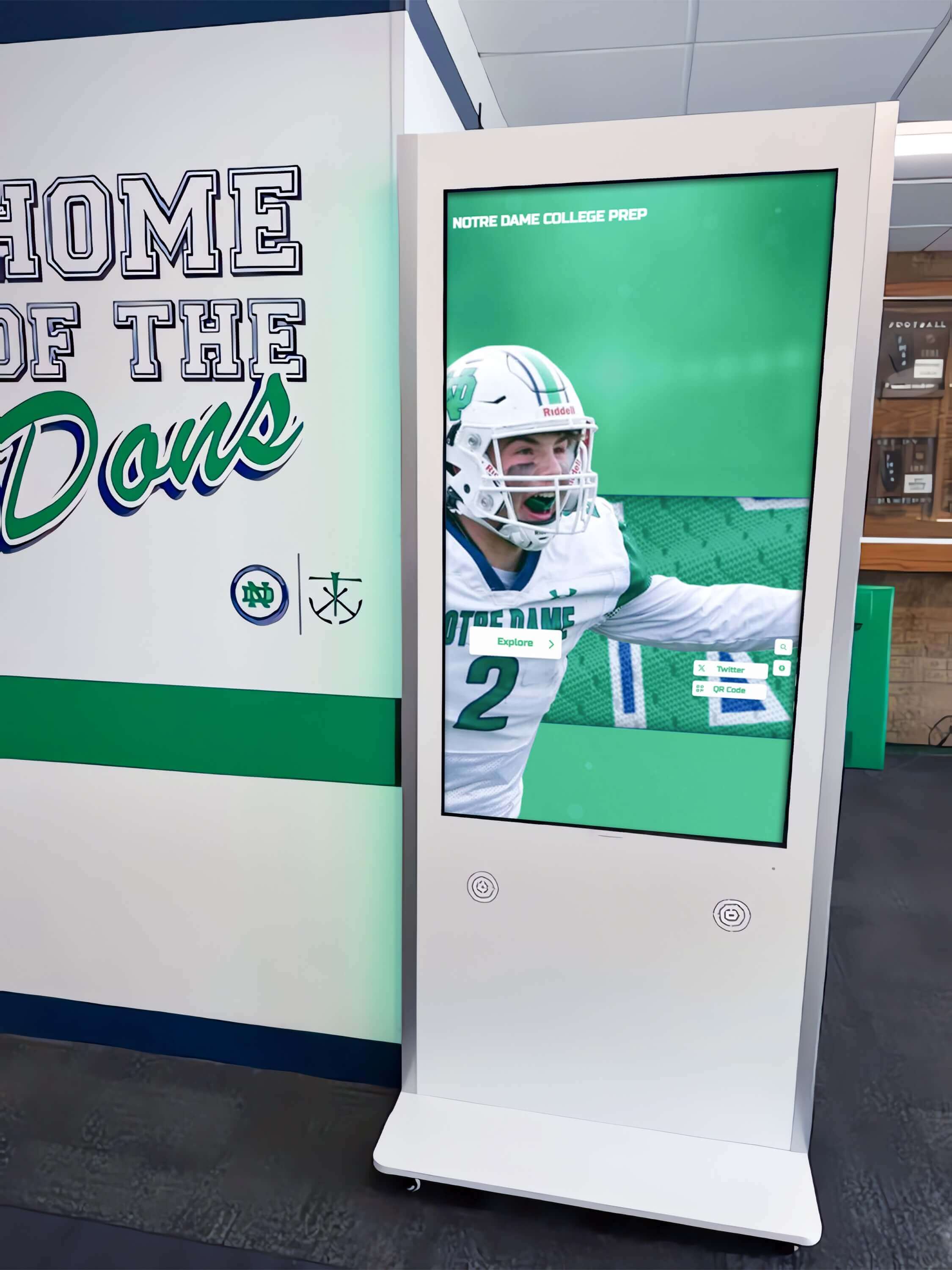
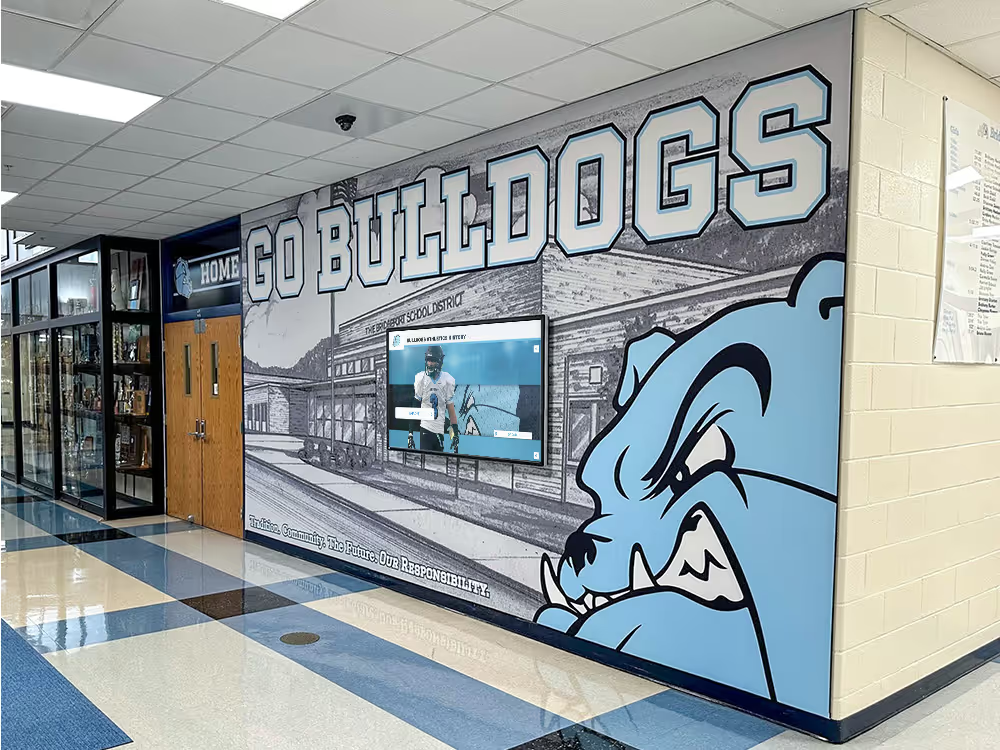
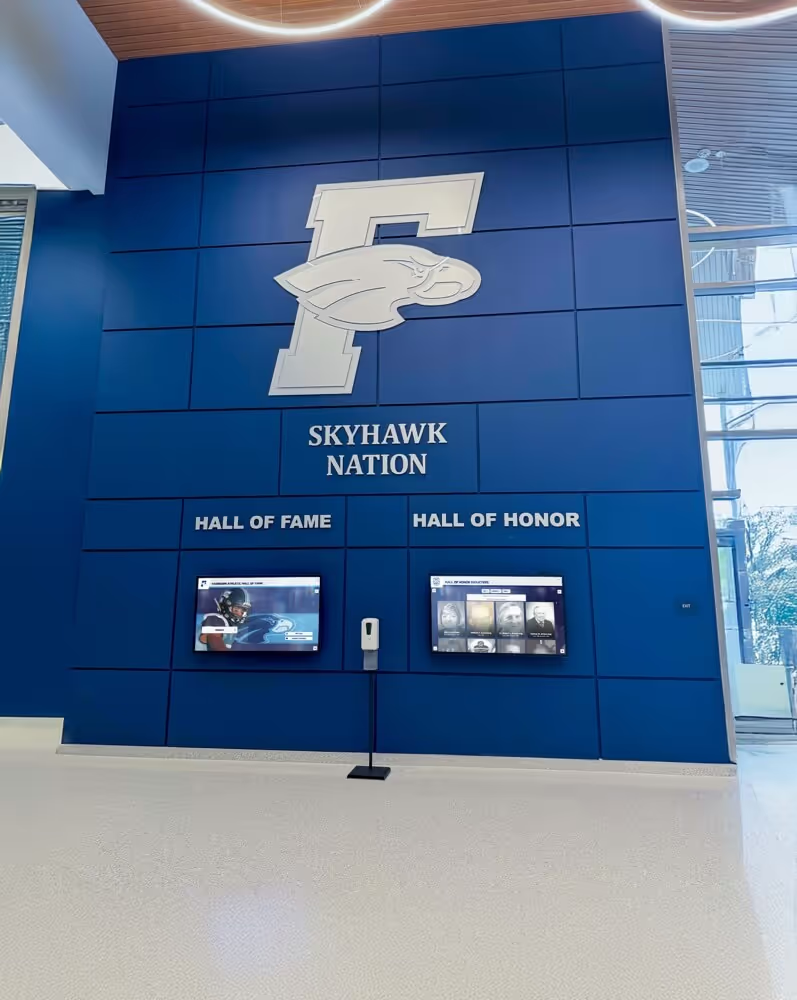
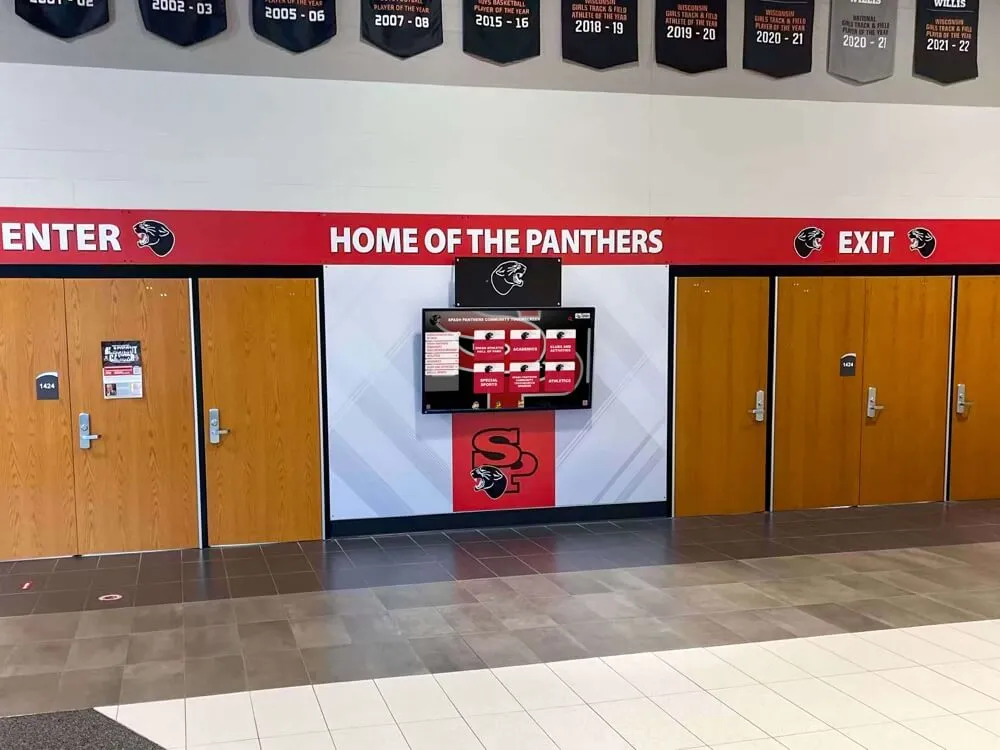
Athletics hallway kiosks displaying championship records and video content depend on clean DNS resolution to reach their cloud platform—verifying content loads after a CNAME loop fix confirms the complete resolution chain is functional
CNAME Loop Decision Table
Use this table to identify the next action based on what you observe when running the diagnostic.
| Observation | Diagnosis | Next Step |
|---|---|---|
dig +trace returns SERVFAIL immediately | Resolver detected a loop or NXDOMAIN condition | Run dig +short CNAME on each hostname in turn to map the chain manually |
dig +trace shows a CNAME chain that revisits a hostname | Confirmed CNAME loop; loop entry point visible | Identify the record whose value points to a hostname already in the chain |
Loop record is on school.edu zone | School IT controls the zone | Correct the CNAME in the school’s DNS management interface |
Loop record is on platform.com or cdn.net zone | Vendor controls the zone | Contact platform vendor support with chain details and intended fix |
dig +trace resolves cleanly; display still shows error | DNS loop is resolved; failure is at a higher layer | Check firewall allowlists, TLS certificates, and platform authentication |
| Resolution succeeds from monitoring workstation but fails from display | DNS resolver difference or display-specific DNS config | Check the display’s configured DNS server; confirm it is not using a local resolver with stale cache |
| Loop appeared after a DNS hosting migration | New provider imported mispointed records | Review zone file import for duplicate or mispointed CNAME entries; correct at new provider |
| Loop appeared after recognition platform infrastructure change | Platform updated its own CNAME chain and created a back-reference | Contact platform vendor; request coordination on CNAME record correction |
Understanding CNAME Loop Sources in School DNS Environments
School DNS configurations accumulate complexity over time: multiple IT administrators manage zones across tenure periods, recognition platform vendors update their CDN infrastructure, and DNS hosting providers migrate between systems. Each transition creates opportunities for circular references. Understanding the most common loop sources helps IT teams avoid introducing new loops during future changes.
Custom Subdomain Branding Misconfigurations
Recognition platforms often invite schools to configure a custom subdomain—halloffame.school.edu—that resolves to the platform, allowing the display to show a school-branded URL. If the school creates halloffame.school.edu CNAME display.platform.com and the platform later creates display.platform.com CNAME halloffame.school.edu to route custom-branded requests through the school’s subdomain, the loop is complete. The fix is to remove the back-reference on the platform side and point display.platform.com directly to the CDN edge address.
Platform CDN Migration Without Coordinated Zone Updates
When a recognition platform migrates from one CDN provider to another, it updates its own CNAME records to point at the new CDN. If a school has an old reference in its zone pointing to the platform’s legacy CDN record, and the platform’s new CDN configuration includes a CNAME pointing toward the school’s subdomain (for traffic routing), a loop can form through the combination of the old school record and the new platform record. Coordinating CDN migrations with school IT administrators—or providing a step-by-step zone update checklist—prevents this category of loop.
Schools also running loop guard compatibility tests for recognition display uplinks at the switch layer will recognize that network-layer loops and DNS-layer loops are distinct failure modes that can occur independently: a Spanning Tree loop guard issue affects frame forwarding, while a DNS CNAME loop affects name resolution. Both categories must be tested separately.
DNS Security Appliance Redirection
Content filtering and DNS security appliances in school networks sometimes redirect queries for certain hostnames to a local block page or safe browsing proxy. If the appliance is configured to redirect queries for a recognition platform domain to a local hostname that itself resolves through the platform domain, it can close a loop through the appliance’s own redirect chain. Check the DNS security appliance’s redirect rules for any entries matching recognition platform hostnames.
Stale Records After Vendor Offboarding
When a school transitions from one recognition platform to another, DNS records pointing to the previous vendor’s endpoints are sometimes not fully removed. If the new vendor’s configuration includes a CNAME that references the old vendor’s endpoint (perhaps for content migration purposes), and the old vendor’s endpoint still has a CNAME pointing to the school’s subdomain, a loop forms through the inter-vendor chain. Confirm that all DNS records from previous vendors are removed before going live with a new recognition platform.
Platform Configuration Reference: CNAME Chains for Common School DNS Setups
| Configuration | Expected Chain | Loop Risk |
|---|---|---|
| School custom subdomain pointing to vendor platform | school.edu CNAME → platform.com CNAME → cdn.net A | High if platform adds back-reference to school subdomain |
| Vendor provides direct CNAME; school does not configure custom domain | platform.com CNAME → cdn.net A | Low; school zone has no entry in the chain |
| School’s DNS security appliance intercepts platform queries | platform.com → appliance redirect → local resolver → platform.com | High if appliance redirect re-enters the platform’s hostname |
| Platform migrates CDN; school zone not updated | old-school-cname.edu → legacy-cdn.net CNAME → new-platform.com CNAME → old-school-cname.edu | High; loop forms through legacy CDN entry |
| DoH resolver in use on display | DoH resolver path may differ from standard recursive resolver | Medium; DoH may resolve differently, surfacing loops masked by prior resolver behavior |
Ongoing DNS Health Checks for Recognition Display Deployments
A CNAME loop diagnostic addresses the immediate failure. Preventing future loops requires building DNS resolution verification into the school’s recognition display maintenance cycle.
After every DNS change affecting school-managed zones, run dig +trace on all recognition platform hostnames from the school’s recursive resolver. A clean trace before and after the change is a two-minute verification that prevents loop conditions from reaching the recognition display in production.
After every recognition platform infrastructure announcement, re-run the trace on all platform hostnames. Platform migrations are the most common source of loop introductions outside the school’s direct control. A proactive trace immediately after a platform announcement—before the display reports a failure—gives the school IT team lead time to coordinate corrections with the vendor.
After DNS hosting provider migrations, export and compare the zone file before and after migration. Automated import tools sometimes create duplicate CNAME entries or mispoint aliases, and a comparison immediately after import identifies anomalies before they affect display operations.
Schools implementing hall-of-fame video archive content delivery for multi-year athletic records will find that video archive content places sustained DNS resolution demands on the display—historical content retrieval generates resolution queries across multiple CDN hostnames. A loop on any of those hostnames silences the archive entirely, making pre-event DNS verification especially important for programs with deep video libraries.
Schools hosting video content for recognition programs that span multiple seasons—including the kind of historic video archives described in recognition video content guides for community recognition programs—benefit from documenting the complete expected DNS chain for their recognition platform as part of IT runbook maintenance, so any deviation from that chain is immediately visible during troubleshooting.
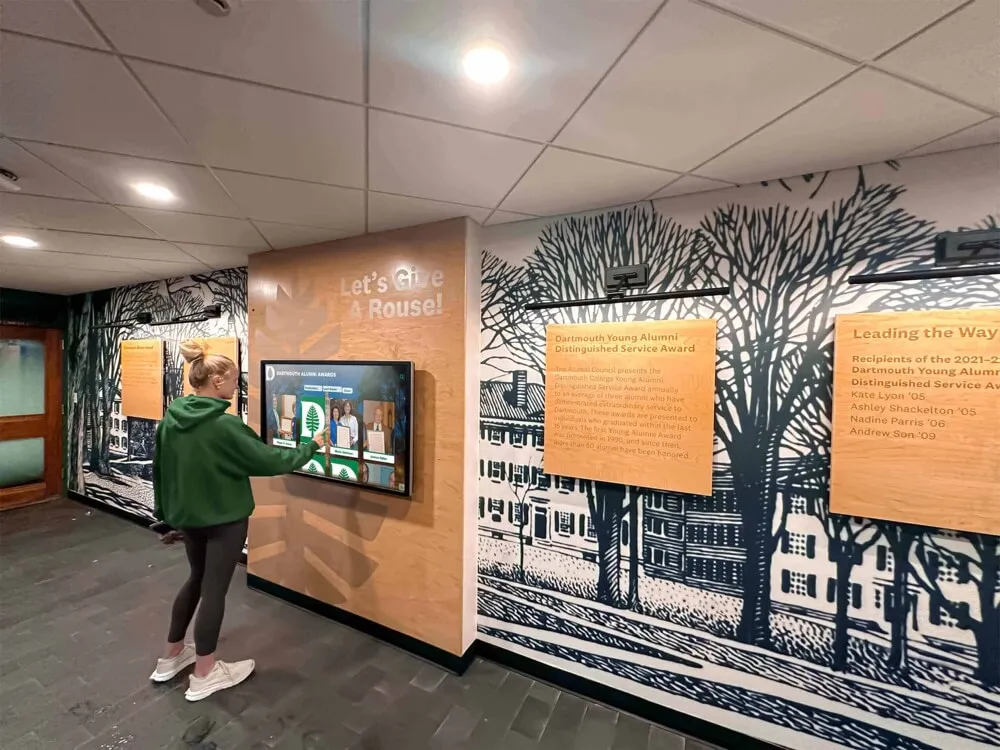
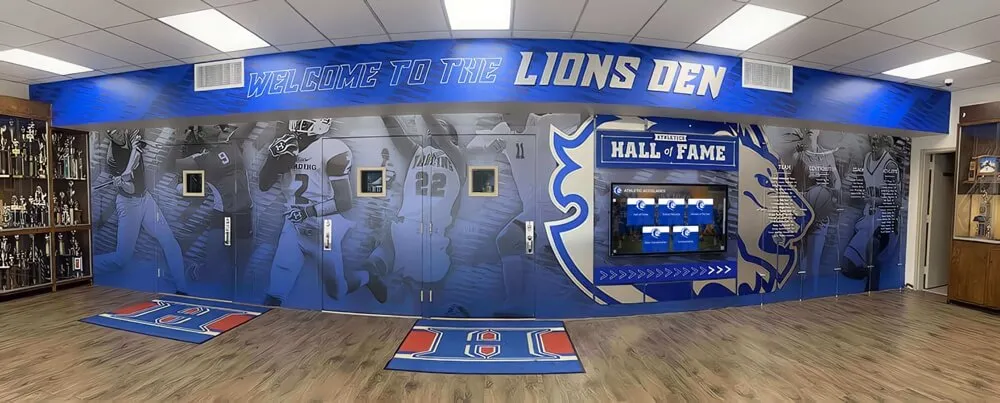
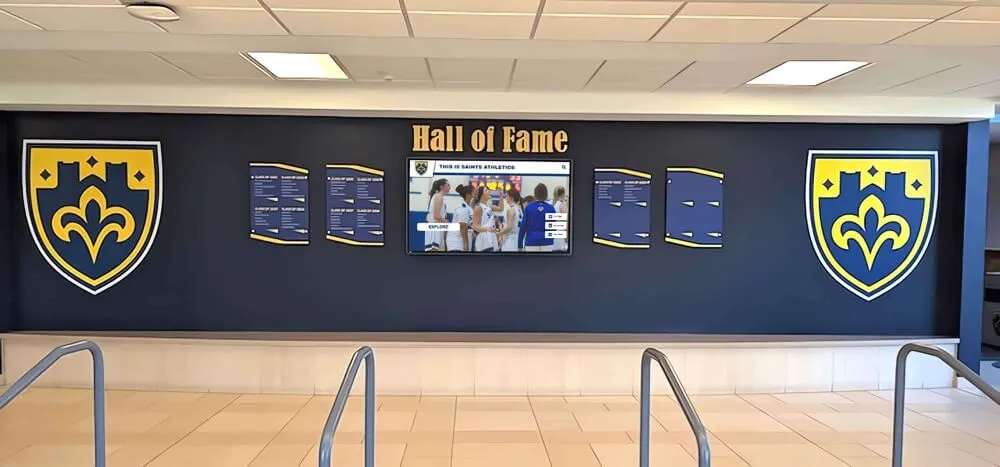
School lobby recognition displays are most visible during induction events and alumni nights—verifying DNS resolution as part of pre-event preparation ensures video content and athlete profiles load correctly when community attendance is highest
Q&A: DNS CNAME Loops and School Recognition Video Displays
What is the fastest way to confirm a CNAME loop is the cause of our recognition display failure?
Run dig +short <platform-hostname> from a workstation on the same network segment as the recognition display. A healthy response returns one or more IP addresses at the end of the chain. A CNAME loop returns a SERVFAIL or shows the same hostname appearing twice in the chain output. If you do not have dig available, nslookup <platform-hostname> on Windows returns a “Non-existent domain” or “Server failure” error when a loop is detected. Either tool gives you a result in under ten seconds.
Our DNS administrator left the school recently and we are not certain which records exist in our zone. Where do we start?
Request a full zone file export from your DNS hosting provider. Every managed DNS provider can export the current zone as a text file in BIND format. Review every CNAME record in the zone and trace each one manually to confirm it terminates in an A or AAAA record without revisiting any hostname in the chain. A zone audit after an administrator transition is a standard IT handover practice that surfaces not only CNAME loops but also stale records from previous vendors and outdated IP references.
Can a CNAME loop affect only some recognition display content and not all of it?
Yes, if the loop affects only one of the hostnames the display contacts—for example, the video CDN hostname but not the content management API hostname—then content management functions (profile updates, layout changes) may continue to work while video content fails to load. The display may appear operational for non-video content while all video is inaccessible. Trace each hostname independently in Step 2 to confirm which specific hostname is looping.
How long does it take for a CNAME correction to propagate?
DNS propagation time depends on the TTL (time to live) value set on the looping record at the time the loop was introduced. If the record has a TTL of 300 seconds (five minutes), caches holding the looped value expire within five minutes of the correction being applied. If the TTL is 86400 seconds (24 hours), stale caches can persist for up to a day, though most recursive resolvers honor TTL expiry accurately. Flushing the school’s recursive resolver cache (Step 6) and the display’s local cache eliminates the TTL wait for those caches specifically; external resolvers will update within the TTL period.
Should we use a short TTL on recognition platform CNAME records to make future corrections faster?
A short TTL on records that are likely to change—custom subdomain CNAMEs that point to vendor-managed endpoints—reduces recovery time when a loop or misconfiguration occurs. A 300-second TTL is a reasonable value for records that may change as part of CDN migrations or platform updates. Records that are stable and unlikely to change can use longer TTLs (3600 seconds or more) to reduce resolver query load. Discuss TTL values with the recognition platform vendor when initially configuring custom subdomain records.
Our school’s content filter intercepts DNS queries for the recognition platform and redirects them. How do we confirm it is not creating a loop?
Query the platform hostname directly using the school’s recursive resolver (bypassing the filter, if possible) and compare the result to a query through the filter. You can bypass many DNS filters by querying an authoritative nameserver directly:
dig @8.8.8.8 +trace <platform-hostname>
Compare this result to the result from the school’s resolver. If the public resolver returns a clean chain and the school’s resolver returns SERVFAIL, the filter’s redirect logic is involved in the loop. Review the filter’s redirect rules for the platform’s hostnames and confirm the redirect target resolves without looping back through the platform domain.
Is a CNAME loop the same as a DNS round-robin configuration?
No. A DNS round-robin returns multiple A records for the same hostname, distributing queries across several IP addresses. A CNAME loop creates a circular alias chain that never reaches any IP address. Round-robin is a normal load-balancing technique; a CNAME loop is always a misconfiguration. Recognition platforms commonly use round-robin at the CDN level to distribute traffic, and this is healthy behavior—only a circular alias chain is a problem.
What should we include in the support ticket when a vendor-side CNAME record is causing the loop?
Provide: (1) the complete output of dig +trace <platform-hostname> showing the looping chain, (2) the specific record hostname and its current value that creates the circular reference, (3) the record value you believe it should have based on the platform’s documentation, (4) a timestamp showing when the display first reported a failure (to help the vendor correlate with any infrastructure change on their side), and (5) a contact for follow-up confirmation once the correction is applied. A complete ticket eliminates the back-and-forth that extends resolution time.
Test Completion Checklist
Use this checklist to confirm the CNAME loop diagnostic and resolution procedure was completed correctly.
- All recognition platform hostnames identified (content API, video CDN, heartbeat endpoint, custom subdomain)
-
dig +tracerun on each hostname; CNAME chain documented for each - Looping record identified: hostname and current value that creates the circular reference
- Zone owner of the looping record confirmed (school DNS zone or vendor DNS zone)
- Intended resolution path documented from platform DNS configuration documentation
- Corrective action applied: looping CNAME updated to non-circular target at authoritative zone
- DNS caches flushed on recursive resolver and recognition display
-
dig +tracere-run after correction; chain confirmed to terminate in A or AAAA record without circular references - Athletic video content confirmed loading on recognition display after DNS fix
- Display cloud sync status showing successful connection timestamp
- Findings documented in IT runbook: looping record, zone owner, correction applied, propagation time, test date, technician
Building DNS Verification Into Pre-Event Recognition Display Preparation
A recognition display that has been delivering video content reliably for weeks can encounter a CNAME loop condition overnight if a platform CDN migration updates records in a way that creates a circular reference. The loop may appear at any time without any action by the school’s IT team, which makes periodic verification—not just reactive troubleshooting—part of a mature recognition display management practice.
Running dig +trace on each recognition platform hostname takes under five minutes for a typical deployment. Adding this check to the pre-event preparation checklist—alongside power, display calibration, and content currency verification—ensures that DNS resolution is confirmed before the event begins rather than diagnosed while guests are watching a blank screen.
Schools that display dark video content alongside bright athlete portraits also benefit from recognition display dark photo and video quality testing to confirm that video content renders correctly once DNS resolution is confirmed—a clean DNS chain guarantees the content reaches the display, while a display calibration check guarantees it renders correctly when it does.

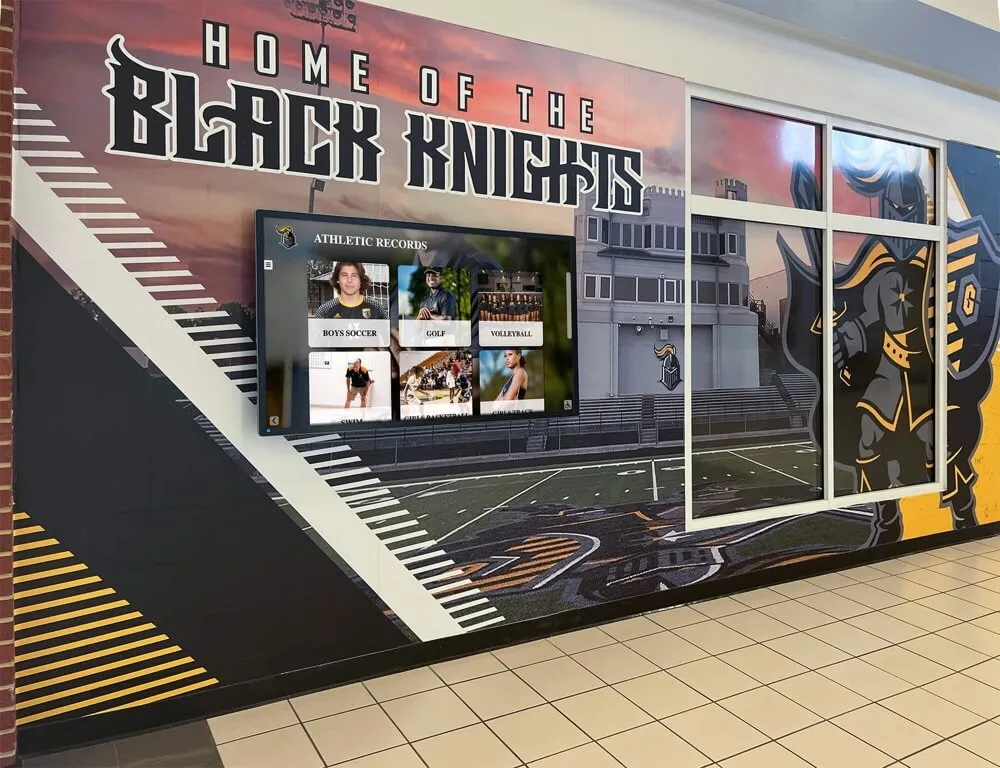
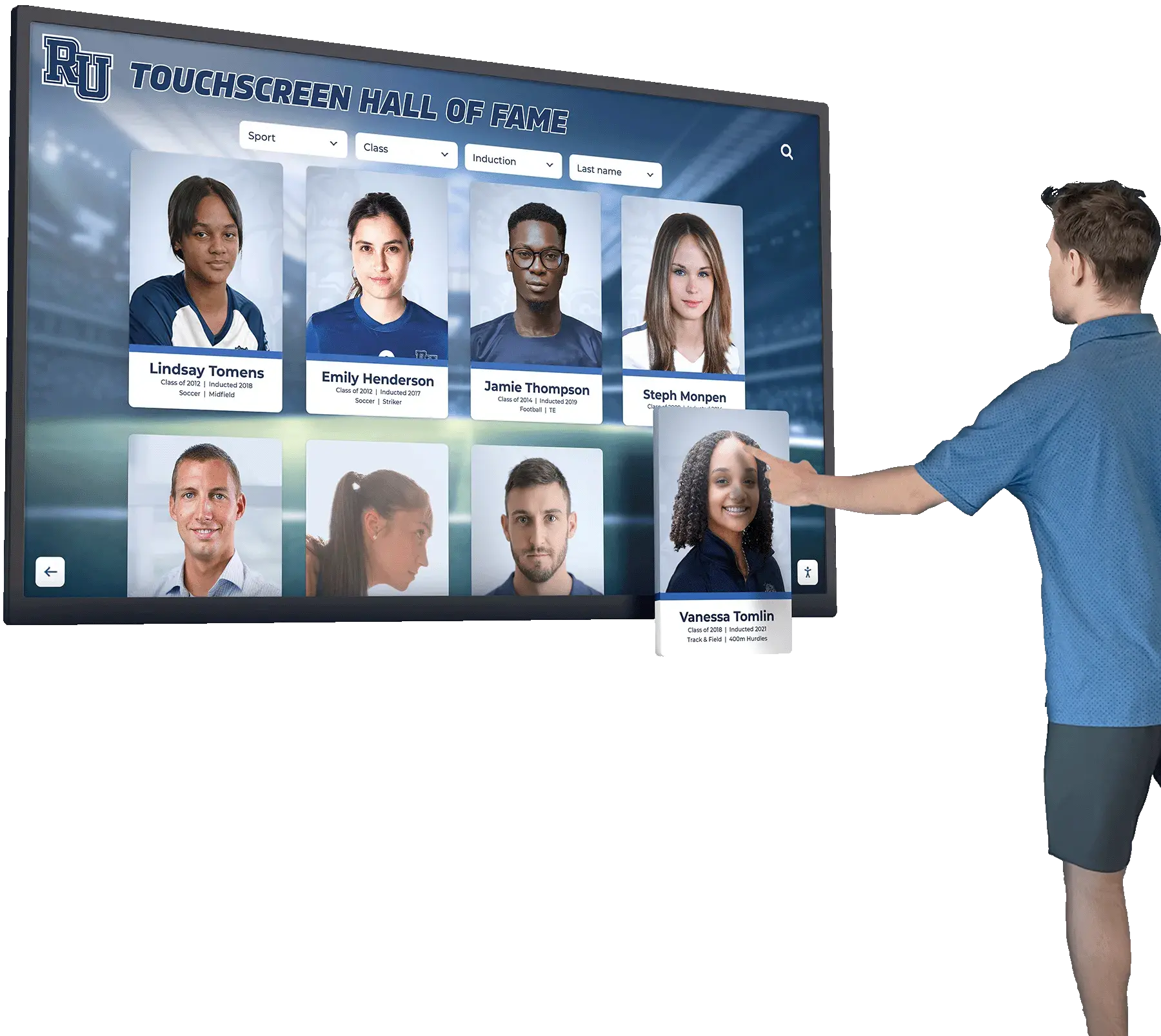
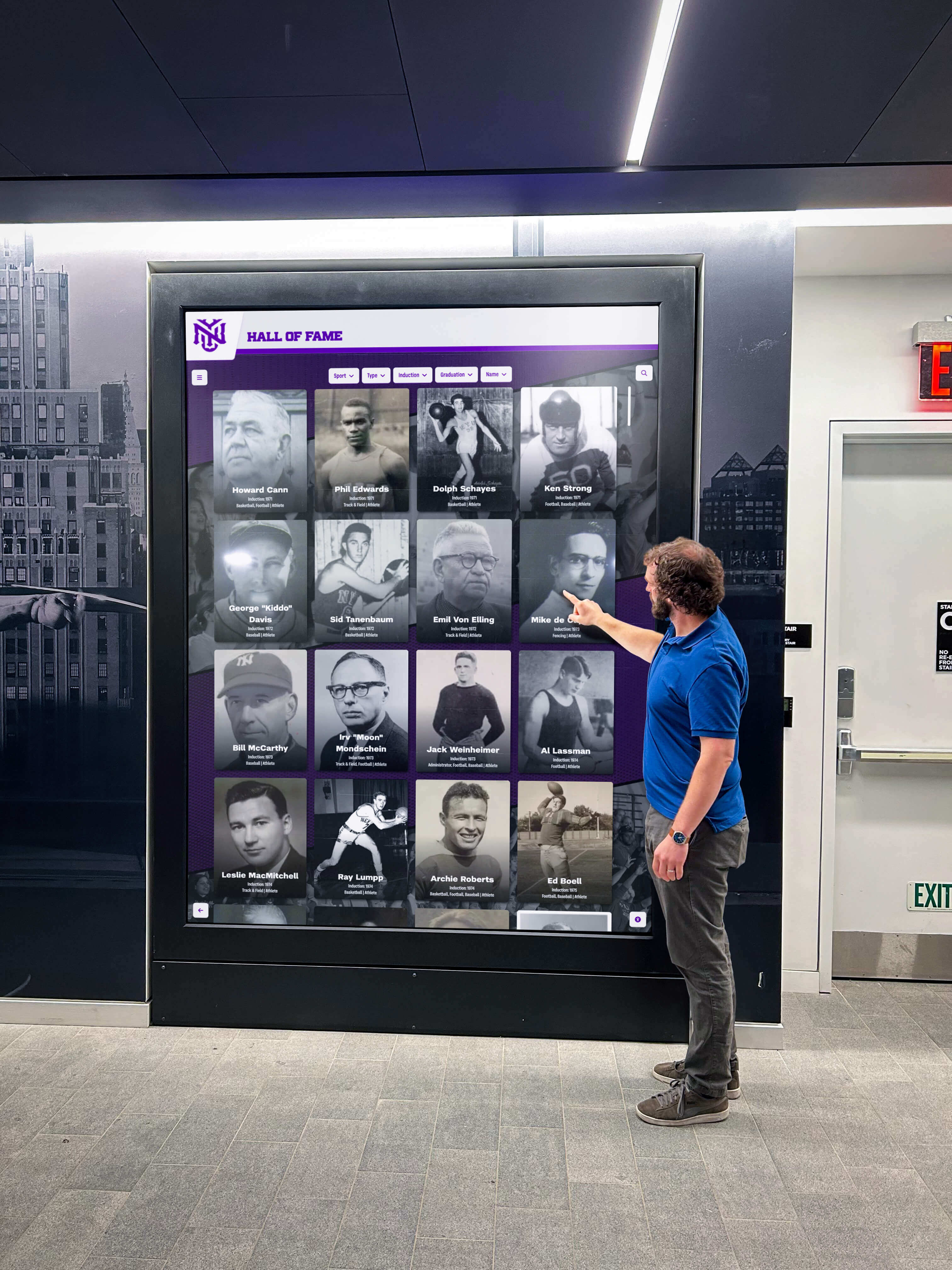
Athletic hallway recognition displays serve championship archives and video content to community members at peak-visibility events—DNS health verification before those events ensures a CNAME loop does not prevent video from loading at the moment it matters most
Schools building recognition programs that honor athletes, championship teams, and community contributors through video archives and interactive displays invest in the content layer: producing highlight reels, curating records, and maintaining hall-of-fame inductee profiles. The DNS layer is the path through which that content reaches the display, and a CNAME loop severs that path entirely. A disciplined DNS verification practice—confirming that every hostname in the resolution chain terminates in an address record without circular references—protects that investment so the content the school has assembled actually reaches the screens where students, families, and alumni are looking.
See a School Recognition Video Display Working Live
If your school is evaluating or deploying a touchscreen recognition display and wants to understand the complete infrastructure requirements—including DNS configuration, network segmentation, firewall allowlists, and cloud platform traffic patterns—a live product demonstration gives your IT team and athletic director those answers in one session. Rocket Alumni Solutions documents network and DNS requirements for recognition display deployments and works alongside school IT teams to confirm the resolution path is correct before the first championship highlight goes live.