



Media day pictures do far more than fill a school website gallery. When athletic departments collect the right poses, captions, and permissions on a single shoot day, those images become source material for season rosters, award ceremony slides, senior tribute videos, hall of fame entries, digital lobby displays, and reunion archives—sometimes for decades. The key is treating media day as a data-collection exercise, not just a photography session.
The short answer: a strong media day system captures each athlete in at least two poses (headshot and action stance), attaches a structured caption containing name, graduation year, sport, position, and jersey number, and secures written permission covering all intended display uses before the images leave the photographer’s card. Everything else—how they appear on a scoreboard, a digital trophy case, or a 10-year reunion wall—flows from getting those three things right on shoot day.
This guide walks through every stage of a school athletics media day: planning poses for multiple downstream uses, writing captions that travel cleanly across display contexts, building a permission and records workflow that satisfies district policy, and connecting still photography to the digital recognition systems that keep athlete images visible long after graduation.

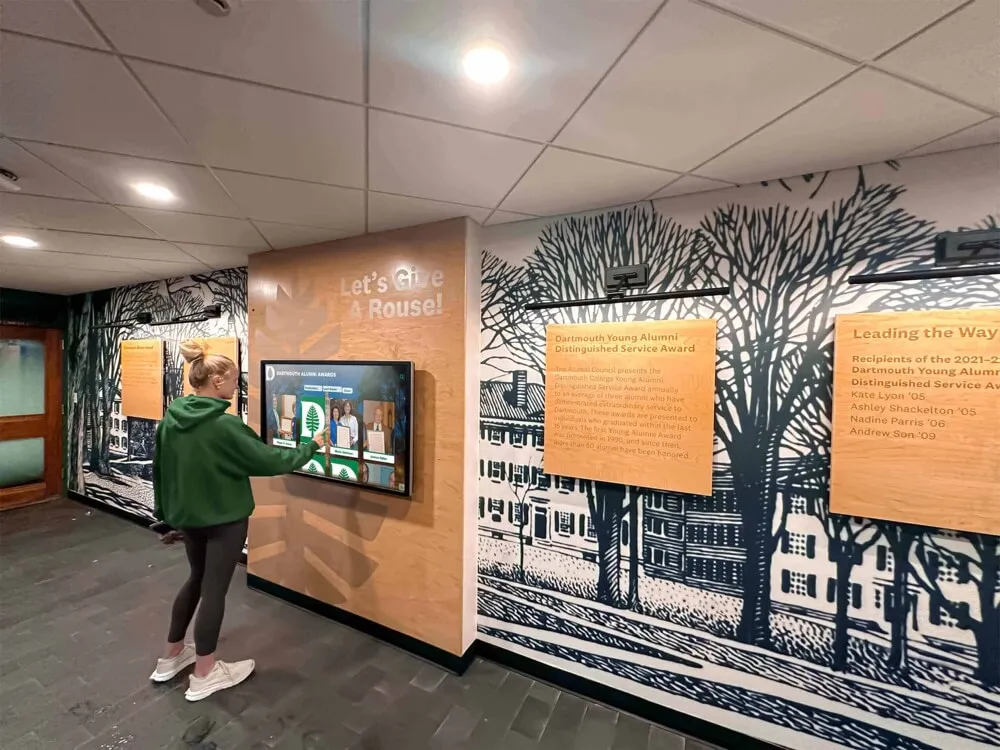
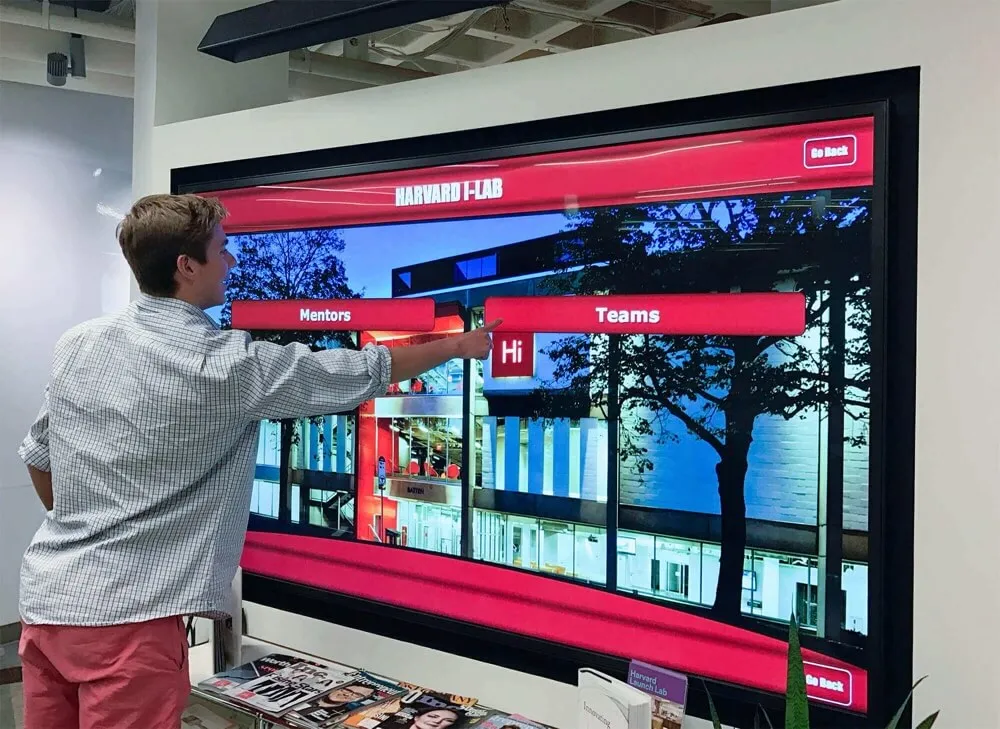
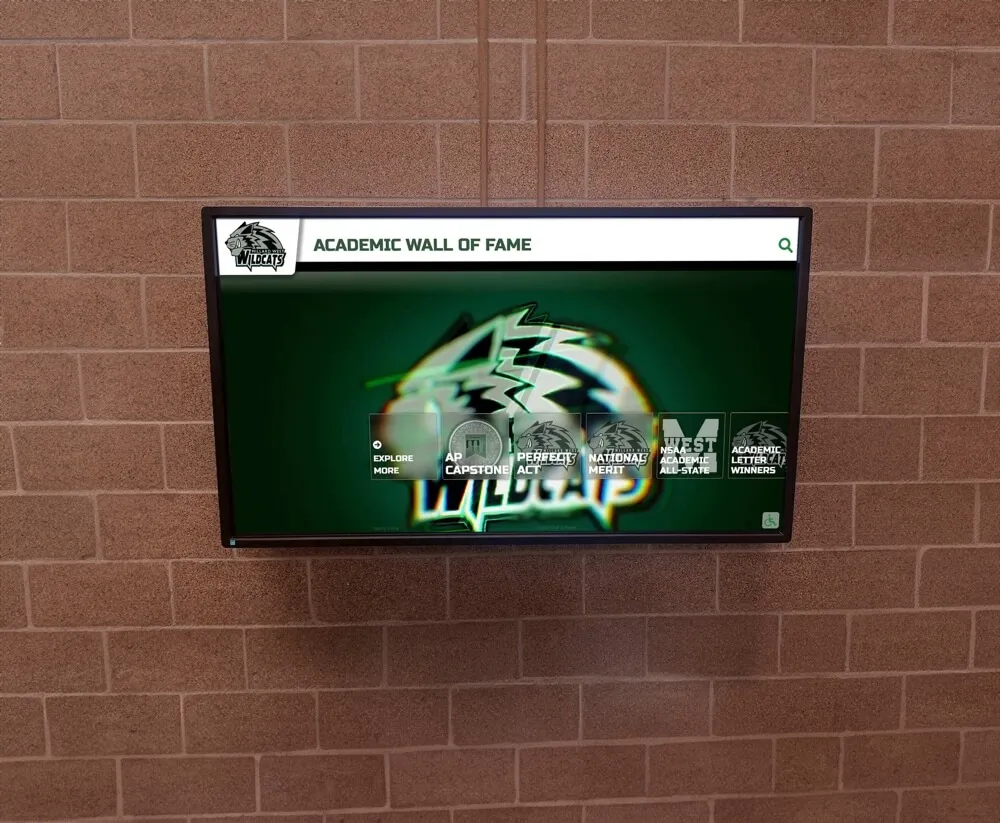
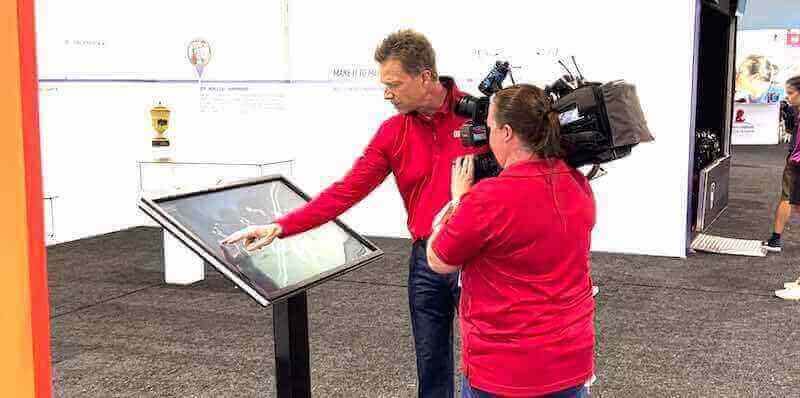
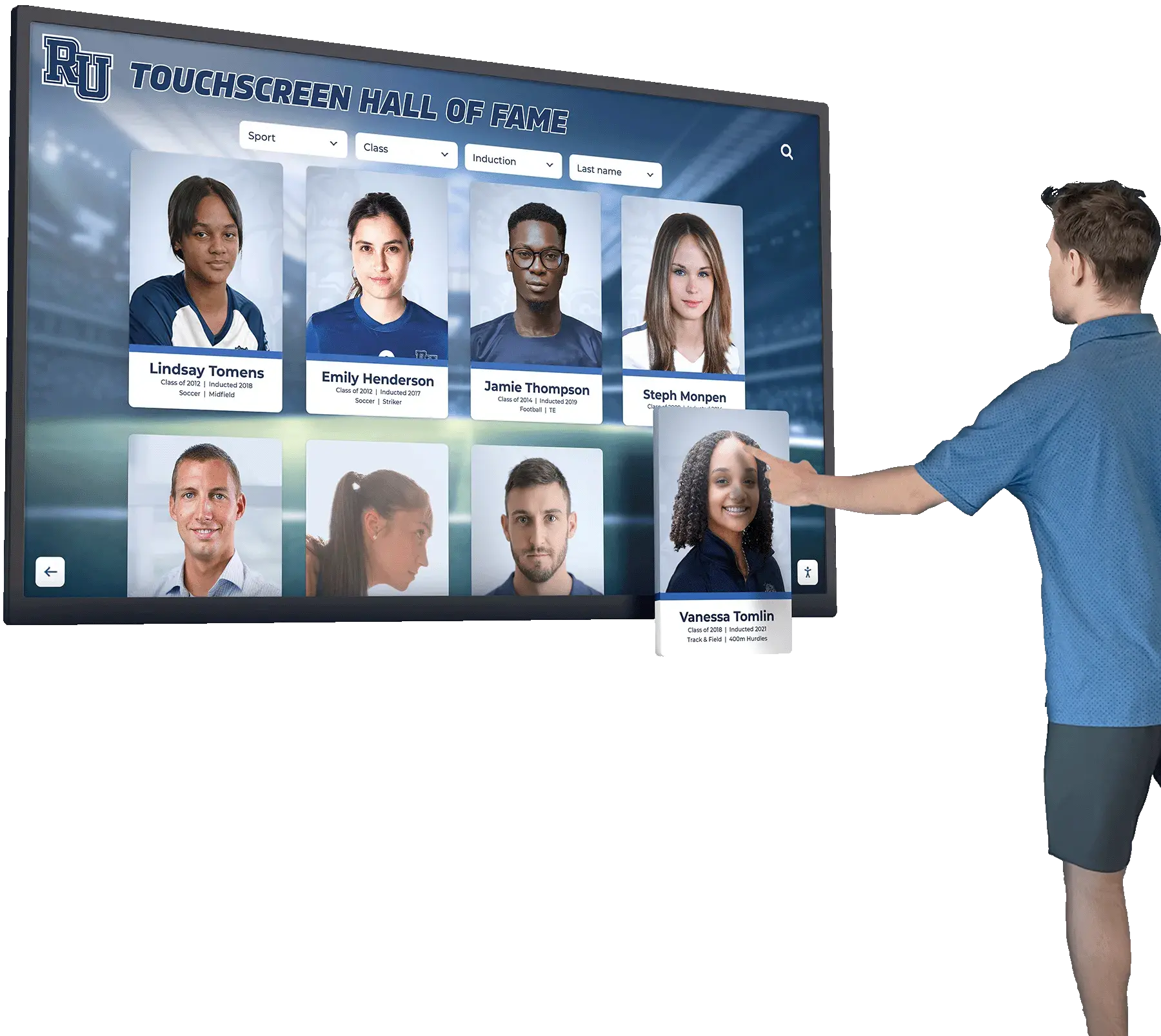
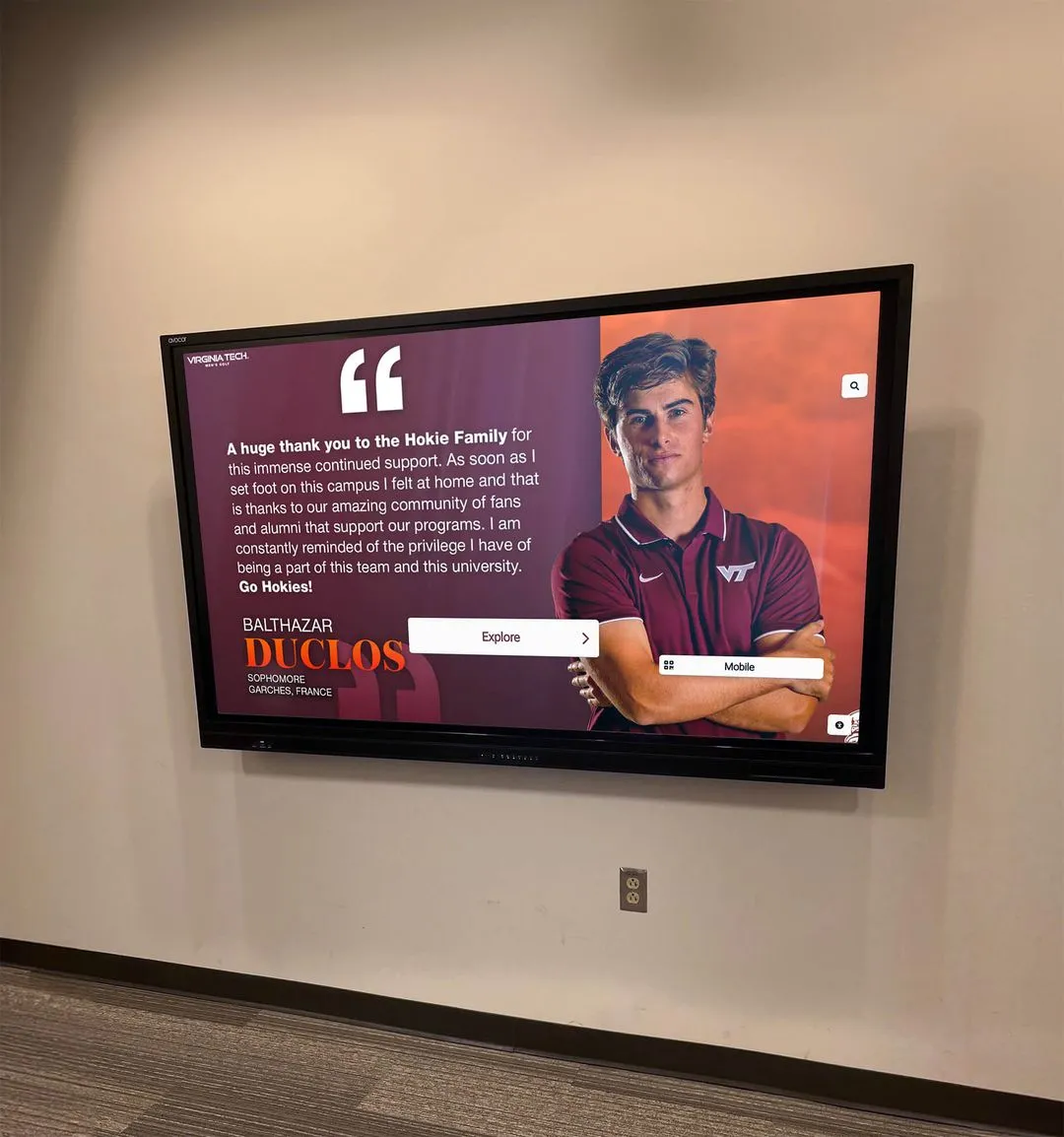
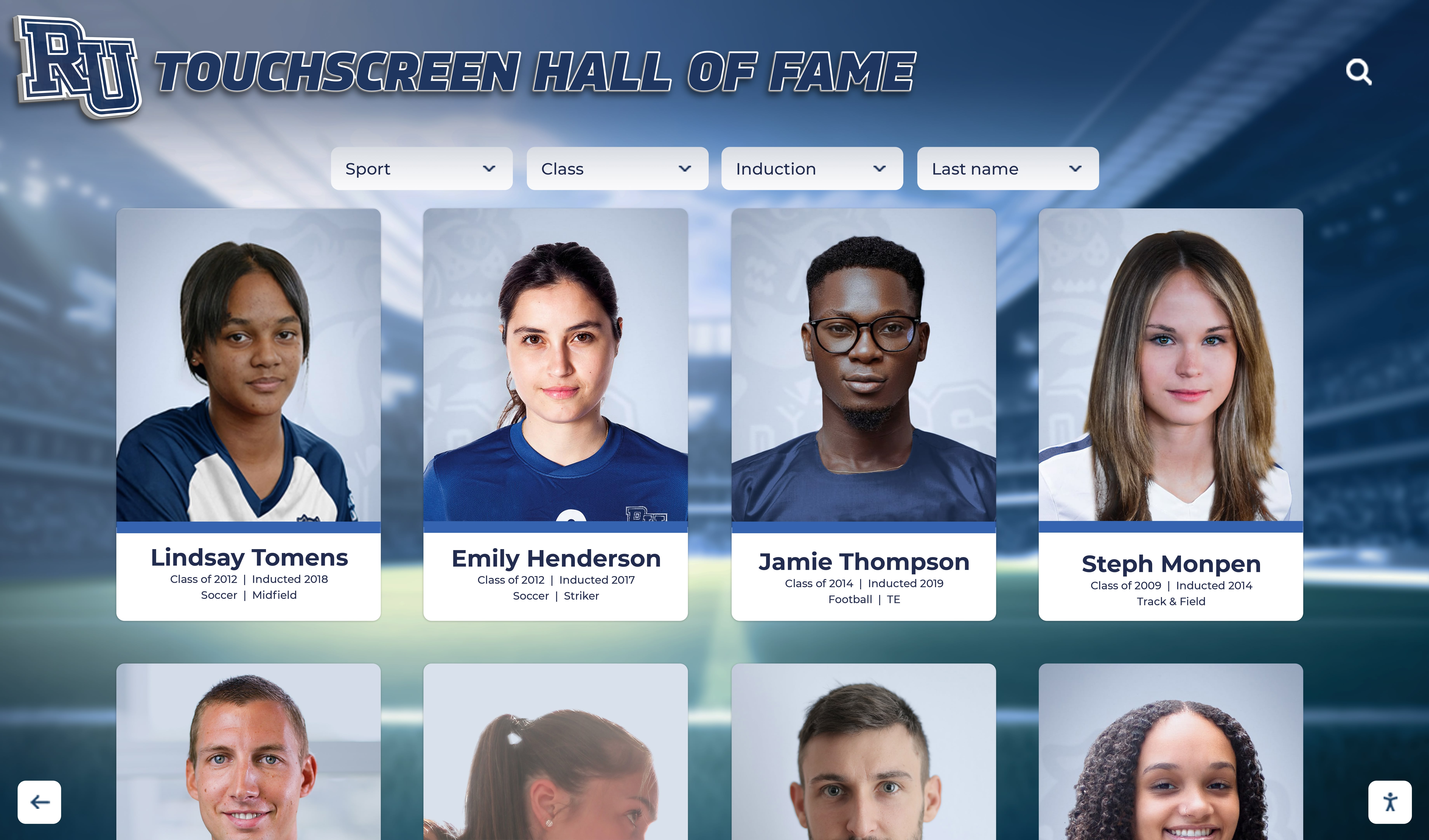
Athlete portrait cards from media day become the foundation of interactive digital displays, rosters, and long-term recognition archives
What Schools Actually Need from Media Day Pictures
Before booking a photographer, athletic directors should list every context where athlete images will appear. Each context has different crop requirements, caption needs, and resolution demands.
Common downstream uses for school athletics media day photos:
- Season rosters (print and web) — need headshot, name, number, position
- Scoreboard and Jumbotron graphics — need high-contrast headshot, minimum 300 dpi
- Award ceremony slides — need headshot or action shot, name, award title
- Senior night tributes — need portrait plus casual or family photo option
- Hall of fame nominations — need headshot, career stats summary, graduation year
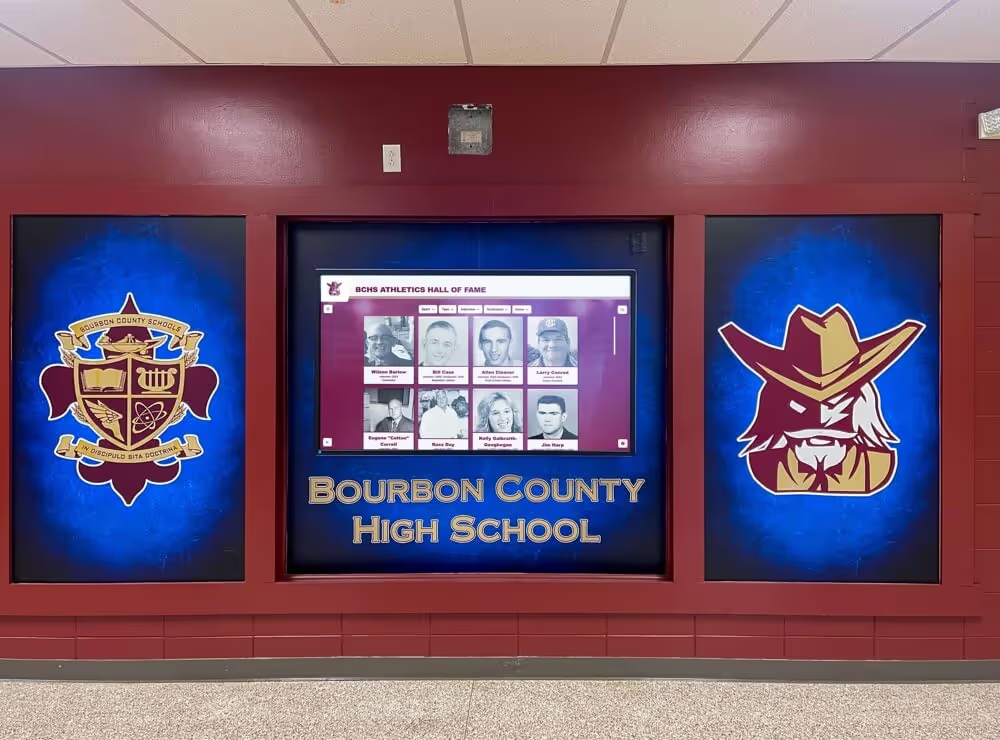
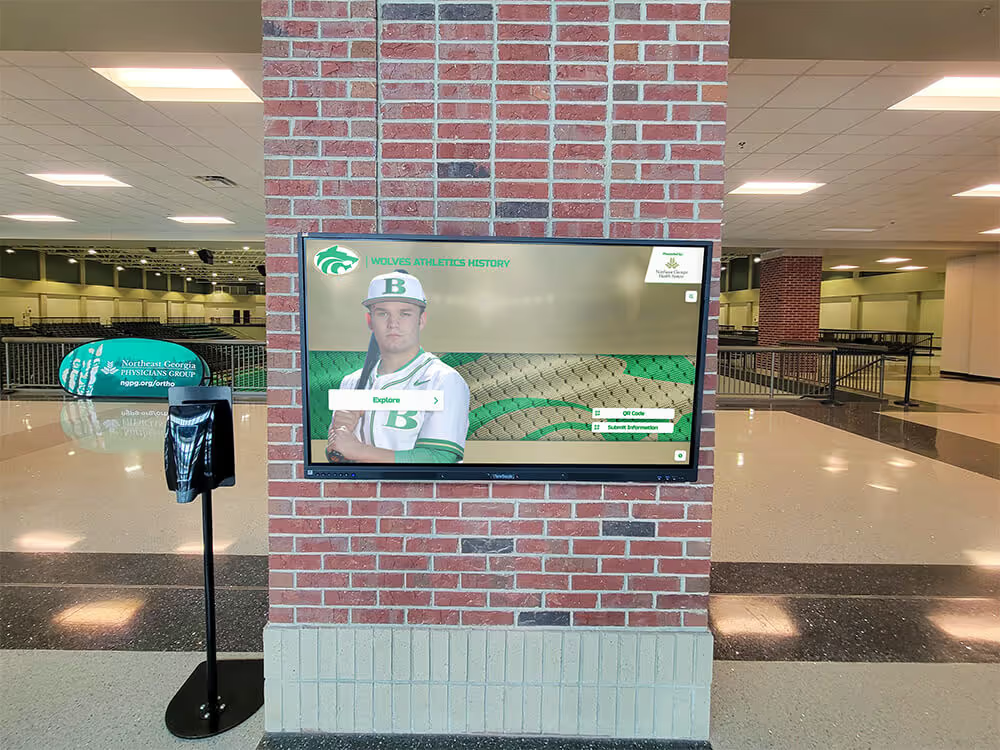
- Digital lobby displays and touchscreen walls — need portrait and action, full caption block
- Yearbook — need headshot matching yearbook specifications
- Reunion and legacy archives — need headshot with graduation year clearly logged
Athletic departments that plan for all of these uses on one shoot day avoid costly reshoot requests mid-season or frantic searches for the right image when award season arrives.
Planning Poses for Multiple Display Contexts
A practical media day session captures each athlete in two or three distinct poses. More than three per athlete slows sessions to a halt; fewer than two leaves too little flexibility for different display formats.
The Core Three Poses
1. Straight-on headshot (the workhorse)
This pose anchors rosters, hall of fame entries, award slides, and digital display profiles. Athlete faces the camera squarely, jersey visible with number legible, expression neutral or composed. Plain or lightly blurred background ensures the image works against any color scheme a display designer might choose later.
2. Action stance (sport-specific)
A posed action shot—bat ready, volleyball set position, swim cap on at pool’s edge—gives context without requiring a live game photograph. This pose works for lobby murals, Jumbotron features, and digital trophy case banners. The jersey number should still be visible.
3. Casual or personality shot (optional, high value for senior tributes)
A relaxed, less formal frame taken at the end of each individual session gives the yearbook and senior night teams material that feels personal. This is the image families most often request for programs and tribute videos.
Pose Checklist by Sport Type
| Sport Category | Recommended Stance | Background Notes |
|---|---|---|
| Team ball sports (football, soccer, basketball) | Ball in hands or at feet, mid-movement pose | Neutral gym or field backdrop |
| Individual timed sports (swimming, track) | Equipment prominent (cap, starting stance) | Pool or track lane preferred |
| Court sports (tennis, volleyball) | Racket or hands in ready position | Net or court line as background element |
| Combat and individual scoring (wrestling, golf) | Sport-specific grip or stance | Plain dark or school-color backdrop |
| Spirit and auxiliary (cheer, band) | Uniform fully visible, formation stance | School entrance or gym backdrop |
Practical Session Tips
- Schedule 8–10 minutes per athlete including costume changes if multiple sports
- Shoot team photos before individuals while energy is high
- Ask coaches to confirm jersey numbers match the roster before shoot day
- Capture a backup headshot against a plain background even for athletes photographed on location
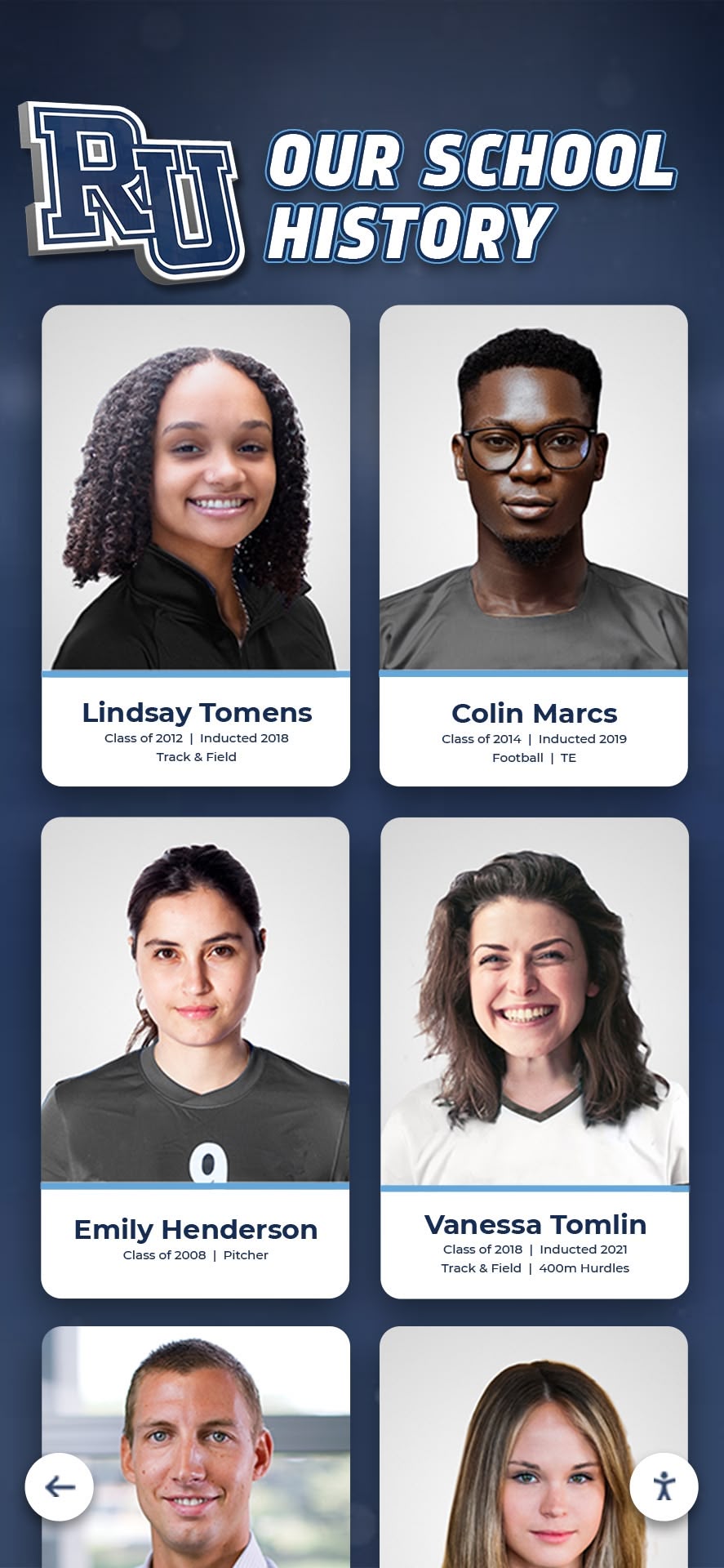
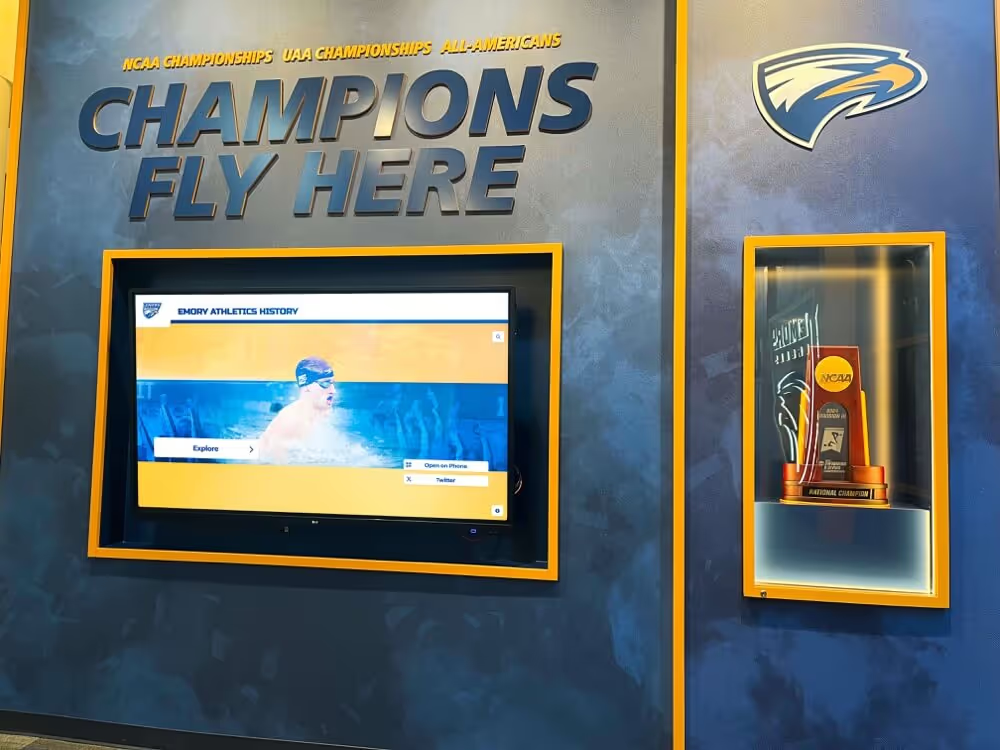
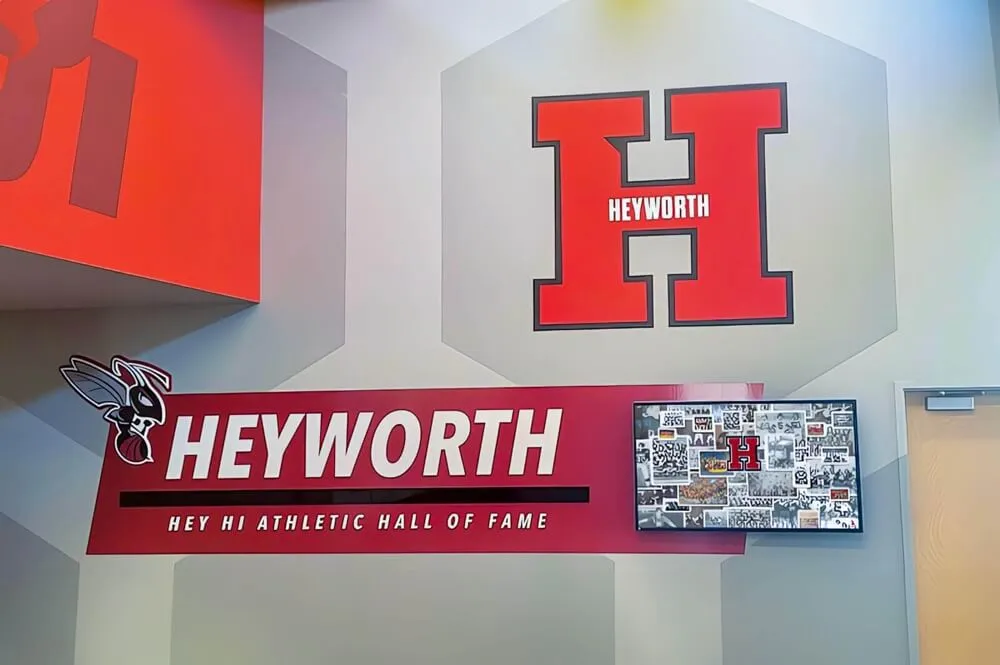
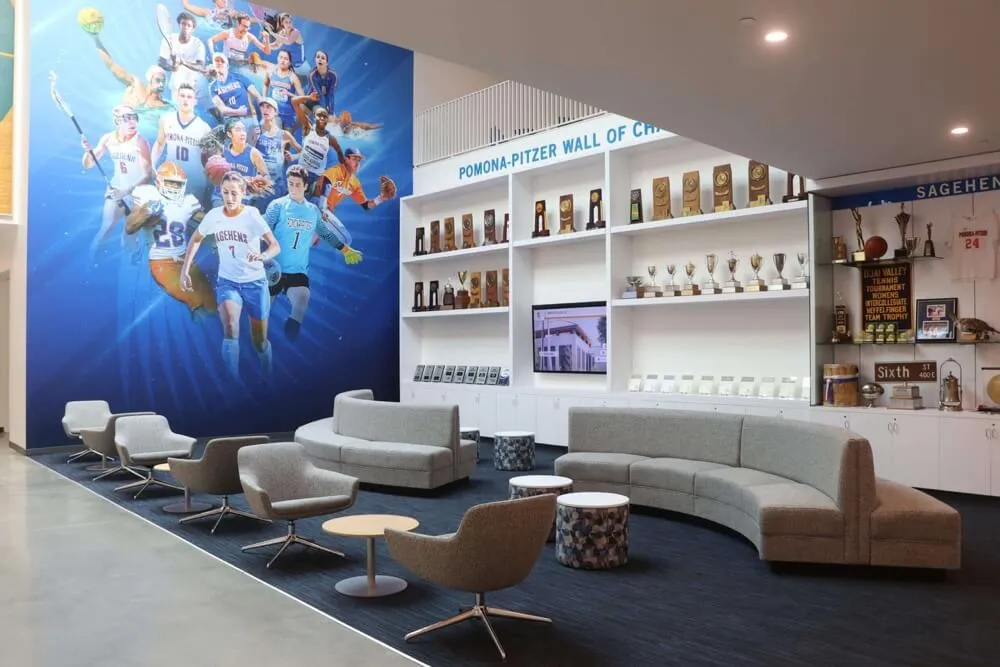
Consistently formatted portrait cards from annual media days create a visual record that spans generations of athletic programs
Writing Captions That Work Across Every Display Context
A caption attached on shoot day travels with the image file forever. A poorly written or missing caption creates hours of research work when that photo surfaces in a hall of fame nomination five years later.
The Standard Caption Structure
Every media day image should carry a structured caption in its file metadata and in any accompanying spreadsheet:
[Last Name], [First Name] | Class of [YYYY] | [Sport] | [Position] | #[Jersey] | [Season]
Example: Okafor, Destiny | Class of 2027 | Varsity Soccer | Midfielder | #14 | Fall 2026
This single-line format can be truncated for small displays (last name, number, year) or expanded for detailed hall of fame entries without rewriting from scratch.
Caption Elements by Display Type
| Display Context | Caption Elements Required |
|---|---|
| Season roster (print) | First name, last name, number, position, grade |
| Digital lobby display | Full name, graduation year, sport, number |
| Award ceremony slide | Full name, sport, award title, year earned |
| Hall of fame entry | Full name, graduation year, sport, career highlights |
| Senior night tribute | Full name, years participated, future plans (if provided) |
| Yearbook | Full name only (yearbook handles additional context) |
| Reunion or archive display | Full name, graduation year, sport(s), team accomplishments |
Caption Mistakes to Avoid
- Using nicknames only — legal names are required for formal award and hall of fame records
- Omitting graduation year — a photo without a class year loses half its archival value
- Logging jersey numbers from memory after shoot day — verify from the official roster
- Writing generic captions like “Varsity Athlete 2026” — these provide no searchable data for future staff
Permission and Records Management
School athletes are often minors, and their images are subject to FERPA and district-level media policies. Collecting the right permissions on or before media day eliminates problems when images appear in public-facing displays, donated to alumni archives, or published on partner websites.
Media Day Permission Checklist
| Permission Item | Why It Matters |
|---|---|
| Written parent/guardian consent for minors | Required for public display and external publication |
| Athlete name and likeness release | Covers digital lobby displays and web use |
| Alumni archive use clause | Allows images to appear in reunion and hall of fame contexts after graduation |
| Social media use clause | Covers school-operated accounts posting game-day and recognition content |
| Third-party display vendor clause | Covers images used on platforms like digital trophy case systems |
A single form capturing all five items takes less than a minute per athlete and prevents retroactive consent requests when a student is nominated for a hall of fame three years after graduation.
Athletic recognition programs that archive systematically—covering both the photography and the permission paper trail—are explored further in this academic recognition programs guide covering documentation best practices across disciplines.
Records Management After Shoot Day
Within 48 hours of the shoot:
- Export all images with filenames matching the caption spreadsheet (e.g.,
okafor-destiny-2027-soccer.jpg) - Save the master caption spreadsheet to a shared athletic department drive, not a personal folder
- File signed permission forms in student records or the athletic department archive
- Back up image files to a secondary location—external drive or cloud storage designated for school records
These steps ensure that when a different athletic director needs the Class of 2027 roster photo six years from now, the image, the caption data, and the permission are all findable in one place.

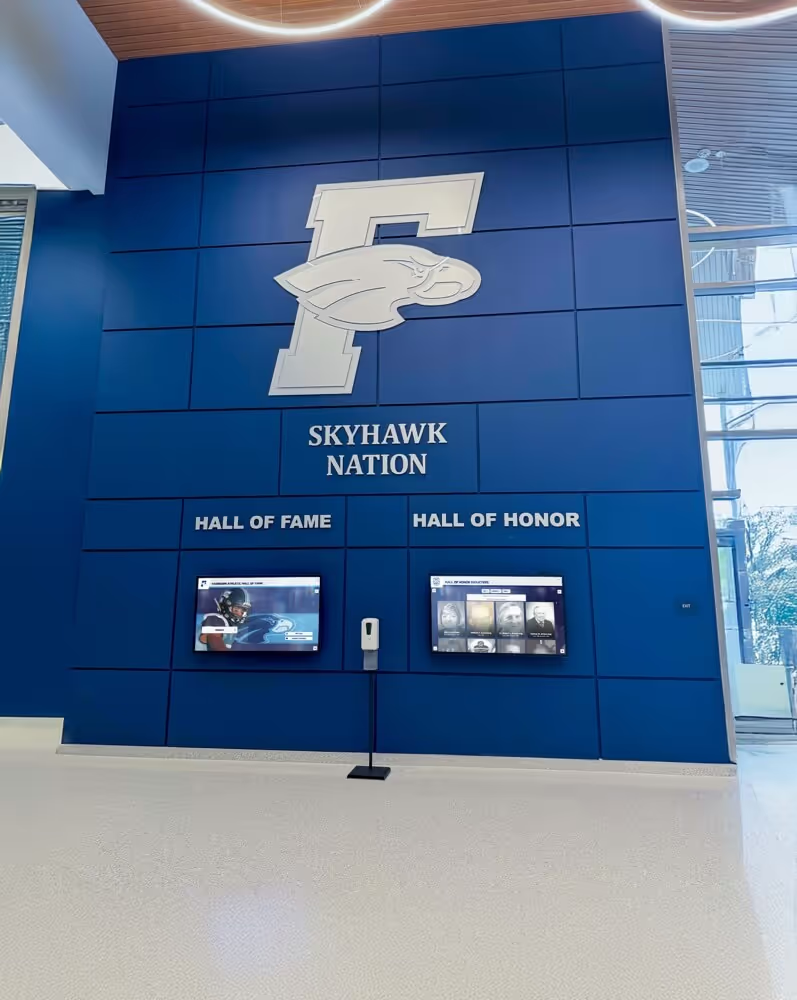
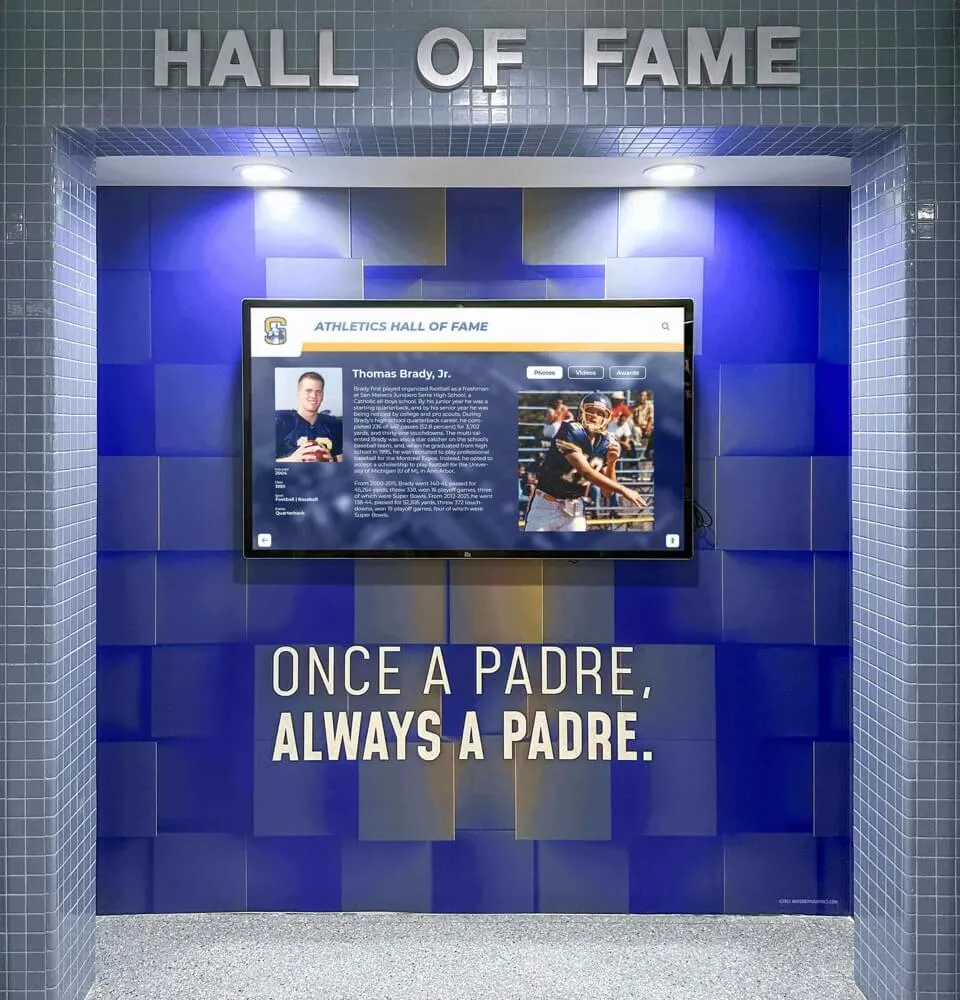
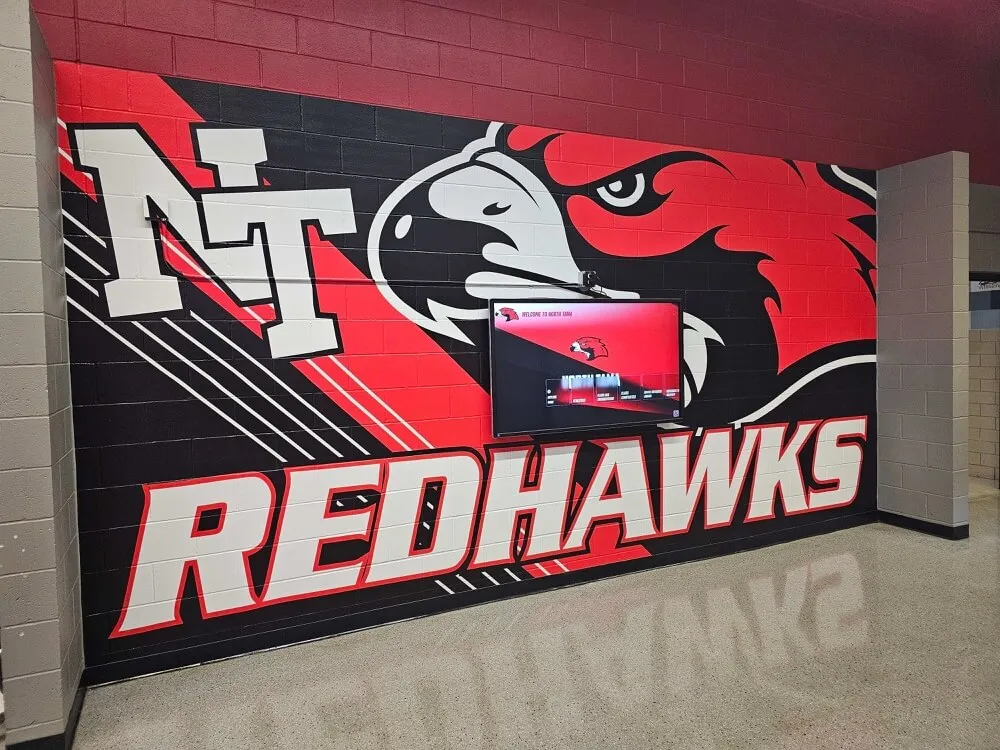
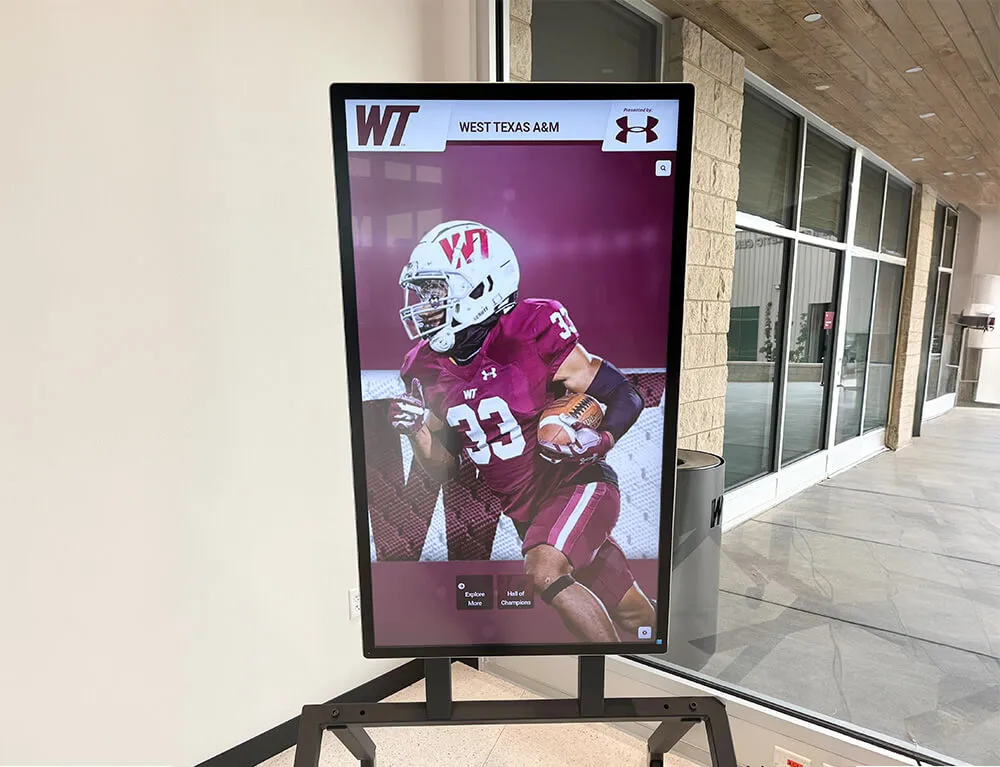
Touchscreen displays pull directly from athlete portrait libraries built during annual media days, making records management a one-time investment with recurring value
5 Primary Display Uses for Media Day Pictures
With properly captured images, structured captions, and signed permissions in hand, here is how athletic departments get maximum value from every media day session.
1. Season Rosters and Program Inserts
Headshots combined with name, number, and position produce professional print and digital rosters with minimal design effort. When images are consistently framed and backgrounds are plain, layouts stay uniform across sports without needing individual edits.
2. Award Ceremony and Banquet Slides
End-of-season banquets rely on media day photos for athlete slides. A clean headshot paired with the award title and season stats creates a presentation that feels prepared rather than assembled from whatever social media photos were available. Schools that build this habit also find that academic achievement award ceremonies run more smoothly when image assets are standardized.
3. Senior Night Tributes
Senior night programs, lobby posters, and tribute videos pull from media day archives because action shots from games are rarely owned by the school. A four-year progression of headshots—one from each season—tells a story no single game photo can. Properly dated files make this retrospective look effortless.
4. Digital Hall of Fame and Trophy Case Displays
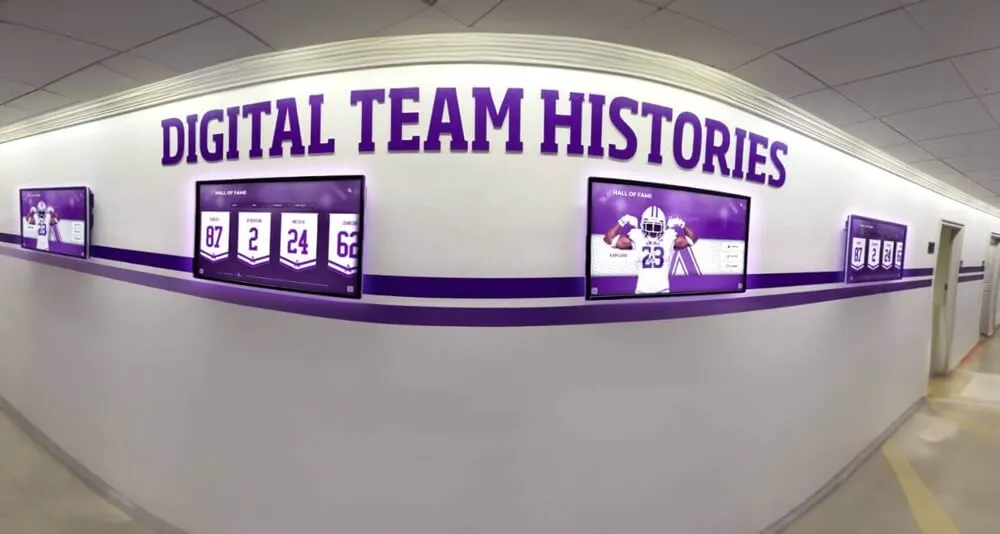
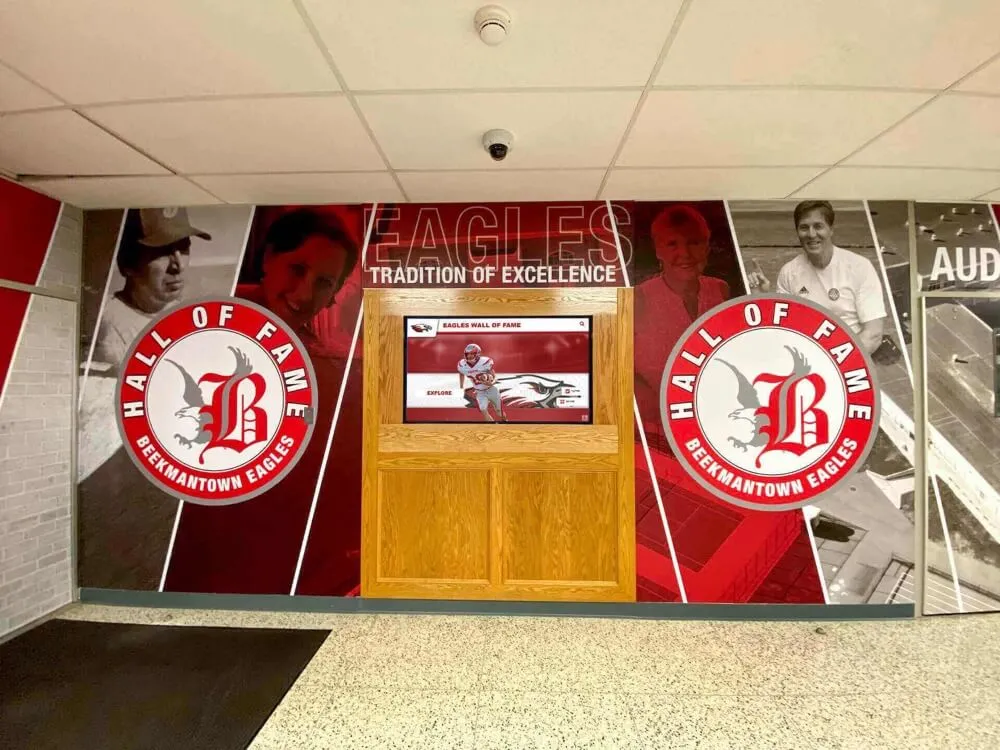
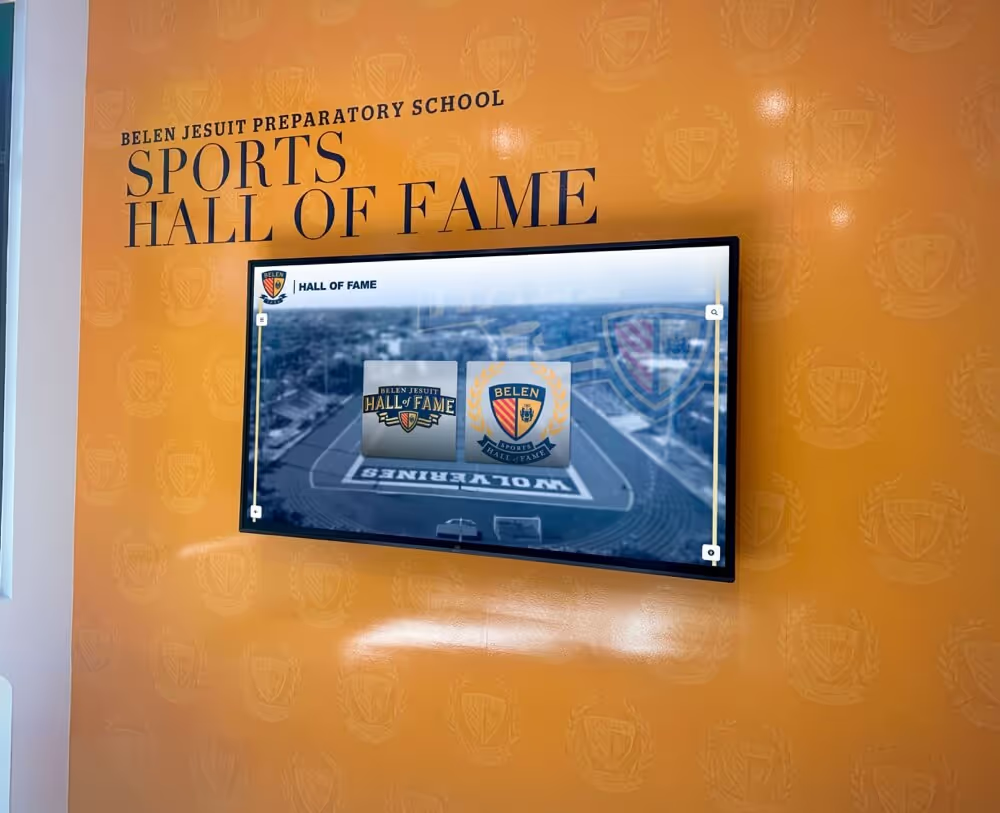
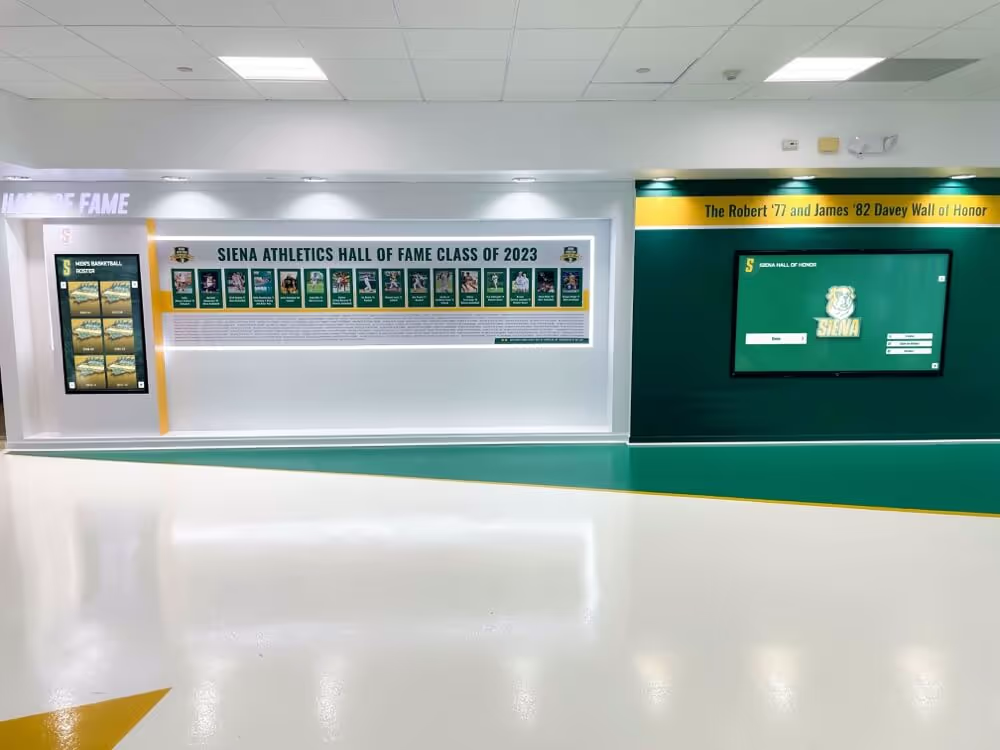
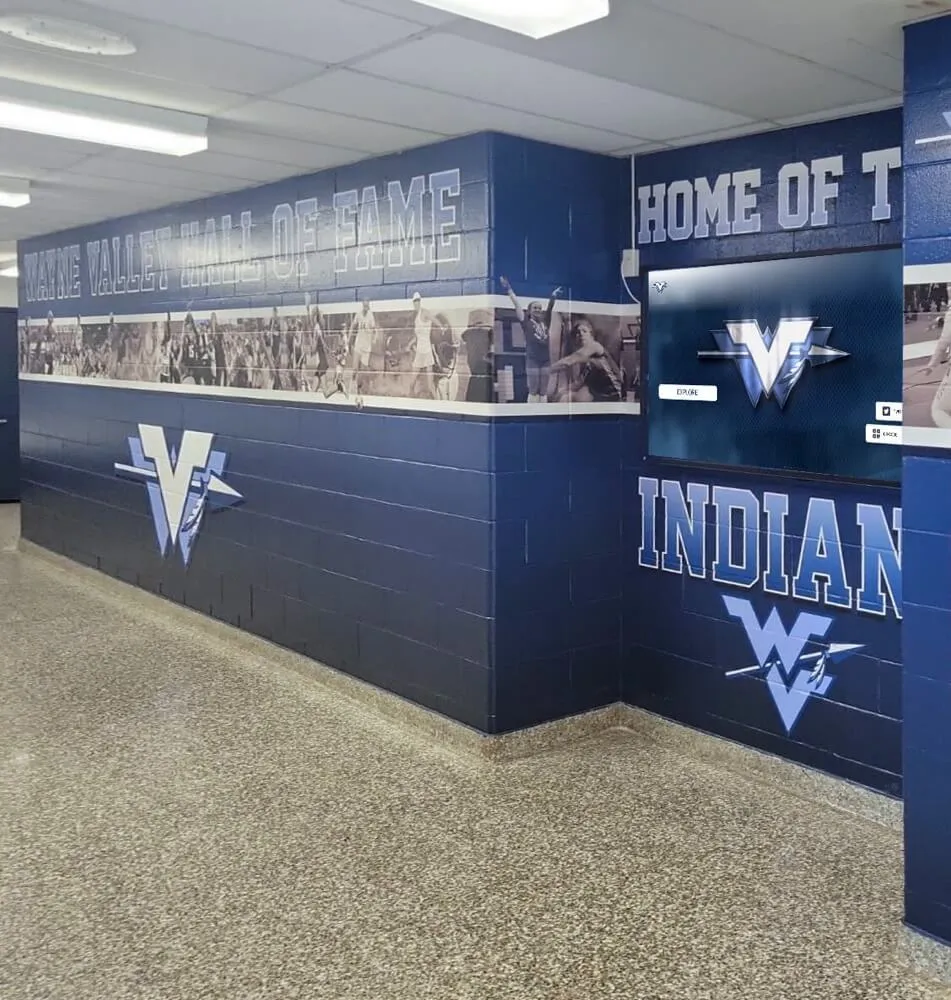
Hall of fame inductions require consistent portrait photography. Interactive touchscreen displays used in school lobbies display athlete profile cards built from media day headshots alongside career statistics, sport history, and award records. Schools evaluating hall of fame tools for athletics programs consistently identify quality photography as one of the limiting factors in launching a compelling digital display.
5. Reunion and Legacy Archives
Media day photos become reunion content. A 10-year or 25-year reunion display showing team photos and individual portraits from the relevant graduation years depends entirely on whether those images were collected, captioned, and archived. Digital platforms designed for 10-year reunion programming and awards displays highlight reunion attendees far more effectively when portrait photos exist for every featured athlete.
Matching Photo Format to Display Context
Not every image works in every format. A photo taken for a game-day roster print often needs cropping before it works on a lobby touchscreen, and vice versa.
| Display Format | Ideal Crop | Minimum Resolution | File Format |
|---|---|---|---|
| Print roster (8.5x11) | Head and shoulders | 300 dpi | TIFF or high-res JPEG |
| Digital lobby display | Head and shoulders or 3/4 body | 72–150 dpi at final display size | JPEG or PNG |
| Jumbotron / scoreboard | Head and upper chest, high contrast | 300 dpi for scaling | PNG preferred |
| Touchscreen profile card | Square crop, face centered | 150 dpi at card size | JPEG or PNG |
| Yearbook | Per yearbook vendor spec | Usually 300 dpi | TIFF or PDF-ready JPEG |
| Web / social media | Square or 4:5 | 72 dpi, 1080px minimum | JPEG or WebP |
Shooting athletes slightly wider than needed and saving originals at maximum resolution gives design staff the flexibility to crop for any format without returning to the photographer.
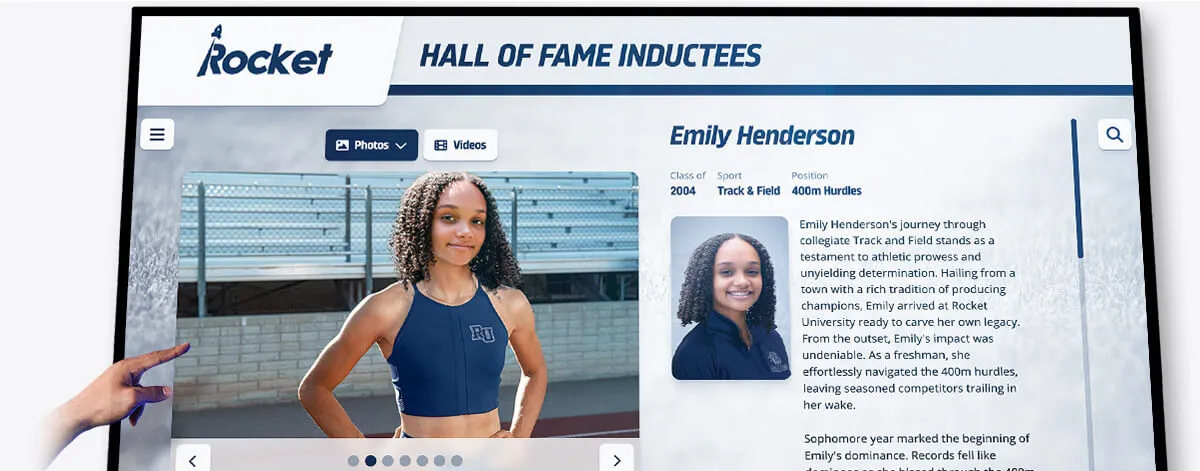
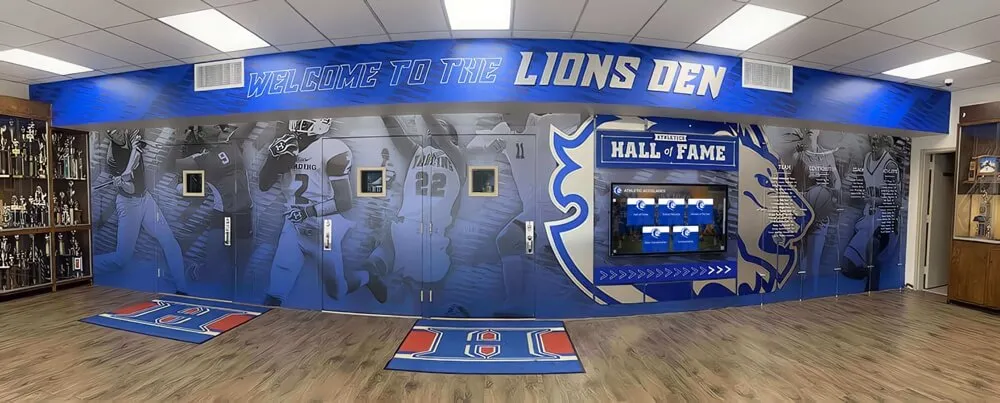
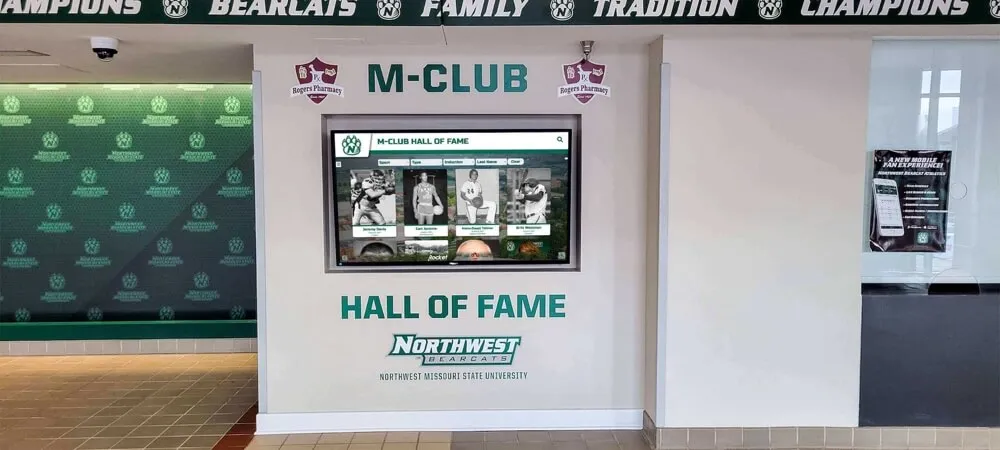
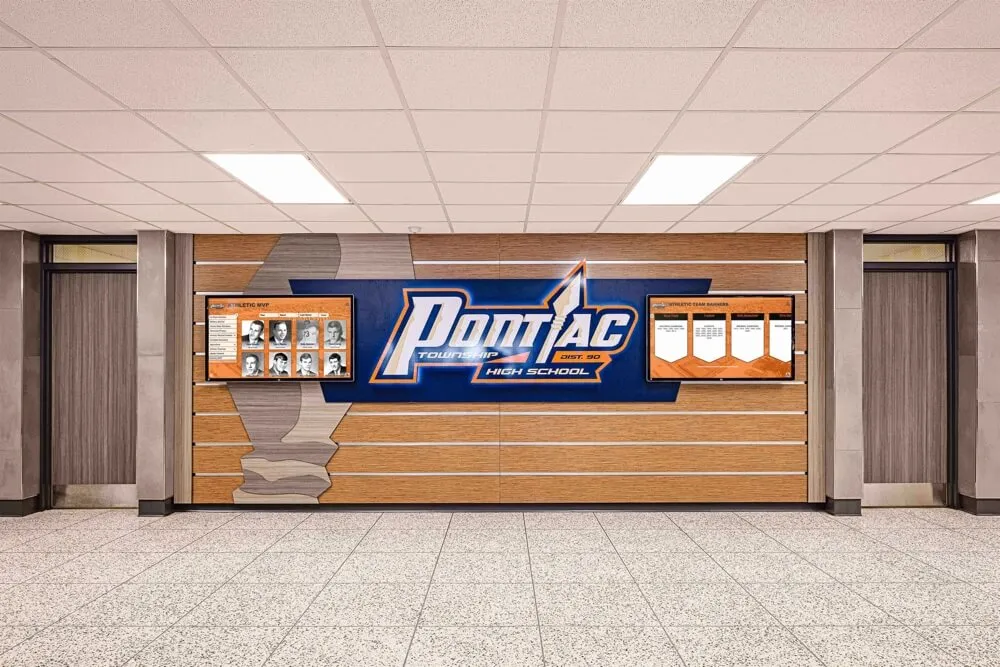
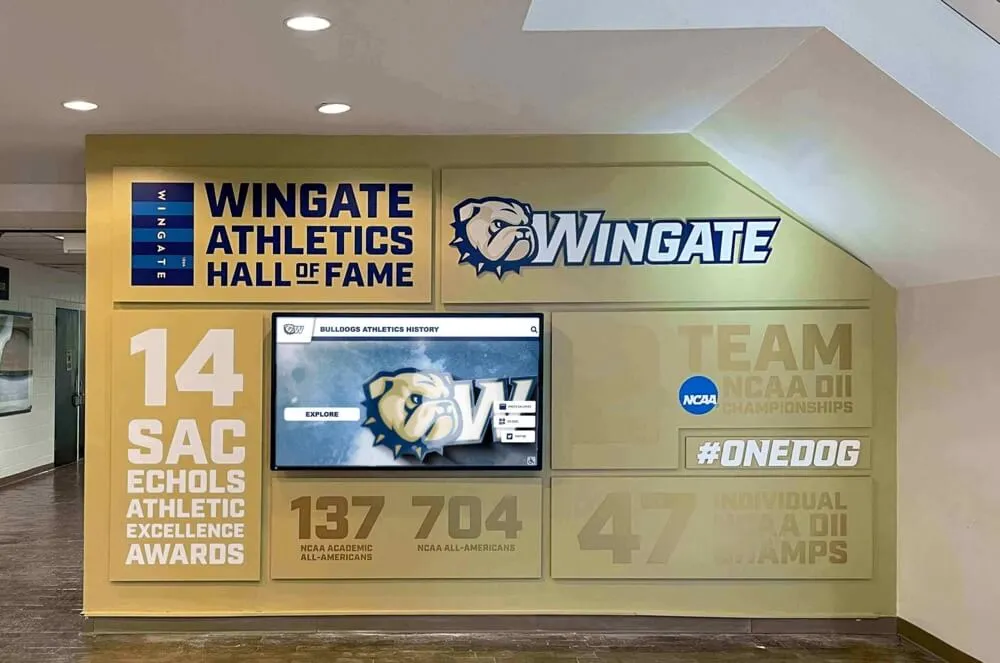
Individual athlete profiles on digital displays combine media day portraits with career statistics, event records, and award history in one searchable entry
Q&A: Common Media Day Planning Questions
How many photos per athlete does a school actually need?
Two is the practical minimum: one clean headshot and one action or posed sport image. Three is ideal if a personality or casual frame is possible. Shooting more than three per athlete significantly extends session time without proportional value for most display uses.
Can action shots from game days replace media day portraits for hall of fame entries?
Rarely. Game-day photos are usually owned by a third-party photographer, taken at angles that don’t crop cleanly for display cards, and rarely include full jersey numbers. Media day portraits specifically designed for recognition displays produce more consistent, usable results for institutional archives. Some schools supplement portraits with licensed game-day photography for select hall of fame honorees, but the portrait remains the anchor image.
What if an athlete graduates before a digital display is installed?
If photo files and permission forms were archived at the time of the original media day shoot, the images can be loaded into a new display system retroactively. This is exactly why naming conventions, caption spreadsheets, and permission records matter—the original athletic director may be long gone, but properly labeled files survive staff turnover. Resources covering digital record board hall of fame tools address this retroactive loading scenario in depth.
How should schools handle athletes who miss media day?
Designate a makeup shoot window—typically one week after the main session—with the same backdrop and lighting setup so images remain consistent. For athletes who miss both opportunities, a plain-background phone photo in full uniform is acceptable for rosters but should be flagged in the caption spreadsheet as a substitute image, not a media day portrait, so it isn’t used for formal recognition displays.
Do permission forms expire?
District policies vary, but most media consent forms signed during enrollment cover use throughout the student’s time at the institution. For alumni archives and post-graduation display uses, a specific alumni archive clause in the original form is the safest approach. Schools adding athletes to digital walls of fame years after graduation sometimes re-contact alumni for updated consent—a process that becomes much simpler when original contact information was logged at the time of the media day shoot.
How do digital wall of fame platforms typically receive media day photos?
Most platforms accept image uploads directly through a content management interface. Schools supply the portrait files, and the platform formats them into profile cards. Some schools that invest in digital wall of fame systems use the same CMS to manage yearly media day uploads, treating each season’s photos as a structured import rather than a one-off project.
How Digital Displays Extend the Life of Media Day Pictures
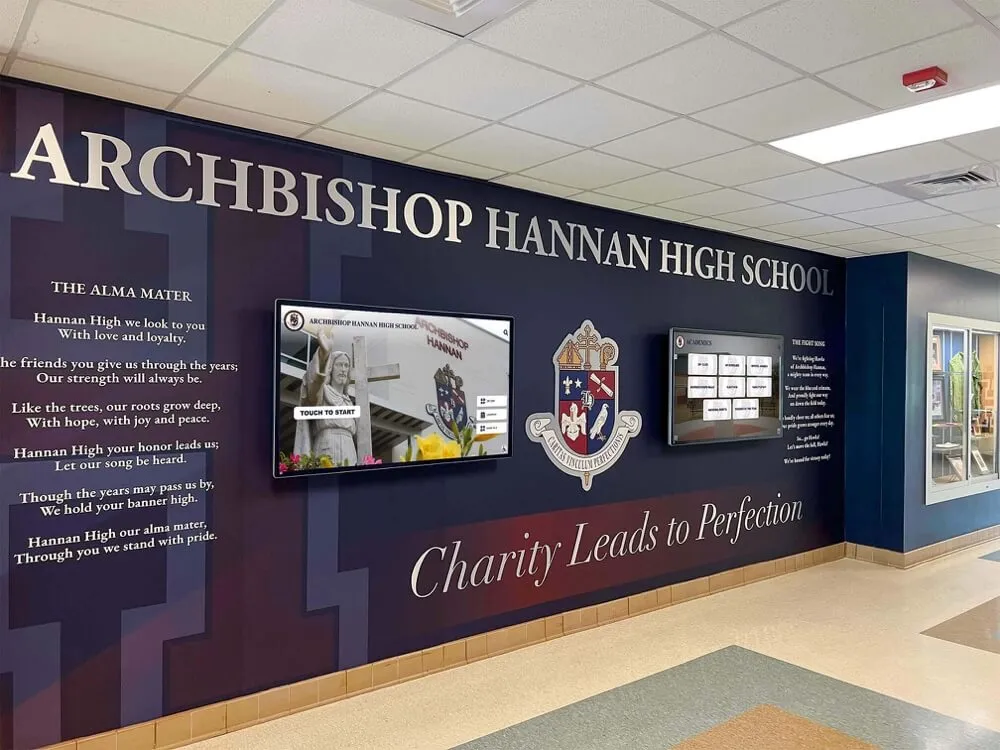
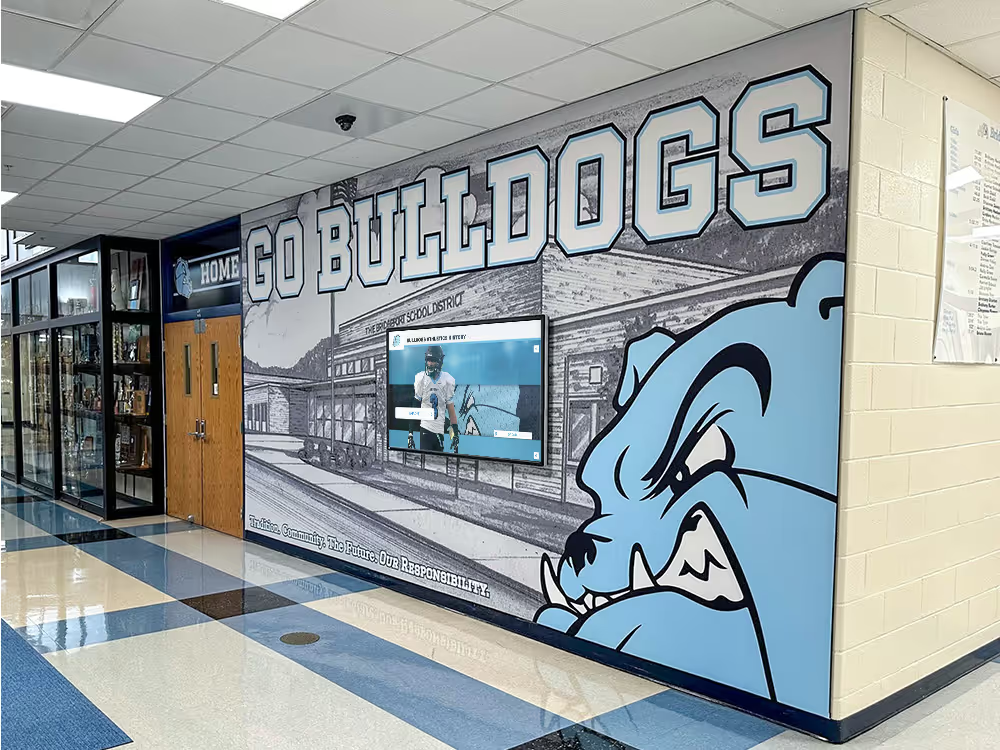
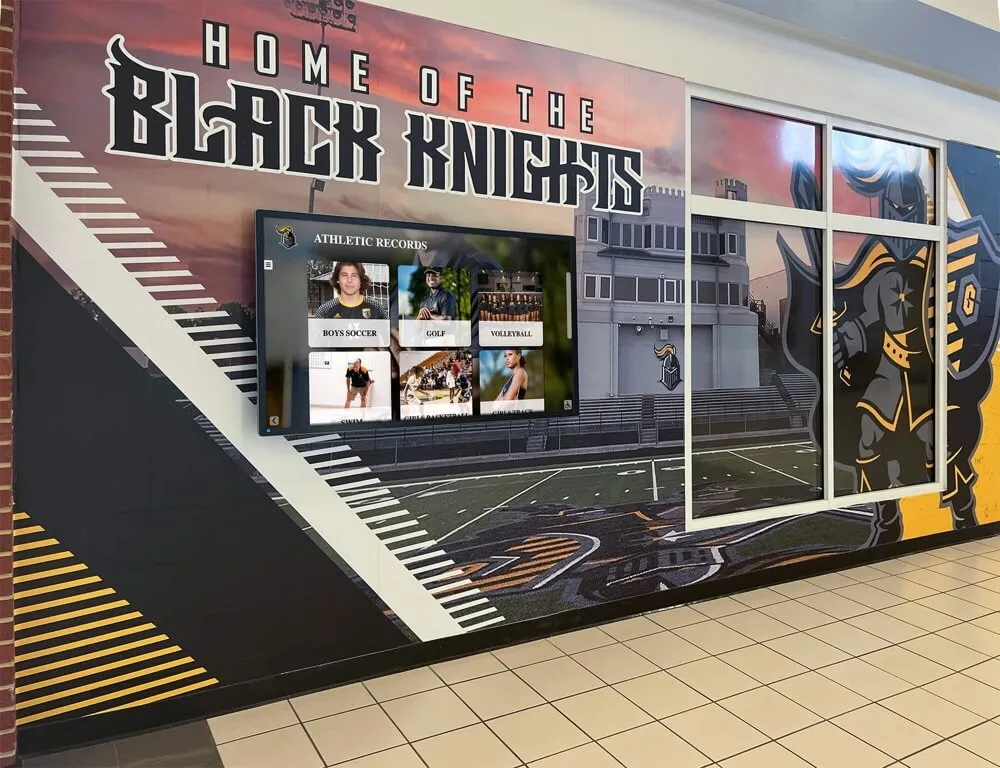
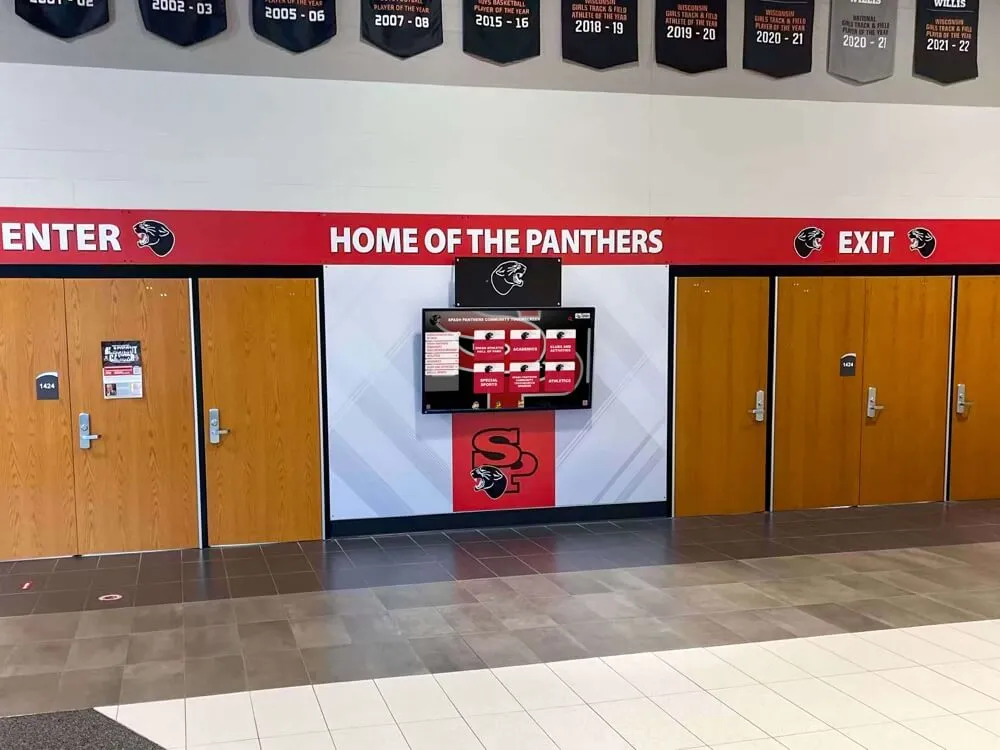
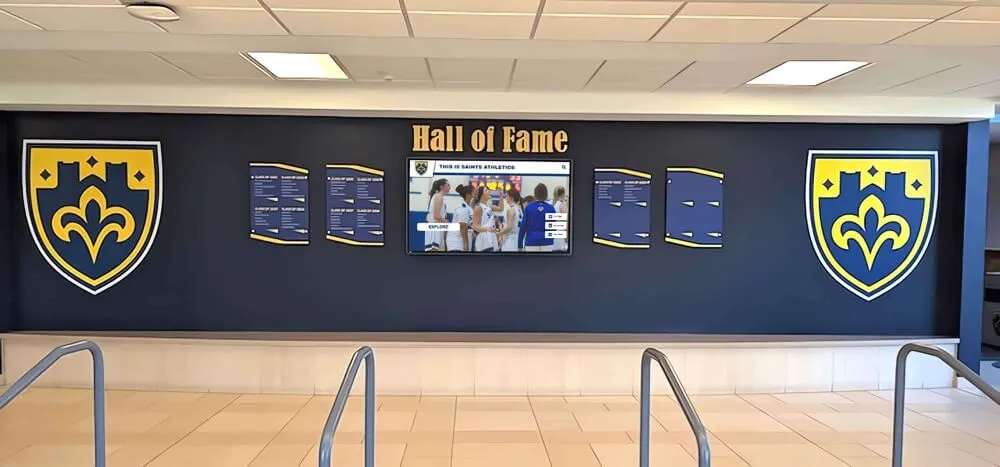
A well-organized photo archive depreciates slowly when it feeds into a persistent digital recognition system. Interactive touchscreen displays in school lobbies, gyms, and field houses pull from the same portrait library year after year, adding new athletes each season while keeping past honorees searchable.
From Annual Shoot to Permanent Record
Each year’s media day adds a new cohort of athlete profiles to the digital library. Within five years, a school running consistent annual shoots has a browsable archive of every varsity athlete organized by sport, graduation year, and position. Alumni returning for reunions can search for their own profiles or teammates; prospective student-athletes can explore the depth of program history; donors and boosters can review the breadth of achievement the program has produced.
Schools that have documented this compound effect describe it as the main argument for investing in systems that integrate with photography workflows—the first year feels like setup work, but by year three the archive becomes a genuine institutional asset. This mirrors the broader case made in long-form recognition program guides covering cumulative effects of annual recognition investment.
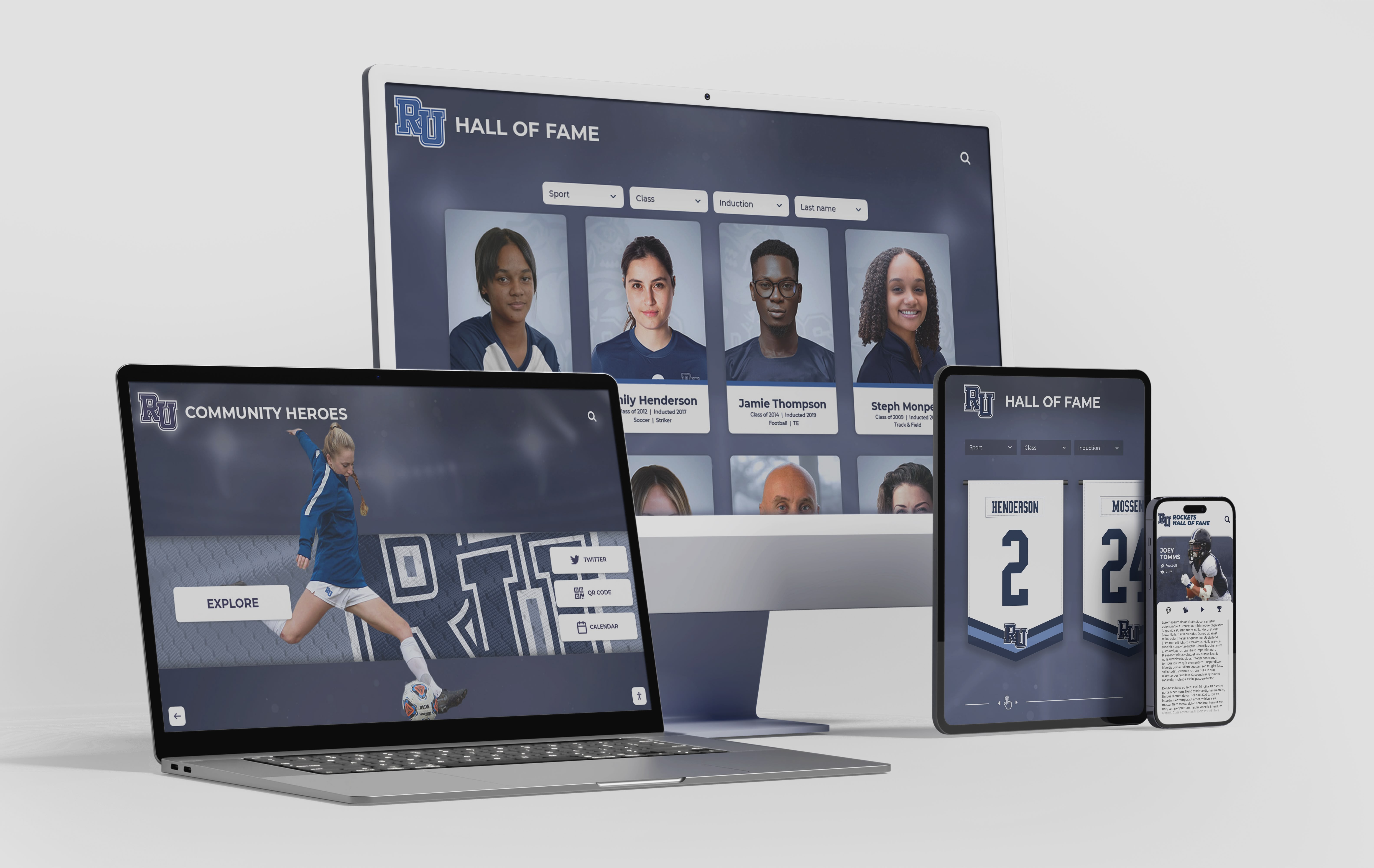
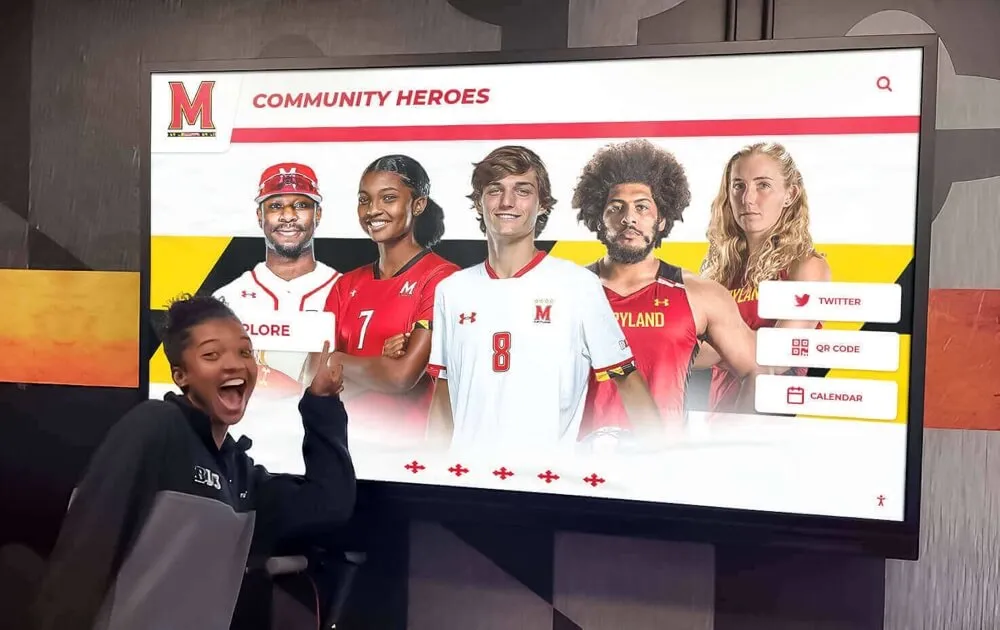
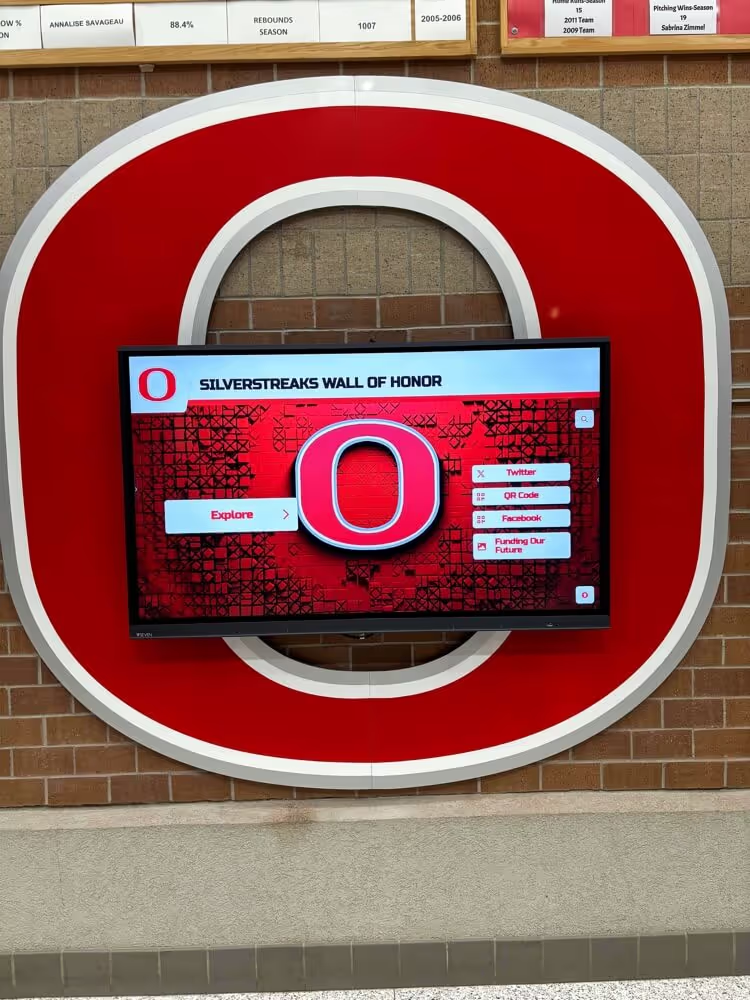
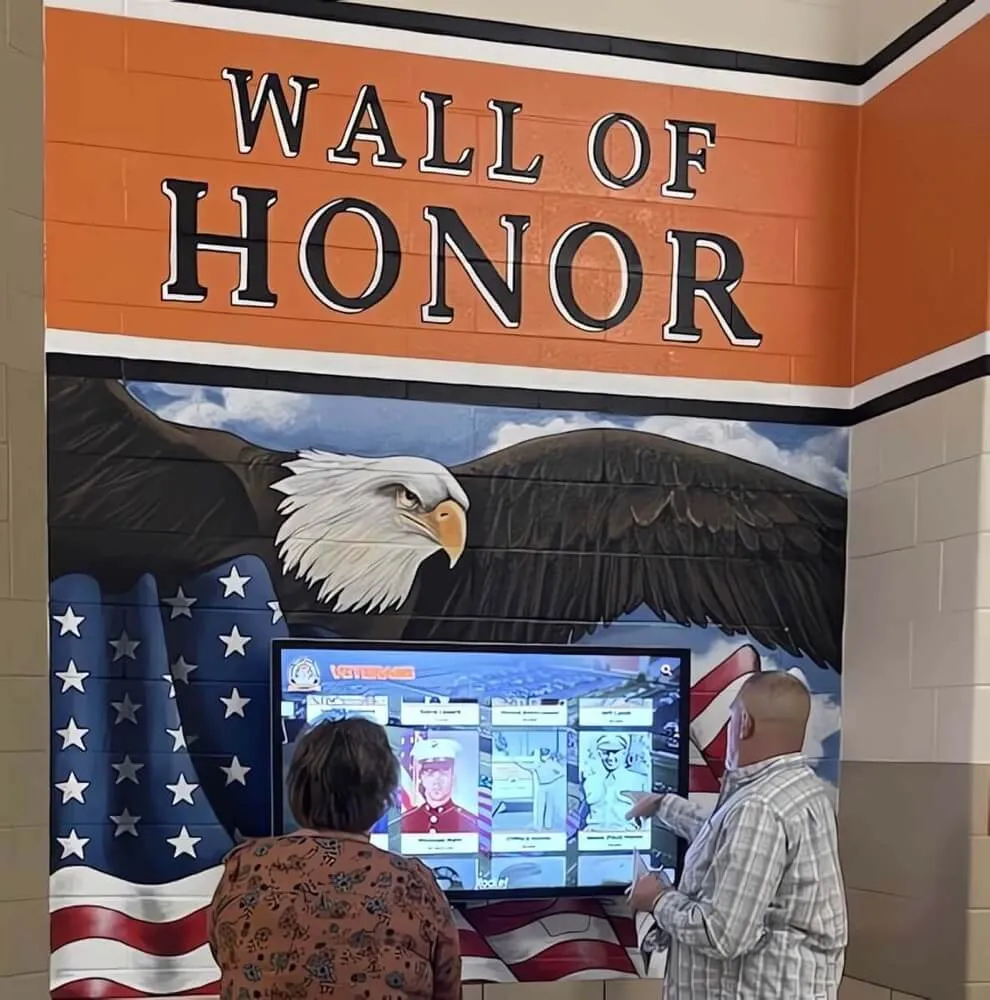
Digital platforms display media day portraits across lobby touchscreens, web browsers, and mobile devices from the same underlying archive
Connecting Media Day to Yearbook and Alumni Records
Schools that integrate athletic media day photography with their yearbook workflow and alumni database close a loop that most institutions leave open. A photo taken in September that feeds the fall roster, the winter banquet slide deck, the spring hall of fame induction, and the yearbook page—and then five years later appears in a reunion display—represents a return on one 10-minute photo session that most athletic directors underestimate at the time of the shoot.
Digital yearbook platforms built for athletic recognition increasingly support this kind of cross-context image management, allowing schools to link a single portrait to multiple downstream recognition events without duplicating files or managing separate permissions.
What to Look for in a Digital Display Platform
When selecting a system to house and display media day archives, athletic departments should evaluate:
- Bulk image upload — loading an entire season’s cohort at once rather than one athlete at a time
- Caption field structure — fields that match the caption format (name, year, sport, number) rather than a single free-text description box
- Permission logging — ability to flag an athlete’s profile as permission-confirmed at the record level
- Searchability — visitors should be able to filter by sport, year, or name without staff involvement
- Multi-display compatibility — the same image should scale cleanly to lobby touchscreen, web browser, and printed program formats
Turn Every Media Day into a Permanent Athletic Legacy
Rocket Alumni Solutions builds interactive touchscreen walls of fame that display athlete portraits, career records, team histories, and award archives in one searchable system—fed by the same media day photos your department already collects. See how schools connect annual photography to displays that engage students, families, and alumni for decades.
Book a Live Demo