



Creating a sports highlight reel has become essential for student athletes pursuing college recruitment, schools celebrating championship seasons, and programs showcasing athletic excellence to their communities. A well-crafted highlight reel transforms hours of game footage into compelling 2-4 minute narratives that capture athletic ability, game intelligence, and competitive achievements—serving as powerful tools for recruitment, recognition, and program promotion.
The challenge lies not in gathering footage but in strategically selecting, organizing, and presenting athletic moments that communicate skill and potential effectively. Coaches receive hundreds of generic highlight reels annually, most featuring poor editing, inappropriate music, unclear labeling, or excessive length that obscures rather than showcases talent. Meanwhile, schools struggle to create compelling athletic program promotions that honor achievements while engaging prospective families and community supporters.
This comprehensive guide provides proven strategies for creating professional-quality sports highlight reels whether you’re a student athlete building recruitment materials, a coach documenting team success, or an athletic program celebrating achievements through digital recognition displays. From equipment selection and filming techniques to editing workflows and strategic distribution, these practical tips ensure your highlight reel captures attention and communicates excellence effectively.
Sports highlight reels serve multiple audiences with different needs—college recruiters evaluating athletic potential, families celebrating student achievements, alumni reconnecting with program traditions, and community members supporting local athletics. Understanding these diverse purposes shapes how you approach filming, editing, and presenting athletic highlights for maximum impact.

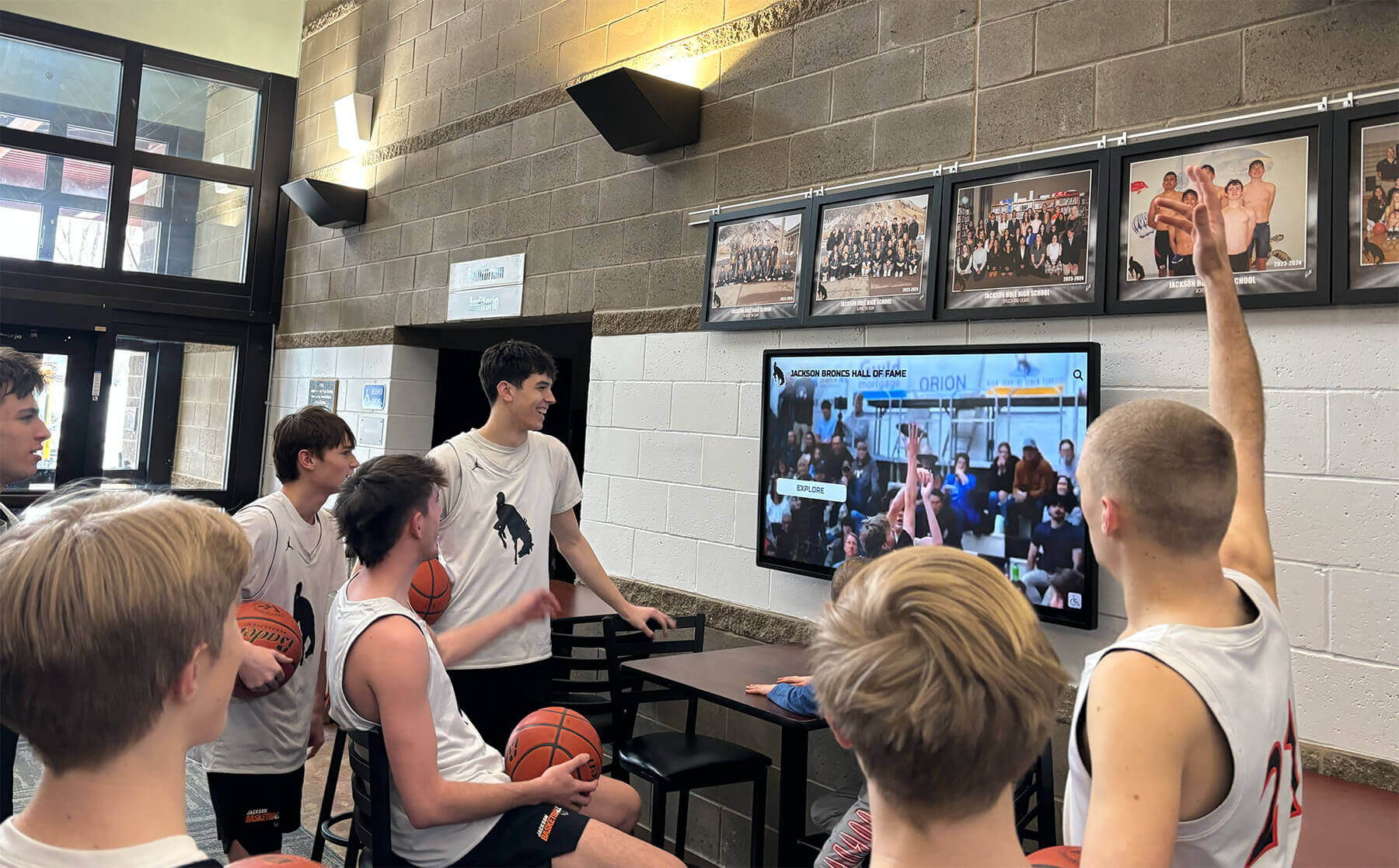
Modern digital displays enable schools to showcase highlight reels continuously in lobbies and athletic facilities, celebrating achievements year-round
Understanding the Purpose of Your Sports Highlight Reel
Before filming a single play or opening editing software, clearly defining your highlight reel’s specific purpose ensures every subsequent decision supports your ultimate objective.
Different Reel Types Serve Different Audiences
Individual Recruitment Reels for College Coaches
Student athletes pursuing collegiate athletics need highlight reels demonstrating:
- Position-specific skills: Showcasing technical abilities relevant to your sport and role
- Game intelligence: Demonstrating decision-making, awareness, and tactical understanding
- Athletic ability: Highlighting speed, strength, agility, and physical capabilities
- Consistency: Showing reliable performance across multiple games and situations
- Competitive level: Providing context about opponent quality and competition standards
- Measurable progression: Demonstrating improvement across seasons when possible
College coaches typically spend 2-3 minutes maximum reviewing individual highlight reels. Every second must demonstrate relevant skill or athletic ability without filler content, excessive celebrations, or plays where the athlete’s contribution isn’t immediately clear.
Schools supporting student recruitment should consider how digital showcases highlight student accomplishments both online and through campus displays.
Team Season Highlight Reels
Programs celebrating championship seasons or significant achievements create team reels emphasizing:
- Championship moments and tournament victories
- Season-defining plays and comeback performances
- Team chemistry and collaborative excellence
- Individual standout performances within team context
- Emotional milestones and celebration moments
- Program culture and coaching impact
Team highlight reels typically run 3-5 minutes and serve recognition purposes rather than recruitment, allowing more creative freedom with pacing, music, and emotional storytelling that celebrates collective achievement.
Many schools now display team highlight reels on interactive touchscreens in trophy cases and athletic facilities, creating year-round recognition that extends beyond end-of-season banquets.
Program Promotional Reels
Athletic departments promoting their programs to prospective student-athletes and families create reels showcasing:
- Facility quality and equipment access
- Coaching expertise and program philosophy
- Team culture and student-athlete experience
- Competitive success and tradition
- Academic support and student development
- Alumni achievements and program legacy
Promotional reels run 2-3 minutes and emphasize program differentiation—what makes your athletic program unique, valuable, and worth joining compared to alternatives.
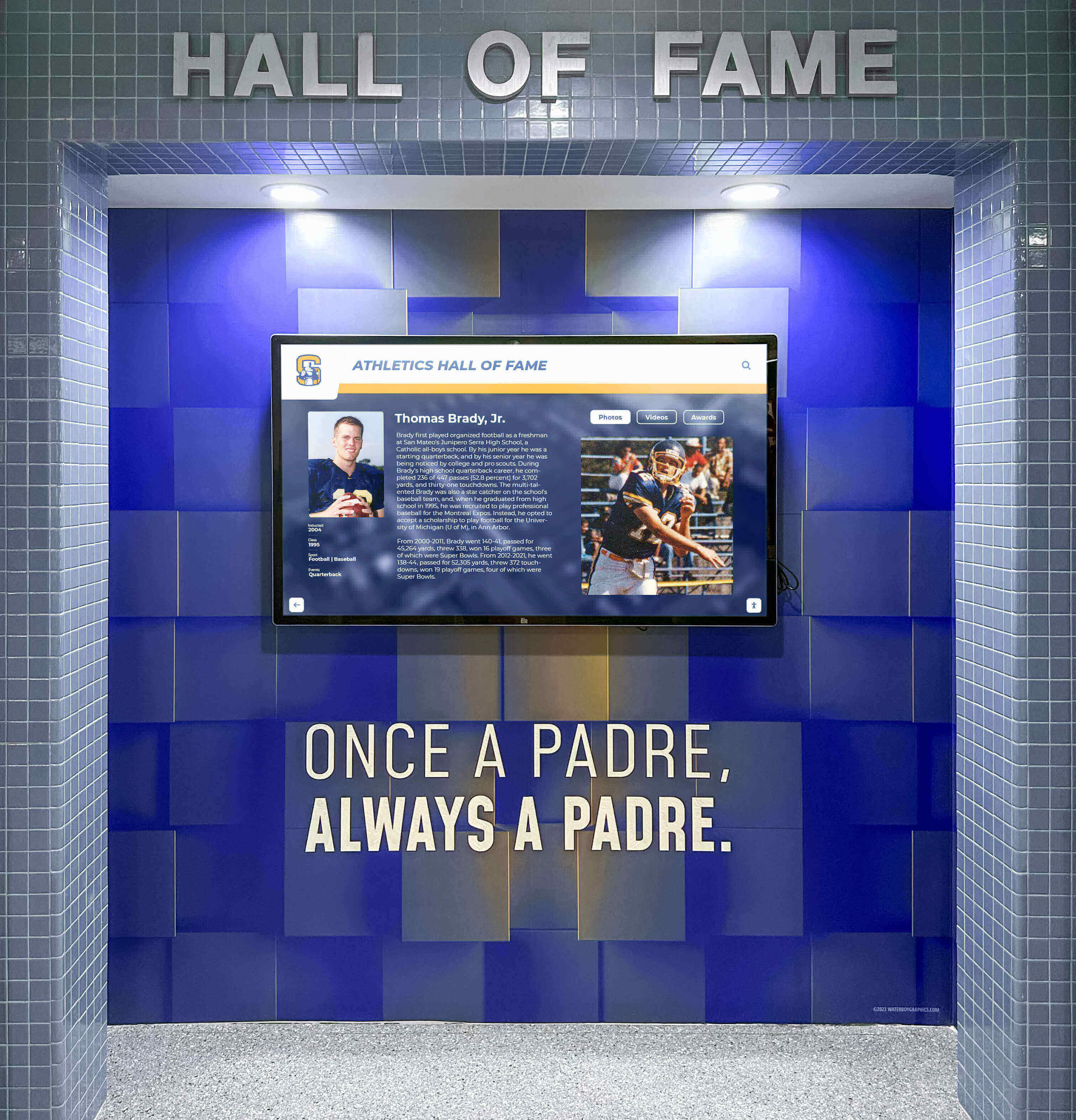
Athletic programs increasingly use digital displays to showcase highlight reels alongside historical achievements, creating engaging recognition systems
Setting Clear Objectives Guides Every Decision
Define Success Metrics Before You Begin
Understanding what “success” means for your specific highlight reel shapes every subsequent choice:
For individual recruitment reels, success means:
- Generating interest from college coaches at target programs
- Securing camp invitations or campus visit opportunities
- Receiving positive feedback on skill demonstration quality
- Standing out among hundreds of other recruiting videos
For team celebration reels, success means:
- Capturing the emotional resonance of the season
- Creating shareable content alumni and community embrace
- Preserving memories participants value for years
- Generating school spirit and program pride
For program promotional reels, success means:
- Attracting prospective student-athletes to your program
- Differentiating your program from competitors
- Communicating program culture and values effectively
- Supporting enrollment and program participation goals
Each objective requires different filming approaches, editing styles, and distribution strategies—attempting to serve all purposes with a single reel typically results in unfocused content serving none effectively.
Essential Equipment and Technical Preparation
Creating professional-quality highlight reels doesn’t require expensive Hollywood equipment, but certain technical foundations ensure your content meets baseline quality standards coaches and viewers expect.
Camera and Filming Equipment
What You Actually Need
The good news: modern smartphones shoot video quality sufficient for most highlight reel purposes. The key lies not in expensive cameras but in proper technique and stability.
Minimum viable equipment:
- Smartphone or camera shooting at least 1080p HD (4K preferred for future-proofing)
- Tripod or stabilizer preventing shaky footage that looks unprofessional
- External microphone (optional but valuable for program promotional content)
- Extra batteries and storage ensuring you never miss critical moments
Optimal setup additions:
- Telephoto or zoom lens capturing close-up action from sidelines
- Gimbal stabilizer enabling smooth follow shots and movement
- Second camera angle providing coverage options for editing flexibility
- Wireless microphone for coach or player interviews in promotional reels
The camera matters less than consistent positioning, proper settings, and reliable operation throughout games. A smartphone on a tripod shooting the entire game produces better highlight reel material than an expensive camera with inconsistent or shaky footage.
Camera Settings for Sports
Configure your recording device appropriately for sports action:
- Frame rate: 60fps minimum for smooth action and slow-motion options
- Resolution: 1080p minimum, 4K preferred if storage allows
- Exposure: Manual mode preventing constant adjustment during play
- Focus: Auto-focus for following fast action, manual for fixed positions
- White balance: Preset for indoor/outdoor to maintain color consistency
Modern smartphones handle most settings automatically, but understanding manual control improves quality significantly in challenging lighting conditions common in gymnasiums and under stadium lights.

Interactive displays enable viewers to access individual athlete highlight reels, stats, and achievements through intuitive touch interfaces
Filming Strategy and Camera Positioning
Where to Position Cameras for Best Results
Camera placement dramatically affects highlight reel quality regardless of equipment sophistication.
For team sports (basketball, soccer, football, lacrosse):
Primary angle: Elevated midfield or center court position
- Captures full field/court in frame
- Shows plays developing and player positioning
- Provides context for athletic decision-making
- Enables viewers to see off-ball movement and awareness
Secondary angle: Sideline or baseline perspective
- Captures detail and facial expressions
- Shows physical contact and athletic effort
- Provides close-up action for emotional moments
- Offers alternative angles for editing variety
For individual sports (track, swimming, wrestling, tennis):
Primary angle: Finish line or competition area
- Captures complete performance or routine
- Shows technique clearly from relevant perspective
- Documents measurable results (times, scores, distances)
- Provides consistent framing across competitions
Secondary angle: Side angle showing form and technique
- Demonstrates proper mechanics and skill execution
- Allows technical analysis and coaching review
- Captures athlete’s full body movement patterns
- Provides recruitment reel content showing fundamentals
Critical filming principles:
- Film entire games or competitions: You can’t create highlights from footage you don’t have—comprehensive coverage provides editing options
- Keep camera steady: Tripods or stable positioning maintain professional appearance
- Follow the action: Pan smoothly to keep primary subjects in frame without jerky movements
- Capture context: Start recording before plays begin and continue after they conclude
- Document jersey numbers clearly: Ensure subjects are identifiable in footage
- Record scoreboard periodically: Provides context for competitive situations
Many schools now maintain permanent camera installations for consistent game coverage, with footage automatically uploaded to cloud storage for later highlight reel creation and digital display integration.
Organization and File Management
Preventing the Chaos Before It Starts
Raw footage organization determines whether highlight reel creation takes hours or weeks of frustrating file searching.
Establish consistent naming conventions:
YYYY-MM-DD_Sport_Opponent_CameraPosition_FileNumber.mp4
Example: 2026-04-11_Basketball_RivalsHigh_MainAngle_01.mp4
Create organized folder structures:
Season_2025-26/
  ├── Games/
  │   ├── 2026-04-11_vs_RivalsHigh/
  │   │   ├── Raw_Footage/
  │   │   ├── Selected_Clips/
  │   │   └── Notes.txt
  ├── Practice_Highlights/
  ├── Interviews/
  └── Final_Highlight_Reels/
Document important details immediately:
- Game date, opponent, final score
- Jersey numbers of featured athletes
- Notable plays with approximate timestamps
- Camera settings and positioning used
- Any technical issues or footage problems
This organizational discipline saves enormous time during editing and ensures you can locate specific plays months or years later when creating compilation reels or recognizing milestone achievements.
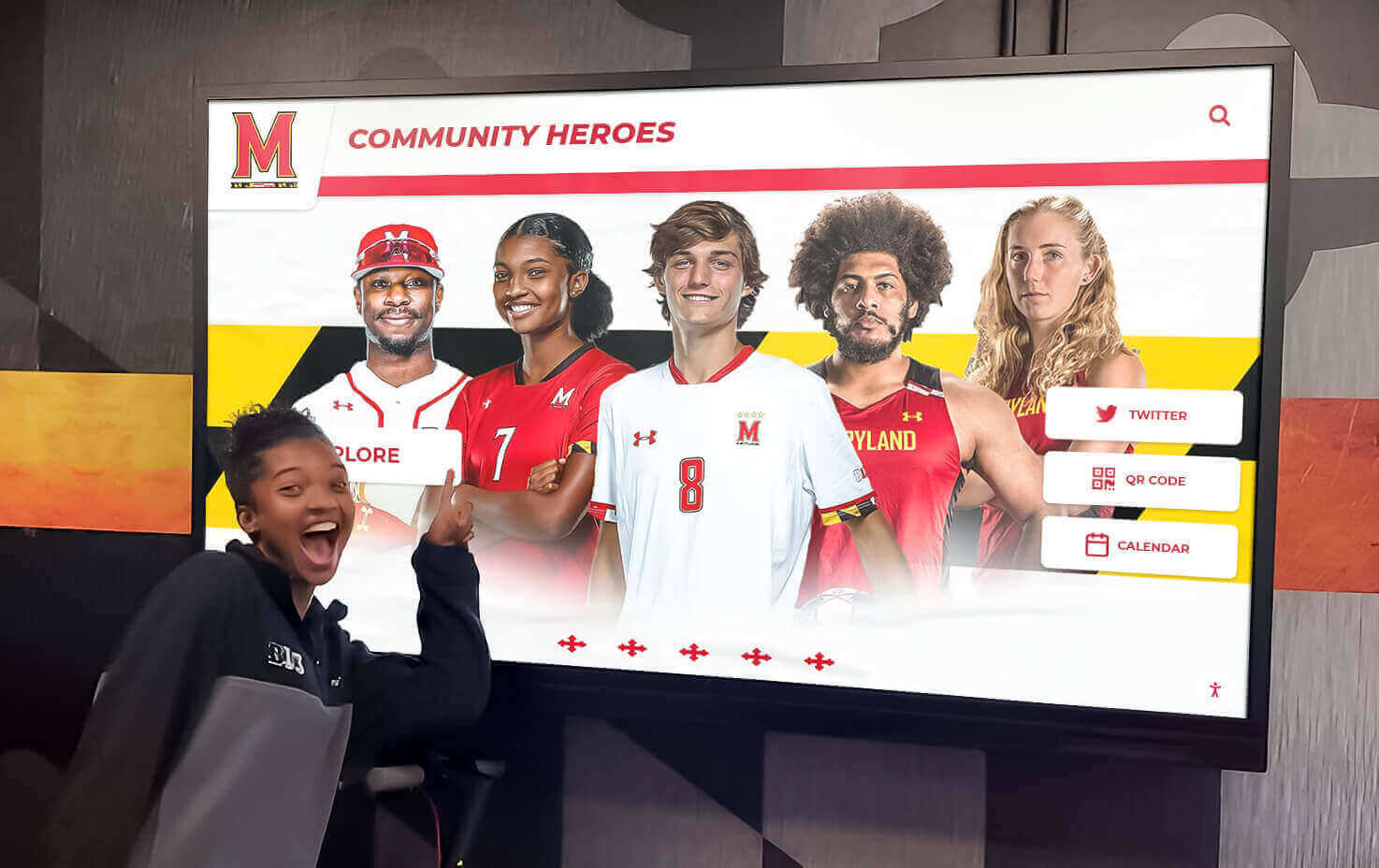
Well-organized highlight reel systems enable schools to feature current athletes alongside historical achievements in comprehensive recognition displays
Selecting and Organizing Your Best Highlights
The difference between average and exceptional highlight reels lies primarily in clip selection—choosing the right moments while ruthlessly cutting everything else.
What Makes a Highlight “Highlight-Worthy”
Quality Over Quantity Every Time
College coaches and viewers universally prefer shorter reels featuring only elite plays over longer compilations diluted with mediocre content.
Criteria for individual recruitment highlight selection:
Include plays demonstrating:
- Exceptional skill execution: Plays showcasing technical mastery at high levels
- Game-changing moments: Plays directly impacting competition outcomes
- Athletic superiority: Physical abilities distinguishing you from competitors
- Consistency under pressure: Performance quality in critical game situations
- Versatility: Diverse skills showing complete player capabilities
- Compete level: Plays against quality opponents validating ability
Exclude common mistakes:
- Plays where teammates did most of the work
- Highlights where your role isn’t immediately clear
- Routine plays that any competent player makes regularly
- Celebrations longer than the play itself
- Plays where defensive mistakes created opportunities
- Low-quality footage with poor visibility or framing
The 10-second rule: If a play doesn’t clearly demonstrate exceptional ability within 10 seconds, it probably doesn’t belong in a recruitment highlight reel.
The honest evaluation test: Would an objective college coach watching this play think “I need to recruit this athlete”? If the answer isn’t clearly yes, cut it.
Strategic Organization and Sequencing
Opening Strong Matters Most
Recruitment coaches and viewers decide whether to continue watching within the first 15-20 seconds—your opening sequence must immediately command attention.
Effective highlight reel structure:
Opening (First 3 clips, 15-20 seconds total):
- Absolute best play showing exceptional skill
- Second-best play from different game demonstrating consistency
- Athletic or impressive moment capturing attention
This opening proves you deserve continued attention and sets quality expectations for everything following.
Body (Remaining highlights, organized strategically):
Option 1: Chronological progression
- Shows improvement across seasons
- Demonstrates consistent development
- Works well for multi-year athletes with clear growth
Option 2: Skill category organization
- Groups similar skills together (shooting, defense, passing, etc.)
- Shows comprehensive ability across different areas
- Works well for sports with distinct skill categories
Option 3: Competition level grouping
- Starts with tournament/championship highlights
- Progresses through regular season quality opponents
- Demonstrates performance against best competition
Closing (Final 2-3 clips):
- Another exceptional play reinforcing opening quality
- Memorable moment leaving lasting impression
- Optional leadership or character moment for program fit
Pacing considerations:
- Keep individual clips 4-8 seconds unless play requires longer context
- Vary play types preventing repetitive viewing experience
- Include 0.5-1 second transitions between clips maximum
- Never exceed 3-4 minutes total length for individual reels
- Consider 90-second “quick reel” versions for initial attention
Many programs now create multiple highlight reel versions for different purposes—comprehensive 4-minute recruitment reels, 90-second introduction reels, and 15-second social media teasers—each serving specific distribution channels effectively.
Sport-Specific Selection Strategies
Basketball Highlights
Prioritize:
- Clean finishes in traffic showing body control
- Defensive stops and steals demonstrating awareness
- Assists showing court vision and passing ability
- Rebounds displaying effort and positioning
- Ball-handling skills in pressure situations
Avoid:
- Wide-open layups without defensive pressure
- Shots where you’re not clearly visible
- Plays where teammates created all the opportunity
Football Highlights
Prioritize:
- Position-specific excellence (blocks, tackles, catches, throws)
- Plays demonstrating speed and athleticism clearly
- Contact situations showing physicality and toughness
- Awareness plays (audibles, adjustments, recognition)
- Competition against quality opponents
Avoid:
- Plays where teammates’ blocks created success
- Small gains on routine plays
- Plays where camera doesn’t capture your involvement
Soccer Highlights
Prioritize:
- Goals showing skill, not just defensive mistakes
- Assists demonstrating vision and passing quality
- Defensive plays with good positioning and technique
- 1v1 situations showing footwork and control
- Set piece execution and creation
Track and Field Highlights
Prioritize:
- Personal records and best performances
- Championship and finals races
- Close finishes demonstrating competitiveness
- Form and technique from optimal angles
- Progression across season or career
Editing Your Highlight Reel Professionally
Technical editing quality separates amateur compilations from professional highlight reels that coaches and programs take seriously.
Choosing Video Editing Software
Options for Every Skill Level
You don’t need expensive professional software to create quality highlight reels—free and mid-tier options provide all necessary capabilities.
Free options (beginners):
- iMovie (Mac/iOS): Intuitive interface, solid basic features, easy to learn
- DaVinci Resolve (Windows/Mac): Professional capabilities with steep learning curve
- Shotcut (Windows/Mac/Linux): Open-source with comprehensive features
Mid-tier paid options (intermediate):
- Adobe Premiere Elements ($100 one-time): Simplified Premiere with guided edits
- Final Cut Pro ($300 one-time, Mac only): Professional quality, optimized performance
- Filmora ($50/year): User-friendly with sports-specific templates
Professional options (advanced):
- Adobe Premiere Pro ($21/month): Industry standard with unlimited capabilities
- Final Cut Pro X ($300 one-time): Professional Mac editing suite
For most student athletes and school programs, iMovie or Premiere Elements provides everything needed for professional-quality highlight reels without overwhelming complexity or subscription costs.

Touchscreen displays enable viewers to browse athlete highlight reels, career statistics, and achievements through intuitive interactive interfaces
Essential Editing Techniques
Technical Standards for Quality
Opening title requirements:
- Athlete name, graduation year, position, jersey number
- Height, weight, key statistics (as relevant)
- Contact information (email, phone, social media handles)
- School name and high school graduation year
- 3-5 seconds duration maximum—coaches skip long intros
Clip editing best practices:
- Trim tightly: Start 1-2 seconds before action begins, end immediately after
- Maintain visibility: Ensure featured athlete remains clearly identifiable
- Preserve context: Keep enough footage that viewers understand the situation
- Use slow-motion sparingly: Only for plays where detail adds value
- Avoid excessive effects: No fancy transitions, filters, or text overlays
- Keep natural color: Don’t over-saturate or adjust colors dramatically
Text overlay guidelines:
- Minimal is better: Only add text when necessary for clarity
- Game context: Opponent, date, competition level for important plays
- Statistics: Relevant numbers (40-yard time, vertical jump, game stats)
- Clean fonts: Simple, readable text without distracting animations
- Consistent placement: Keep text in same screen location throughout
Quality control checklist:
- All footage displays in proper HD resolution (1080p minimum)
- Audio levels remain consistent throughout (music doesn’t overpower)
- Color and brightness appear natural and consistent
- No jarring cuts or poorly timed transitions
- Jersey numbers and featured athlete clearly visible in all clips
- Video exports at 60fps for smooth action playback
Music Selection Strategy
Choosing Appropriate Background Music
Music creates energy and pacing but must support rather than overwhelm athletic content.
Recruitment reel music guidelines:
- Instrumental only: Avoid vocals that distract from gameplay
- Moderate energy: High-energy without being overwhelming or aggressive
- Copyright-free: Use only licensed or royalty-free music avoiding copyright strikes
- Appropriate for audience: Remember college coaches, not just peer athletes
- Consistent volume: Mix at 20-30% below dialogue/game sound levels
Recommended music sources:
- YouTube Audio Library (free, copyright-safe)
- Epidemic Sound (licensing subscription)
- Artlist (licensing subscription)
- Bensound (free with attribution)
Music to avoid:
- Popular songs with vocals (copyright issues, distraction)
- Explicit language or controversial content
- Overly aggressive or polarizing genres
- Anything that might offend conservative college coaches
- Songs so loud you can’t hear game sounds
For team celebration reels shown at school recognition events, you have more creative freedom with popular music, but verify licensing for any public display or social media distribution.
Export Settings and File Formats
Technical Specifications That Work Everywhere
Export your finished highlight reel using settings ensuring compatibility across all viewing platforms.
Recommended export settings:
- Format: MP4 (H.264 codec)
- Resolution: 1920x1080 (1080p) or 3840x2160 (4K)
- Frame rate: 60fps (matches source footage)
- Bitrate: 10-15 Mbps for 1080p, 25-35 Mbps for 4K
- Audio: AAC codec, 256 kbps, 48kHz
File size considerations:
- Keep individual recruitment reels under 500MB for easy email sharing
- Create compressed versions for social media (under 100MB)
- Maintain high-quality master files for future use and re-editing
These settings ensure your highlight reel plays smoothly on computers, phones, tablets, recruiting platforms, and digital display systems without compatibility issues.
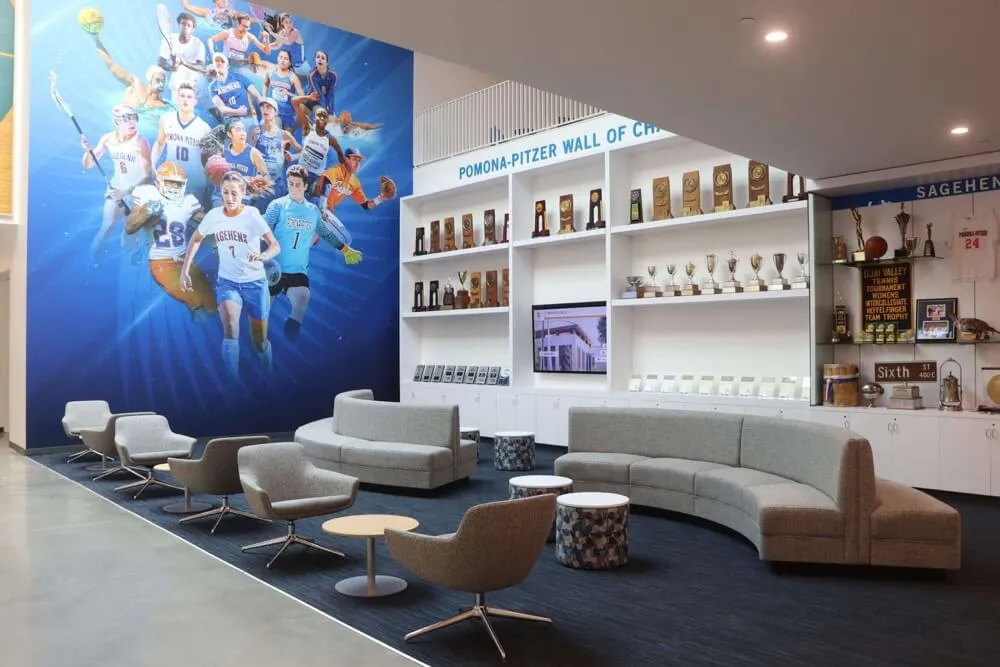
Schools create comprehensive athletic recognition experiences combining physical trophies with digital highlight reel displays showcasing championships and achievements
Distribution and Showcasing Your Highlight Reel
Creating an exceptional highlight reel matters little if target audiences never see it—strategic distribution ensures your work reaches intended viewers effectively.
Recruitment Distribution Strategies
Getting Your Reel in Front of College Coaches
College recruitment requires proactive distribution—coaches won’t magically discover your highlight reel without deliberate outreach.
Primary distribution channels:
1. Recruiting Platform Profiles
- NCAA Eligibility Center profile
- Sport-specific recruiting websites (NCSA, BeRecruited, CaptainU)
- Highlight reel hosting platforms (Hudl, MaxPreps, YouTube)
- Complete profile information with current statistics and contact details
2. Direct Coach Communication
- Email highlight reel links directly to college coaches at target programs
- Personalize each message explaining your interest in their specific program
- Include key statistics, academic information, and upcoming competition schedule
- Follow up periodically with updated reels and new achievements
3. Social Media Promotion
- Post on Twitter with relevant hashtags and coach/program tags
- Share on Instagram with program-specific tags and location information
- Use TikTok for short teaser clips driving traffic to full reels
- Maintain professional profiles separate from personal accounts
4. Camp and Tournament Opportunities
- Bring QR codes linking to highlight reels for in-person recruiting events
- Email reels to camp coaches before attending for context
- Upload to tournament platforms when participating in showcase events
Timing considerations:
- Update reels at season end with best recent highlights
- Share immediately after exceptional performances or championships
- Send to coaches during non-dead periods (check NCAA recruiting calendars)
- Provide updated reels when significant improvements occur
School Program Showcasing and Recognition
Beyond Recruitment: Celebrating Team Excellence
Schools create highlight reels for purposes extending beyond individual recruitment—celebrating achievements, building program culture, and engaging communities.
On-campus display opportunities:
Modern schools increasingly showcase athletic highlight reels through permanent digital displays located strategically throughout facilities:
- Athletic facility lobbies: Welcome visitors with current season highlights
- School hallways: Engage entire student body with rotating sport features
- Trophy case integration: Combine physical awards with video celebrations
- Gymnasium displays: Inspire current athletes with program tradition
- Recruitment visit areas: Impress prospective student-athletes and families
Interactive touchscreen systems enable viewers to browse individual sport highlight reels, access specific athlete achievements, and explore program history at their own pace—creating engaging recognition experiences far beyond static trophy cases.
Digital and social media distribution:
- School website athletic pages: Feature current season highlights prominently
- YouTube channel: Maintain organized highlight reel library by sport and season
- Social media accounts: Share clips driving engagement and school spirit
- Booster club communications: Provide content for supporter newsletters and meetings
- Alumni outreach: Connect graduates with current program achievements
Event integration:
- End-of-season banquets: Play team highlight reels during recognition ceremonies
- Homecoming celebrations: Feature championship seasons and historic moments
- Donor events: Showcase athletic program excellence to potential supporters
- Open house tours: Demonstrate program quality to prospective families
- Class reunions: Share highlights from alumni graduation years for nostalgia
Many athletic programs now maintain permanent highlight reel displays that update automatically throughout seasons, providing continuous recognition that keeps achievements visible long after individual games conclude. These systems integrate seamlessly with comprehensive athletic facility displays recognizing diverse achievements.
Legal and Privacy Considerations
Protecting Rights and Respecting Permissions
Before distributing highlight reels publicly, address legal and privacy requirements protecting all participants.
Key considerations:
Student privacy and permissions:
- Obtain athletic photo/video release forms from all student-athletes featured
- Verify parental consent for minors appearing in distributed content
- Respect opt-out requests from students or families declining public sharing
- Check school policies governing student image use and distribution
Music licensing requirements:
- Use only copyright-free or properly licensed music for public distribution
- Remove copyrighted music from YouTube uploads to avoid content strikes
- Consider instrumental alternatives for social media and public platforms
- Keep copyrighted versions only for private team viewing at closed events
Broadcast footage restrictions:
- Verify rights to use any footage captured by broadcast partners or media
- Don’t include clips from professional broadcasts without explicit permission
- Use only footage you personally captured or have licensing rights to use
- Credit other videographers when using contributed footage
NCAA compliance for recruitment:
- Follow all NCAA rules governing recruiting communications and contact
- Avoid excessive contact or impermissible promotional tactics
- Understand dead periods and recruiting restrictions by sport
- Consult compliance officers for questions about distribution timing
Taking these considerations seriously from the start prevents future complications and ensures your highlight reels remain available for their intended purposes.
Advanced Tips for Maximum Impact
Once you’ve mastered fundamental highlight reel creation, these advanced strategies further differentiate your content from standard compilations.
Creating Multiple Versions for Different Purposes
One Reel Doesn’t Fit All Situations
Strategic creators maintain several highlight reel versions optimized for specific use cases.
Recommended versions to maintain:
1. Comprehensive Recruitment Reel (3-4 minutes)
- Complete skill demonstration for serious evaluation
- Organized by skill category or chronologically
- Includes detailed opening title with full information
- Used for direct coach communication and recruiting platforms
2. Quick Introduction Reel (60-90 seconds)
- Only absolute best 10-15 plays
- Designed to capture immediate interest
- Used for initial outreach and social media
- Drives viewers to comprehensive version for more
3. Social Media Teaser Clips (15-30 seconds)
- Single exceptional play or short sequence
- Optimized for Instagram Reels, TikTok, Twitter
- Designed for viral potential and engagement
- Links to longer versions in profiles
4. Position-Specific Skill Reels (2-3 minutes)
- Focuses exclusively on specific skills coaches request
- Example: “shooting reel,” “defensive highlights,” “receiving reel”
- Responds to coach interest in particular abilities
- Demonstrates depth in specialized areas
5. Championship/Tournament Reel (2-3 minutes)
- Features only highest-competition moments
- Demonstrates performance under pressure
- Showcases biggest achievements and moments
- Used to highlight peak competitive experiences
Maintaining these versions prepared ensures you can respond immediately when opportunities arise without scrambling to create custom edits under time pressure.
Incorporating Statistics and Context
Adding Information That Validates Visual Evidence
Strategic text overlays and statistics reinforce what viewers see in gameplay footage.
Effective statistical integration:
- Game context: “State Championship Game,” “vs. #1 Ranked Team,” “Conference Finals”
- Personal stats: “25 points, 12 rebounds, 8 assists,” “3 touchdowns, 200 rushing yards”
- Season achievements: “All-Conference First Team,” “1,000 Career Points,” “State Champion”
- Measurables: “40-yard: 4.52,” “Vertical: 36”," “6'2”, 185 lbs"
Context that matters:
- Competition level elevates ordinary plays into impressive achievements
- Championship moments demonstrate performance under pressure
- Career milestones show sustained excellence over time
- Physical measurables provide objective comparison data
Integration best practices:
- Keep text on screen only 2-3 seconds maximum
- Use simple, readable fonts without distracting animations
- Place consistently in same screen location (usually lower third)
- Don’t overwhelm every clip—use strategically for key moments
The goal is adding context that helps viewers understand why particular plays matter without turning your highlight reel into a statistics presentation that distracts from athletic demonstration.
Collaborating with Teammates and Coaches
Better Results Through Strategic Partnerships
Individual highlight reel creation improves dramatically through collaboration with others who share your commitment to quality.
Coach involvement benefits:
- Coaches identify your best plays you might overlook
- They provide objective evaluation of highlight quality
- Coaches offer sport-specific insights on what recruiters value
- They may have access to professional game footage you don’t
- Coaches can facilitate introductions to college contacts
Teammate collaboration advantages:
- Share filming equipment and responsibilities
- Split costs for software, music licensing, or professional services
- Exchange feedback improving everyone’s content quality
- Pool resources for better camera equipment access
- Create team culture of mutual support and improvement
Parent and family support:
- Family members provide filming consistency across games
- They often manage video organization and file management
- Parents can handle distribution and communication logistics
- They offer additional perspective on highlight selection
- Family connections may provide editing expertise or resources
Professional service consideration:
For athletes with genuine elite college prospects, investing in professional highlight reel services ($200-500) may provide significant returns through superior editing quality, strategic distribution, and coach relationship facilitation that opens doors individual outreach can’t access.
Conclusion: Highlight Reels That Open Doors and Celebrate Excellence
Creating exceptional sports highlight reels requires more than just filming games and stringing together plays—it demands strategic thinking about purpose, thoughtful selection prioritizing quality over quantity, technical editing competence maintaining professional standards, and deliberate distribution ensuring target audiences actually see your work. Whether building recruitment materials for college opportunities or celebrating championship achievements through school recognition systems, these principles separate effective highlight reels from forgettable compilations that coaches ignore and viewers skip.
The investment in learning proper highlight reel creation pays dividends extending far beyond individual recruitment success. Student-athletes develop valuable video production skills applicable across careers. Schools build engaging recognition systems celebrating excellence and inspiring future athletes. Programs create compelling marketing materials attracting prospective families and community support. Athletic departments preserve institutional memory documenting traditions and achievements for future generations.
Modern technology now enables schools to extend highlight reel impact beyond individual recruitment use and isolated viewing experiences. Interactive digital recognition displays showcase athletic achievements continuously throughout facilities, creating engaging experiences where students, families, alumni, and visitors explore program history, watch championship highlights, and celebrate individual and team excellence at their own pace. These systems transform static trophy cases into dynamic storytelling platforms that honor tradition while adapting to how modern audiences expect to consume and interact with athletic content.
As you develop your highlight reel skills, remember that authenticity and genuine excellence create more powerful impressions than overproduced compilations hiding mediocre content behind flashy editing. College coaches can instantly recognize the difference between an athlete with exceptional ability and someone attempting to manufacture impressions through editing tricks. Schools building recognition programs understand that genuine achievements celebrated honestly create more meaningful culture than exaggerated promotions disconnected from reality. Start with quality gameplay, film it clearly, edit it thoughtfully, and share it strategically—the fundamentals of effective highlight reel creation that serve student-athletes and programs pursuing excellence both on and off the field.
Showcase Your Athletic Excellence Through Modern Recognition
Ready to transform how your school celebrates athletic achievements? Rocket Alumni Solutions creates interactive touchscreen displays that showcase sports highlight reels, championship moments, and athletic program excellence through engaging digital recognition systems. From lobby displays featuring current season highlights to comprehensive hall of fame installations celebrating program tradition, our solutions ensure your carefully crafted highlight reels receive the visibility and presentation quality they deserve—inspiring current athletes while honoring past achievements that define your program’s competitive legacy.































