



Hall of fame closed captioning guidelines give school administrators and recognition staff a repeatable standard for making inductee interview clips, ceremony highlights, and tribute videos usable across every viewing context—lobby touchscreen kiosks, noisy cafeteria screens, classroom presentations, and public websites. The short answer: captions on all public-facing hall of fame videos are both an accessibility requirement and a practical necessity, because many of those videos play in high-traffic hallways where audio is inaudible without speakers or headphones.
This how-to guide walks athletic directors, archives staff, and school IT teams through a six-step captioning workflow, a caption quality checklist, format and timing standards, and guidance for integrating captioned video into touchscreen recognition displays. No special equipment is required—a reliable workflow and consistent review standards produce captions that meet accessibility guidelines and serve every visitor to your recognition program.
Inductee interviews recorded in a gymnasium, tribute videos produced for annual ceremonies, and highlight clips archived for a digital hall of fame all share one challenge: they were created as audio-visual experiences, and they go unwatched or inaccessible for significant portions of your audience without accurate closed captions. Visitors with hearing loss, students watching in class without speakers, and alumni browsing an outdoor kiosk all depend on caption quality to access the same content that others experience through sound.

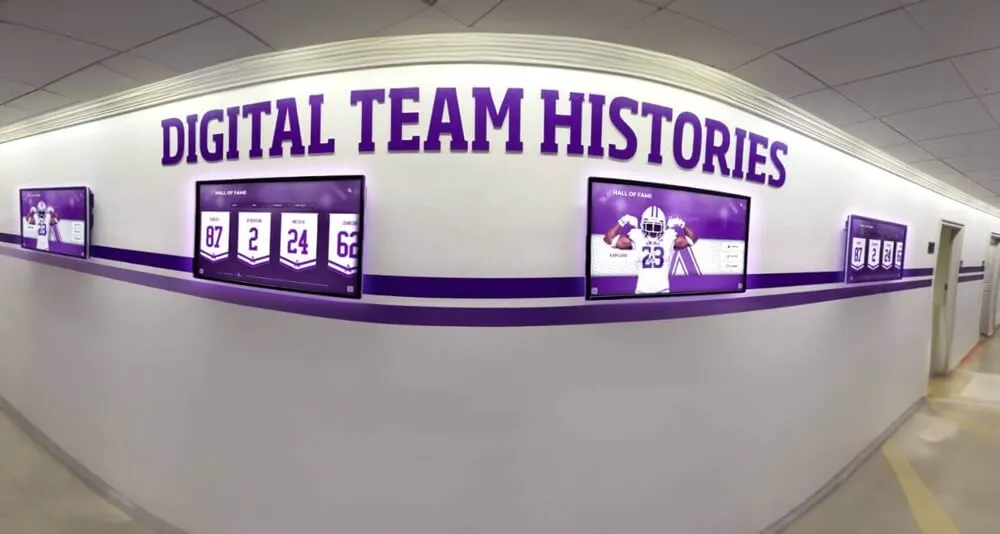
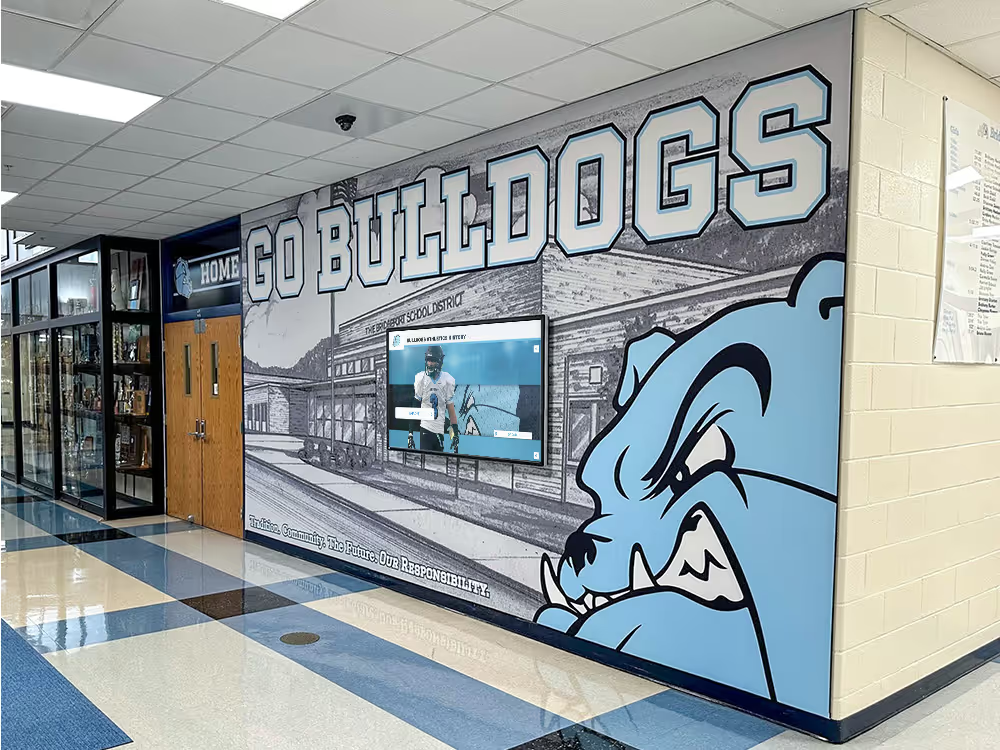
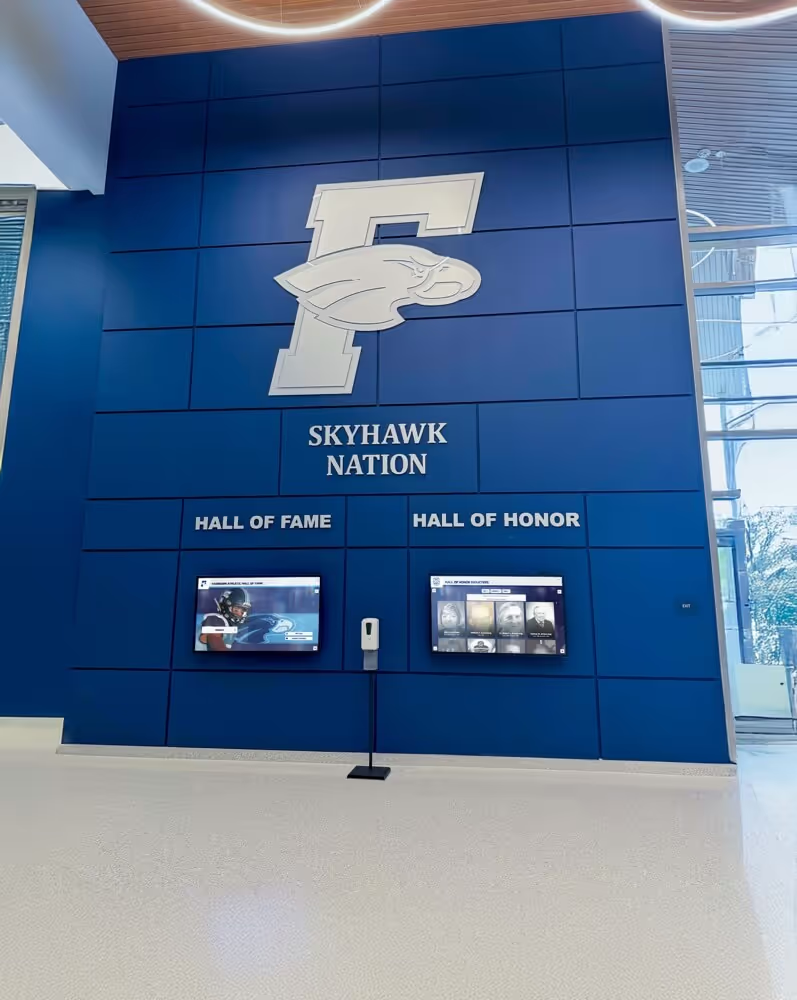
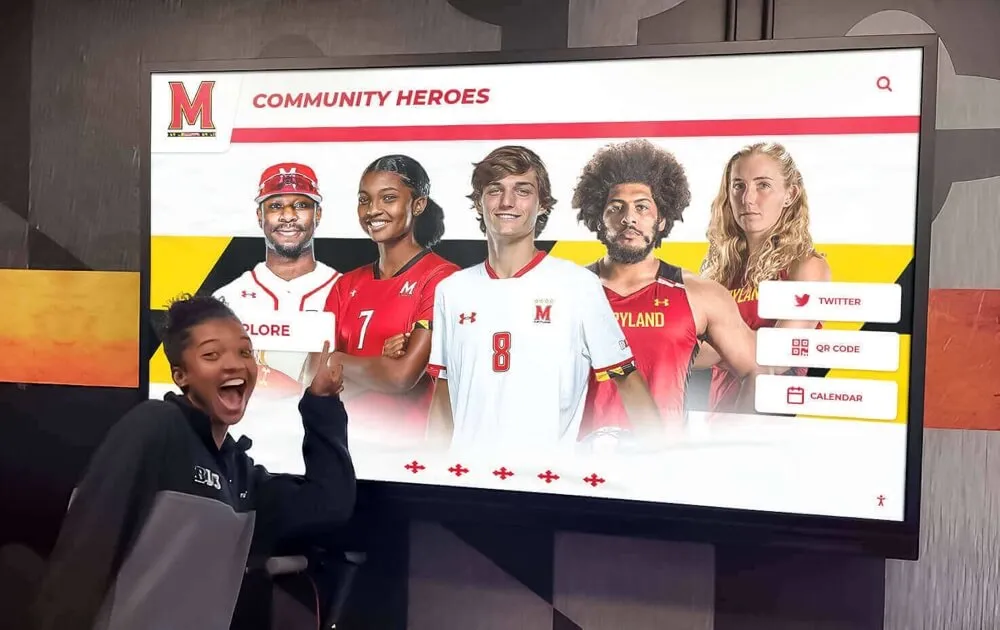
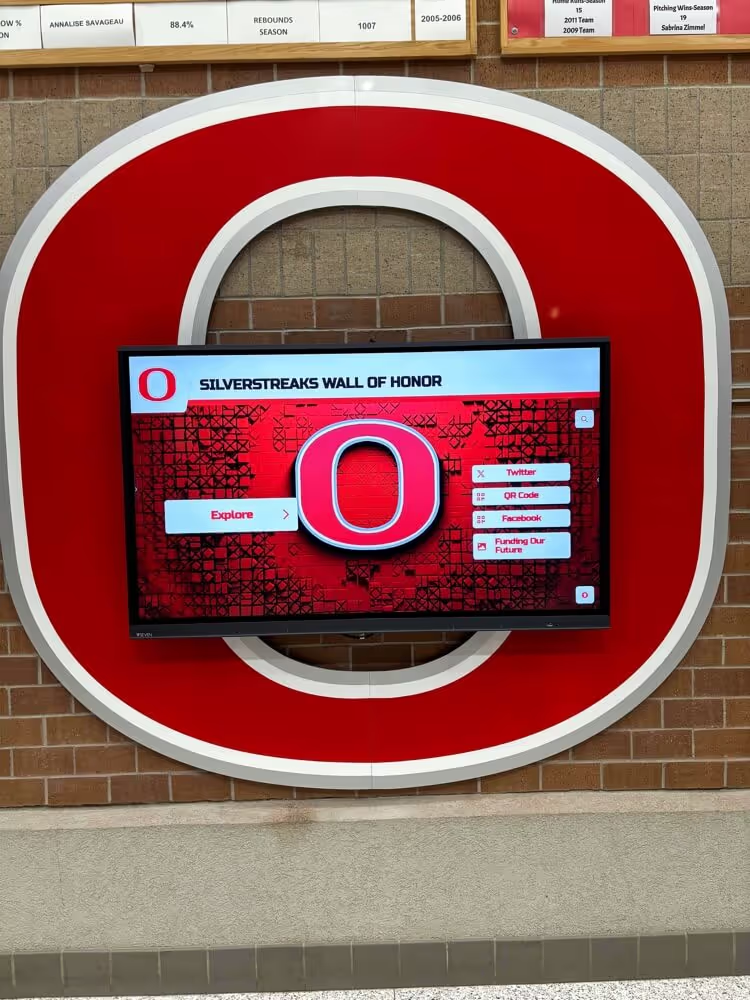
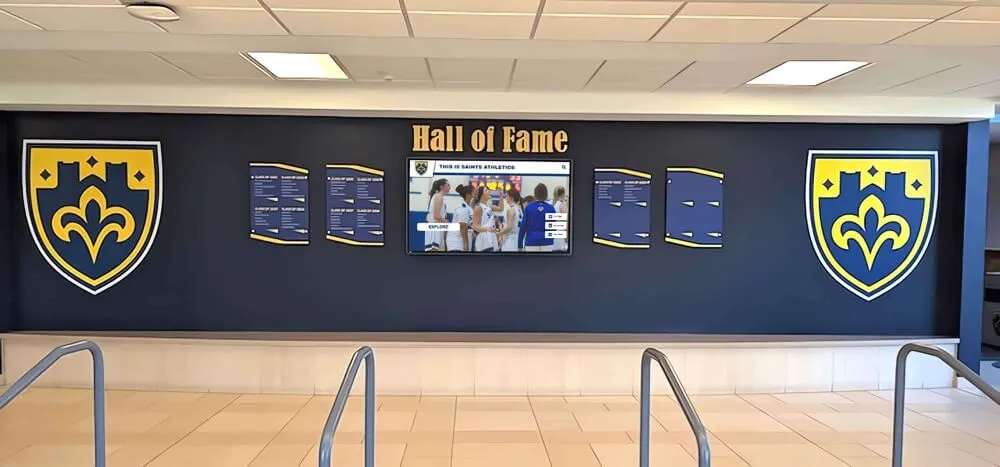
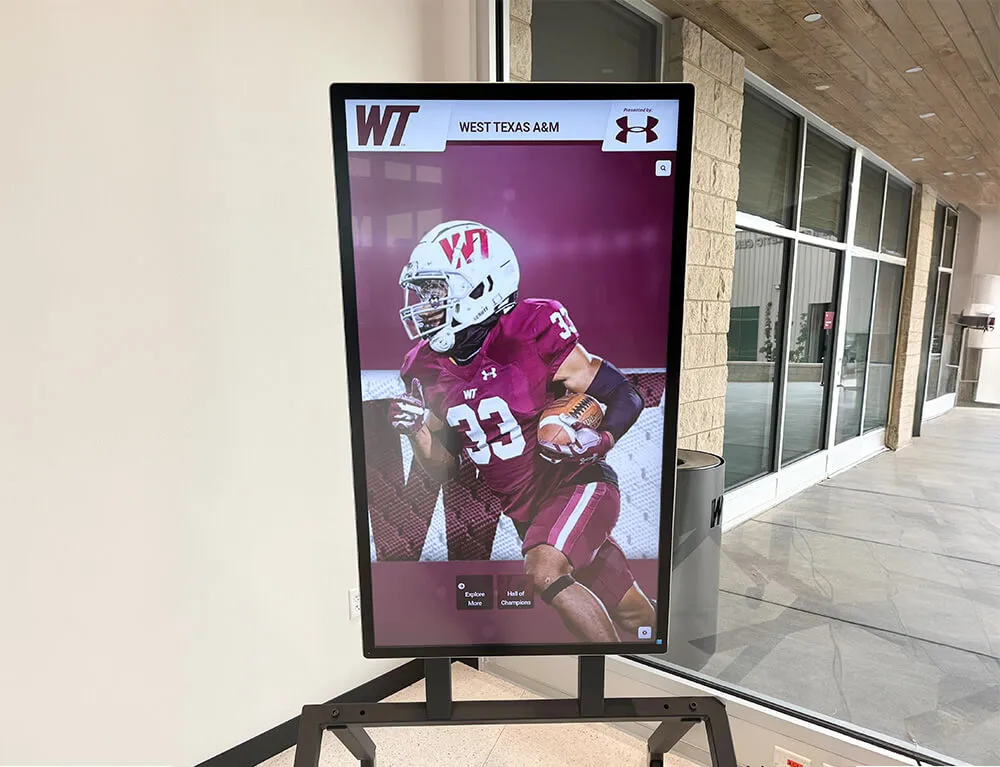
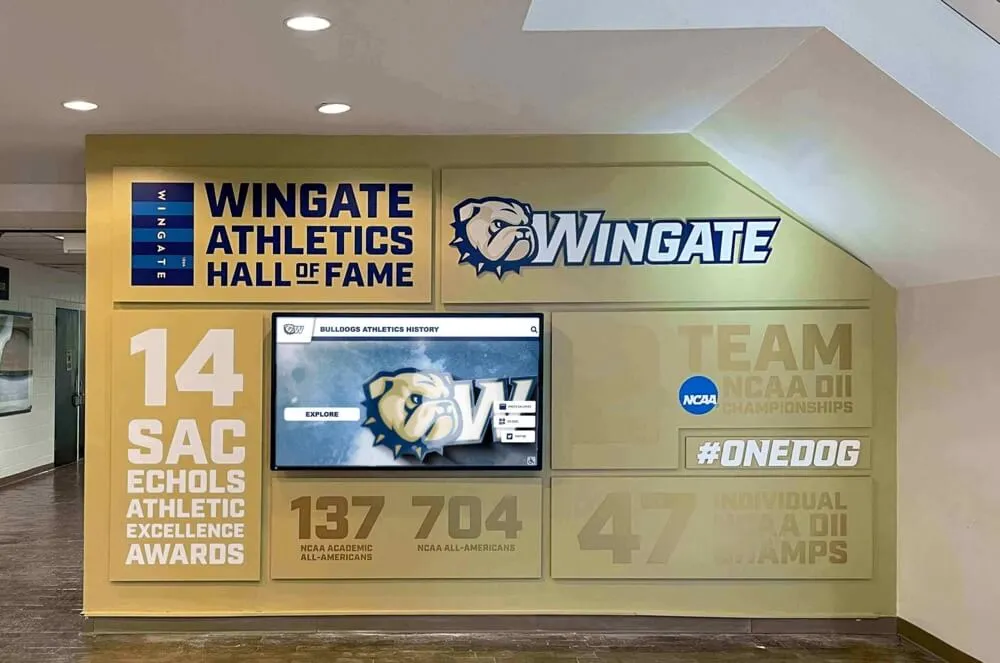
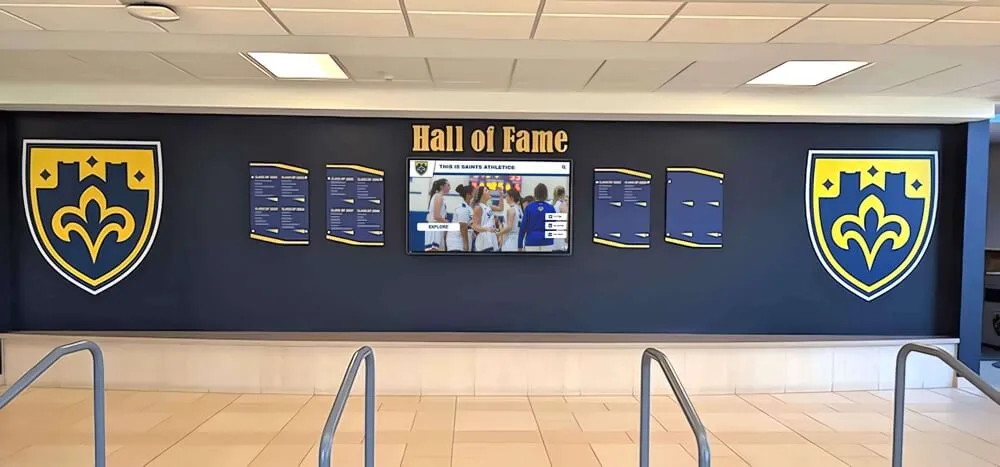
Hall of fame video clips displayed on lobby screens and recognition kiosks need accurate closed captions so every visitor can follow the content regardless of ambient noise or hearing ability
Why Closed Captions Matter for Hall of Fame Videos
Closed captions are not an optional enhancement for hall of fame recognition programs—they are a practical requirement for several reasons that go beyond compliance.
Accessibility and legal obligations. Schools and institutions receiving federal funding are required under Section 504 of the Rehabilitation Act and ADA Title II to ensure that video content used in public programs is accessible to visitors with hearing disabilities. Inductee videos shown at ceremonies, embedded on a school website, or displayed on lobby kiosks all fall within that scope. When reviewing athletic hall of fame image specifications and documentation standards for inductee profiles, captioned video belongs in the same package as photo and biography standards.
Noisy display environments. Most digital hall of fame kiosks are installed in school lobbies, gymnasium entries, athletic hallways, and cafeteria corridors—spaces with significant ambient noise. Even a visitor without hearing loss cannot follow a video testimonial in a hallway during a passing period unless captions are present. Captions effectively double the usability of every video your program displays.
Search and archival value. Caption files in SRT and WebVTT formats contain the full transcript of a video’s dialogue and narration. When that text is associated with a video file in your recognition archive, it becomes searchable content. A staff member looking for quotes from a specific inductee’s acceptance speech can find the clip in seconds; without captions, that search means watching every clip manually.
Display flexibility. Captioned videos work in any viewing context—muted autoplay on web pages, touchscreen kiosks set to audio-off in public spaces, and classroom presentations where teachers choose to mute background video. Uncaptioned videos become invisible in these contexts.
The 6-Step Hall of Fame Closed Captioning Workflow
The following hall of fame closed captioning guidelines move an inductee video from raw recording to a captioned asset ready for display and archiving.
Step 1: Inventory Your Hall of Fame Video Library
Before captioning anything, create a complete inventory of the video assets tied to your recognition program. Many programs discover more uncaptioned video than expected once they look systematically.
For each video, record:
- Title or description (inductee name, ceremony year, video type)
- Duration
- Current storage location (shared drive, CMS, physical media)
- Whether captions currently exist
- Priority level for captioning
Prioritize in this order:
- Videos currently displayed on public-facing touchscreen kiosks or websites
- Videos embedded in ceremony presentations or used at school events
- Historical inductee interviews and oral histories being added to the public archive
- Internal or staff-only video used in nomination and selection workflows
Programs working through a backlog of uncaptioned content should clear the first category before moving to others. When reviewing hall of fame photo caption guidelines and documentation standards as part of your inductee documentation package, video captions should be part of the same review cycle.
Step 2: Choose Your Captioning Method
Three captioning methods are available to most school and institutional programs. The right choice depends on video volume, available budget, and accuracy requirements.
| Method | Best For | Accuracy | Cost | Turnaround |
|---|---|---|---|---|
| Automated AI captioning | Large video libraries, clear studio audio | High (with review) | Low per minute | Minutes |
| Professional captioning service | Ceremony clips, public-facing content | Very high | Per-minute fee | 24–48 hours |
| In-house manual captioning | Sensitive content, small volumes | Highest | Staff time | Variable |
| Hybrid (AI + human review) | Most school programs | High | Low–moderate | Same day |
For most school athletic programs, a hybrid approach works best: run automated captioning first to produce an initial transcript, then have a staff member or volunteer familiar with the school’s roster, alumni names, and award terminology review and correct errors. Automated tools handle general speech accurately but routinely mishandle proper names, sport-specific terms, and school-specific references that are common in inductee video content.
Step 3: Apply Format and Timing Standards
Caption files must meet format standards before they are usable in most video platforms and touchscreen display systems. The following standards apply to both SRT (.srt) and WebVTT (.vtt) files, the two most common formats for educational and recognition programs.
Timing rules:
- Individual caption segments: 1–7 seconds per caption block
- Maximum reading speed: 17 characters per second (approximately 160–180 words per minute)
- Minimum on-screen duration: 1.0 second per caption block
- Gap between consecutive captions: 0.083 seconds minimum to prevent visual merging
Line and character rules:
- Maximum two lines per caption block
- Maximum 42 characters per line (32 characters preferred for smaller kiosk screens)
- Break lines at natural phrase boundaries, not mid-phrase
- Do not break a speaker’s sentence across two separate caption blocks unless necessary
Text formatting standards:
- Speaker identification: Use
[SPEAKER NAME]:format when multiple speakers appear - Non-speech sounds relevant to the video: Use square brackets—
[applause],[crowd noise],[music] - Capitalization: Sentence case throughout; all-caps only for genuine shouting or announcement
- Emphasis: Use only when spoken emphasis would be lost without it
Step 4: Run the Caption Quality Checklist
Before a caption file is considered complete, a reviewer should work through the following checklist against the finished video. This step is especially important for videos displayed on public kiosks or school websites.
Hall of Fame Caption Quality Checklist
Accuracy — Content
- Every spoken word is transcribed or appropriately represented
- All inductee names are spelled as they appear in official school records
- Sport names, award titles, and school-specific terminology are correct
- Numerical data (years, statistics, records) matches the spoken content
- No words are substituted, omitted, or invented by the captioning tool
Accuracy — Speakers and Attribution
- Speaker changes are clearly identified when more than one person speaks
- Presenter names and inductee names are identified at first mention
- Pronouns and references are consistent with identified speakers
Timing
- Captions appear within 0.5 seconds of the corresponding speech
- Caption blocks do not linger after the speaker has finished
- No gaps where captions disappear mid-sentence for several seconds
- Captions do not overlap or merge across speaker changes
Readability
- No caption block exceeds two lines
- Line breaks fall at natural pause points
- Character-per-line count stays within display limits (42 max, 32 preferred for kiosks)
- Reading speed is comfortable at 17 characters per second maximum
Non-Speech Elements
- Relevant non-speech audio is identified in square brackets where helpful
- Background music that covers dialogue is flagged if it obscures meaning
- Applause, crowd reactions, and significant ceremony sounds are noted
Technical
- Caption file opens correctly in the target video platform
- Timecodes are in the correct format for the file type (SRT or VTT)
- File encoding is UTF-8 to support special characters in names
- Caption file is named consistently with the video file it accompanies
When you collect hall of fame inductee questionnaire data and biographical details as part of your nomination process, the proper name spellings used in that form should serve as the reference for caption review—inconsistencies between the questionnaire and the caption file create confusion in the archive and reflect poorly on the program’s attention to detail.
Step 5: Export Captions in the Correct Format
Different display contexts require different caption file formats. The three most common scenarios for school recognition programs are:
Web-embedded video (school website, online hall of fame):
Use WebVTT (.vtt) format. Most modern browsers support VTT natively when the file is referenced in the video element’s <track> tag with kind="captions" and srclang="en" attributes.
Video platform hosting (YouTube, Vimeo): Both platforms accept SRT (.srt) files uploaded through the video management interface. Upload captions as a separate file rather than relying on the platform’s auto-generated captions, which will not meet your accuracy standards for proper names and school-specific terminology.
Touchscreen kiosk and digital display systems: Confirm the caption format accepted by your display platform before exporting. Most modern recognition platforms support SRT; some support VTT. If your platform requires open captions burned directly into the video frame rather than a separate caption track, export a dedicated open-caption version for kiosk use and retain the separate caption file for web and archive purposes.
File naming convention: Save caption files with the same base name as the video file, adding the language code:
johnson-induction-2024.mp4 → johnson-induction-2024.en.srt
This convention makes it straightforward to match caption files with their source video in any archive system.
Step 6: Integrate Captioned Videos with Your Recognition Display System
The final step places captioned video into your hall of fame’s digital infrastructure so captions are visible and functional for every visitor.
For touchscreen kiosks and interactive displays: Confirm that captions are enabled by default or are clearly accessible to the user. A caption toggle buried in a submenu is functionally unavailable to most visitors. For lobby kiosks in noisy environments, consider enabling captions by default rather than requiring user action to turn them on.
For inductee profile pages: When your recognition platform links video clips to individual inductee profiles, attach the caption file alongside the video. Visitors browsing a specific inductee’s profile should have access to the full captioned video experience, not just a muted thumbnail.
For archive collections: Store caption files alongside video files in your archive system rather than in a separate folder. If a caption file becomes separated from its video, it loses context and may be difficult to reassign accurately later.
For annual update workflows: Build caption creation into your standard ceremony video production timeline. New inductee videos added to the display system after each annual ceremony should arrive already captioned before upload, rather than captioning being treated as an optional follow-up step.

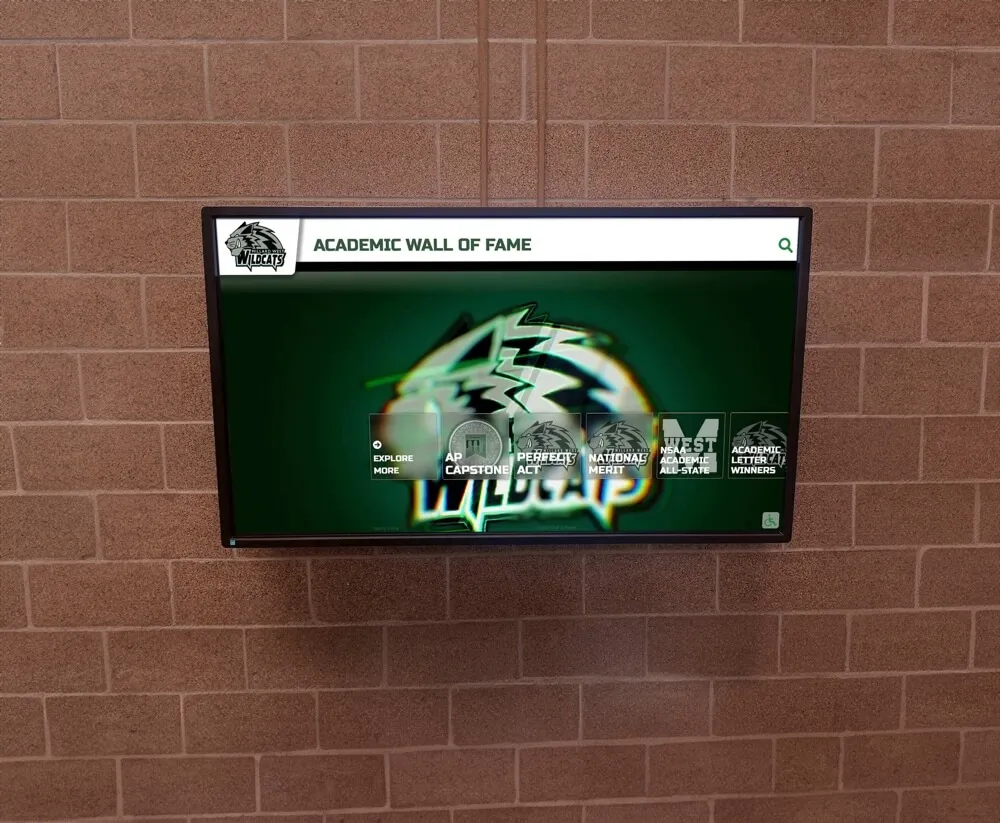
Building caption creation into the video production workflow—rather than treating it as a post-production afterthought—keeps every new inductee video display-ready from its first upload
Caption Format Standards Quick Reference
The following table summarizes the key technical standards for closed captions in hall of fame video contexts.
| Standard | Guideline | Notes |
|---|---|---|
| Max characters per line | 42 (32 preferred) | Use lower limit for smaller kiosk screens |
| Max lines per caption block | 2 | Never use 3-line blocks |
| Max reading speed | 17 characters/sec | Roughly 160–180 words per minute |
| Min caption duration | 1.0 second | Even single-word captions need a full second |
| Max caption duration | 7 seconds | Break longer segments into multiple blocks |
| Gap between captions | 0.083 sec minimum | Prevents visual merging on screen |
| Caption sync tolerance | ±0.5 seconds | Tighter for close-up interview shots |
| Speaker ID format | [SPEAKER NAME]: | Apply at every speaker change |
| Non-speech format | [sound description] | Only for contextually relevant sounds |
| File encoding | UTF-8 | Required for special characters in names |
| Web caption format | WebVTT (.vtt) | Native browser support |
| Platform upload format | SRT (.srt) | Universal platform support |
How Captions Work on Touchscreen Hall of Fame Displays
Touchscreen recognition platforms that feature video content handle captions in one of two ways: embedded open captions (visible to every viewer without any action) or closed captions delivered through the platform’s media player (toggle on/off).
For most hall of fame kiosk deployments, open captions embedded in the video file are preferable because:
- Lobby kiosks typically play video on loop without a user actively controlling playback
- No caption toggle interface is required—text is visible immediately
- Audio is often disabled or inaudible in public-facing kiosk environments
- Open captions work even if the display platform’s media player does not natively support caption track files
For web-based hall of fame platforms and online archives where users have personal control over their viewing experience, closed captions via caption track files (SRT or VTT) are the standard approach because they respect individual preference while keeping captions available to every visitor.
When evaluating hall of fame tools for managing athletics, donors, and recognition displays, confirm whether a platform supports both open-caption video and caption track files, since different display contexts within the same program may require both approaches.
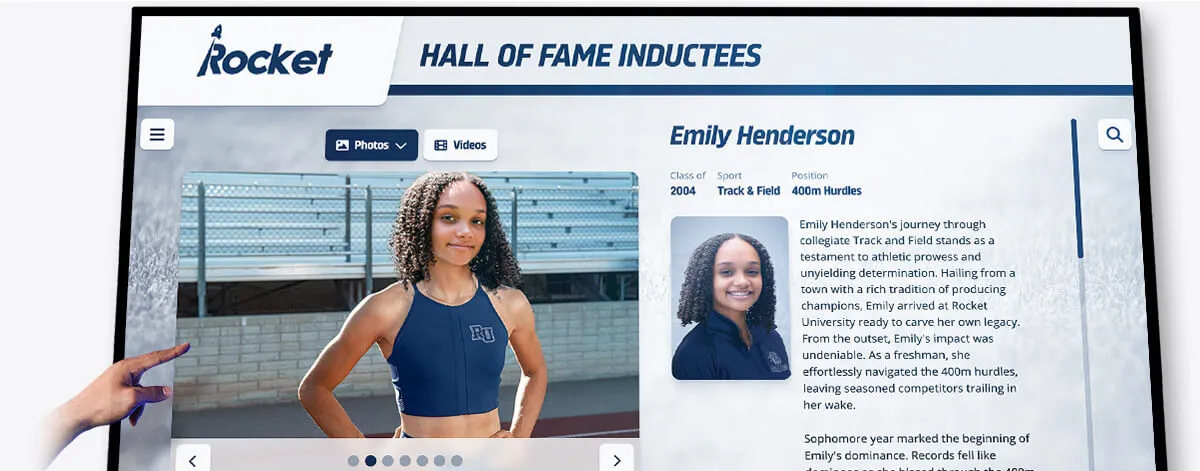
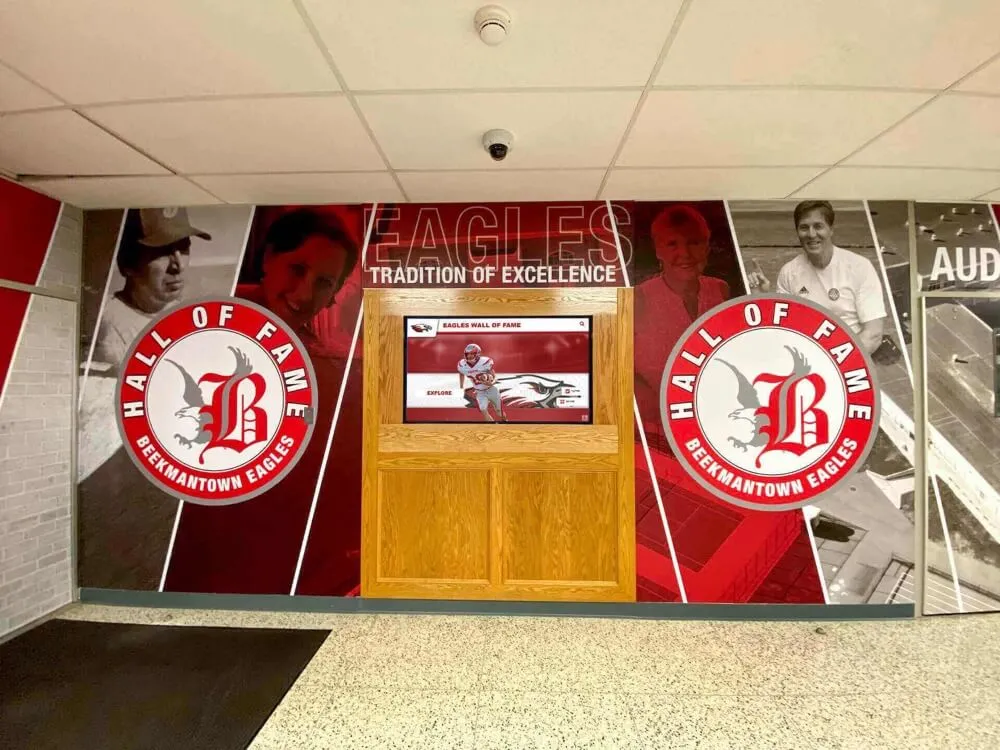
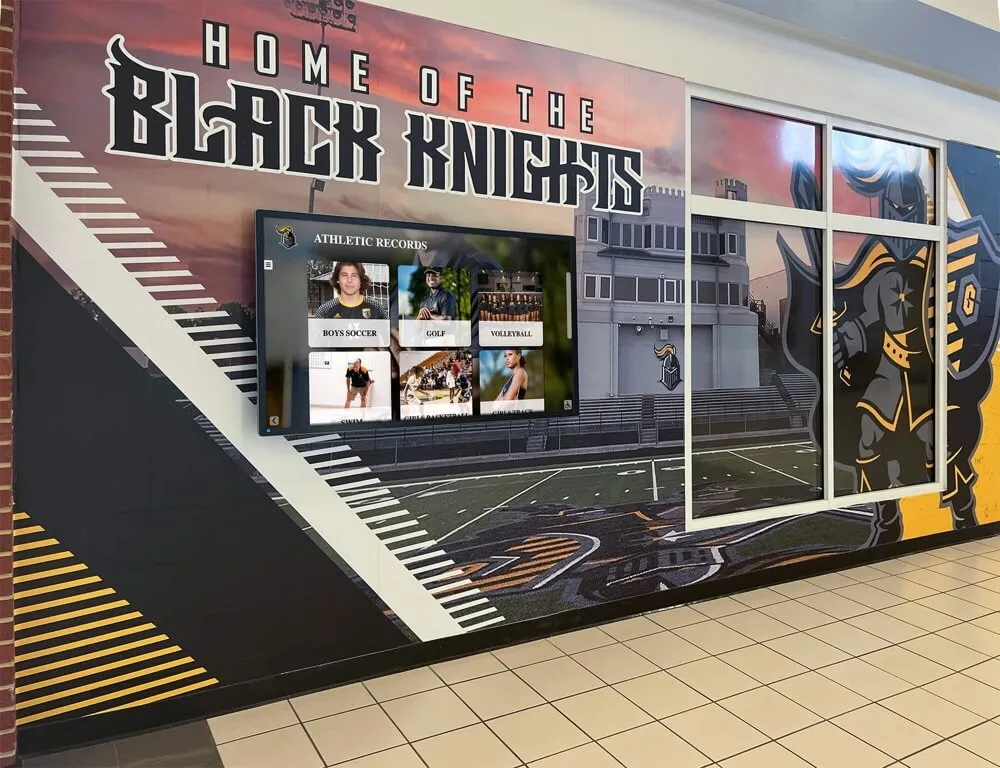
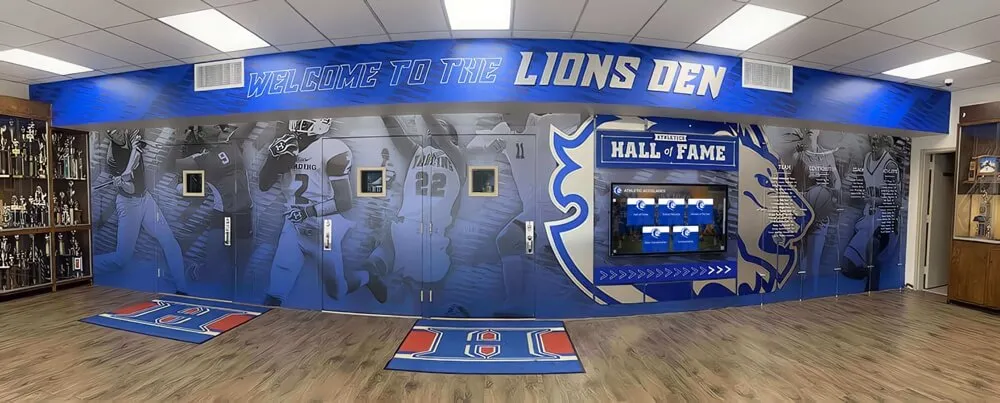
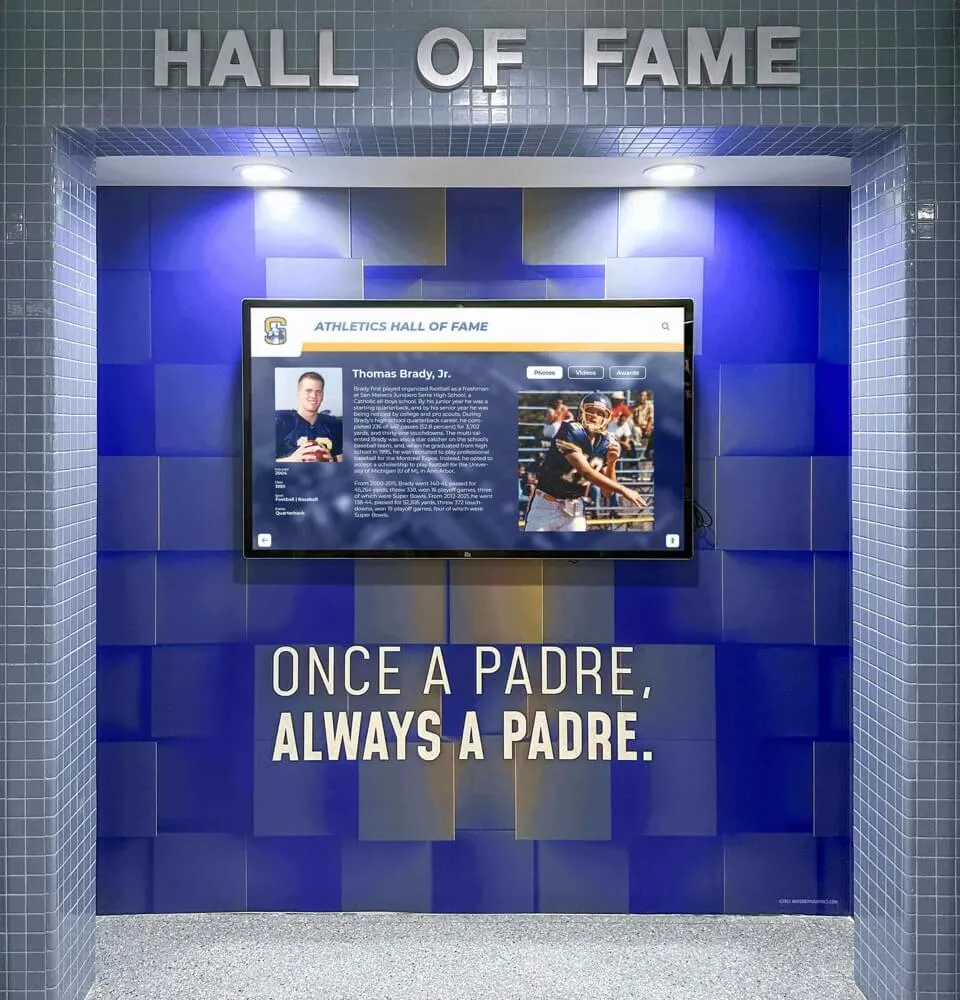
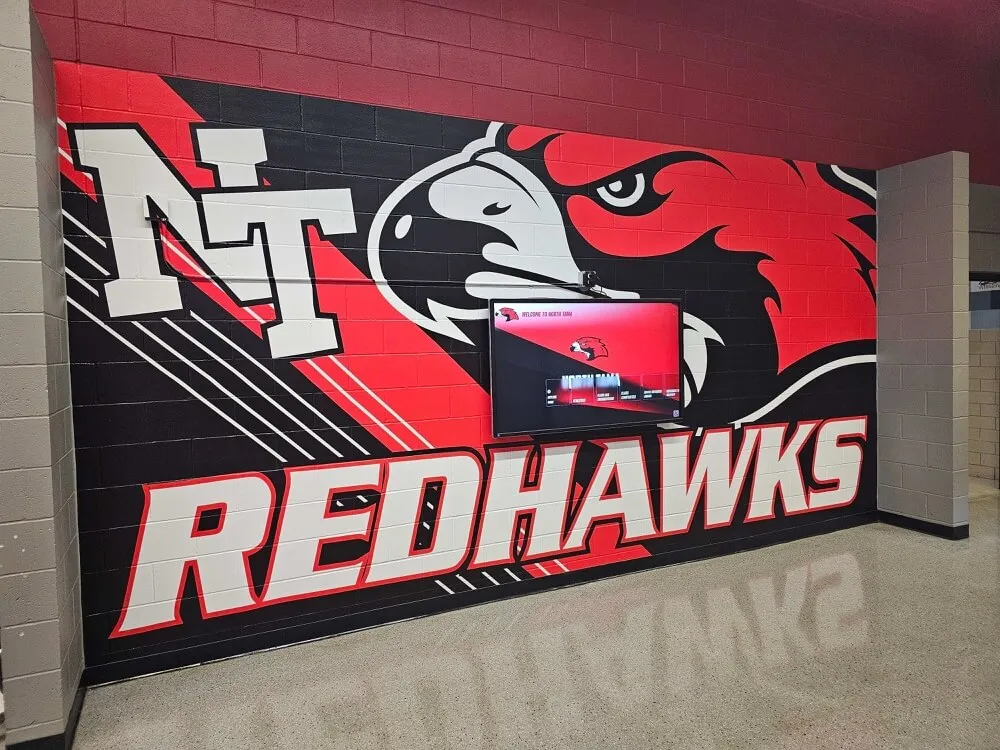
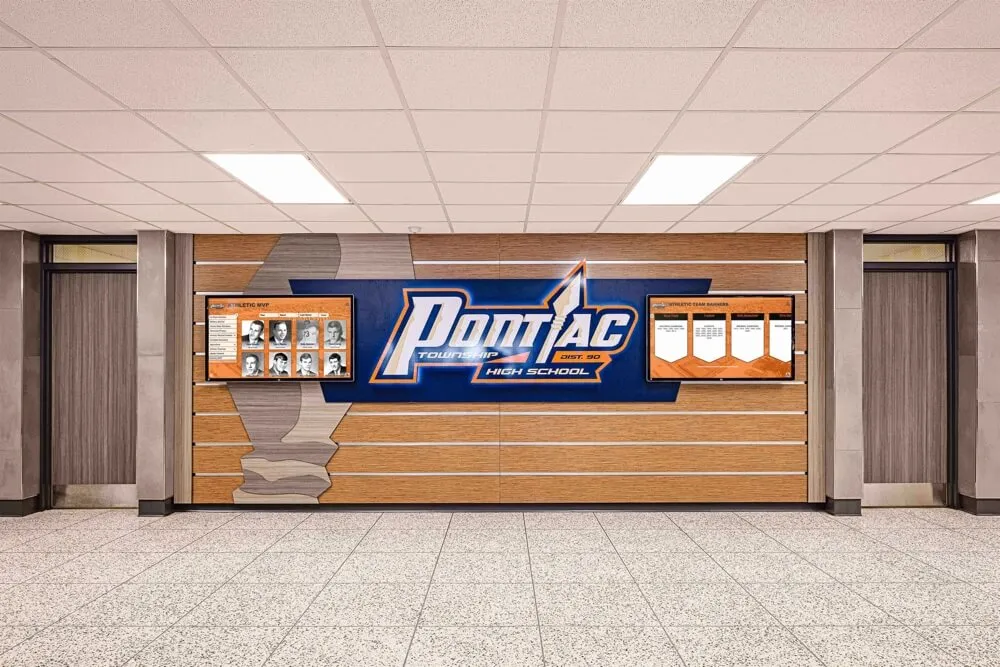
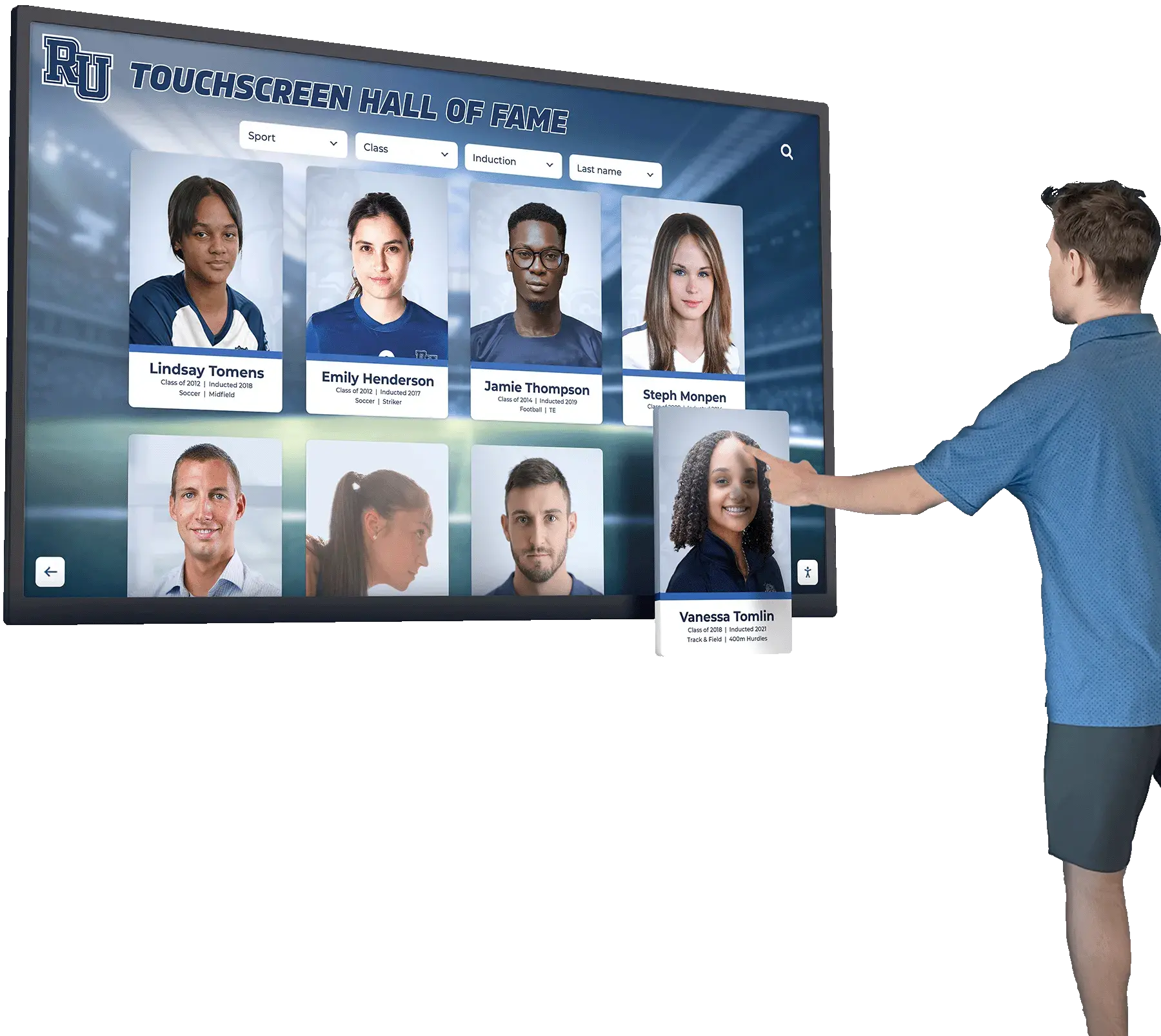
Inductee profile pages on touchscreen platforms link to ceremony video and interview clips—captioned video attached to those profiles gives every visitor complete access to the inductee's story
Common Captioning Mistakes in Hall of Fame Videos
Several captioning problems appear frequently in school recognition programs. Knowing them in advance helps reviewers catch issues before a video goes live on a public display.
Proper name errors. Automated captioning tools frequently mis-transcribe athlete names, coach names, and school or conference names. A retiring coach’s name rendered as a common word, an inductee’s unusual surname spelled phonetically, or a historic rival team’s name transcribed incorrectly all undermine the credibility of the archive. The caption review stage exists primarily to catch these errors—reviewers should cross-reference the inductee’s official profile or a complete hall of fame guide for school administration for correct spellings before the file goes to upload.
Drifting synchronization. If a caption file’s timecodes gradually shift out of alignment with the video—even by a second or two—captions become confusing rather than helpful. Drift typically happens when a caption file is created from a different version of the video than the one being displayed, or when a video is re-encoded at a different frame rate after captions were authored. Always verify captions against the final exported version of the video, not a rough cut.
Missing speaker identification. Inductee ceremony videos frequently feature a presenter and an inductee, or a moderator and an interview subject. Without speaker identification, viewers relying on captions cannot follow who is speaking—a critical problem in close-up interview video where the camera may not always show the active speaker. Apply [SPEAKER NAME]: labels consistently at every speaker transition.
Captions overlapping lower-third graphics. Most platforms default to centering captions at the bottom of the frame. In hall of fame videos, lower-third graphics showing the inductee’s name, sport, and year often occupy the same screen region. Work with your video editor to position on-screen graphics above the caption zone, or raise captions to the upper portion of the frame if lower-third graphics cannot be repositioned.
Ignoring ambient ceremony sound. Annual induction ceremonies include applause, musical introductions, crowd reactions, and presenter commentary between inductees. Captions that transcribe only spoken words leave out meaningful ceremony context. Use bracketed non-speech notation—[applause], [musical introduction], [audience laughter]—to give viewers who cannot hear the audio a complete sense of the event’s atmosphere.
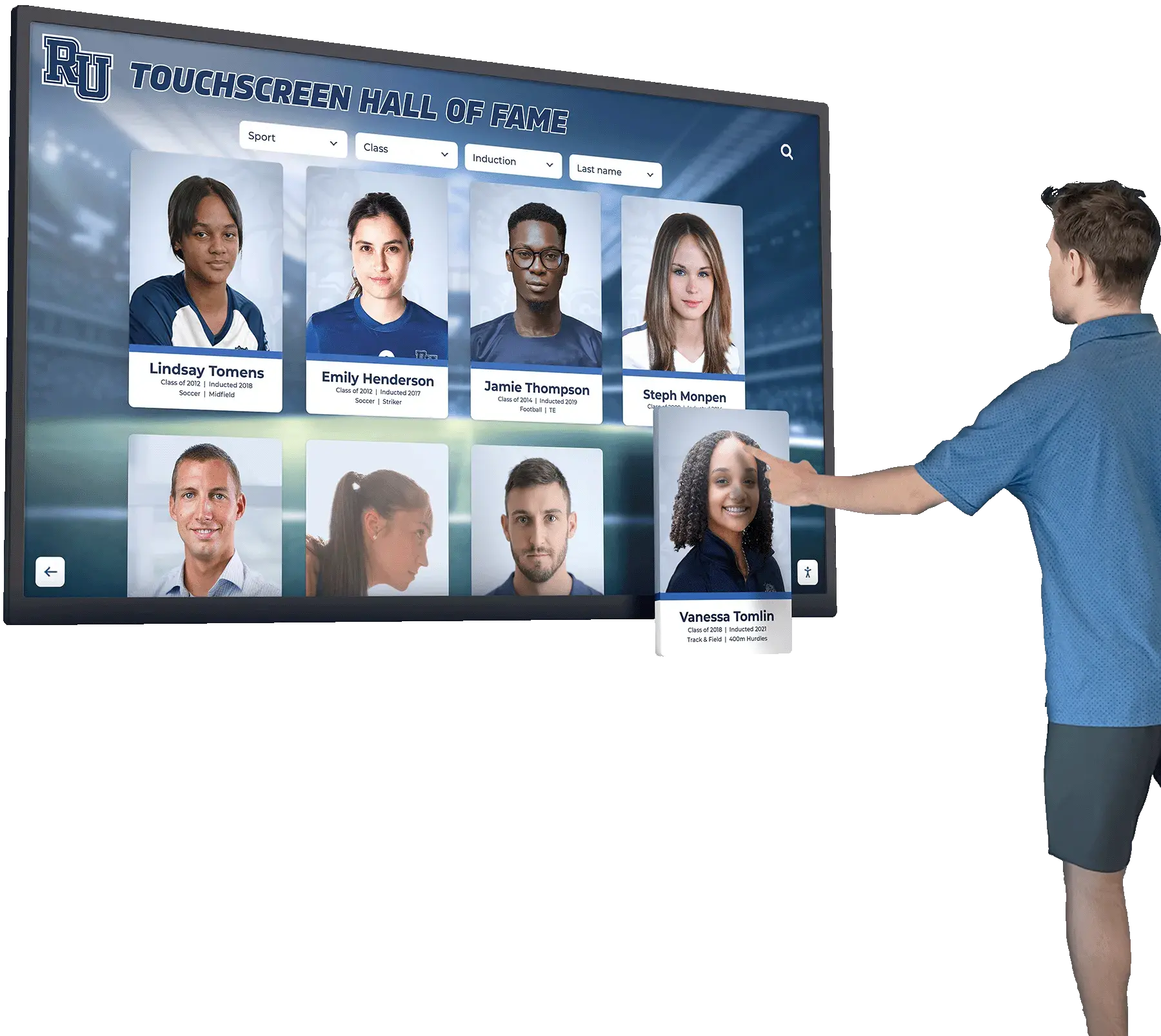
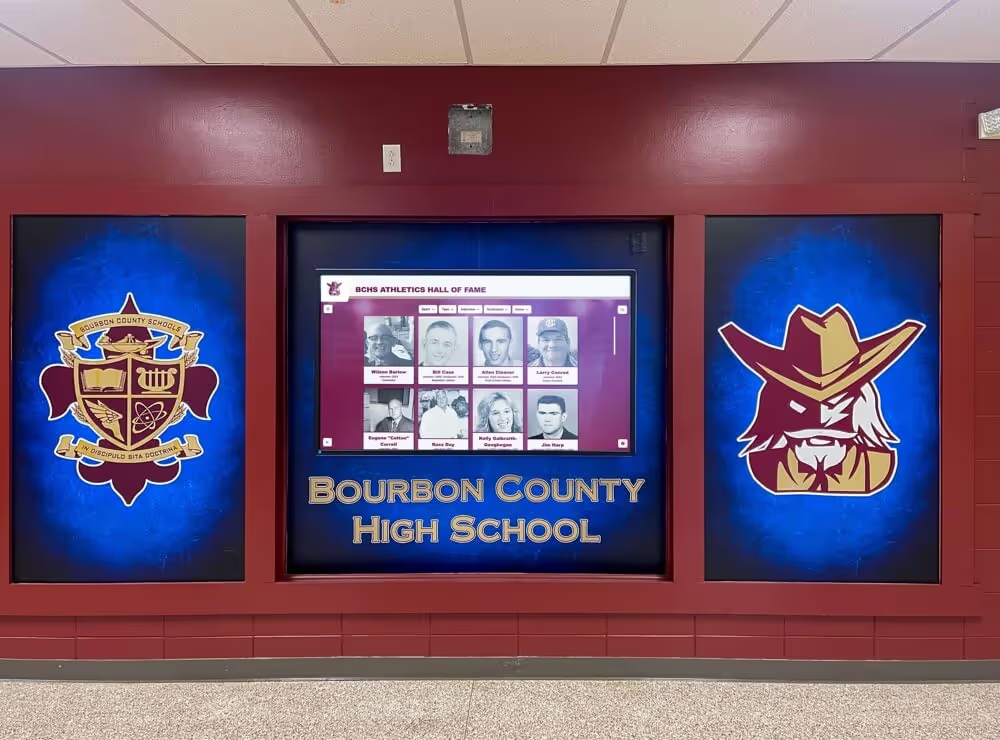
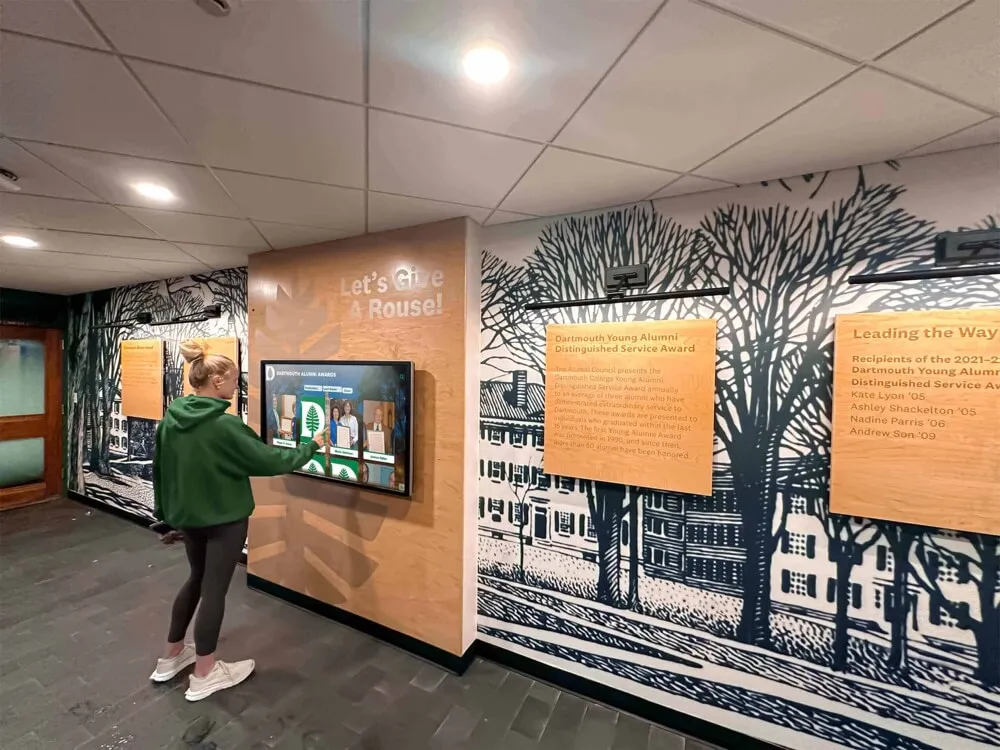
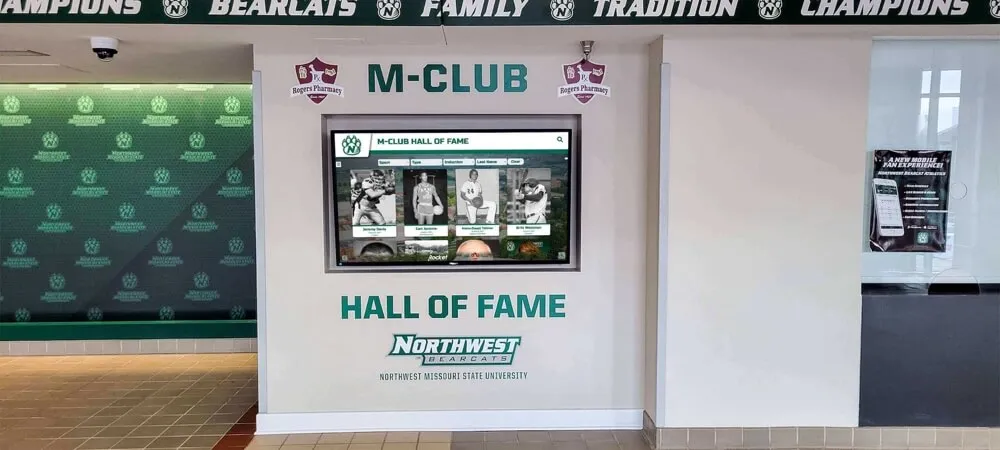
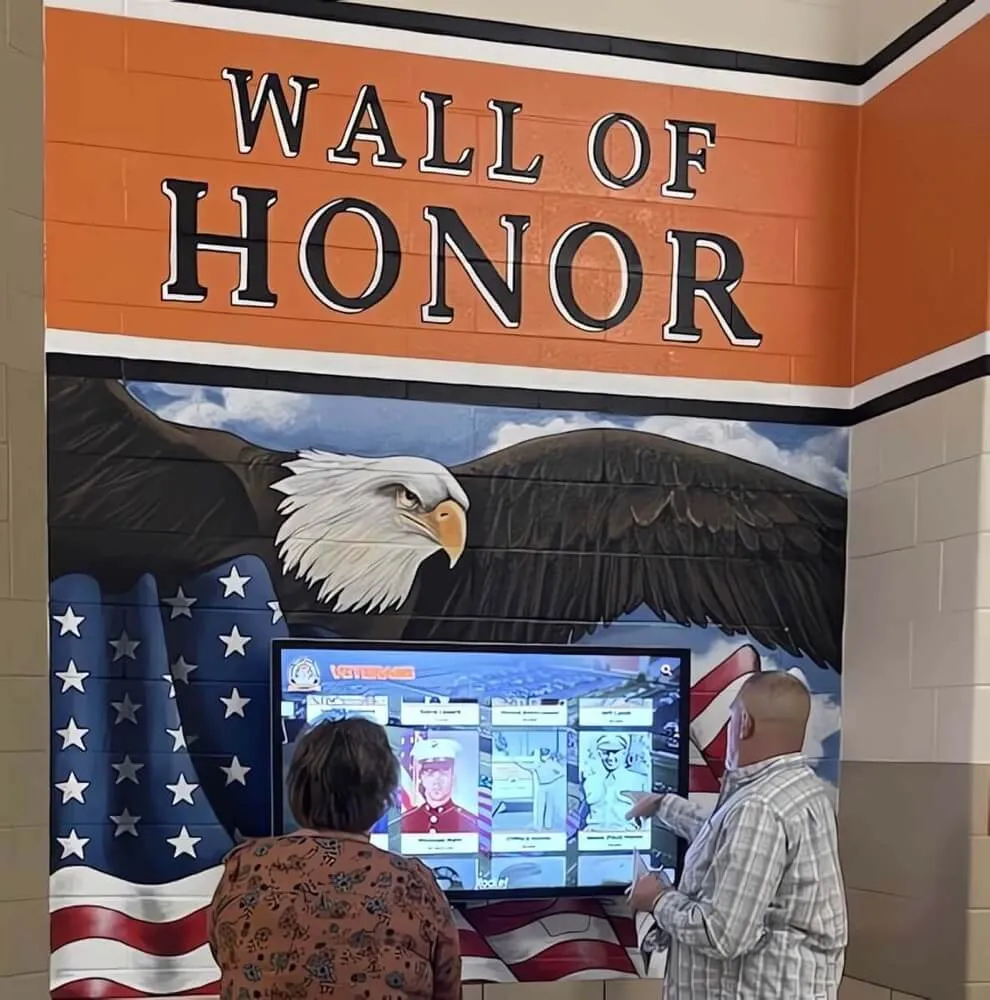
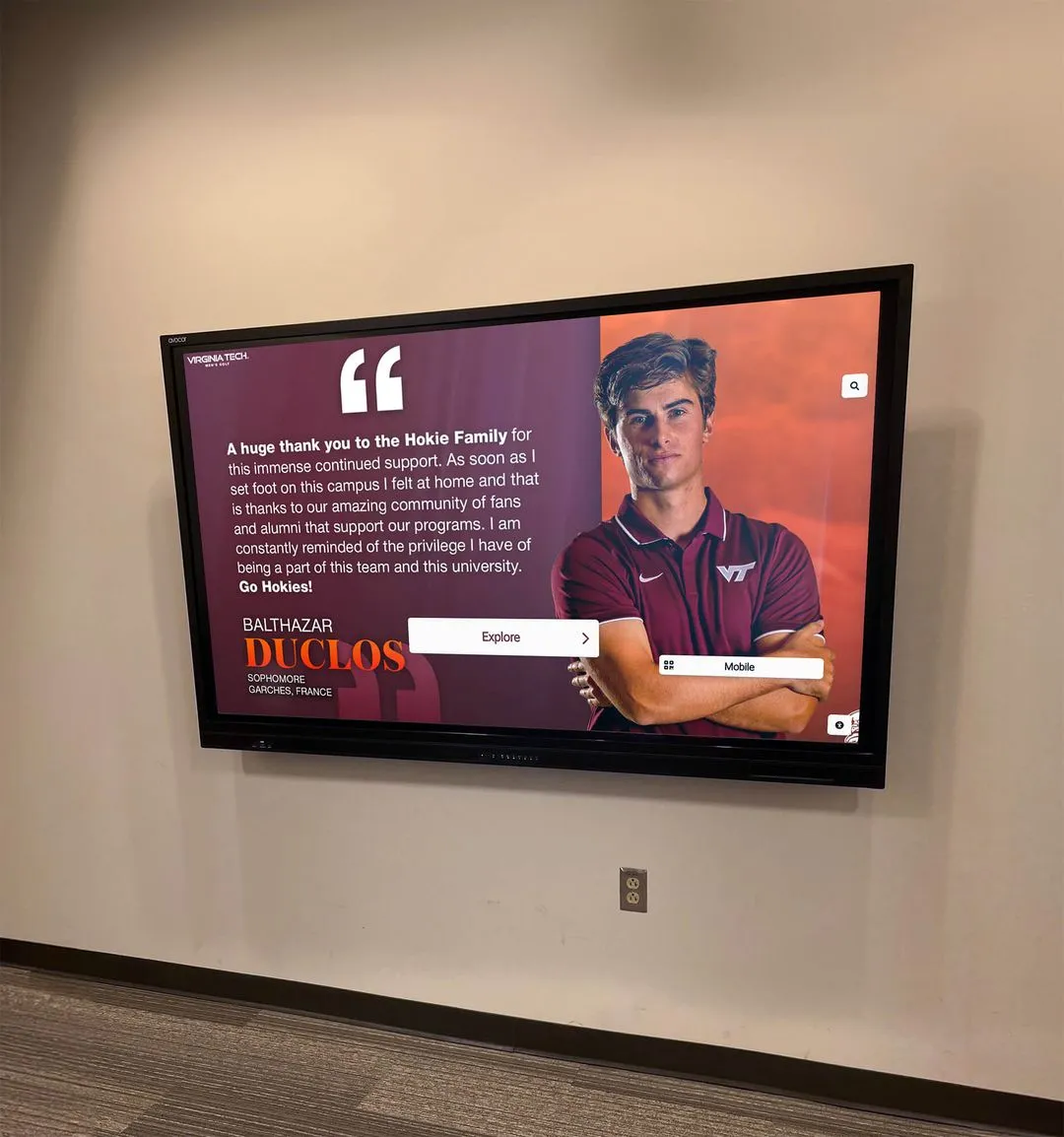
Visitors browsing individual inductee profiles expect video clips to work fully—caption errors or missing captions on a public kiosk reflect on the quality of the entire recognition program
Captions and the Broader Recognition Archive
Closed captions do more than make a single video accessible—they create a layer of searchable, reusable text tied to your most important recognition moments.
Quote extraction. A captioned video of an inductee’s acceptance speech contains a verbatim transcript of that speech. Staff preparing anniversary materials, social media tributes, or annual ceremony programs can pull quotes directly from caption text rather than re-watching entire video files or transcribing from scratch.
Cross-system searchability. When caption files are stored alongside video in your recognition archive platform, their text becomes searchable by any system that indexes the archive directory. A staff member looking for every video mentioning a specific coach, a particular championship year, or a given sport can find results instantly—something impossible with uncaptioned video files.
Alumni and family engagement. Inductees and their families reviewing recognition content online often encounter captions as the most reliable way to follow tribute video on a phone in a noisy or mobile environment. Accurate captions in these contexts reflect the care the program invested in the inductee’s story.
Preservation integrity. Caption files attached to archived video help establish the historical record. Unlike a summary document, a caption file captures exact language—including the words an inductee or presenter chose, the specific names mentioned, and the sequence of recognition. When evaluating data integrity and accuracy standards for digital hall of fame systems, caption quality is part of the same accuracy framework that governs biographical data, statistics, and inductee records.
Programs building a comprehensive digital recognition archive should treat captioned video as a foundational asset in the same category as high-resolution inductee photos and verified biographical data—not a nice-to-have added after everything else is complete.
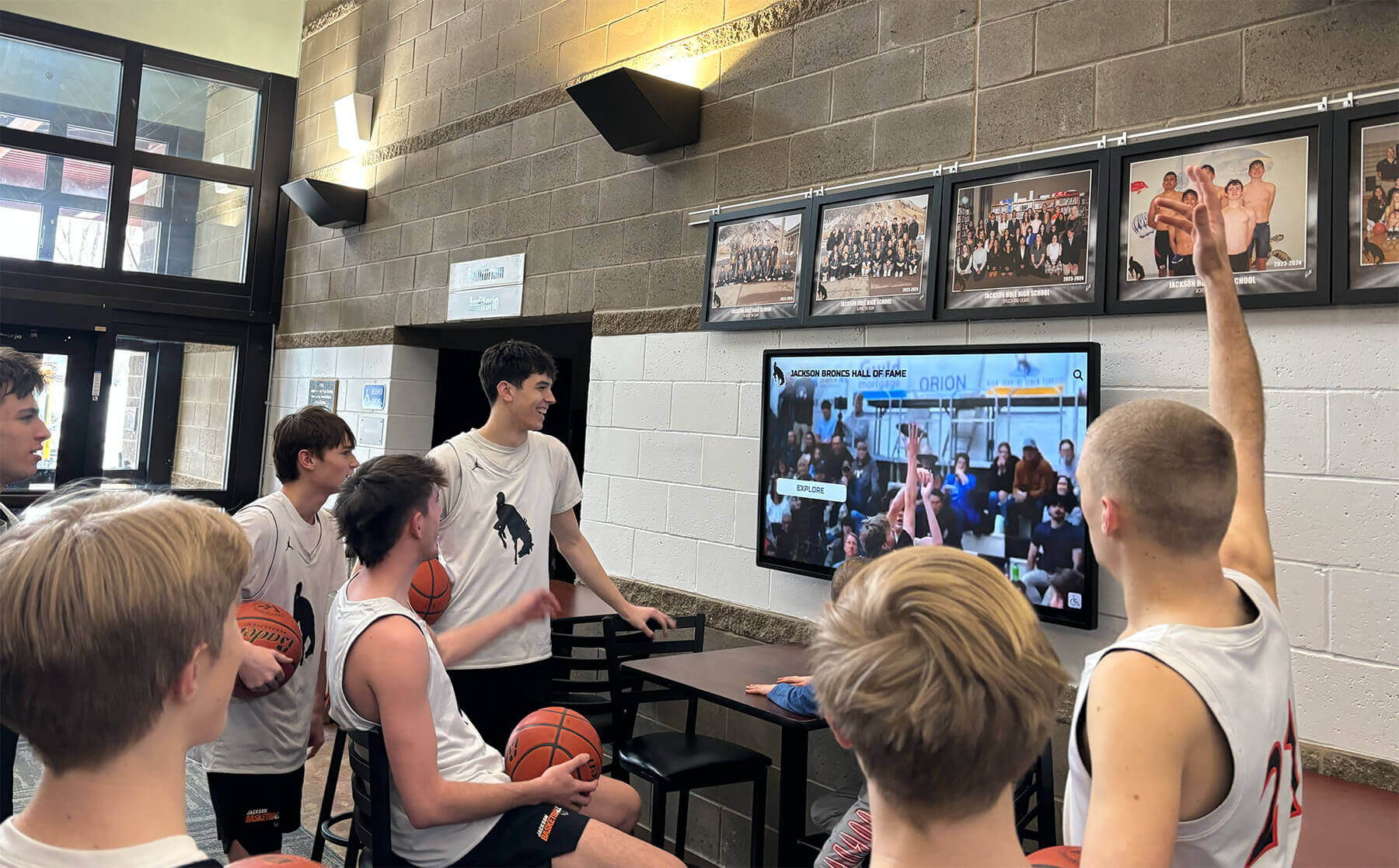
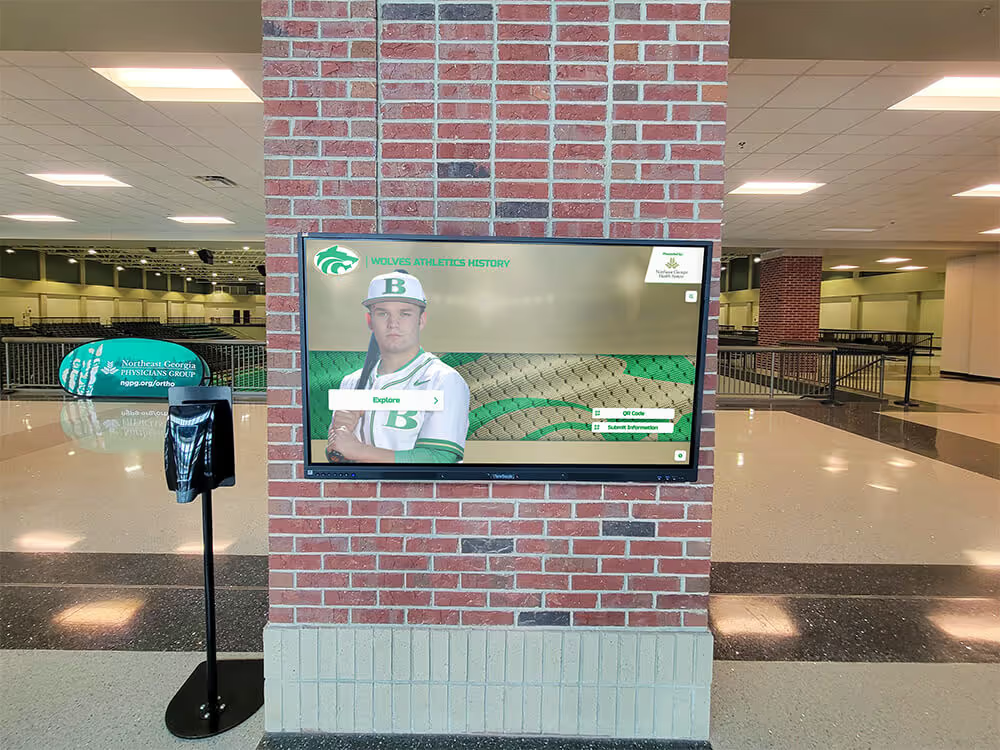
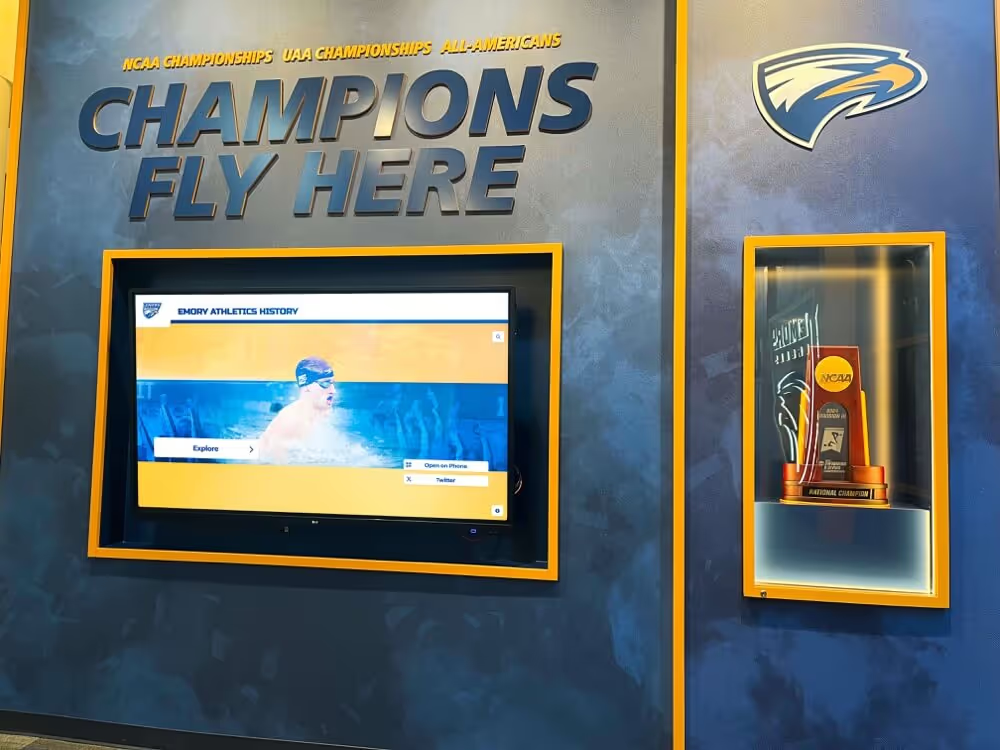
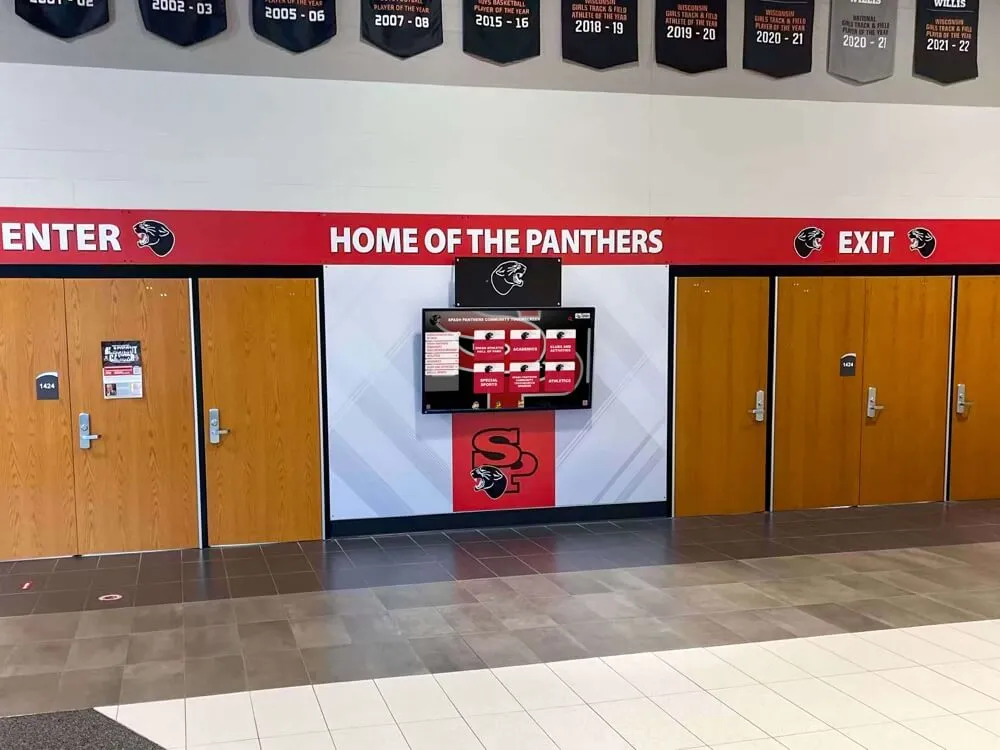
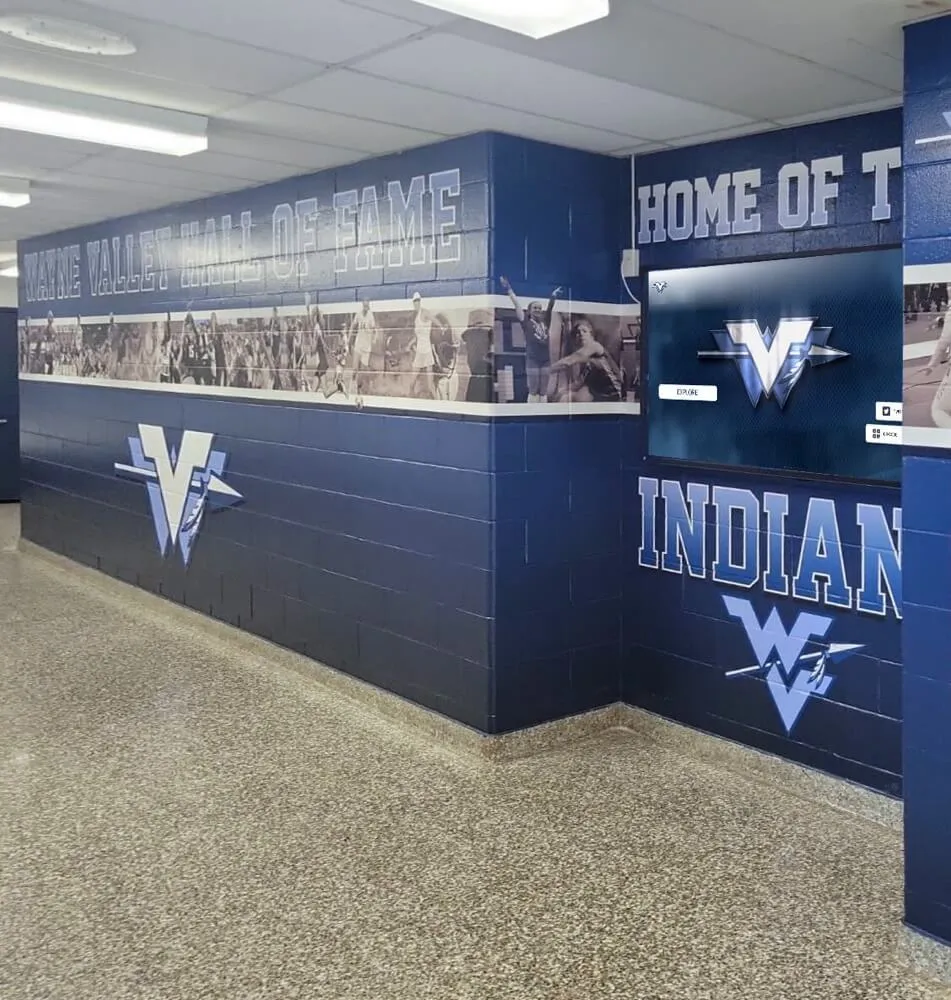
Current students engaging with hall of fame content in public spaces benefit from captions when ambient noise competes with video audio—a common reality in athletic lobbies and hallways
Frequently Asked Questions
Do captions need to be perfect, or is “close enough” acceptable?
For public-facing display content—kiosks, websites, ceremony videos used at events—captions should be accurate enough that a viewer relying on them as their primary access to the video receives a complete and correct understanding of what was said. That means no omitted words, no substituted proper names, and no significant timing drift. Small punctuation variations are acceptable; transcription errors that change meaning are not. High-stakes contexts like an annual induction ceremony broadcast should use professional captioning services rather than unreviewed automated output.
What is the difference between open captions and closed captions for hall of fame videos?
Open captions are permanently visible in the video frame and cannot be turned off by the viewer. Closed captions are a separate text track delivered alongside the video that the viewer or display system can enable or disable. For lobby kiosk deployments where audio is often muted, open captions ensure every viewer sees the caption text without any interaction. For web-based archive platforms, closed captions are standard because they respect individual preference while remaining available to anyone who needs them.
How long does it take to caption a typical inductee interview video?
A ten-minute inductee interview takes approximately 20–40 minutes to caption using the hybrid approach (automated transcription plus human review), assuming clear audio. Review time increases for videos with poor audio, multiple speakers, heavy athletic terminology, or unusual proper names. A full ceremony video of 60–90 minutes typically requires two to four hours of review for a staff member familiar with the program. Budgeting review time proportional to video duration—roughly 2:1 for clear audio, 4:1 for difficult audio—is a reasonable planning assumption for a new captioning program.
What happens if our display platform does not support caption track files?
If your current kiosk or recognition platform does not accept SRT or VTT files, the most practical solution is to export open-caption versions of key videos—files with captions permanently encoded into the frame—specifically for kiosk display. Store the original video and the separate caption file together in your archive so you retain the full closed-caption format for web-based platforms or future systems that support caption tracks. When choosing or upgrading recognition display platforms, consider accuracy and content integrity standards in digital hall of fame systems to ensure the platform handles all content types with appropriate fidelity.
Should captions include the names of presenters, not just inductees?
Yes. A hall of fame ceremony video that captions only the inductee’s remarks leaves half the dialogue unattributed and may confuse viewers who were not present. Caption presenter remarks with the same care as inductee remarks. Apply [PRESENTER NAME]: labels to identify speakers, and hold presenter names to the same proper name accuracy standards as inductee names—especially in videos where the presenter is a former coach, longtime athletic director, or community figure whose name has archival significance.
Building Captioning into Your Annual Recognition Workflow
The most effective hall of fame captioning programs treat caption creation as a standard production step rather than a retroactive project. When captioning is scheduled into the post-ceremony timeline—alongside video editing, upload, and display system updates—it takes no more effort than captioning as an afterthought and consistently produces better results because the staff who created the video are still available to verify names and terminology.
A practical model for annual programs:
- Capture ceremony and interview video at the induction event
- Edit and export final video files within the post-ceremony window (typically one to two weeks)
- Run automated captioning immediately after final export
- Schedule a one-to-two-hour caption review session with a staff member familiar with the inductee class
- Export captioned versions for kiosk, web, and archive storage
- Upload all files—video, captions, thumbnail, and biography—to the display system as a complete package
Reviewing content accuracy expectations and presentation standards for digital recognition displays alongside your captioning workflow helps align all documentation types—video, text, statistics, and imagery—under consistent accuracy standards before content goes live.
Recognition programs that apply these hall of fame closed captioning guidelines consistently build an archive where every video works for every visitor—whether they are watching in a quiet office, browsing a kiosk in a crowded hallway, or reviewing the program’s history on a phone. That consistent accessibility is part of what separates a well-maintained institutional archive from a collection of files waiting to be found.
Ready to see how a touchscreen recognition platform surfaces captioned video content alongside inductee profiles, statistics, and hall of fame records? Book a live demo of Rocket Alumni Solutions and explore how an interactive archive brings every inductee’s story to life for every visitor.