




Family caregivers supporting loved ones with dementia face unique challenges maintaining connection, preserving memories, and providing meaningful engagement when cognitive decline makes traditional photo albums and scrapbooks difficult to navigate. When you’re looking after multiple family members—like a mother and spouse both living with dementia—finding affordable, manageable technology solutions becomes essential.
Many families discover that simple, accessible memory displays help loved ones with dementia maintain connection to family identity, recognize important people in their lives, and experience the emotional comfort that familiar faces and memories provide. Yet most commercial touchscreen solutions target institutional settings with enterprise pricing, complex management systems, and features unnecessary for intimate family environments.
This guide explores practical, economical approaches for family caregivers seeking to create touchscreen memory displays at home—solutions that honor your loved ones’ dignity while fitting realistic budgets and the time constraints facing families managing demanding care responsibilities alone.
Family caregiving for dementia presents profound emotional and practical challenges. When memory loss progresses, maintaining connection to family history, recognizing loved ones, and accessing comforting memories becomes increasingly difficult through traditional photo albums that require manual page-turning and cognitive effort to navigate.

Interactive memory displays help family members with dementia maintain connection to important people and cherished memories
Understanding Memory Displays for Dementia Care
Before exploring specific solutions, understanding how memory displays support individuals with dementia helps guide appropriate technology selection.
How Visual Memory Recognition Works in Dementia
Preserved Visual Processing Despite Cognitive Decline
Research from the Alzheimer’s Association demonstrates that individuals with dementia often retain visual recognition capabilities longer than verbal memory or reasoning skills:
Visual memory pathways in the brain deteriorate more slowly than other cognitive functions, enabling many people with dementia to recognize familiar faces even when they cannot recall names or relationships. Emotional memories associated with images—particularly photographs from meaningful life periods—remain accessible longer than factual information. Repetitive viewing of familiar imagery reinforces neural pathways, potentially slowing certain aspects of cognitive decline. And passive viewing requires less cognitive effort than active recall, making photo displays more accessible than conversation or memory exercises.
According to the National Institute on Aging, structured memory supports and visual cues represent evidence-based approaches to maintaining quality of life for individuals experiencing cognitive impairment.
Creating Calm and Reducing Agitation
Memory displays serve therapeutic functions beyond simple recognition:
Familiar images create reassuring environments reducing anxiety common in dementia patients who experience disorientation. Viewing family photos triggers positive emotional responses and memories of connection, love, and belonging. Visual engagement provides meaningful activity reducing boredom and restlessness that contribute to agitation. And recognition experiences—even momentary—affirm personal identity and dignity during progressive cognitive loss.
These benefits make thoughtfully designed memory displays valuable caregiving tools supporting emotional wellbeing alongside practical care needs.

Touchscreen interfaces allow individuals with dementia to explore family memories at their own pace with simple interactions
What Family Caregivers Need Most
Simplicity and Affordability
Families managing dementia care independently face distinct requirements:
Solutions must remain genuinely affordable—hundreds of dollars, not thousands—fitting fixed-income budgets common among retirees and family caregivers. Systems should require minimal technical expertise to set up and manage, recognizing that family caregivers aren’t IT professionals. Maintenance needs must stay minimal, as caregivers already face overwhelming daily care responsibilities. And interfaces must prove extremely simple for individuals with cognitive impairment to use independently or with minimal assistance.
These practical constraints eliminate many commercial solutions designed for institutional settings with dedicated staff and substantial technology budgets.
Manageable for Solo Caregivers
When a single family member manages multiple loved ones with dementia:
Content updates—adding new photos, removing confusing images—must happen quickly without technical complexity. The system should operate reliably without requiring constant attention or troubleshooting. Remote management capabilities help when caregivers need to make changes away from home. And the solution should work in typical home environments without professional installation or specialized infrastructure.
Learn about interactive kiosk solutions that adapt to various settings for insights into flexible display technologies.
Economical Home Memory Display Solutions
Practical family dementia care requires affordable approaches rather than enterprise systems.
Budget-Friendly Hardware Options
Consumer Tablet Approaches
The most economical starting point uses devices many families already own:
iPad or Android Tablet Solution ($200-$600)
- Large-screen tablets (10-13 inches) provide adequate viewing size
- Built-in stands or inexpensive mounts enable hands-free display
- Native photo slideshow apps require zero additional software costs
- Touch interfaces allow simple interaction (swiping, tapping)
- Battery operation enables flexible placement without outlet constraints
- Existing devices eliminate hardware costs entirely
Many families successfully use iPads in guided access mode or Android tablets in kiosk mode, loading family photo libraries that cycle automatically while allowing touch interaction for closer viewing.
Digital Photo Frame Approach ($80-$300)
Dedicated digital photo frames offer another economical option:
Modern digital photo frames include touchscreen capabilities, WiFi connectivity for remote photo uploads, automatic slideshow features with adjustable timing, and simple interfaces designed for non-technical users. Many frames support thousands of photos stored on SD cards or internal memory. And purpose-built design means no complicated software configuration.
However, digital frames typically offer less flexibility than tablets regarding interactive features, content organization, and future functionality expansion.
Television-Based Display ($300-$800)
Families with existing smart TVs can create larger memory displays:
Smart TV Memory Display Benefits
- Large screen sizes (32-55+ inches) visible across rooms
- Streaming devices ($30-50) enable custom photo applications
- Multiple viewers can watch simultaneously during family visits
- Existing entertainment infrastructure reduces additional costs
- High-resolution displays show photo details clearly
- Remote controls provide simple navigation options
Smart TV solutions work well in common living areas where loved ones with dementia spend significant time, creating ambient memory displays that don’t require active interaction.
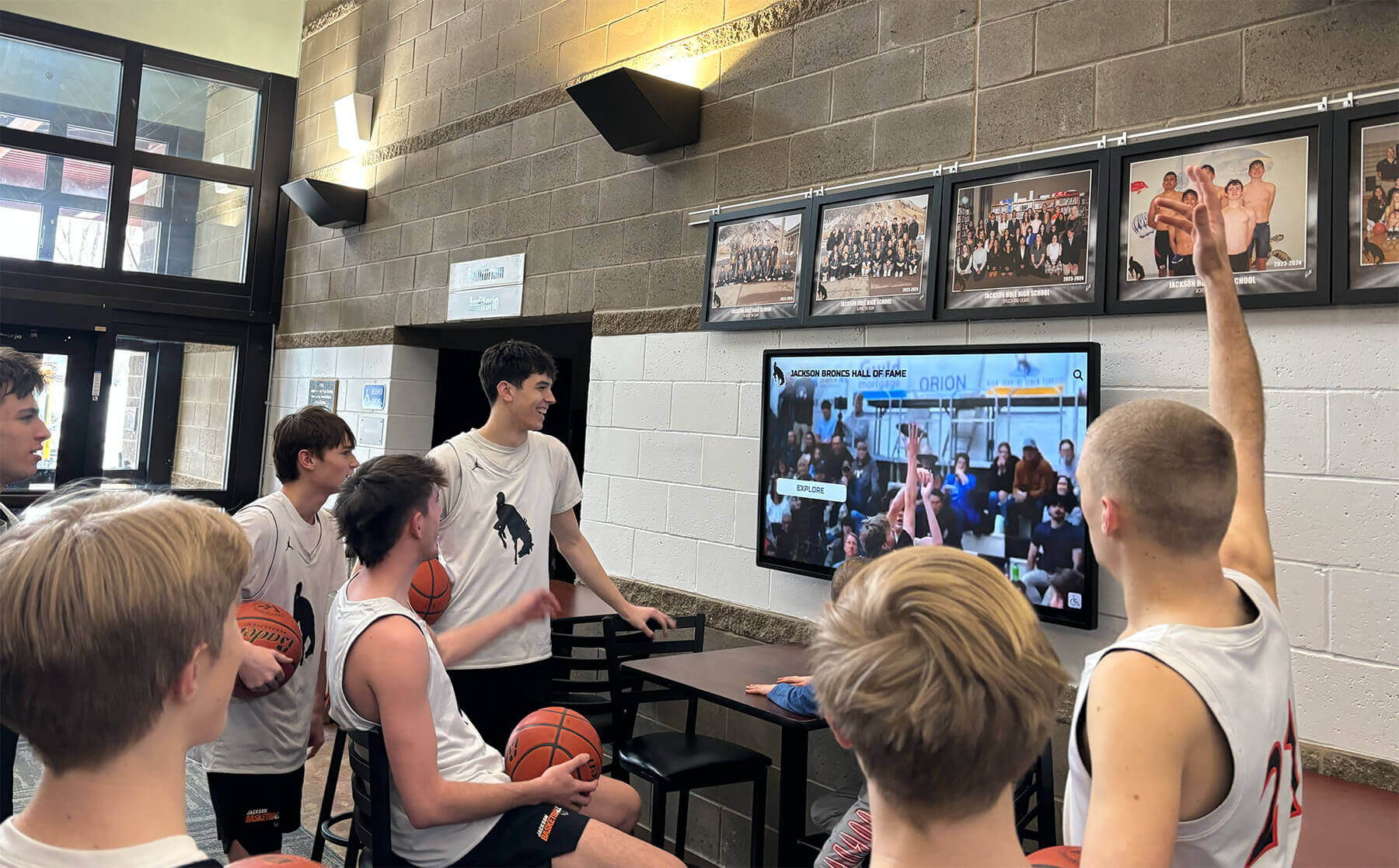
Large screen displays enable shared family memory viewing experiences during visits and daily routines
Software and Content Management
Free and Low-Cost Photo Management Solutions
Multiple affordable software options support family memory displays:
Native Device Photo Apps (Free)
- Apple Photos, Google Photos, Samsung Gallery provide built-in slideshow functions
- Automatic cloud backup protects irreplaceable family memories
- Simple album organization by person, date, or event
- Facial recognition helps organize photos by family member
- Easy content updates from caregivers’ phones or computers
- No additional software purchases or subscriptions required
These native solutions meet most family needs without complexity or cost.
Specialized Memory Care Applications ($0-$50)
Several apps target dementia care specifically:
Applications like Memory Box, Memento, and similar specialized tools offer dementia-appropriate interfaces with large buttons, simplified navigation, and automatic slideshow features. Some include reminiscence prompts, music integration, and activity suggestions. Subscription costs typically range $0-$15 monthly or $30-$50 one-time purchases.
These specialized tools provide age-appropriate design considerations but represent additional costs families should evaluate against their budgets.
Cloud-Based Photo Platforms (Free-$10/month)
Services like Google Photos, iCloud, Dropbox, and similar platforms enable:
Family members can remotely upload new photos for automatic display updates. Multiple caregivers can contribute content from their own devices. Automatic backup protects photos against device failure. And cross-platform access means content works on any display hardware chosen.
Most families stay within free storage tiers by uploading moderate-resolution versions of family photos adequate for display purposes.
Explore digital signage content ideas for various display applications including memory and recognition themes.
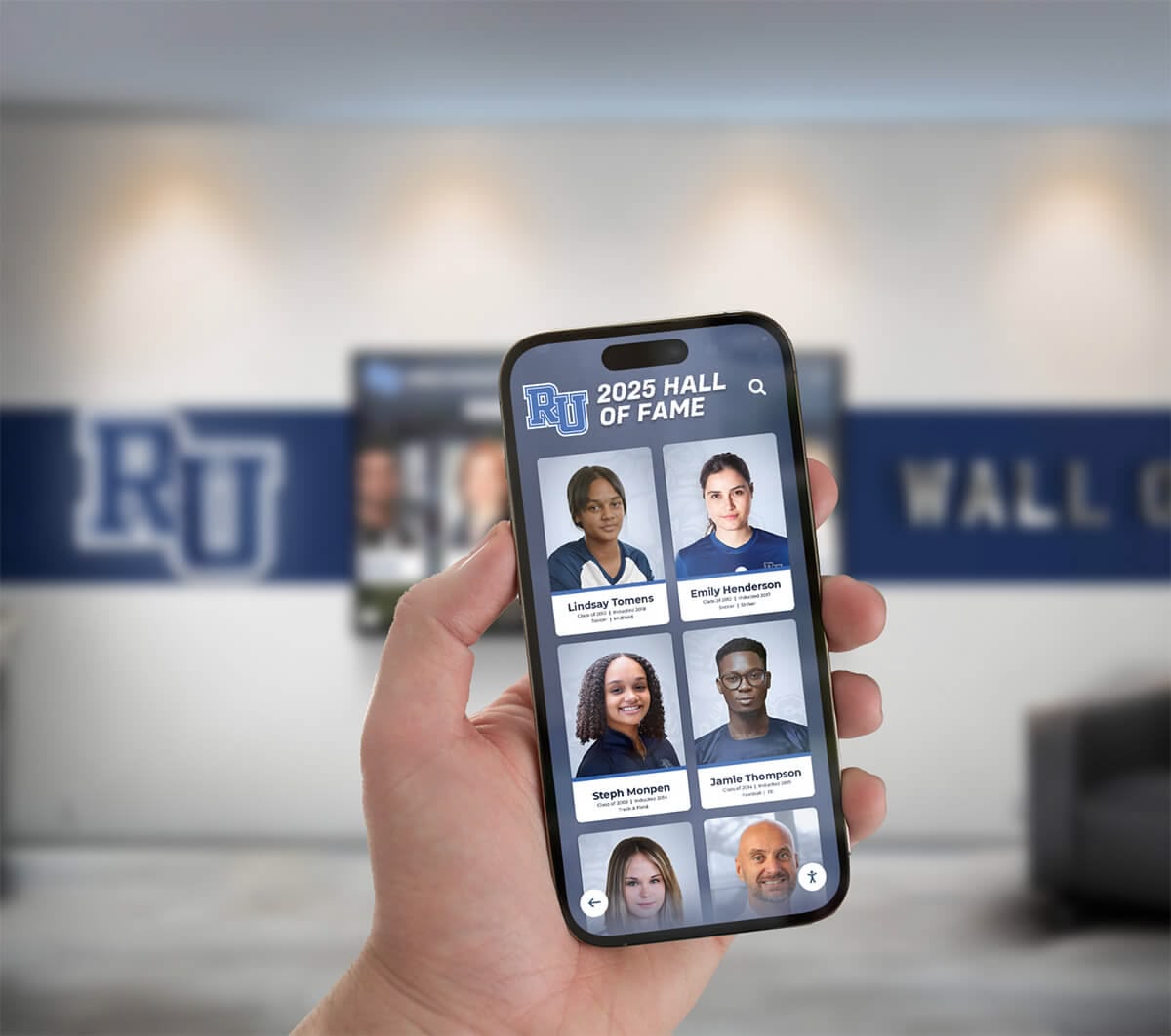
Cloud-based photo management enables caregivers to update memory displays remotely from any device
Creating Effective Memory Content
Technical setup represents only part of successful dementia memory displays—thoughtful content curation proves equally important.
Photo Selection for Dementia Care
Choosing Appropriate Images
Not all family photos work equally well for dementia memory displays:
Effective Photo Characteristics
- Clear, high-quality images showing faces prominently
- Photos from life periods individuals remember best (often earlier decades)
- Images featuring immediate family and closest relationships
- Recognizable settings like childhood homes, wedding venues, or meaningful locations
- Milestone moments: weddings, births, graduations, celebrations
- Recent photos showing current family members for continued connection
- Images triggering positive emotions and happy memories
Avoid confusing content including too many unfamiliar people in group photos, unclear or poorly lit images making recognition difficult, potentially distressing content from difficult life periods, and overly similar photos creating repetitive viewing experiences.
Organizing Content by Theme and Period
Structured organization helps individuals with dementia navigate memories:
Create distinct albums or folders for immediate family (spouse, children, grandchildren), extended family and friends, childhood and young adult years, career and accomplishments, vacations and special trips, holidays and celebrations, and pets and beloved animals. This organization enables caregivers to select appropriate content based on current mood, time of day, or specific memories loved ones seem to access most readily.
Research on senior living recognition programs demonstrates effective photo organization strategies applicable to family dementia care contexts.
Adding Context and Captions
Simple Text Overlays
Brief captions help individuals with dementia understand images:
Include names of people shown in photos (relationship identifiers like “Your daughter Sarah” or “Grandson Michael”). Add date or period context (“Summer 1968” or “Your 50th Anniversary”). Note significant locations (“Our house on Oak Street” or “Vacation in Maine”). And provide brief activity descriptions (“Family Thanksgiving” or “Sarah’s Wedding”).
Keep text extremely simple—one short sentence maximum—using large, easy-to-read fonts. Avoid complex narratives or details that may confuse rather than clarify.
Audio Options for Non-Readers
For individuals who no longer process written text:
Some applications support audio captions that play automatically with each image. Caregivers can record brief descriptions in their own voices creating familiar, comforting narration. Audio identification helps when vision or reading ability declines. And voice recordings preserve family voices creating additional memory connections.
These audio enhancements require more preparation time but provide valuable accessibility for progressive dementia stages.
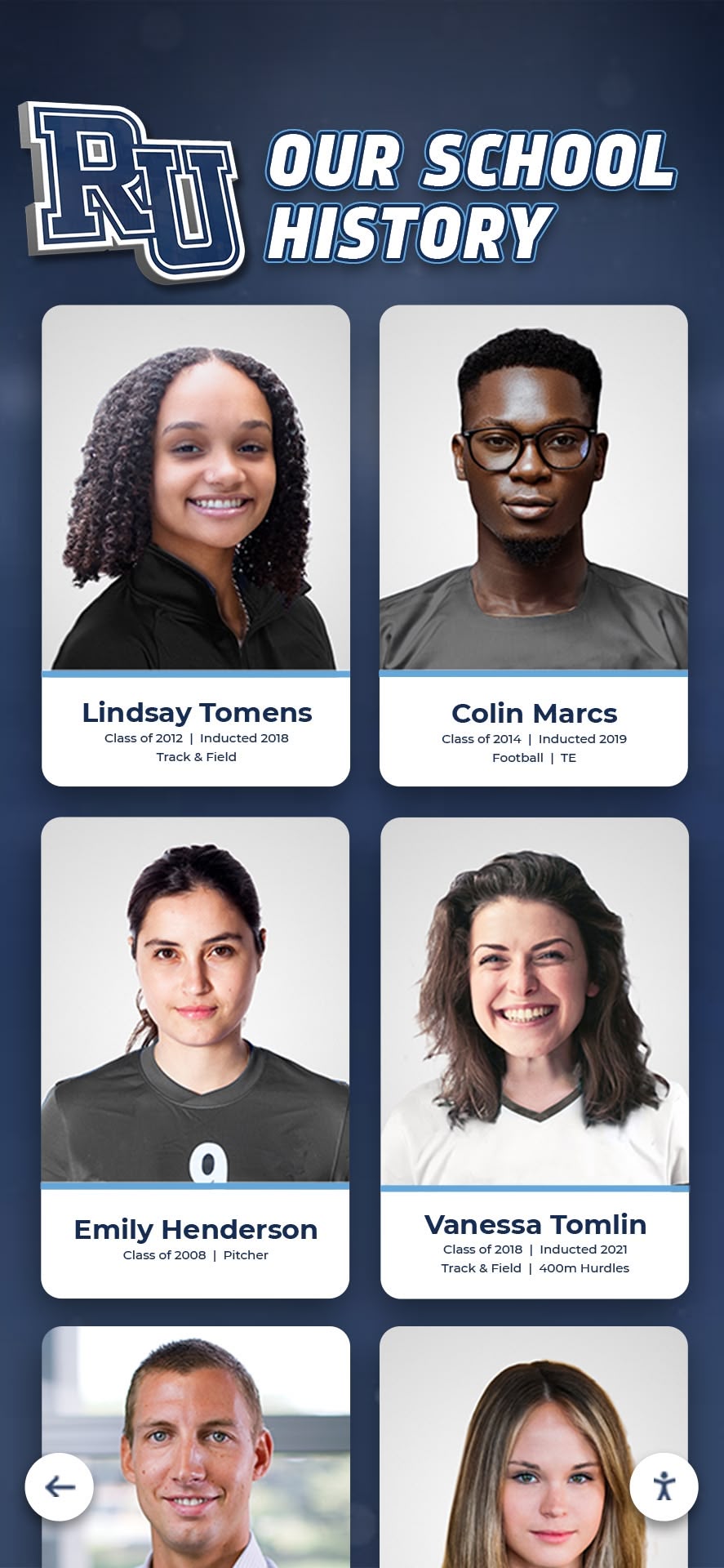
Organized photo displays with clear labels and categories help individuals with dementia navigate family memories
Practical Implementation for Family Caregivers
Moving from concept to working memory display requires addressing practical setup and usage considerations.
Simple Setup Process
Tablet-Based Implementation Steps
Creating a basic memory display using a tablet:
- Select and Prepare Device: Choose iPad or Android tablet with 10+ inch screen; ensure device charges reliably and operates on home WiFi network
- Load Photos: Transfer family photos organized in albums using iTunes, Google Photos, or direct file transfer; create 5-10 thematic albums (immediate family, grandchildren, early life, celebrations, etc.)
- Configure Slideshow: Use native Photos app slideshow feature; set 5-10 second display time per photo allowing adequate viewing; enable repeat for continuous cycling
- Enable Kiosk Mode: Use iPad Guided Access or Android kiosk apps preventing accidental exits; lock device to prevent settings changes; disable notifications avoiding distracting interruptions
- Physical Mounting: Use desktop stand at comfortable viewing height and angle; position in high-visibility location near favorite sitting areas; ensure stable placement preventing accidental drops
Total setup time: 2-4 hours for initial photo organization and device configuration.
TV-Based Display Setup
Creating ambient memory displays using existing televisions:
- Acquire Streaming Device: Purchase Roku, Fire TV, Apple TV, or Chromecast ($30-$50); connect to television HDMI port and home WiFi
- Install Photo App: Download photo slideshow apps like Plex, Google Photos, or device-specific photo viewers
- Upload Photo Library: Create shared photo albums accessible to streaming device; organize content in folders by theme or family member
- Configure Automatic Display: Set slideshow to start automatically when TV powers on; adjust timing, transition effects, and display order; enable shuffle or sequential playback based on preference
- Setup Scheduling: Use TV timer functions to display photos during waking hours automatically
TV-based solutions provide passive viewing requiring no interaction—valuable for individuals with advanced dementia who no longer manipulate devices.
Daily Usage and Interaction
Assisted Viewing Sessions
Family caregivers can enhance memory display value through guided interaction:
Sit with loved ones during viewing sessions pointing out familiar people and places. Ask simple, non-threatening questions like “Do you remember this day?” rather than demanding recall. Share your own memories of pictured moments creating conversational connection. Allow silence and non-verbal engagement recognizing that explicit memory retrieval may not occur. And watch for emotional responses—smiles, laughter, tears—indicating connection even without verbal acknowledgment.
These assisted sessions transform passive displays into relationship-building activities strengthening caregiver-care recipient bonds.
Independent Access
Well-designed memory displays support autonomous use:
Large, simple buttons enable individuals to start slideshows independently. Touch interaction allows zooming into photos or pausing on particular images. Automatic play means the system works even when users don’t actively navigate. And consistent placement creates routine—loved ones know where to find their “memory screen” during the day.
Independent access provides meaningful activity and emotional comfort when caregivers need to attend to other responsibilities.
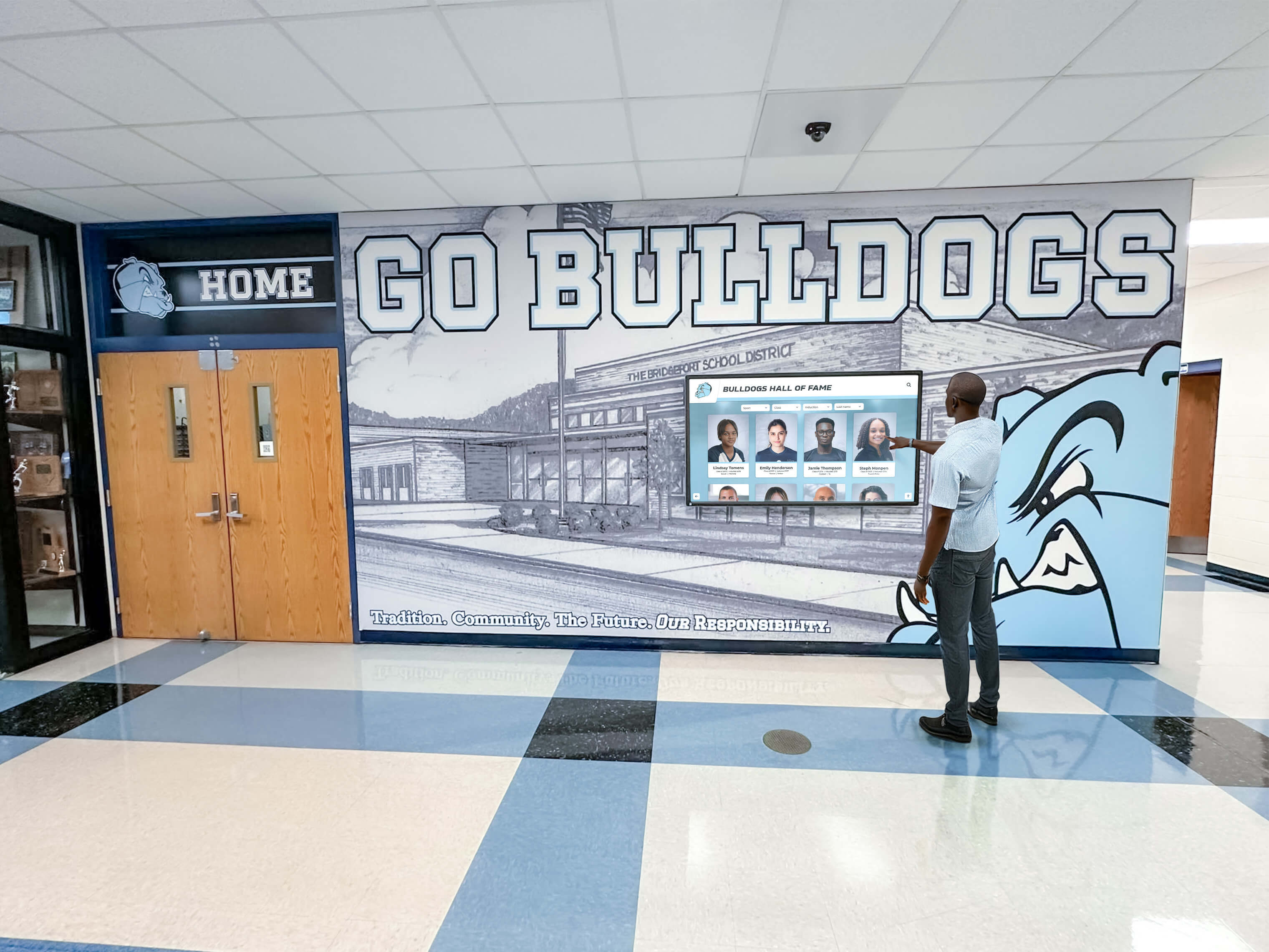
Intuitive touchscreen interfaces enable individuals with dementia to independently access comforting family memories
Managing Content Over Time
Sustainable memory displays require ongoing maintenance and updating as family dynamics evolve.
Regular Content Updates
Adding New Family Photos
Keep displays current reflecting continuing family life:
Add recent photos from family gatherings, holidays, and visits showing grandchildren growing, new family members joining through births or marriages, and current living situations helping orient individuals to present reality. Balance new content with historical photos recognizing that many individuals with dementia connect more readily with long-term memories. And remove confusing or distressing images if certain content triggers agitation or sadness.
Many caregivers establish monthly update routines—spending an hour adding recent family photos and refining existing content based on observed responses.
Adjusting Content for Disease Progression
Memory displays should evolve as dementia advances:
Early stages benefit from broader content including extended family, friends, and diverse life periods. Middle stages may require narrowing to immediate family and most significant relationships. Advanced stages often work best with very limited sets of closest family members and most emotionally significant images. And some individuals respond better to photos from specific life decades that remain more accessible despite overall cognitive decline.
Observing what content generates positive responses versus confusion or agitation guides appropriate adjustments over time.
Technical Maintenance
Keeping Systems Functional
Minimal but essential maintenance ensures reliability:
Ensure devices stay charged or connected to power sources preventing unexpected shutdowns. Maintain WiFi connections enabling cloud photo syncing and remote updates. Update photo apps and operating systems periodically addressing security and functionality. Clean screens regularly maintaining clear viewing. And periodically verify photo libraries remain intact and accessible.
Most families find that monthly quick checks prevent technical issues disrupting daily memory display use.
Backup and Protection
Family photos represent irreplaceable memories requiring protection:
Maintain cloud backups of entire photo libraries independent of display devices. Store original photos in additional locations (external hard drives, family members’ devices) preventing loss. And organize original photos with clear naming conventions and folder structures enabling recovery if displays need rebuilding.
These backup practices protect precious family history against device failure or accidental deletion.
Learn about digital asset management approaches for schools demonstrating photo organization strategies applicable to family memory preservation.
Beyond Basic Photo Displays: Enhanced Options
Families seeking more sophisticated capabilities can explore expanded approaches while remaining economical.
Music and Multimedia Integration
Combining Photos with Familiar Music
Music triggers powerful memory responses in dementia patients:
Many slideshow applications support background music integration. Load favorite songs from loved ones’ youth or significant life periods. Musical memory often persists longer than other forms of recall creating profound emotional connections. And music reduces agitation while increasing engagement with visual memory content.
Services like Spotify or Apple Music enable creating custom playlists for different moods or times of day, cycling automatically with photo displays.
Video Clips and Voice Recordings
Multimedia content adds dimensions beyond static photos:
Short video clips of family members speaking directly to loved ones create powerful connection. Birthday messages, simple greetings, or “I love you” clips from grandchildren provide emotional comfort. Holiday video compilations preserve family traditions and celebratory moments. And recorded family stories told by loved ones themselves preserve voices and personalities alongside images.
Many modern tablets and smart TVs easily integrate video content into photo slideshow applications creating richer memory experiences.
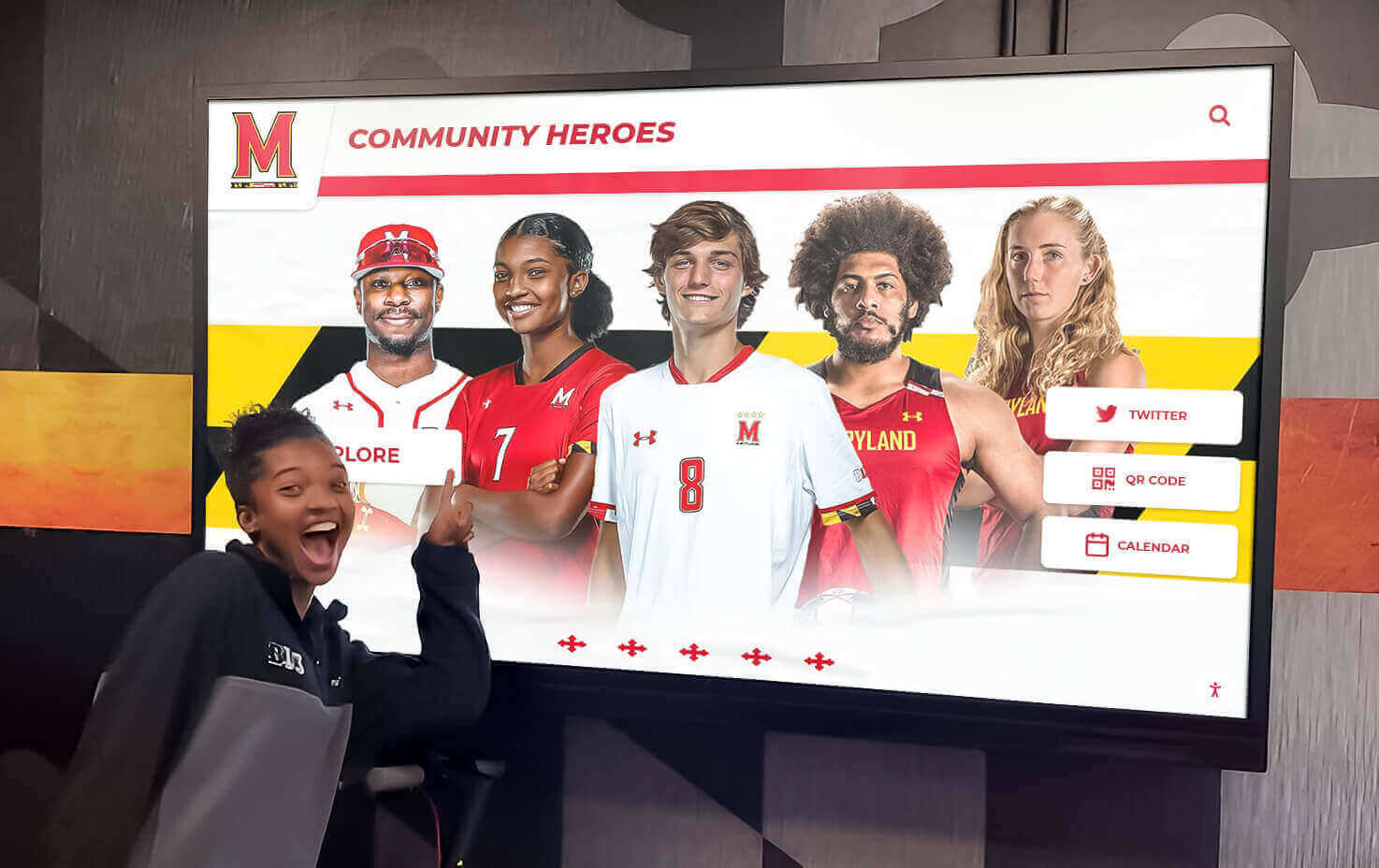
Multimedia displays combining photos, video, and audio create engaging memory experiences for individuals with dementia
Life Story Timelines
Chronological Memory Organization
Some families organize content as sequential life stories:
Create decade-by-decade albums showing childhood, adolescence, young adulthood, middle years, and recent life. Include milestone markers like graduations, weddings, births, career achievements, and retirements. Add historical context photos showing homes lived in, cars owned, or community locations from each period. And incorporate memorabilia images like diplomas, awards, newspaper clippings, or military service documents.
This chronological approach helps loved ones with dementia understand their complete life narrative even when specific memories fade.
Family Tree Integration
Visual family trees help maintain relationship understanding:
Display family tree diagrams with photos of each family member. Show multiple generations from parents and grandparents through children and great-grandchildren. Clearly label relationships helping loved ones remember “This is your daughter Sarah” or “This is Sarah’s son, your grandson Michael.” And update trees as families grow preserving current family structure understanding.
Several apps like Ancestry, MyHeritage, or simple presentation tools enable creating photo-based family trees suitable for memory displays.
Explore school historical timeline approaches demonstrating chronological organization strategies adaptable to personal life story contexts.
When to Consider Professional Solutions
Most family caregivers succeed with economical DIY approaches, but some situations warrant exploring purpose-built systems.
Situations Where Professional Solutions Help
When Simple Systems Prove Inadequate
Families may benefit from specialized dementia care technology when:
Multiple display locations require synchronized content management across home environments. Advanced interactive features like games, reminiscence prompts, or activity suggestions provide additional therapeutic value. Professional aesthetic integration matters in home design contexts. Remote family members need structured ways to contribute content and stay connected. And caregivers struggle with technical aspects of DIY approaches despite best efforts.
These situations occur less frequently but represent legitimate needs that economical consumer solutions may not adequately address.
Budget-Friendly Commercial Options
Tablet-Based Dementia Care Applications ($5-$20/month)
Several subscription services target family dementia care specifically:
Applications provide dementia-appropriate interface design, caregiver dashboards for remote content management, activity suggestions beyond photo viewing, family collaboration features enabling multiple contributors, and usage analytics showing engagement patterns. Monthly subscription costs ($5-$20) remain accessible for many families while providing professional design and ongoing support.
Research specific applications like Memory Matters, Minds in Motion, or similar offerings evaluating whether enhanced features justify subscription costs for your situation.
Purpose-Built Recognition Platforms
When families need more comprehensive solutions:
Platforms designed for recognition and memory preservation—like solutions from Rocket Alumni Solutions—provide cloud-based content management, unlimited photo capacity and organization tools, web-based access extending beyond physical displays, search and filtering capabilities, and professional presentation templates. While these systems typically target institutional contexts like schools and organizations, the same technology serves family memory preservation needs when DIY approaches prove limiting.
Such platforms represent higher investment but eliminate technical barriers, provide professional results, and offer long-term sustainability for families committed to sophisticated memory preservation.
Explore Professional Memory Display Solutions
If your family would benefit from purpose-built recognition and memory display technology offering easier management, greater capabilities, and professional presentation, explore interactive touchscreen platforms designed for memory preservation and family connection.
Talk to our teamAddressing Common Family Caregiver Questions
Families considering memory displays often share similar concerns and questions.
“Will My Loved One Actually Use This?”
Individual Variability in Response
Every person with dementia responds differently to memory displays:
Some individuals engage enthusiastically, spending significant time viewing photos and expressing joy at recognition. Others show more subtle responses—small smiles, relaxed body language, or reduced agitation—indicating benefit despite minimal verbal engagement. A few may show little interest initially but warm to displays over time with caregiver encouragement. And some individuals at advanced stages may not actively engage but still benefit from ambient exposure to familiar faces and places.
Caregivers report that even seemingly limited engagement provides value—moments of connection, reduced anxiety, or brief recognition experiences justify modest investments.
“How Much Time Will This Take to Manage?”
Realistic Time Commitments
Initial setup requires several hours organizing photos and configuring devices. Ongoing management typically involves 1-2 hours monthly adding recent photos and adjusting content. Technical troubleshooting occurs occasionally but most systems run reliably once established. And daily “management” usually means simply turning displays on and occasionally restarting slideshows—minimal burden on stretched caregiver time.
The time investment proves worthwhile for most families given the therapeutic value and meaningful activity memory displays provide.
“What If This Gets Too Complicated?”
Starting Simple and Building Gradually
Begin with the simplest possible approach:
Use a single tablet or existing digital photo frame with basic slideshow features. Load 50-100 favorite family photos organized in 3-5 simple albums. Enable automatic slideshow with no complex interactivity required. And observe responses before investing additional time or resources in enhanced capabilities.
This incremental approach prevents overwhelming caregivers or creating systems too complex to maintain long-term. You can always add capabilities later as comfort and needs grow.
Learn about building sustainable recognition programs demonstrating gradual implementation strategies applicable to family memory display contexts.
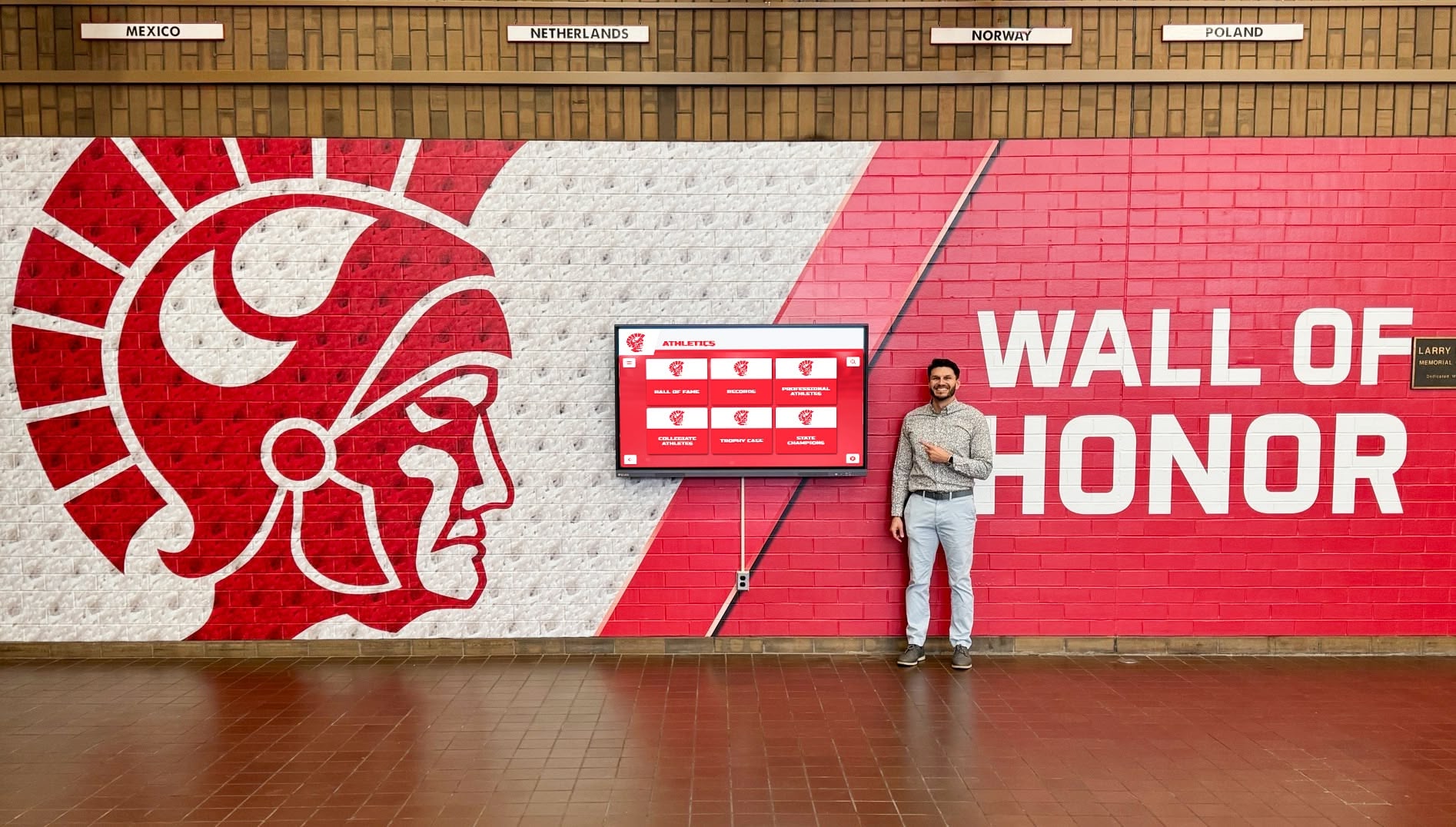
Starting with simple setups enables caregivers to provide meaningful memory displays without overwhelming technical complexity
Practical Tips for Success
Family caregivers benefit from learning what works well and what pitfalls to avoid.
Best Practices
Creating Positive Viewing Experiences
Maximize memory display value through thoughtful implementation:
Place displays in comfortable, well-lit areas where loved ones naturally spend time. Use displays during naturally calm times of day when individuals prove most receptive. Sit with loved ones during viewing when possible providing companionship and context. Don’t demand recall or test memory—allow natural responses without pressure. Watch for signs of distress or confusion removing problematic content promptly. And celebrate moments of recognition and connection regardless of how brief or subtle.
These supportive practices create positive associations making memory displays comforting rather than frustrating experiences.
Involving Other Family Members
Memory displays provide connection points for extended family:
Encourage children and grandchildren to contribute recent photos and videos. Enable remote family members to upload content even when unable to visit physically. Use displays during family video calls showing photos you’re discussing together. And involve loved ones in simple content selection when capable—“Which photos should we add to your screen?"—maintaining agency and participation.
This family involvement strengthens relationships while reducing caregiver burden.
Common Pitfalls to Avoid
Mistakes That Undermine Effectiveness
Prevent common problems through awareness:
Avoid overwhelming content quantity—less is more for individuals with dementia who process information slowly. Don’t include confusing photos with too many unfamiliar people or unclear contexts. Prevent automatic transitions happening too quickly not allowing adequate viewing time. Don’t create systems requiring complex navigation that frustrates rather than engages. Avoid neglecting devices leading to dead batteries, outdated content, or technical failures. And never pressure individuals to engage or remember—let displays provide ambient comfort without performance demands.
These considerations enable memory displays to fulfill their supportive purpose without creating additional stress.
Respecting Individual Preferences and Dignity
Person-centered approaches honor loved ones as individuals:
Some people prefer certain content types while others trigger distress—observe and adjust. Respect communication that content may be unwanted or distressing at particular moments. Maintain adult dignity avoiding childish presentation or condescending narration. And honor privacy concerns if individuals express discomfort with photo display in certain contexts.
These respectful practices ensure memory displays genuinely serve loved ones’ needs rather than just fulfilling caregiver intentions.
Learn about volunteer appreciation and recognition approaches demonstrating person-centered celebration strategies applicable to family dementia care contexts.
Conclusion: Affordable Memory Displays for Family Dementia Care
Creating meaningful memory displays for family members with dementia doesn’t require expensive institutional technology or complex professional systems. Solo caregivers managing multiple loved ones can implement effective, economical solutions using consumer tablets, digital photo frames, or existing smart TVs combined with free photo management applications and thoughtfully curated family content.
The most important factors prove simpler than technology—selecting photos that trigger positive emotions and recognition, organizing content to reduce confusion, enabling easy viewing through intuitive interfaces, maintaining current and relevant photo collections, and providing companionship during viewing experiences that transform displays from passive screens into connection opportunities.
Whether you begin with a basic iPad slideshow displaying 50 treasured family photos or implement more sophisticated multimedia displays incorporating music, video, and life story timelines, appropriate memory displays provide therapeutic value supporting the emotional wellbeing of loved ones experiencing cognitive decline while creating meaningful activities and connection points during challenging caregiving journeys.
For families seeking assistance getting started, exploring current photo display technology, or considering whether purpose-built memory preservation platforms might better serve specific needs, remember that any effort to maintain visual connection to family identity and cherished memories provides genuine value regardless of technical sophistication. Start simple, observe what resonates with your loved ones, and build gradually as time and resources allow—creating comfort, recognition, and dignity through thoughtful memory display implementations manageable by dedicated family caregivers.
Ready to explore memory display options? Learn about interactive display technology for community engagement, discover digital recognition approaches for memory preservation, or explore photo gallery and timeline display strategies that honor loved ones through accessible, meaningful memory experiences.































