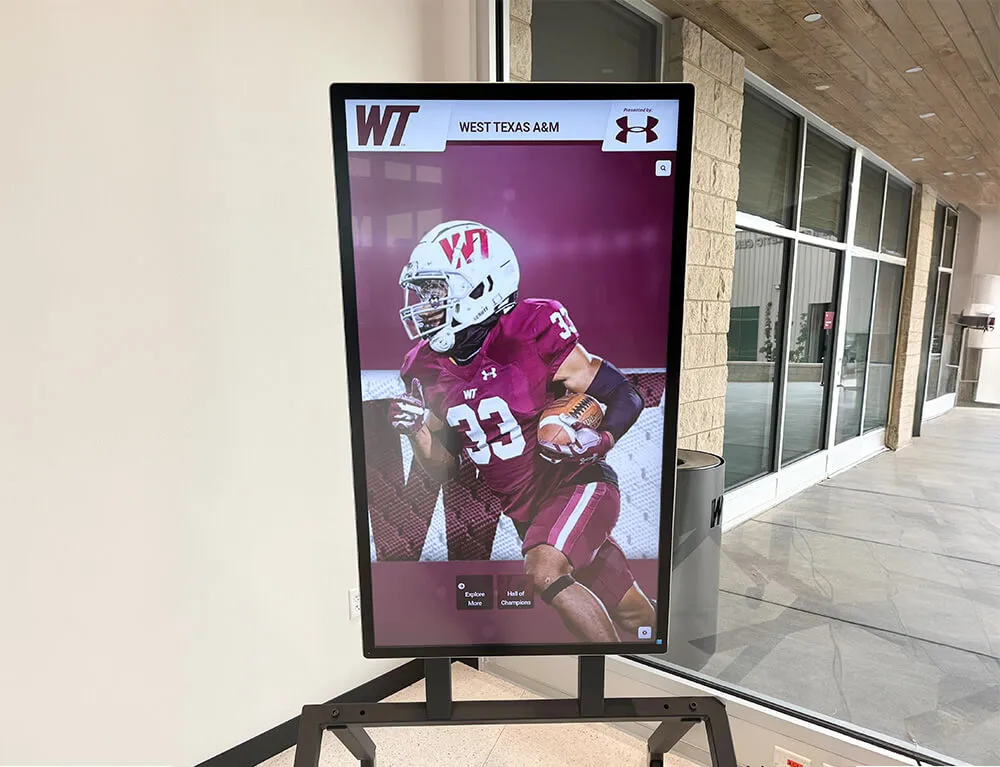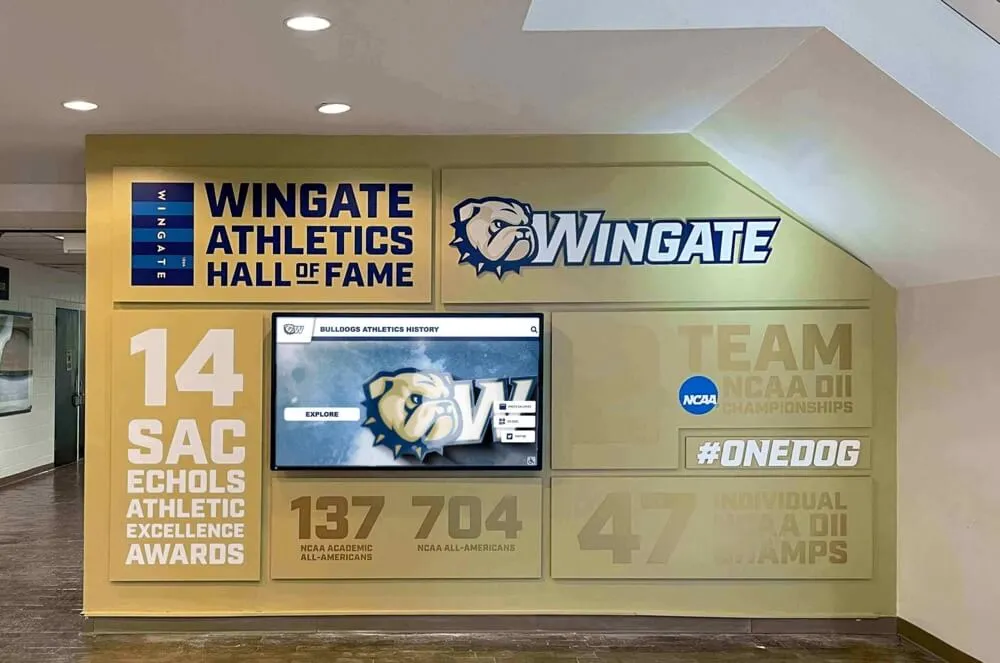




Audio description transforms visual hall of fame stories into experiences anyone can access. When a school’s digital hall of fame showcases inductee tribute videos, archival photographs from championship seasons, and imagery of jerseys being retired, visitors who are blind or have low vision depend on audio description to understand what appears on screen. Without it, the most meaningful moments in a school’s recognition program—a coach’s tearful acceptance, a team photo from a state title run, a close-up of the hardware that defined a career—remain invisible to a portion of the audience that deserves to share in the celebration.
This guide provides athletic directors, facilities staff, alumni committee members, and recognition program coordinators with a practical framework for writing, reviewing, and producing audio description for digital hall of fame content. It covers the distinction between describing still images and narrated videos, shows how to handle uniforms, plaques, and archival imagery without duplicating existing narration, and includes example scripts and a production checklist that programs can apply immediately.
Audio description is not captioning, and it does not restate what a narrator already says out loud. It occupies the natural pauses in a video’s existing audio track—or follows a separate script for still images—to convey visual information that a sighted viewer takes for granted but that a visitor using a screen reader or assistive audio device would otherwise miss entirely. Getting that distinction right is the starting point for every hall of fame program that wants to serve all visitors equitably.

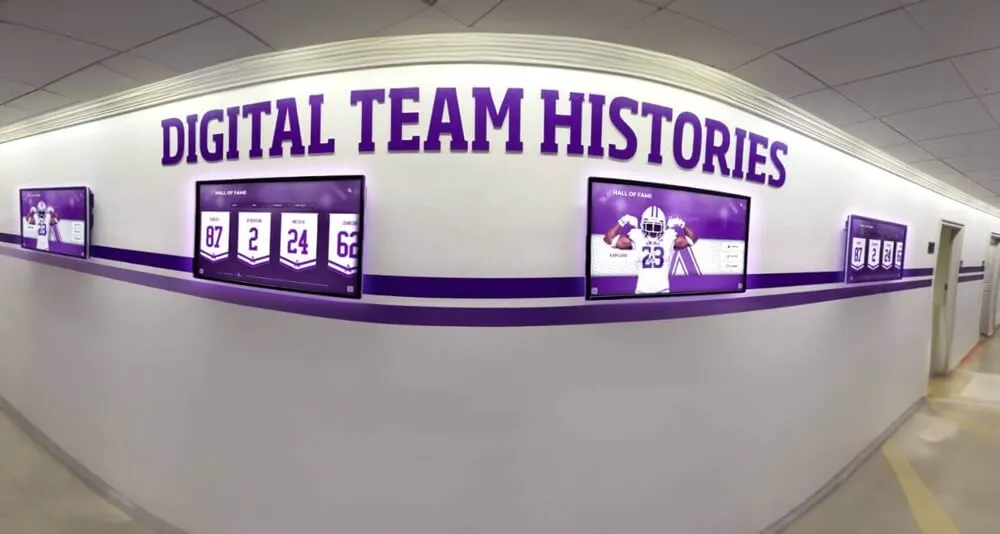
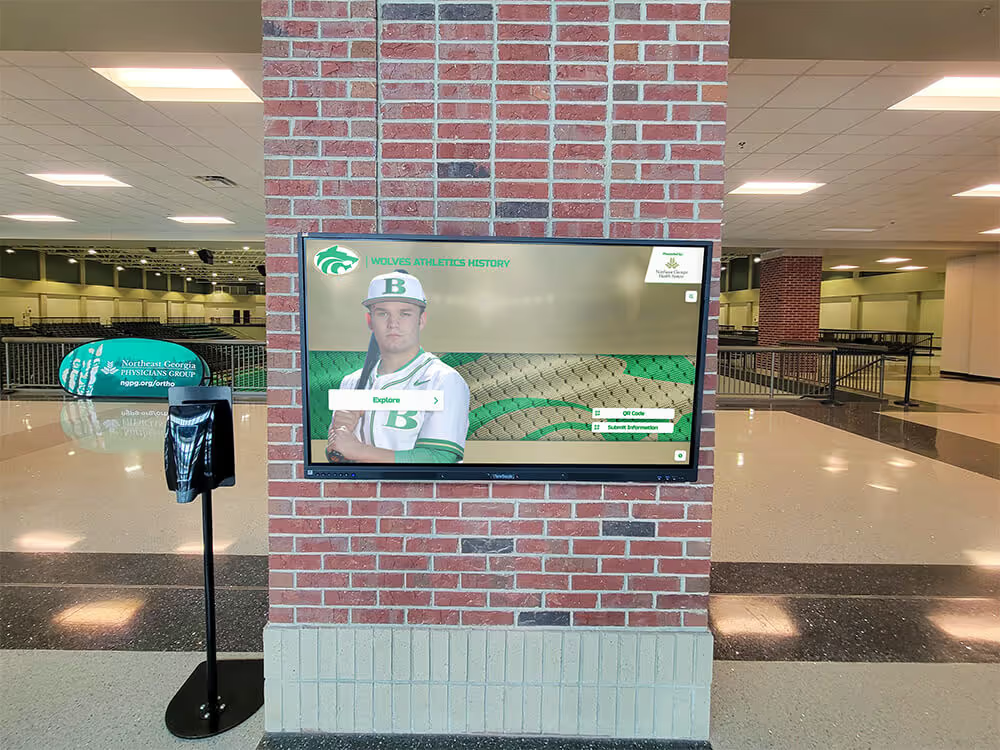
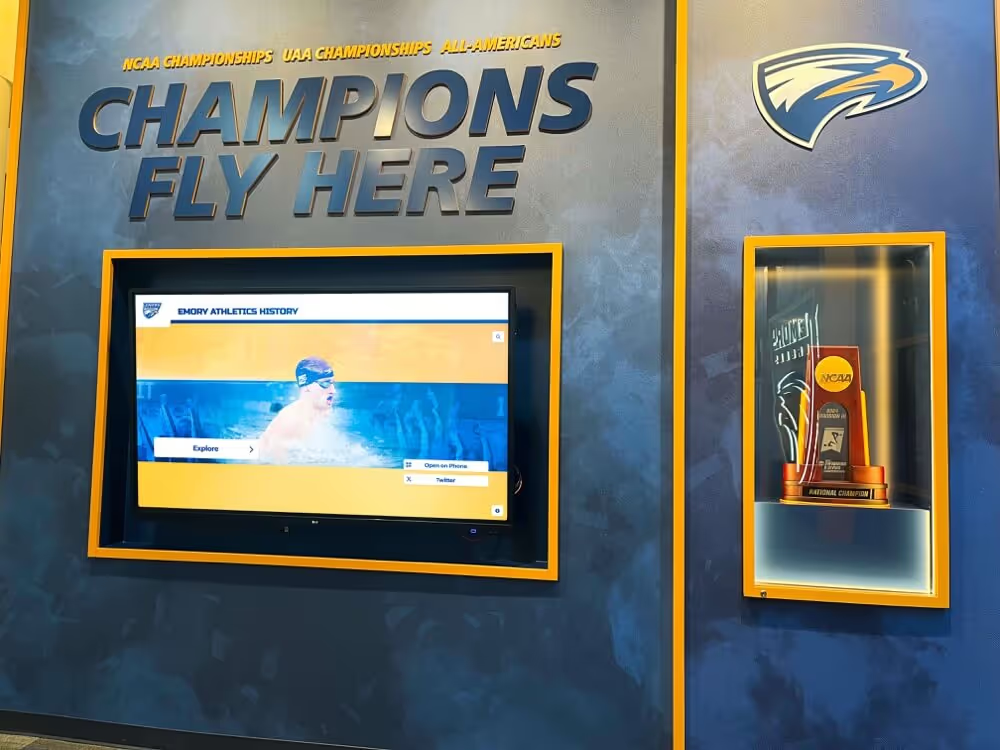
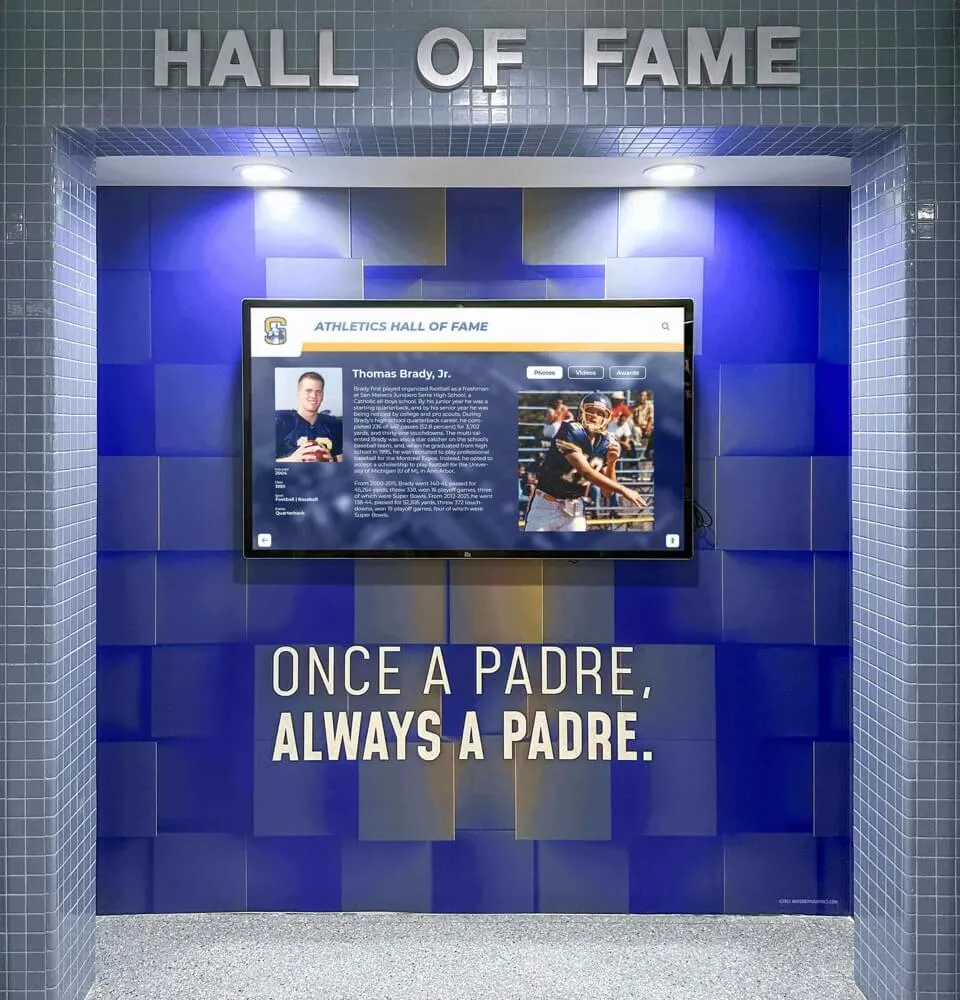
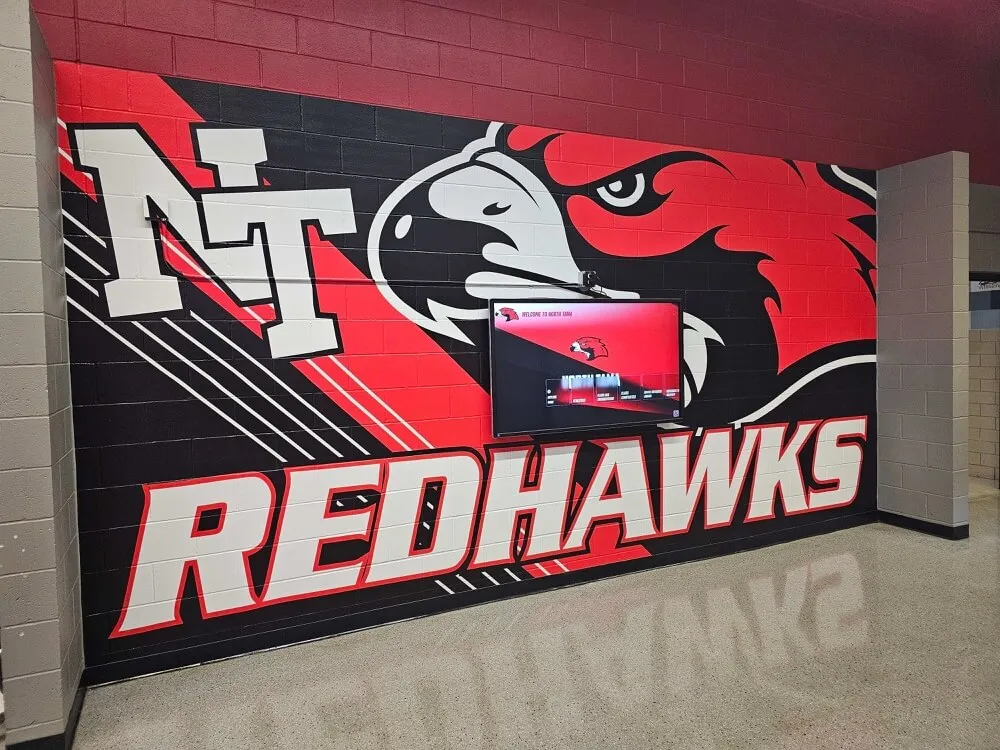
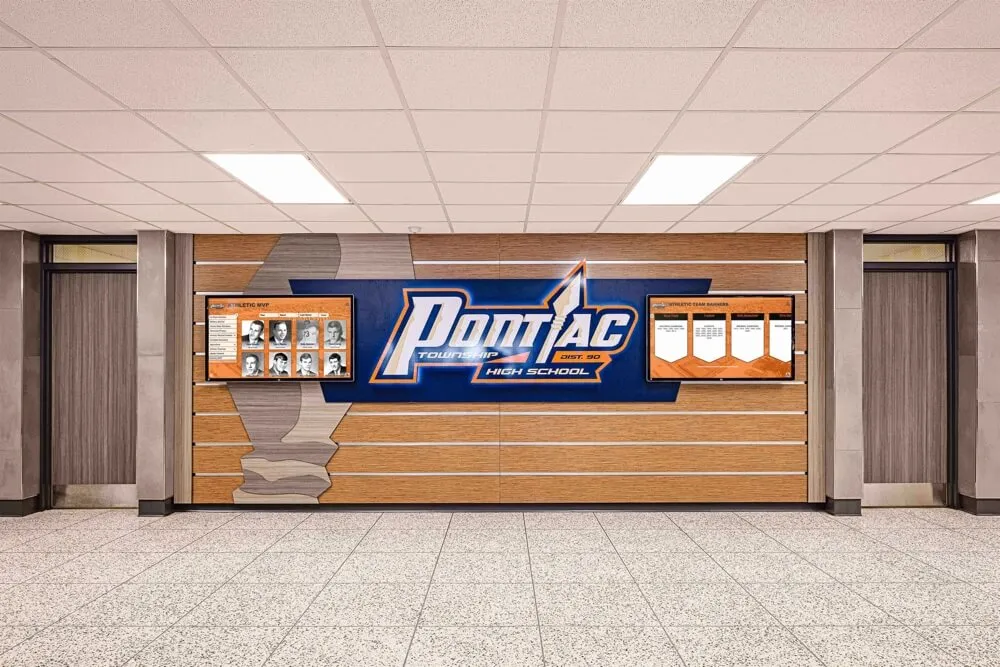
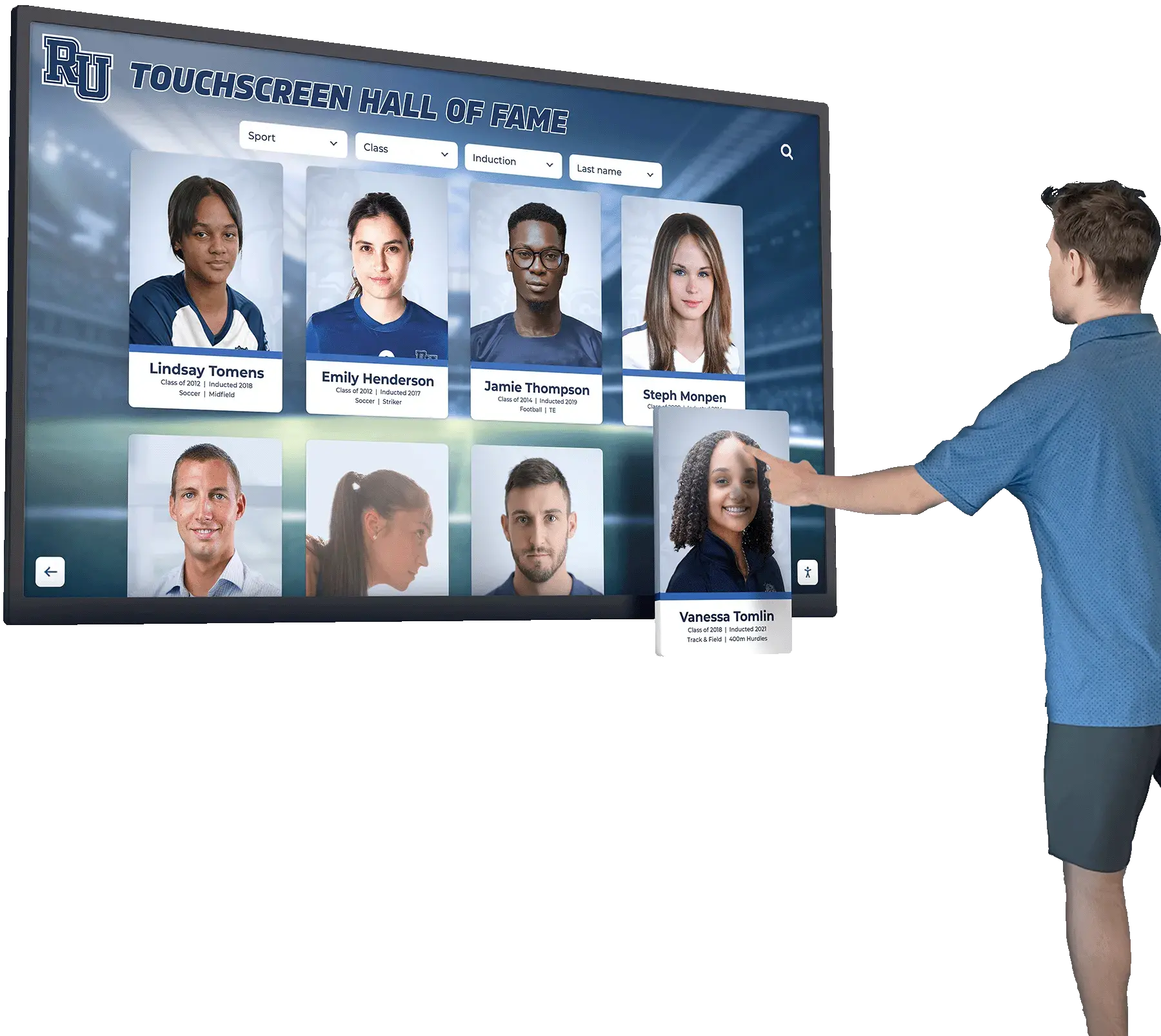
Interactive digital hall of fame displays serve every visitor—when audio description is built in from the start, no one is excluded from the recognition story
What Audio Description Is and Why It Matters for Hall of Fame Content
Audio description (AD) is a narrated track that describes the visual elements of a video or image for people who cannot see the screen. For a hall of fame tribute video, that means describing the athlete’s physical presence, the environment being shown, on-screen graphics, action sequences, and visual storytelling choices that carry meaning—all without restating what the narrator or subjects already speak aloud.
Hall of fame content presents a specific set of audio description challenges that general-purpose AD guidance often does not address:
- Archival footage from multiple eras, shot in different film and video formats, with varying picture quality
- Award and plaque imagery where text, engraving detail, and material finish communicate institutional significance
- Uniform and jersey details that identify an era, a sport, a number, or a milestone (such as a retired jersey)
- Ceremony photography where spatial relationships—who is standing where, who is presenting an award to whom—carry meaning
- Interactive gallery screens where a visitor might explore dozens of inductee cards in a single session
Each of these content types requires a slightly different approach, which the sections below address in turn.
Open vs. Closed Audio Description
Open audio description is mixed permanently into the video’s audio track. Anyone playing the video hears it. Open AD is appropriate for short tribute clips played on lobby displays where controls are limited and all visitors share the same experience.
Closed audio description is a separate track that users can activate or deactivate, typically through a media player control or an assistive technology setting. Closed AD is preferred for longer inductee biography videos embedded on a touchscreen kiosk or on a public-facing hall of fame website, because it lets sighted visitors enjoy the original production while ensuring the full experience is available to those who need it.
Choosing between the two affects production planning significantly. Open AD must be written to fit within existing pauses in the audio track; if the original video leaves no silence for description, an extended open AD version is produced with extended pauses inserted by the editor. Closed AD eliminates that constraint but requires a separate encoding and playback infrastructure.
ADA and Section 508 Context
Schools receiving federal funding are subject to the Americans with Disabilities Act and Section 508 of the Rehabilitation Act. Both require that digital content be accessible to people with disabilities. The Web Content Accessibility Guidelines (WCAG) 2.1 Level AA—the benchmark most school districts use—require audio description for all prerecorded video content that contains meaningful visual information not present in the existing audio. A tribute video showing a montage of game highlights while a narrator reads a generic script is a clear example of content that requires AD. A talking-head interview where the speaker describes everything they are referencing may require only minimal description.
When a school’s program ventures into territory involving formal ADA compliance decisions, legal interpretations of Section 508 scope, or evaluation of whether specific content triggers an audio description requirement, those questions belong to a qualified accessibility or legal professional. This guide provides process-level guidance for creating good audio description—it does not substitute for professional accessibility review of a specific program’s obligations.
Writing Audio Description for Inductee Tribute Videos
Tribute videos are the centerpiece of most digital hall of fame programs. They commonly combine archival game footage, still photographs, interview segments with the inductee or former teammates, and ceremony recordings. Each component type calls for a different description approach.
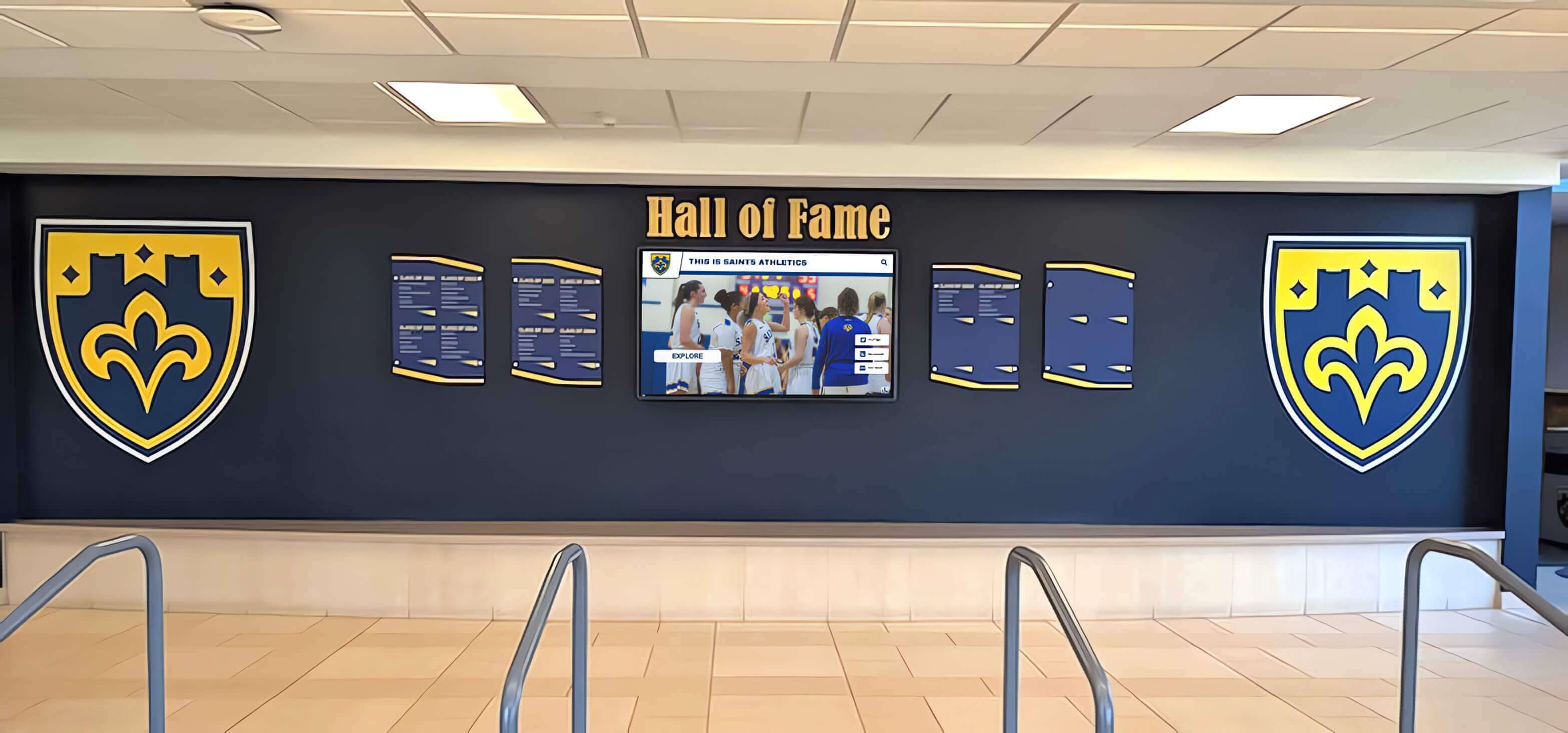
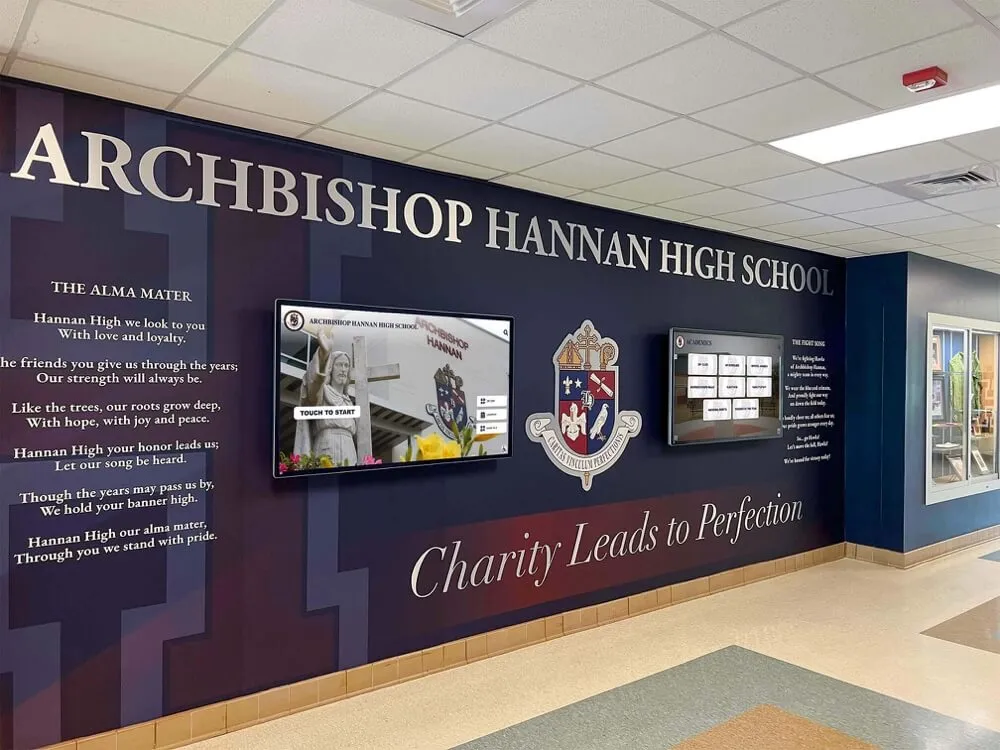
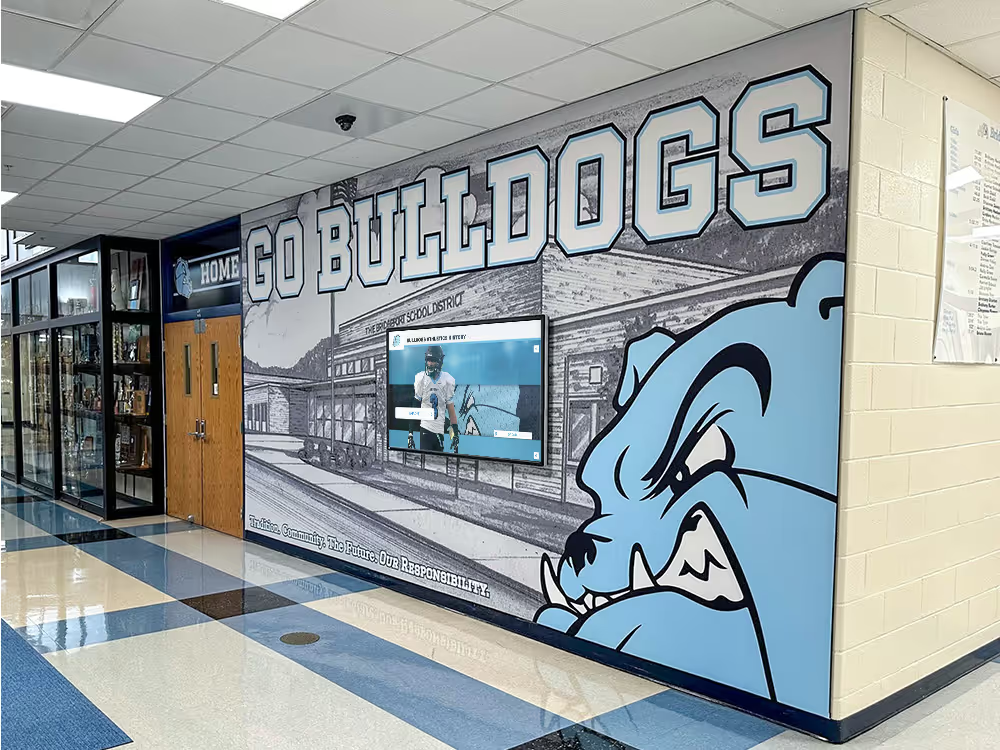
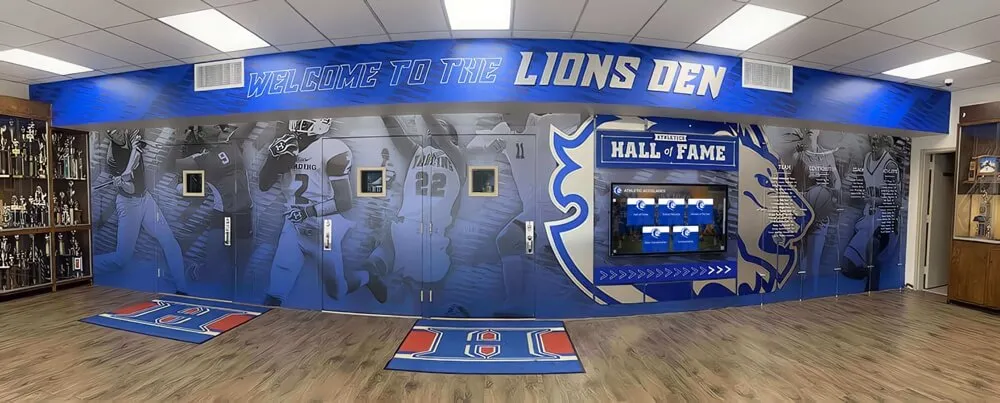
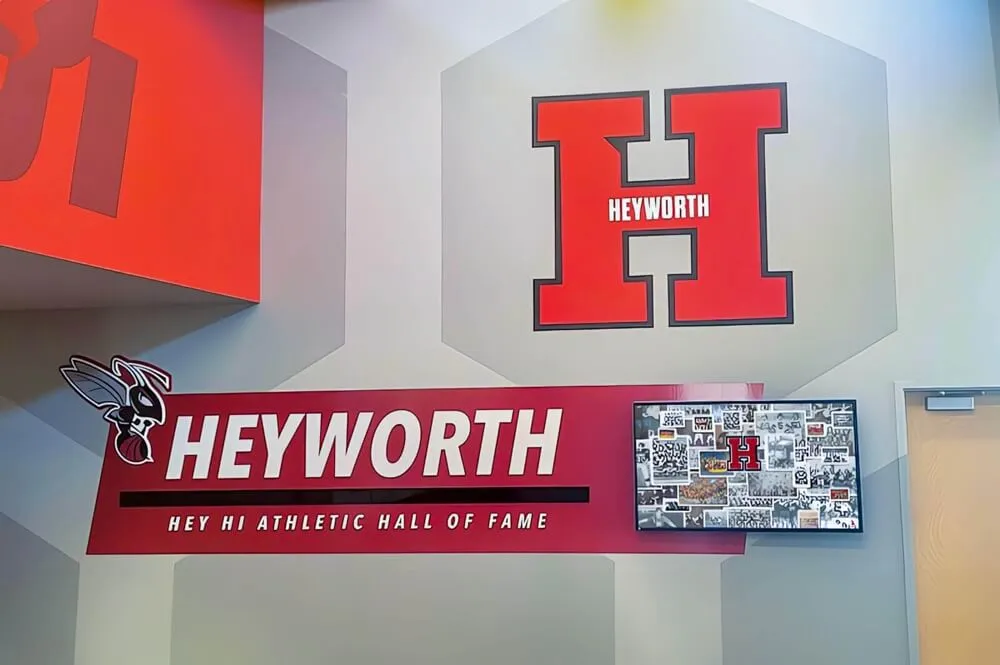
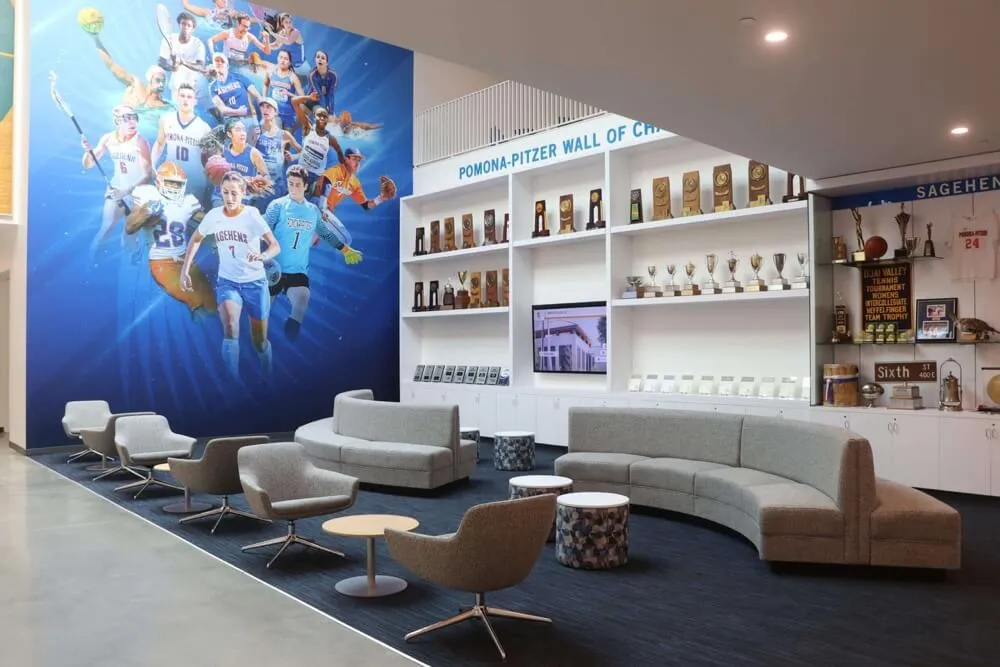
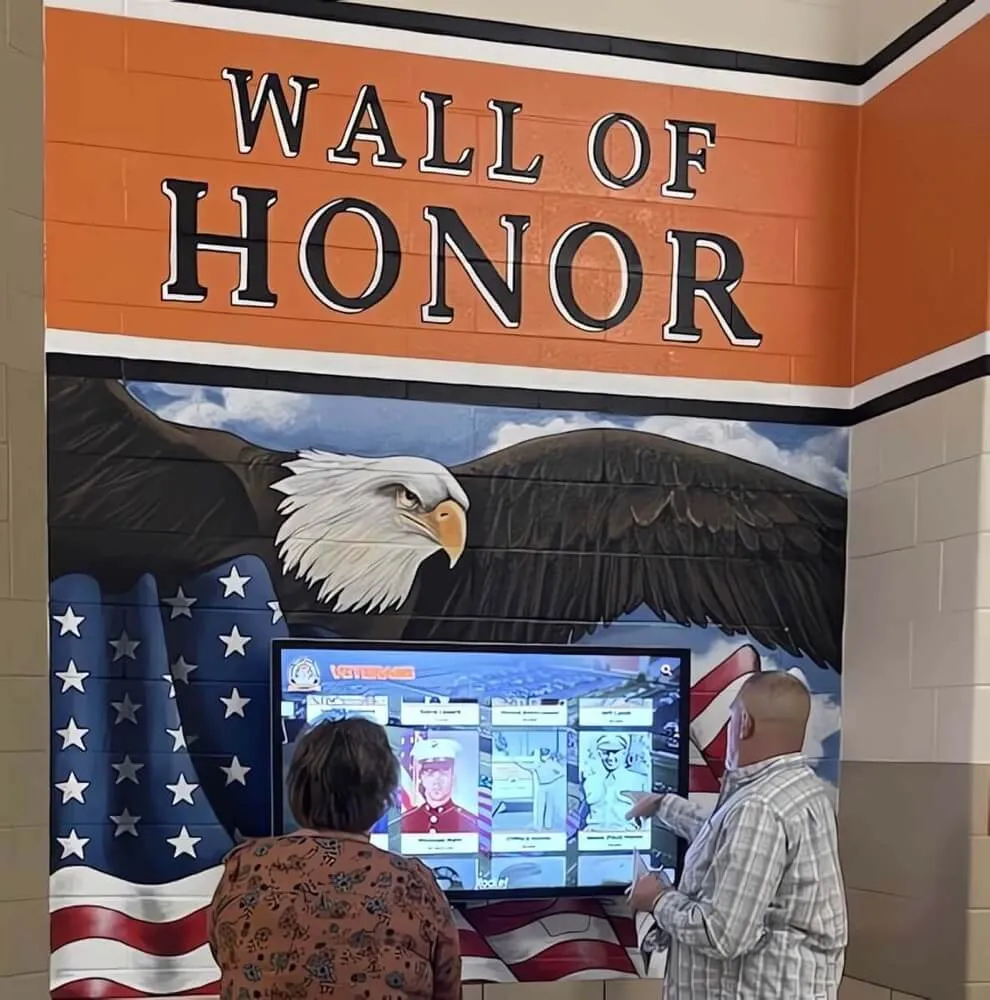
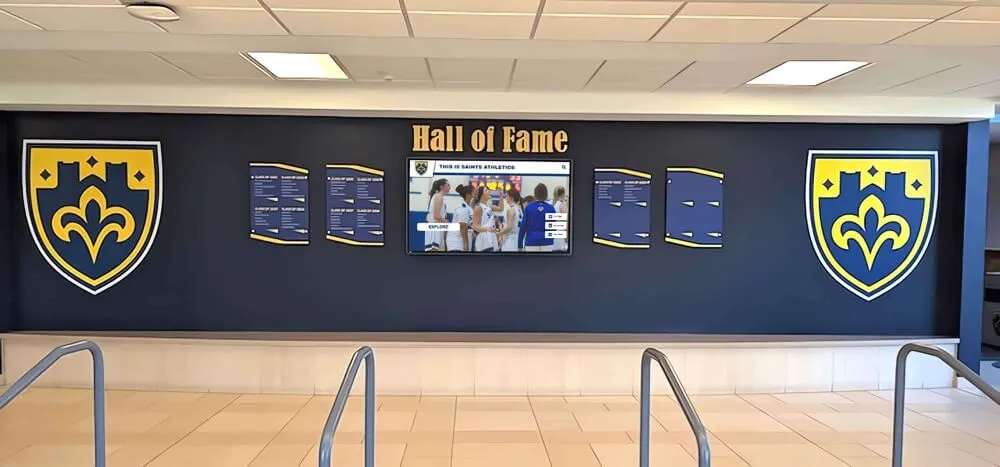
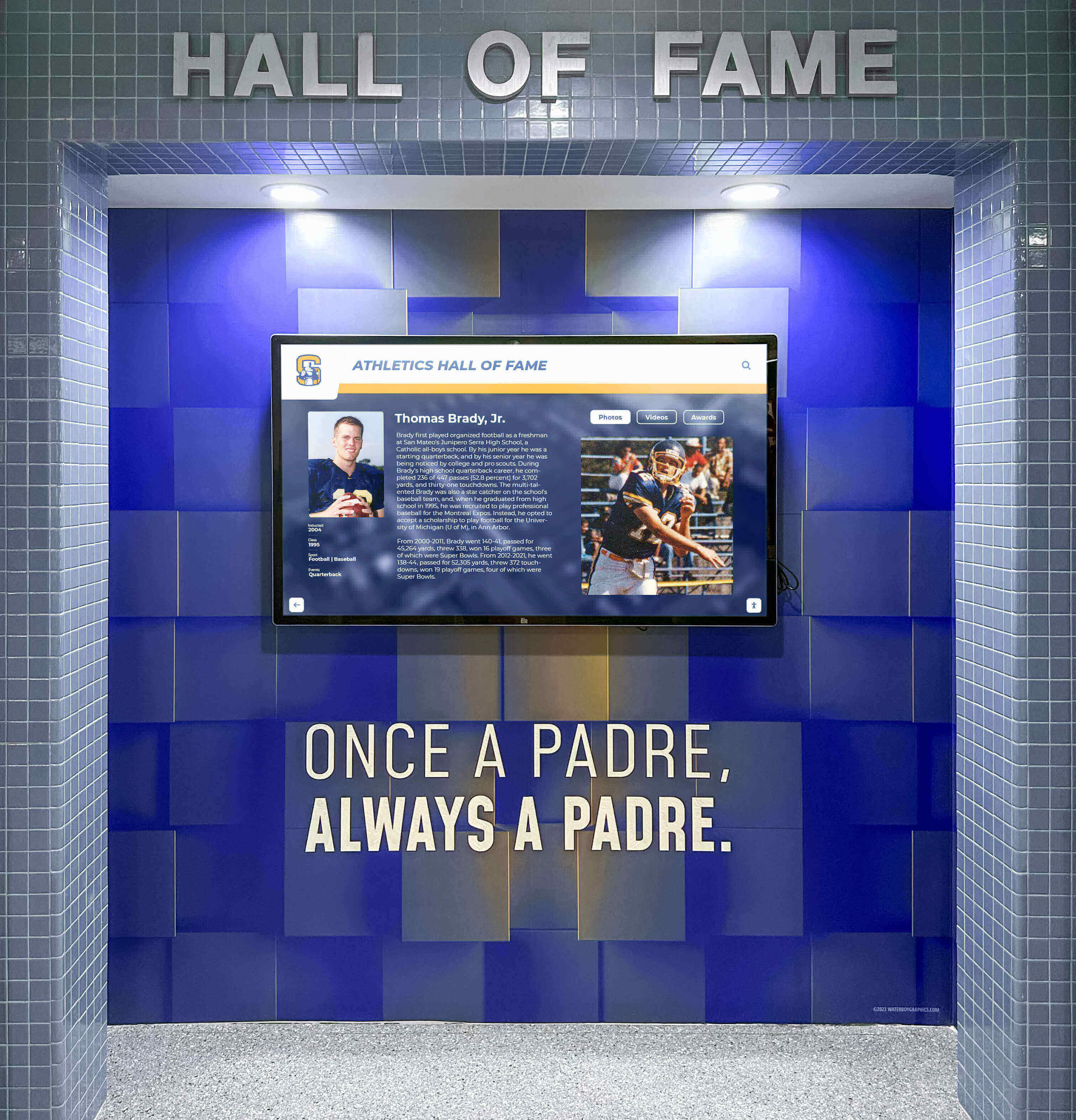
Many school halls of fame combine physical display elements with video screens—audio description must cover both the video content and any visual text or imagery that appears on screen
What Audio Description Should Communicate
Good audio description for a hall of fame video conveys the following categories of information, in proportion to their significance:
Identity and appearance Introduce the inductee visually the first time they appear: approximate age in the footage, what they are wearing (sport, number, school colors if visible), and their general activity or position in the frame. Avoid physical descriptions that go beyond what is relevant to the story being told.
Setting and era Establish where the viewer is being taken—a gymnasium, a stadium press box, a locker room, an awards stage. When archival footage shifts between eras, a brief orienting phrase (“Footage from the 1994 championship season shows…”) helps listeners track the chronology.
Action sequences For game highlights, describe the meaningful action: the position of play, the outcome, and any relevant context a sighted viewer would see on screen. Do not describe every movement—describe what matters to understanding the achievement.
On-screen text and graphics Whenever a name, year, statistic, or award title appears as a chyron or graphic overlay, read it aloud if it is not already being spoken by the narrator. (“Lower-third graphic: 47 career wins, 1989–2003.”)
Award and plaque imagery When the video cuts to a physical plaque, a trophy, or a framed jersey, describe what is shown: the object, any engraved text that is legible, and how the item is being presented or displayed.
Emotional and visual storytelling Describe visual choices that carry meaning—a close-up on a coach’s hands while speaking, a wide shot of a packed gymnasium, a slow-motion sequence that emphasizes a defining moment. These are the choices a filmmaker made deliberately; audio description communicates them to listeners who cannot see the screen.
Do/Don’t Table for Hall of Fame Video Description
| Situation | Do | Don’t |
|---|---|---|
| Narrator says “She was unstoppable on the court.” | Describe: “Archival footage shows her driving past two defenders and scoring a layup.” | Repeat: “She was unstoppable on the court.” |
| Video shows a retired jersey in a frame on the wall | Describe: “A white jersey with the number 34 in navy lettering hangs framed behind glass on a brick wall.” | Skip it because it is “obvious” |
| Archival photo quality is poor | Describe what is visible: “A grainy black-and-white photograph shows a team posed on a gymnasium floor.” | Describe detail that cannot actually be seen |
| Inductee name appears as on-screen graphic | Read it: “On-screen text: Maria Elena Cortez, Class of 2002.” | Assume the listener already knows |
| Speaker gestures toward a trophy off-camera | Describe: “She gestures toward a large silver trophy on the table beside her.” | Leave the gesture undescribed |
| Two people shake hands on stage | Describe: “The athletic director and the inductee shake hands at center stage while holding the plaque between them.” | Describe the handshake only as “they shake hands” without spatial context |
Example Script: A Two-Minute Inductee Tribute Video
The following is an illustrative example of how audio description might be integrated into a short tribute video script. The [AD] tags mark audio description text; all other text represents existing narration or subject speech.
[Opening title card: school name and athletics logo]
[AD] School logo and name appear on a dark blue background. The words “Hall of Fame Induction” fade in below.
Narrator: “Few athletes have shaped this program the way Coach Williams shaped it over two decades.”
[AD] Cut to archival video. A man in a red coaching polo stands on the sideline of an indoor track meet, watching runners approach a finish line.
Narrator: “He arrived in 1989 with a vision for what this program could become.”
[AD] A still photograph from 1989: a young man in his mid-twenties stands in a gymnasium doorway, holding a clipboard, wearing a collared shirt and whistle around his neck. A handwritten sign on the door reads “Track Office.”
Narrator: “Seventeen state qualifiers. Four team championships. One family.”
[AD] On-screen graphic: “17 State Qualifiers | 4 Team Championships | 23 years.” Footage shows a relay team crossing a finish line together and immediately embracing. The scoreboard behind them reads “1st Place.”
[Inductee speaking directly to camera]
Inductee: “This program gave everything to me. I just tried to give it back.”
[AD] He is seated in a wood-paneled office. Behind him, framed photographs of track teams line the wall. He pauses and looks down briefly before returning his gaze to the camera.
Narrator: “Tonight, the program gives something back to him.”
[AD] Cut to a ceremony stage. The athletic director approaches from stage left carrying a framed plaque. The inductee stands center stage in a suit and school-color tie. Applause fills the room. A banner reading “Hall of Fame Induction Ceremony” hangs above them.
Notice that every audio description note adds information that the narration does not provide. Nothing is repeated. The descriptions are concise and active.
Writing Descriptions for Hall of Fame Images and Archival Photography
Still images in a digital hall of fame—whether displayed in a touchscreen gallery, on a website inductee profile, or in a looping slideshow—require alt text and, in cases of high visual complexity, extended descriptions. Both serve users of screen readers and other assistive technologies.
Archival Action Photographs
For photographs showing athletic action, the description should identify the sport, the approximate era if discernible, the meaningful action, and any visible identifying information such as a jersey number or score. A description that reads “An athlete competes” provides no useful information. A description that reads “A runner in a green jersey numbered 11 crosses a finish line at an outdoor track meet, arms raised, with spectators visible in the background” tells a complete visual story.
When the photograph quality is poor—common with scanned prints from earlier decades—describe what is visible without inventing detail. “A low-resolution black-and-white photograph showing a group of athletes in uniform on a field” is honest and useful; fabricating jersey numbers or facial features that cannot be seen creates accessibility content that misleads rather than assists.

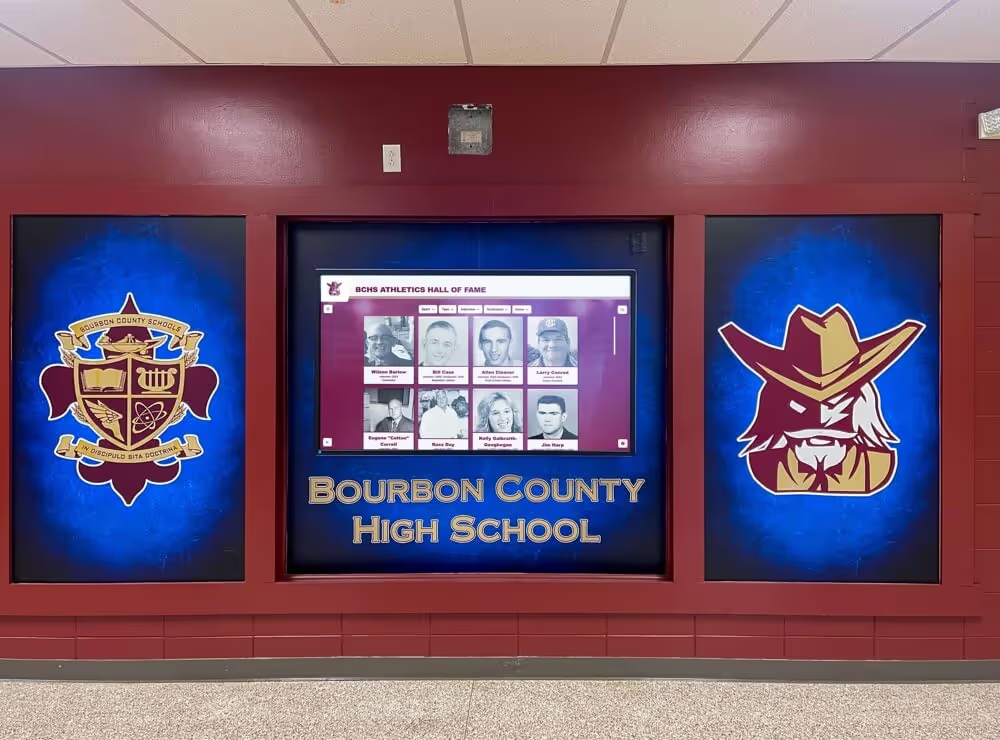
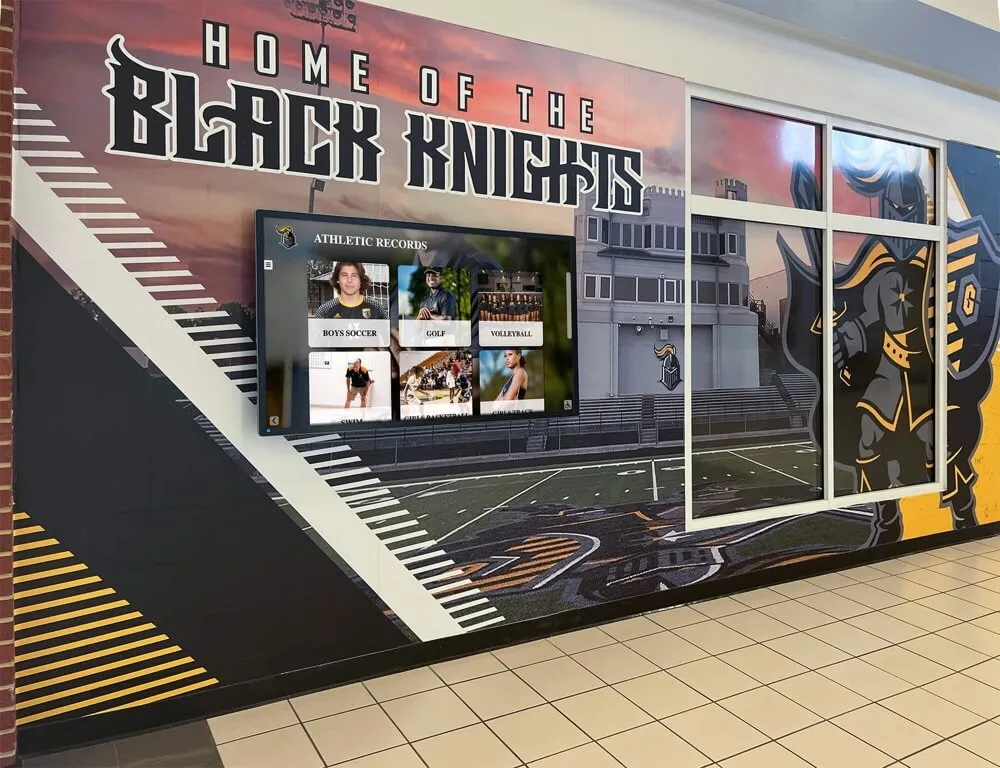
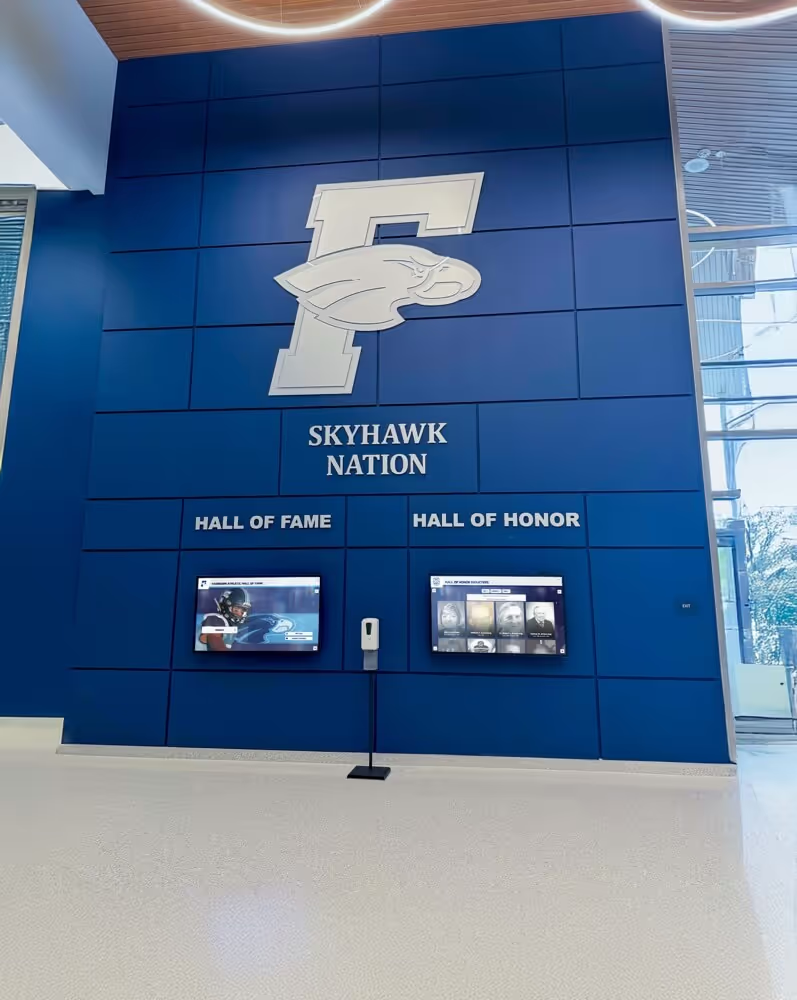
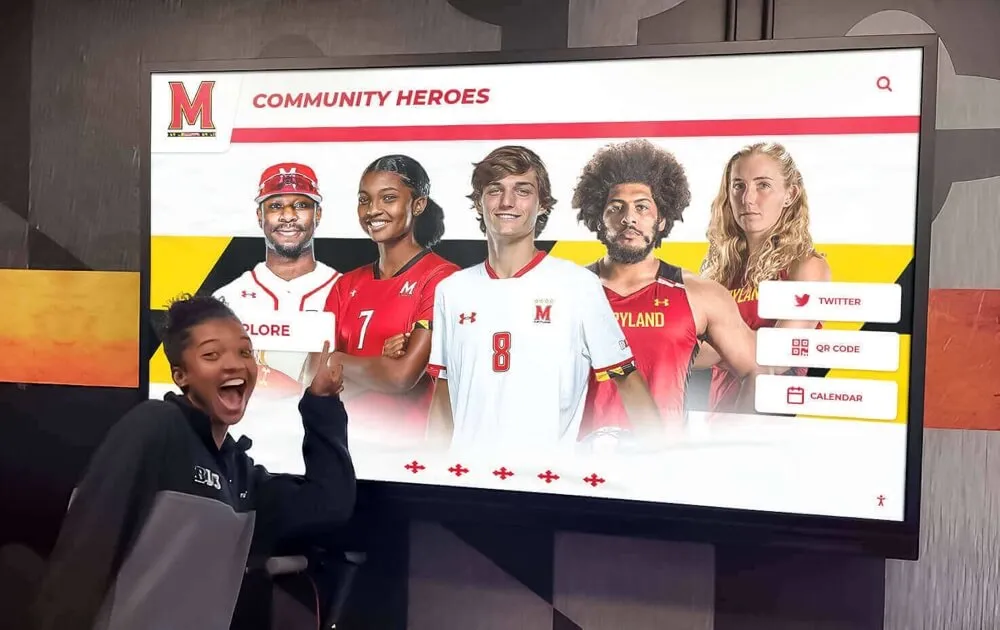
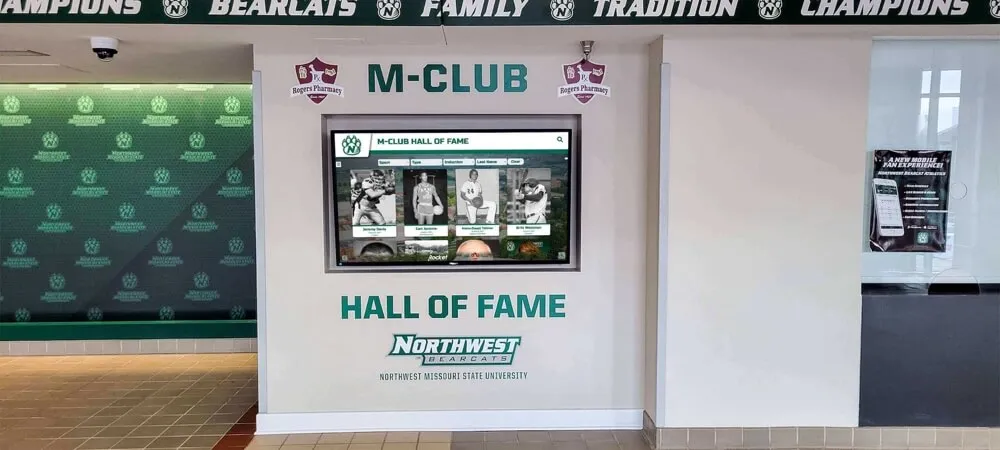
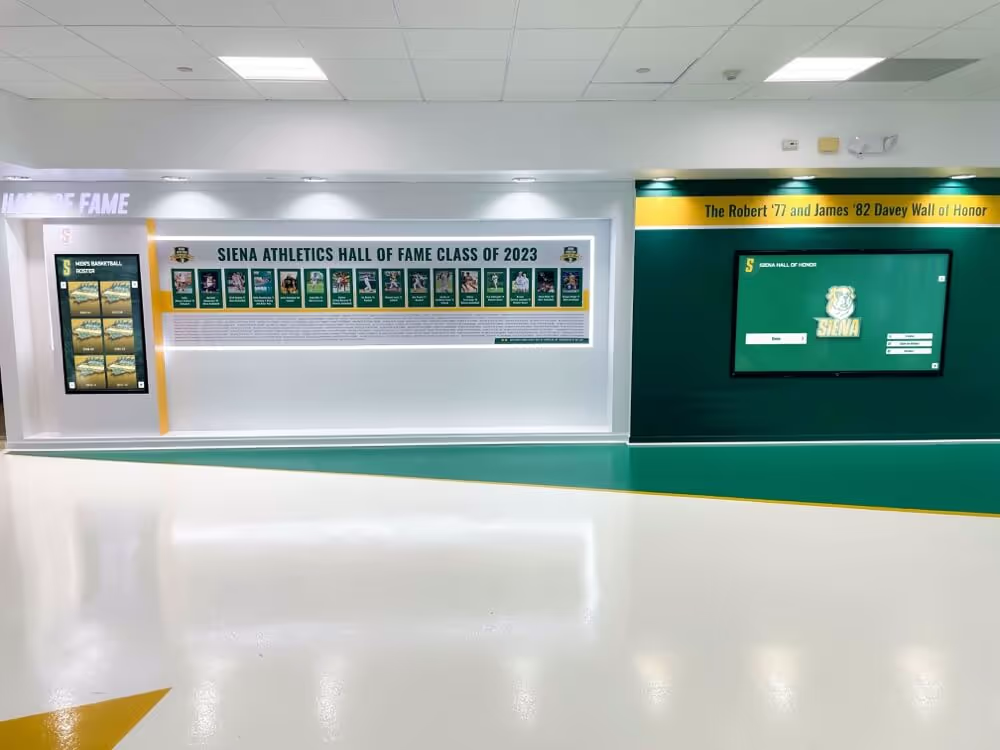
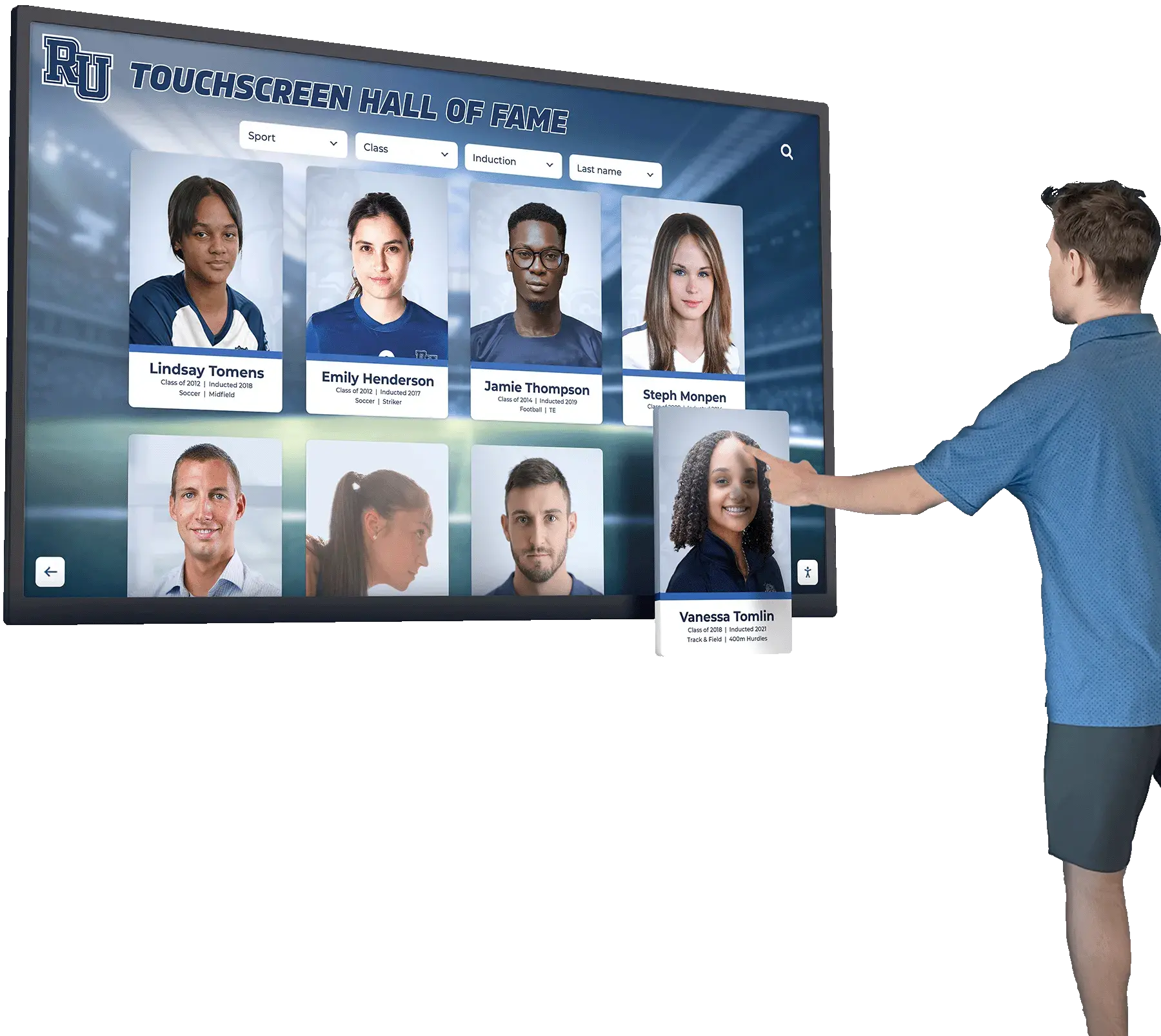
Each portrait card in a digital gallery represents a person's story—complete alt text ensures that story is accessible to every visitor regardless of how they interact with the display
Award Ceremony and Plaque Photography
Award ceremony photographs typically show people in formal arrangements presenting objects with symbolic significance. The description should communicate who is doing what with what, where. The object itself—a trophy, a plaque, an engraved ring, a framed jersey—should be described well enough that a listener understands what is being presented and why it matters.
If an award includes legible engraved text, read it in the description. “A plaque reading ‘Athlete of the Year, 1997’ is held by two people standing at a podium” conveys more than “A plaque is presented.”
When photographs accompany an inductee profile page, alt text and extended descriptions enrich the profile in ways that benefit all visitors—screen reader users, visitors with slow connections who cannot load images, and search engines that index the text. Well-constructed descriptions for recognition programs also support the kind of thoughtful community showcase projects that schools build around their most celebrated alumni.
Team Photos and Group Portraits
Group photographs create the most complex description challenges. The description should identify the approximate number of people, their general arrangement (seated row in front, standing row behind), any identifying information such as sport uniforms or a banner, and the setting. It does not need to describe each individual—that level of detail is neither possible nor useful in alt text. For a large group photograph, an extended description beneath the image can provide roster-level detail for programs that want to make that information fully accessible.
Portrait photographs of individual inductees on a hall of fame profile card should include the subject’s name (which is typically already in the surrounding text), approximate age or era if meaningful, and notable visual context such as a uniform, a medal, or a coaching setting. Avoid generic descriptions like “headshot of a smiling person” when the surrounding content already provides the name—the description can simply acknowledge what the image adds beyond the text.
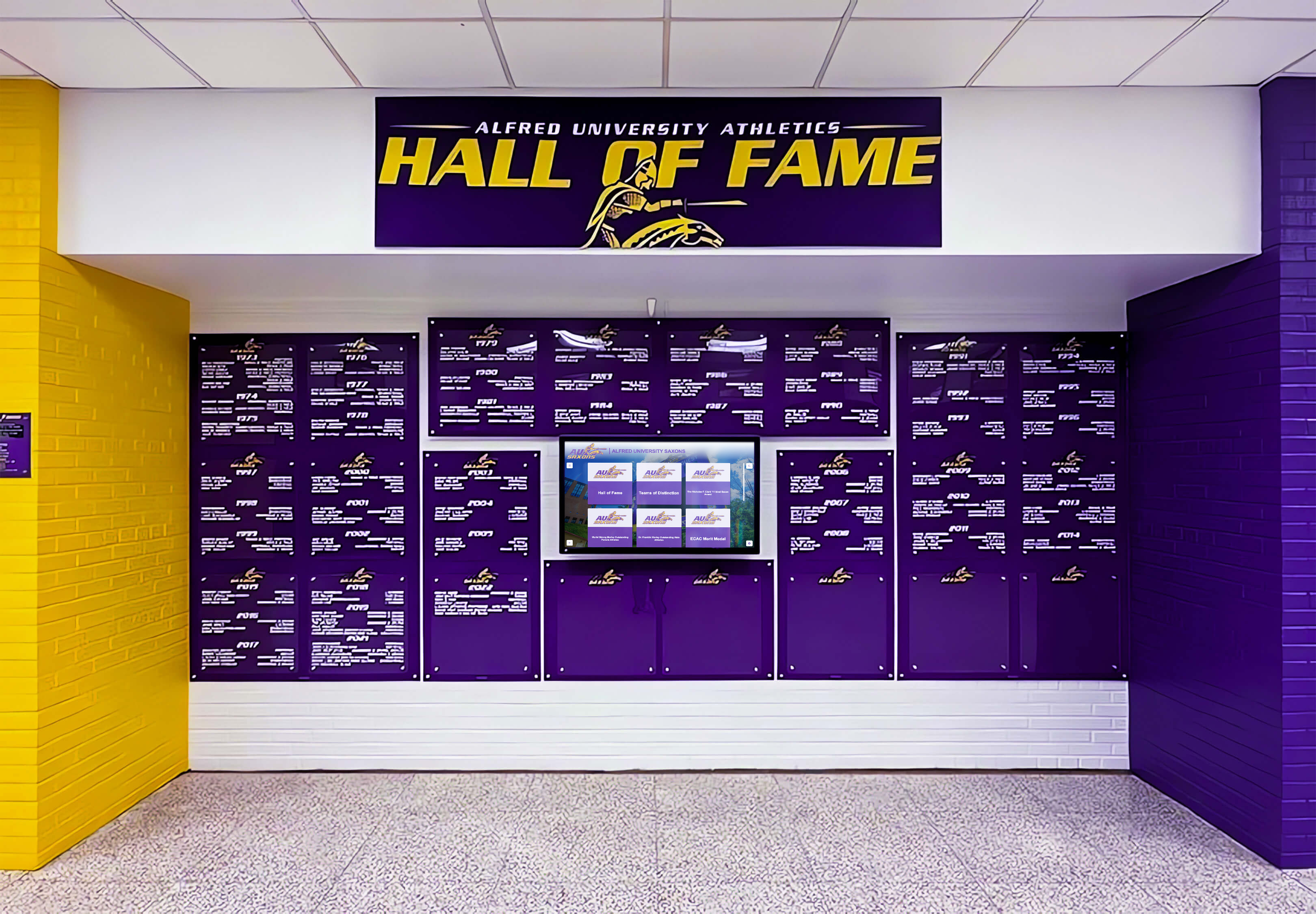
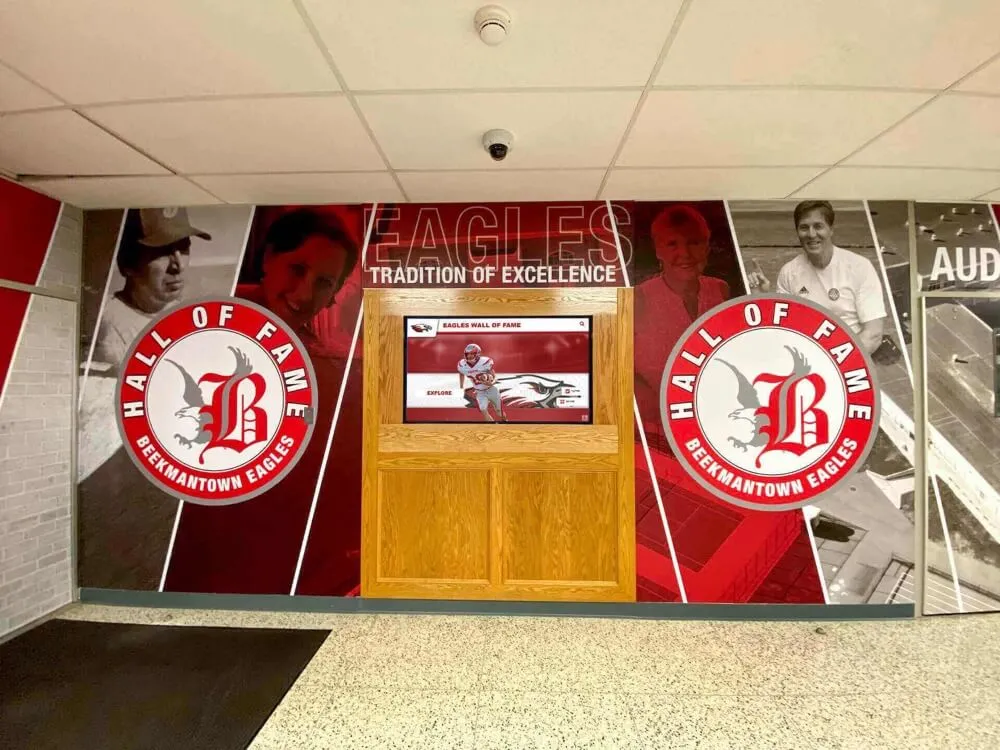
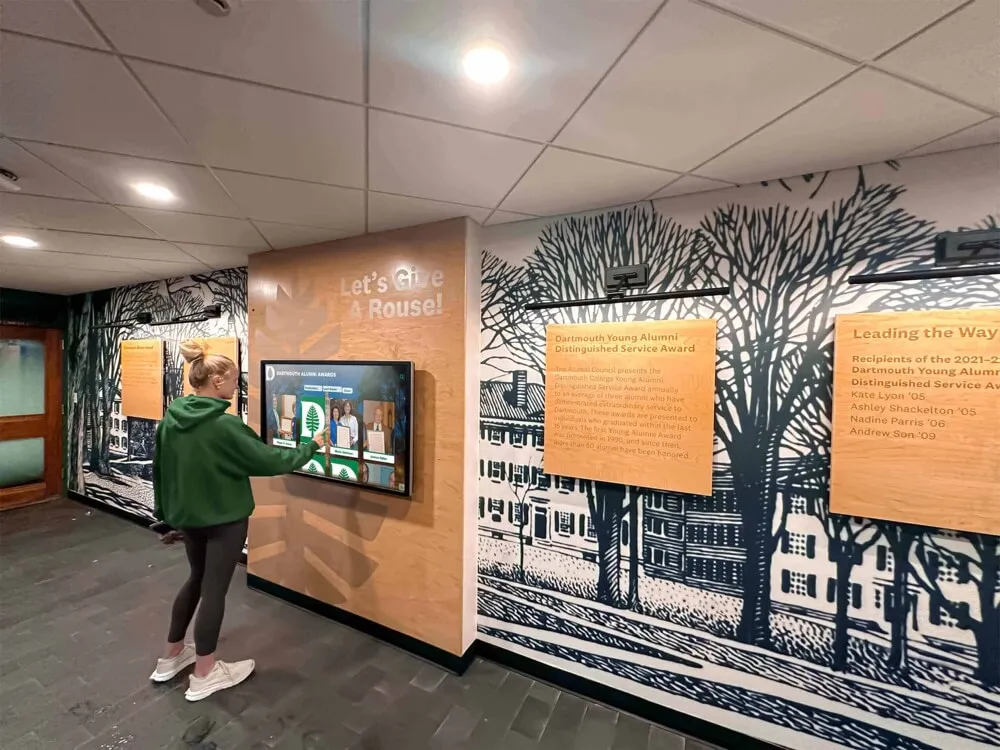
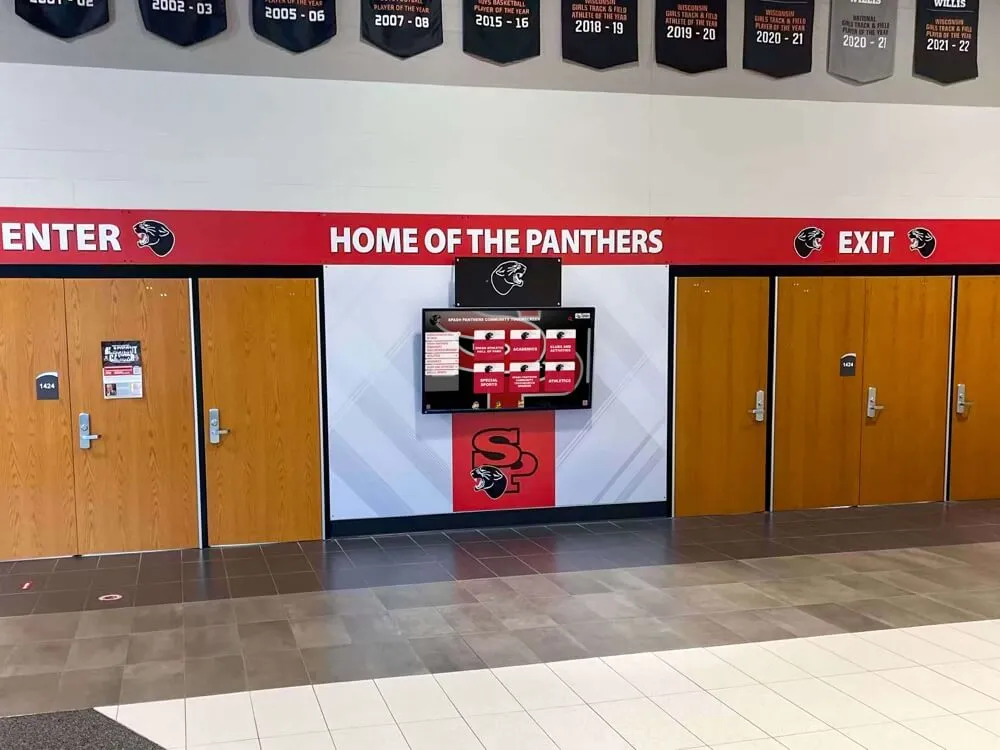
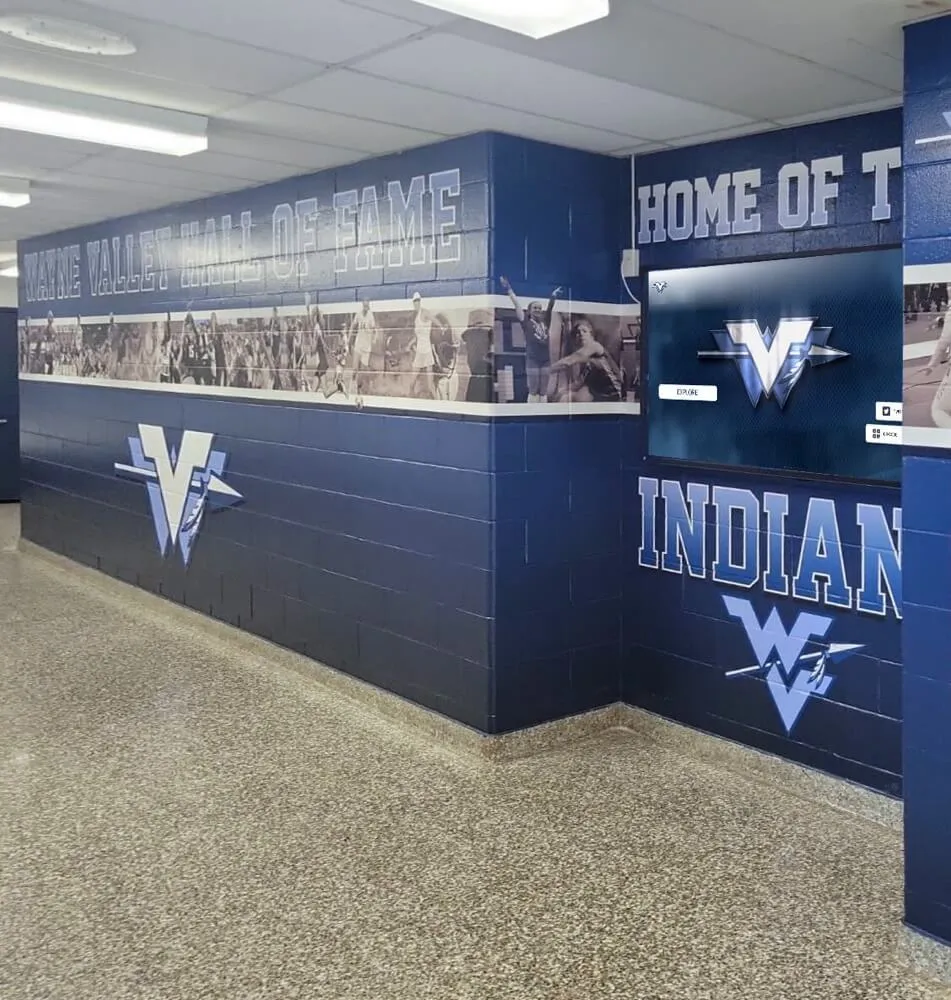
Physical and digital hall of fame displays both require thoughtful accessibility planning—digital components must include alt text and audio description while physical text elements should be readable at appropriate distances and contrast levels
For programs working on yearbook-style retrospective layouts alongside digital displays, designing archive layouts that families will return to involves many of the same principles of clear visual hierarchy and meaningful context that good audio description requires.
Audio Description for Interactive Digital Hall of Fame Displays
Interactive touchscreen kiosks present a different accessibility model than passive video. Rather than a linear viewing experience with a fixed audio track, a touchscreen display invites visitors to navigate between inductee cards, search by sport or year, and drill into individual profiles. Audio description for this format is more accurately called accessible interaction design—it encompasses how the display communicates its structure, content, and controls to users of assistive technology.
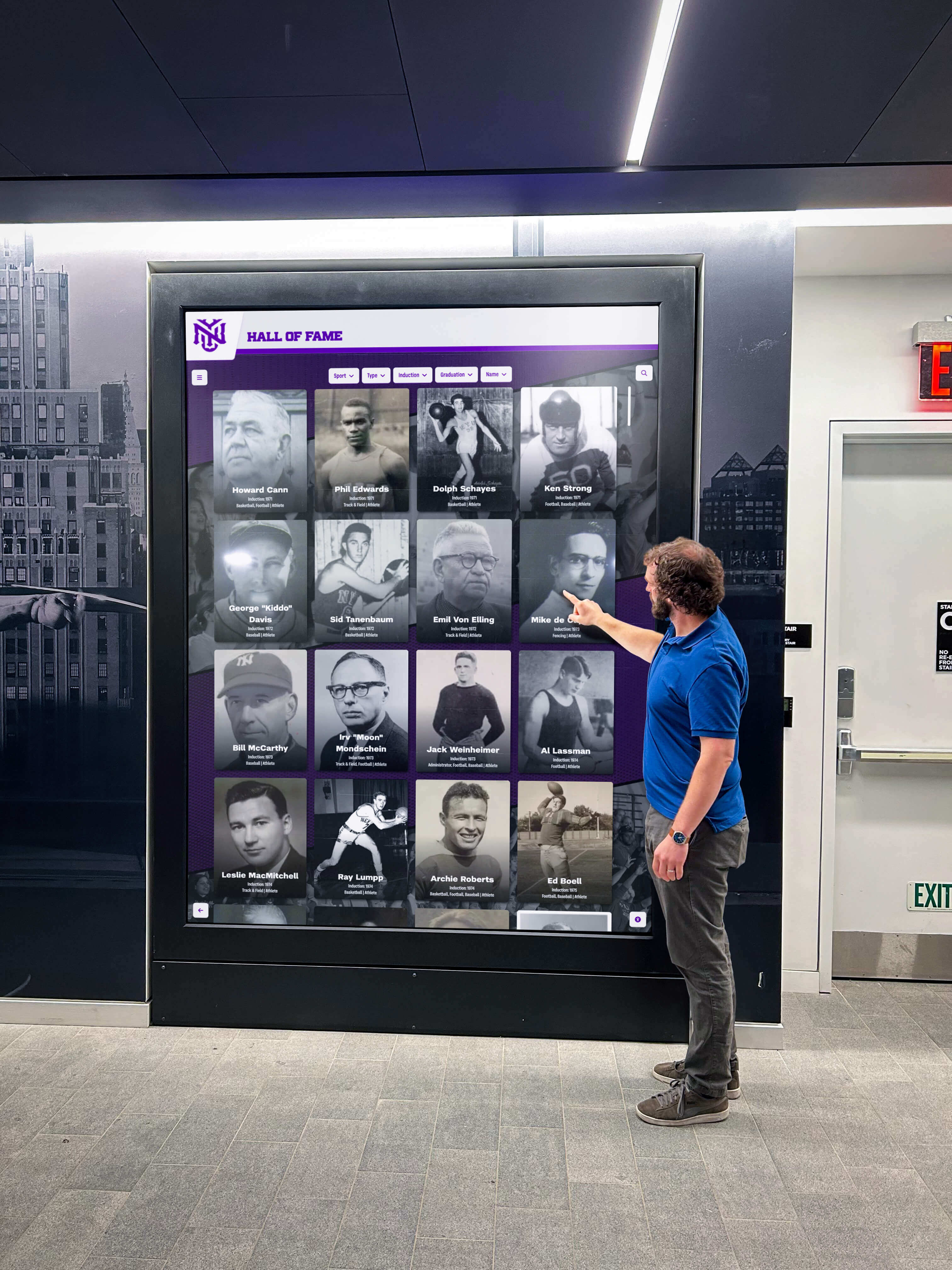
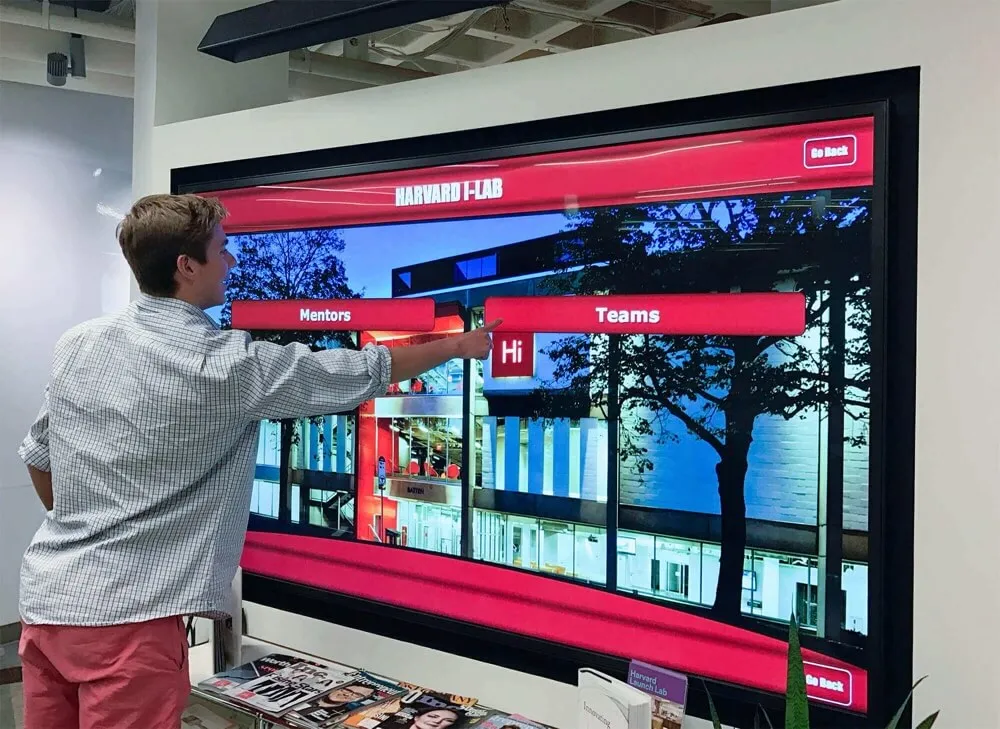
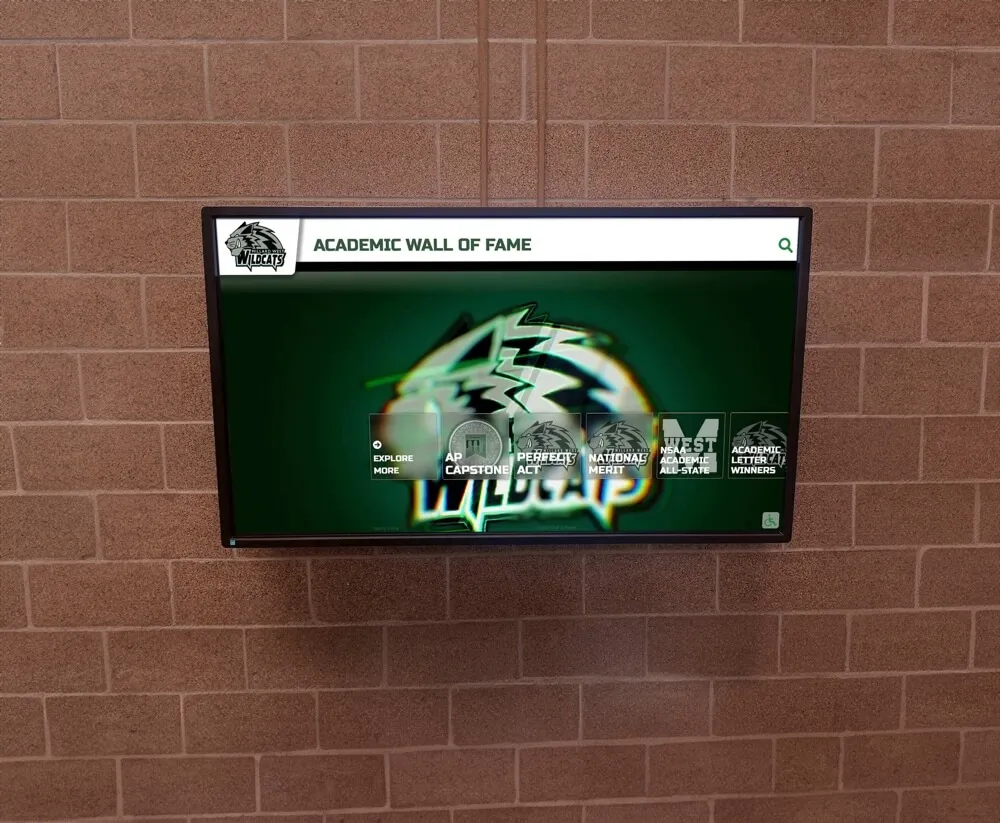
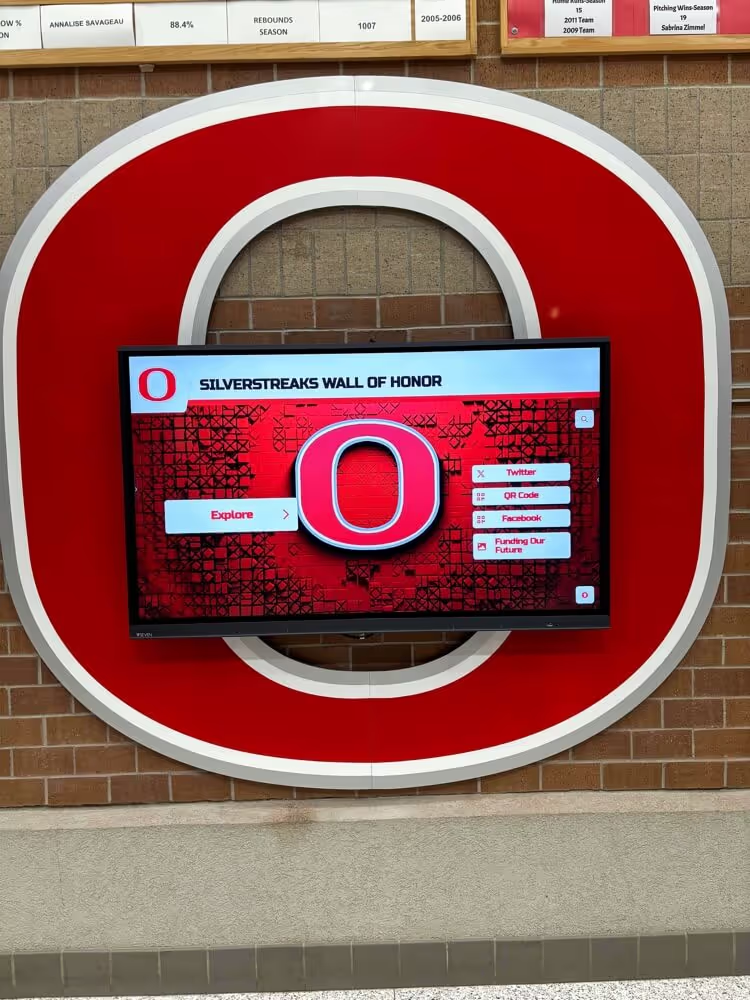
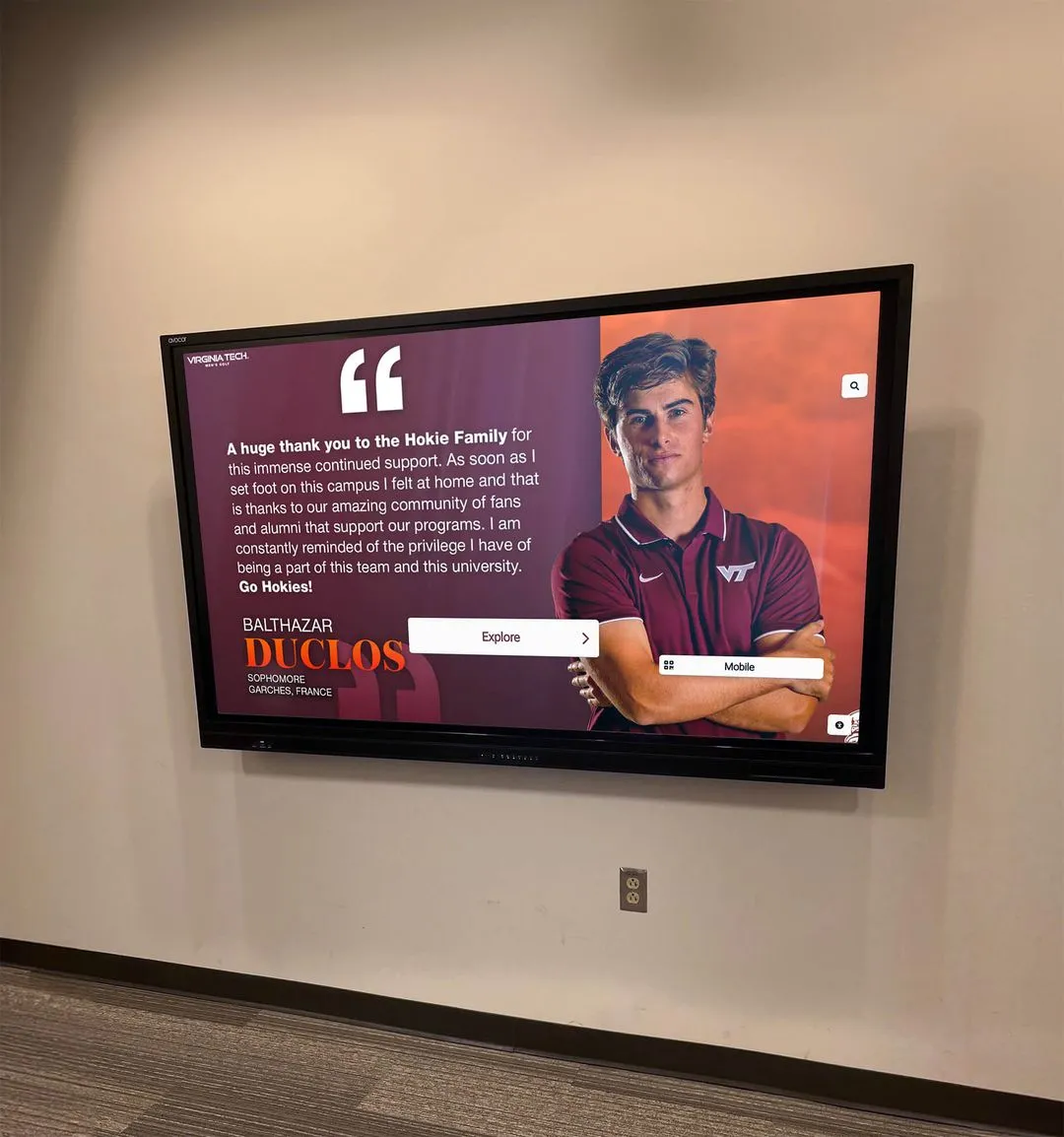
Interactive kiosk displays require both screen-reader-compatible navigation and audio description for any video content that plays within the interface
Screen Reader Compatibility and Descriptive Labels
A touchscreen hall of fame display that is screen-reader compatible will announce the function of each interactive element when a visitor using a switch interface or screen reader focuses on it. Every inductee card tile should have an accessible label—typically the inductee’s name and sport—so that navigating through a gallery of portraits is meaningful rather than a sequence of unlabeled image elements.
Filter controls, search fields, and navigation buttons all require descriptive labels. “Button: Filter by Sport” is accessible; an icon-only button with no label forces an assistive technology user to guess. The structure of the interface—main navigation, content area, search results—should be communicated through appropriate landmark roles so that a screen reader user can jump to the relevant section without traversing every element on screen.
Video Content Within Interactive Displays
When an inductee profile on a touchscreen kiosk includes an embedded tribute video, that video carries all the same audio description requirements as any other prerecorded visual content. The display system should offer a mechanism to activate the audio description track if closed AD is used, or the open AD version of the video should be the default if the display context makes a separate control impractical.
Programs managing large video libraries through a cloud-based content management system can typically associate separate audio tracks with each video record. Establishing a workflow that tags each video for AD status—whether it has been described, is pending description, or has been identified as requiring only minimal description—prevents gaps from accumulating. Alumni spotlight display programs that expand over time benefit most from building this tagging discipline into the initial content workflow rather than retrofitting it later.
Describing Dynamic and Animated Content
Some digital hall of fame platforms include auto-scrolling highlights, animated record boards, or looping slideshow elements. Animated content that plays automatically and lasts more than three seconds can create problems for users with vestibular disorders or attention-related disabilities, independent of audio description. For animated displays that carry meaningful information, audio description should cover each meaningful state change—not simply describe the animation mechanics. An auto-scrolling roster that highlights each athlete’s name and record as it cycles requires either an accessible alternative or a description mechanism that communicates each state to assistive technology.
The broader landscape of responsible data handling in digital hall of fame platforms intersects with accessibility when automated content systems populate inductee records—programs should verify that algorithmically generated content, including any automated image tags or descriptions, meets the same accuracy and quality standards as human-authored content.
Production Checklist: Audio Description for School Hall of Fame Projects
Use this checklist when planning audio description for a new hall of fame project, reviewing existing content for accessibility gaps, or evaluating a digital platform vendor’s accessibility claims.
Video Content
- Inventory all prerecorded video content in the hall of fame
- Identify which videos contain meaningful visual information not present in the audio track
- Determine open vs. closed audio description format for each video type
- Write audio description scripts that describe without repeating narration
- Check that AD text fits within natural audio pauses (for open AD)
- Record AD narration at a pace and tone that matches the original production
- Mix and encode AD track (open) or upload as alternate track (closed)
- Test playback with the display system or media player used on-site
- Store original AD scripts alongside video files for future updates
Still Images and Photography
- Write alt text for every inductee portrait card and gallery image
- Ensure alt text is entered in the content management system, not only in the image file
- For complex images (team photos, ceremony photographs), write extended descriptions and place them in the page content or accessible link
- Verify that decorative images are marked as decorative (empty alt attribute) so screen readers skip them
- Confirm that any text embedded within images (jersey numbers, plaque text, banner text) is also present in the surrounding page content or alt text
Interactive Display Platform
- Confirm the display platform supports screen reader navigation
- Verify all interactive controls have descriptive accessible labels
- Test video playback accessibility, including AD track activation mechanism
- Evaluate auto-scrolling and animated elements for user control options
- Confirm search and filter functions announce results to assistive technology
Ongoing Maintenance
- Add AD status field to content management workflow (described / pending / exempt with rationale)
- Brief staff who add new inductee content on alt text and AD requirements
- Schedule periodic accessibility review, especially after platform updates
- Document which professional produced or reviewed AD content and when
A production checklist applied consistently across every new inductee addition prevents accessibility gaps from accumulating over time
How Audio Description Connects to the Larger Recognition Program
Audio description does not exist in isolation. It is one layer of an accessible recognition program that also encompasses physical signage with legible text and contrast, wayfinding that serves visitors with mobility considerations, and digital content that works for visitors using a range of devices and assistive tools.
Schools that approach hall of fame projects holistically—designing for access from the first planning meeting rather than adding it as a final step—end up with programs that serve more people, generate stronger community engagement, and withstand accessibility scrutiny more confidently. The connection between earning recognition through athletic achievement and having that recognition presented in a format that every member of a school community can engage with is a straightforward one: if the display cannot be experienced by all visitors, the recognition is incomplete.
Booster clubs and parent volunteer groups that raise funds for hall of fame projects increasingly encounter accessibility requirements during facility renovation approvals. Volunteer-led recognition initiatives benefit from understanding what accessibility means for digital displays before committing to a platform or production budget, because retrofitting accessibility after installation is consistently more expensive than building it in from the start.
Prioritizing Accessibility in Vendor Evaluation
When evaluating digital hall of fame platforms, accessibility compliance should be a scored requirement, not an afterthought. Ask vendors for a Voluntary Product Accessibility Template (VPAT) or Accessibility Conformance Report documenting how their platform meets WCAG 2.1 Level AA criteria. Ask specifically how the platform handles audio description tracks, alt text entry, and screen reader navigation—not whether it “supports accessibility” in general terms.
Vendors that build accessibility into their platform architecture from the beginning provide better long-term outcomes than those who offer it as an add-on or who leave compliance entirely to the school’s content team.
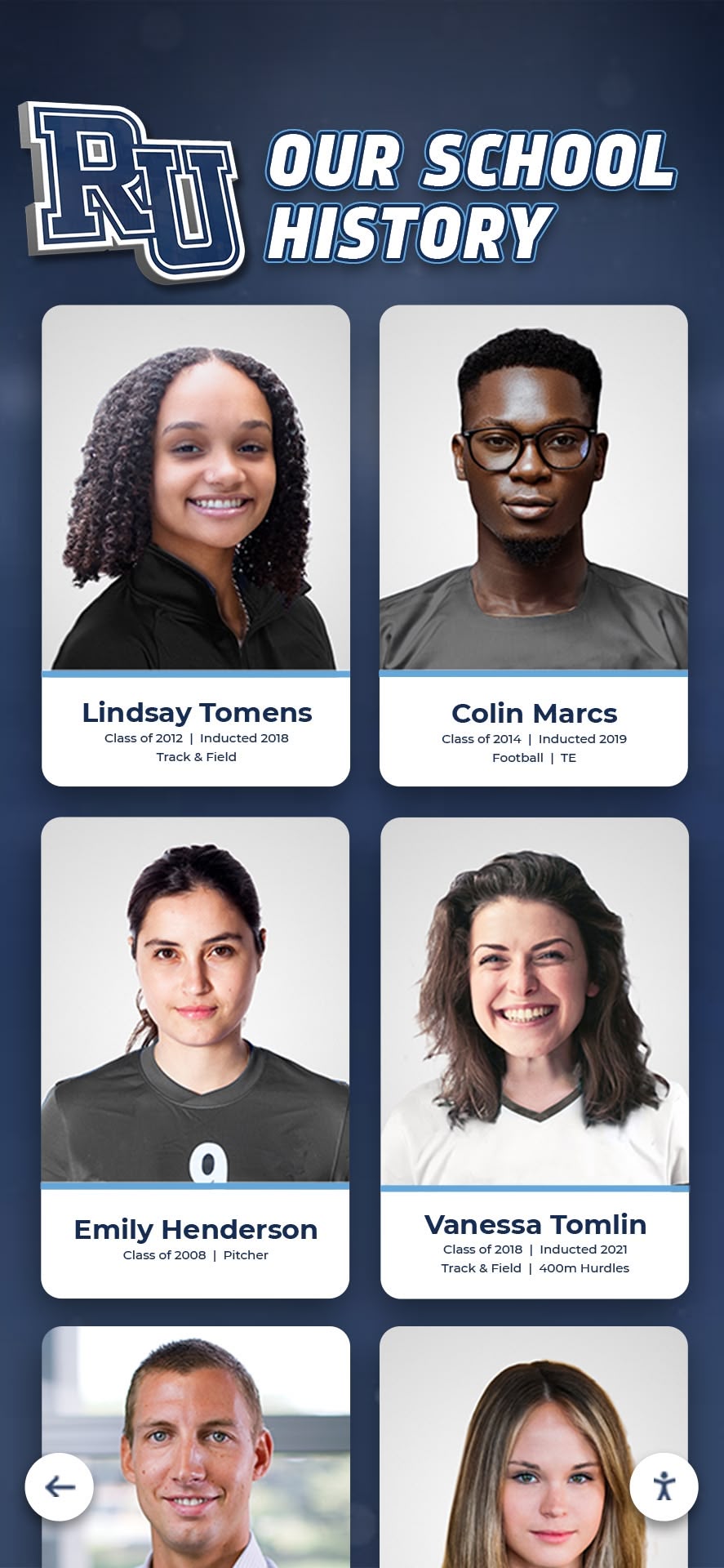
Every portrait card in a hall of fame gallery represents a person whose story deserves to be told accessibly—platform architecture determines how effectively that can happen at scale
When to Engage an Accessibility Professional
This guide provides a practical framework for creating audio description and accessible content in a school hall of fame context. It does not constitute accessibility compliance advice or legal guidance. Schools should engage a qualified accessibility professional or legal counsel when:
- Determining whether specific content legally triggers an audio description requirement under applicable federal or state regulations
- Responding to an accessibility complaint, Office for Civil Rights inquiry, or formal ADA grievance
- Evaluating whether a proposed platform meets the institution’s specific legal obligations
- Making procurement decisions where accessibility compliance is a formal contract requirement
An accessibility consultant or auditor who specializes in educational institutions can evaluate a specific program’s content inventory, platform capabilities, and institutional obligations in ways that general guidance cannot.
Frequently Asked Questions
Does every video in a digital hall of fame require audio description?
Under WCAG 2.1 Level AA, prerecorded video with synchronized audio requires audio description if the visual track contains information not present in the audio. A video that is purely a narrator reading a script over a static photograph may not require AD. A tribute video that shows game highlights, displays statistics as on-screen graphics, and includes ceremony footage almost certainly does. Consult an accessibility professional to assess specific content against applicable requirements for your institution.
How long should audio description be?
Audio description length is constrained by the available pauses in the original audio track for open AD. Each individual description should be as long as necessary to convey the relevant visual information, and no longer. The goal is precision, not comprehensiveness—describe what matters to understanding the content, not everything visible on screen.
Can schools produce audio description with internal staff?
Yes, with training. Audio description is a skill that staff can develop, particularly for straightforward content such as inductee portrait cards and ceremony photographs. For complex tribute videos with dense action footage, professional audio describers produce more consistent results. Many programs use a hybrid approach: staff handles still-image alt text and simple video descriptions, while complex video content is sent to a professional service.
What is the difference between alt text and audio description?
Alt text is a short text string associated with a still image, read by screen readers when a user encounters the image. Audio description is a narrated audio track that describes the visual content of a video during natural pauses in the existing audio. Both serve users who cannot see visual content, but for different media types and through different delivery mechanisms.
How does audio description affect video production timelines?
Open audio description requires the production editor to insert pauses in the video’s audio track where descriptions will be spoken, then record and mix the AD track—adding meaningful production time. Closed audio description is recorded separately after picture lock and mixed as a second audio track, adding less time to the initial production but requiring additional encoding and player support. Planning for AD from the script stage makes the process significantly more efficient than retrofitting it after production is complete.
What should alt text say for a historical photograph where details are unclear?
Describe what is visible without inventing detail. If photograph quality makes specific information (jersey numbers, facial features, scoreboard text) unreadable, describe the photograph’s general content and quality honestly: “A faded black-and-white photograph showing a basketball team seated in rows in a gymnasium, wearing dark uniforms. Details are not fully legible due to image age.” This serves the user better than either skipping the description or fabricating detail.
Ready to see how a digital hall of fame platform can support accessible inductee recognition from day one? Book a live demo of Rocket Alumni Solutions and explore how purpose-built recognition software helps your school tell every honoree’s story in a way every visitor can experience.