Athletic Archive Telecine Pulldown Removal for Historic Game Film
- Home /
- Blog Posts /
- Athletic Archive Telecine Pulldown Removal for Historic Game Film
The Easiest Touchscreen Solution




Live Example: Rocket Alumni Solutions Touchscreen Display
Interact with a live example (16:9 scaled 1920x1080 display). All content is automatically responsive to all screen sizes and orientations.
Telecine pulldown removal—also called inverse telecine (IVTC)—is the process of reversing the frame-rate conversion that happened when a school’s historic game film was originally transferred to video. When 16mm or 8mm athletic film was dubbed onto VHS or broadcast tape, the telecine machine used a repeating 3:2 pattern to bridge the gap between film’s 24 frames per second and video’s approximately 30 frames per second. That blending was invisible on an analog television, but when the tape is re-digitized today and played on a modern display, the duplicated and blended frames appear as horizontal combing lines in fast-action sequences, unsteady motion cadence, and a juddering quality that makes a championship recording look technically damaged rather than historically significant.
An athletic archive telecine pulldown removal workflow corrects that artifact before the video reaches a touchscreen hall of fame display, a digital trophy case, or an online recognition archive. The result is clean, correctly-paced footage that represents the original game accurately and plays smoothly on any modern screen.
This guide is written for athletic directors, school administrators, facilities and IT teams, and recognition-program owners who are working with digitized historic game film or existing VHS transfers of film-sourced content. It covers what telecine pulldown is, how to identify its symptoms in your footage, which tools remove it, and a phase-by-phase workflow with a quality-control checklist.
This guide describes practical school-level video archive workflows. Questions about professional preservation standards or institutional records obligations should be directed to a qualified audiovisual archivist or your district’s records officer.
Telecine pulldown is one of the most common technical artifacts in school athletic video archives, and one of the least understood. Unlike tape damage, dropout, or color fading—problems that are immediately obvious to a casual viewer—pulldown artifacts are subtle enough that many programs upload footage without realizing anything is wrong, then wonder why smooth-motion video from newer seasons looks so much sharper and steadier than the historic content playing beside it.

Properly processed historic game film—with pulldown artifacts removed—plays as cleanly on a modern digital display as any contemporary recording
What Is Telecine Pulldown? A Concise Definition
Telecine is the process of transferring motion picture film to a video signal. For decades, this was how school game films—shot on 16mm or 8mm film—were converted to a format families, boosters, and coaches could watch on a television.
Pulldown refers to the frame-blending pattern required to reconcile two incompatible frame rates:
- Film runs at 24 frames per second (technically 23.976 fps in the NTSC-compatible form used for video transfer)
- NTSC video runs at 29.97 frames per second, interlaced (59.94 fields per second)
To fit 24 film frames into a 30-frame-per-second video stream, the telecine machine uses a 3:2 pulldown pattern: the first film frame is spread across 3 video fields, the second film frame across 2 video fields, the third across 3 fields, the fourth across 2 fields, and so on. Every 4 film frames map to 5 video frames through this alternating 3-2-3-2 field distribution.
The consequence: out of every 5 progressive video frames, 2 frames contain content blended from two different film frames. These blended frames are called “dirty” or “interlaced” frames. When footage was played back on an interlaced CRT television, the blending was invisible—the TV’s interlaced display handled the fields correctly. On a modern progressive display (a touchscreen, a flat-panel TV, a digital sign), those dirty frames appear as horizontal striping across any part of the image that was in motion.
Inverse telecine (IVTC) reverses this process: software identifies which video fields originally came from the same film frame, reconstructs the clean 24fps progressive frames, and discards the duplicate fields. The output is a 23.976fps progressive video file with smooth, artifact-free motion.
Cadence Symptoms and Corrective Steps
The table below covers the visible artifacts produced by 3:2 pulldown and the corrective action for each. Use this as a quick diagnostic reference when reviewing digitized game footage.
| Symptom | What It Looks Like | Cause | Corrective Action |
|---|---|---|---|
| Horizontal combing | Thin horizontal stripes in areas of motion (player movement, crowd, ball) | Two fields from different film frames merged into one progressive frame | Apply IVTC to reconstruct clean frames |
| Motion judder / cadence stutter | Repeated slightly-uneven motion rhythm during panning or fast play | 5-frame pulldown cycle playing as 5 uniform progressive frames instead of 4 | Apply IVTC and decimate to 23.976fps |
| Ghosting on fast-moving subjects | A faint double-image trailing a fast player or thrown ball | Same-frame blending producing a ghost of the previous film frame | Apply IVTC field matching; verify at slow playback |
| Only some frames are combed | Combing appears in 2 out of every 5 frames, not all frames | Correct 3:2 pulldown pattern — confirms IVTC is the right tool | Apply IVTC; do not apply simple deinterlace |
| All frames combed equally | Every frame shows combing regardless of motion | Interlaced source without pulldown, or variable-cadence pulldown | Apply deinterlace (not IVTC); verify source frame rate |
| Combing disappears on still shots | Artifacts present only during motion, invisible when camera is locked | Correct indicator of field-blended motion frames | Confirms 3:2 pulldown; proceed with IVTC |
| Irregular cadence / broken pattern | Combing appears but not in a consistent 2-in-5 pattern | Mixed cadence from tape editing, reel changes, or damaged sections | Apply IVTC with adaptive detection; review problem sections manually |
When Telecine Pulldown Removal Is—and Is Not—Needed
Not every digitized athletic video requires IVTC. Applying it incorrectly to footage that was not film-sourced produces artifacts rather than removing them.
IVTC is appropriate when:
- The footage originated on motion picture film (16mm or 8mm) and was transferred to video using a telecine machine—common for game footage from roughly the 1930s through the 1980s
- The video shows the 2-in-5 combing pattern described above (some frames clean, some combed) when viewed at full resolution in an editing application
- The transfer was made to NTSC video (common in North America): PAL telecine used a different conversion method (25fps from 24fps) that requires a different approach
IVTC is not appropriate when:
- The footage was shot directly on video (camcorder, broadcast camera) from the beginning—it has no pulldown because there was no film-to-video conversion
- The footage is PAL video (used in Europe and some international broadcasts): PAL 16mm transfers typically used a 4% speed-up rather than 3:2 pulldown, requiring different correction
- The footage shows uniform interlacing across all frames—this indicates an interlaced video source, not telecine; apply standard deinterlacing instead
- The footage has already had pulldown removed by a previous digitization step—re-applying IVTC produces errors
If you are unsure whether footage is film-sourced, look for the physical label on the original tape (many VHS tapes made from film were labeled “telecinema transfer,” “film transfer,” or similar), or count the combed frames during a motion sequence: a regular 2-in-5 pattern confirms 3:2 pulldown.
Phase 1: Identifying the Pulldown Pattern
Before applying any correction, confirm the cadence pattern present in the footage. This phase takes five to fifteen minutes per tape and determines whether IVTC, simple deinterlacing, or no correction is needed.
Step 1: Import and Inspect at Full Resolution
Import the digitized video file into an editing application capable of displaying individual frames (DaVinci Resolve, Adobe Premiere Pro, or VirtualDub2). Do not play the file at full speed for this review—you need to advance frame by frame during a motion sequence.
Find a moment in the footage where there is significant motion: a player running, a ball in flight, or a camera pan. Advance through this section one frame at a time.
Step 2: Count the Combing Pattern
In each progressive frame, look for horizontal striping in the moving subject. Count consecutive frames and note whether combing appears in the same proportion throughout:
- 2 combed frames in every 5 = standard 3:2 pulldown; IVTC is the correct tool
- Combing in all frames = interlaced source; apply deinterlace, not IVTC
- Combing absent = footage may already be progressive or previously corrected
- Irregular combing = mixed cadence; IVTC with adaptive mode or manual section-by-section processing
Document your finding in the archive log before proceeding. If the footage shows a clear 2-in-5 pattern, continue to Phase 2.
Step 3: Check for Cadence Breaks
Long athletic tapes often contain reel changes, commercial breaks (for broadcast recordings), or edited highlight sequences that interrupt the pulldown cadence. Note the timecode of any cadence break—your IVTC tool will need to handle these points separately, as the pattern may shift after each interruption.
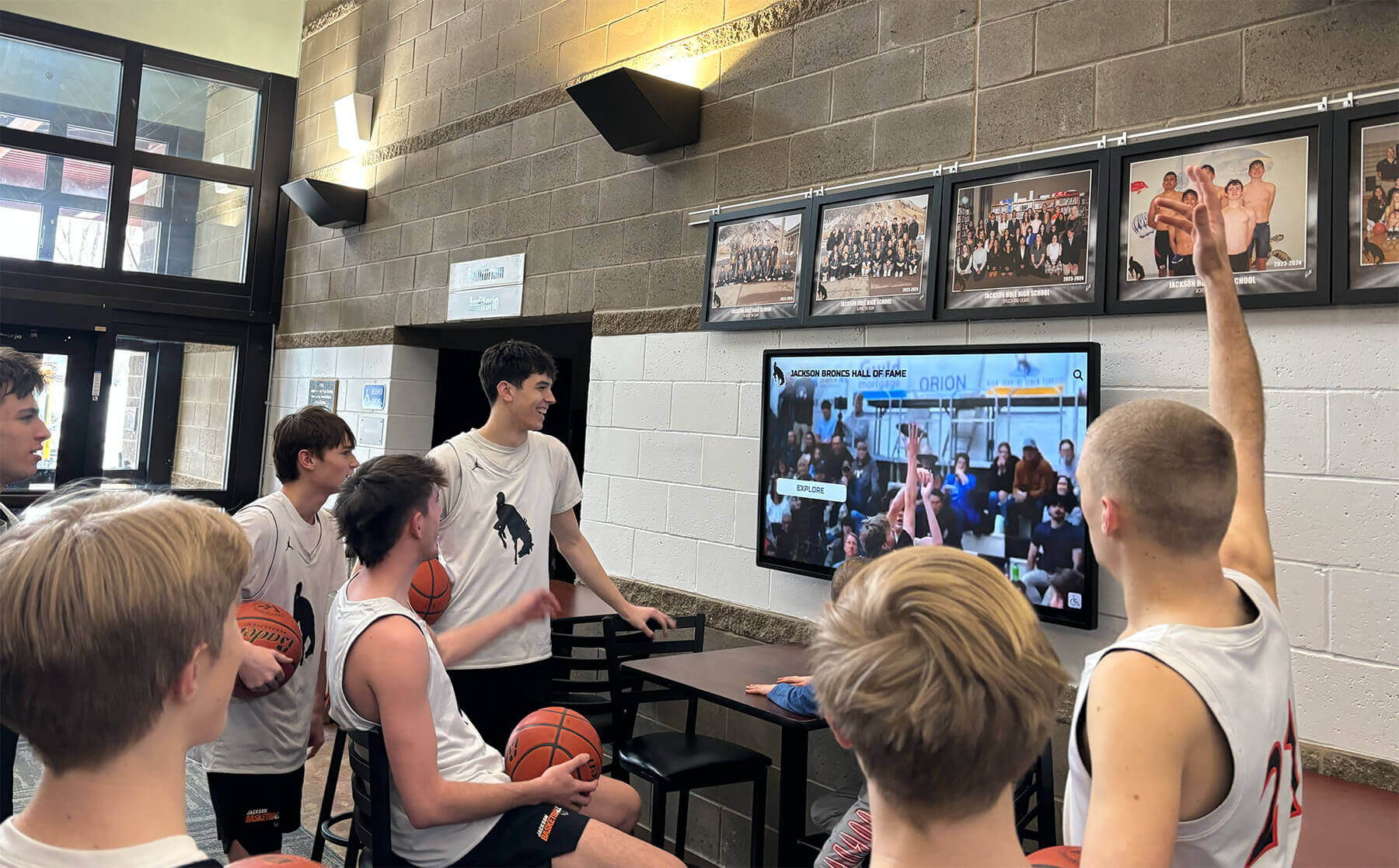
Historic game footage that has had telecine pulldown removed plays as smoothly on a modern lobby screen as any contemporary recording, giving historic content the visual quality it deserves
Phase 2: Pulldown Removal Workflow
The tools available for IVTC range from free command-line utilities to professional editing suite plugins. All of them perform the same fundamental operations: field matching (identifying which fields belong to the same original film frame) and decimation (dropping the extra frames added by the pulldown pattern to restore 23.976fps). The right choice depends on the software your team already uses.
Software Options Reference
| Tool | Cost | IVTC Method | Best For |
|---|---|---|---|
| FFmpeg | Free | fieldmatch + decimate filters | Batch processing large archives; command-line environments |
| DaVinci Resolve | Free tier available | Clip attributes → Deinterlace → Field Processing: IVTC | Frame-accurate editing with visual review |
| Adobe Premiere Pro | Subscription | Interpret Footage → 23.976 fps + Remove Interlace | Teams already using Premiere for archive editing |
| HandBrake | Free | Decomb/Deinterlace preset with IVTC mode | Single-file conversions; non-technical users |
| VirtualDub2 | Free | Deshaker or IVTC filter plugins | Windows-based workflows; older archive infrastructure |
| AviSynth / VapourSynth + TIVTC | Free | TFM() + TDecimate() scripting | High-accuracy batch IVTC; technical users comfortable with scripting |
Step-by-Step: FFmpeg (Recommended for Batch Archiving)
FFmpeg is the most practical tool for school archives with large backlogs of digitized tape because it processes entire folders of files automatically and produces consistent output without manual frame-by-frame supervision.
Basic IVTC command:
ffmpeg -i input_game_tape.mp4 -vf "fieldmatch,decimate" -c:v libx264 -crf 18 -c:a copy output_ivtc.mp4
What each component does:
| Parameter | Function |
|---|---|
fieldmatch | Analyzes fields and reconstructs progressive frames matching the original film cadence |
decimate | Removes the duplicate frames added by 3:2 pulldown, reducing from ~30fps to 23.976fps |
-crf 18 | High-quality H.264 encoding (lower numbers = higher quality; 18 is near-lossless for display purposes) |
-c:a copy | Preserves the original audio without re-encoding |
For footage with cadence breaks (reel changes, edit points, broadcast inserts):
ffmpeg -i input_game_tape.mp4 -vf "fieldmatch=order=tff:combmatch=full,decimate" -c:v libx264 -crf 18 -c:a copy output_ivtc.mp4
The combmatch=full option enables more aggressive field analysis that handles cadence resets better than the default setting.
Step-by-Step: DaVinci Resolve
- Import the digitized video file into a new project
- Right-click the clip in the Media Pool → Clip Attributes
- Under Video, locate Deinterlace
- Set Field Processing to IVTC (not “Deinterlace”)
- Verify the output frame rate shows 23.976 fps in the timeline
- Review the clip at full playback speed and advance through a motion sequence frame by frame to confirm combing is absent
- Deliver (export) at 23.976fps, H.264 or H.265, at the display resolution required by your recognition platform
Step-by-Step: Adobe Premiere Pro
- Import the clip into the Project panel
- Right-click the clip → Modify → Interpret Footage
- Under Frame Rate, select Assume this frame rate: and enter 23.976
- Under Field Order, select No Fields (Progressive)
- Click OK
- Review the clip in the Source Monitor by advancing frame by frame through a motion sequence
- Export via Media Encoder at 23.976fps
Note: Premiere’s Interpret Footage method works well for clean, consistent 3:2 pulldown. Footage with cadence breaks may benefit from FFmpeg’s adaptive field matching instead.
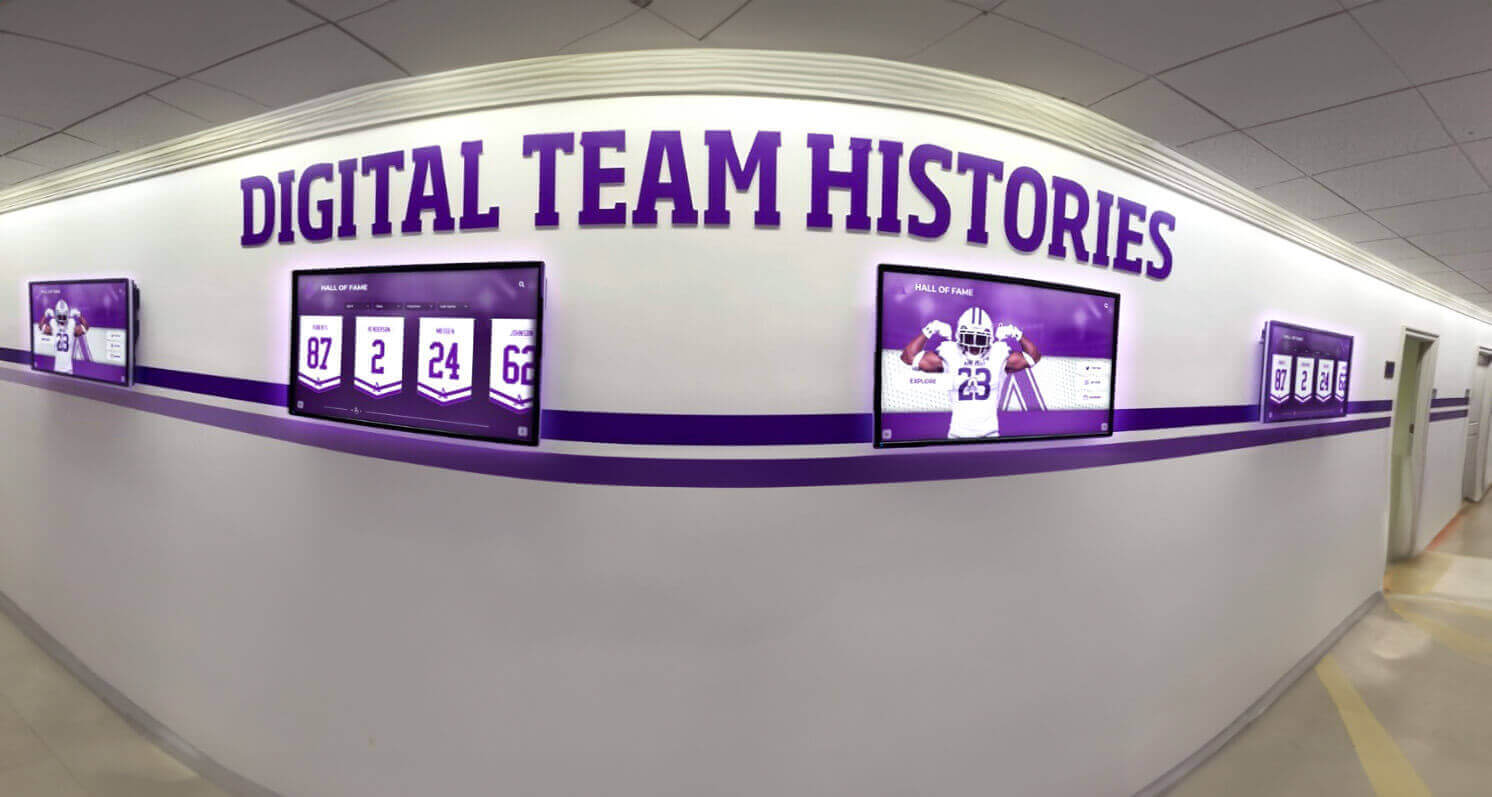
Digital team history displays represent a school's athletic legacy to current students, alumni, and visitors — telecine-corrected footage contributes to that presentation with the motion quality the original film captured
Phase 3: Output Settings for Recognition Displays
After pulldown removal, the output file needs to be encoded at settings compatible with the target display system. Most school athletic touchscreen platforms and digital signage systems accept H.264 video in an MP4 container.
Recommended Export Settings
| Setting | Value | Notes |
|---|---|---|
| Container | MP4 | Universal compatibility with touchscreen kiosks and lobby displays |
| Video codec | H.264 (libx264) | H.265 acceptable if display hardware confirmed to support it |
| Frame rate | 23.976 fps | The correct output of 3:2 IVTC; do not convert to 29.97 after IVTC |
| Resolution | Native digitized resolution | Do not upscale; let the display handle scaling |
| Video quality | CRF 18–22 (FFmpeg) or 85–90% quality | Higher quality for archive master; CRF 22 acceptable for display derivative |
| Audio codec | AAC | Compatible with all major display platforms |
| Audio bitrate | 192 kbps stereo | Sufficient for voice and crowd audio in athletic content |
| Color space | BT.601 (SD) or BT.709 (HD) | Match the original digitization color space |
Do not convert back to 29.97fps after IVTC. A common mistake is to re-encode the IVTC output at 29.97fps to match a display system’s expected frame rate. A properly configured display system will handle 23.976fps content correctly. Re-encoding introduces unnecessary quality loss and does not improve compatibility with any current touchscreen recognition platform.
Quality Control Checklist
Run this checklist on every file before uploading to a recognition display or logging as archive-complete.
Pre-Processing Verification
- Confirmed source is film-transferred content (not native video) by label, metadata, or visual inspection
- Confirmed 3:2 pulldown pattern: 2 combed frames in every 5 during motion sequences
- Noted all cadence-break timecodes in the archive log before processing
- Original digitized file retained in archive folder; IVTC output saved as a separate file with “IVTC” in the filename
Post-Processing Frame Check
- Advanced frame by frame through at least three motion sequences (fast play, camera pan, crowd shot) and confirmed zero combed frames
- Confirmed output frame rate is 23.976fps (check file properties or Mediainfo output)
- Audio is present and synchronized — verify by listening at a known sync point (a whistle, a tip-off, an announcer calling a score)
- File opens without error in at least one application other than the tool used to process it
- File duration matches original digitized source (within ±1 second, accounting for dropped pulldown frames)
Display Compatibility Check
- File plays at full speed on the target display system without stuttering, buffering, or audio sync drift
- Motion sequences appear smooth — no residual judder or combing visible during full-speed playback on the actual display hardware
- Audio is audible at the display’s normal operating volume in the room’s ambient noise environment
- File loops correctly if the display system is set to looping playback
- Filename follows the archive’s naming convention and includes the IVTC processing indicator
Archive Log Entry (Complete Before Marking File Done)
- Date processed
- Software and version used for IVTC
- Command or settings applied
- Any cadence-break timecodes and how they were handled
- QA reviewer name
- Display-compatibility check result and display system tested on
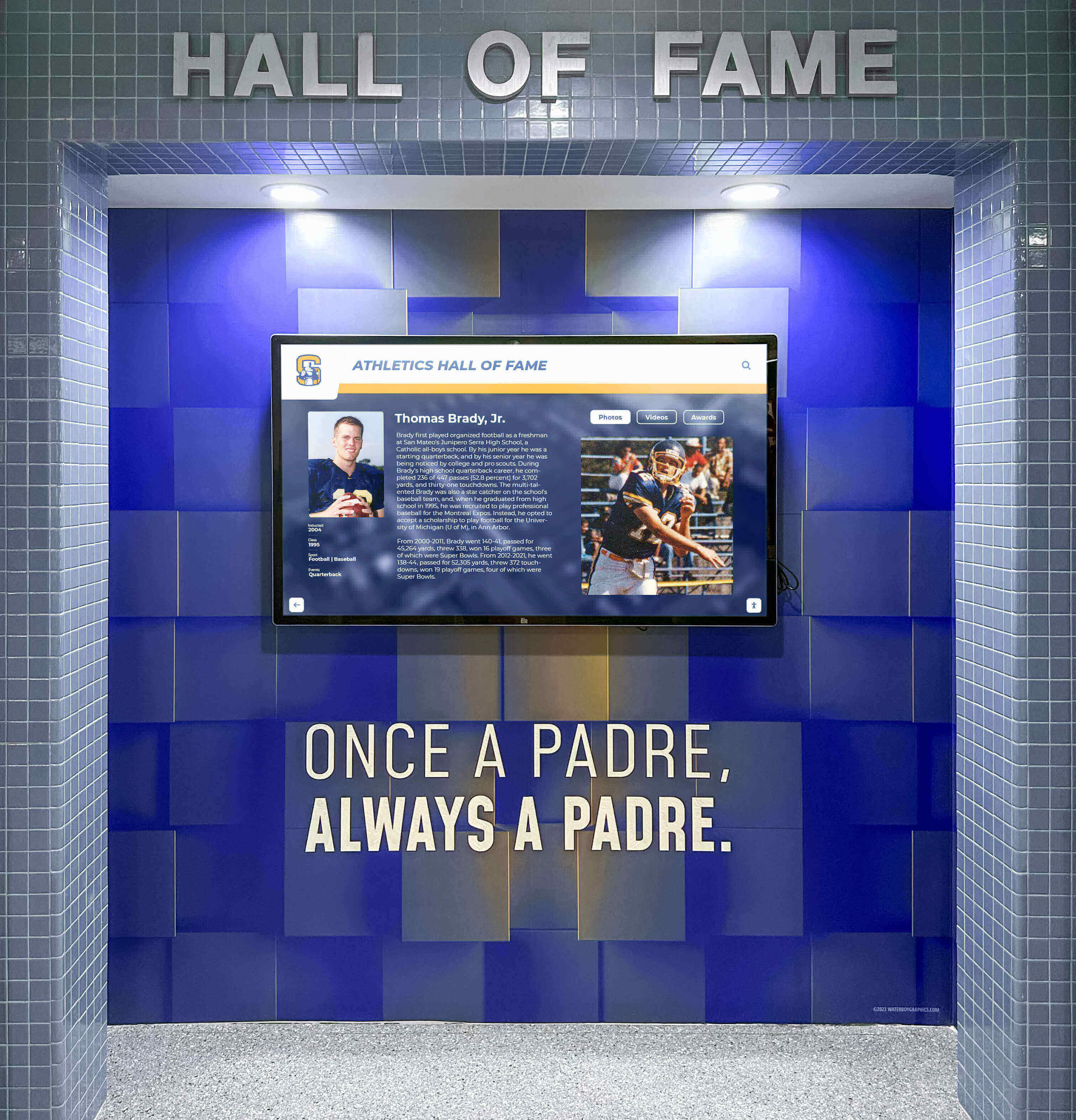
A hall of fame recognition display is often the most visible destination for historic game footage in a school building — pulldown removal ensures that footage performs visually at the same level as the recognition program surrounding it
Special Cases in School Athletic Archives
Variable-Cadence Footage
Some recordings—particularly those assembled from multiple source tapes, recorded off a broadcast that included commercial breaks, or transferred from damaged film—have pulldown cadences that shift within a single file. Automated IVTC tools handle these sections with varying success.
Symptoms: IVTC output that looks clean in most sections but shows brief motion irregularities or residual combing at specific timecodes.
Approach: Process the file in FFmpeg with combmatch=full and then review the output at the identified problem timecodes. For sections where adaptive IVTC still produces artifacts, export those segments separately, apply a motion-adaptive deinterlace to the problem segment only, and rejoin using FFmpeg’s concat filter.
PAL-Format Transfers
Some schools in border regions or programs with international connections may have game film that was transferred using PAL-standard telecine (common for European equipment and some 1980s-era Canadian recordings). PAL transfers used a simpler 4% speed-up method rather than 3:2 pulldown—the film was simply run 4% faster than its original 24fps to produce 25fps PAL video.
The result plays at 29.97fps in a digitized NTSC file with a constant slight speed increase and no pulldown combing. The corrective approach (pitch-correcting the audio, slowing the video back to 24fps) is different from IVTC. If you see no combing pattern but the game footage plays slightly faster than expected based on clock time shown in the recording, PAL pulldown is the likely cause. Consult a preservation professional for PAL-sourced archives.
Super 8 and 8mm Game Film
Many school programs from the 1960s and 1970s captured game footage on consumer Super 8 or Standard 8mm cameras. These formats shot at various speeds (typically 18fps or 24fps) depending on the camera setting. If the original film was shot at 18fps and then telecine-transferred, the pulldown pattern may differ from standard 3:2. Some transfers from 18fps film to NTSC video used a simple duplication method rather than 3:2 pulldown.
Diagnosis: If the frame pattern does not match a clean 2-in-5 cadence and the footage looks slightly faster or slower than natural motion, the source frame rate may not have been 24fps. Document this uncertainty in the archive record and test IVTC on a short segment before processing the full tape.
Connecting Corrected Footage to a Recognition Display
Telecine pulldown removal is a technical step, not the end goal. The end goal is historic game footage—a 1972 state semifinal, a 1988 conference championship, a 1995 hall-of-fame induction ceremony captured on game film—playing cleanly and respectfully on a display that honors the athletes in it.
Schools that have completed the correction workflow are in a strong position to integrate historic footage into a broader recognition program. Game film that plays without motion artifacts makes a fundamentally different impression in a hall of fame context than footage that judders and combs: the quality of the presentation communicates something about how the program values its history.
For schools at the planning stage of a digital archive or recognition display project, understanding what format and quality standards modern platforms expect helps calibrate the archive preparation work. The athletic hall of fame creation guide at halloffame-online.com covers how to organize induction criteria, content categories, and display structure—context that helps determine which game footage is most important to prioritize for pulldown correction.
Schools building out a complete digital recognition environment—including video, photos, records boards, and interactive athlete profiles—benefit from understanding the full display platform landscape before committing to a format. The digital hall of fame buying guide for high schools at digitalwarming.net walks through platform categories and capability tiers that inform how video files should be prepared and delivered.

When historic game footage is displayed alongside physical recognition elements like murals and trophy cases, its technical quality should match the presentation standard of the surrounding environment
For programs that are simultaneously building recognition graphics, record boards, and static hall of fame content alongside their video archive, the school record graphic guide at rocketgraphics.ai describes how schools approach visual standards for records boards and display graphics that will appear alongside archived video — consistency between the two components strengthens the overall presentation.
Schools developing broader recognition programs that connect athletic archives to academic achievements and community recognition should review the academic recognition programs guide at touchscreenrecognition.com, which covers how schools structure recognition programs that honor multiple dimensions of achievement in a shared display environment.
For programs interested in how a complete high school wall of fame is organized — from nomination to display — the high school wall of fame complete guide at digitalyearbook.org provides a framework that helps administrators understand where video archives fit within the broader recognition structure. This context informs which game footage deserves priority in the telecine correction workflow: the most historically significant content for the recognition program gets processed first.
See how historic game footage plays on a live recognition display — request a demo
Frequently Asked Questions
Q: How do I know if our VHS game tapes were transferred from film or recorded directly on video?
Check the physical tape label and the original content. VHS tapes recorded from film typically note “telecinema transfer,” “film transfer,” or “16mm transfer” somewhere on the box or case label. Visually, film-sourced footage has a characteristic grain structure, a slightly different color response in tungsten lighting (gymnasium incandescent lights look warmer on film than on early video cameras), and—most reliably—the 2-in-5 combing pattern when advanced frame by frame during motion. Direct video recordings (camcorder, broadcast camera) have no combing and a different visual texture. If the tape is from before roughly 1985, there is a reasonable chance it originated on 16mm film; most schools moved to video camcorders for game documentation between 1980 and 1990.
Q: Can we apply IVTC to a file that has already been uploaded to YouTube or another platform?
No—you need to process the original digitized file, not a re-downloaded version. Video platforms re-encode uploaded content, which permanently alters the frame structure. Re-downloaded files from YouTube or Vimeo will not have a recoverable 3:2 cadence pattern even if the original upload did. Always retain the highest-quality digitized file before any platform upload, and apply IVTC to that source file. If the only surviving copy of a recording is a re-downloaded platform version, apply a motion-adaptive deinterlace as a partial improvement; full IVTC is not possible from a re-encoded source.
Q: Our 1970s game footage has pulldown artifacts, but the video also has significant tape damage—dropout, color noise, and tracking errors. Should we do IVTC before or after restoration?
Apply IVTC first. Restoration filters (noise reduction, dropout concealment, color correction) operate on progressive frames. When applied to interlaced or pulldown-affected footage, they process blended fields as if they were complete images, which produces different results than when processing clean progressive frames. The correct order is: digitize → IVTC → restoration → quality control → archive master → display derivative. Doing restoration before IVTC means the restoration algorithms are working on damaged source material that still contains blended fields, which reduces their effectiveness and can complicate the IVTC step that follows.
Q: Is it worth correcting pulldown on footage that also has significant quality limitations—poor lighting, camera shake, degraded audio?
Yes, in almost all cases. Pulldown correction is a reversible technical fix that does not alter the content of the recording—it only removes frames that were added artificially during the telecine transfer. Poor lighting, camera shake, and audio degradation are characteristics of the original recording and should be documented rather than hidden. An honest historical record with those limitations, corrected for pulldown artifacts, is more valuable than the same record left with an avoidable technical problem layered on top of unavoidable content limitations. Disclosing known quality limitations in the archive metadata (“16mm transfer from 1973; original film condition moderate; lighting and audio reflect period recording conditions”) sets appropriate expectations without compromising the historical integrity of the content.
Q: Our display platform plays all video at 29.97fps. Should we convert the IVTC output back to 29.97fps before uploading?
Generally no. Modern display platforms that accept MP4 video handle 23.976fps content natively; the player interpolates or displays it correctly without conversion. If your specific platform requires 29.97fps input—confirm this with the vendor rather than assuming it—the correct way to convert is to add a simple frame rate flag at encode time (-r 29.97 in FFmpeg), not to re-apply pulldown. Re-applying pulldown would reintroduce the artifacts you just removed. If the display plays the 23.976fps file without issues, no conversion is needed. For programs evaluating how their current or planned platform handles archived video, the posthumous and historical athletic recognition guide at awardsdisplay.com provides useful context on how programs balance technical quality standards with the sensitivity required when honoring athletes from earlier eras.
Q: We have a large backlog of game tapes—how do we prioritize the correction workflow?
Prioritize by recognition significance: hall-of-fame induction ceremony recordings first, state and regional championship game films second, championship season highlight reels third, regular-season footage fourth. Within each tier, prioritize the oldest content—the 1969 championship film is more fragile, more historically unique, and more likely to deteriorate further before it is addressed than the 1998 footage. For programs developing end-of-year or recognition-cycle content alongside the archive work, the digital display design guide at touchscreenwebsite.com offers a useful framework for planning content calendars that integrate archive milestones with recognition events.
Maintaining a Pulldown-Corrected Archive
Completing the IVTC workflow for one batch of tapes is an important step. Sustaining it over time—so that each new round of digitized content enters the archive in a corrected state—requires building the step into your standard operating procedure rather than treating it as a one-time project.
End-of-digitization-session checklist:
- All newly digitized files reviewed for pulldown cadence pattern before archive entry
- IVTC applied to all film-sourced content in the current batch
- Output files verified against quality checklist before being moved to the display-ready folder
- Archive log updated with processing details for each file
- Corrected files backed up to at least two locations before original digitized sources are archived
- Display system updated with new corrected content
Periodic archive review:
- Confirm that no previously uploaded content has been replaced with an uncorrected version during a platform migration or content refresh
- Review any new film-sourced content that arrives as donations from alumni, boosters, or community members—donation footage may have been processed previously but should be re-evaluated for pulldown artifacts before entering the archive
- Update the designated IVTC reviewer when staff changes occur, and document the workflow in onboarding materials so knowledge is not lost with personnel transitions

Interactive recognition displays that surface historic game footage depend on technically correct video — telecine pulldown removal is the step that ensures film-era content performs as well as any modern recording in the same display environment
From Corrected Footage to a Complete Recognition Program
Telecine pulldown removal is one technical step in a larger workflow. The schools that get the most value from their historic game film are the ones that connect the preservation work to a recognition program that surfaces it — where alumni can interact with championship footage in a hall of fame display, where current athletes can see the traditions they are part of, and where the community can access a visual history that would otherwise exist in a filing cabinet.
That connection requires both the technical foundation this guide describes and the display infrastructure to present it. Correctly processed game film that is never uploaded to a display that anyone sees has the same practical value as film that remains uncorrected. The preservation work and the recognition platform work need to proceed in parallel.
Schools that are ready to see how corrected historic footage performs on a touchscreen recognition display — or that want to plan a digitization and archive project in the context of a display platform they are evaluating — benefit from a demonstration that shows actual archive workflow integration, not just a product tour.
See Historic Game Footage on a Live Recognition Display
Rocket Alumni Solutions builds interactive hall of fame touchscreens, digital trophy cases, and lobby recognition displays that give schools a permanent, public home for exactly this kind of historic content. If your program is working through a telecine correction project and wants to see how properly processed game footage performs on a live recognition platform—alongside athlete profiles, photo archives, and records boards—schedule a demo and walk through the full workflow from archive to display.
Book a Live DemoLive Example: Rocket Alumni Solutions Touchscreen Display
Interact with a live example (16:9 scaled 1920x1080 display). All content is automatically responsive to all screen sizes and orientations.