Athletic Archive Audio Transcription Guidelines: Make Interviews and Broadcasts Searchable
- Home /
- Blog Posts /
- Athletic Archive Audio Transcription Guidelines: Make Interviews and Broadcasts Searchable
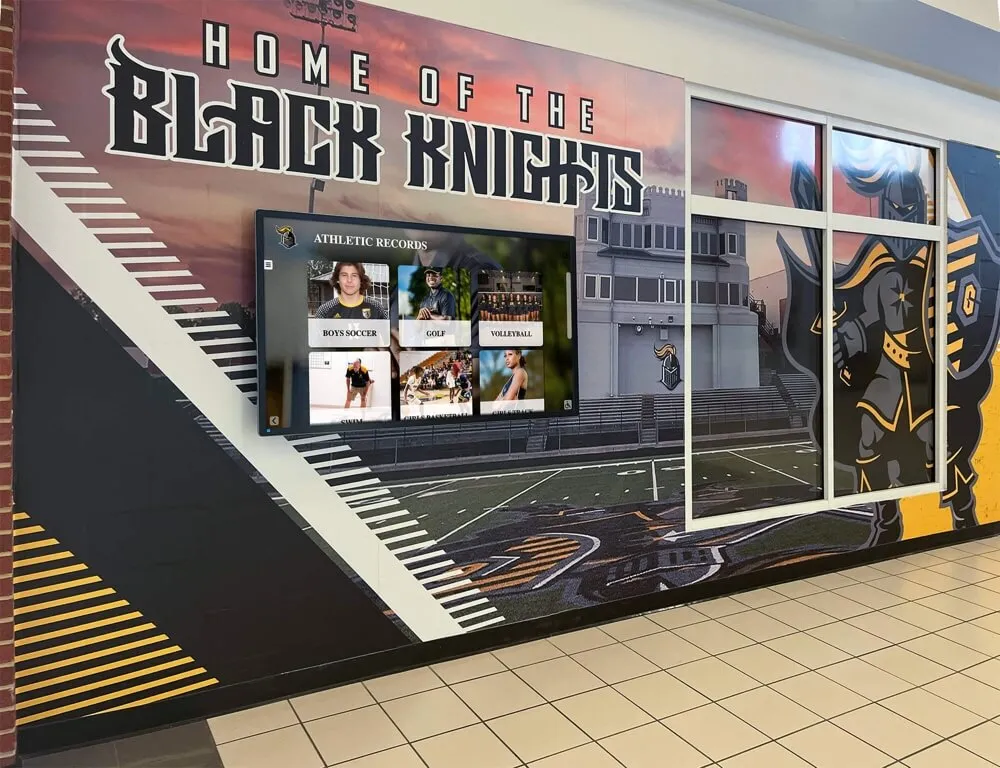
The Easiest Touchscreen Solution




Live Example: Rocket Alumni Solutions Touchscreen Display
Interact with a live example (16:9 scaled 1920x1080 display). All content is automatically responsive to all screen sizes and orientations.
Athletic archive audio transcription guidelines address a problem every school with decades of recorded history eventually faces: hours of coach interviews, game-day broadcasts, awards banquet speeches, and oral histories locked in audio formats that no search engine, touchscreen display, or future archivist can easily navigate. Converting those recordings to accurate, tagged text unlocks their value—making every memorable quote, every championship recap, and every coach’s post-game reflection findable within seconds.
This guide walks athletic directors, archives staff, and recognition-program owners through a practical transcription workflow designed for school athletic programs. You will learn which audio content to prioritize, how to choose the right transcription method, which editorial standards keep athletic terminology accurate, and how finished transcripts plug into searchable digital archives and touchscreen displays.
Coach interviews captured on a recorder in the 1990s, play-by-play broadcasts from a state championship run, and hall-of-fame induction speeches delivered in a gym with limited acoustics all contain irreplaceable institutional history. Without transcription, that content is effectively invisible—retrievable only if someone already knows it exists and has time to listen. With a transcript, the same content becomes a searchable asset that surfaces in keyword searches, powers interactive kiosks, and enriches school-history storytelling for years to come.

Searchable transcripts give digital athletic record displays deeper content to surface—turning a name on a banner into a complete story with quotes, context, and findable text
What Audio Content Belongs in an Athletic Archive
Before applying any transcription guidelines, an archive team needs to agree on scope. Athletic programs generate a wide variety of audio content across decades, and not every recording warrants the same priority or effort.
High-Priority Audio Categories
These recording types carry the highest historical and recognition value and should move to the front of any transcription queue.
Coach Interviews
Interviews with current and former coaches are among the most searched audio assets in school history archives. A retiring coach’s remarks about a 20-year career, a legendary head coach explaining a championship game plan, or an oral history recorded during a hall-of-fame induction all capture institutional knowledge that photographs and scorebooks cannot. When you follow thoughtful coach appreciation and recognition practices, you often generate interview recordings that become primary source material for future historians.
Game-Day Broadcasts
Local radio broadcasts and public-address recordings from significant games—state championships, rivalry milestones, record-setting performances—provide narrative context that box scores cannot. Transcripts of broadcast commentary, including color analysis and sideline reports, give researchers searchable access to how events were described in real time.
Oral Histories from Athletes and Alumni
Oral history recordings collected from athletes, graduating seniors, or alumni returning for reunions are rich sources of personal detail that supplement statistics and newspaper coverage. They are especially valuable for recognizing athletes whose achievements occurred before digital record-keeping was standard.
Award Ceremony and Banquet Speeches
Hall-of-fame induction speeches, athletic banquet remarks, and senior night tributes document the emotional and cultural dimensions of a program’s history. Memorable team celebrations and banquet programs often generate recordings that, once transcribed, become quotable content for anniversary retrospectives and display systems.
Lower-Priority Audio Categories
Practice recordings, informal media scrums with repetitive content, and routine post-game remarks from non-milestone games can wait for a second pass. Archives staff operating with limited resources should focus transcription effort on content tied to names or events already documented in the recognition system, where a linked transcript delivers the most immediate searchability gain.

Recording sessions for coach interviews and oral histories benefit from consistent setup standards that improve transcription accuracy downstream
The 7-Step Athletic Archive Audio Transcription Workflow
The following athletic archive audio transcription guidelines are designed to move a recording from raw audio to a tagged, searchable document ready for a digital archive system.
Step 1: Inventory and Prioritize Your Audio Assets
Begin with a full audit of existing recordings before transcribing anything. Create a simple inventory spreadsheet listing:
- Recording title or description
- Date recorded (estimated if unknown)
- Format (cassette, CD, MP3, digital file on a shared drive)
- Approximate duration
- Names of speakers or subjects mentioned
- Connection to recognized athletes, coaches, or events already in your archive
Prioritize recordings that connect to names already in your school history software or recognition database. Transcripts linked to named honorees deliver immediate searchability gains because users searching for a specific athlete’s name will surface the transcript automatically.
Step 2: Standardize Recording Quality Before Transcription
Audio quality is the single largest driver of transcription cost and accuracy. Poor audio—background noise, overlapping speakers, low volume, or telephone-quality recording—requires significantly more human editing time, whether the transcript is produced by a person or an automated tool.
Minimum acceptable quality for automated transcription tools:
- Clear primary speaker voice, relatively free of background crowd noise
- No excessive echo or reverb from gymnasium acoustics
- Volume consistent enough that words are audible throughout
When to clean audio first:
If a recording was made in a loud gymnasium or on a handheld device far from the speaker, basic audio cleanup using widely available free tools can improve transcription accuracy noticeably. Noise reduction, volume normalization, and removal of long silent sections reduce both processing time and error rates.
When human transcription is necessary:
Very old recordings—reel-to-reel tapes from earlier decades, for example—often require professional transfer to digital format and human transcription, because audio quality falls below the threshold where automated tools perform reliably. Budget accordingly when planning a large-scale digitization project.
Step 3: Choose the Right Transcription Method
The appropriate transcription method depends on audio quality, budget, required turnaround time, and the sensitivity of the content. Some oral histories contain personal details that should not be processed through third-party cloud services without participant consent.
| Method | Best For | Accuracy Level | Cost | Turnaround |
|---|---|---|---|---|
| Human transcriptionist (in-house) | Sensitive oral histories, poor audio, specialized terminology | Highest | Staff time | Variable |
| Human transcription service | High-priority content, fast turnaround needed | Very high | Per-minute fee | 24–72 hours |
| AI transcription (automated) | Large-volume archives, clear audio, budget-constrained programs | High (with review) | Low per minute | Minutes |
| Hybrid (AI + human review) | Standard archives workflow | High | Moderate | Same day |
For most school athletic archives, a hybrid workflow—AI transcription followed by human review—offers the best balance of cost, speed, and accuracy. Automated tools handle the volume; human reviewers correct sport-specific terminology, proper names, and homophones that automated systems commonly mistake.
Step 4: Apply Athletic-Specific Editorial Standards
Athletic content contains terminology, proper names, and numerical data that general-purpose transcription tools and human transcriptionists unfamiliar with your program will mishandle. Before finalizing any transcript, a reviewer familiar with the program should verify:
Proper names
- Athlete names spelled as they appear in official school records, not as they sound
- Coach names, including nicknames used in conversation
- School names, mascot names, and conference names rendered consistently throughout
Sport-specific terminology
- Position names, play names, and rule references spelled correctly
- Statistics expressed in consistent format (e.g., “3.2 yards per carry” not “three point two yards a carry”)
- Record notations formatted consistently with your existing archive style
Numerical accuracy
- Final scores, seasonal records, and individual statistics verified against official records where available
- Years and dates double-checked against known facts in the archive
Speaker identification
Apply speaker labels at the start of each new speaker’s remarks. Use a consistent format such as [COACH SMITH] or [INTERVIEWER]. Clear speaker labeling allows archive users to filter or search for quotes from specific individuals without reading the full transcript.
Step 5: Add Metadata Tags for Searchability
A transcript stored as a plain text document is more searchable than an audio file, but metadata tags make it exponentially more useful within a digital archive system.
Standard metadata fields to complete for each transcript:
- Title: Descriptive label including speaker name and occasion (“Coach Davis Post-Game Interview, Regional Final, March 1998”)
- Date: Recorded date in consistent format (YYYY-MM-DD recommended)
- Speakers: Full names of all identified speakers
- Athletes mentioned: Names of athletes referenced during the recording
- Sports: Sport or sports discussed
- Season/Year: Season the content relates to
- Keywords: Free-form tags capturing specific events, milestones, or topics (“state championship,” “overtime,” “school record,” “senior speech”)
- Content sensitivity: Flag if the recording contains personal information that warrants access controls
Consistent metadata structure makes records retrievable by name, sport, year, or event—exactly the search paths coaches, journalists, family members, and students use. Building searchable, interactive campus storytelling depends on this kind of disciplined tagging applied consistently at the point of entry rather than as a cleanup task later.
Step 6: Format Transcripts for Display and Search Indexing
Transcripts destined for a digital display system or a public-facing archive page need formatting that serves both human readers and search indexing.
For screen display:
- Break long continuous remarks into paragraphs of three to five sentences
- Use timestamps at regular intervals (every 30–60 seconds for longer recordings) so display systems can link a specific audio moment to the corresponding text
- Highlight notable quotes in bold for easy scanning by visitors browsing quickly
For search indexing:
- Store transcript text as plain, indexable text—not locked in a PDF image or non-OCR format
- Repeat the athlete or coach name in natural sentence constructions several times throughout the document rather than only in the metadata header
- Include the date and event name in the body text, not just in metadata, so full-text search returns the record for natural language queries
Step 7: Integrate Transcripts with Your Digital Archive System
The final step connects individual transcripts to your broader athletic recognition infrastructure. The specific integration depends on your archive platform, but the principles are consistent regardless of system.
- Link transcripts to honoree profiles: If your archive system includes individual athlete or coach profiles, attach relevant transcripts directly to those profiles so users find the audio content when browsing a specific person
- Create event collections: Group transcripts from the same season, tournament, or era into collections that users can browse chronologically
- Enable full-text search: Confirm that your archive platform indexes transcript text, not just metadata fields
- Make transcripts ADA-accessible: Transcripts serve as the primary accessibility accommodation for archived audio content—ensure they are formatted correctly (proper heading structure, sufficient contrast, readable font size) when displayed on screen
Well-structured athletic hall-of-fame and wall-of-honor display systems are built to surface this kind of text content alongside photos, statistics, and video—making transcript integration a natural extension of the recognition program rather than a separate technical project.
Production Notes: Recording Quality Guidelines for Future Interviews
Transcription accuracy begins at the recording session. Staff who collect oral histories, conduct coach interviews, or capture award ceremonies can dramatically reduce downstream editing work by following a few basic standards.
Equipment minimums
- Use a directional microphone placed 12–18 inches from the primary speaker
- Avoid relying on a smartphone microphone in large rooms with hard surfaces
- Record in a quiet office or meeting room when possible; gym lobbies and hallways produce significant reverb
Session setup
- Begin each recording by stating the speaker’s name, date, and occasion clearly for the record
- Ask speakers to spell unusual names, nicknames, or place names when relevant
- Pause the recording during extended interruptions rather than editing them out later
File management
- Save recordings in a lossless or high-quality compressed format (WAV or high-bitrate MP3)
- Name files descriptively at the time of recording:
coach-lastname-interview-YYYY-MM.wav - Back up originals to at least two separate locations before beginning any processing
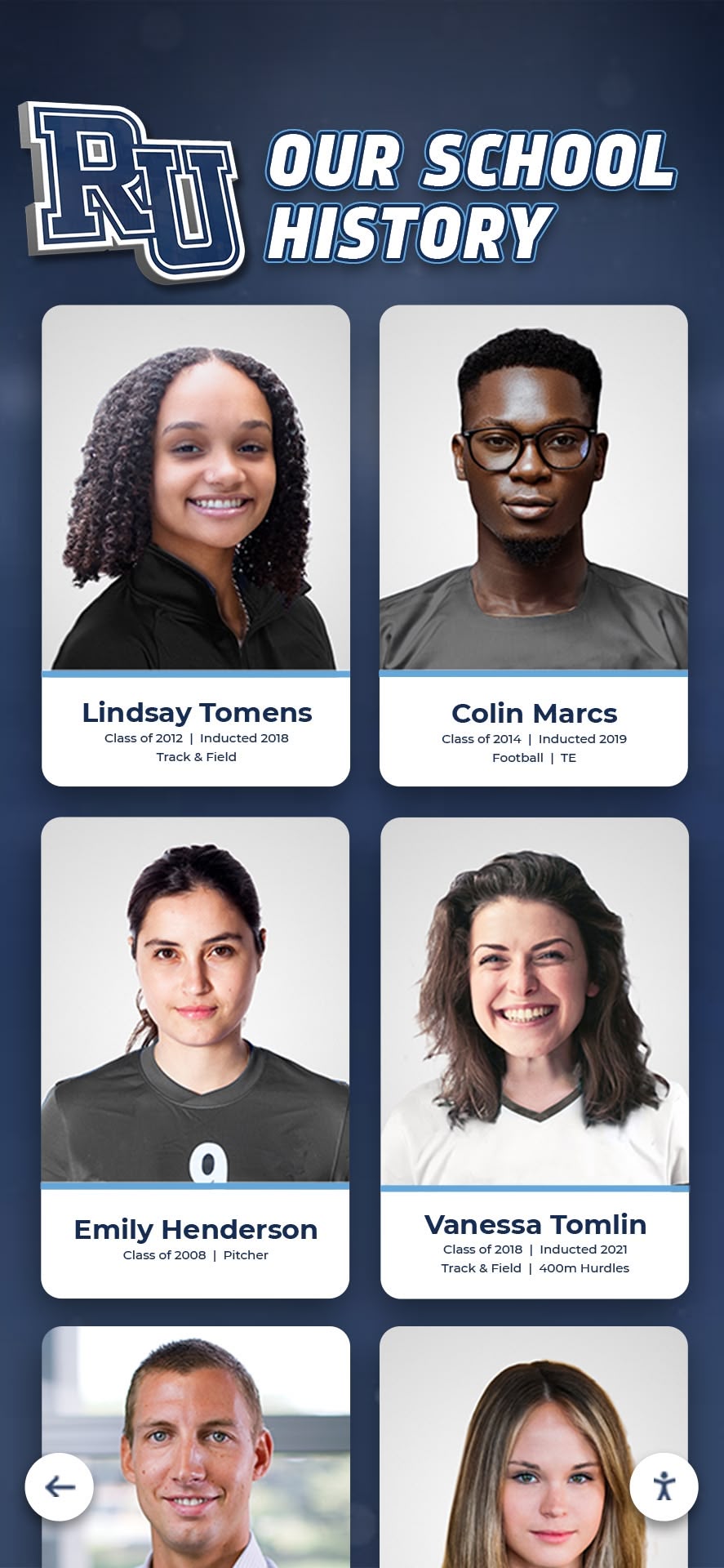
Every face on a school history display has a story behind it—transcribed interviews and oral histories give those stories a searchable, permanent text form
How Transcribed Content Powers Digital Athletic Archives
Once transcripts are tagged and integrated, they activate several layers of school history content that go well beyond the original recording.
Searchable quote libraries
Coaches and athletes who spoke memorably at key moments in program history become quotable long after the fact. A principal preparing remarks for a 50th-anniversary celebration can search the archive and surface a founding coach’s words without listening to hours of tape. Recognition programs that use touchscreen recognition displays can pull relevant quotes directly alongside an athlete’s statistical profile, creating a fuller portrait of the person behind the record.
Enriched hall-of-fame and wall-of-honor content
A hall-of-fame inductee profile that includes the inductee’s own words from an acceptance speech—plus a coach’s tribute remarks—tells a story that statistics and photos alone cannot. This depth of content differentiates a school’s recognition program and makes the archive worth returning to for current students, alumni, and community members alike.
Content for physical and digital recognition spaces
Schools investing in gymnasium and athletic space upgrades often discover that text content from historical transcripts provides material for display graphics, quote walls, and interactive touchscreen panels without requiring new photography or design assets to be produced.
Admissions and community engagement
Prospective families visiting campus and community members following the program online both respond to authentic historical content. Transcribed oral histories and coach interviews give advancement and admissions staff ready-made storytelling material demonstrating program culture and tradition. Recognition programs for teachers and staff benefit from the same approach—archived remarks from honored staff members add personal dimension to recognition displays that plaques alone cannot achieve.
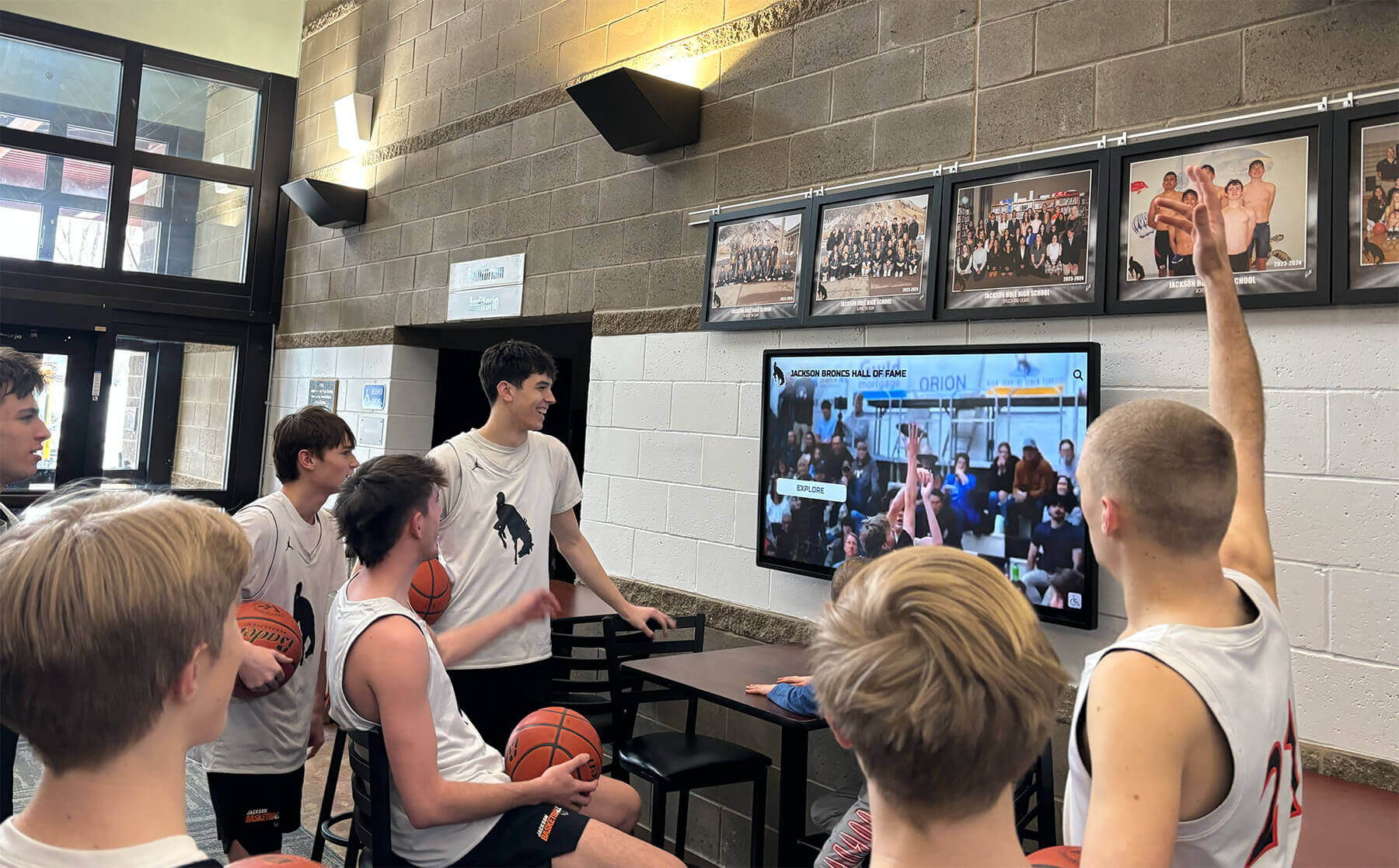
Students naturally engage with authentic content from their school's own history—transcribed broadcasts and interviews provide that raw material in searchable form
Frequently Asked Questions
How long does it take to transcribe one hour of athletic audio?
Human transcription of clear audio typically requires three to five times the duration of the recording—so one hour of clean interview audio takes approximately three to five staff hours. Automated transcription processes the same audio in minutes, but human review afterward adds 30–60 minutes per hour of content depending on audio quality and athletic terminology density. A hybrid workflow totals roughly one to two hours per hour of source audio for most school archives.
Do schools need consent to transcribe oral history recordings?
If recordings were made with participants’ consent for archive purposes, that consent generally extends to transcription and internal archive use. For recordings made without explicit archive consent—such as old game broadcasts or informal post-game interviews—consult your district’s legal counsel before making transcripts publicly accessible. Personal information shared in oral histories (health details, family circumstances) may warrant restricted access even when the recording itself is archivable.
What accuracy rate should we expect from AI transcription tools?
AI transcription accuracy varies significantly with audio quality. Clean recordings from experienced speakers typically produce word error rates below 5 percent, meaning minimal human review is needed. Gymnasium recordings with crowd noise, older analog recordings transferred to digital, or interviews with multiple overlapping speakers may produce higher error rates, making human review a meaningful time investment. Test a representative sample of your archive’s audio quality before committing a transcription method to the full collection.
How should we handle transcripts of broadcasts that mention student athletes by name?
High school student athletes who appeared in school broadcasts while minors may be protected under student privacy regulations in some jurisdictions. Consult your district’s FERPA guidance and legal counsel before publishing transcripts naming student athletes from recordings made during their enrollment. In most cases, displaying transcripts within a controlled archive system—login-required or staff-only—carries lower risk than full public publishing. College-level and alumni archive contexts generally operate under different standards.
How do transcripts connect to a physical recognition program like a wall of honor or hall of fame?
Transcripts become content assets that complement physical recognition rather than replacing it. A wall-of-honor panel might display an athlete’s name, sport, and years of competition; the corresponding transcript in the digital archive fills in the story behind the achievement. Many programs use a QR code on the physical panel to link directly to the digital archive record, giving visitors immediate access to audio context, biographical detail, and related transcript content from their own phone.
Building a Searchable Athletic Archive
Following consistent athletic archive audio transcription guidelines transforms a storage problem into a storytelling asset. The process does not need to happen overnight—prioritizing high-value recordings, applying a repeatable workflow, and integrating transcripts with the recognition system incrementally produces an archive that compounds in value over time.
Schools with the strongest athletic histories often have the most to gain: decades of coach interviews, championship broadcasts, and hall-of-fame speeches waiting to become the living record their programs deserve.
Ready to see how a touchscreen recognition platform surfaces transcribed content alongside photos, statistics, and video highlights? Book a live demo of Rocket Alumni Solutions and explore how an interactive archive brings school athletic history to life.
Live Example: Rocket Alumni Solutions Touchscreen Display
Interact with a live example (16:9 scaled 1920x1080 display). All content is automatically responsive to all screen sizes and orientations.