Blog Posts
- Home /
- Blog Posts
Recognition Display BPDU Filter Safety Audit for School Switch Ports
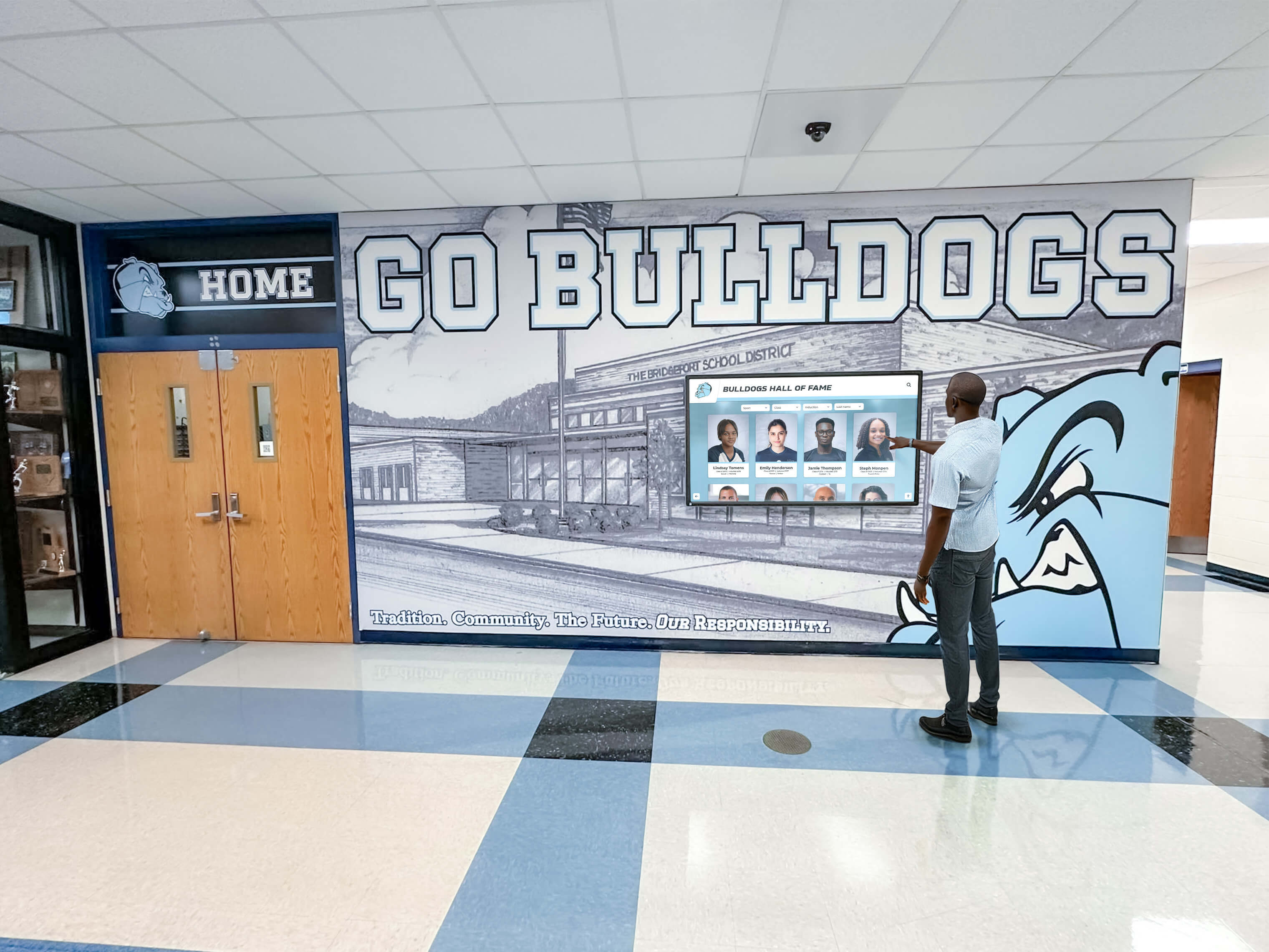
A recognition display BPDU filter safety check audits the managed-switch ports in your school’s network to identify any port where spanning-tree bpdufilter enable has been applied incorrectly—creating a condition where a switching loop can form, grow undetected, and eventually take a lobby kiosk or hall-of-fame touchscreen offline with a broadcast storm. BPDU filter stops a switch port from sending or receiving Bridge Protocol Data Units (BPDUs), which are the control frames that Spanning Tree Protocol (STP) and Rapid Spanning Tree Protocol (RSTP) use to detect and block loops. When BPDU filter is applied to an edge port that genuinely connects only to a recognition display, it is benign. When it is applied to an uplink port, a trunk port, or any port that could connect to another switch, it blinds the spanning tree process to that port entirely—and a loop that forms through that port will not be blocked.
Read More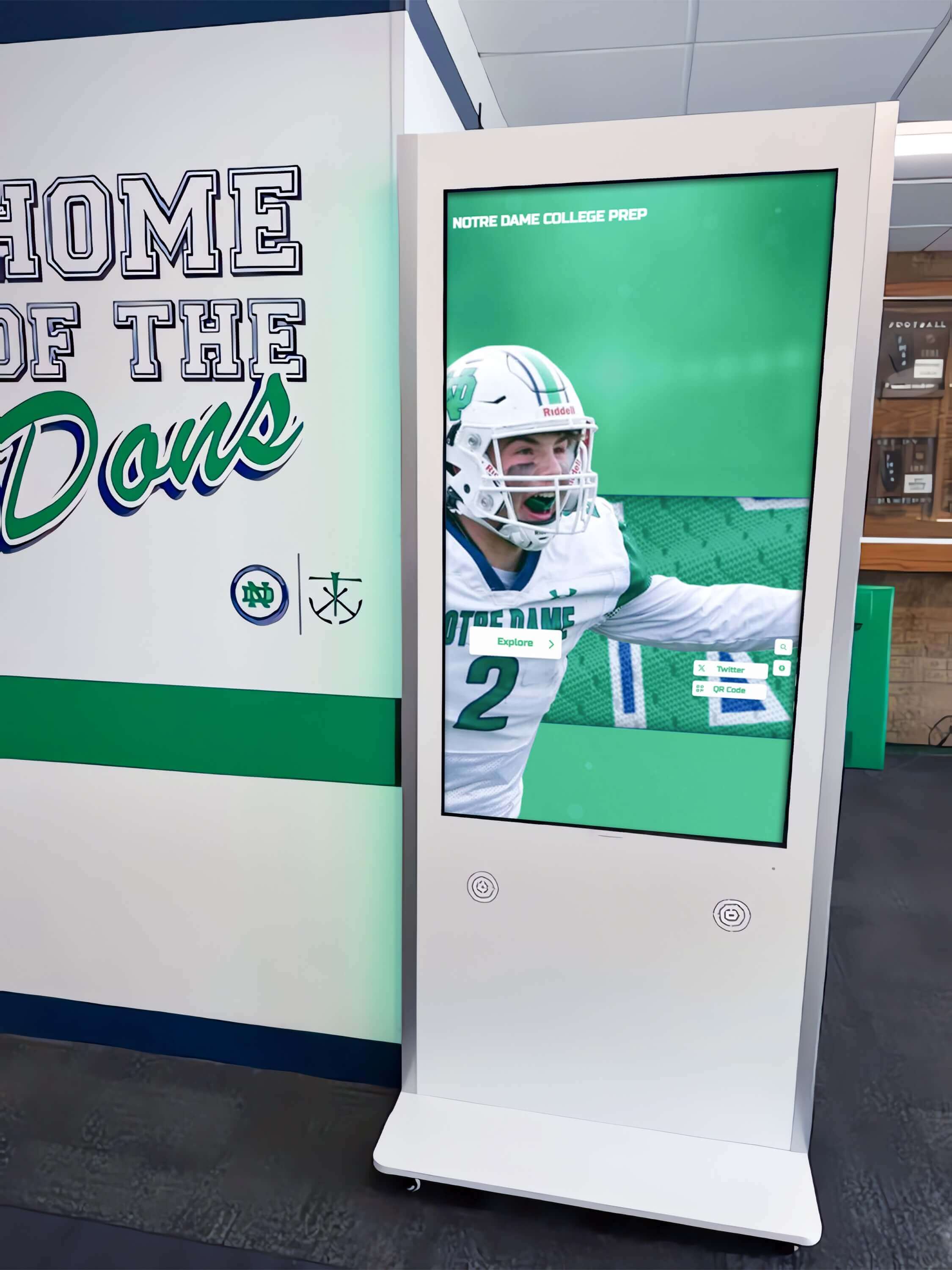
Recognition Display RSTP Convergence Test for Fast Link Recovery
A school recognition display RSTP convergence test verifies that Rapid Spanning Tree Protocol (IEEE 802.1w) reconfigures your managed-switch topology quickly enough after an uplink failure that a lobby kiosk or hall-of-fame touchscreen reconnects to the network within seconds rather than sitting offline for half a minute or more. RSTP convergence is the process by which switches in a network with redundant paths detect a failed link, elect a new active path, and transition the relevant ports from Discarding through Learning to Forwarding—restoring normal traffic flow. When RSTP is correctly configured, convergence completes in one to six seconds. When it is misconfigured or a switch is running classic STP (802.1D) rather than RSTP, the same failover can take thirty to fifty seconds—long enough for an uplink failure during an awards ceremony or induction night to produce a visible content outage on the recognition display.
Read More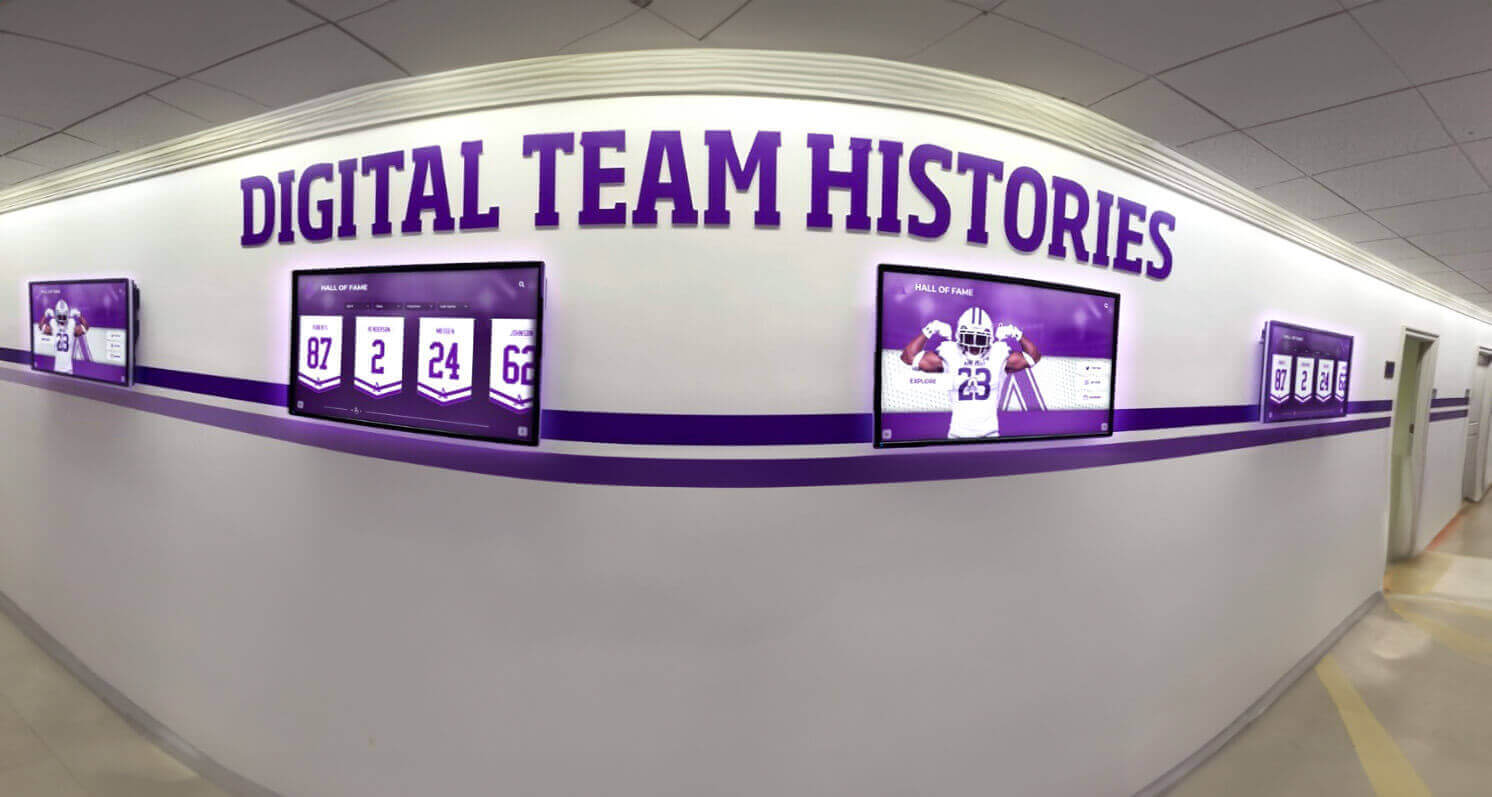
Recognition Display TCP Window Scaling Test for Large Athletic Media
A recognition display TCP window scaling test is a structured network procedure that confirms your school’s firewall, router, and WAN path allow TCP receive windows large enough to sustain athletic video throughput—so championship highlight reels, induction ceremony clips, and large athletic media assets stream without stalling on lobby kiosks, hall-of-fame touchscreens, and hallway recognition panels. TCP window scaling, defined in RFC 1323, extends the maximum TCP receive window beyond the 65,535-byte limit imposed by the original TCP specification. Without it, a TCP connection’s throughput is capped by the bandwidth-delay product of the network path: on a school WAN link with 40 ms round-trip time to a CDN edge node, an unscaled 65,535-byte window limits throughput to roughly 13 Mbps—often insufficient for multiple concurrent 1080p athletic video streams. When window scaling is blocked or stripped by a middlebox, athletic video content fails to buffer ahead of playback, producing the stalling and incomplete-load symptoms that disrupt recognition events.
Read More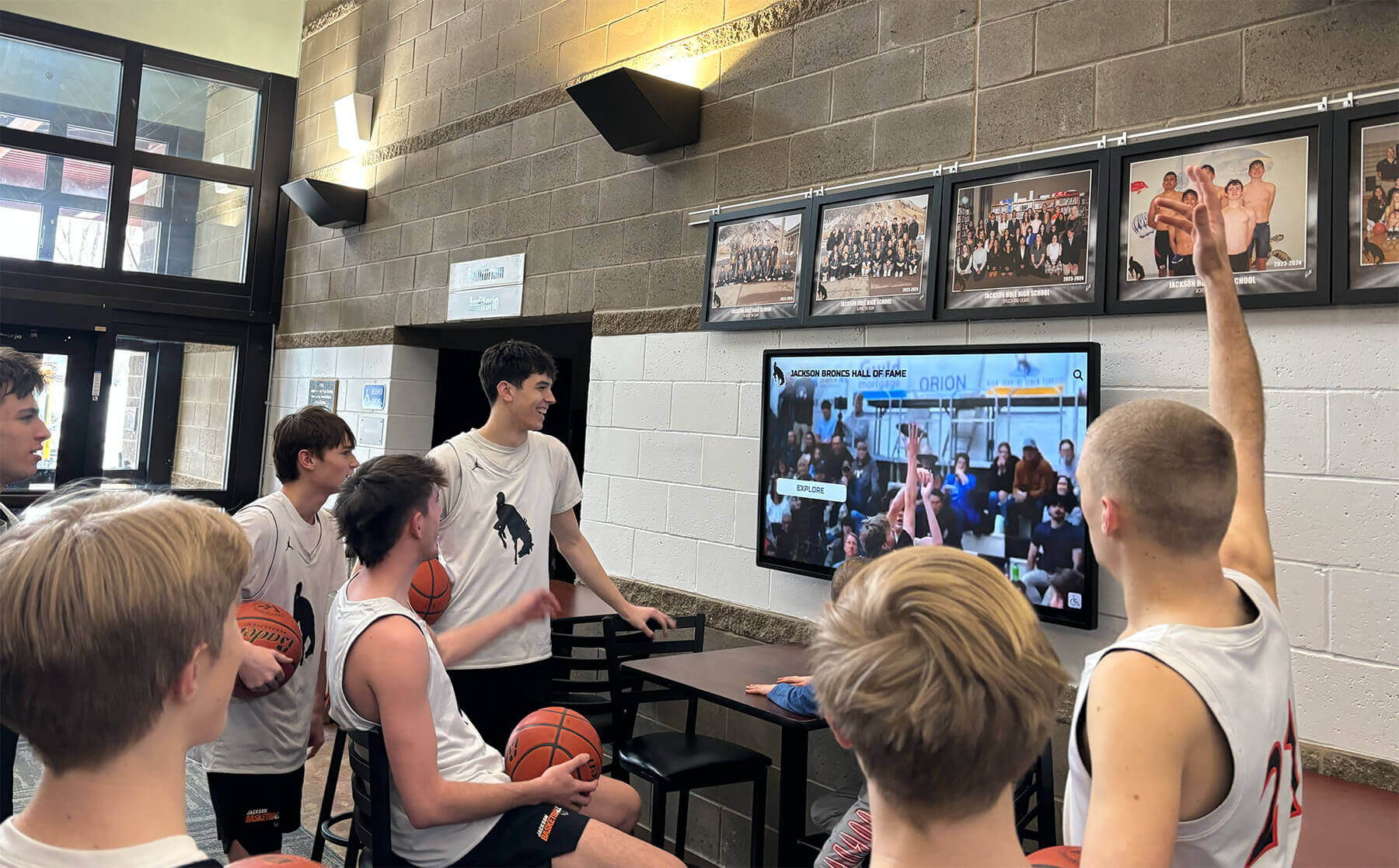
TCP MSS Clamping Test for Recognition Display Athletic Video
A recognition display TCP MSS baseline test is a structured network procedure that verifies your school’s firewall or router is clamping the TCP Maximum Segment Size (MSS) correctly, so athletic video streams play without buffering or black screens on lobby kiosks, hall-of-fame touchscreens, and hallway recognition panels. TCP MSS clamping sets an upper limit on the size of data segments exchanged during a TCP connection, preventing packets from exceeding the available path MTU when traffic crosses WAN links, PPPoE circuits, VPN tunnels, or ISP hand-off points that reduce the effective frame size below the Ethernet default of 1500 bytes. When MSS is not clamped correctly, TCP segments arrive at the display sized larger than the path allows, triggering IP fragmentation or silent packet loss that manifests as video buffering, incomplete content loads, and recognition profiles that fail to update before an event begins.
Read More
Digital Hall of Fame ARIA-Pressed Audit for Toggle Controls
A digital hall of fame ARIA-pressed audit is a structured accessibility review that confirms every stateful toggle control on a recognition display—favorites buttons, comparison selectors, audio toggles, filter chips, and view-switchers—correctly exposes its current pressed or unpressed state through the aria-pressed attribute so screen readers can announce it without requiring the label text to change. When aria-pressed is missing or set to a static value, a screen reader user who activates a “Save to Favorites” button hears only “Save to Favorites, button” on both activation and deactivation—there is no audible feedback that the control changed state. Adding or correcting aria-pressed to toggle between "true" and "false" dynamically solves this without touching the visible label, which is the correct pattern under WCAG 4.1.2 (Name, Role, Value).
Read More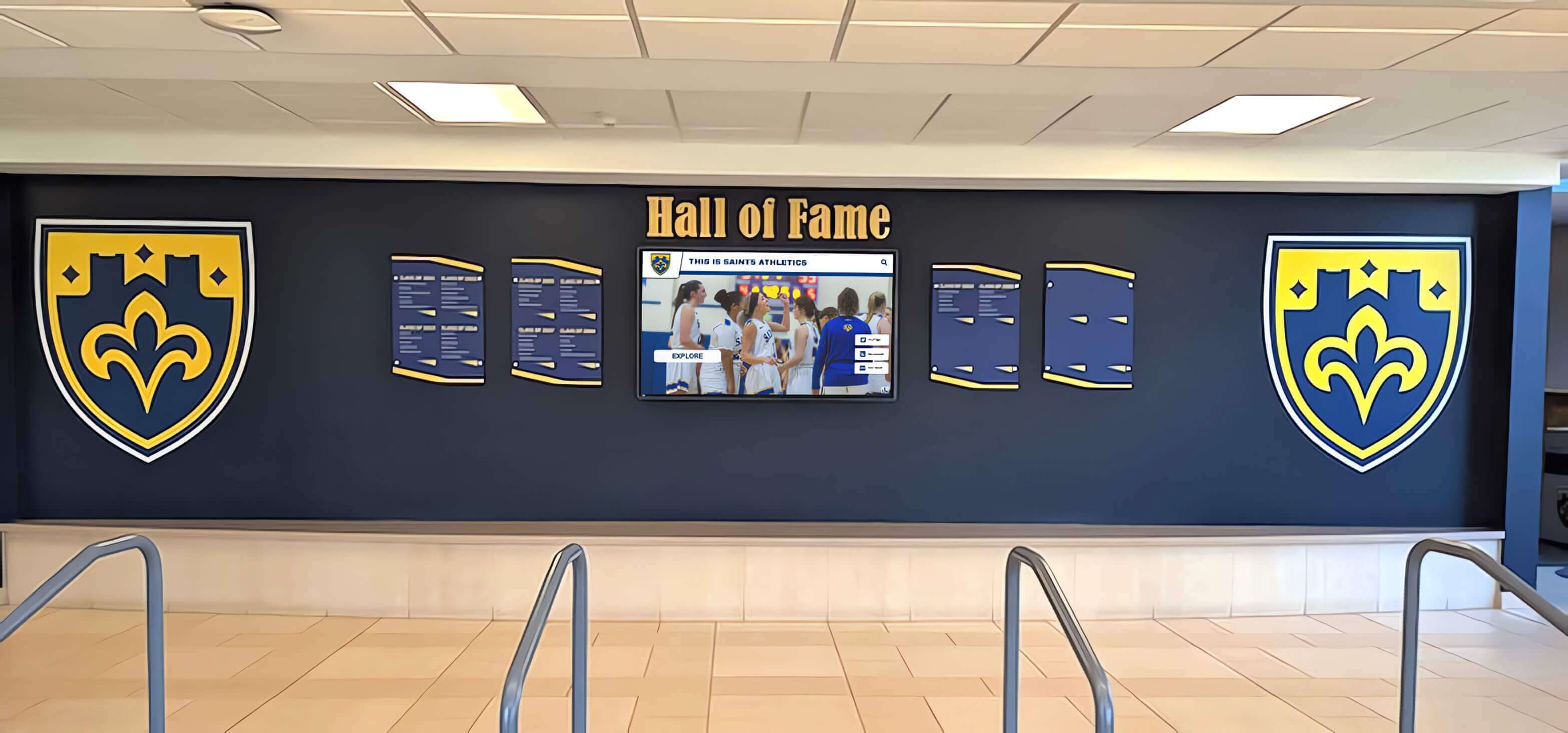
Recognition Display RADIUS Change-of-Authorization Test for School Networks
A school recognition display RADIUS change-of-authorization test is a structured network procedure that confirms a touchscreen hall of fame, digital trophy case, or lobby recognition kiosk will accept live RADIUS policy updates—such as a VLAN reassignment or session-timeout change—without requiring a manual reconnect or display reboot. RADIUS Change of Authorization (CoA), defined in RFC 5176, allows a RADIUS server to push new authorization attributes to a device’s active authenticated session while that session is already running. For a recognition display, this means an IT administrator can update the display’s network policy in real time from the RADIUS management console without unplugging the device or interrupting a ceremony in progress. Testing that path in advance is how IT teams confirm it will work when they actually need it.
Read More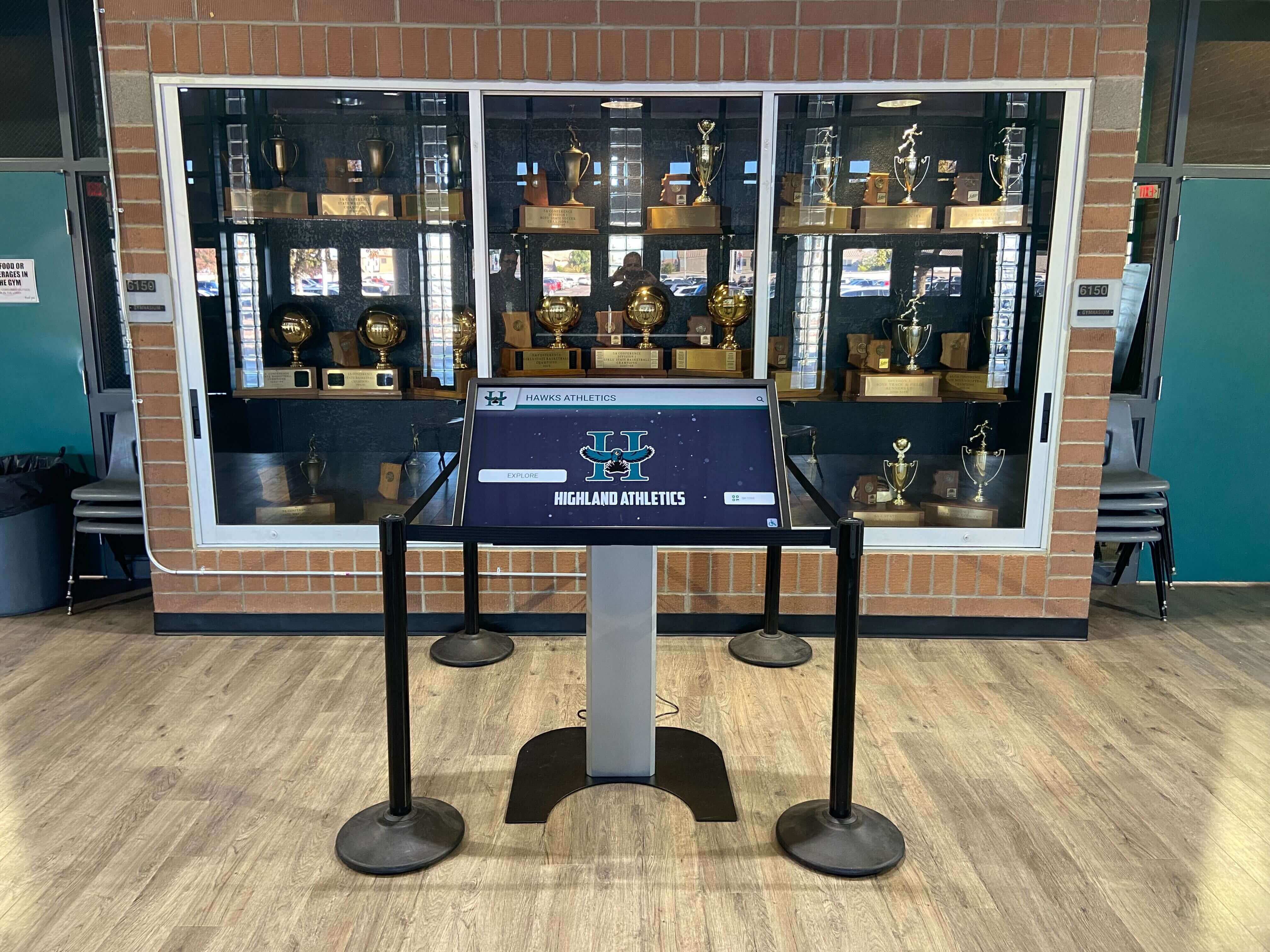
Recognition Display DHCP Starvation Protection Test for School Networks
A school recognition display DHCP starvation protection test verifies that your managed-switch configuration prevents an exhausted IP address pool from taking a lobby kiosk or hall-of-fame touchscreen offline. DHCP starvation occurs when a device—whether a misconfigured endpoint, a rogue laptop, or a deliberate attacker—rapidly claims large numbers of addresses from a DHCP scope, leaving no leases available for legitimate devices. When a recognition display’s lease expires and no new address is available, the kiosk drops off the network, stops pulling content updates, and goes dark at exactly the moment—a championship ceremony, an induction night, an alumni weekend—when it is most visible.
Read MoreRecognition Display Port Mirroring Test: Capture School Kiosk Traffic Safely
A school recognition display port mirroring test is a non-intrusive network diagnostic technique that allows school IT teams to capture and analyze every packet flowing to and from a lobby kiosk or hall-of-fame touchscreen without modifying the device itself, disrupting live visitors, or changing any production network paths. When a recognition display behaves unexpectedly—failing to refresh athlete profiles, losing its cloud connection before a championship event, or generating bandwidth alerts—a port mirror gives IT staff a ground-truth view of what the kiosk is actually transmitting and receiving. Guessing at firewall rules and cloud platform settings is unnecessary once you can see the raw traffic.
Read MoreRecognition Display RADIUS Failover Testing: A School IT Checklist
A recognition display RADIUS failover test is a structured network verification procedure that school IT teams run to confirm that touchscreen halls of fame, digital trophy cases, and lobby recognition kiosks will stay online—or recover quickly—when the primary RADIUS authentication server goes down. Networks that use 802.1X authentication require a functioning RADIUS server for every connected device, including wired and wireless recognition displays, to maintain or re-establish their network sessions. When the primary RADIUS server is unavailable and no failover has been tested, a digital hall of fame can go dark in the middle of an induction event, a championship celebration, or an ordinary school day. Testing failover before that happens is a thirty-to-sixty-minute procedure that protects an investment schools measure in years.
Read More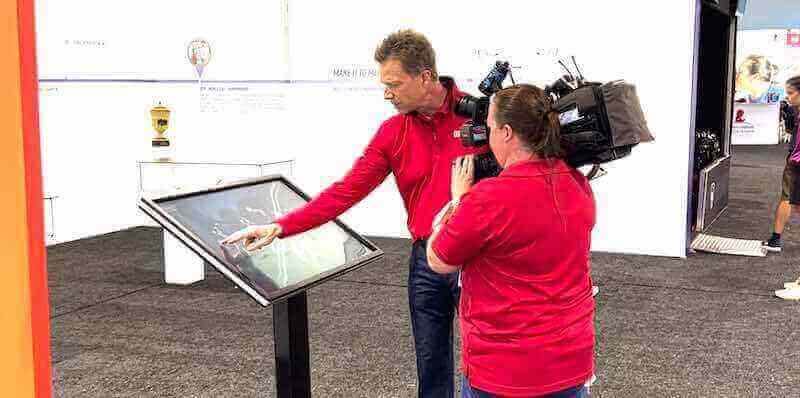
Athletic Archive Tape-Head Clog Detection Workflow Before Digitization
An athletic archive tape head clog detection workflow is a structured stop-and-inspect protocol that school staff follow when a VHS, Betamax, Hi8, or S-VHS deck suddenly produces video snow, horizontal picture bands, audio dropout, or complete picture loss during the digitization of historic game recordings—distinguishing a correctable deck problem from damaged tape content before irreplaceable footage is lost. Tape-head clogging is one of the most common and most misread problems in school athletic archive digitization projects. When video quality deteriorates mid-transfer, the instinct is to assume the tape is damaged and fast-forward past the problem—but in many cases, the tape is fine and the deck’s rotating playback heads have accumulated a deposit of magnetic oxide particles from aging tape binder. Continuing to play a clogged deck risks damaging both the heads and the tape. Stopping, inspecting, and following a structured escalation process is the correct response.
Read MoreAthletic Archive Audio DC Offset Correction for Historic Game Recordings
Athletic archive audio DC offset correction is the process of detecting and removing a constant voltage bias in an audio waveform—a shift that pushes the entire signal above or below the zero line—before normalizing, encoding, or publishing historic game recordings to a touchscreen display or digital archive. DC offset is one of the most underdiagnosed problems in school athletic archive digitization projects. It is invisible on playback at low volumes, passes basic quality checks that only measure peak levels, and appears harmless until normalization is applied—at which point the offset consumes headroom that should belong to the actual audio, forces the loudest peaks into clipping, and produces an asymmetrical distortion that sounds harsh through the full-range speakers of a modern lobby display or interactive kiosk.
Read MoreRecognition Display Stream Compression Test: Verify High-Resolution Video Playback
A recognition display stream compression test verifies that Display Stream Compression (DSC) is correctly negotiated between your source device and the recognition panel, and that high-resolution athlete video, highlight reels, and animated award graphics play back without blocking artifacts, color banding, or edge halos. DSC is a VESA-standardized visually lossless compression codec built into DisplayPort 1.4+ and HDMI 2.1 interfaces—it enables 4K and higher-resolution content to travel over cable runs and signal paths whose raw bandwidth would otherwise require a lower resolution or a dropped frame rate. When DSC negotiation succeeds and the codec operates correctly, the compression is invisible. When it fails—through a firmware mismatch, a cable that cannot sustain the required bandwidth, or a receiver that partially implements the standard—the result is visible corruption on exactly the content that matters most: a championship video loop playing in the lobby during an induction ceremony.
Read MoreRecognition Display IGMP Snooping Test for Multicast Media: A School IT Guide
A school recognition display IGMP snooping test verifies that your access switch is correctly tracking which display endpoints have joined each multicast group—so that scheduled media updates push only to screens that requested the stream, rather than flooding every port on the recognition display VLAN. When IGMP snooping is absent, misconfigured, or missing an active querier, a content update to four hall-of-fame screens can look identical to a multicast flood from the switch’s perspective: the switch forwards every frame to every port in the VLAN, consuming bandwidth whether or not the attached device wants the content. Running a structured test before a scheduled update—not after a failure—catches this class of misconfiguration before it disrupts a live event.
Read MoreRecognition Display Multicast Storm Control: Protect School Networks During Media Updates
Recognition display multicast storm control is the switch-level rate-limiting mechanism that prevents a surge of multicast traffic—triggered by a scheduled media update to digital hall-of-fame screens, record boards, or lobby recognition kiosks—from flooding every port on a school network segment and degrading other services until the storm clears. The problem is specific to how recognition display systems deliver content: when a media server pushes updated video, championship records, or athlete-of-the-week images to multiple screens simultaneously, those updates often travel as multicast frames. Without storm control configured on the access layer switch, a single misconfigured or misbehaving device can generate multicast at line rate, saturating uplinks and disrupting adjacent traffic on the same VLAN—exactly when administrative staff are watching for the new content to appear.
Read More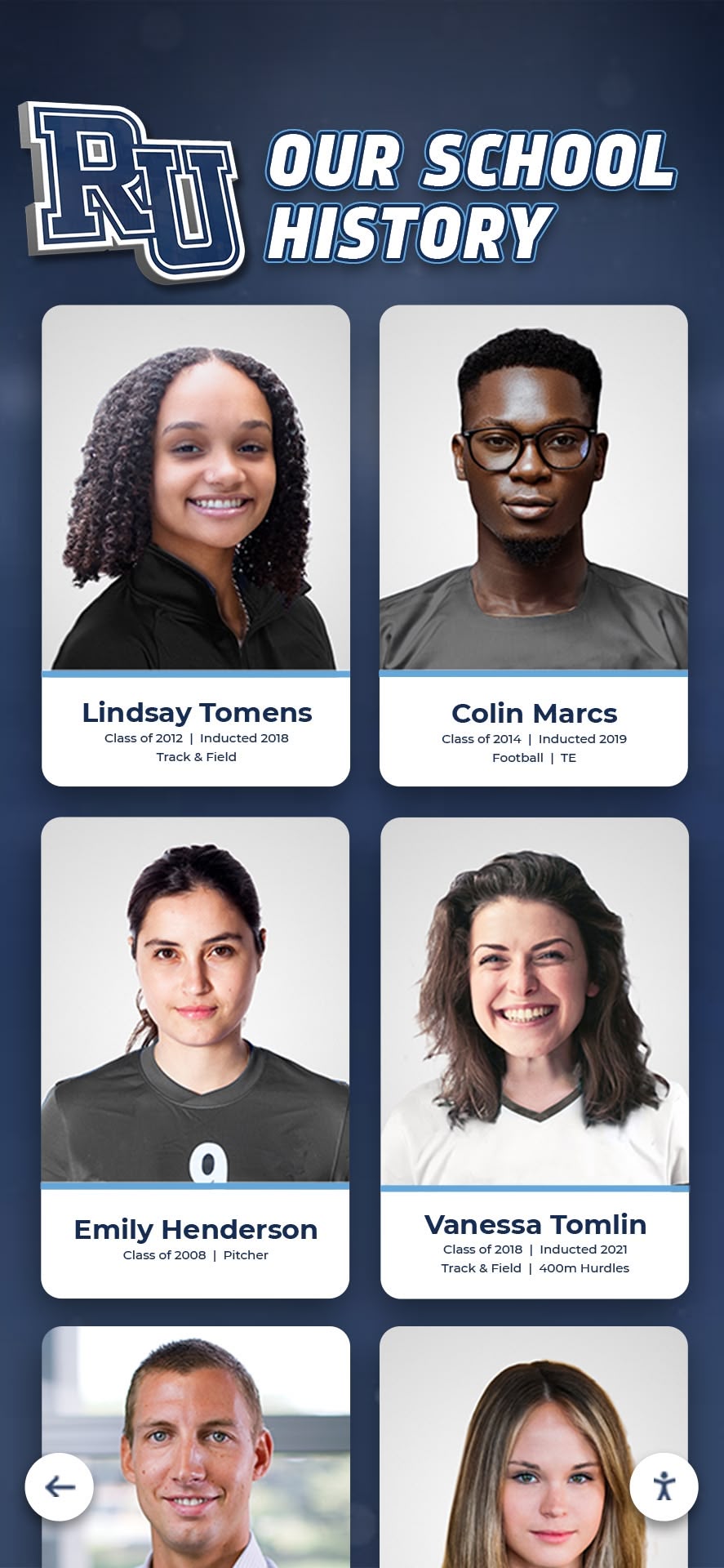
Athletic Archive Silver Mirroring Inspection for Historic Team Photographs
Athletic archive silver mirroring inspection is the process of examining historic team photographs—specifically gelatin silver prints—for the blue-metallic or iridescent sheen that signals silver ions have migrated to the surface of the emulsion. That sheen is not a lighting artifact and it will not disappear on its own. It is a visible indicator that the photograph has begun a form of deterioration that, left unchecked in poor storage conditions, can eventually obscure the underlying image. For schools preparing a digitization project—scanning old championship portraits, team composites, or individual athlete headshots to publish in a digital athletic archive or hall-of-fame display—identifying silver mirroring before scanning determines which photographs need urgent attention, which can be scanned as-is, and which require professional conservation review.
Read MoreAthletic Archive Gate-Weave Stabilization for Historic Game Film
Athletic archive gate-weave stabilization is the process of removing the subtle frame-to-frame image shifting—horizontal drift, vertical bounce, and rotational wobble—that originates in the film gate of a projector or scanner when historic game film is played back or digitized. Schools that skip this step upload footage where the entire image trembles or drifts laterally throughout the clip, a motion that looks like camera shake but is actually a mechanical artifact of the film transport system. On an old projector or a consumer television, this movement was barely noticeable. On a 65-inch lobby touchscreen or a hall-of-fame interactive display, the same instability makes championship footage look damaged rather than historic.
Read MoreInteractive Touch Screen Digital Signage: How It Works and What You Need
Interactive touch screen digital signage moves communication from passive display to active conversation. Instead of glancing at a rotating slideshow, a visitor taps, swipes, and searches—spending several minutes discovering exactly the information that matters to them. That shift in how people engage is why schools, universities, athletic programs, and community organizations are replacing traditional static boards with purpose-built interactive systems.
Read MoreRecognition Display RS-232 Control Test: Commands, Feedback, and Recovery
A recognition display RS-232 control test is the structured process of sending serial commands to a school recognition display, confirming that each command produces the correct response, and verifying that the display recovers predictably when communication fails or commands are malformed. RS-232 serial control is the most widely supported method for remotely managing commercial displays—powering them on and off on a schedule, switching inputs between recognition content and live announcements, adjusting brightness for morning versus afternoon lobby conditions, and confirming operational status without physically touching the screen. For AV integrators, facilities teams, and IT staff commissioning a school hall of fame installation or athletic recognition display, completing a documented RS-232 control test before turnover is what distinguishes a system that will run reliably for years from one that surfaces mysterious failures six months after the installer has left the building.
Read MoreAthletic Archive Wow and Flutter Correction Workflow for Historic Game Audio
Wow and flutter are pitch-instability artifacts introduced during recording or playback by a tape transport that does not move tape at a perfectly steady speed. Wow describes slow, cyclic pitch variations—typically at rates below six cycles per second—caused by gradual irregularities in the capstan motor or tape-hub tension. Flutter describes faster pitch variations in the range of six to approximately one hundred cycles per second, caused by mechanical vibration in the drive mechanism or uneven friction between the tape and the recording head. Both appear in digitized athletic archives as audio that sounds subtly unsteady—voices that drift in pitch, crowd noise that breathes unevenly, or recorded music that wobbles during ceremony introductions.
Read MoreAthletic Archive Telecine Pulldown Removal for Historic Game Film
Telecine pulldown removal—also called inverse telecine (IVTC)—is the process of reversing the frame-rate conversion that happened when a school’s historic game film was originally transferred to video. When 16mm or 8mm athletic film was dubbed onto VHS or broadcast tape, the telecine machine used a repeating 3:2 pattern to bridge the gap between film’s 24 frames per second and video’s approximately 30 frames per second. That blending was invisible on an analog television, but when the tape is re-digitized today and played on a modern display, the duplicated and blended frames appear as horizontal combing lines in fast-action sequences, unsteady motion cadence, and a juddering quality that makes a championship recording look technically damaged rather than historically significant.
Read MoreCategories
- Academic Excellence ( 11 )
- Academic Recognition ( 23 )
- Accessibility ( 6 )
- Admissions ( 2 )
- Admissions Strategy ( 1 )
- Agricultural Education ( 1 )
- Alumni Engagement ( 22 )
- Alumni Recognition ( 6 )
- Alumni Relations ( 1 )
- Alumni Resources ( 1 )
- Athletic Achievement ( 1 )
- Athletic Administration ( 2 )
- Athletic Competition ( 1 )
- Athletic Events ( 5 )
- Athletic Excellence ( 2 )
- Athletic Facilities ( 2 )
- Athletic Fundraising ( 2 )
- Athletic Leadership ( 1 )
- Athletic Programs ( 3 )
- Athletic Recognition ( 108 )
- Athletic Training ( 4 )
- Attendance Programs ( 1 )
- Augmented Reality ( 1 )
- AV Technology ( 2 )
- Aviation ( 1 )
- Awards ( 1 )
- Awards Programs ( 1 )
- Baseball Programs ( 1 )
- Basketball ( 1 )
- Basketball Programs ( 4 )
- Basketball Recognition ( 1 )
- Business Education ( 1 )
- Buying Guides ( 3 )
- Campus Design ( 1 )
- Campus Engagement ( 1 )
- Campus Life ( 1 )
- Campus Technology ( 5 )
- Career Celebrations ( 1 )
- Career Development ( 3 )
- Career Education ( 1 )
- Catholic Education ( 1 )
- Celebration Planning ( 1 )
- Ceremony Planning ( 1 )
- Championship Celebration ( 1 )
- Championship Celebrations ( 1 )
- Championship Display ( 2 )
- Championship Displays ( 5 )
- Championship Recognition ( 1 )
- Church Technology ( 3 )
- Club Activities ( 1 )
- Club Management ( 1 )
- Coaching Resources ( 5 )
- College Admissions ( 1 )
- College Athletics ( 2 )
- College History ( 1 )
- College Readiness ( 1 )
- Commercial Technology ( 2 )
- Community Building ( 1 )
- Community Engagement ( 7 )
- Community Programs ( 1 )
- Community Recognition ( 2 )
- Community Sports ( 1 )
- Construction Planning ( 1 )
- Content Creation ( 1 )
- Content Strategy ( 1 )
- Corporate Events ( 1 )
- Corporate Recognition ( 1 )
- CTE Programs ( 1 )
- Cultural Recognition ( 1 )
- Customer Engagement ( 1 )
- Customer Success ( 1 )
- Dance Team Recognition ( 1 )
- Design Strategy ( 1 )
- Design Systems ( 1 )
- Digital Archives ( 11 )
- Digital Content ( 1 )
- Digital Displays ( 36 )
- Digital Engagement ( 1 )
- Digital Management ( 1 )
- Digital Preservation ( 9 )
- Digital Recognition ( 21 )
- Digital Signage ( 11 )
- Digital Solutions ( 1 )
- Digital Storytelling ( 1 )
- Digital Tools ( 1 )
- Diversity & Inclusion ( 1 )
- Donor Recognition ( 20 )
- E-Sports Recognition ( 2 )
- Educational Leadership ( 1 )
- Educational Technology ( 1 )
- Elementary Education ( 1 )
- Employee Recognition ( 2 )
- Engagement Programs ( 1 )
- Event Marketing ( 1 )
- Event Planning ( 8 )
- Event Recognition ( 1 )
- Event Solutions ( 1 )
- Event Technology ( 1 )
- Facilities Management ( 2 )
- Facility Design ( 2 )
- Family Care ( 1 )
- Football ( 1 )
- Football Recognition ( 4 )
- Fundraising ( 9 )
- Gaming Achievement ( 1 )
- Graduation ( 1 )
- Greek Life ( 2 )
- Guest Services ( 1 )
- Hall of Fame ( 3 )
- Hardware Support ( 1 )
- Healthcare Solutions ( 1 )
- Healthcare Technology ( 1 )
- High School Sports ( 9 )
- Historical Displays ( 1 )
- Hockey Programs ( 1 )
- Hockey Recognition ( 1 )
- Homecoming Traditions ( 1 )
- Honor Walls ( 1 )
- HowTo ( 7 )
- Implementation Strategy ( 2 )
- Installation Services ( 14 )
- Interactive Design ( 1 )
- Interactive Displays ( 55 )
- Interactive Software ( 1 )
- Interactive Technology ( 15 )
- JROTC & Cadet Programs ( 1 )
- Kiosk Software ( 1 )
- Kiosk Technology ( 1 )
- Lacrosse ( 1 )
- Leadership Development ( 1 )
- Leadership Programs ( 3 )
- Legacy Recognition ( 1 )
- Library Technology ( 2 )
- Mac Software ( 1 )
- Member Recognition ( 1 )
- Memorial Programs ( 1 )
- Memorial Recognition ( 1 )
- Military & Veterans ( 1 )
- Military Recognition ( 2 )
- Museum Recognition ( 1 )
- Museum Technology ( 4 )
- Music Education ( 1 )
- Music Programs ( 3 )
- Nonprofit ( 2 )
- Performing Arts ( 3 )
- Performing Arts Recognition ( 3 )
- Platform Comparison ( 1 )
- Platform Technology ( 1 )
- Pricing & Costs ( 2 )
- Professional Recognition ( 1 )
- Professional Solutions ( 1 )
- Property Management ( 1 )
- Public Safety Recognition ( 1 )
- Recognition ( 4 )
- Recognition Displays ( 4 )
- Recognition Events ( 4 )
- Recognition Programs ( 5 )
- Recognition Solutions ( 2 )
- Recognition Systems ( 2 )
- Recognition Technology ( 3 )
- Reconocimiento Digital ( 1 )
- Record Keeping ( 1 )
- Recreation Sports ( 1 )
- Rugby Programs ( 1 )
- Sales Performance ( 1 )
- School Administration ( 3 )
- School Archives ( 2 )
- School Athletics ( 2 )
- School Awards ( 1 )
- School Branding ( 1 )
- School Celebrations ( 3 )
- School Communication ( 2 )
- School Community ( 4 )
- School Culture ( 9 )
- School Design ( 2 )
- School Displays ( 4 )
- School Engagement ( 1 )
- School Events ( 10 )
- School Fundraising ( 2 )
- School History ( 27 )
- School Leadership ( 1 )
- School Marketing ( 3 )
- School Programs ( 2 )
- School Recognition ( 20 )
- School Spirit ( 12 )
- School Technology ( 30 )
- School Traditions ( 6 )
- Senior Celebration ( 1 )
- Senior Night ( 10 )
- Soccer Programs ( 1 )
- Social Media ( 1 )
- Software Solutions ( 3 )
- Software Tools ( 1 )
- Sports Awards ( 2 )
- Sports Excellence ( 2 )
- Sports History ( 2 )
- Sports Management ( 1 )
- Sports Marketing ( 1 )
- Sports Photography ( 1 )
- Sports Recognition ( 25 )
- Staff Appreciation ( 2 )
- Staff Recognition ( 5 )
- STEM Education ( 1 )
- Student Achievement ( 24 )
- Student Activities ( 1 )
- Student Engagement ( 10 )
- Student Experience ( 1 )
- Student Leadership ( 1 )
- Student Life ( 2 )
- Student Recognition ( 47 )
- Student Resources ( 1 )
- Student Success ( 1 )
- Swimming Programs ( 3 )
- Teacher Excellence ( 1 )
- Team Building ( 2 )
- Team Celebrations ( 1 )
- Team Culture ( 1 )
- Team Development ( 1 )
- Team Recognition ( 8 )
- Team Resources ( 1 )
- Technical Guide ( 1 )
- Technology ( 3 )
- Technology Guide ( 1 )
- Technology Planning ( 1 )
- Technology Solutions ( 1 )
- Tecnología Educativa ( 1 )
- Touchscreen Hardware ( 1 )
- Touchscreen Innovation ( 1 )
- Touchscreen Software ( 1 )
- Touchscreen Technology ( 3 )
- Tournament Displays ( 1 )
- Tournament Preparation ( 1 )
- Track & Field ( 1 )
- Track Recognition ( 1 )
- Traditions ( 1 )
- Trophy Display ( 3 )
- Trophy Recognition ( 1 )
- University Technology ( 1 )
- User Experience ( 2 )
- Video Content ( 4 )
- Video Demonstrations ( 1 )
- Video Guides ( 2 )
- Video Production ( 2 )
- Video Tours ( 26 )
- Visitor Experience ( 1 )
- Volunteer Programs ( 1 )
- Wayfinding Technology ( 1 )
- Wellness Programs ( 1 )
- Wrestling History ( 1 )
- Youth Athletics ( 1 )
- Youth Sports ( 5 )
Tags
- 1000 Points Scorer
- 5K Fundraiser
- 802.1X
- AAU Basketball
- Academic Achievement
- Academic All-American
- Academic Archives
- Academic Awards
- Academic Competition
- Academic Display
- Academic Excellence
- Academic History
- Academic Honors
- Academic Recognition
- Academic Regalia
- Acceptance Testing
- Accessibility
- Accessibility Audit
- Achievement Display
- Achievement Recognition
- ACT 30 Club
- ACT 36
- ACT Recognition
- ACT Scores
- Action Photography
- ADA Compliance
- Admissions
- Admissions Technology
- Admissions Tours
- Advanced Placement
- After School Activities
- Agility Ladder Drills
- Agility Training
- Agricultural Education
- AI Content Creation
- Air Traffic Control
- All State Musicians
- All-American Athlete
- All-Region Recognition
- All-Star Recognition
- Alumni Advice
- Alumni Centers
- Alumni Connections
- Alumni Engagement
- Alumni Events
- Alumni Gathering Areas
- Alumni Golf Events
- Alumni Memories
- Alumni Mentorship
- Alumni Networking
- Alumni of the Month
- Alumni Office
- Alumni Pride
- Alumni Programs
- Alumni Recognition
- Alumni Relations
- Alumni Resources
- Alumni Service
- Alumni Spotlight
- Alumni Success Stories
- Alumni Welcome Area
- America 250
- Android Kiosk
- Annual Review
- AP Scholar
- AP Scholar Awards
- Apartment Digital Displays
- Aquatic Recognition
- AR Displays
- Archive Displays
- Arena Technology
- ARIA-Pressed
- Arizona High School Football
- Art Education
- Art Gallery Display
- Artifact Digitization
- Arts Recognition
- Assigned Access
- Assisted Living
- Athlete of the Week
- Athlete Photos
- Athlete Profiles
- Athlete Recognition
- Athlete Recovery
- Athletic Achievement
- Athletic Achievements
- Athletic Administration
- Athletic Alumni Day
- Athletic Archive
- Athletic Archive Audio Channel Mapping Checklist
- Athletic Archive Audio Clipping Detection
- Athletic Archive Audio DC Offset Correction
- Athletic Archive Audio Noise Reduction Workflow
- Athletic Archive Gate Weave Stabilization
- Athletic Archive Lens Distortion Correction
- Athletic Archive Silver Mirroring Inspection
- Athletic Archive Tape Head Clog Detection Workflow
- Athletic Archives
- Athletic Awards
- Athletic Banquet
- Athletic Banquet Slideshow
- Athletic Building
- Athletic Celebration
- Athletic Commitments
- Athletic Competition
- Athletic Department Tools
- Athletic Development
- Athletic Director
- Athletic Directors
- Athletic Display
- Athletic Displays
- Athletic Events
- Athletic Excellence
- Athletic Facilities
- Athletic Facility Branding
- Athletic Fundraising
- Athletic Graphics
- Athletic Hall of Fame
- Athletic Highlights
- Athletic History
- Athletic Identity Display
- Athletic Letter Ceremony
- Athletic Management
- Athletic Media
- Athletic Photography
- Athletic Preparation
- Athletic Program Marketing
- Athletic Programs
- Athletic Recognition
- Athletic Record Board
- Athletic Records
- Athletic Signage
- Athletic Timeline Wall
- Athletic Tradition Wall
- Athletic Traditions
- Athletic Typography
- Athletic Video
- Athletic Videos
- Athletic Wall of Fame
- Athletics Equity
- Athletics Recognition
- Attendance Programs
- Attendance Recognition
- Attorney Recognition
- Audio Archiving
- Audio Channel Mapping
- Audio Description
- Audio Noise Reduction
- Audio Preservation
- Audio Quality Control
- Audio Testing
- Audio Transcription
- Audio Waveform Correction
- Augmented Reality
- AV Commissioning
- AV Troubleshooting
- AV Validation
- Aviation Awards
- Award Ceremonies
- Award Ceremony Slideshow
- Award Display
- Award Plaques
- Award Programs
- Award Winners
- Awards
- Awards Categories
- Awards Ceremony
- Awards Programs
- Awards Recognition
- Awards Touchscreen
- Back to School
- Backlight Bleed
- Backup Testing
- Ball Control
- Ballpark Village
- Band Recognition
- Bandwidth Delay Product
- Banner Alternatives
- Banner Design
- Banner Inventory
- Banner Preservation
- Banner Retirement
- Banner Safety
- Barrel Distortion
- Baseball Awards
- Baseball Ceremony
- Baseball Hall of Fame
- Baseball History
- Baseball Museum
- Baseball Programs
- Baseball Senior Night
- Baseball Tournaments
- Baseball Traditions
- Basketball
- Basketball Awards
- Basketball Banquet
- Basketball Drills
- Basketball Hall of Fame
- Basketball Honors
- Basketball Museum
- Basketball Programs
- Basketball Recognition
- Basketball Records
- Basketball Season
- Basketball Tradition
- Basketball Training
- Basketball Tryouts
- BBBS Alumni
- Birthday Recognition
- Black Screen
- Bleacher Renovation
- Bond Funding
- Book Preservation
- Booster Club
- Booster Club Fundraisers
- Booster Clubs
- Booth Design
- Boston Bruins
- Boston Celtics
- BPDU Filter
- BPDU Guard
- Brand Management
- Broadcast Archives
- Budget Planning
- Budget Solutions
- Building Dedication
- Building Directory
- Business Education
- Buying Guide
- Cadet Milestones
- Cadet Programs
- Calibration Guide
- Camera Settings
- Campus Ambassadors
- Campus Design
- Campus Digital Signage
- Campus Directory
- Campus Engagement
- Campus Events
- Campus Life
- Campus Navigation
- Campus Solutions
- Campus Technology
- Campus Tour
- Campus Tours
- Campus Visits
- Campus Walkthrough
- Campus Wayfinding
- Capacitive Touch
- Capital Campaign
- Capital Campaigns
- Caption Guidelines
- Cardinals Museum
- Career Celebration
- Career Development
- Career Technical Education
- Carousel Alternative
- Cast Recognition
- Catholic Church Technology
- Catholic Schools
- Catholic Values
- Celebration Food
- Champion Team Photos
- Championship Awards
- Championship Banner Display
- Championship Banner Inspection Checklist
- Championship Banner Replacement Policy
- Championship Banner Storage Guide
- Championship Banners
- Championship Brackets
- Championship Celebration
- Championship Display
- Championship History
- Championship Photography
- Championship Preparation
- Championship Recognition
- Championship Records
- Championship Teams
- Chapter History
- Chapter Recognition
- Cheerleading Competition
- Chess Club
- Child Life Services
- Children's Hospital
- Children's Hospitals
- Church Communication
- Church Donor Recognition
- Church Fundraising
- Church Giving Kiosk
- Church Information Display
- Church Sports
- Church Stewardship
- Church Technology
- Civil Air Patrol
- Class Committee
- Class Composite
- Class of 2026
- Class Officers
- Class Photos
- Class Pictures
- Class Presentation
- Class President
- Class Rank
- Class Recognition
- Class Reunion
- Class Reunion Games
- Class Reunion Ideas
- Class Reunion Planning
- Class Reunion Shirts
- Classroom Activities
- Classroom Projects
- Client Experience
- Closed Captions
- Cloud Signage
- Club Fundraising
- Club Recognition
- Club Sports
- Club Swimming
- Coach Appreciation
- Coach Gifts
- Coach Interviews
- Coaching
- Coaching Basketball
- Coaching Resources
- Coaching Strategy
- Cold Weather School Entrance
- College Activities
- College Admissions
- College Ambassador Programs
- College Athletics
- College Colors Day
- College Commitment
- College Commitments
- College Culture
- College Decision Day
- College Football
- College History
- College Readiness
- College Recreation
- College Recruiting
- College Signing
- College Signing Day
- College Sports
- College Success
- College Tours
- Collegiate Experience
- Comeback Player of the Year
- Commencement
- Commencement Planning
- Community Building
- Community Celebration
- Community College Sports
- Community Culture
- Community Engagement
- Community Events
- Community Heritage
- Community Impact
- Community Legacy
- Community Pride
- Community Projects
- Community Recognition
- Community Showcase
- Company Events
- Compensation
- Competition Tracking
- Competitive Events
- Competitive Excellence
- Competitive Gaming
- Compliance Tracking
- Composite Photos
- Concert Videos
- Condensation Prevention
- Conference Championships
- Conference Recognition
- Construction Planning
- Content Ideas
- Content Management
- Content Strategy
- Corporate Culture
- Corporate Displays
- Corporate Facilities
- Corporate Gatherings
- Country Club Recognition
- Country Clubs
- Courtroom Technology
- Creative Problem Solving
- Creative Projects
- Cross Country
- CTE Displays
- CTE Programs
- Cultural Heritage
- Cultural Heritage Technology
- Cultural Recognition
- Custom Layouts
- Customer Engagement
- Customer Experience
- Customer Success
- D3 Sports
- DAM Systems
- Dan Gable
- Dance Planning
- Dance Team
- Dance Team Recognition
- Data Security
- Database Management
- DC Offset Removal
- Dean's List
- Debate Recognition
- Deceased Faculty
- Dedication Ceremony
- Dementia Care
- Denoise Audio
- Dental Office Displays
- Design Systems
- Destination Imagination
- DHCP Snooping
- DHCP Starvation
- Digital Archive
- Digital Archives
- Digital Art Gallery
- Digital Asset Management
- Digital Awards
- Digital Collections
- Digital Communication
- Digital Composite
- Digital Concierge
- Digital Content
- Digital Directory
- Digital Display
- Digital Displays
- Digital Donations
- Digital Donor Recognition
- Digital Donor Walls
- Digital Engagement
- Digital Evidence
- Digital Exhibits
- Digital Hall of Fame
- Digital Hall of Fame ARIA-Pressed Audit
- Digital History
- Digital History Archive
- Digital History Tools
- Digital HOF
- Digital Innovation
- Digital Kiosk
- Digital Kiosks
- Digital Leaderboard
- Digital Leaderboards
- Digital Library
- Digital Museums
- Digital Plaque Display
- Digital Plaques
- Digital Playbills
- Digital Preservation
- Digital Recognition
- Digital Recognition Displays
- Digital Recognition Wall
- Digital Record Board
- Digital Record Boards
- Digital Records
- Digital Showcase
- Digital Signage
- Digital Signage for Schools
- Digital Signage Pricing
- Digital Signage Screens
- Digital Signage Services
- Digital Signage Software
- Digital Storytelling
- Digital Timeline
- Digital Touchscreen
- Digital Trophies
- Digital Trophy Case
- Digital Trophy Touch Wall
- Digital Trophy Wall
- Digital Wall of Fame
- Digital Wayfinding
- Digital Yearbooks
- Digitize Yearbooks
- DII Recognition
- Discovery Board
- Display Cooling
- Display Design
- Display Hardware
- Display Layout
- Display Management
- Display Mounting
- Display Solutions
- Display Stream Compression
- Display Technology
- Display Testing
- Displays Interactivos
- Distinguished Alumni
- Diversity Programs
- Division I Athletics
- Division II Athletics
- Division III Athletics
- DIY Posters
- Document Management
- Donor Appreciation
- Donor Credits
- Donor Engagement
- Donor Recognition
- Donor Recognition Screen
- Donor Recognition Signage
- Donor Retention
- Donor Stewardship
- Donor Walls
- Dorm Technology
- Drake Stadium
- Drama Club Recognition
- Drama Programs
- Drill Team
- Drumline Recognition
- DSC
- E-Sports
- E-Sports Championships
- Easescreen
- ECNL Soccer
- Educational Archives
- Educational Excellence
- Educational Fundraising
- Educational History
- Educational Recognition
- Educational Technology
- Educator Excellence
- Educator Recognition
- Educator Remembrance
- Educator Retention
- Elementary School
- Elite Athletics
- Employee Appreciation
- Employee Motivation
- Employee Recognition
- Employee Recognition Programs
- End of Season Awards
- End of Year Awards
- End-of-Season Banquet
- Engagement Strategy
- Engineering Competitions
- Enrollment
- Equipment Manufacturing
- Event Displays
- Event Ideas
- Event Management
- Event Marketing
- Event Planning
- Event Preparation
- Event Recognition
- Event Slides
- Event Technology
- Exhibition Strategy
- Extraordinary Work Team Recognition Day
- Facilities Management
- Facilities Manager Salary
- Facilities Naming
- Facility Management
- Facility Planning
- Facility Scheduling
- Faith Community
- Faith-Based Education
- Faith-Based Programs
- Fall Sports
- Fallen Heroes
- Family Caregiving
- Family Engagement
- Famous Alumni
- Fan Engagement
- Fan Experience
- Fan Experience Centers
- Fan Noise Diagnosis
- Fantasy Football
- FBLA Awards
- FBLA Recognition
- Fenway Park
- FERPA Compliance
- FFA Awards
- FFA Chapter
- FHSAA Playoffs
- Field Hockey
- Field Hockey Season
- Film Digitization
- Film Stabilization
- First Day of School
- First Responders
- Florida High School Football
- Food Fundraising
- Football Awards
- Football Championships
- Football Gifts
- Football Playoffs
- Football Recognition
- Football Senior Night
- Football Strategy
- Football Traditions
- Football Trick Plays
- Footwork Drills
- Forensics Recognition
- Fraternity Composites
- Fraternity History
- Fraternity Recognition
- Free Design Tools
- Free Kiosk App
- Free School Software
- Freestyle Swimming
- Freshman Orientation
- Full-Service Support
- Fundraiser Ideas
- Fundraiser Ideas for Clubs
- Fundraising
- Fundraising Best Practices
- Fundraising Events
- Fundraising Ideas
- Fundraising Technology
- Funny Awards
- Funny Yearbook Quotes
- Gala Fundraiser
- Gallery Technology
- Game Day Traditions
- Game-Winning Plays
- Gaming Athletes
- Gaming Recognition
- Gate Weave
- Gatorade Player of the Year
- Gelatin Silver Prints
- Gesture Settings
- Gipper Alternative
- Giving Tuesday
- Glove Mode
- Goalie Achievement
- Goalie Awards
- Goalkeeper Drills
- Goalkeeper Skills
- Goalkeeper Training
- Golf Alumni Recognition
- Golf Club Technology
- Golf Course Technology
- Golf Hall of Fame
- Golf Leaderboards
- Golf Team History
- Golf Tournament
- GPA
- GPA Requirements
- Graduate Connections
- Graduate Display
- Graduate Wisdom
- Graduation
- Graduation Celebration
- Graduation Ceremony
- Graduation Display
- Graduation Honors
- Graduation Ideas
- Graduation Party
- Graduation Program
- Graduation Slideshow
- Graduation Speech
- Graduation Stoles
- Graduation Videos
- Grant Funding
- Gratitude Displays
- Greek Life
- Guest Services
- Gym Banners
- Gym Lobby
- Gym Wall Space
- Gymnasium
- Gymnasium Upgrades
- Hall of Fame
- Hall of Fame Display
- Hall of Fame Displays
- Hall of Fame Planning
- Hall of Fame Software
- Hallway Design
- Hallway Displays
- Hallway Murals
- Hardware Optimization
- Hardware Support
- HDMI Troubleshooting
- Healthcare Technology
- Helmet Display Case
- Heritage Displays
- Heritage Months
- Heritage Preservation
- Heritage Recognition
- Hidden Costs
- High School
- High School Athletics
- High School Awards
- High School Baseball
- High School Championships
- High School Drama
- High School Football
- High School Fundraising
- High School Graduation
- High School Hockey
- High School Lobby
- High School Playoffs
- High School Recognition
- High School Reunion
- High School Sports
- High School Swimming
- High School Technology
- High School Wall of Fame
- High Schools
- High-Resolution Video
- Historic Game Audio
- Historic Game Film
- Historic Game Recordings
- Historic Game Video
- Historic Team Photographs
- Historic Team Photos
- Historical Displays
- Historical Photos
- Historical Preservation
- Historical Recognition
- Historical Records
- Historical Timeline
- History Exhibits
- History Preservation
- History Programs
- Hockey Programs
- Hockey Recognition
- Hockey Touchscreen
- Holiday Celebrations
- Home Care
- Homecoming
- Homecoming Court
- Homecoming History
- Homecoming King
- Homecoming Mums
- Homecoming Parade
- Homecoming Proposal
- Homecoming Queen
- Homecoming Season
- Homecoming Tradition
- Homecoming Traditions
- Homecoming Week
- Honor Displays
- Honor Roll
- Honor Roll Display
- Honor Society
- Honor Wall
- Horse Racing
- Hospitality Technology
- Hotel Kiosks
- How to Make a Record Board
- IGMP Snooping
- Image Conversion
- Image Preservation
- Image Quality
- Implementation
- Implementation Guide
- Implementation Planning
- In Memoriam
- Incident Response
- Inclusive Design
- Inductee Recognition
- Inductee Videos
- Industry Certifications
- Innovation
- Input Drift
- Installation Services
- Institutional Heritage
- Institutional History
- Institutional Memory
- Interactive Awards
- Interactive Content
- Interactive Design
- Interactive Directory
- Interactive Display
- Interactive Display Board
- Interactive Displays
- Interactive Donor Boards
- Interactive Entertainment
- Interactive Exhibits
- Interactive Galleries
- Interactive History
- Interactive Kiosk
- Interactive Kiosks
- Interactive Memorials
- Interactive Memory
- Interactive Museum
- Interactive Museums
- Interactive Recognition
- Interactive Software
- Interactive Storytelling
- Interactive Technology
- Interactive Timeline
- Interactive Touchscreen
- Interactive Touchscreens
- Interface Design
- Interior Design
- Interview Preparation
- Intramural Sports
- Inverse Telecine
- Iowa High School Track
- IT Infrastructure
- IVTC
- Jersey Retirement
- Job Search
- Journalism Projects
- JROTC
- JROTC Recognition
- JuCo Athletics
- Junior College
- Junior High Yearbooks
- Junior Varsity Recognition
- Justice Innovation
- JV Hockey
- Kids Sports
- Kioscos Interactivos
- Kiosk App
- Kiosk Browser
- Kiosk Display
- Kiosk Maintenance
- Kiosk Management
- Kiosk Mode
- Kiosk Mode Mac
- Kiosk Networking
- Kiosk Software
- Kiosk Traffic
- Lacrosse Awards
- Lacrosse Coaching
- Large Athletic Video
- Law Firm Technology
- LCD Displays
- Leadership
- Leadership Development
- Leadership Recognition
- League Awards
- LED Technology
- Legacy Athletes
- Legacy Preservation
- Legacy Programs
- Legacy Wall
- Legal Technology
- Letter Winners
- Letterman Jacket
- Letterman Recognition
- Letterwinner Recognition
- Library Collections
- Library Technology
- Library Touchscreen
- Link Failure Recovery
- Little League
- Lobby Displays
- Lobby Signage
- Locker Room Recognition
- Mac Kiosk Software
- Mac Touch Display
- Mac Touchscreen Software
- Madison Square Garden
- Maintenance Log
- Maple Lake
- Marching Band
- Mascot Selection
- Mascot Unveiling
- MDM Device Management
- Media Day Pictures
- Media Library
- Media Partnerships
- Media Preservation
- Meet Management
- Member Engagement
- Member Recognition
- Member-Showcase
- Memorabilia Preservation
- Memorial Displays
- Memorial Tributes
- Memory Display
- Memory Wall
- Mentorship
- Mentorship Programs
- Middle School
- Middle School Yearbooks
- Military Appreciation Month
- Military Memorabilia
- Military Recognition
- Military Tributes
- Missouri Football
- MLB
- Motion Clarity
- MSHSAA
- MSS Clamping
- Multi-Screen Management
- Multi-Screen Signage
- Multi-Touch Technology
- Multi-Year Contracts
- Multicast Media
- Multicast Storm Control
- Museum Displays
- Museum Kiosks
- Museum Software
- Museum Technology
- Museum Touchscreens
- Music Awards
- Music Education
- Music Programs
- Music Recognition
- Musical Recognition
- Musical Theatre
- MWE-QIXZOCV
- Naming Rights
- National Championship
- National Championship Trophy
- National Junior Honor Society
- National Merit Scholars
- National Signing Day
- National-Honor-Society
- Nationals Preparation
- Native Applications
- NBA Arenas
- NCA Cheer
- NCAA Recognition
- Network Authentication
- Network Diagnostics
- Network Management
- Network Optimization
- Network Reliability
- Network Security
- Network Segmentation
- Network Troubleshooting
- New Building
- NFL Icons
- NFL Stadiums
- NHS Induction
- NHS Requirements
- Nhs-Recognition
- NJCAA
- NJHS
- Non-Destructive Scanning
- Nonprofit Donor Recognition
- Nonprofit Recognition
- Nonprofit Technology
- Nonprofit Volunteers
- Notable Graduates
- Ohio Basketball
- Old School Photos
- Oldtimers Wall
- OLED Screens
- Olympic Athletes
- Olympic Recognition
- Olympic Training
- One-Time Payment
- Oral History
- Orchestra Instruments
- Orientation Flight
- Outlet Malls
- Padel
- Pantallas Táctiles
- Parental Consent
- Parish Fundraising
- Party Games
- Party Menu Ideas
- Party Planning
- Path MTU
- Patient Engagement
- Patriotic Displays
- Patron Engagement
- Pediatric Care
- Peer Leadership
- Peer Mentoring
- Pennsylvania Sports
- Pep Band
- Pep Rally
- Pep Rally Ideas
- Percussion
- Percussion Section
- Perfect ACT Score
- Perfect Attendance
- Perfect Score
- Performance Center
- Performing Arts
- Perseverance
- Phi Alpha Theta
- Philanthropy
- Photo Archive
- Photo Archiving
- Photo Booth Software
- Photo Cleanup
- Photo Galleries
- Photo Organization
- Photo Preservation
- Photo Restoration
- Photo Scanning
- Photography Class
- Photography Techniques
- Pickleball
- Pincushion Distortion
- Plaque Wording
- Platform Governance
- Playbill Displays
- Player Evaluation
- Player Recognition
- Player Stories
- Playoff Recognition
- Playoffs
- PMTUD
- Pool Record Board
- Port Mirroring
- PortFast
- Poster Design
- Poster Ideas
- Power Four
- Practice Marketing
- Preservation Masters
- President's List
- Pricing Guide
- Pricing Models
- Private Club
- Private School
- Product Demonstrations
- Product Reviews
- Professional Legacy
- Professional Networking
- Professional Recognition
- Professional Sports
- Professional Sports Venues
- Property Displays
- Property Management Technology
- Prospective Students
- Public Events
- Race Recognition
- RADIUS Change of Authorization
- RADIUS CoA
- RADIUS Failover
- Rapid Spanning Tree Protocol
- RAW to TIFF
- Real Estate Technology
- Recognition Awards
- Recognition Board
- Recognition Calendar
- Recognition Ceremonies
- Recognition Display
- Recognition Display BPDU Filter Safety Check
- Recognition Display Cooling Fan Noise
- Recognition Display Glove Mode Test
- Recognition Display Multicast Storm Control
- Recognition Display RADIUS Failover Test
- Recognition Display RS-232 Control Test
- Recognition Display RSTP Convergence Test
- Recognition Display Stream Compression Test
- Recognition Display TCP MSS Baseline
- Recognition Display TCP Window Scaling
- Recognition Displays
- Recognition Event
- Recognition Events
- Recognition Hardware
- Recognition Ideas
- Recognition Plaque
- Recognition Platforms
- Recognition Programs
- Recognition Software
- Recognition Spaces
- Recognition Systems
- Recognition Technology
- Recognition Tools
- Reconocimiento Atlético
- Reconocimiento Digital
- Record Board
- Record Board Template
- Record Boards
- Recovery
- Recreation Technology
- Regional Honors
- Religious Institutions
- Residence Hall Technology
- Resident Communication
- Resident Recognition
- Resilience
- Response Time
- Retail Technology
- Retired Jersey
- Retirement Party Ideas
- Reunion Committee
- Reunion Display Board
- Reunion Ideas
- Reunion Planning
- Reunion Tools
- RFC 1323
- Rhode Island Rams
- Rhode Island Universities
- Robotics
- Rocket Alumni Solutions
- Rocket Graphics
- Rocket Recognition
- Rocket Touchscreen
- Roster Management
- RS-232 Display Control
- RSTP
- Rugby Programs
- Running Programs
- Rural Education
- Russ Houk
- Sales Leaderboard
- Sales Performance
- Sales Recognition
- Salutatorian
- Salón De La Fama
- San Jose Arena
- San Jose Sharks
- SAP Center
- Saratoga Springs
- SAT Scores
- Scanned Photos
- Scholar-Athletes
- Scholarship Guide
- School Activities
- School Administration
- School Announcements
- School Architecture
- School Archives
- School Archiving
- School Athletics
- School Awards
- School Banners
- School Branding
- School Budgets
- School Calendar
- School Celebrations
- School Ceremonies
- School Clubs
- School Communication
- School Communications
- School Community
- School Consolidation
- School Construction
- School Culture
- School Dance
- School Dance Themes
- School Design
- School Digital Displays
- School Digital Signage
- School Display Cases
- School Displays
- School Districts
- School Entrance
- School Events
- School Facilities
- School Fundraising
- School Gyms
- School Hallway
- School Hallway Design
- School Heritage
- School Highlight Reel
- School History
- School History Display
- School History Software
- School Hype Video
- School Identity
- School Investment
- School IT
- School IT Checklist
- School Lobby
- School Marketing
- School Mascot
- School Memories
- School Mergers
- School Murals
- School Music
- School Network
- School Organizations
- School Pride
- School Privacy
- School Profiles
- School Programs
- School Recognition
- School Recognition Days
- School Recognition Display
- School Recognition Display DHCP Starvation Protection Test
- School Recognition Display IGMP Snooping Test
- School Recognition Display Port Mirroring Test
- School Recognition Display RADIUS Change of Authorization Test
- School Recognition Displays
- School Record Board
- School Records
- School Recruitment
- School Renovation
- School Rivalries
- School Seating
- School Social Media
- School Spirit
- School Sports
- School Sports Program History
- School Support
- School Technology
- School Theater
- School Tradition
- School Traditions
- School Trophy Case
- School Video
- School Virtual Tour
- School Volunteers
- School Welcome Video
- Science Fair
- Screen Reader
- Screen Tearing
- Searchable Archives
- Season End
- SEC Basketball
- SEC Sports
- Sectional Champions
- Selection Criteria
- Self-Service Kiosks
- Semester Recognition
- Semiquincentennial
- Senior Athletes
- Senior Awards
- Senior Care
- Senior Class
- Senior Class Recognition
- Senior Composite
- Senior Living
- Senior Mentors
- Senior Night
- Senior Night Banners
- Senior Night Gifts
- Senior Night Signs
- Senior Posters
- Senior Quotes
- Senior Recognition
- Senior Showcase
- Senior Slideshow
- Senior Speech
- Senior Superlatives
- Senior Tribute Video
- Senior Year
- Serial Display Control
- Service Member Recognition
- Shopping Centers
- Signal Drop
- Signal Integrity
- Signing Ceremonies
- Signing Day
- Signing Day Ceremony
- Silver Mirroring
- Small Schools
- Smart Buildings
- Soccer All-Stars
- Soccer Awards
- Soccer Coaching
- Soccer Footwork Drills
- Soccer Goalie Drills
- Soccer Playoffs
- Soccer Programs
- Soccer Senior Night
- Soccer Traditions
- Soccer Training
- Social Media
- Social Media Graphics
- Social Media Ideas
- Software Performance
- Software Selection
- Software Solutions
- Sorority Archives
- Sorority Composites
- Space Planning
- Spanning Tree
- Spanning Tree Protocol
- Speaker Audio
- Speech and Debate
- Speed Training
- Spirit Day
- Spirit Days
- Spirit Week
- Spirit Week Themes
- Split-Screen Layout
- Sponsor Recognition
- Sports Achievement
- Sports Alumni Wall
- Sports Awards
- Sports Awards Slideshow
- Sports Banquet
- Sports Banquet Slideshow
- Sports Banquets
- Sports Boosters
- Sports Ceremonies
- Sports Content
- Sports Digital Signage
- Sports Displays
- Sports Documentation
- Sports Excellence
- Sports Facilities
- Sports Fundraising
- Sports Hall of Fame
- Sports Highlight Reel
- Sports History
- Sports History Display
- Sports Leadership
- Sports Management
- Sports Marketing
- Sports Media Day
- Sports Memorabilia
- Sports Milestones
- Sports Ministry
- Sports Museums
- Sports Parents
- Sports Performance
- Sports Photo Tips
- Sports Photography Settings
- Sports Programs
- Sports Recognition
- Sports Recognition Programs
- Sports Records
- Sports Recovery
- Sports Roster
- Sports Seasons
- Sports Software
- Sports Team Fundraiser Ideas
- Sports Team Social Media
- Sports Technology
- Sports Tradition
- Sports Traditions
- Sports Training
- Sports Venue
- Sports Venues
- Sports Video
- Spring Sports
- Squad Training
- St. Louis Athletics
- Stadium Technology
- Staff Appreciation
- Staff Morale
- Staff Recognition
- Standardized Testing
- State Championships
- State Tournament
- State Tournament Bracket
- State Track Meet
- STEAM Education
- STEM Projects
- Strategic Achievement
- String Instruments
- Student Achievement
- Student Achievements
- Student Activities
- Student Art
- Student Athlete Recognition
- Student Athlete Scholarships
- Student Athletes
- Student Awards
- Student Celebrations
- Student Communication
- Student Council
- Student Engagement
- Student Events
- Student Excellence
- Student Government
- Student Leaders
- Student Leadership
- Student Mentorship
- Student Musicians
- Student Organizations
- Student Performance
- Student Photo Privacy
- Student Recognition
- Student Recruitment
- Student Success
- Student Tributes
- Student Videos
- Student Work
- Student-Athlete Awards
- Student-Spotlight
- Subscription Pricing
- Swim Meet
- Swim Meet Posters
- Swim Team
- Swim Team Recognition
- Swim Technique
- Swimming
- Swimming Awards
- Swimming Freestyle Technique
- Swimming Programs
- Swimming Recognition
- Swimming Training
- Switch Configuration
- Switch Port Safety
- Tape Digitization
- Tape Head Clog Detection
- TCP MSS Clamping
- TCP Window Scaling
- TD Garden
- Teacher Appreciation
- Teacher Cards
- Teacher of the Year
- Teacher Recognition
- Teacher Retention
- Teacher Retirement
- Team Awards
- Team Banquet
- Team Banquet Slideshow
- Team Building
- Team Captain
- Team Celebration
- Team Celebrations
- Team Culture
- Team Fundraising
- Team Gifts
- Team GPA
- Team History
- Team History Wall
- Team Morale
- Team Performance
- Team Photo Ideas
- Team Photography
- Team Photos
- Team Recognition
- Team Records
- Team Room Athlete Features
- Team Roster Template
- Team Selection
- Team Social Media
- Team Updates
- Team USA
- Technical Setup
- Technical Support
- Technology Evolution
- Tecnología Educativa
- Telecine Pulldown Removal
- Tennis Recognition
- Test Scores
- Texas Football
- Texas Traditions
- Thanksgiving
- Thanksgiving Football
- Thanksgiving Parades
- Theater Recognition
- Theatre Recognition
- Therapeutic Gaming
- Therapeutic Play
- Thoroughbred Racing
- Time Capsule
- Timeline Displays
- Timing Systems
- Title IX
- Toggle Controls
- Touch Accuracy
- Touch Board
- Touch Calibration
- Touch Screen Kiosk
- Touch Screen Technology
- Touch Screen Video Wall
- Touch Technology
- Touch Wall
- Touch-Base
- Touchscreen Accessibility
- Touchscreen Configuration
- Touchscreen Demo
- Touchscreen Demos
- Touchscreen Design
- Touchscreen Directory
- Touchscreen Display
- Touchscreen Displays
- Touchscreen Driver
- Touchscreen Events
- Touchscreen Games
- Touchscreen Giving
- Touchscreen Hall of Fame
- Touchscreen Hardware
- Touchscreen History
- Touchscreen Installation
- Touchscreen Kiosk
- Touchscreen Kiosk Software
- Touchscreen Kiosks
- Touchscreen Pricing
- Touchscreen Recognition
- Touchscreen Response Time
- Touchscreen Sensitivity
- Touchscreen Software
- Touchscreen Solutions
- Touchscreen Sports Display
- Touchscreen Systems
- Touchscreen Technology
- Tournament Awards
- Tournament Brackets
- Tournament Display
- Tournament History
- Tournament Management
- Tournament Recognition
- Tournament Scoring
- Tournament Seeding
- Tournament Showcase
- Tournament Structure
- Track and Field
- Trade Show Displays
- Trade Show Technology
- Tradition Planning
- Training Centers
- Training Programs
- Travel Baseball
- Travel Technology
- Travers Stakes
- Tribute Displays
- Trophy Case
- Trophy Cases
- Trophy Display
- Trophy Display Shelf
- Trophy Organization
- Trophy Recognition
- Trophy Room
- Turnkey Solutions
- U.S. Open
- UDA National Championship
- UIL Championships
- University Archives
- University Athletics
- University Design
- University Events
- University Programming
- University Programs
- University Recognition
- Unlimited Screens
- UPDD Software
- URI Alumni
- URI Athletics
- User Engagement
- User Experience
- User Retention
- USTA
- Valedictorian
- Valedictorian Speech
- Varsity Font
- Varsity Letter
- Varsity Letter Jacket
- Varsity Letters
- Verification Log
- Veteran Artifacts
- Veteran Players
- Veteran Recognition
- Veterans Day
- Veterans Recognition
- VHS Archive
- VHS Digitization
- Video Accessibility
- Video Archives
- Video Archiving
- Video Content
- Video Demonstration
- Video Guide
- Video Marketing
- Video Production
- Video Recognition
- Video Tour
- Video Tours
- Video Walkthrough
- Video Walls
- Vinyl Graphics
- Virtual Campus Tour
- Virtual Display
- Virtual Hall of Fame
- Virtual Reality Education
- Virtual School Tour
- Visitor Engagement
- Visitor Experience
- Visitor Management
- Visual Consistency
- Visual Design
- Visual Spaces
- Visual Walkthrough
- VLAN
- Vocational Education
- Volleyball Playoffs
- Volunteer Appreciation
- Volunteer Programs
- Volunteer Recognition
- Waiting Room Displays
- Walkthrough Video
- Wall of Honor
- Wall Wraps
- Wayfinding
- Wayfinding Solutions
- Wayfinding Systems
- WCAG
- WCAG 2.2
- WCAG Compliance
- Web-Based Software
- Welcome Areas
- Wellness Hub
- Where Are They Now
- White Glove Service
- Who Plans High School Reunions
- Widget-Based Displays
- Wind Instruments
- Windows 11
- Winter Concerts
- Winter Sports
- Women's Rugby
- Women's Soccer
- Workplace Appreciation
- Workplace Culture
- Workplace Recognition
- Worship Spaces
- Wow and Flutter Correction
- Wrestling
- Wrestling Awards
- Wrestling Banquet
- Wrestling Camp
- Wrestling History
- Wrestling Legacy
- Wrestling Programs
- Wrestling Recognition
- Wrestling Season
- Wrestling Tournament
- Year-End Giving
- Year-End Recognition
- Yearbook
- Yearbook Digitization
- Yearbook Display
- Yearbook Preservation
- Yearbook Quotes
- Yearbook Recognition
- Yearbook Search
- Yearbook Technology
- Yearbooks Online
- Youth Athletics
- Youth Baseball
- Youth Basketball
- Youth Football
- Youth Programs
- Youth Recognition
- Youth Soccer
- Youth Sports
- Youth Sports Recognition